How to Navigate Image Generator (Detailed)
This guide offers a straightforward process for generating AI images tailored for podcast studio setups, making it ideal for podcasters and content creators. By following these step-by-step instructions, users can easily visualize their podcast environments and enhance their branding and promotional materials. Whether you're starting a new podcast or refreshing your visuals, this guide streamlines image creation and delivers high-quality results.
1. Navigate to https://app.podup.com/home
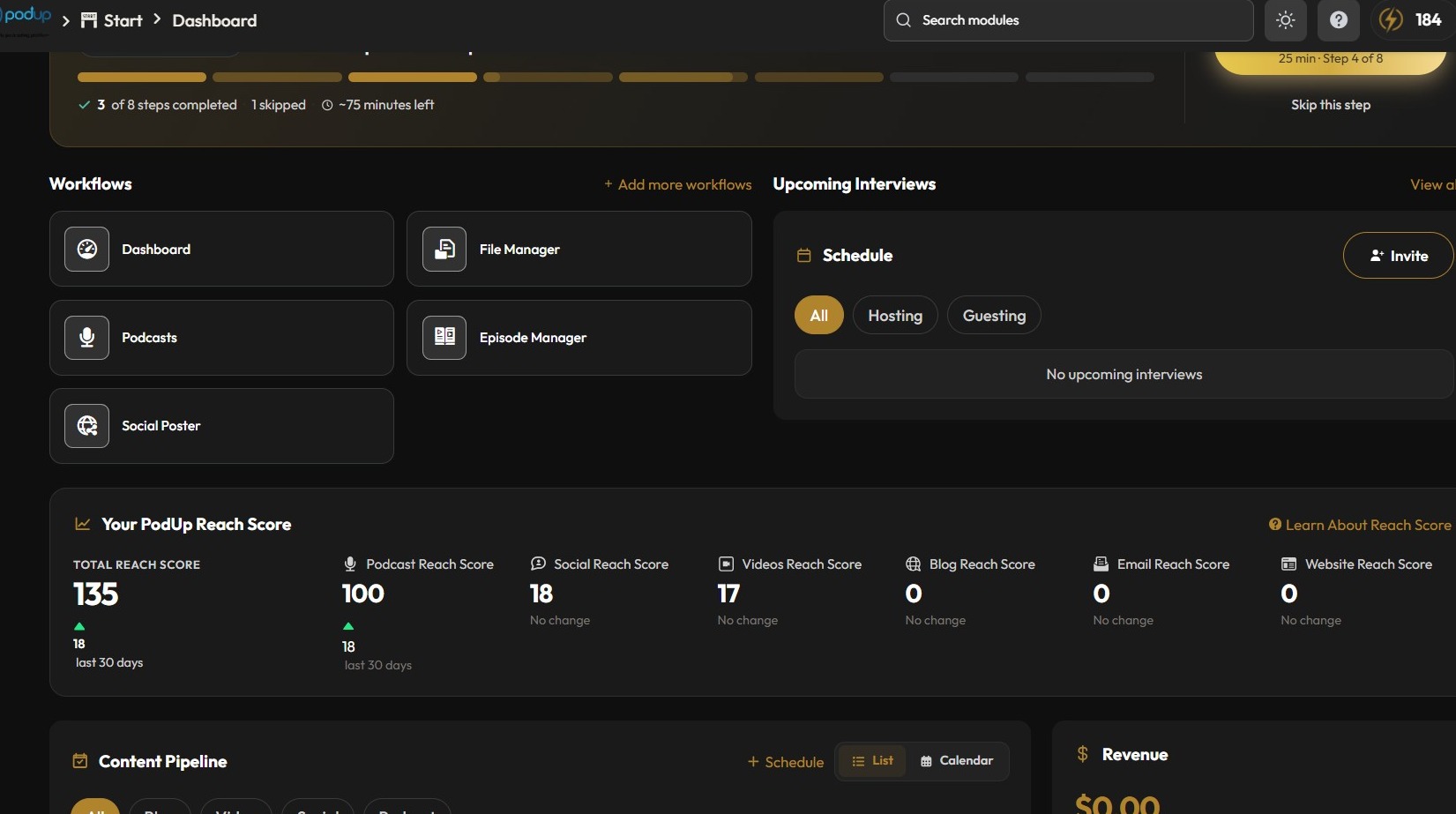
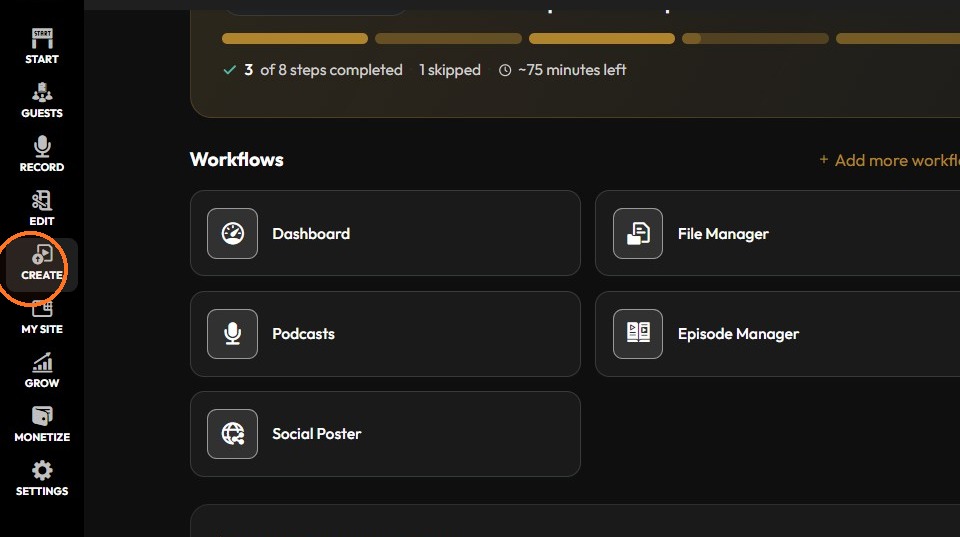
2. Click "Create"
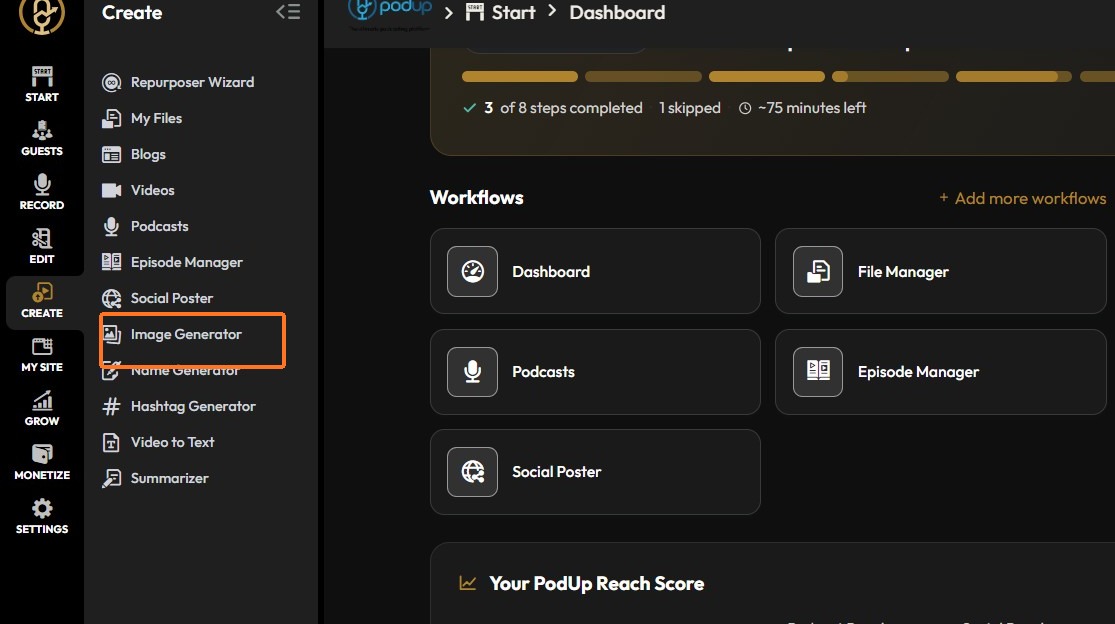
3. Click "Image Generator"
4. Click "Create AI Image"
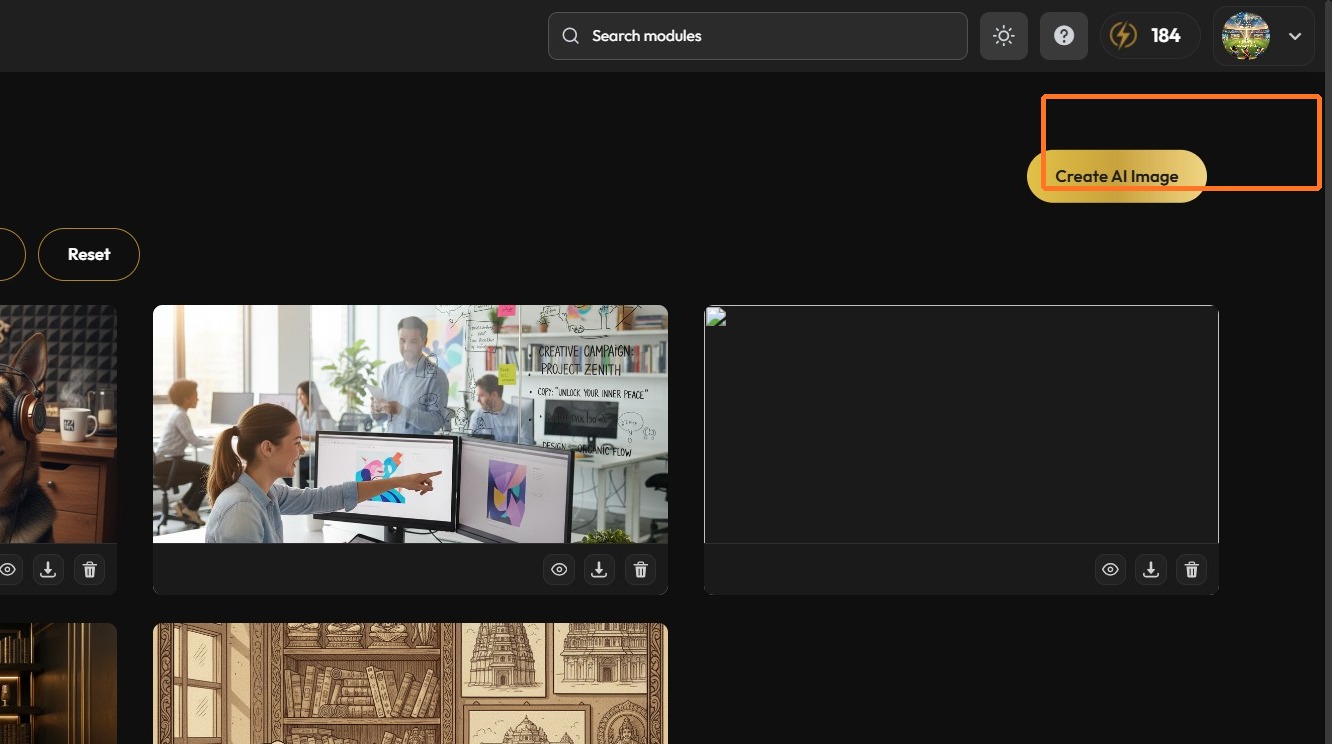
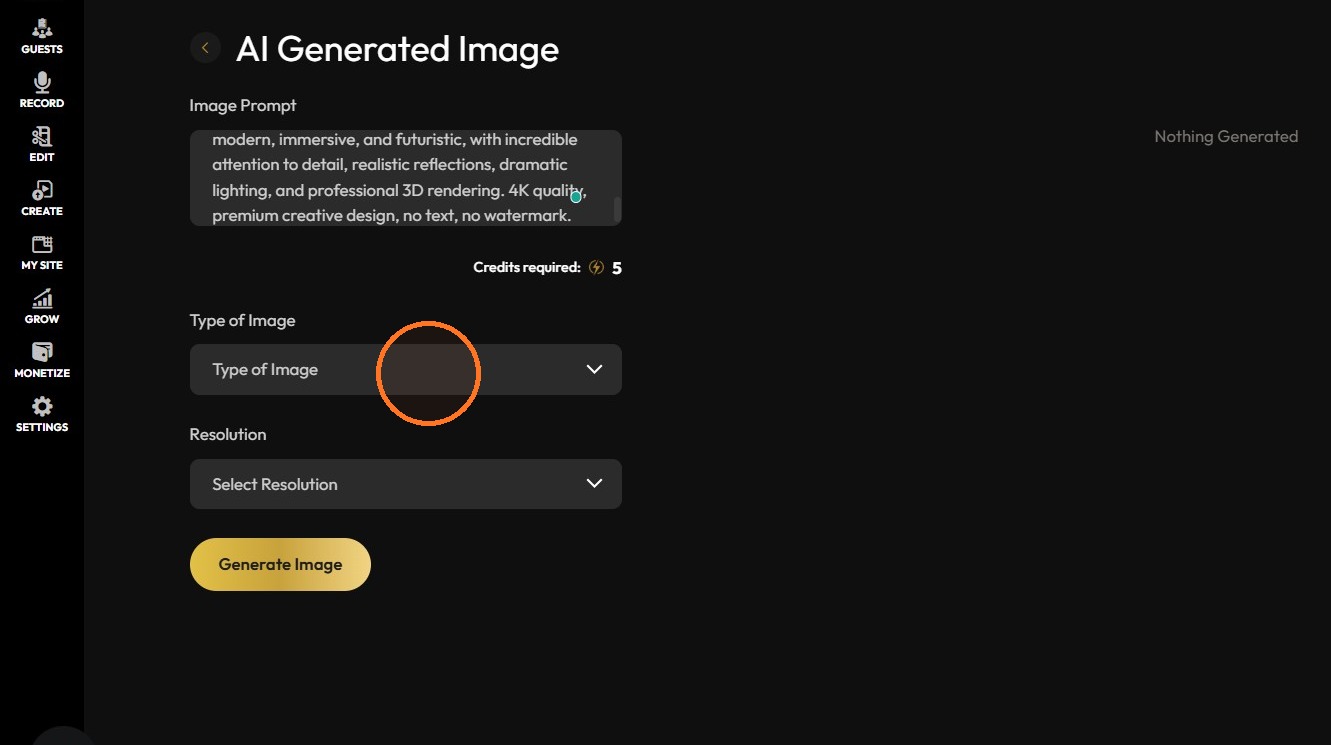
5. Give image prompt and select the type of image
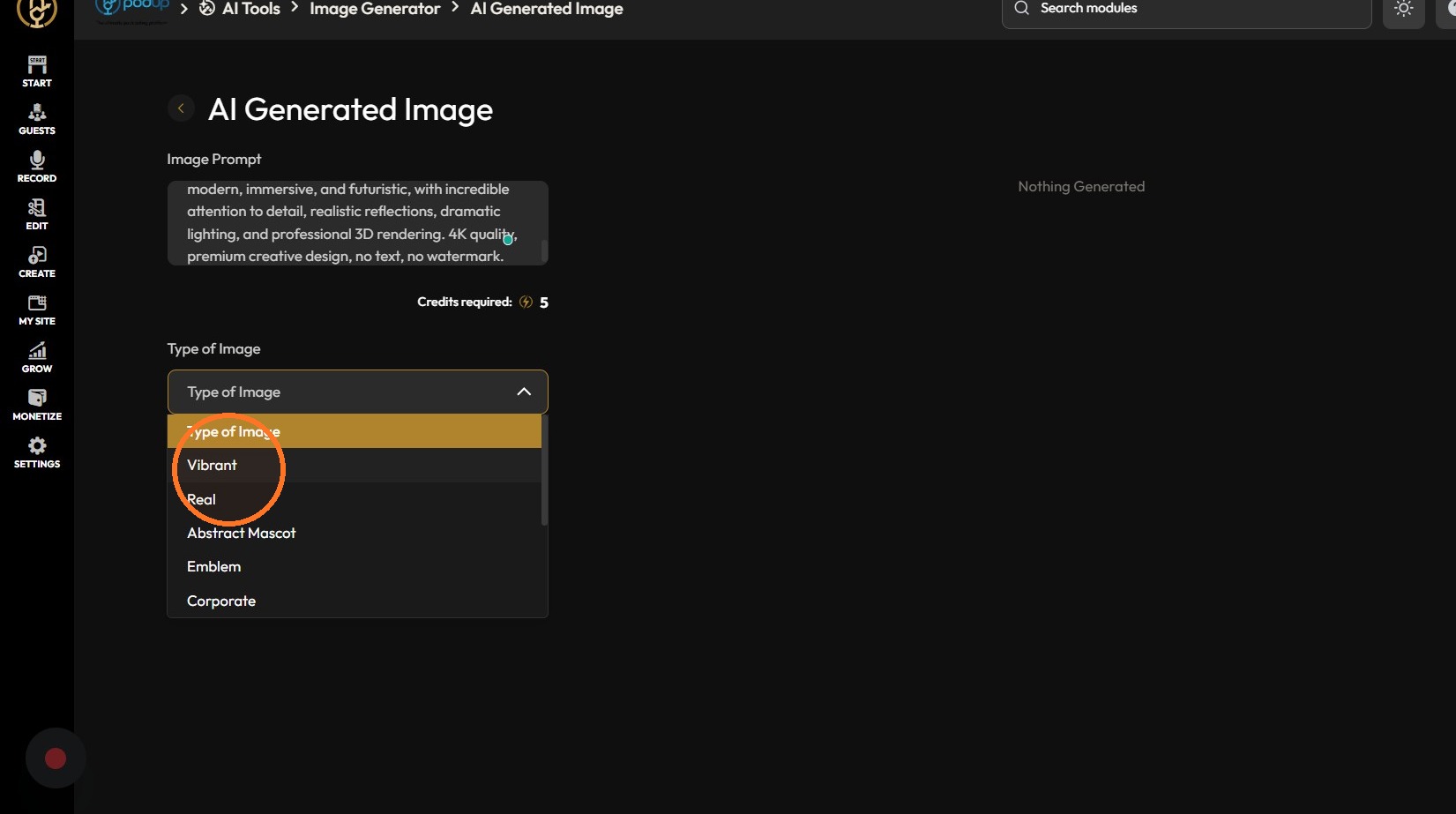
6. Select the resolution
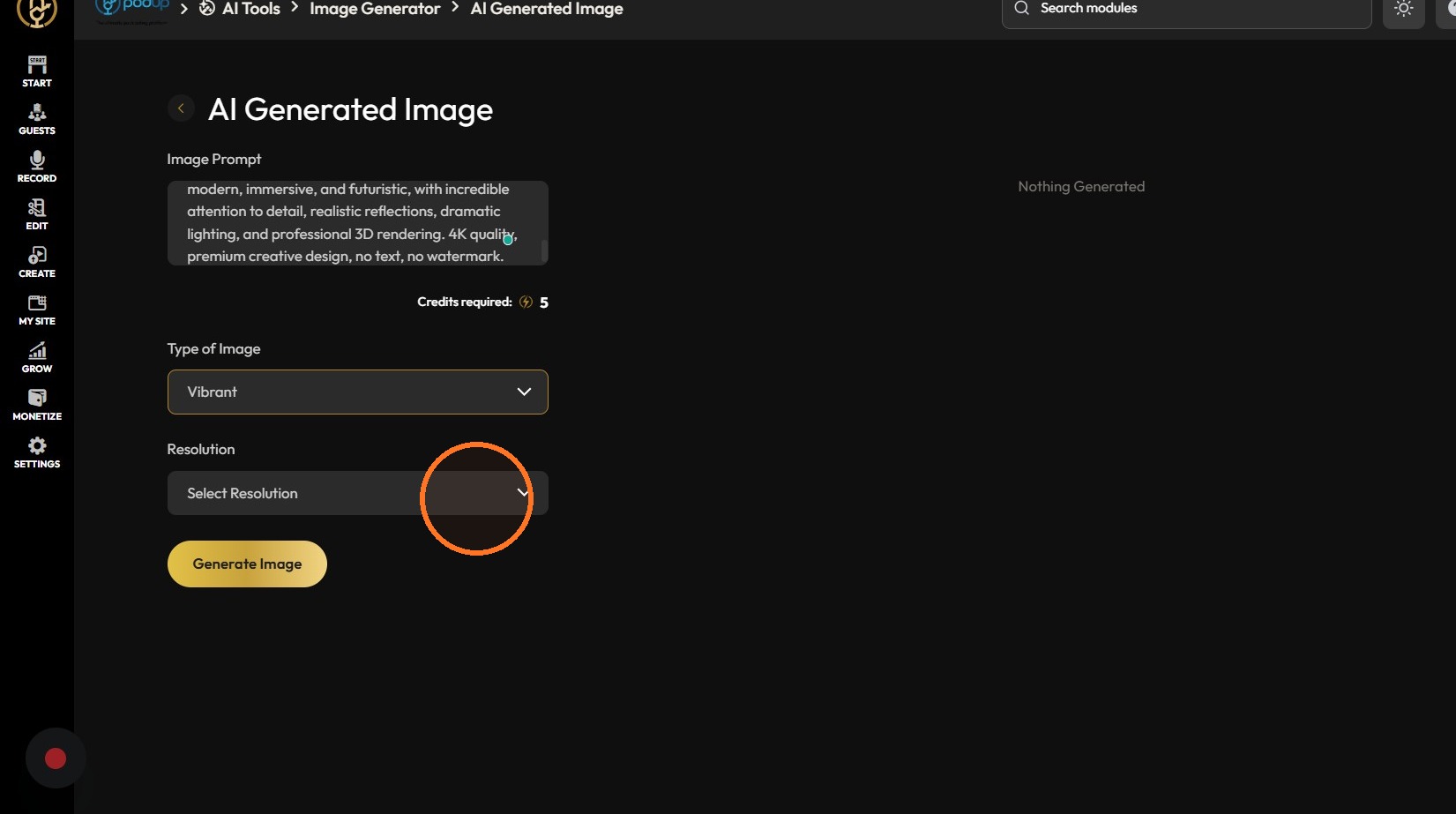
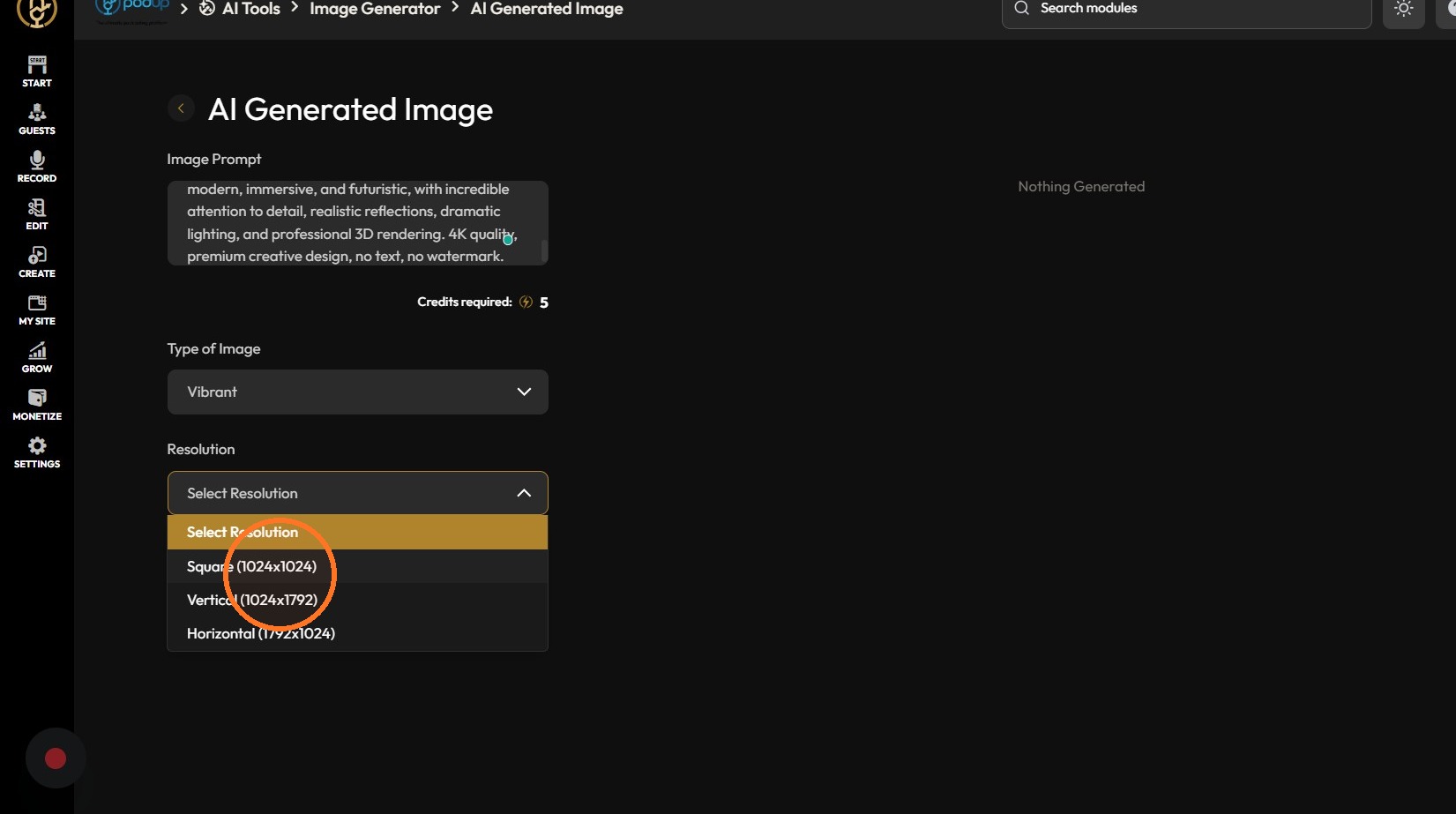
7. Click "Generate Image"
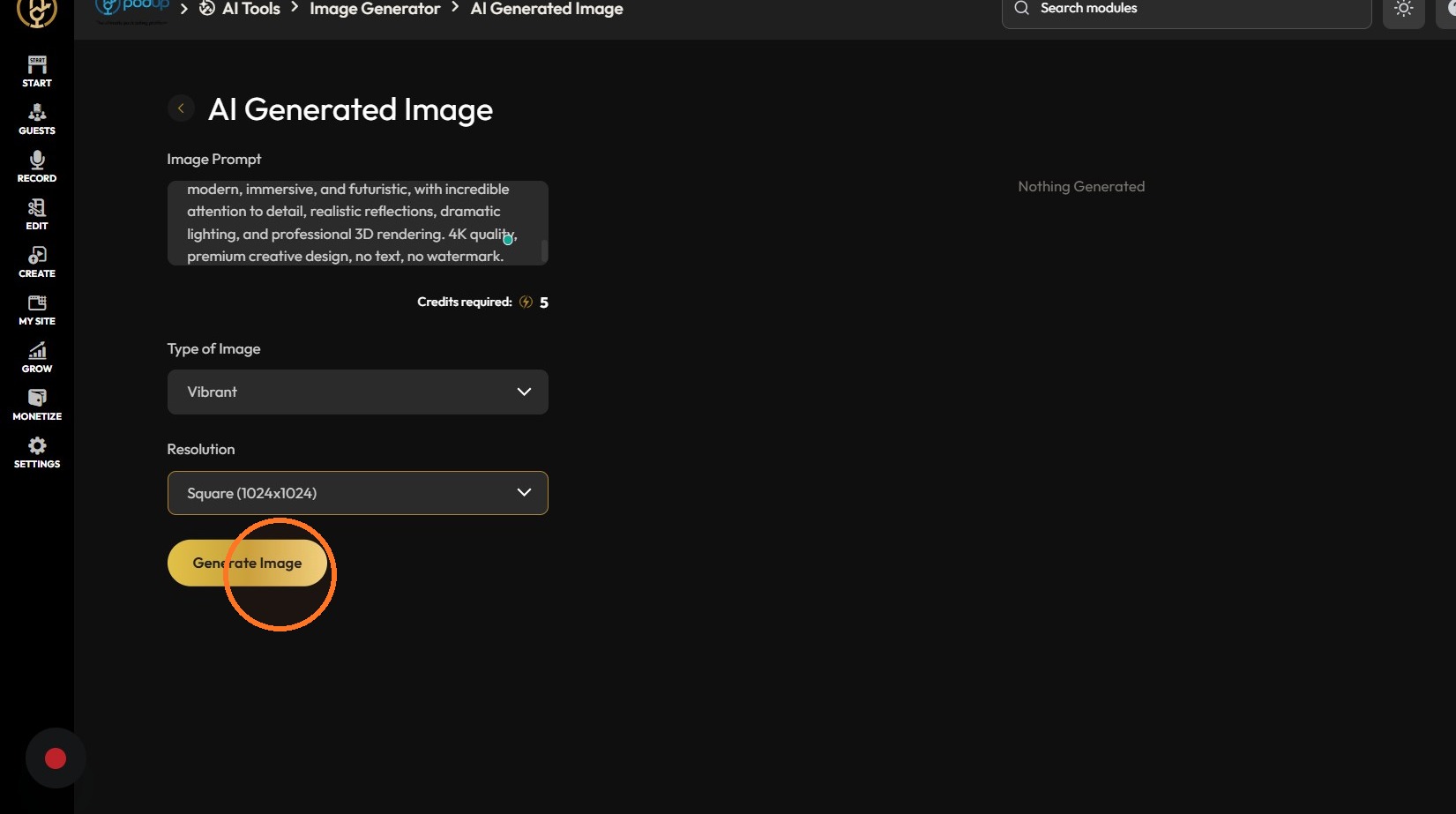
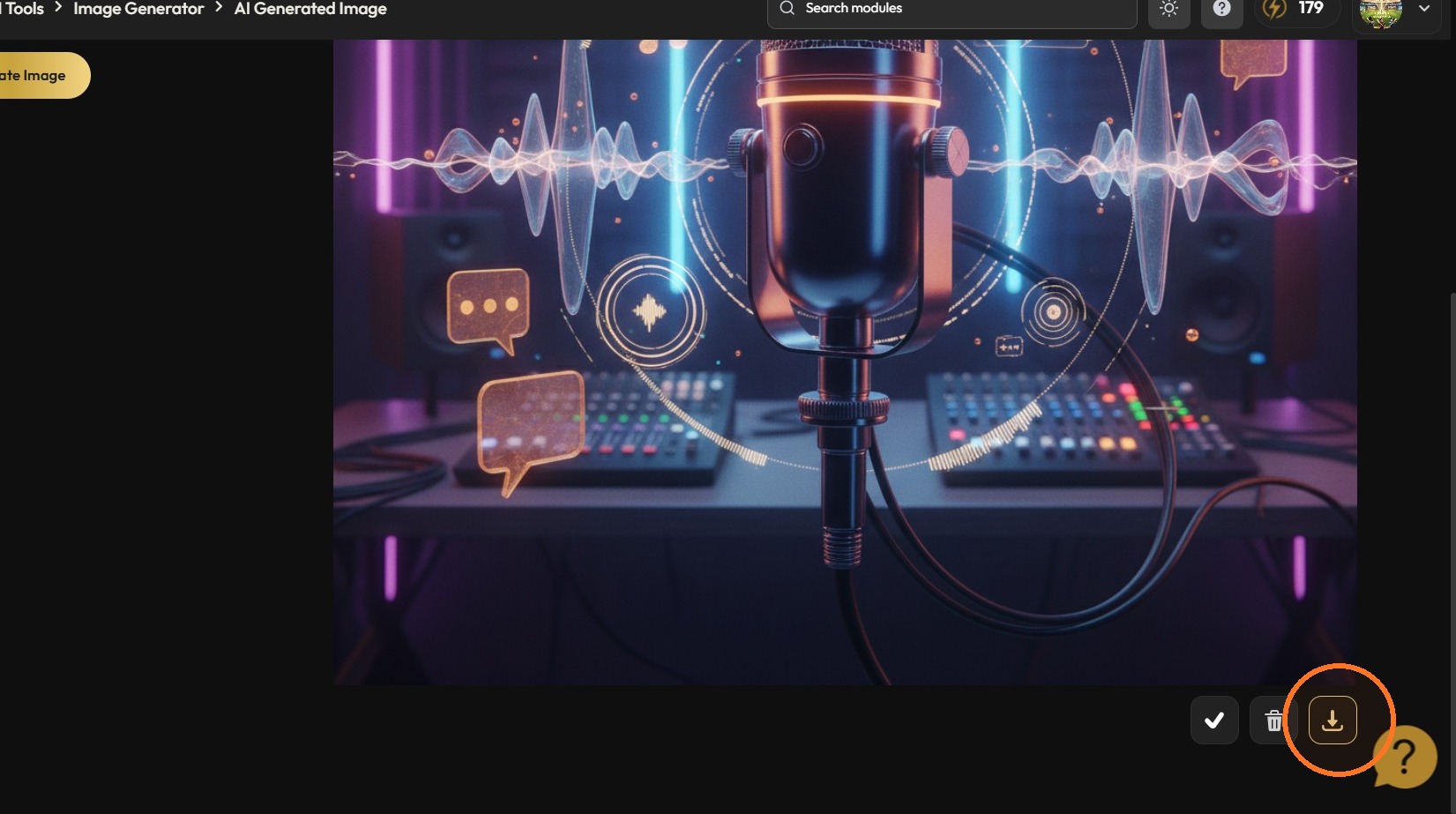
8. Click the checkmark icon yo save the image
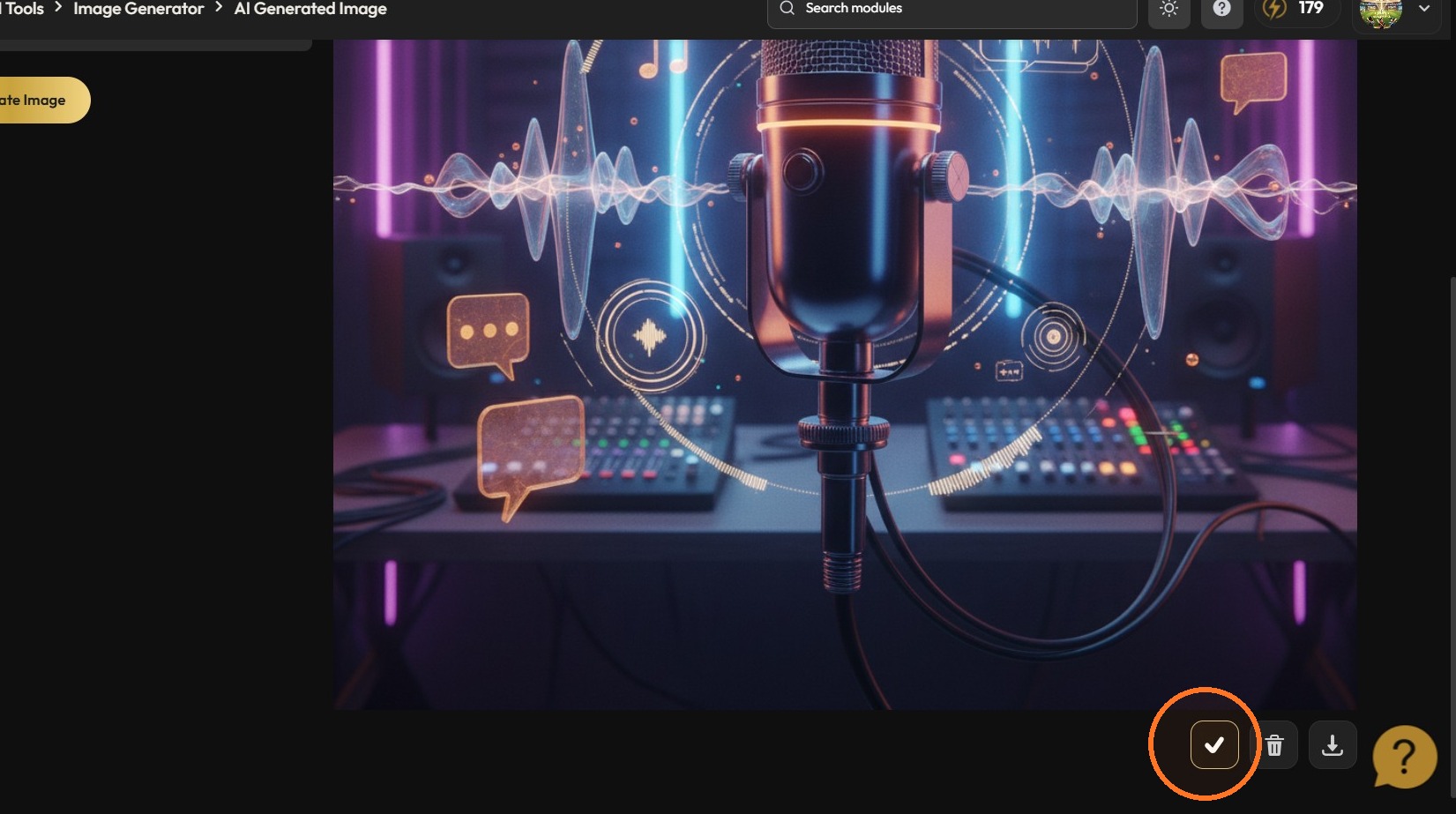
9. Click the download icon