How To Navigate Audio Denoiser (Detailed)
This guide provides a step-by-step approach to using the Audio Denoiser feature on PodUp, ensuring that your audio quality is enhanced efficiently. It simplifies the process, making it accessible even to beginners who may be unfamiliar with audio editing tools. By following these instructions, users can significantly improve their podcast audio, resulting in a more professional and polished final product. This valuable resource is essential for anyone looking to elevate their audio content.
1. Navigate to https://app.podup.com/home
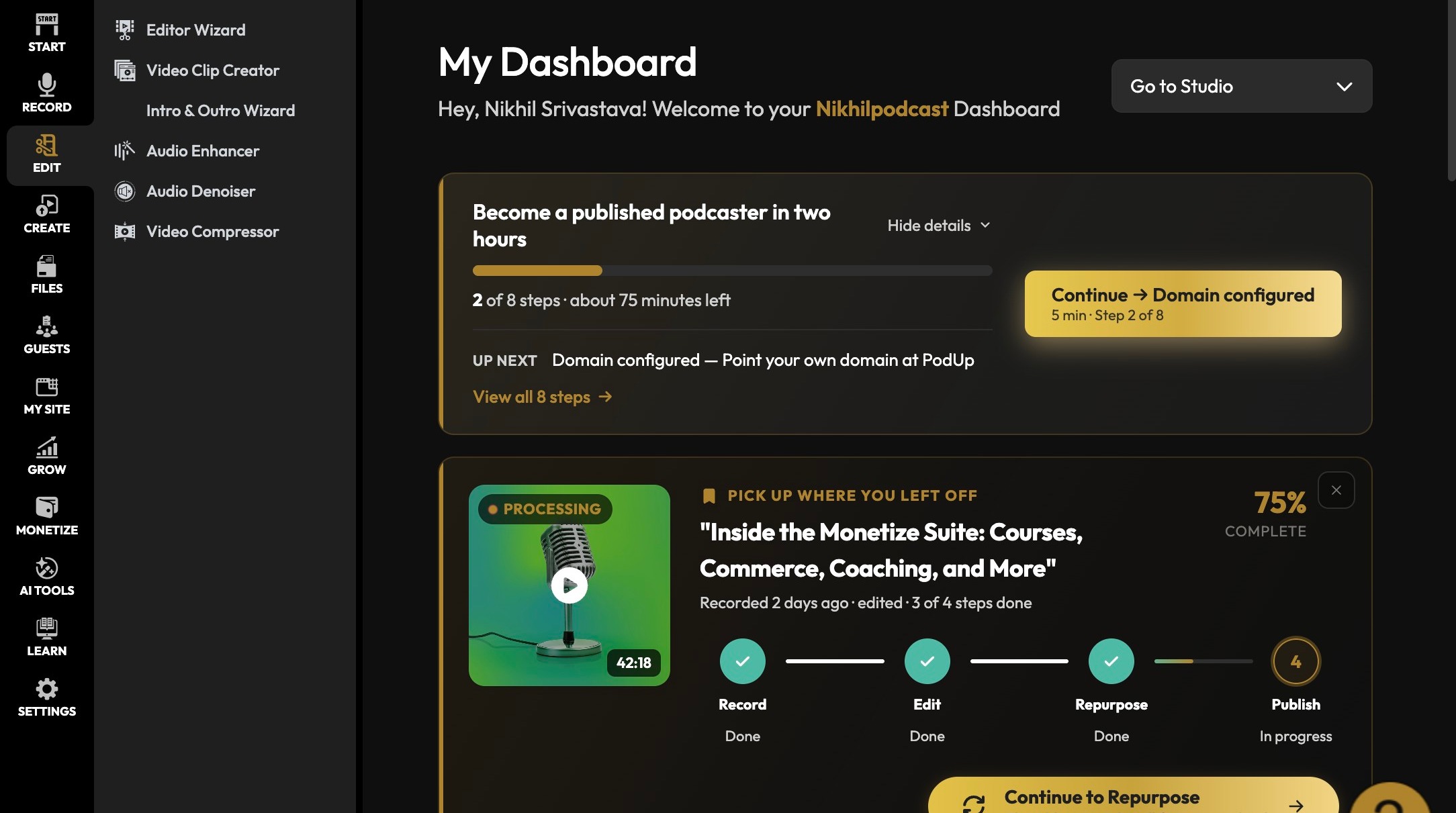
Open Audio Denoiser
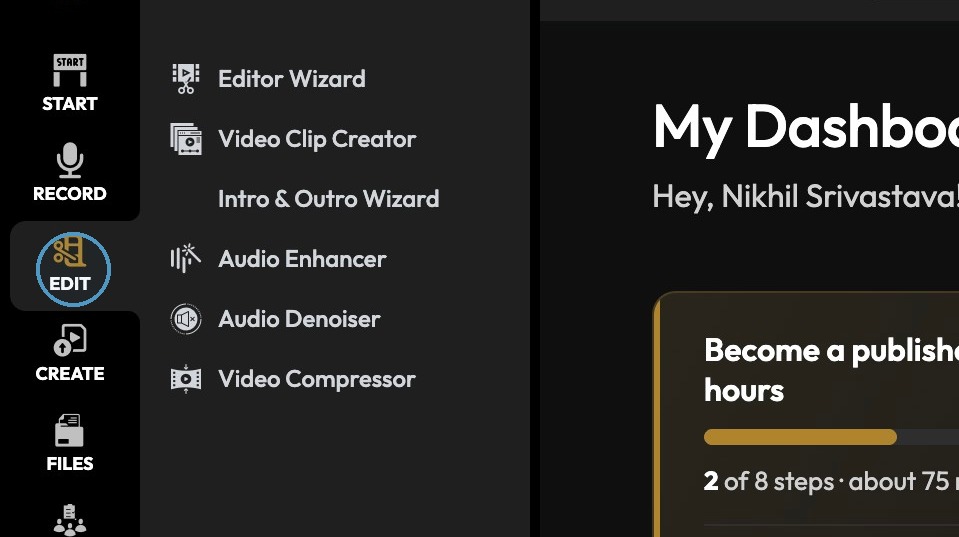
2. Click "Edit"
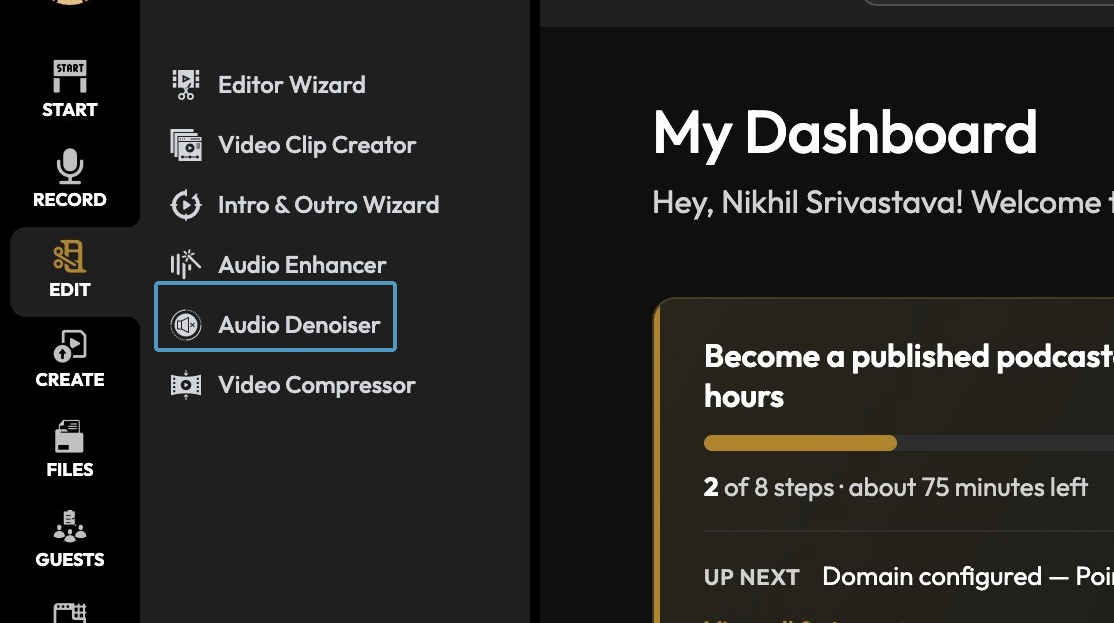
3. Click "Audio Denoiser"
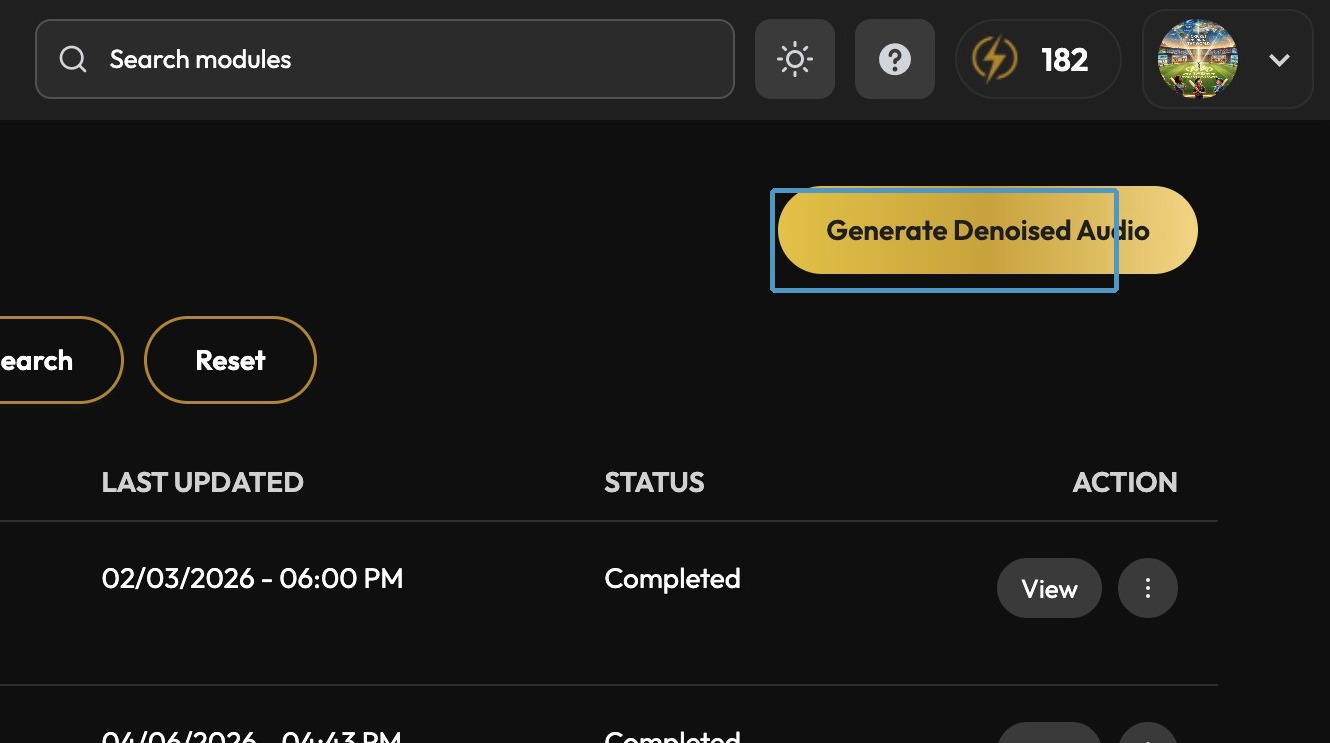
4. Click "Generate Denoised Audio"
Configure Denoising
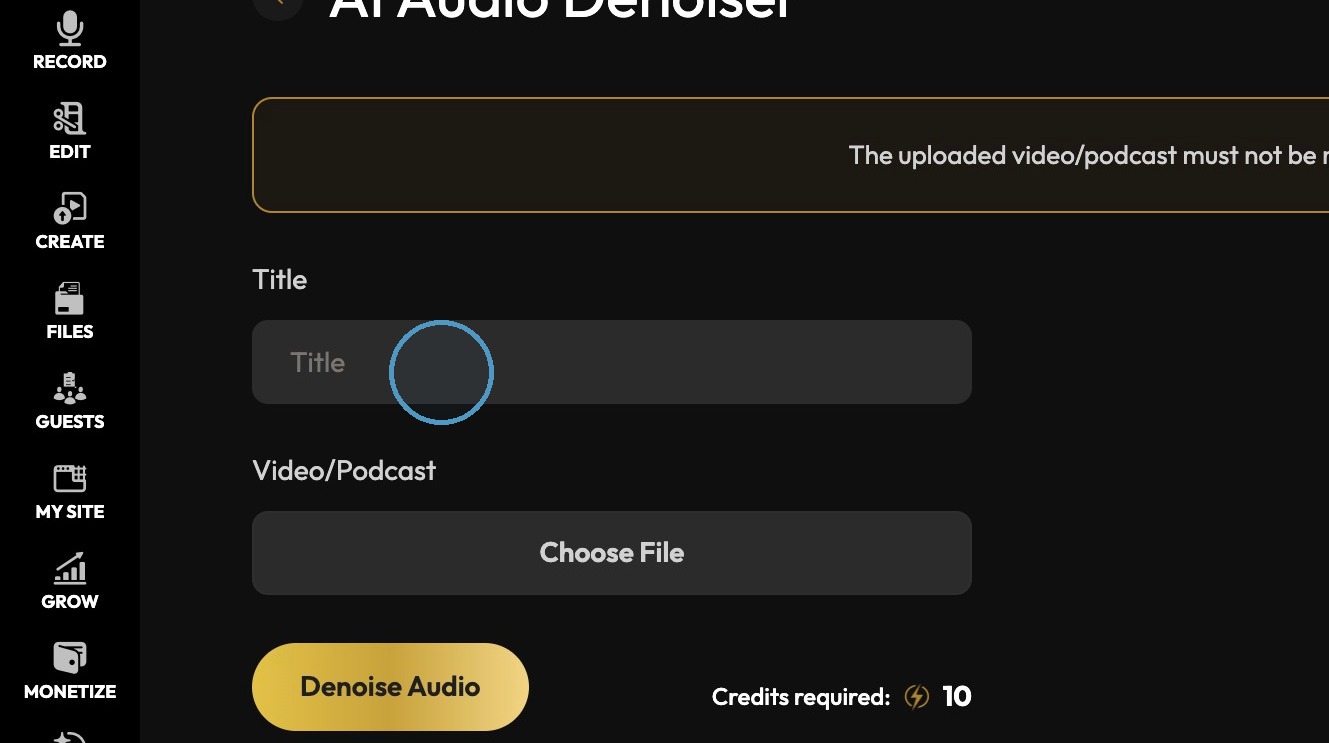
5. Click the "Title" field. and give title.
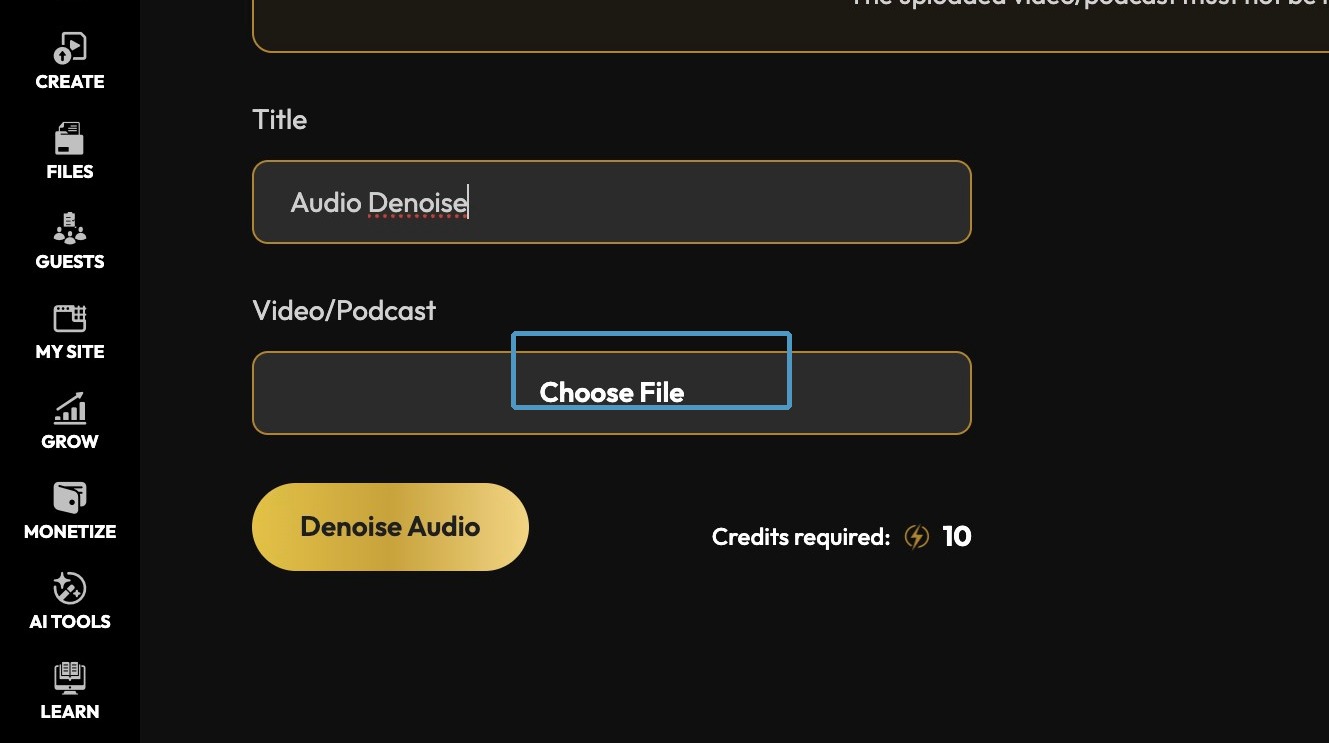
6. Click "Choose File" & Click Denoise Audio
7. Click here.
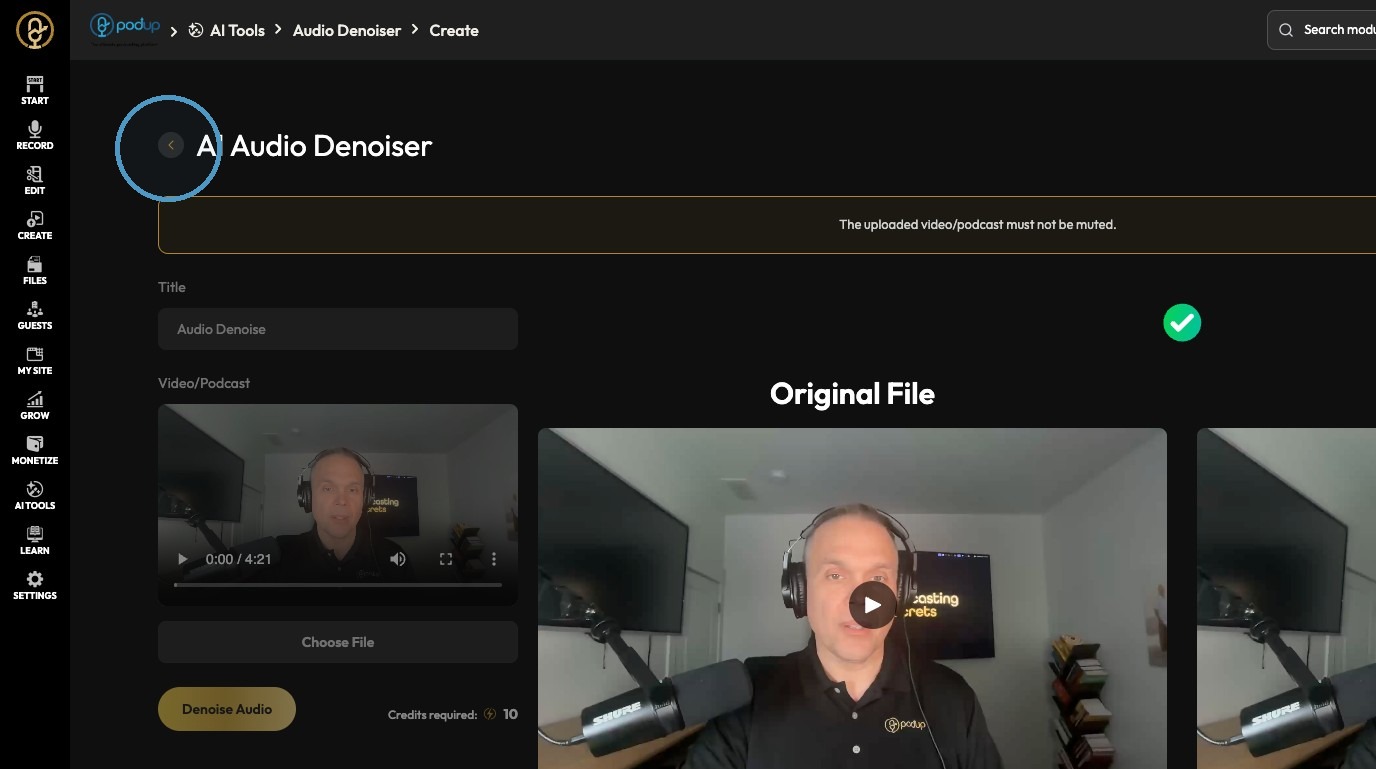
Review Results
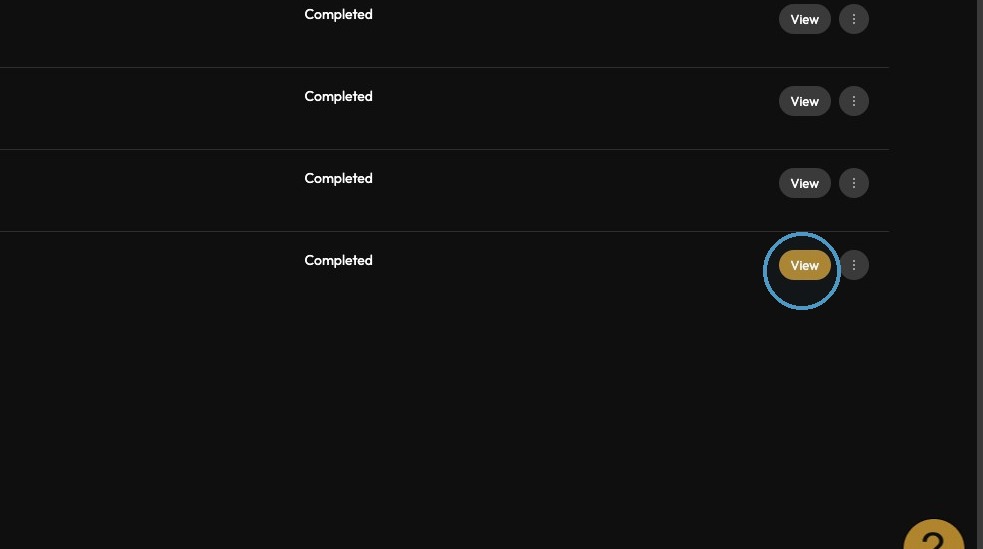
8. Denoised Video file is added in the list. Click "View"