How to make a Homepage for my website
Follow this guide to quickly create a professional PodUp home page and establish your online presence
1. Navigate to https://app.podup.com/home
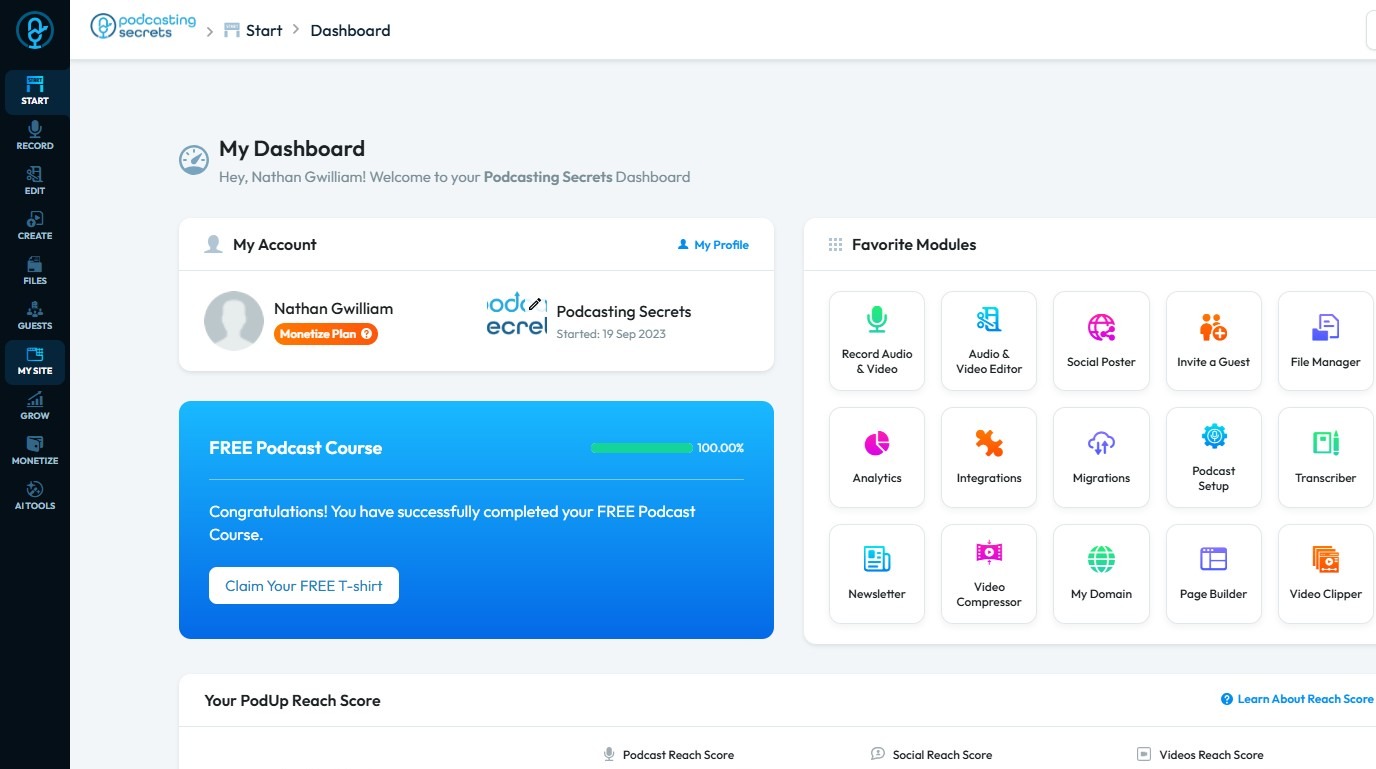
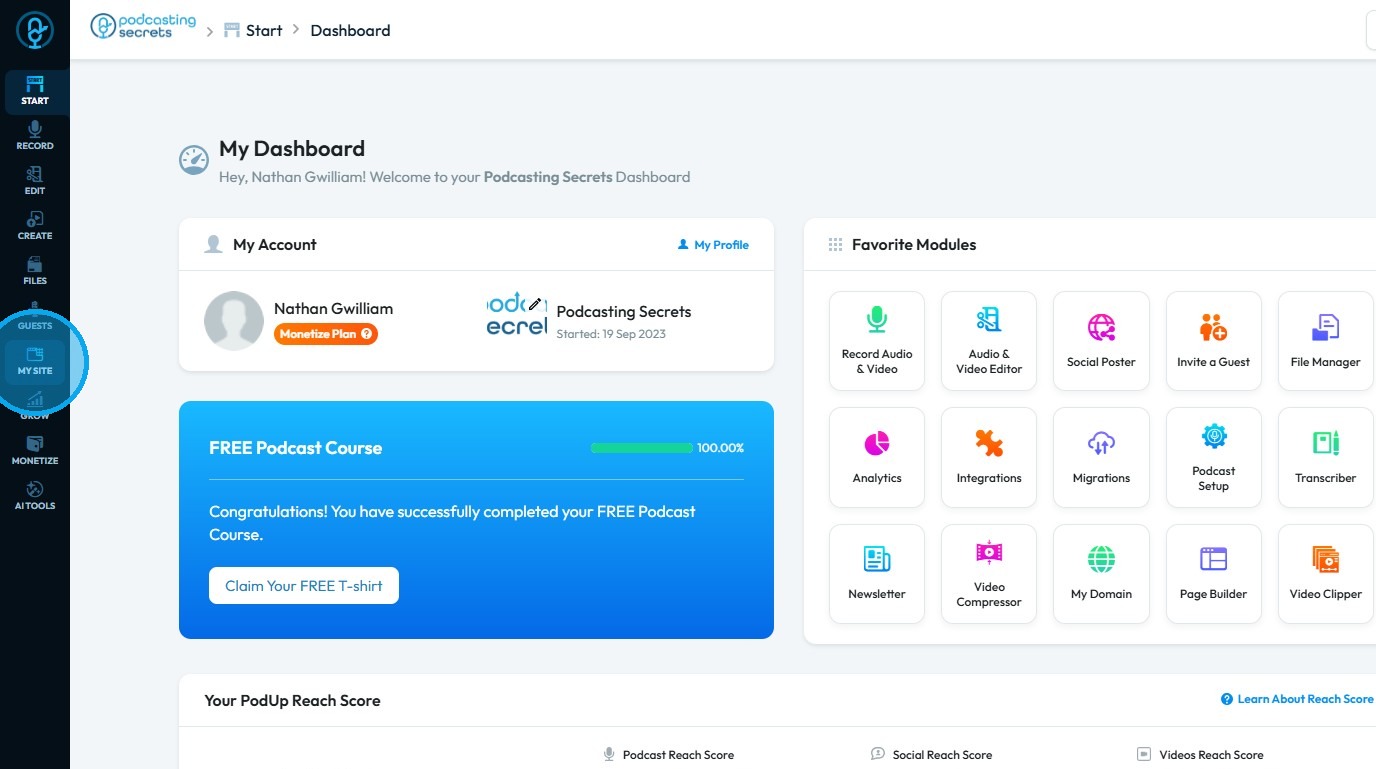
2. Click "My Site"
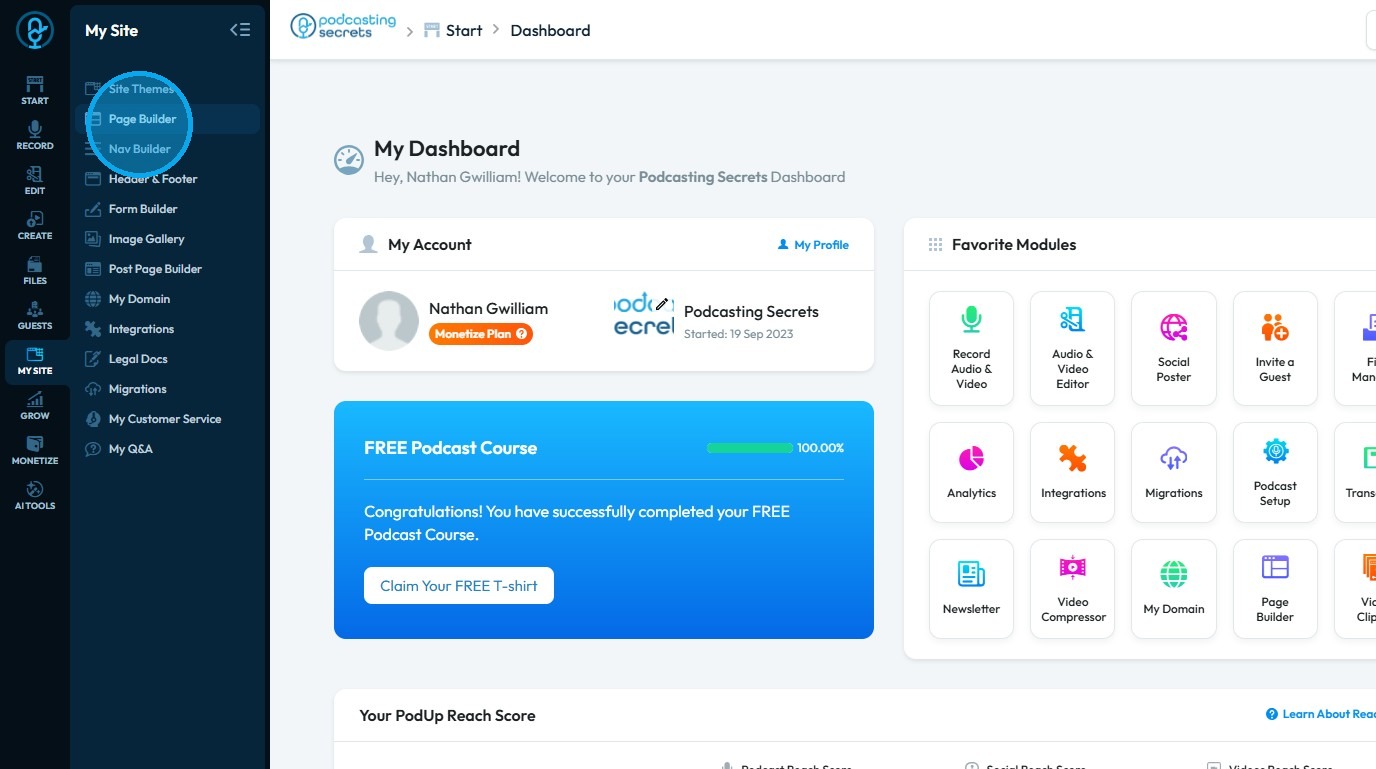
3. Select "Page Builder"
4. Click "Add New Page"
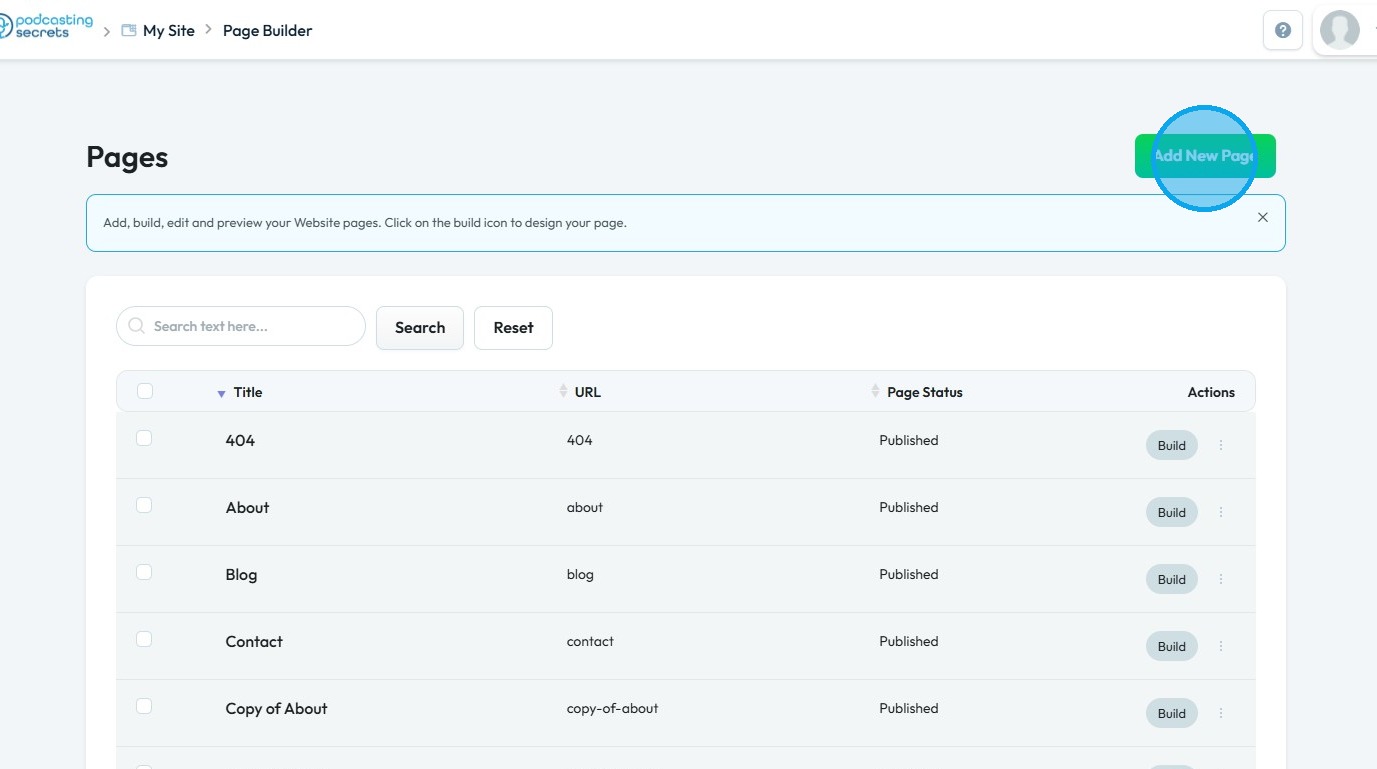
5. Click "Add New Page" to open the page creation section
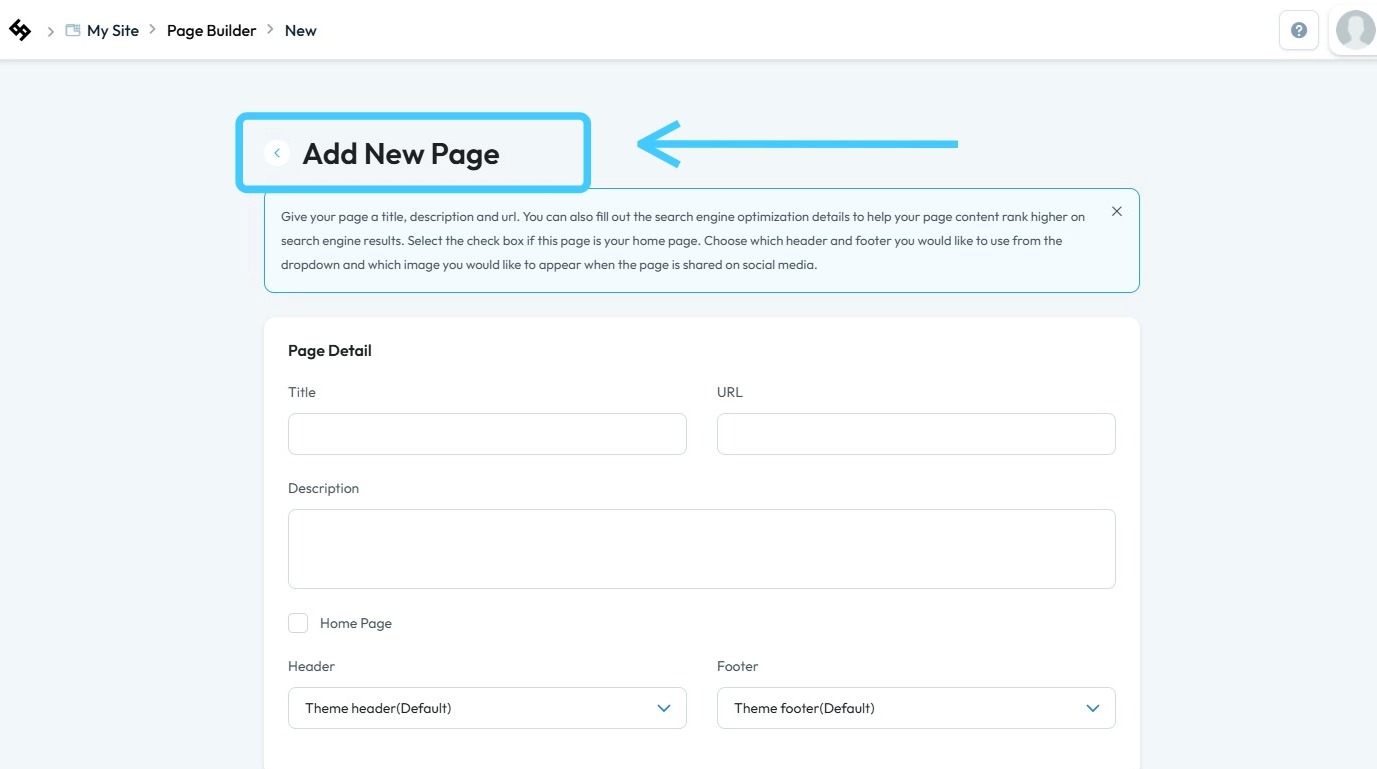
6. Fill in all the details and select "Home Page" to set it as your default landing page
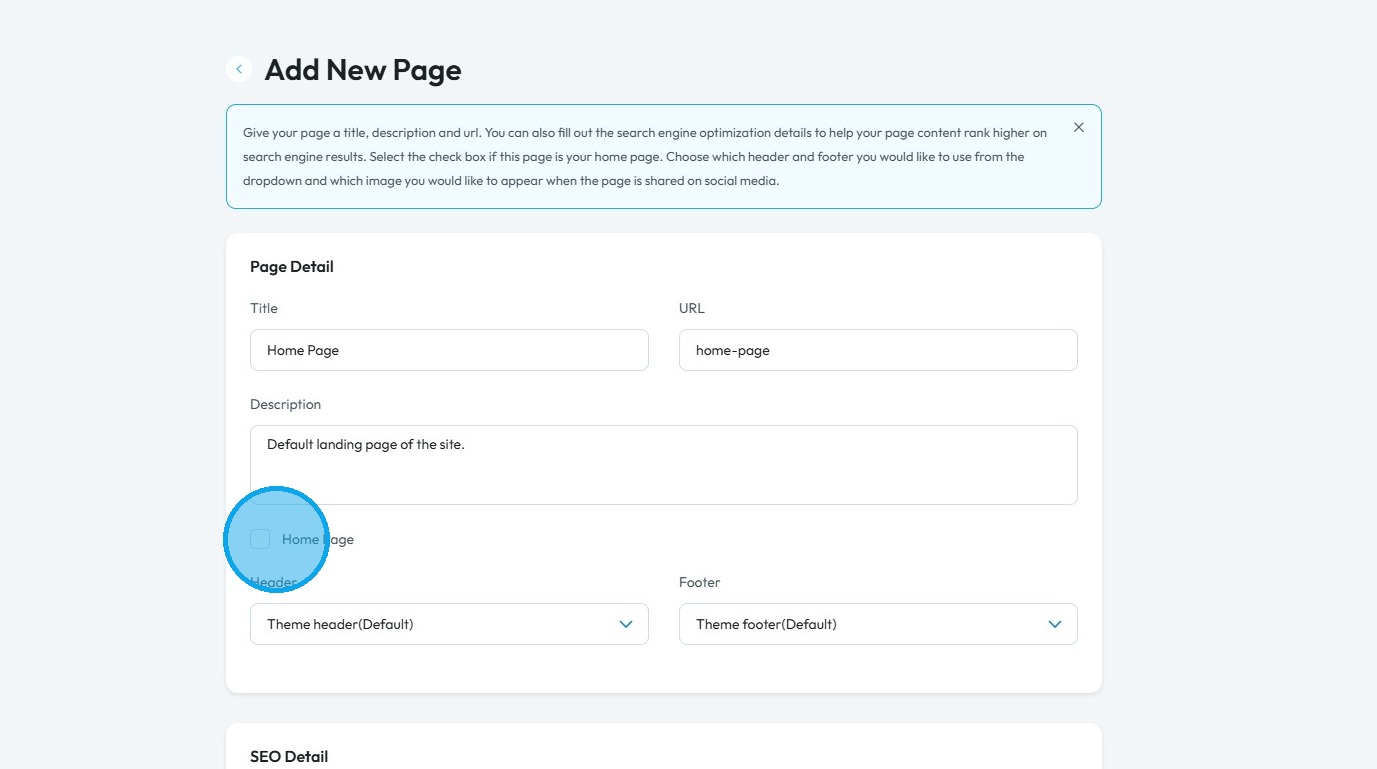
7. Choose the appropriate "Status" and then click "Create"
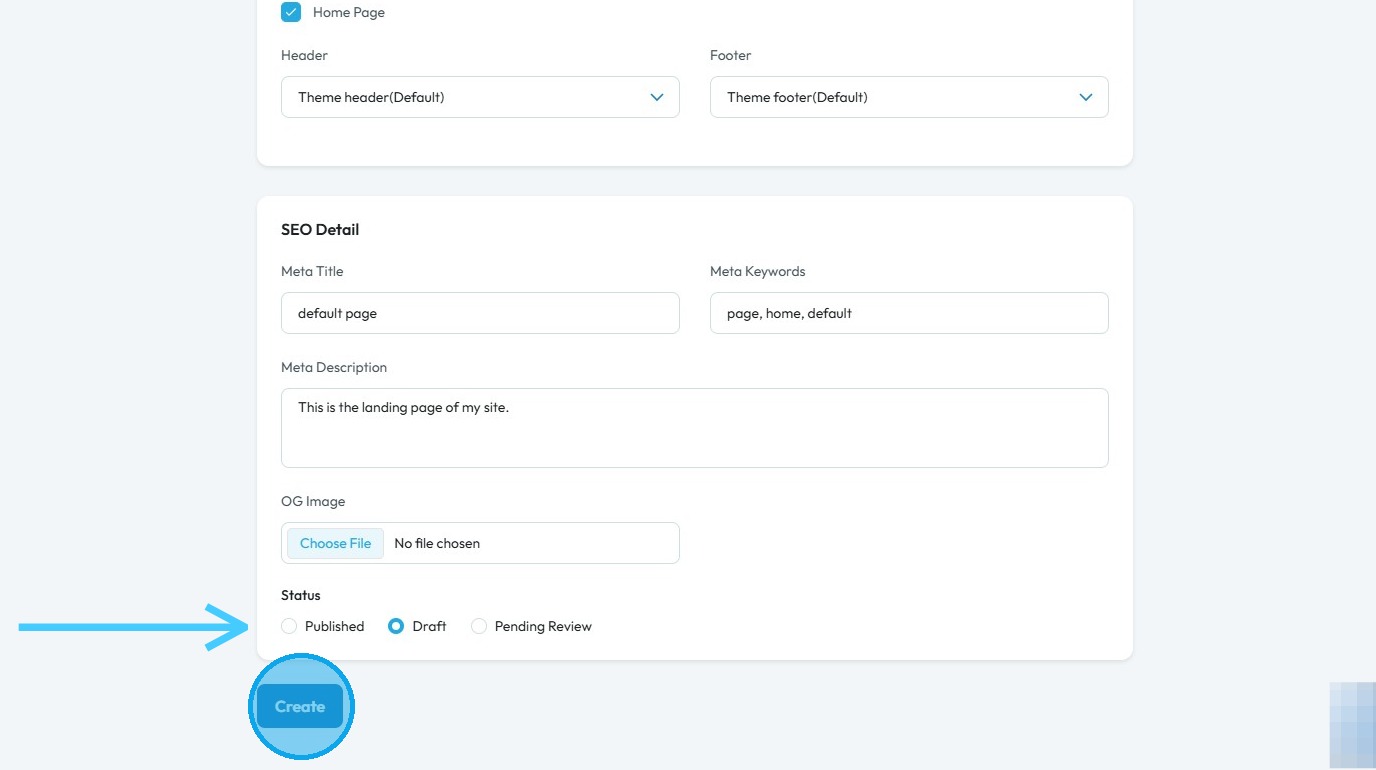
8. You will be redirected to the PodUp Page Builder

9. Add all desired content to your homepage

10. Click "Save" in the top-right corner to confirm your changes
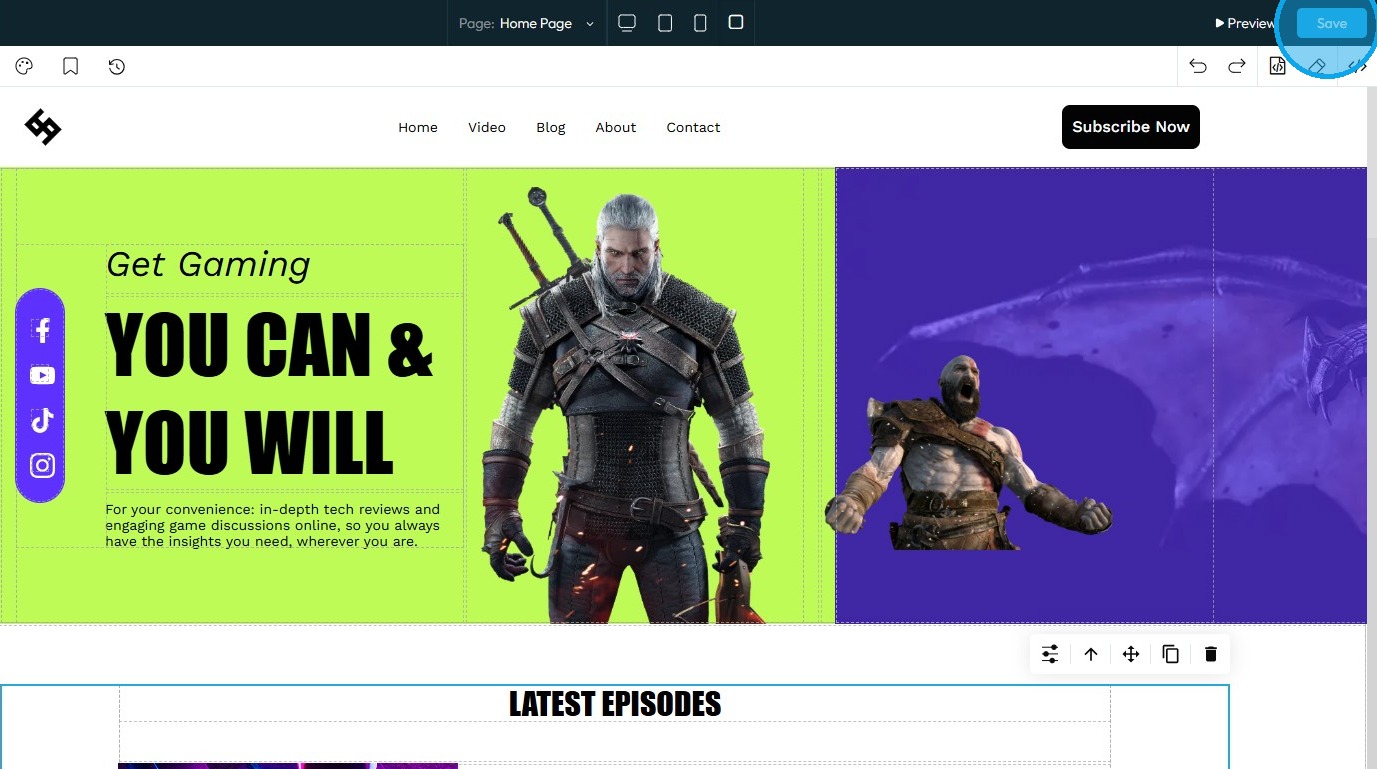
11. The Home Page has been successfully created

Related Articles
How to change my homepage
Use this guide to change your PodUp homepage and improve your site’s experience 1. Navigate to https://app.podup.com/home 2. Click "My Site" 3. Select "Page Builder" 4. All your website “Pages” will open 5. Click the "3 Dots" button of the page you ...Can I make my website in another language?
Use this guide to create a multilingual website on PodUp and reach a wider audience Tip: Yes! You can make your website in different languages 1. Navigate to https://app.podup.com/home 2. Click "My Site" 3. Select "Page Builder" 4. This section ...How to Make Sure That My Website Page isn't Published
By following this guide, you can keep your website page unpublished to control visibility and refine content before launch. 1. Navigate to https://app.podup.com/home 2. Click "My Site" 3. Select "Page Builder" 4. This section displays all the pages ...How to make a Contact Us page for my website
This guide offers a straightforward approach to creating an effective "Contact Us" page for your website, ensuring that visitors can easily reach you. It walks you through the process step by step, from setting up the page to customizing it with one ...Why Aren't My Changes Saving On Website
By following this guide, you can resolve issues preventing your website changes from saving and ensure updates are applied smoothly. 1. Use the Page Builder to make changes to your website 2. After making the changes, make sure to click the "Save" ...