How to Link Your Instagram Account to Facebook
Connecting your Instagram account to Facebook allows for seamless cross-platform sharing and unified account management. This guide provides a simple walkthrough to help you integrate your social profiles in just a few quick steps.
1. Navigate to https://www.facebook.com/settings/?tab=linked_instagram
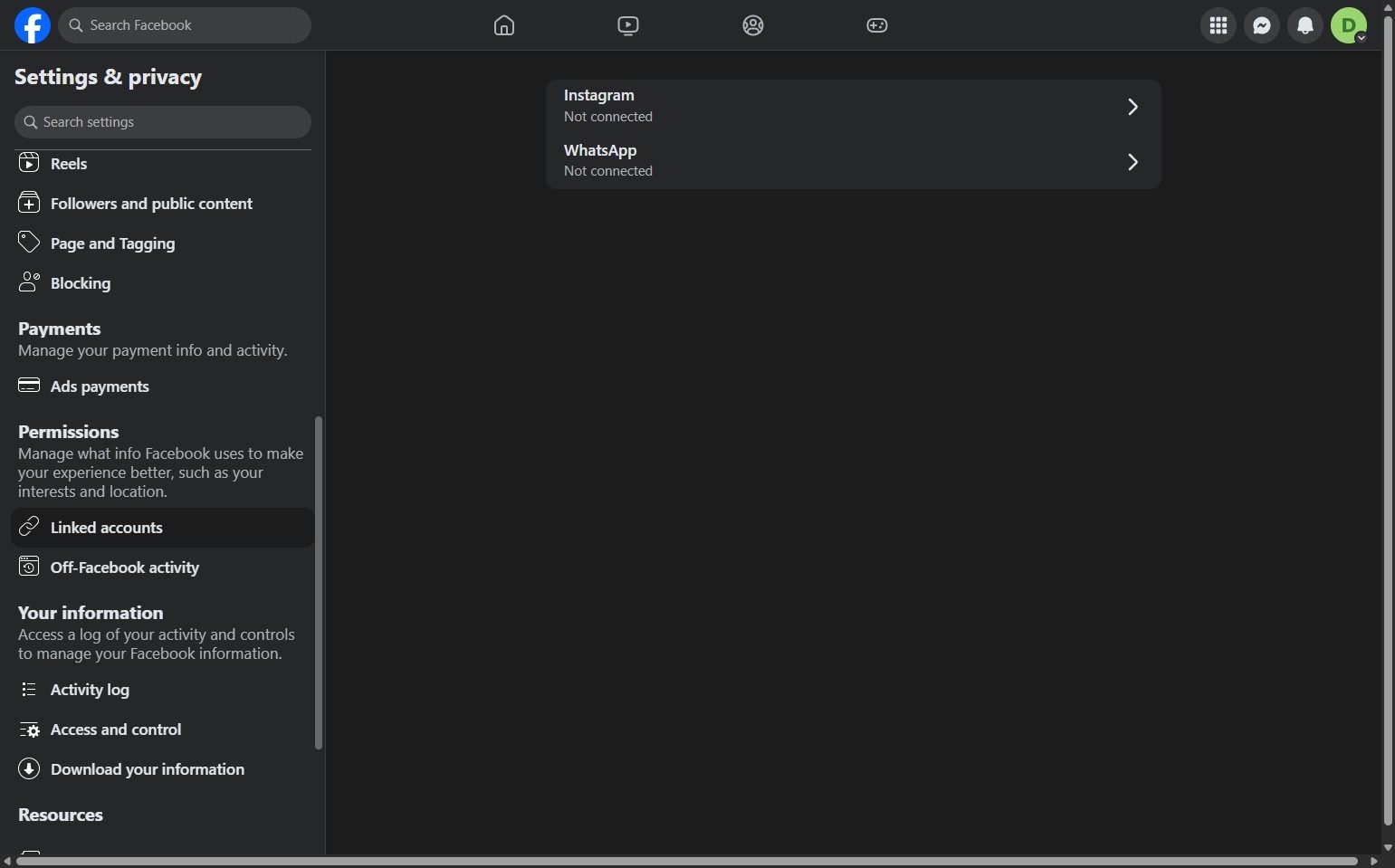
2. Select Instagram.
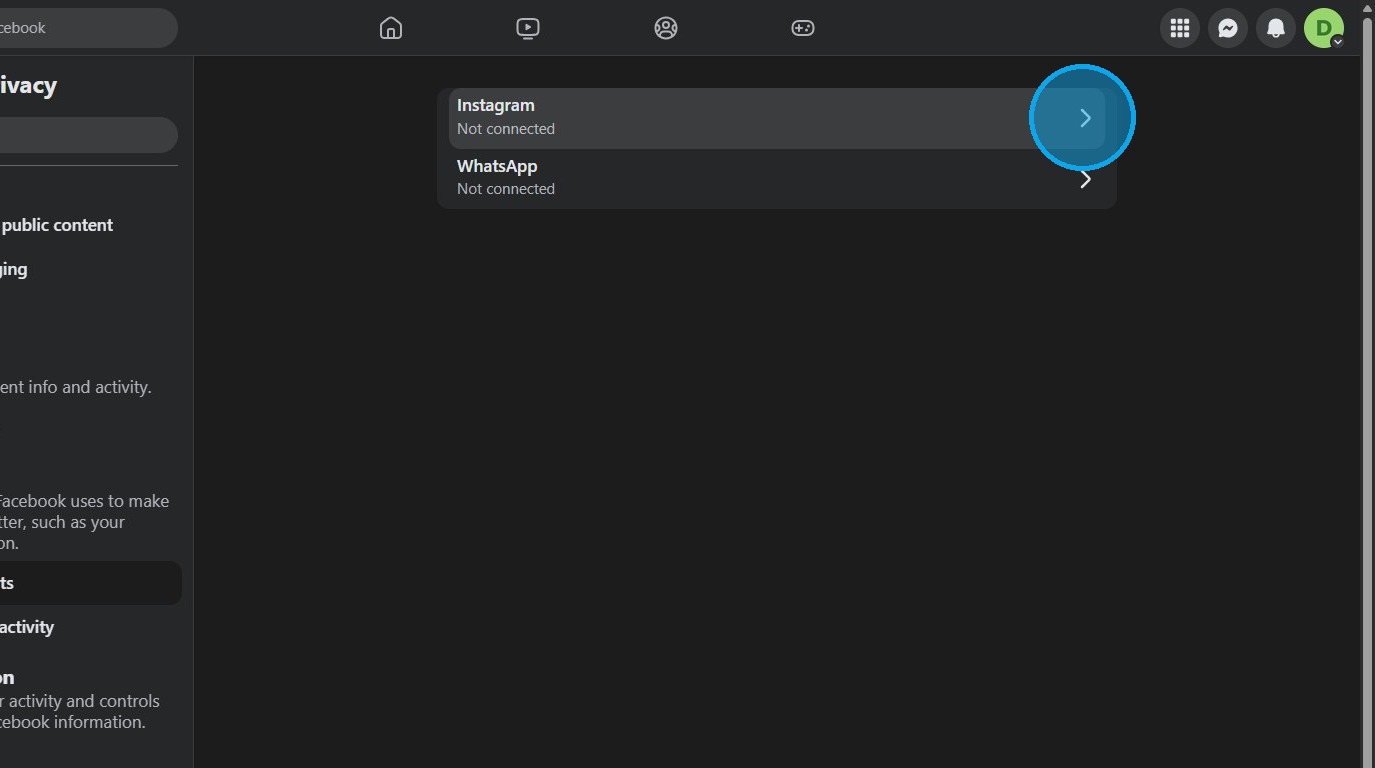
Connection Setup
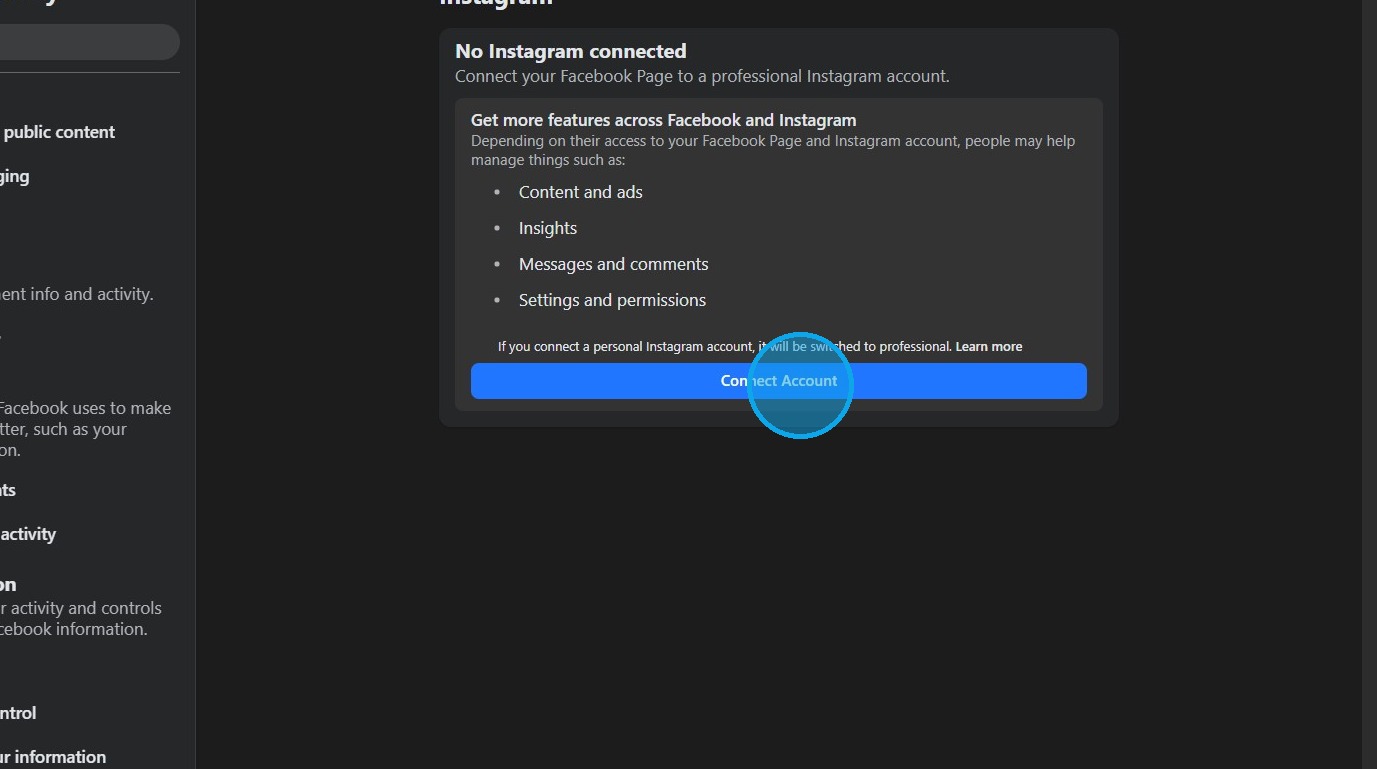
3. Click "Connect Account"
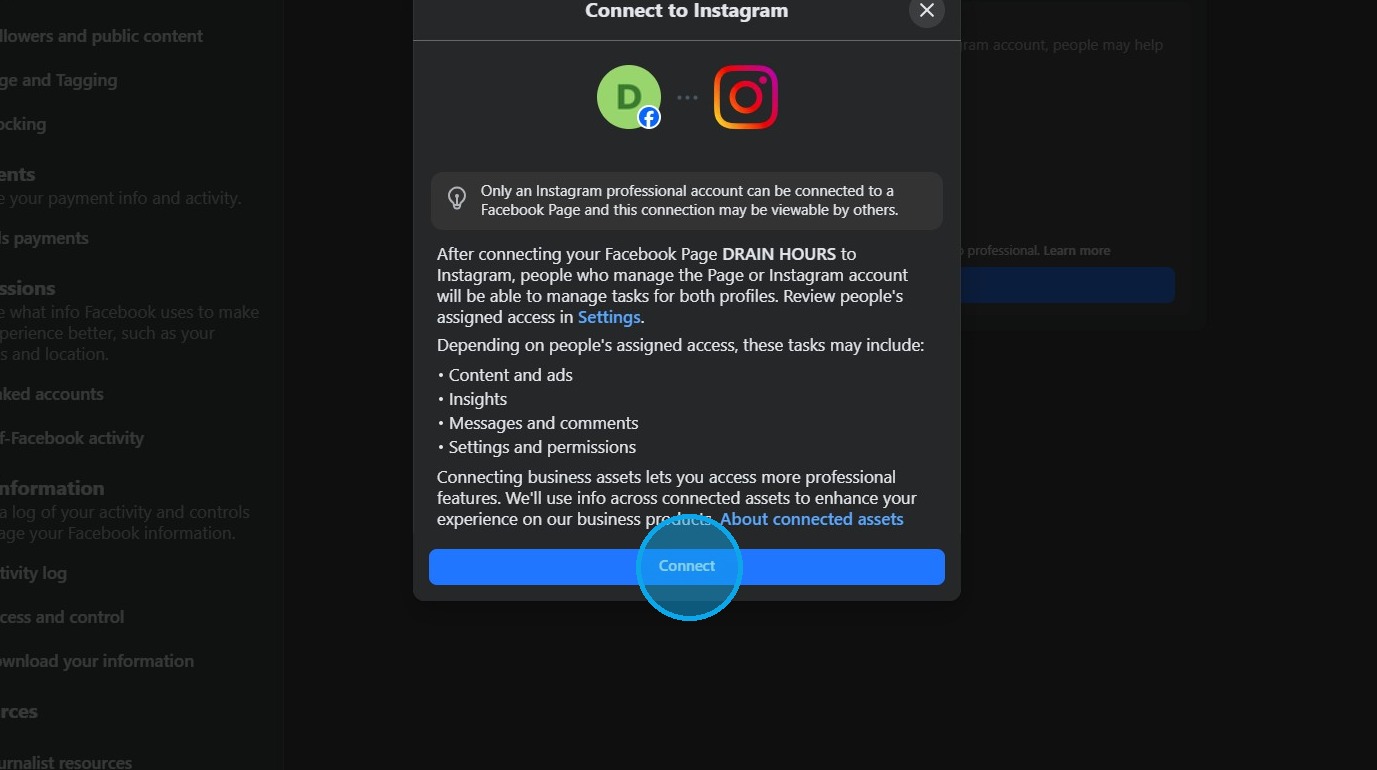
4. Click "Connect"
5. Click "Continue"
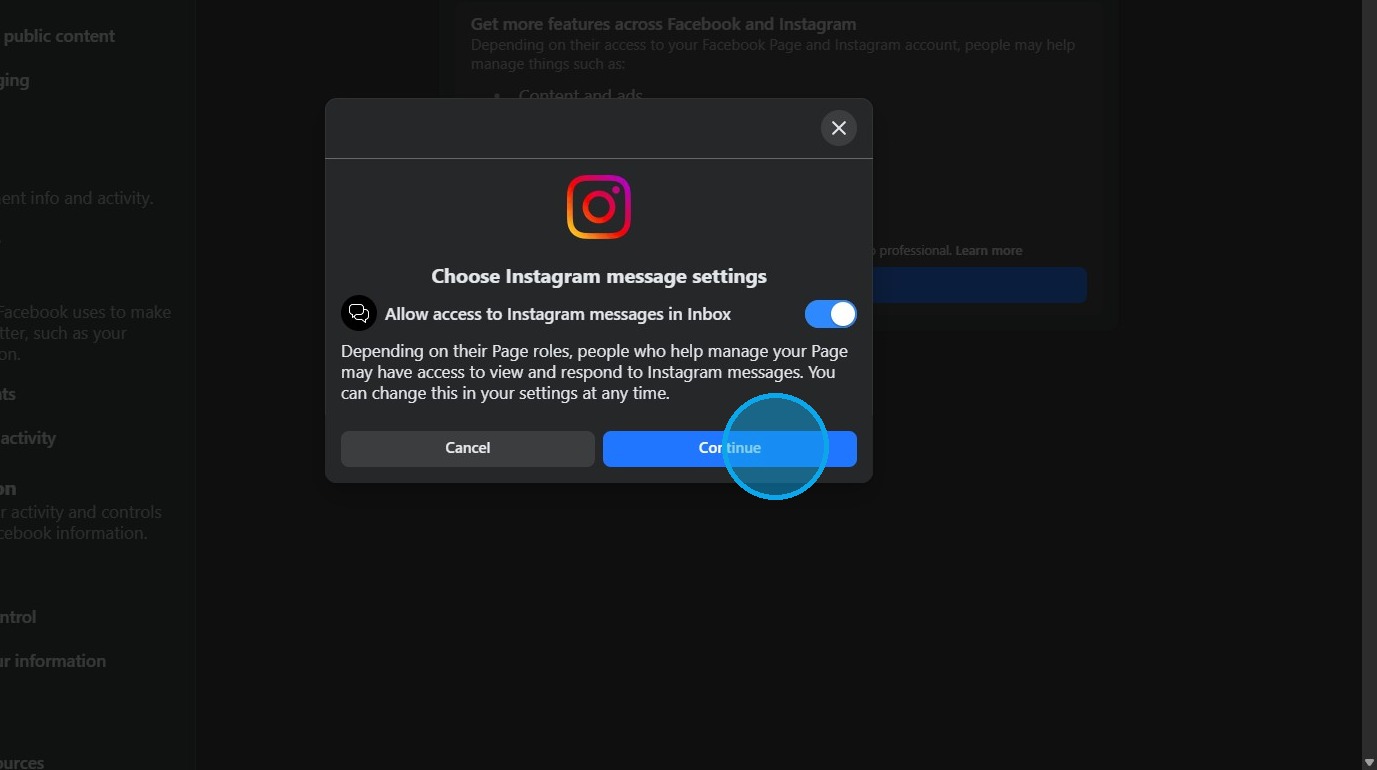
Account Authorization
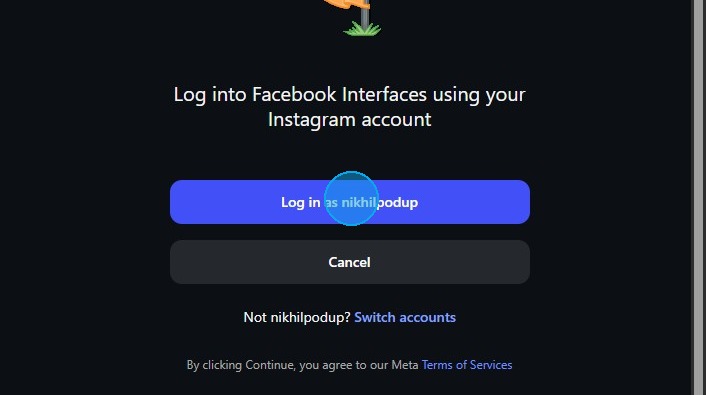
6. Click 'Log in' to authorize the account connection.
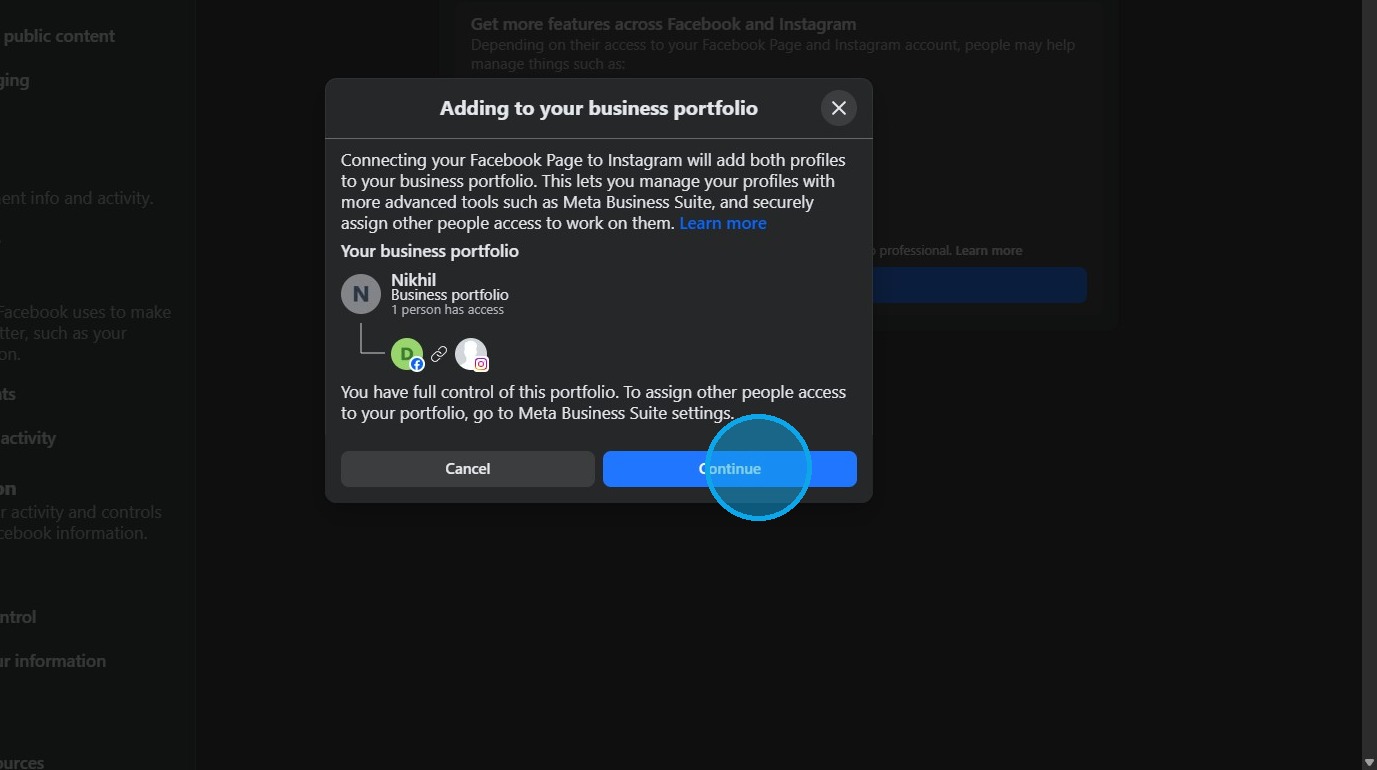
7. Click "Continue"
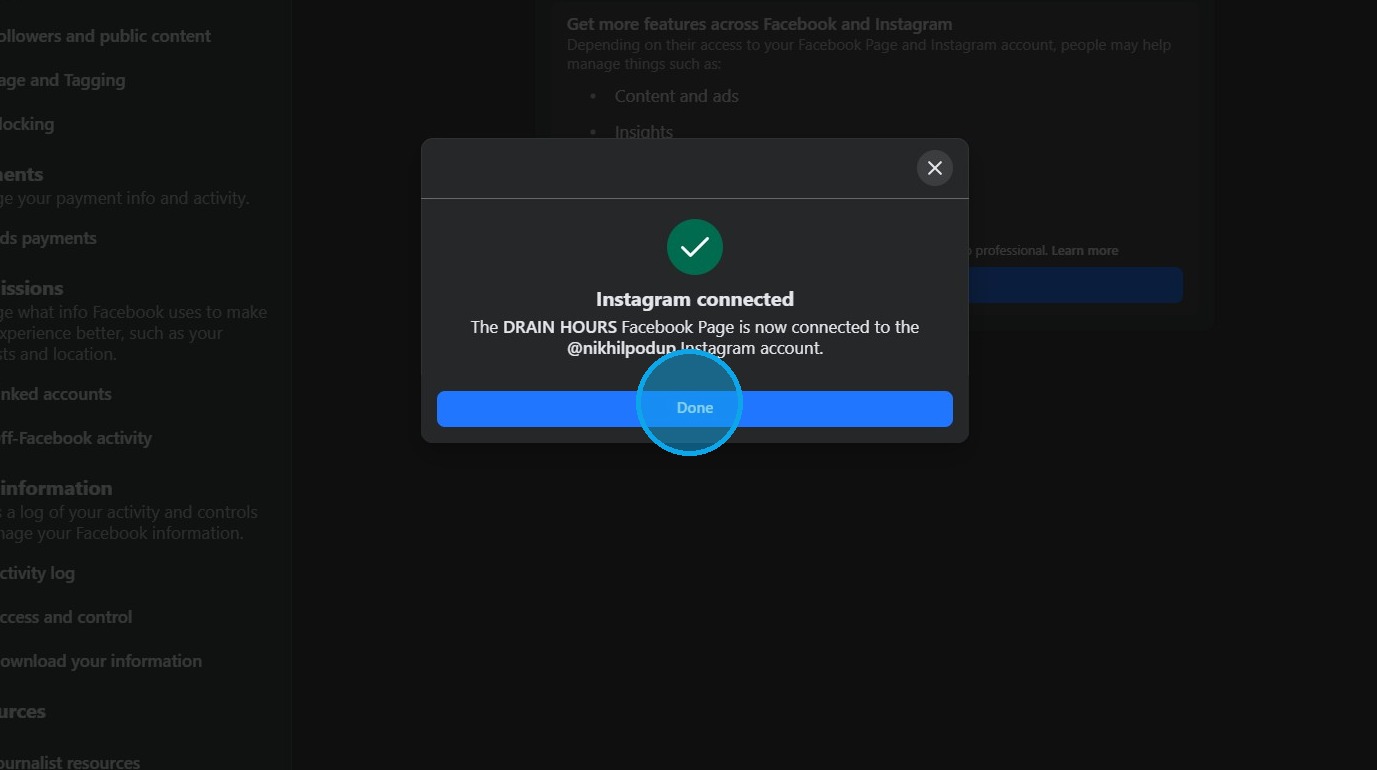
8. Click 'Done' to complete the setup.
Tip:
Once the Facebook page is connected to an Instagram account, you can connect your Instagram account with PodUp.
Once the Facebook page is connected to an Instagram account, you can connect your Instagram account with PodUp.
Related Articles
How to Add an Instagram Button to My Podcast Page and Connect It to My Instagram Account
By following this guide you can seamlessly connect your podcast to your Instagram account, allowing listeners to easily access your social media presence. 1. Navigate to https://app.podup.com/home 2. Click "My Site" 3. Click "Post Page Builder" 4. ...How to Add an Instagram Button to My Video Page and Connect It to My Instagram Account
By following this guide, you can seamlessly connect your Instagram account, allowing viewers to easily access your profile. 1. Navigate to https://app.podup.com/home 2. Click "My Site" 3. Select "Post Page Builder" 4. The "Blog Details" page will ...How to Add a Facebook Button to My Podcast Page and Connect It to My Facebook Account
By following this guide, you can seamlessly connect your podcast to your Facebook account, allowing listeners to easily access your social media presence. 1. Navigate to https://app.podup.com/home 2. Click "My Site" 3. Select "Post Page Builder" 4. ...How to Add a Instagram Button to My Blog Post and Connect It to My Instagram Account
By following this guide, you can easily customize and link your Instagram profile, making it accessible to your readers. 1. Navigate to https://app.podup.com/home 2. Click "My Site" 3. Select "Post Page Builder" 4. The "Blog Details" page will open ...How to Add a Facebook Button to My Video Page and Connect It to My Facebook Account
By following this guide, you can easily link your Facebook account, allowing viewers to engage with your social media directly from your video page. 1. Navigate to https://app.podup.com/home 2. Click "My Site" 3. Select "Post Page Builder" 4. The ...