How to Embed a Video to My Blog
By following this guide, you can easily integrate multimedia elements that attract and retain readers. It is an essential resource for elevating your posts.


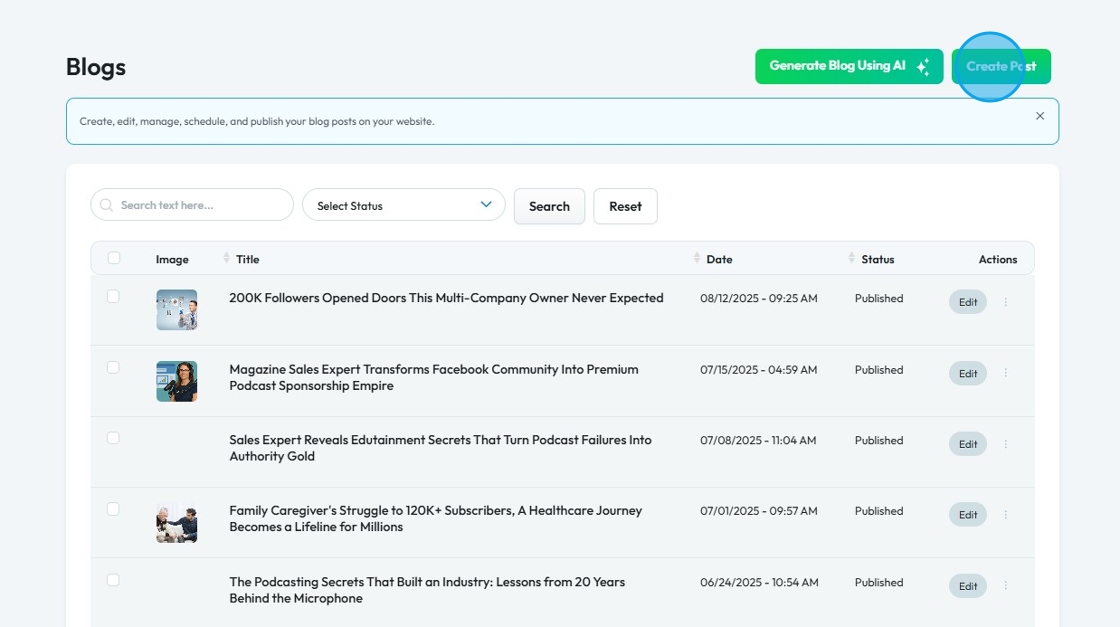
5. The 'Create Post' page opens

6. Enter the details for your blog post

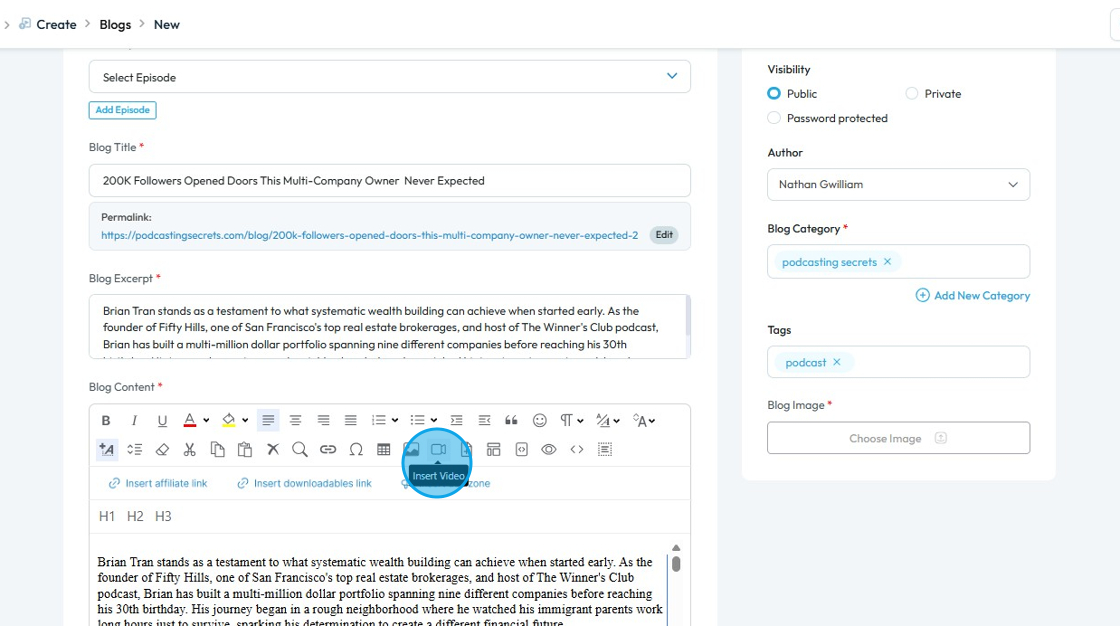
7. Click the 'Video' icon
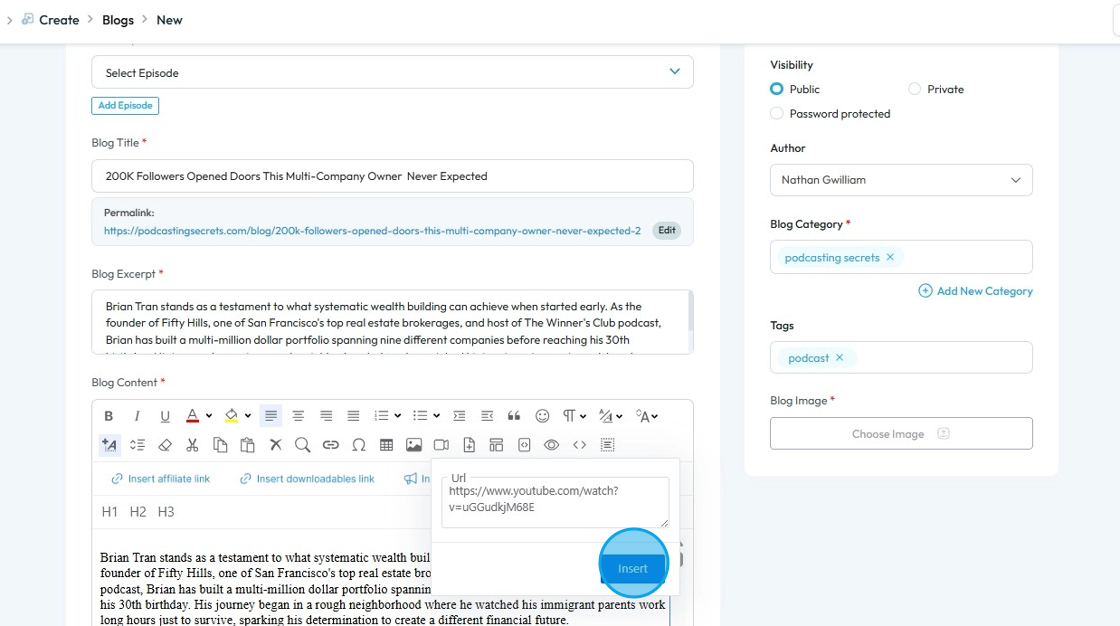
8. Enter the URL of the video you want to embed


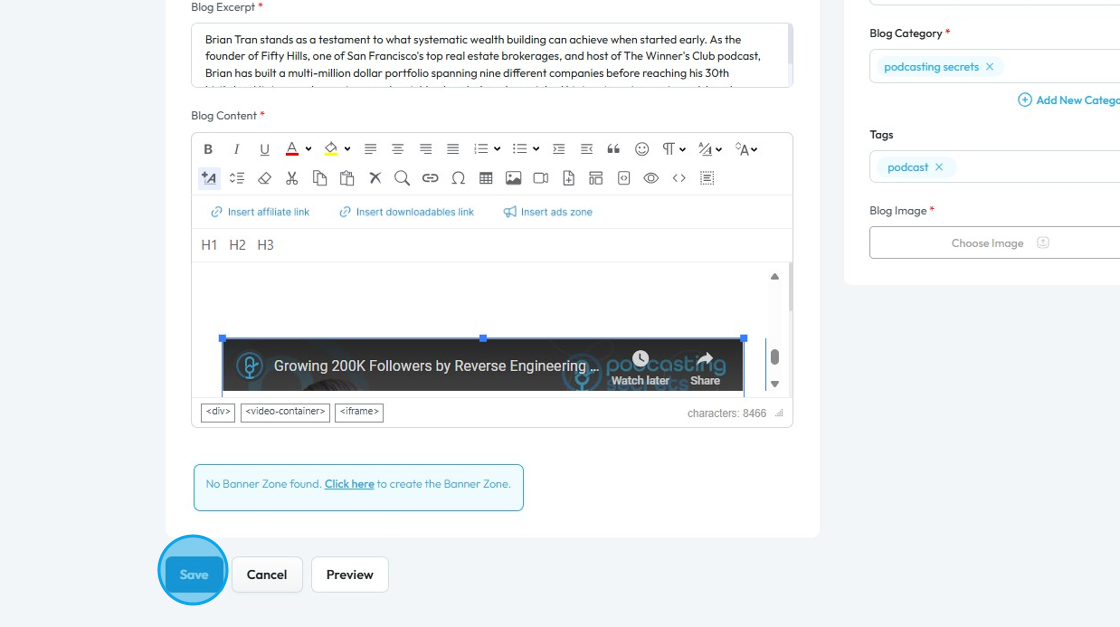
10. Scroll down and click "Save"

11. Your video will be embedded in the blog post

Related Articles
What is the Difference between the Episode Manager Module and Blog/Video/Podcast modules?
By following this guide, users can optimize their content management strategies and streamline publishing workflows across multiple formats. 1. In short - Episode Module is the central hub for all the content. Blog/Video/Podcast modules are for all ...
How To Navigate AI Blog Generator on PodUp
This guide walks you through using PodUp’s AI Blog Generator to quickly create SEO-friendly blog content. It covers title ideas, keyword use, and tone selection to help you write faster and reach your audience more effectively. 1. Navigate to ...
How to Use AI to Generate A Blog
This guide shows you how to use AI to create blog posts faster. It covers generating titles, optimizing for SEO, and adjusting tone and audience to make your content more effective. 1. Click "Create" 2. Click "Blogs" 3. Click "Generate Blog Using AI" ...
How to Navigate Video Episodes (Detailed)
This guide shows you how to easily create and share amazing video posts on PodUp. You'll get simple, step-by-step instructions to get your videos online, make them easy to find (that's the "SEO" part!), and share them on different places, all while ...
How to Clone a Blog Page
This guide provides a straightforward method for cloning a blog page, making it easy to replicate and customize your content. By following the steps outlined, users can efficiently create a duplicate blog page, saving time and effort in content ...