How to Edit Your Website Title
By following this guide, you can edit your website title on PodUp to strengthen your branding and visibility.
1. Navigate to https://app.podup.com/home
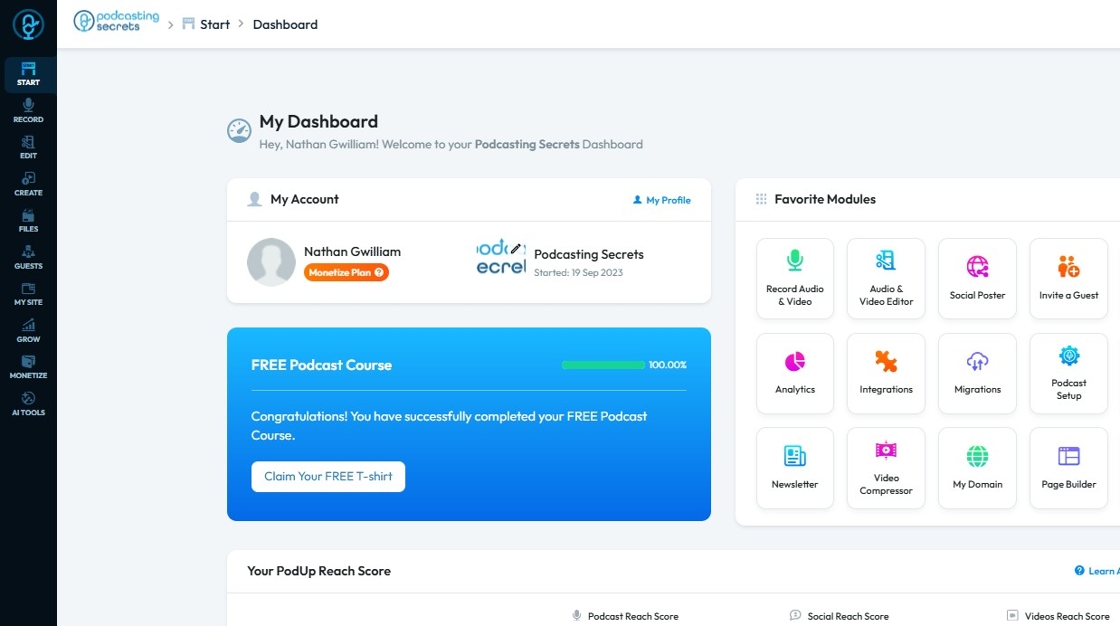
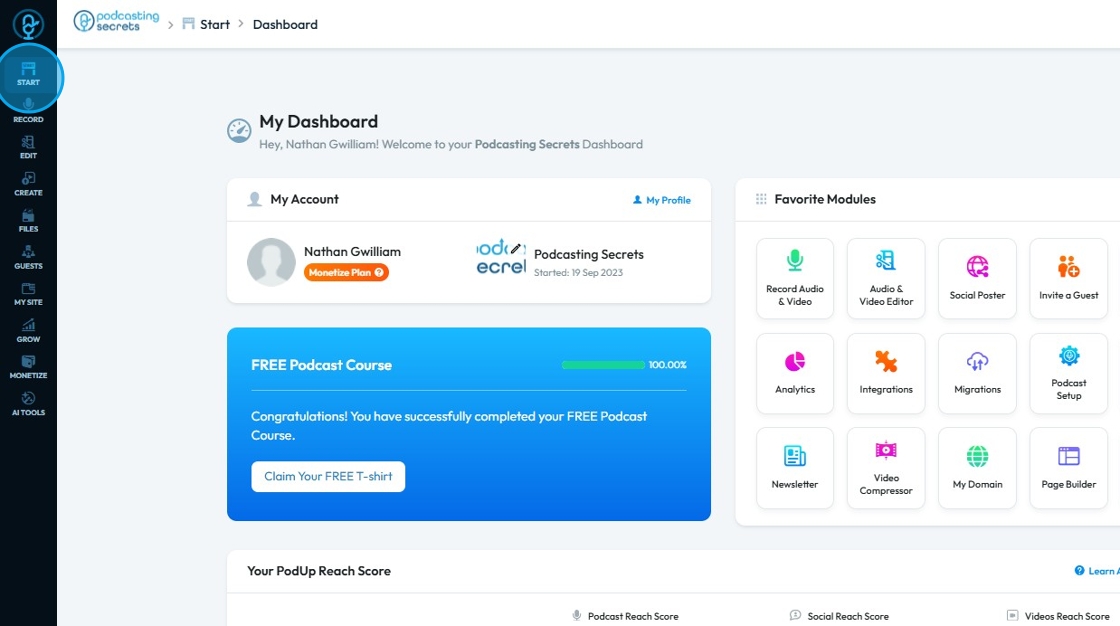
2. Click "Start"
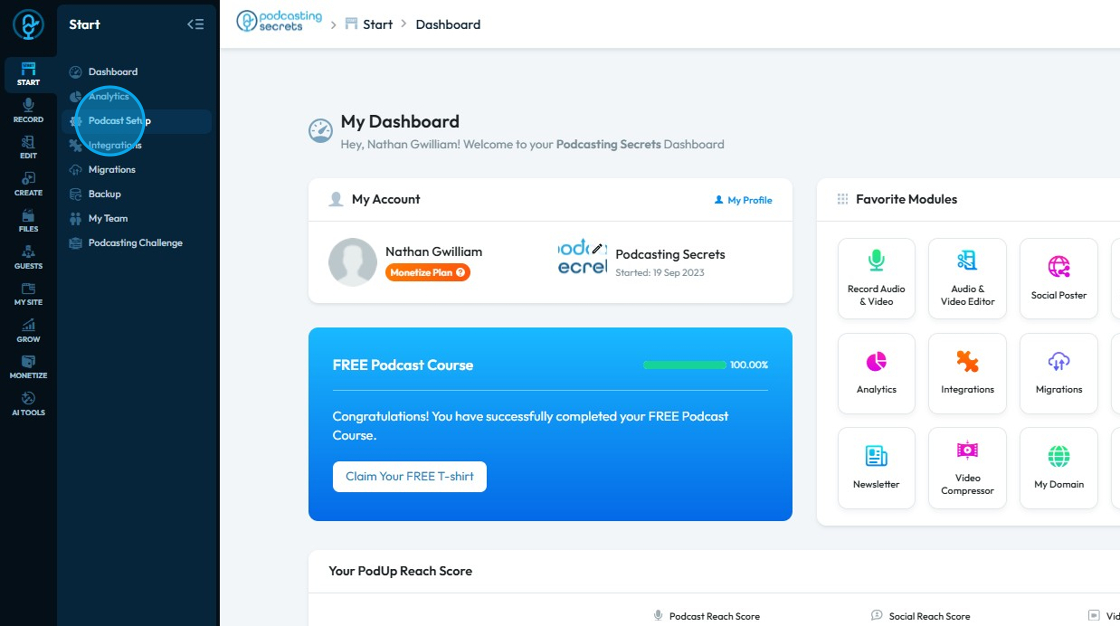
3. Select "Podcast Setup"
4. The ‘Podcast Setup’ page will open
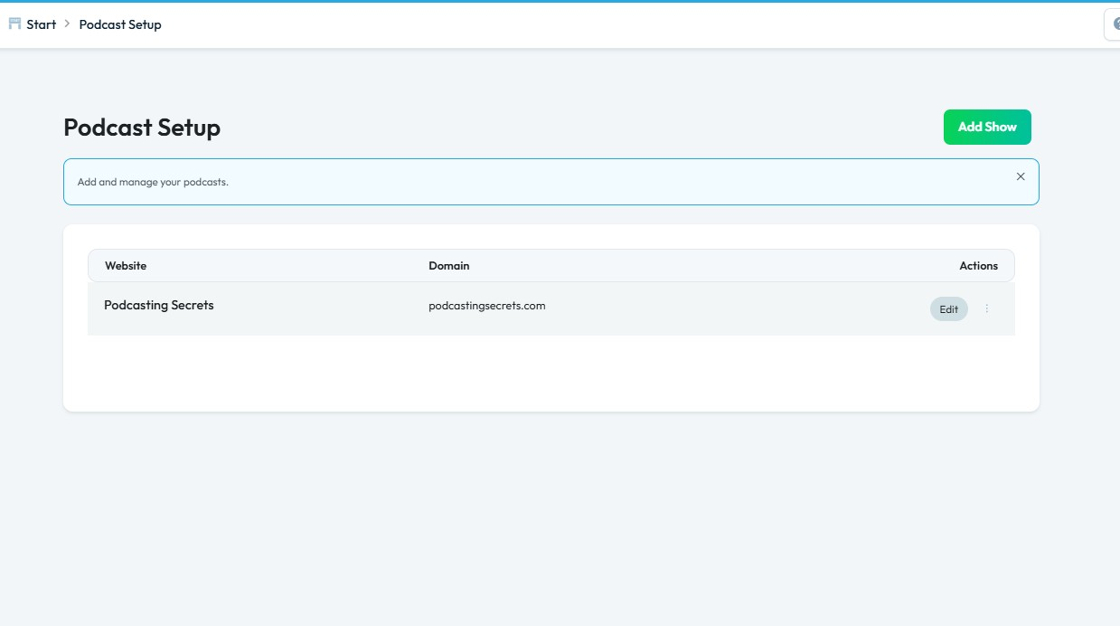
5. Click "Edit"
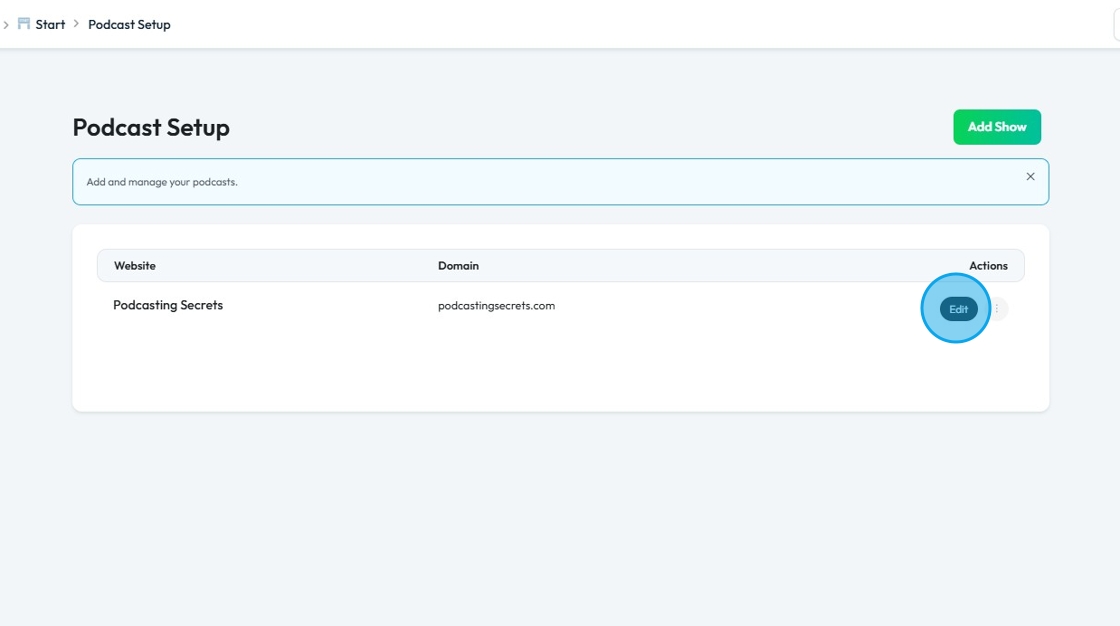
6. Click the "Website Name" field and enter your preferred title
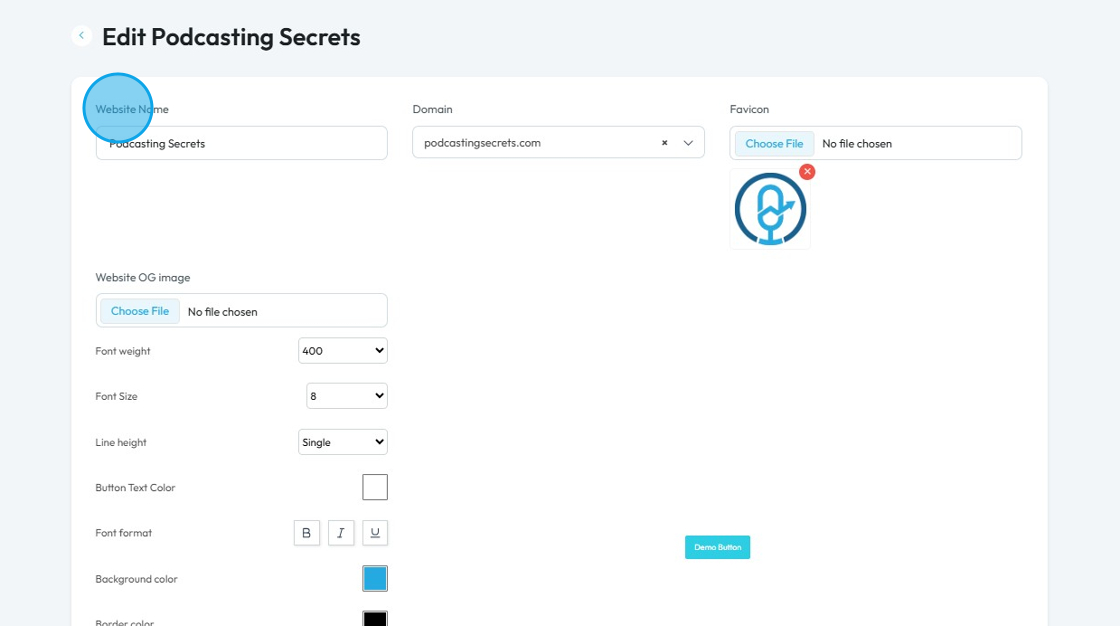
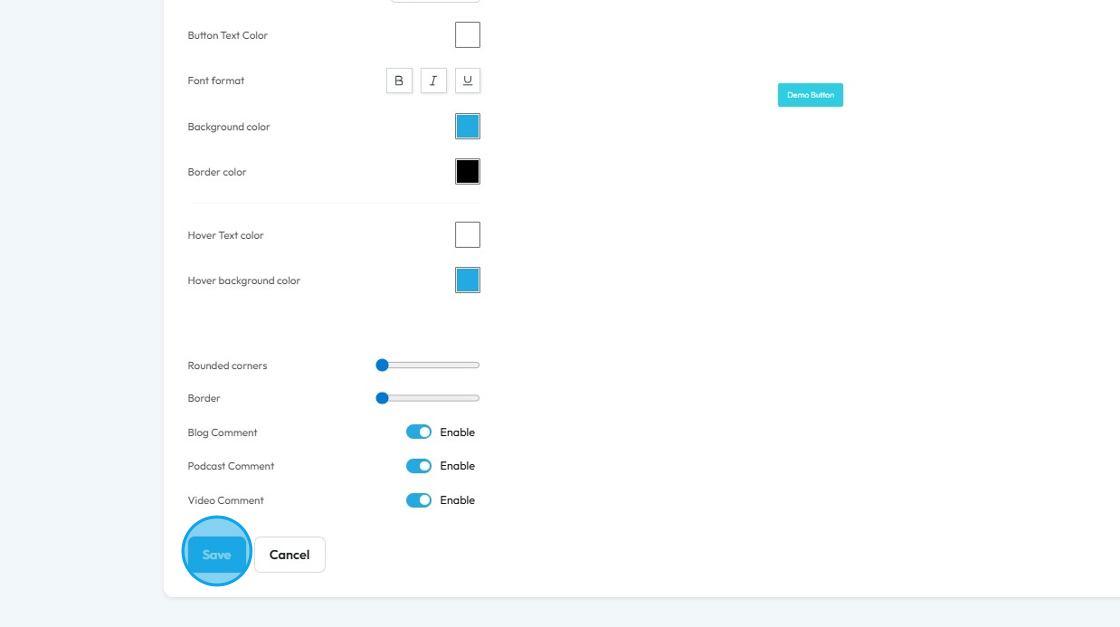
7. Scroll Down and Click "Save"
Related Articles
How to edit the mobile version of my website
This guide offers a straightforward process for editing the mobile version of your website using PodUp's platform. It simplifies the steps to ensure that users can easily customize their site's mobile layout, enhancing user experience and ...How to edit the tablet version of my website
This guide provides a straightforward process for editing the tablet version of your website, ensuring it looks great on all devices. By following these steps, you can easily navigate to the Page Builder, switch to tablet view, and customize your ...Do I need to create a new page to edit my page
Use this guide to edit your PodUp webpage and quickly update your site Tip: No, you don't need to create a page to edit my page. 1. Navigate to https://app.podup.com/home 2. Click "My Site" 3. Select "Page Builder" 4. You will arrive at the “Pages” ...Can't edit / site breaks
can't edit, site is broken, editor not working, page crashes, can't save changes, editor won't load, site down This guide is essential for anyone looking to effectively edit audio and video using Podup's Editor. It provides a comprehensive overview ...How do I save my website changes
This guide shows you how to safely manage your website content and keep your edits. 1. Navigate to https://app.podup.com/home 2. Click "My Site" 3. Select "Page Builder" 4. This section displays all the pages on your website 5. Select the ‘Build’ ...