How to Edit the URL for My Page
By following this guide, you can easily edit your PodUp page URL to make it more relevant and memorable.
1. Navigate to https://app.podup.com/home
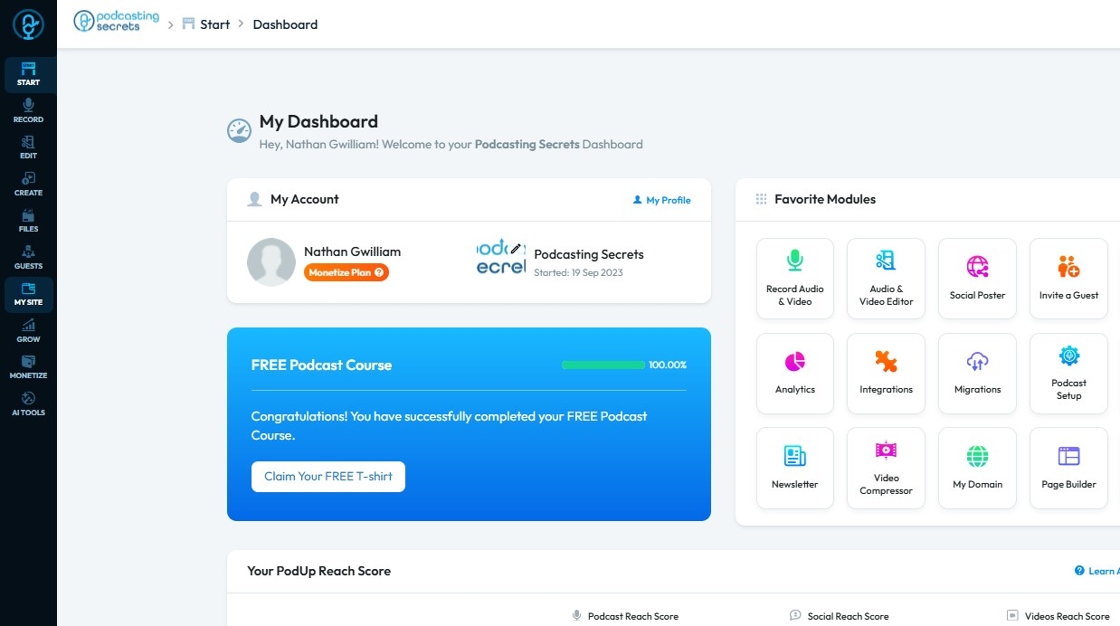
2. Click "My Site"
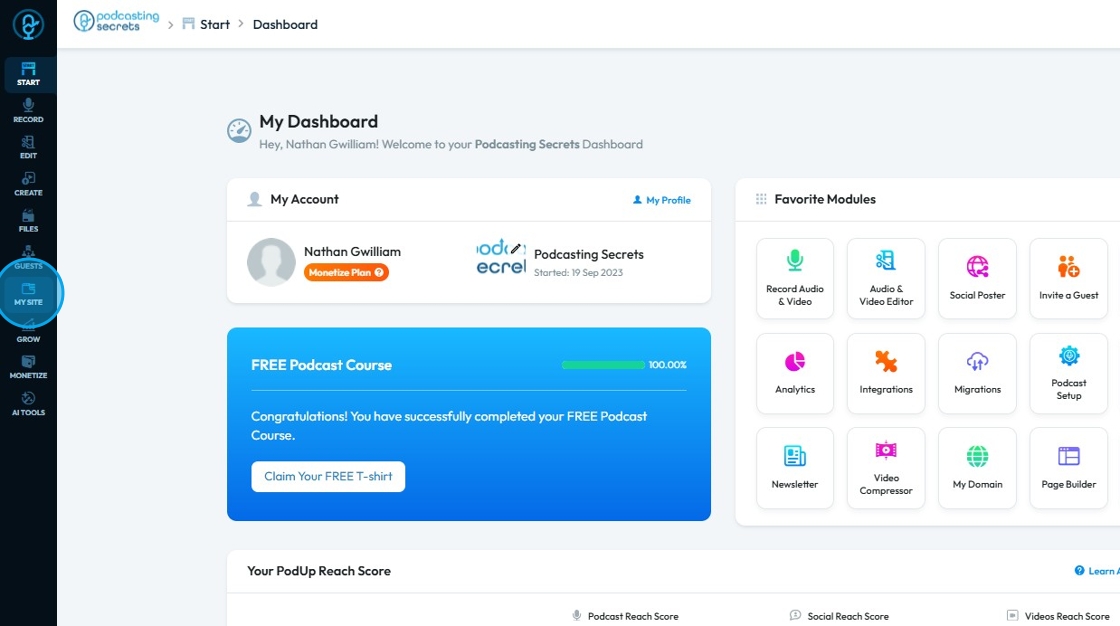
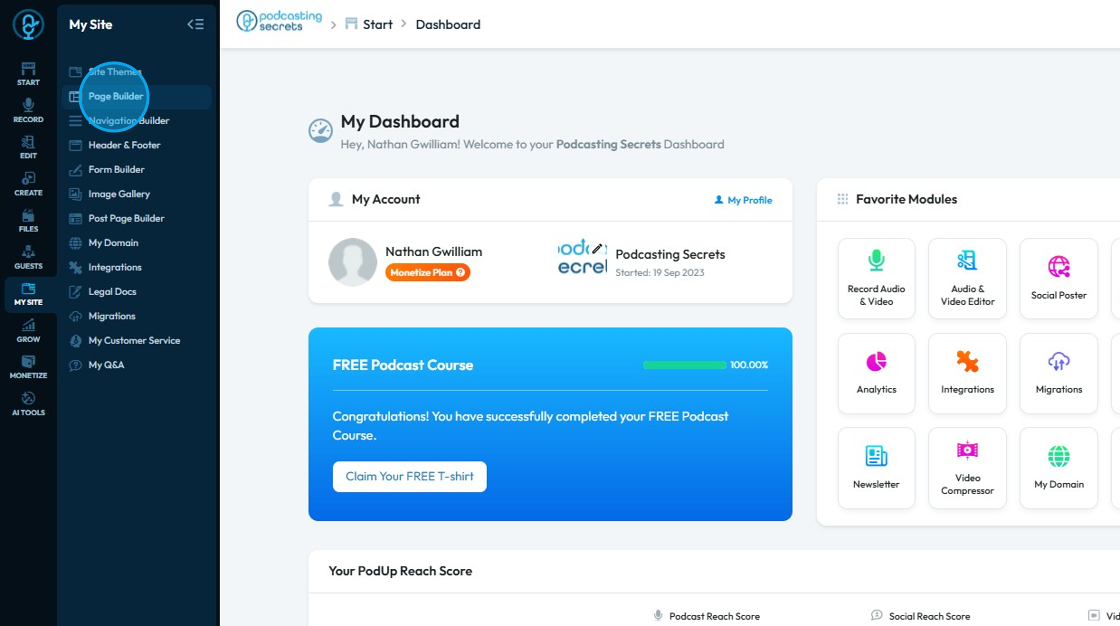
3. Select "Page Builder"
4. The Page Builder will open
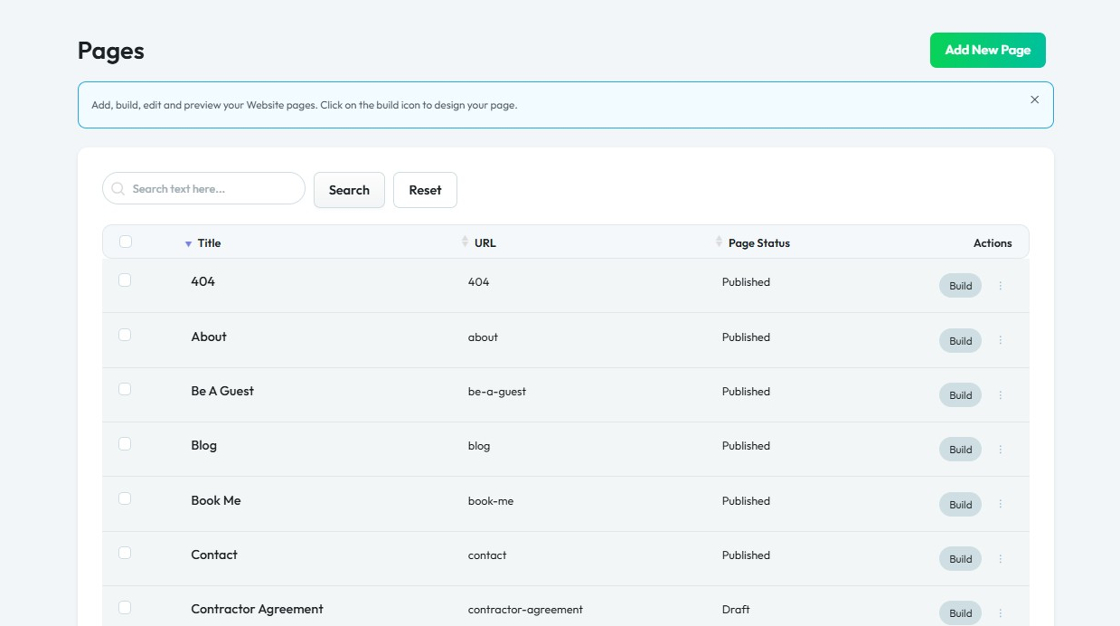
5. Click the three-dot icon next to the page whose URL you want to change

6. Select "Edit"

7. The Edit Page will open
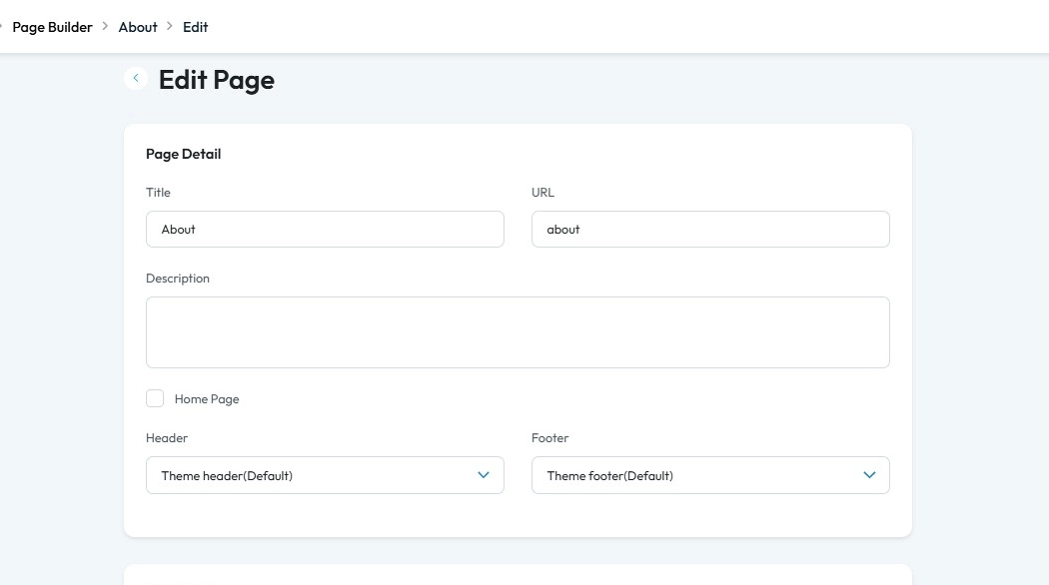
8. Select the "URL" field.

9. Enter the desired URL
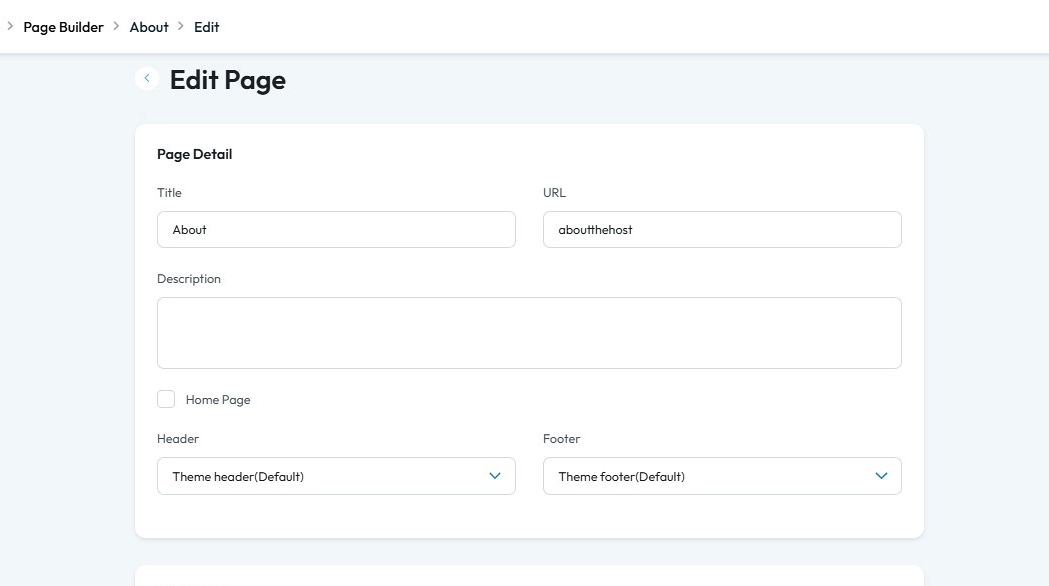
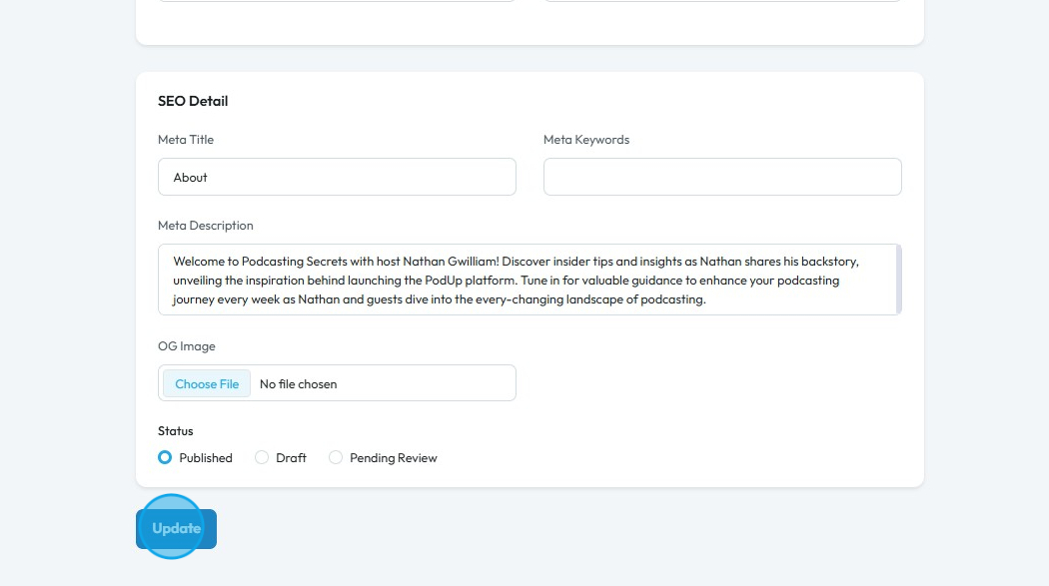
10. Scroll down and click ‘Update
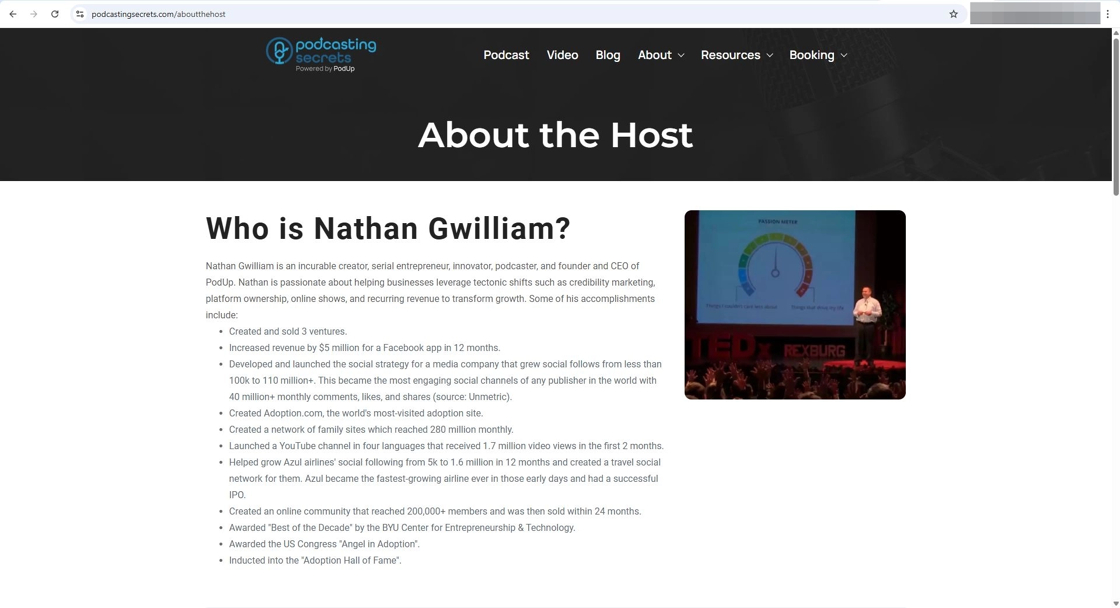
11. The updated URL will now be visible
Related Articles
How to Add an Image from a URL to PodUp Page Builder using Quick Add (Detailed)
This guide offers a straightforward approach to adding images from URLs in PodUp Page Builder, making it ideal for users looking to enhance their website visually and interactively. It provides detailed steps for customizing images, managing styles, ...How to Navigate Page Builder (Detailed)
This guide provides a straightforward method for creating and customizing website pages using PodUp's Page Builder, making it ideal for users of all skill levels. It outlines each step in the process, from accessing the page builder to editing ...How to Add a LinkedIn button to My Video Page and Connect It to My LinkedIn Account
By following this guide, you can add a LinkedIn button to your video page and boost professional engagement. 1. Navigate to https://app.podup.com/home 2. Click "My Site" 3. Click "Post Page Builder" 4. The "Blog Details" page will open up 5. Click ...How to Add a YouTube Button to My Video Page and Connect It to My YouTube Account
By following this guide, you can customize your page and link it to your YouTube content to boost engagement. 1. Navigate to https://app.podup.com/home 2. Click "My Site" 3. Click "Post Page Builder" 4. The "Blog Details" page will open up 5. Click ...How to Add a YouTube Button to My Podcast Page and Connect It to My YouTube Account
By following this guide, you can add a YouTube button to your podcast page and enhance audience engagement. 1. Navigate to https://app.podup.com/home 2. Click "My Site" 3. Click "Post Page Builder" 4. This will be your "Blog Details Page" 5. Click ...