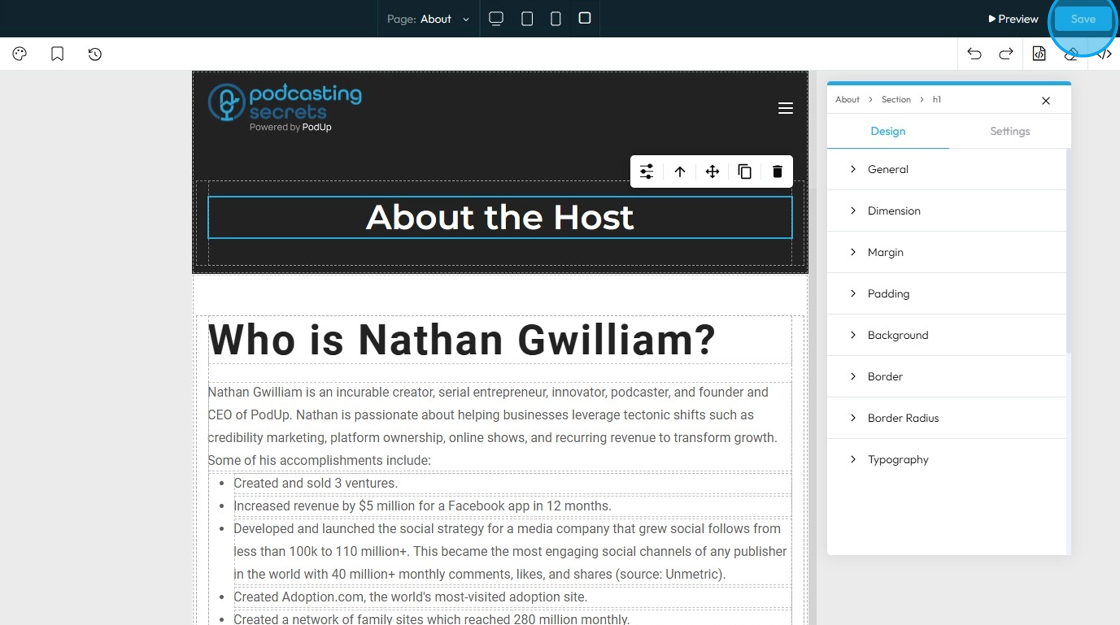
How to edit the tablet version of my website
This guide provides a straightforward process for editing the tablet version of your website, ensuring it looks great on all devices. By following these steps, you can easily navigate to the Page Builder, switch to tablet view, and customize your site's layout and sections. This is essential for optimizing user experience and maintaining visual appeal across platforms. Whether you're a beginner or looking to refine your skills, this guide simplifies the editing process.
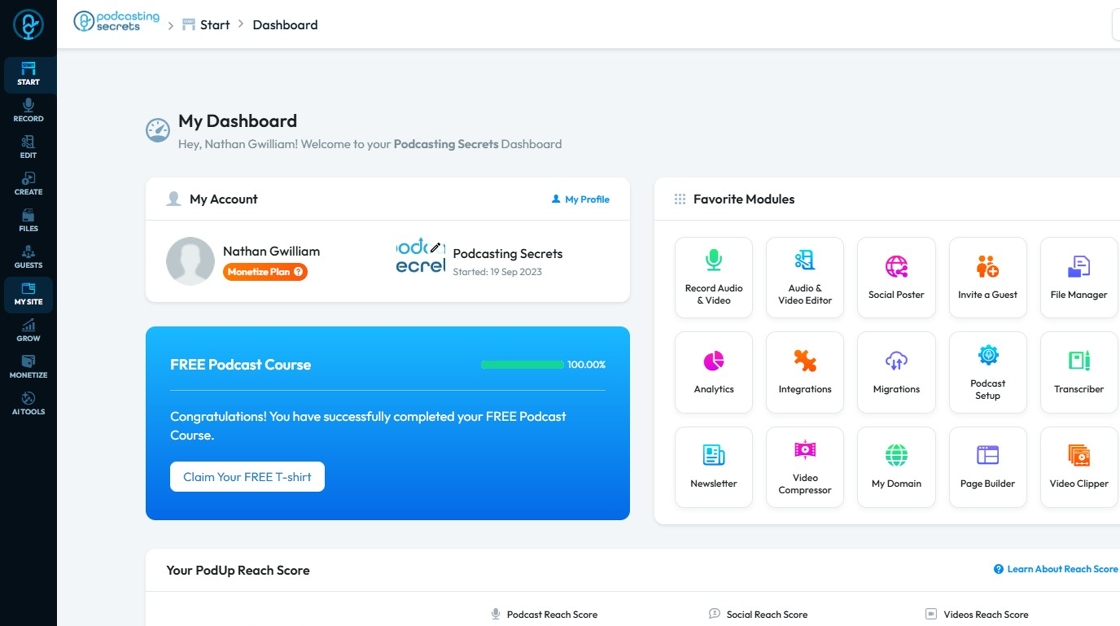
1. Navigate to https://app.podup.com/home
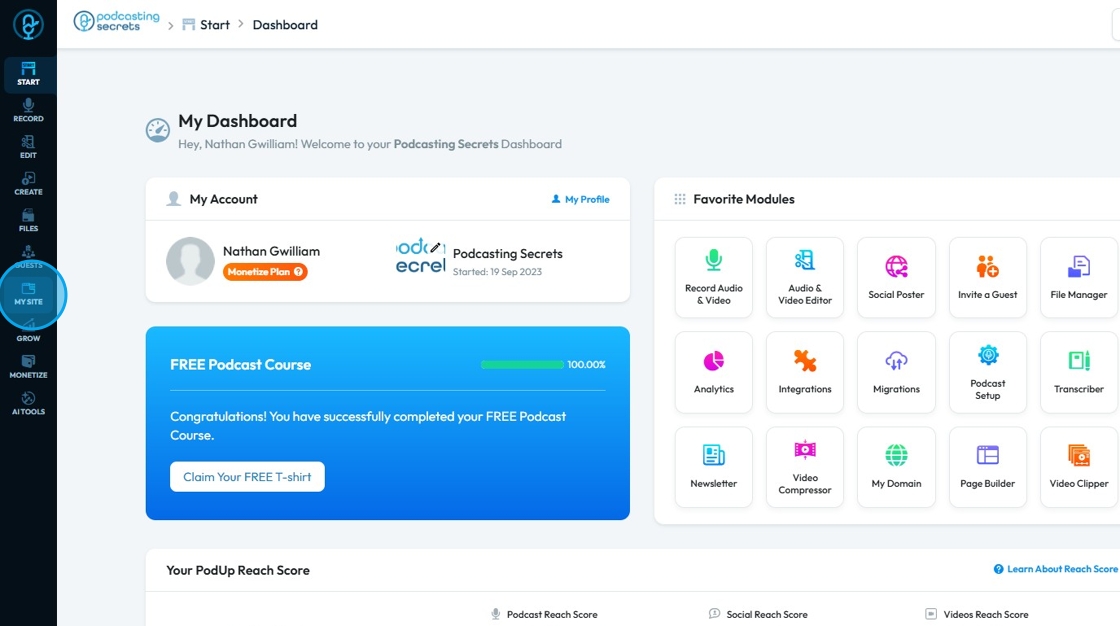
2. Click "My Site"
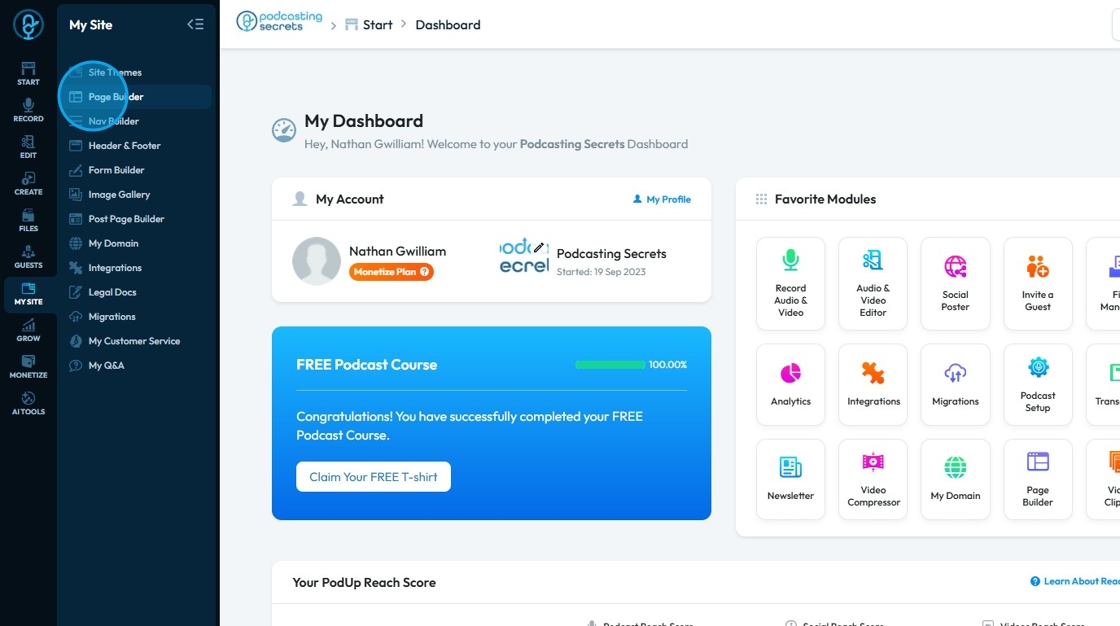
3. Select "Page Builder"
4. Click "Build" button of a page you want to edit.
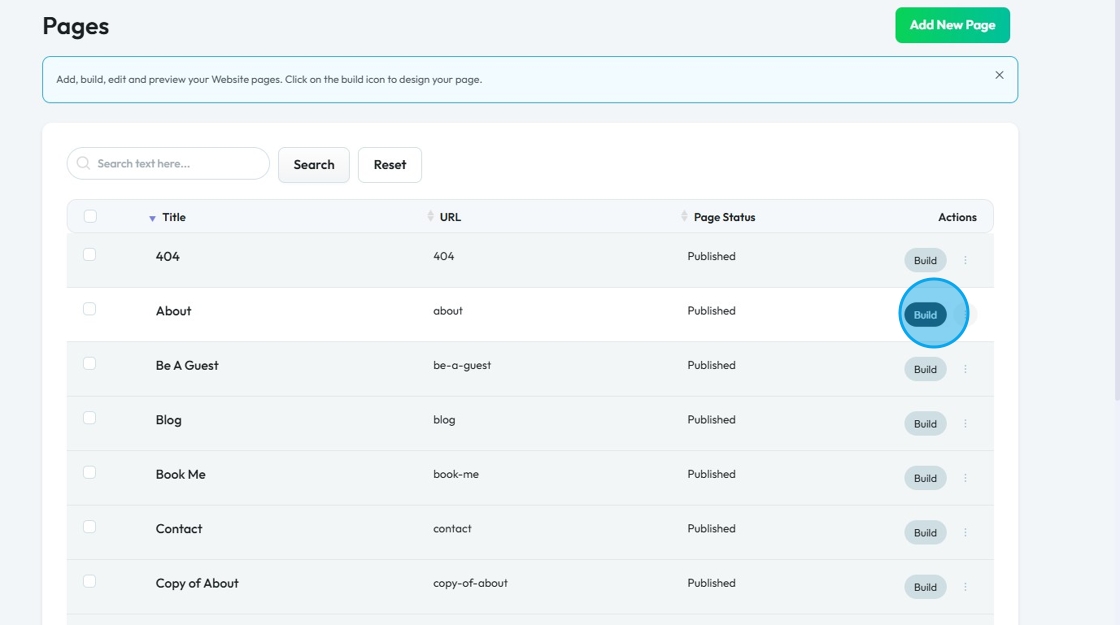
5. PodUp Page builder will load up.
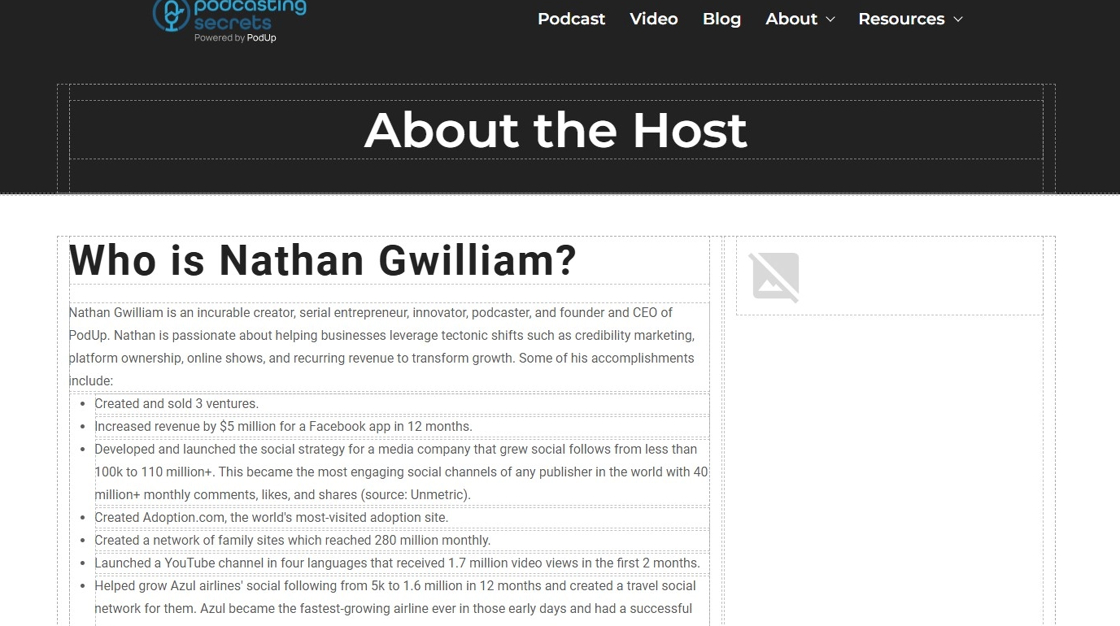
6. Click the "Tablet" layout icon.

7. Whole site layout will be switched to Tablet view.
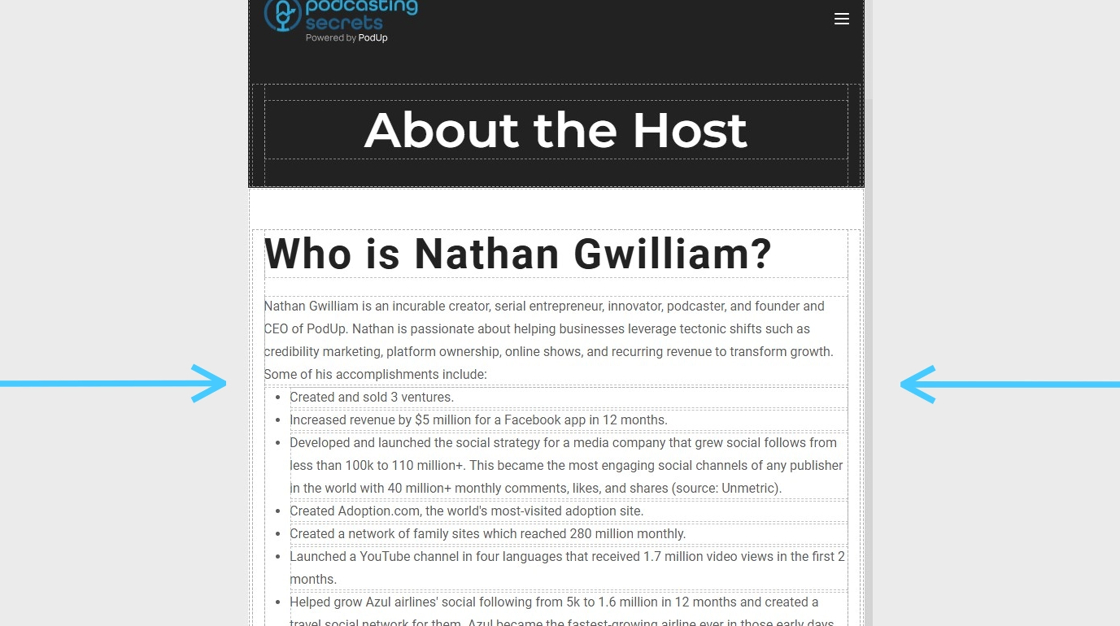
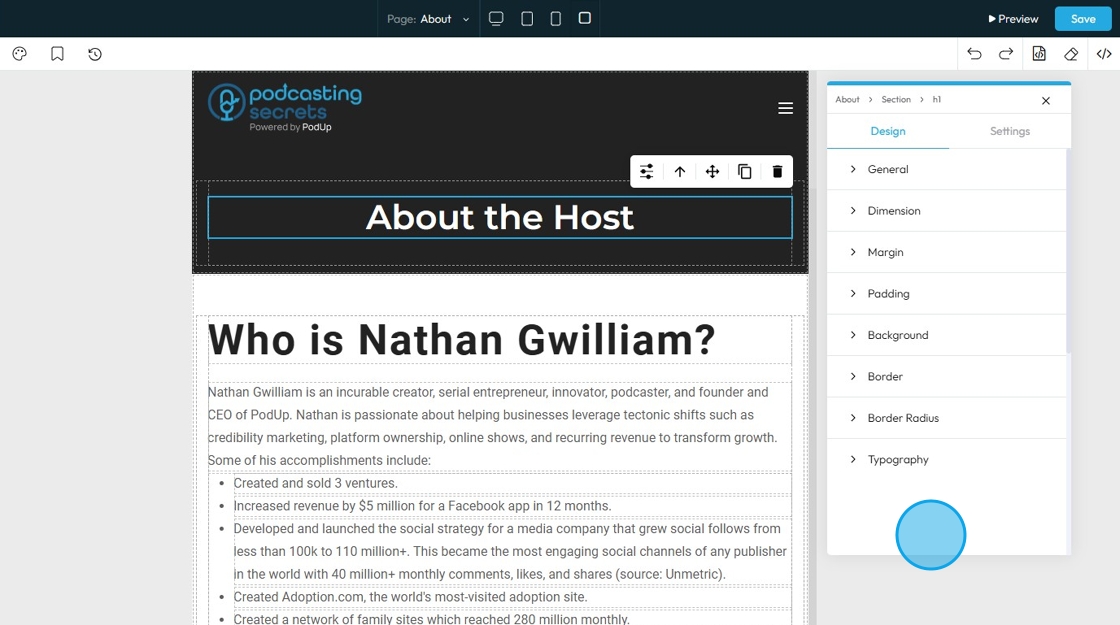
8. Click on a section to edit it.

9. Click this "Settings" icon to load up section properties.
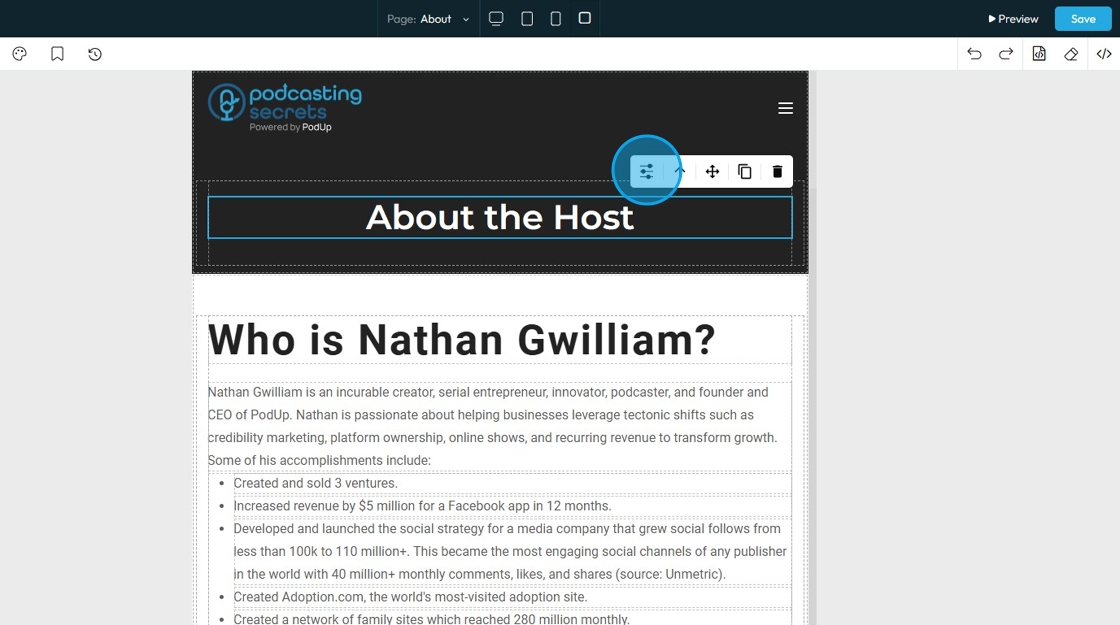
10. Edit the properties accordingly.
11. Once done with the edits, click "Save" and the changes will be saved.