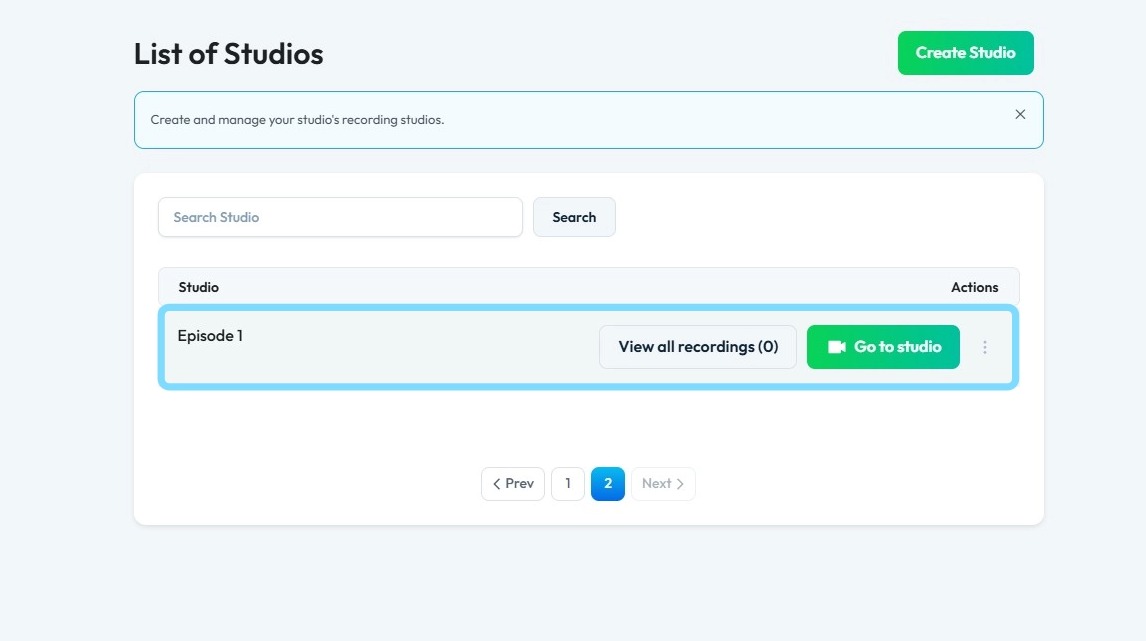
How To Edit the Name of My Studio
This guide provides a straightforward method for editing your studio's name, ensuring your branding is consistent and professional. It outlines clear, step-by-step instructions to navigate the platform easily, making the process efficient even for beginners. By following these steps, you'll be able to edit your studio's name.
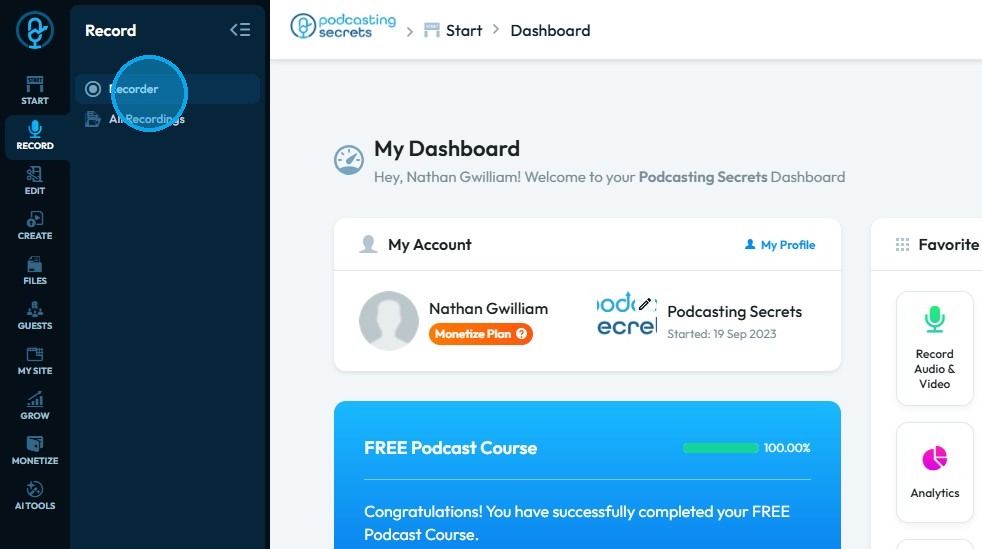
1. Click "Record"
2. Click "Recorder"
3. The "List of Studios" opens up
Find the studio you want to change the name of studio
4. Click this three-dot icon next to the studio's name
5. Click "Settings"
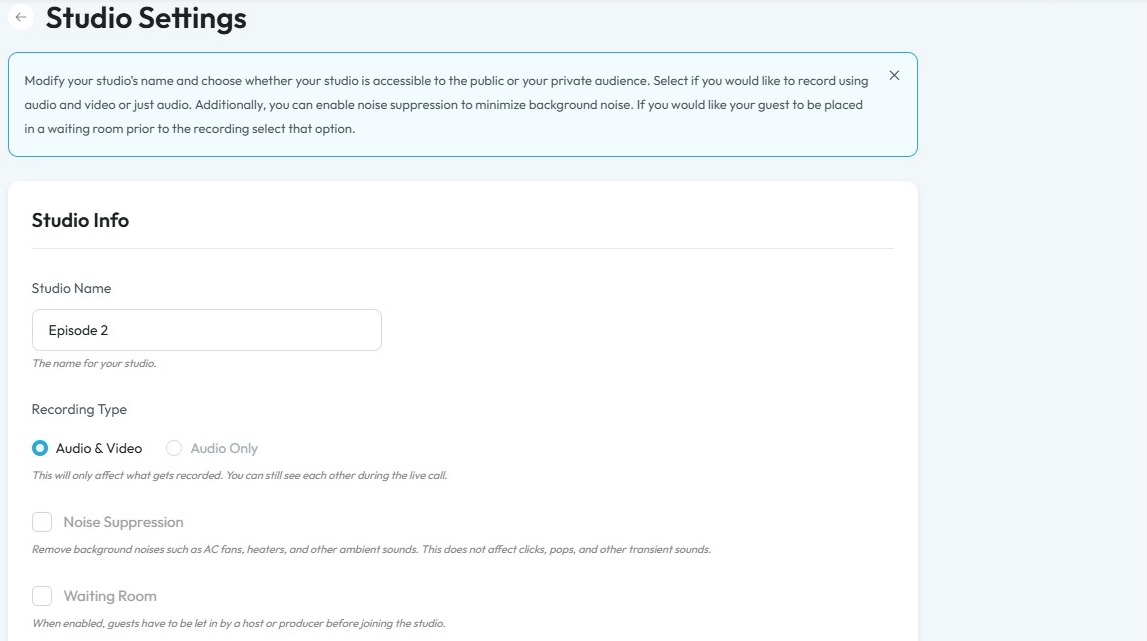
6. Enter the correct name
7. Click "Save"
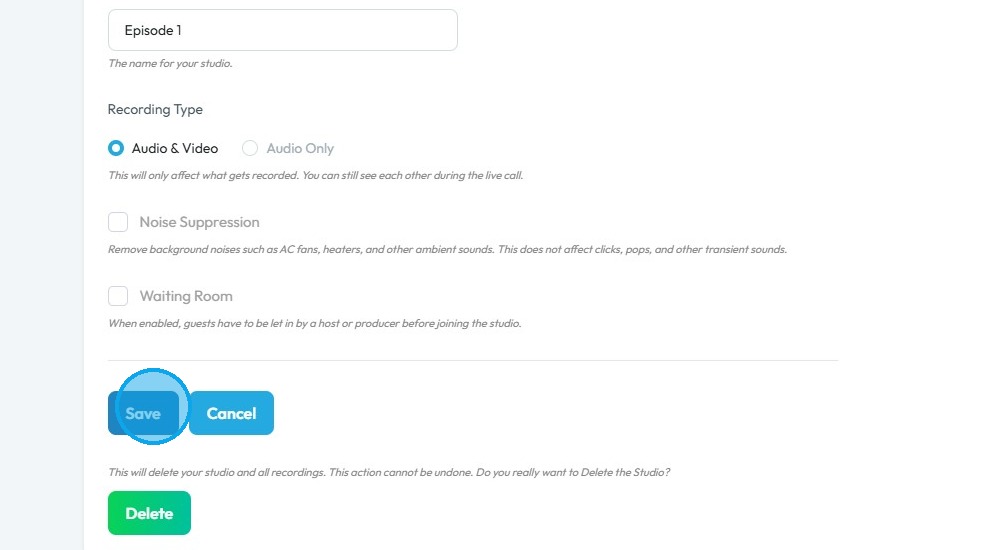
8. You can see the updated name of the studio in the List of Studios