How to disconnect your custom domain
This guide shows you how to unlink your custom domain from PodUp
1. Navigate to https://app.podup.com/home
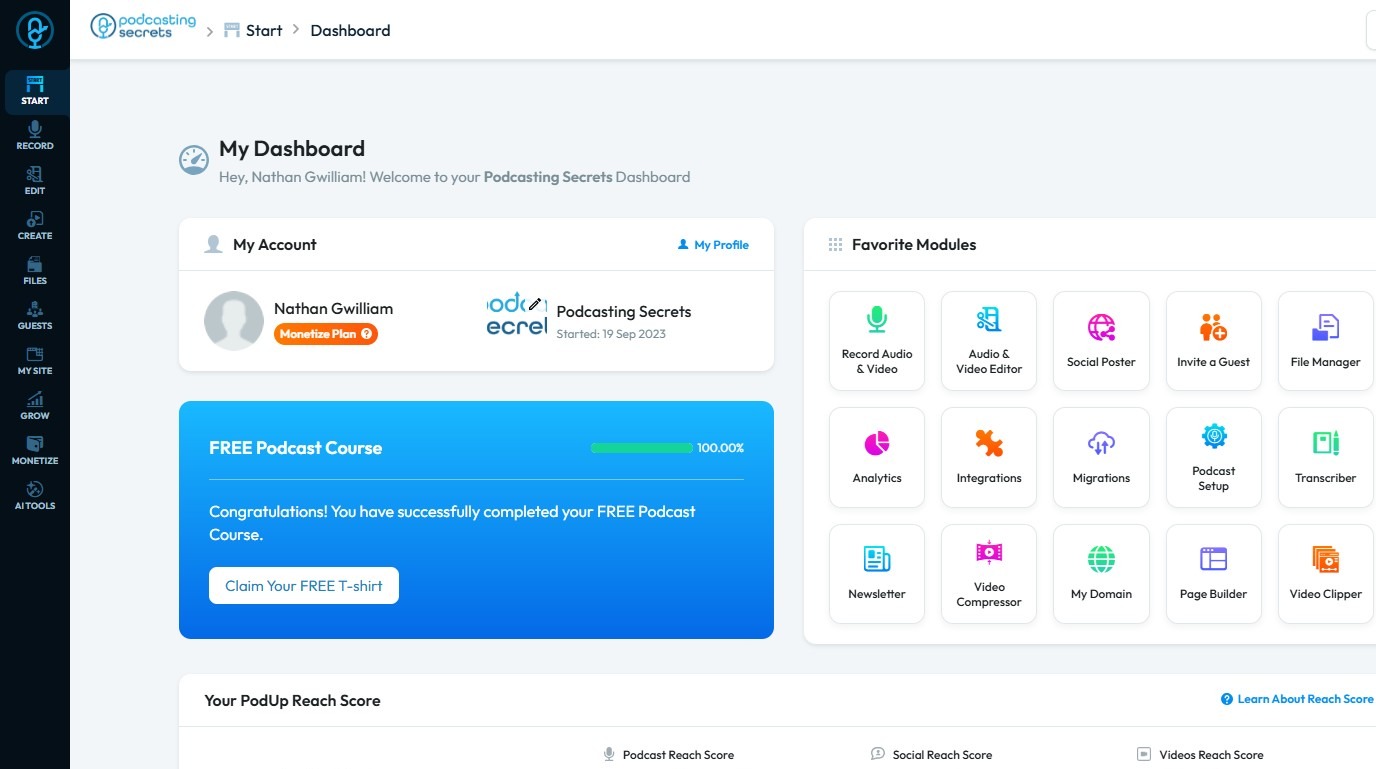
2. Click "My Domain" in the Favorite Tools section.
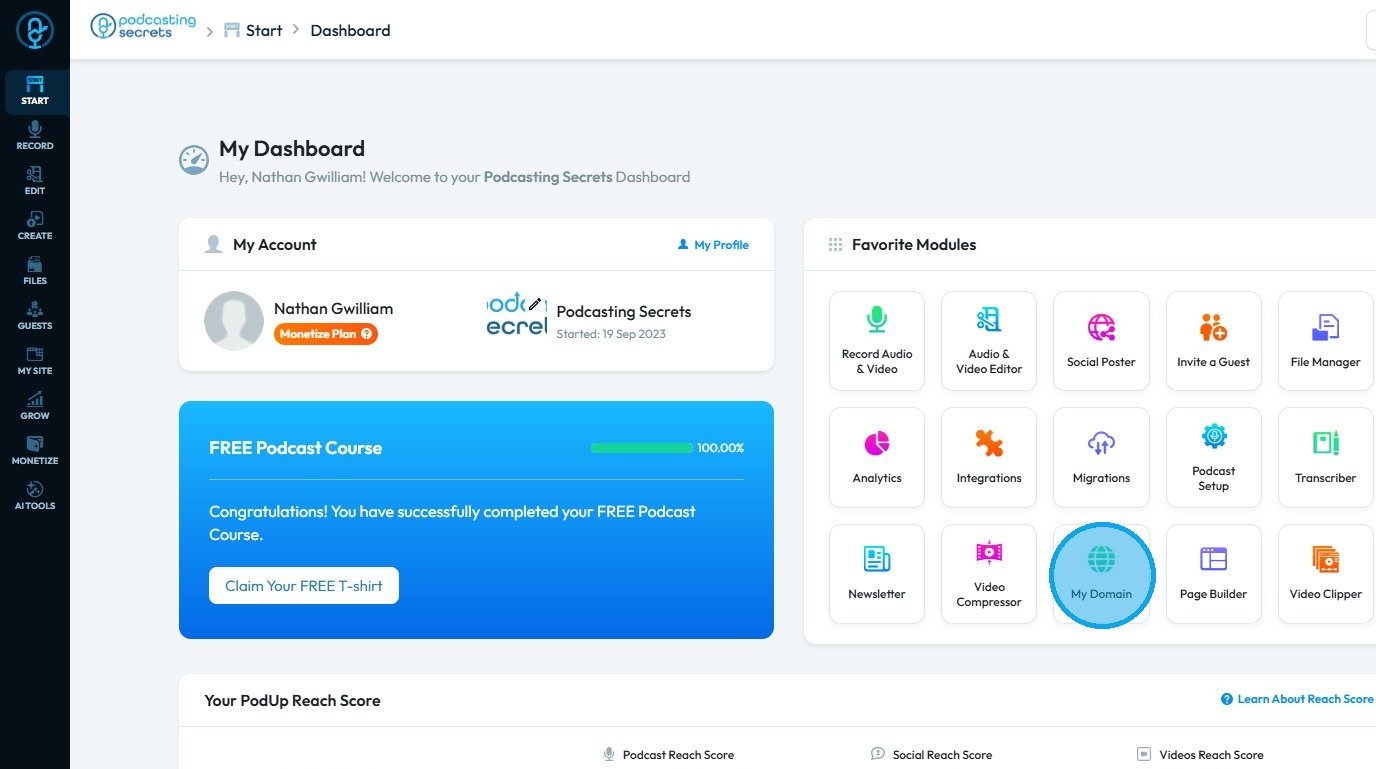
3. The "My Domain" page will be displayed
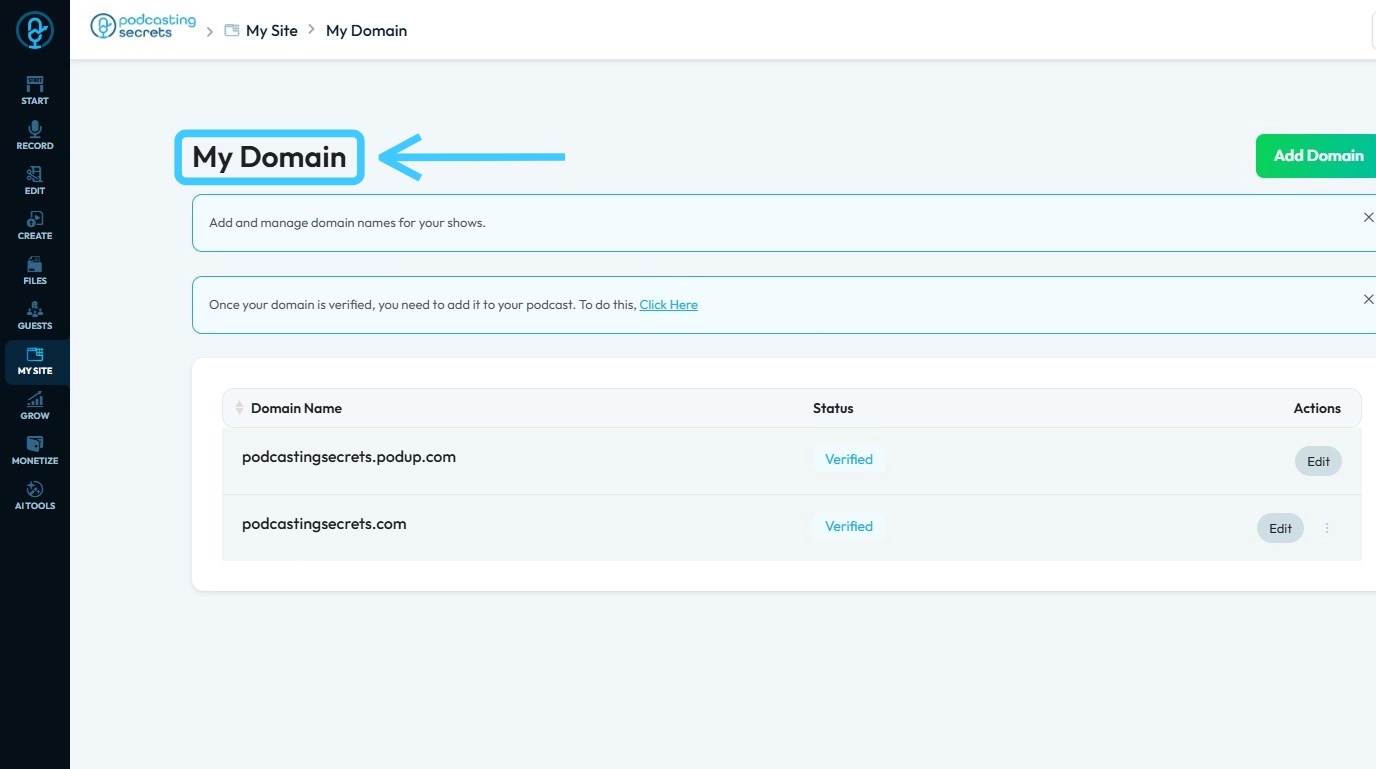
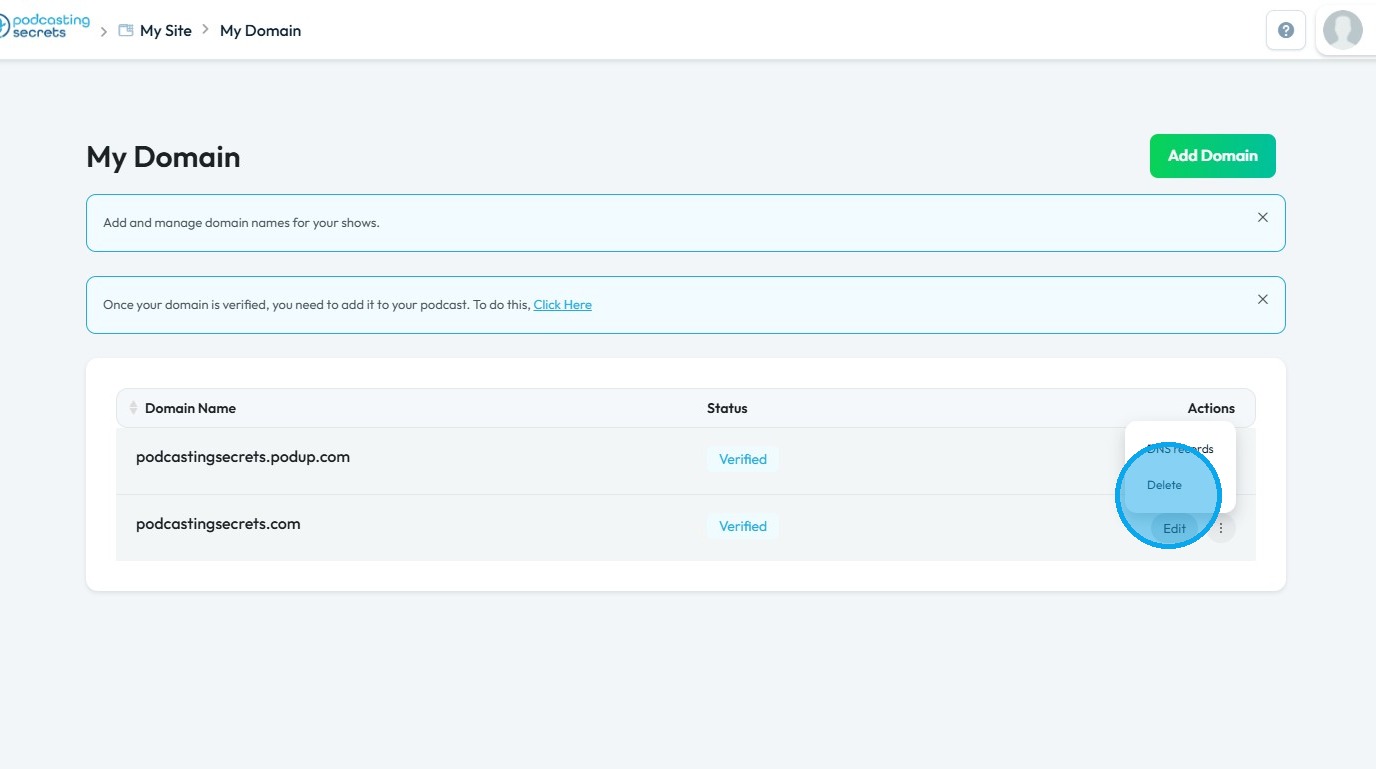
4. Click the three-dot menu next to your custom domain
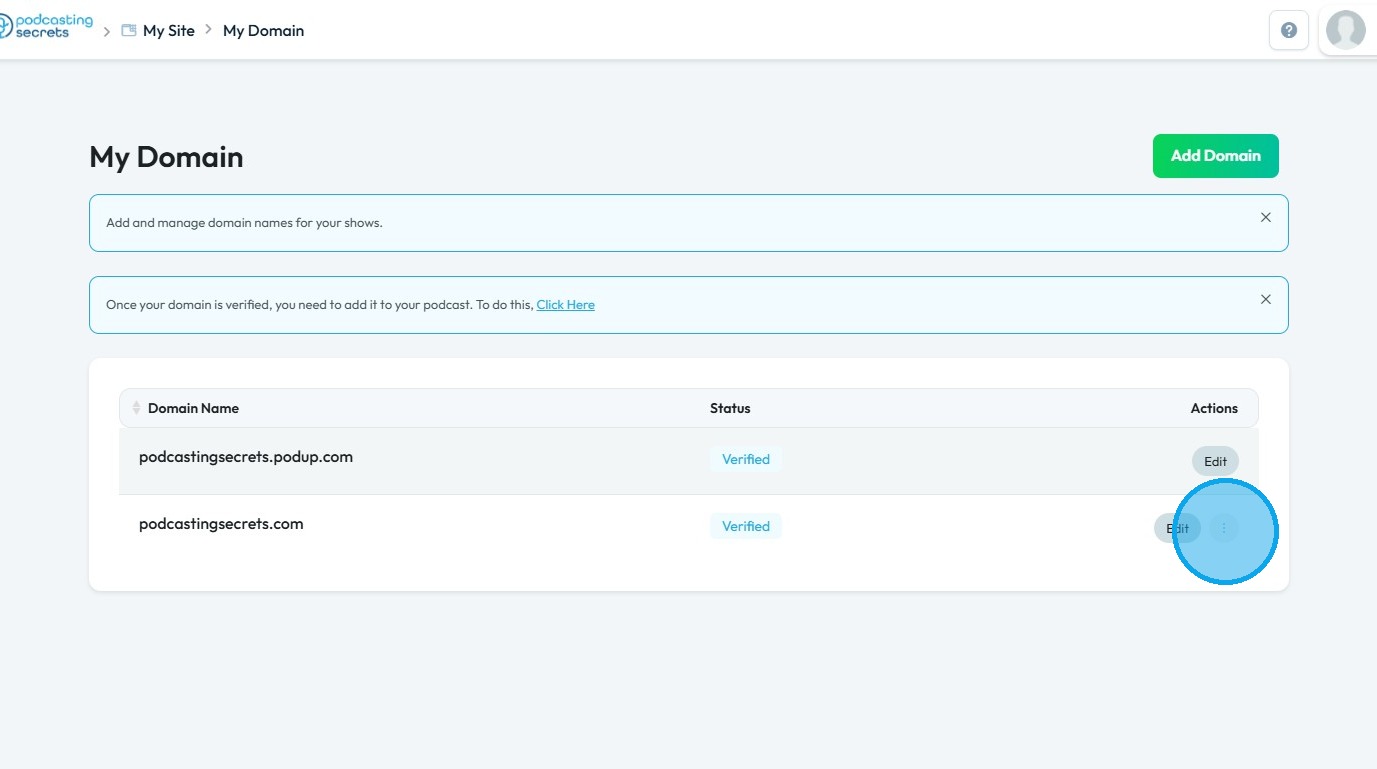
5. Click "Delete" to remove the domain
Related Articles
Domain error
domain error, custom domain not working, domain won't connect, DNS issue, website domain broken This guide offers a step-by-step approach to linking your custom domain on PodUp, making it easy to set up your podcast website. It simplifies the process ...How to Navigate My Domain (Detailed)
This guide offers a step-by-step approach to linking your custom domain on PodUp, making it easy to set up your podcast website. It simplifies the process by explaining key concepts like DNS and provides helpful tips for managing search engine ...How do I disconnect my account from my integrated channels?
By following this guide, you can easily disconnect your account from integrated channels on PodUp, enabling effective management of your integrations. 1. Navigate to https://app.podup.com/home 2. Click "Integrations". 3. You will be directed to the ...How to Assign Custom role in Podup
By following this guide, you can create custom roles in PodUp to optimize team structure and assign appropriate permissions for effective task management. 1. Navigate to https://app.podup.com/home 2. Click "Start" 3. Click "My Team" 4. Click "Add ...Create a Custom Newsletter Template in Podup
By following this guide, you can easily create a custom newsletter template in PodUp that reflects your brand and enhances audience engagement. 1. Navigate to https://app.podup.com/home 2. Click "Grow" 3. Select "Email Marketing" 4. Click "Create ...