How to Delete comments
Use this guide to quickly delete unwanted website comments and keep your site professional
1. Navigate to https://app.podup.com/home
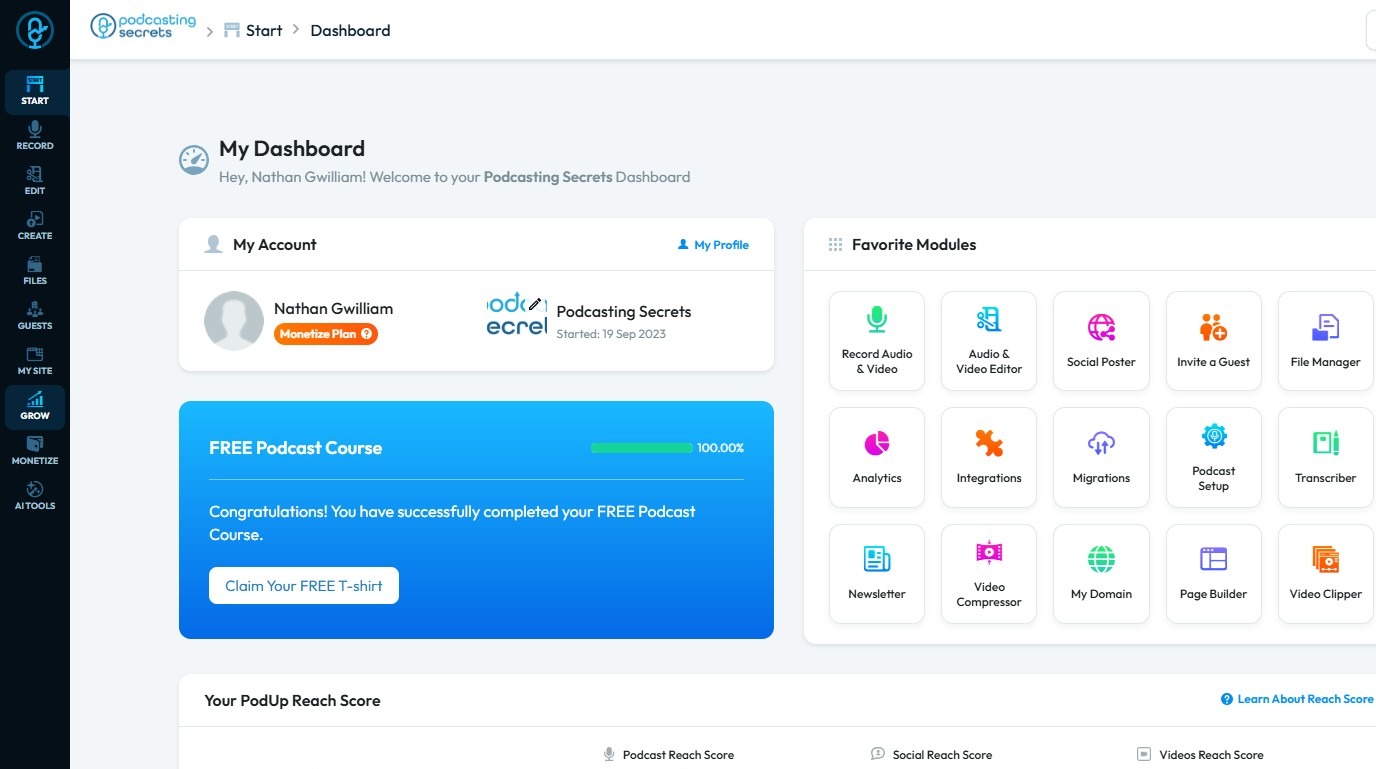
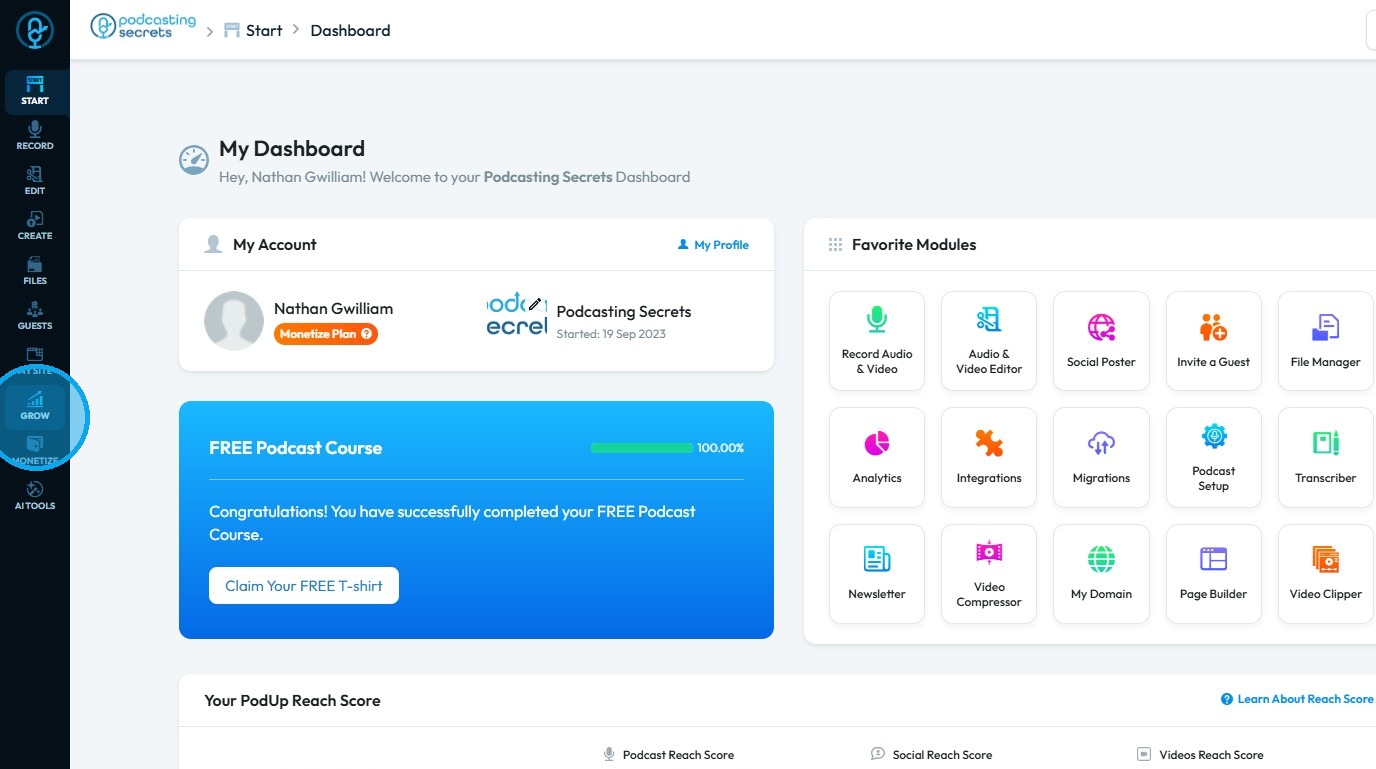
2. Click "Grow"
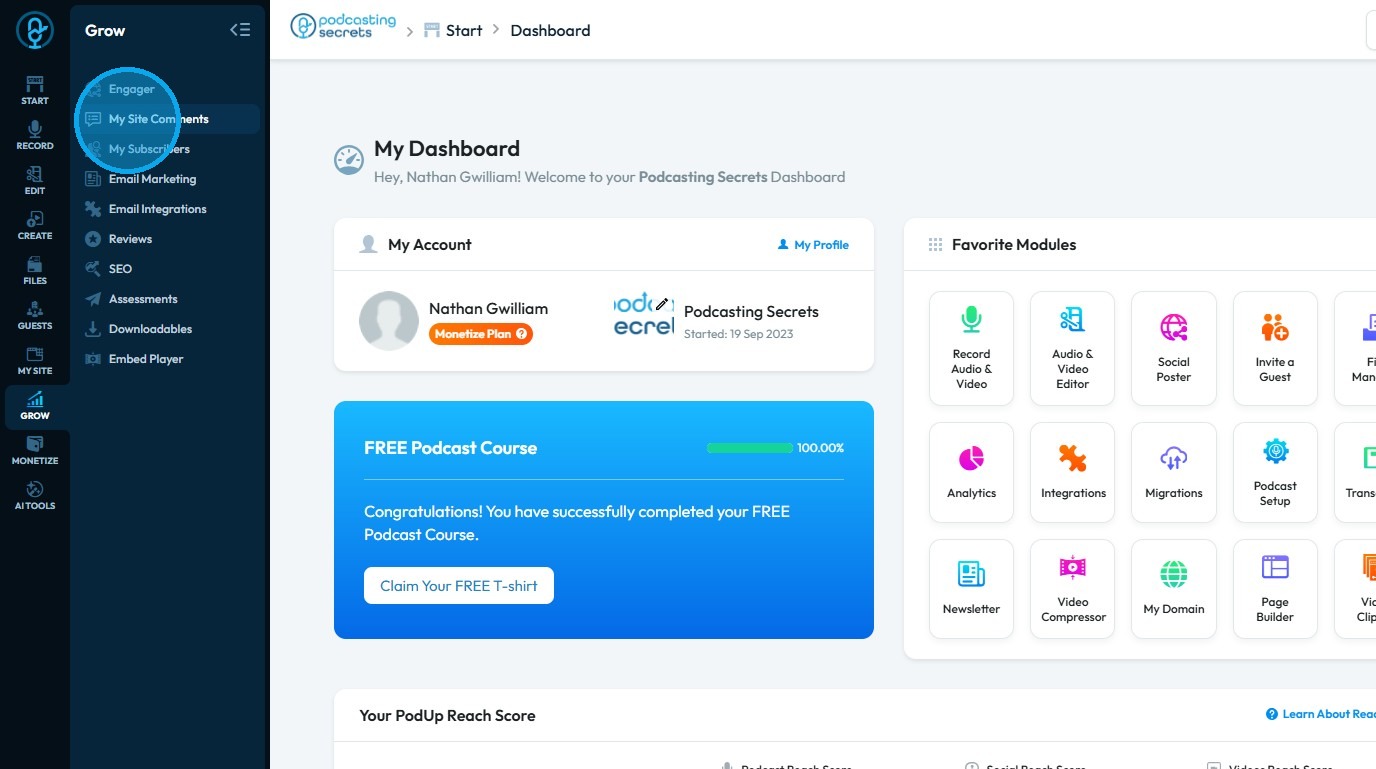
3. Select "Comments"
4. The “Commenter” page displays all comments on your website
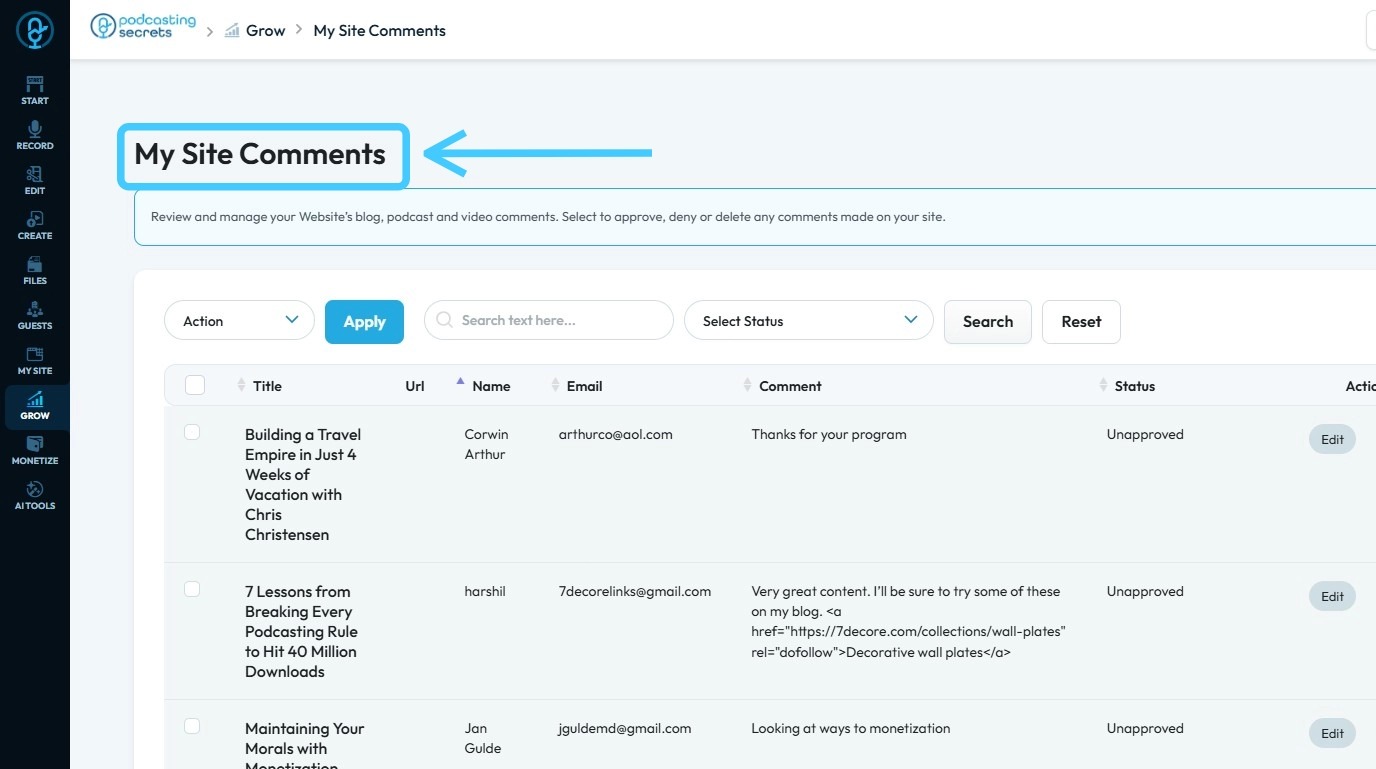
5. Click the three dots next to the comment you wish to delete
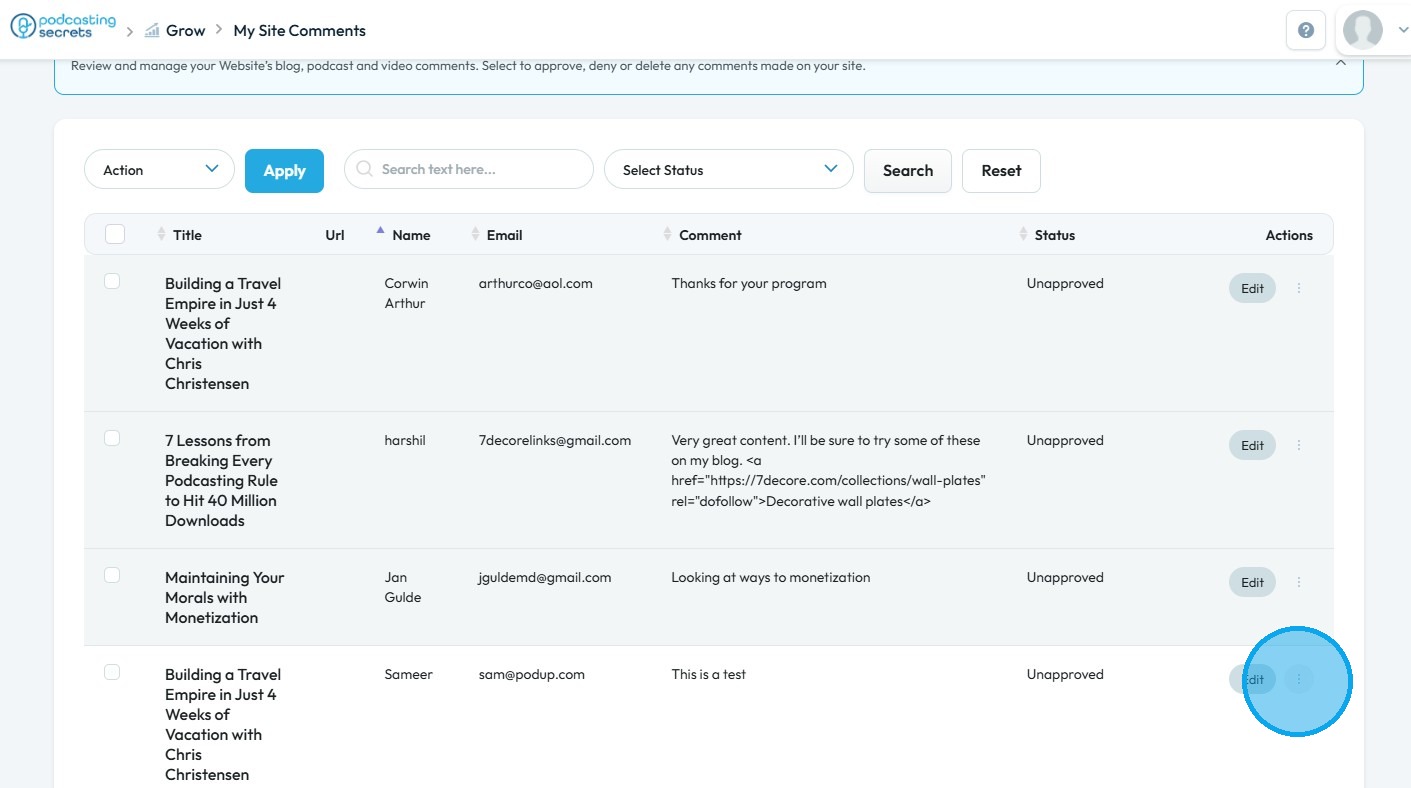
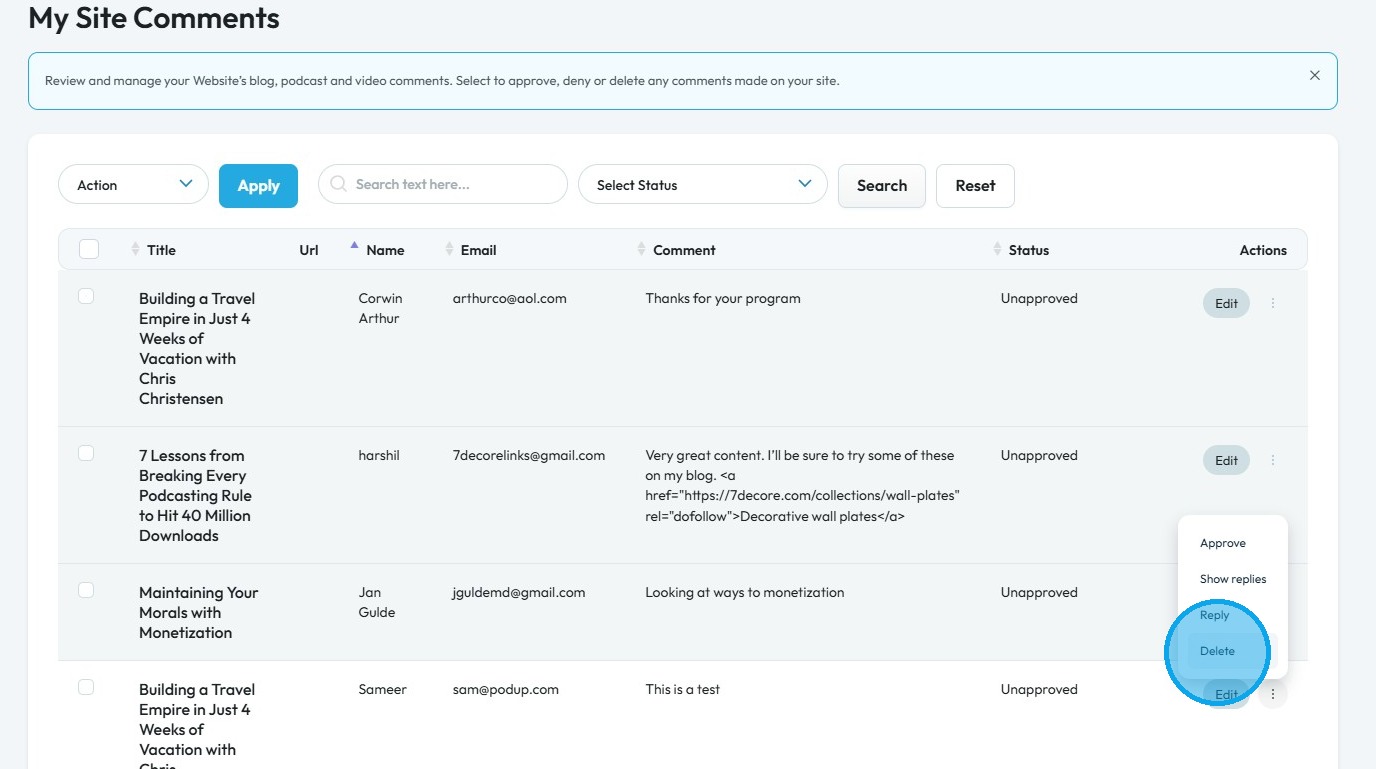
6. Select "Delete"
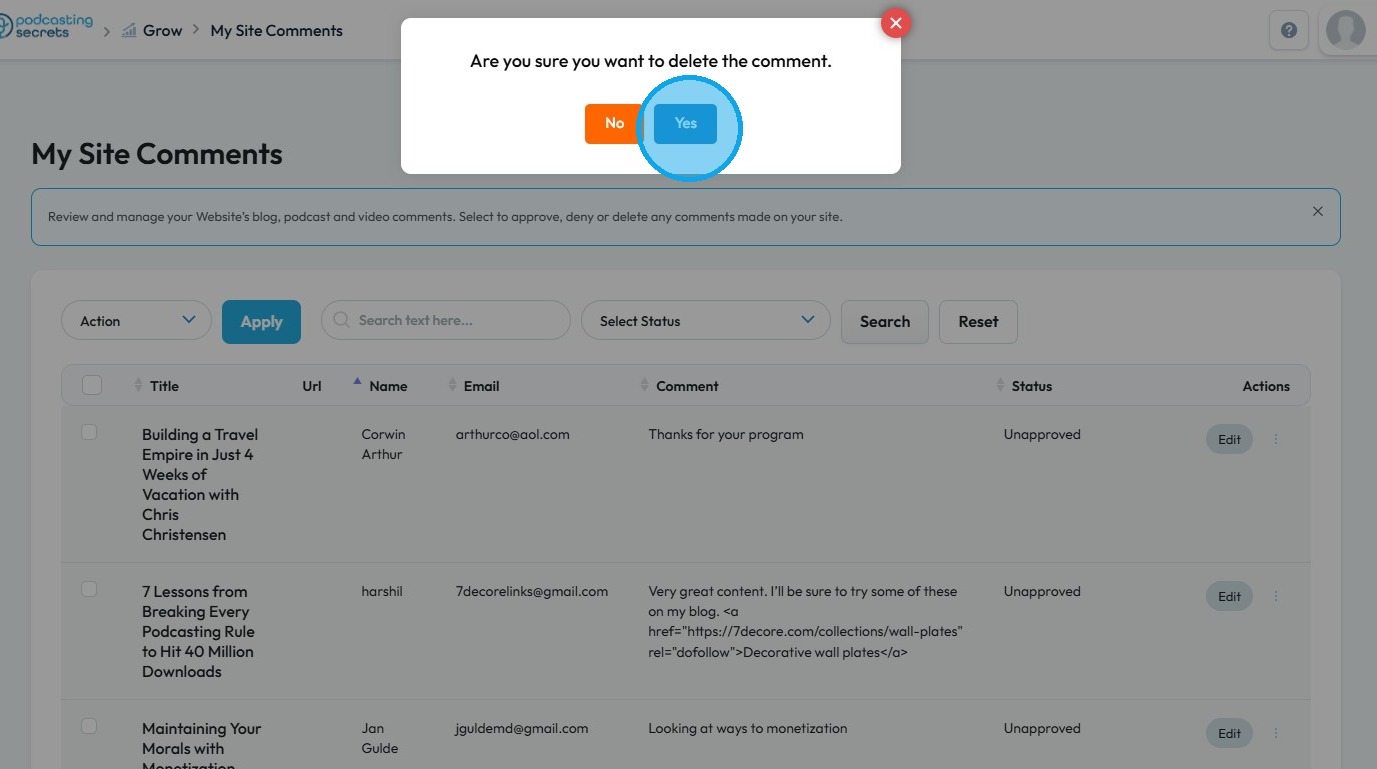
7. Click "Yes"
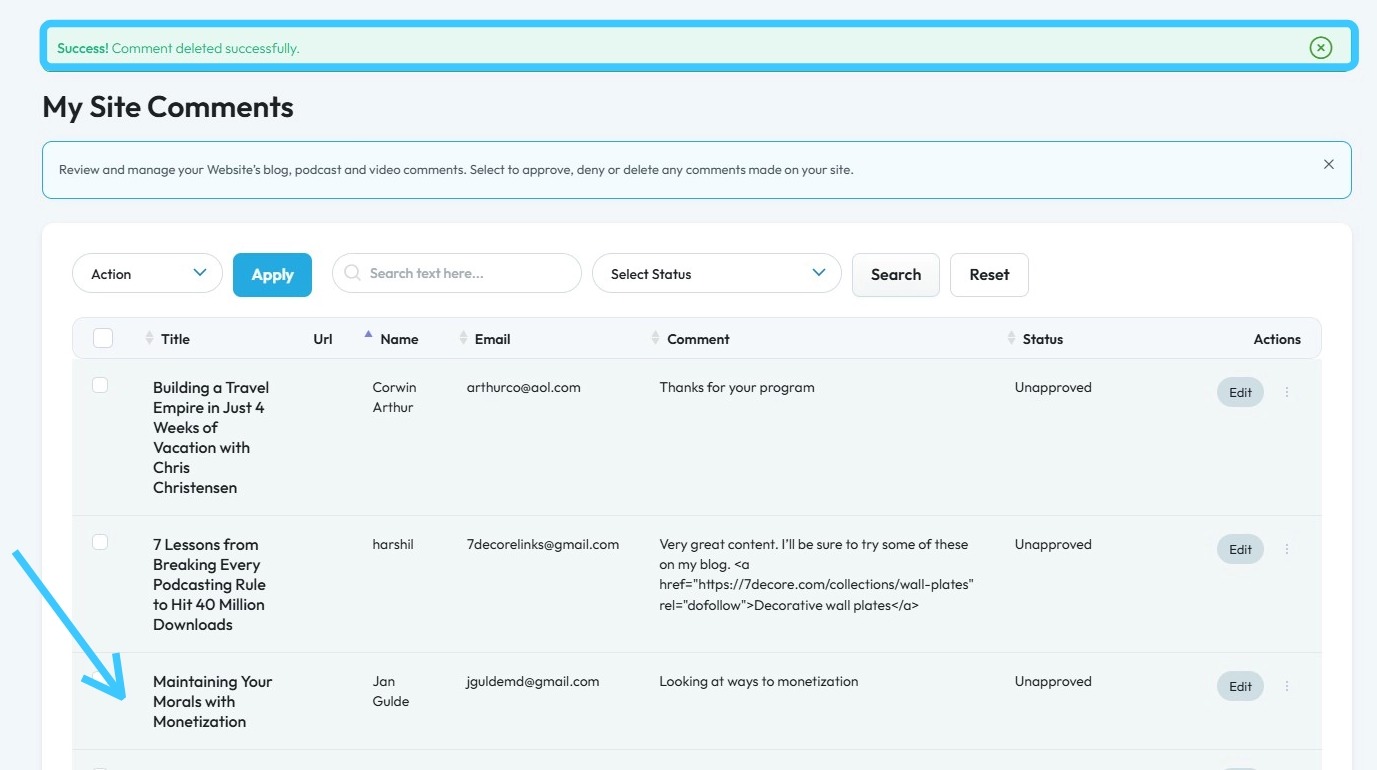
8. A green message box will appear with “Success! Comment deleted successfully,” and the comment will be removed
Related Articles
How to Approve comments on my site.
This guide shows you how to approve and manage website comments to improve engagement and user experience 1. Navigate to https://app.podup.com/home 2. Click "Grow" 3. Select "Comments" 4. "My Site Comments" page will have all the comments on your ...How to add a comments section to my blog?
This guide walks you step by step through adding a comments section to your blog to encourage reader interaction. 1. Navigate to https://app.podup.com/home 2. Click on the "My Site" 3. Choose "Post Page Builder" 4. Click "Build" button of your "Blog" ...How do I delete files
By following this guide, you can efficiently delete files in PodUp to manage your storage and keep your workspace organized. 1. Navigate to https://app.podup.com/home 2. Click "File Manager" 3. Right-click on the file you wish to delete 4. Click ...How to delete a page
Use this guide to delete pages in PodUp and manage your website content. 1. Navigate to app.podup.com/home 2. Click "My Site" 3. Select "Page Builder" 4. This section displays all your pages 5. Click "3 Dots" button of the page you want to Delete 6. ...How to Delete an Episode
This guide offers a step-by-step process for deleting an episode from the Podup account to keep your podcast organized and up-to-date. 1. Navigate to https://app.podup.com/home 2. Click "Create" 3. Select "Episode Manager" 4. The “Episode Manager” ...