How to delete a team member?
By following this guide, you can easily remove a team member from your PodUp account to manage your team efficiently.
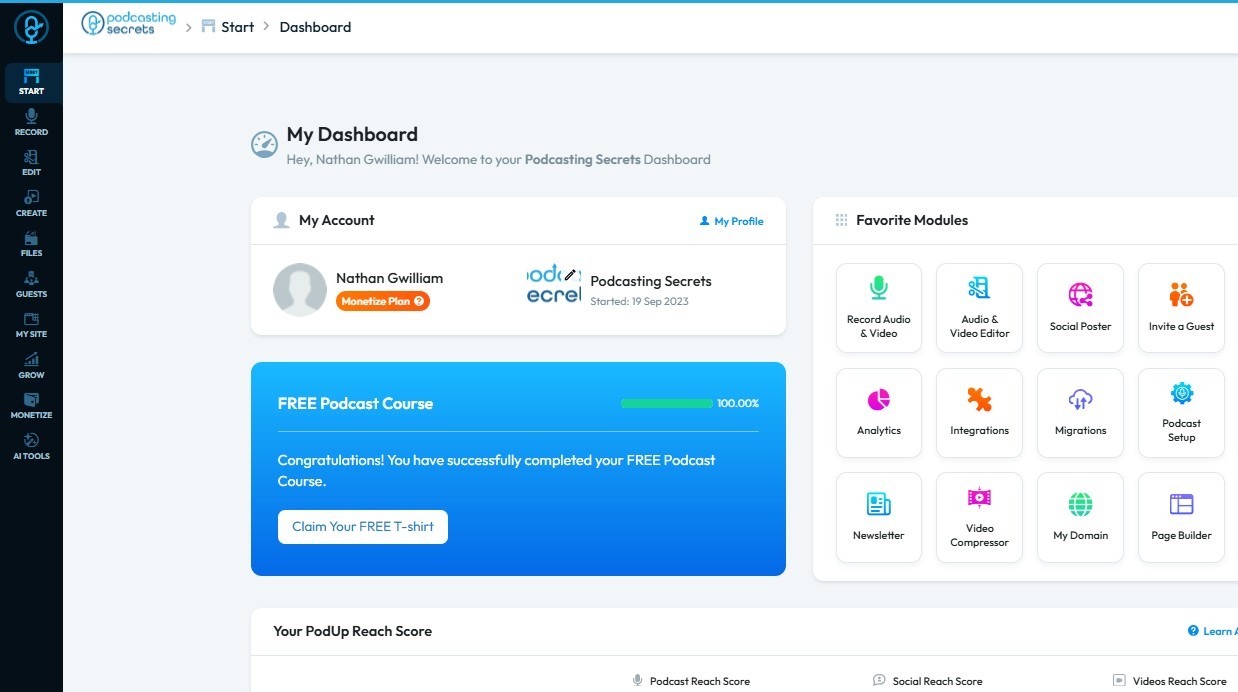
1. Navigate to https://app.podup.com/home
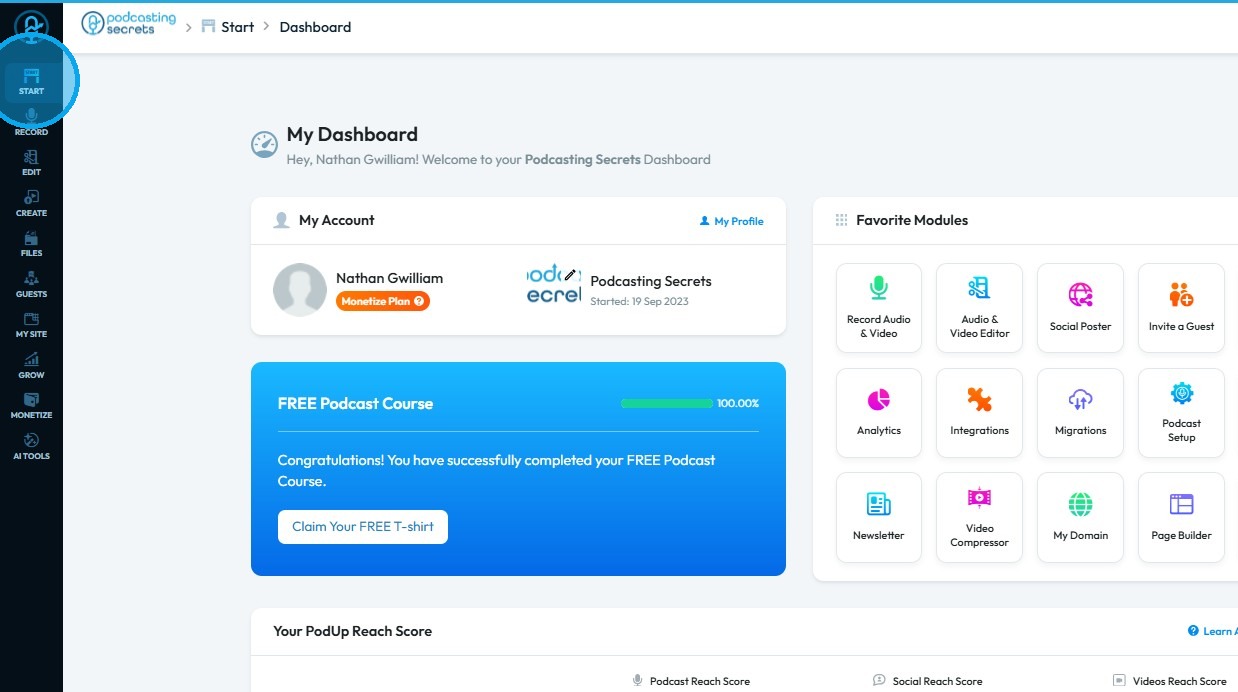
2. Click "Start"
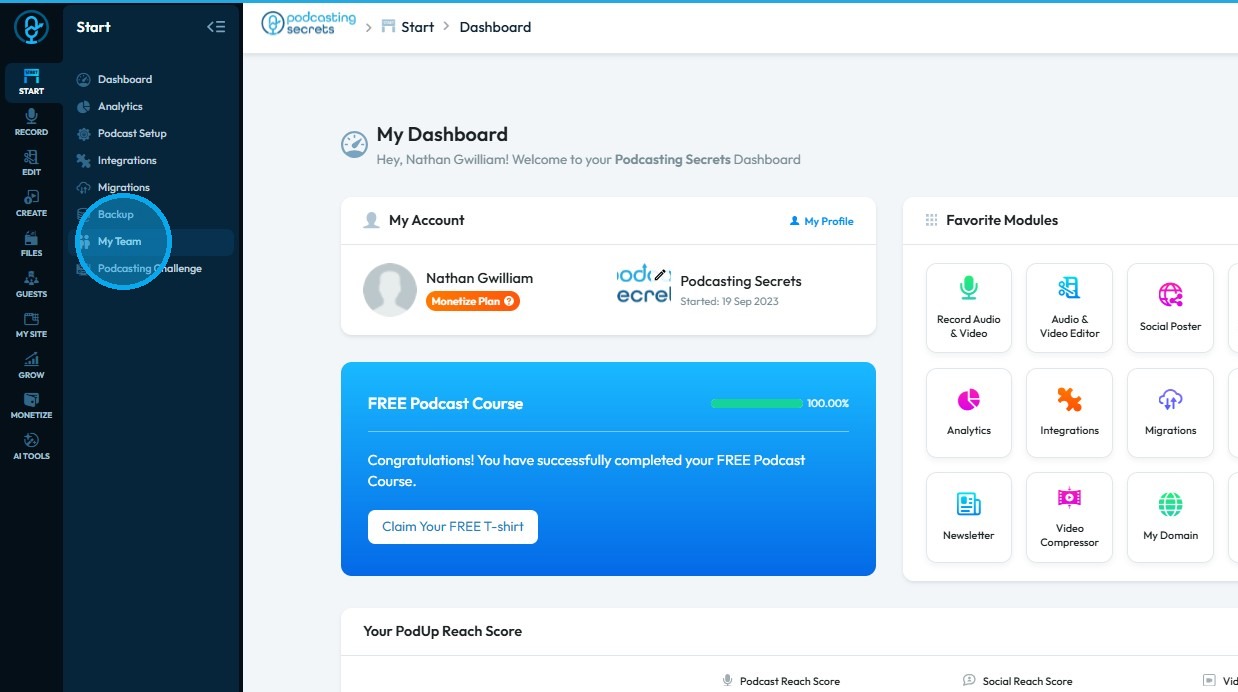
3. Select "My Team"
4. Click "Add team member"
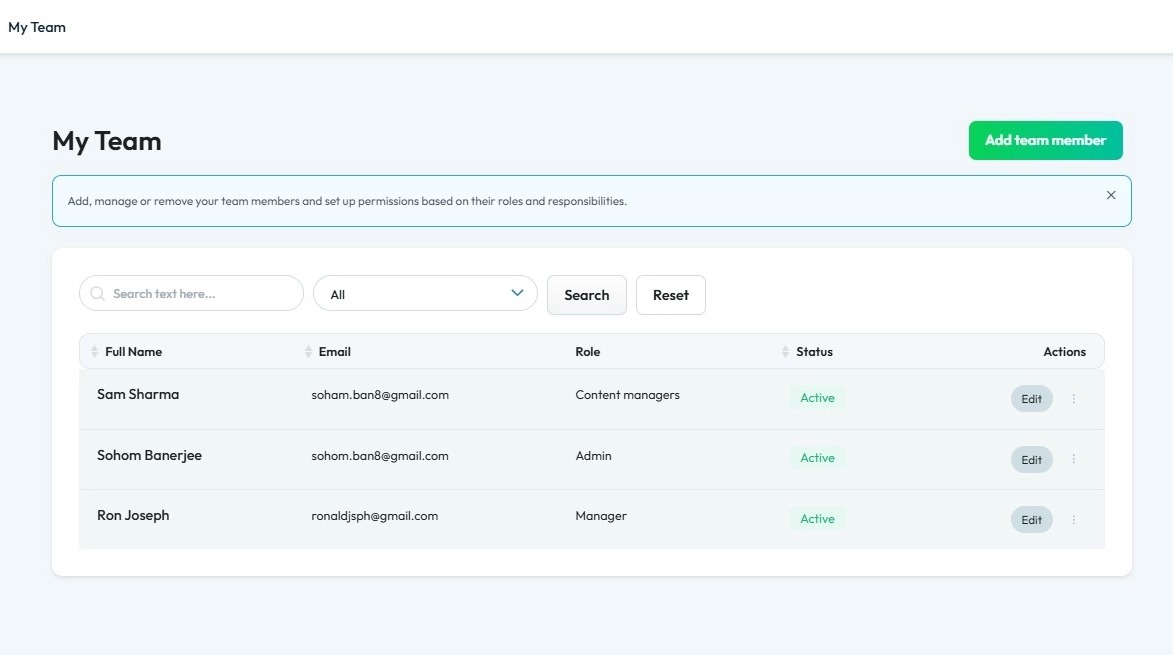
5. Click "Edit"
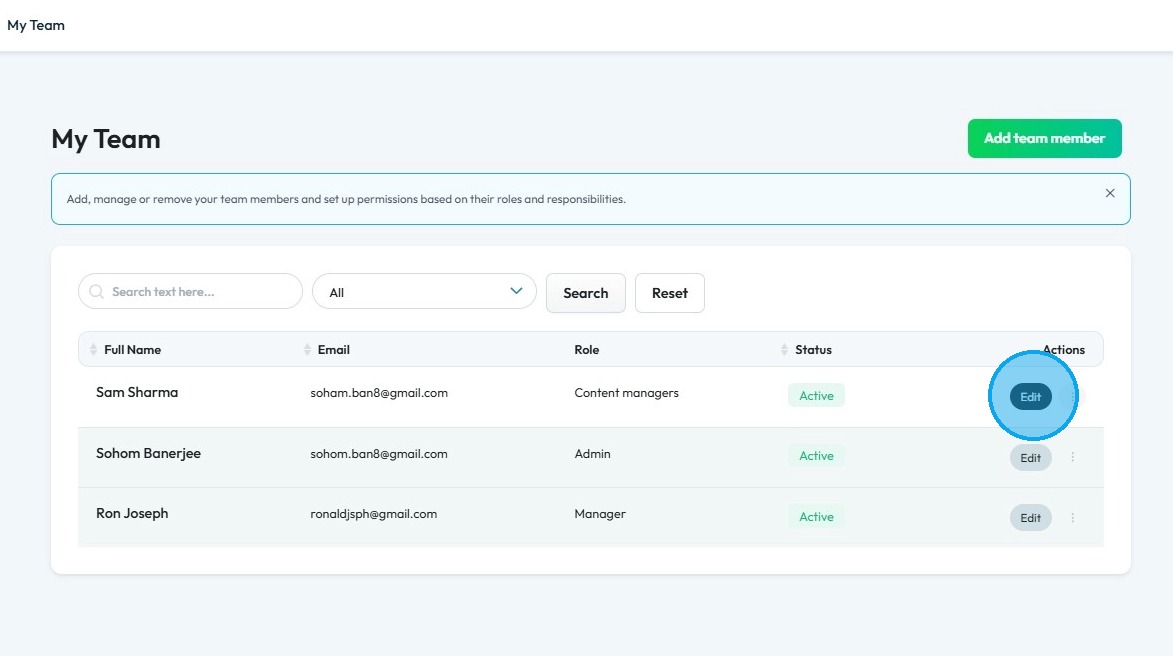
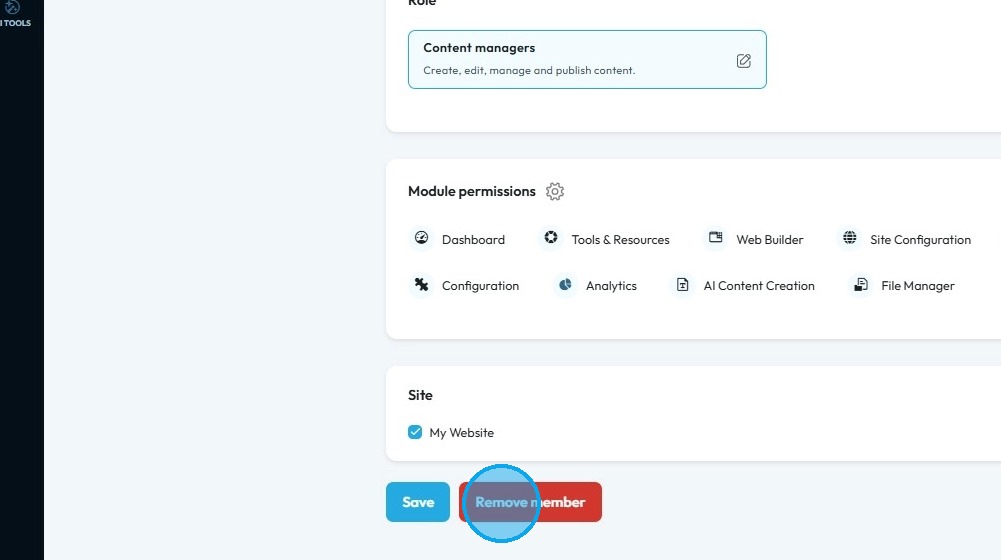
6. Select "Remove member"
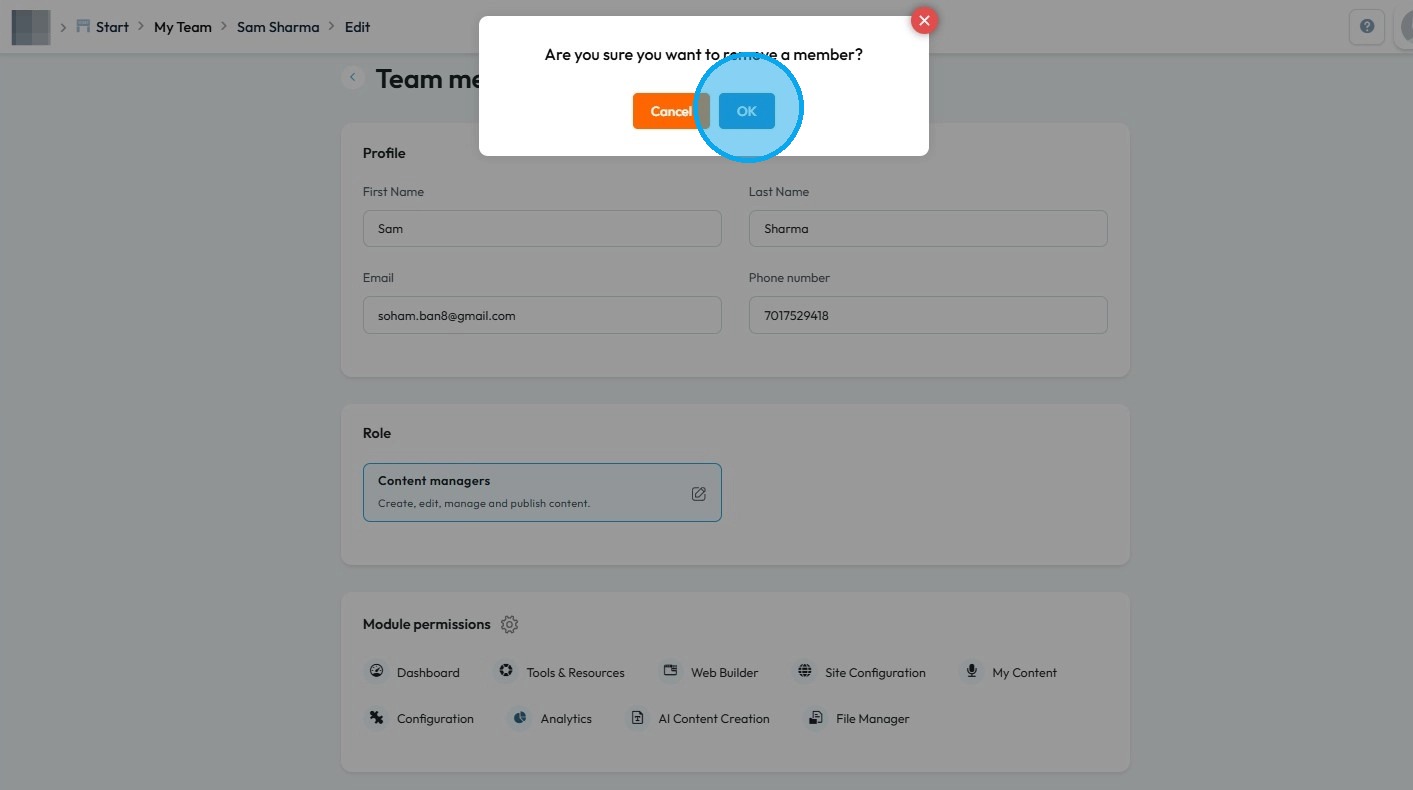
7. Click "OK"
Related Articles
How to Add A Team Member to My Team?
This guide offers a straightforward, step-by-step approach to adding team members on PodUp, ensuring you can efficiently expand your team. It details the roles available and their specific permissions, allowing you to make informed decisions about ...How To Navigate My Team (Detailed)
This guide shows how to easily manage your team in PodUp—add or remove members, create custom roles, and set permissions. It helps keep your team organized and working smoothly. 1. Navigate to https://app.podup.com/home 2. Click "Start" 3. Click "My ...How to Delete comments
Use this guide to quickly delete unwanted website comments and keep your site professional 1. Navigate to https://app.podup.com/home 2. Click "Grow" 3. Select "Comments" 4. The “Commenter” page displays all comments on your website 5. Click the three ...My Team Demo Video
My Team Quick Video