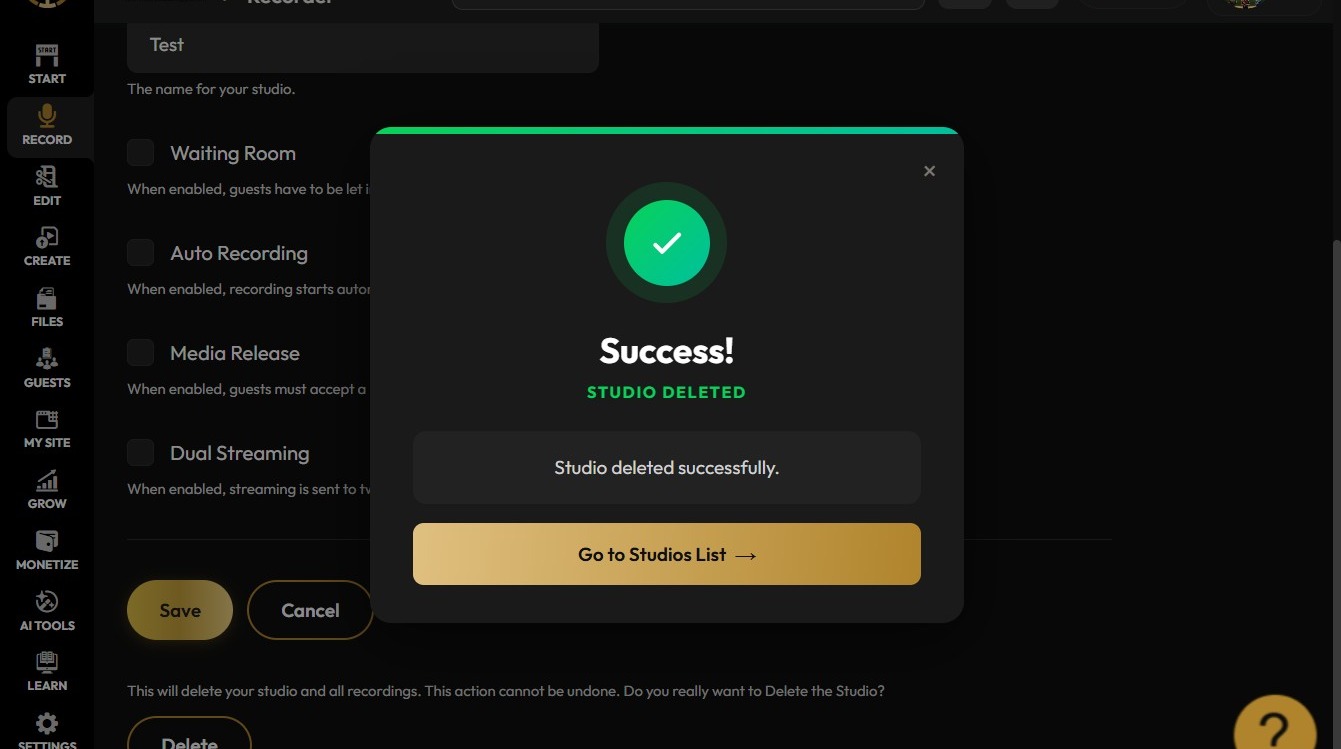
How To Delete A Studio In Podup
This guide provides a straightforward, step-by-step process for deleting a studio in Podup, making it easy to manage your recordings. It simplifies the task with clear instructions, ensuring users can navigate the platform efficiently. By following this guide, you can quickly free up space and streamline your Podup experience. Whether you're cleaning up your account or removing outdated projects, this guide is an essential resource for effective studio management.
1. Navigate to https://app.podup.com/home
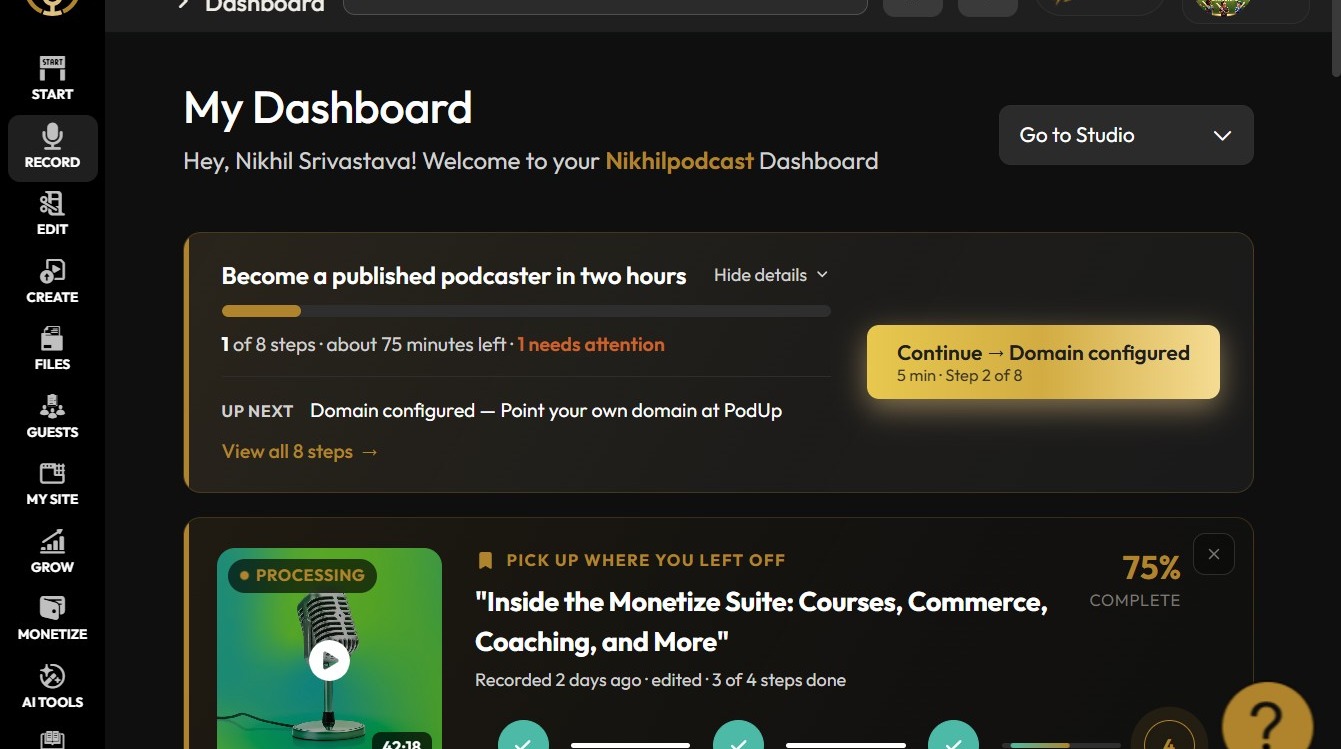
Open Recorder
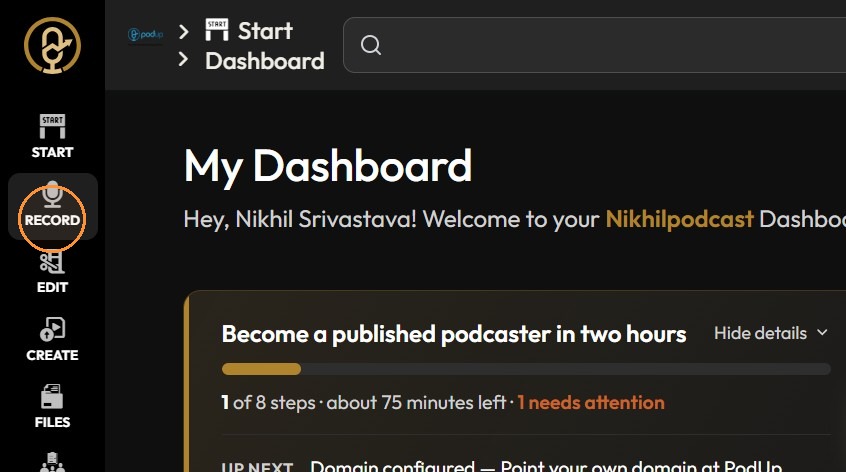
2. Click "Record"
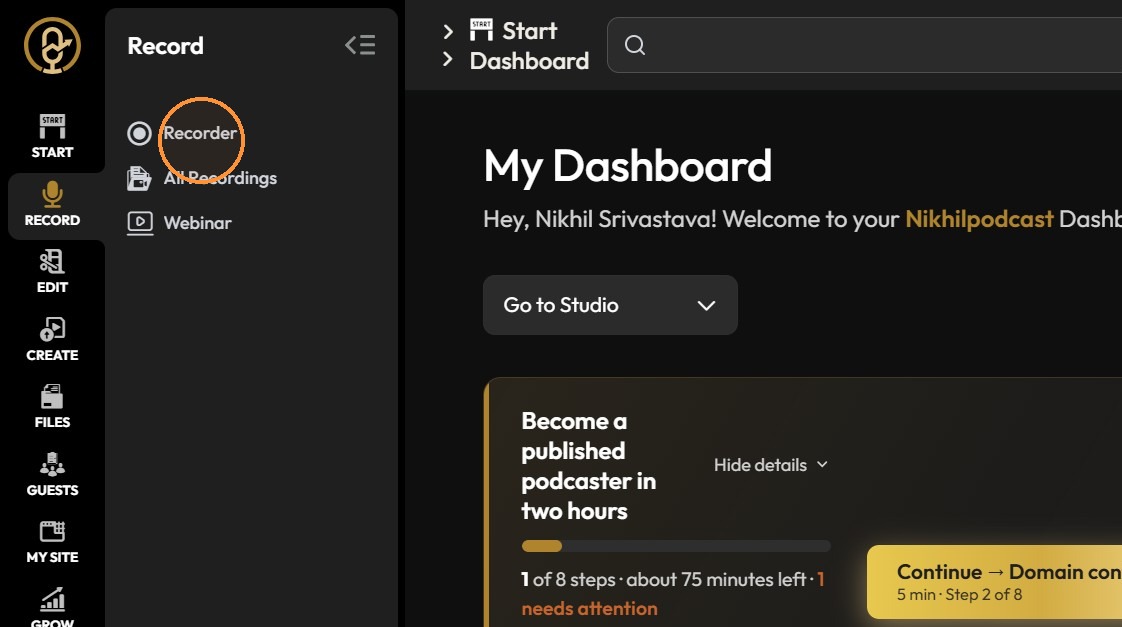
3. Click "Recorder"
Select Studio
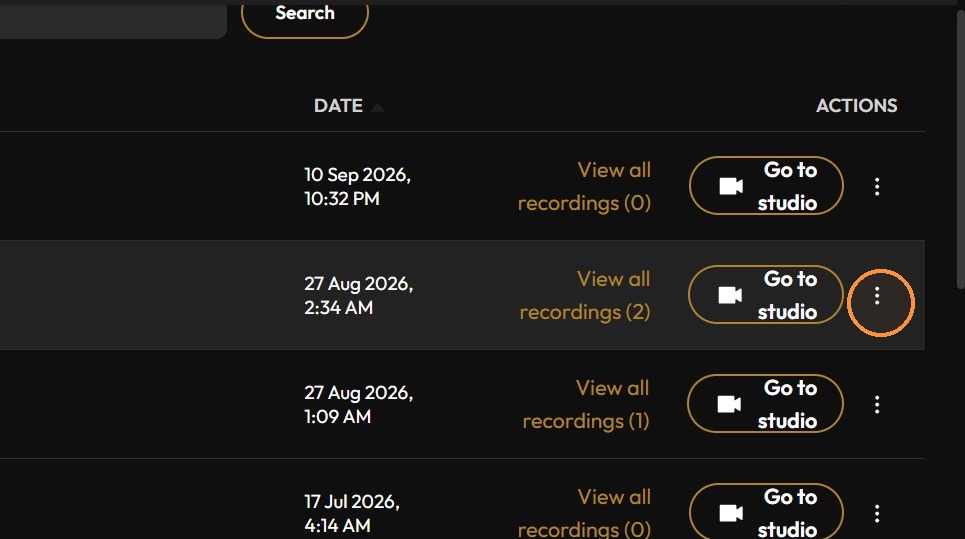
4. Click the three-dot menu for the Test studio.
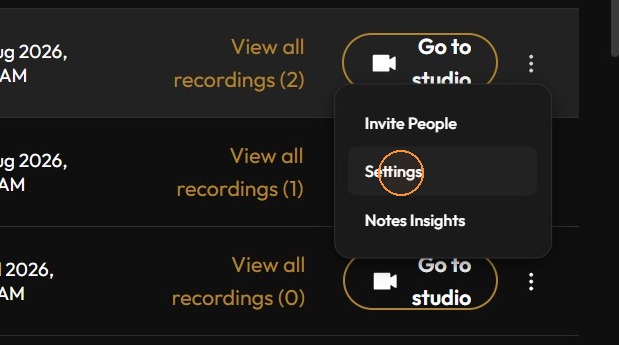
5. Click "Settings"
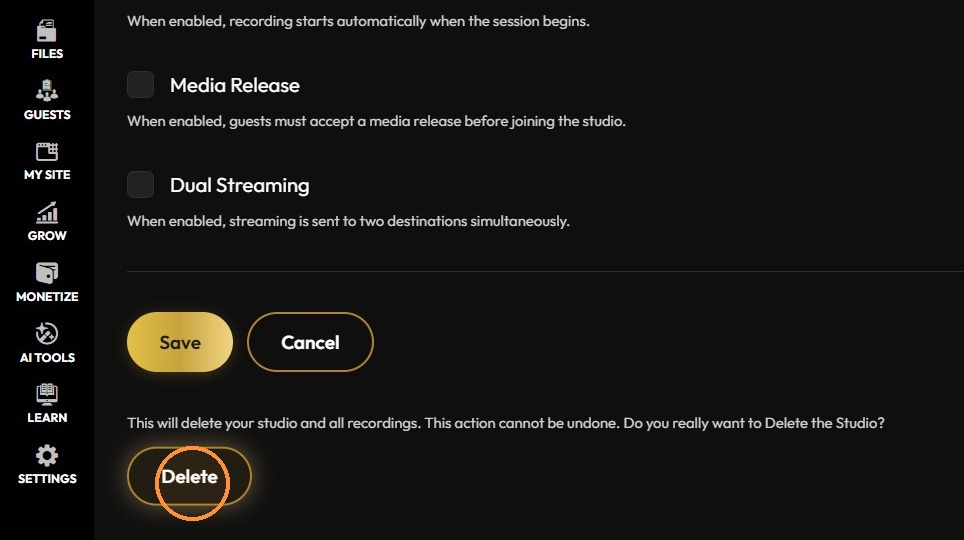
Delete Studio
6. Click "Delete"
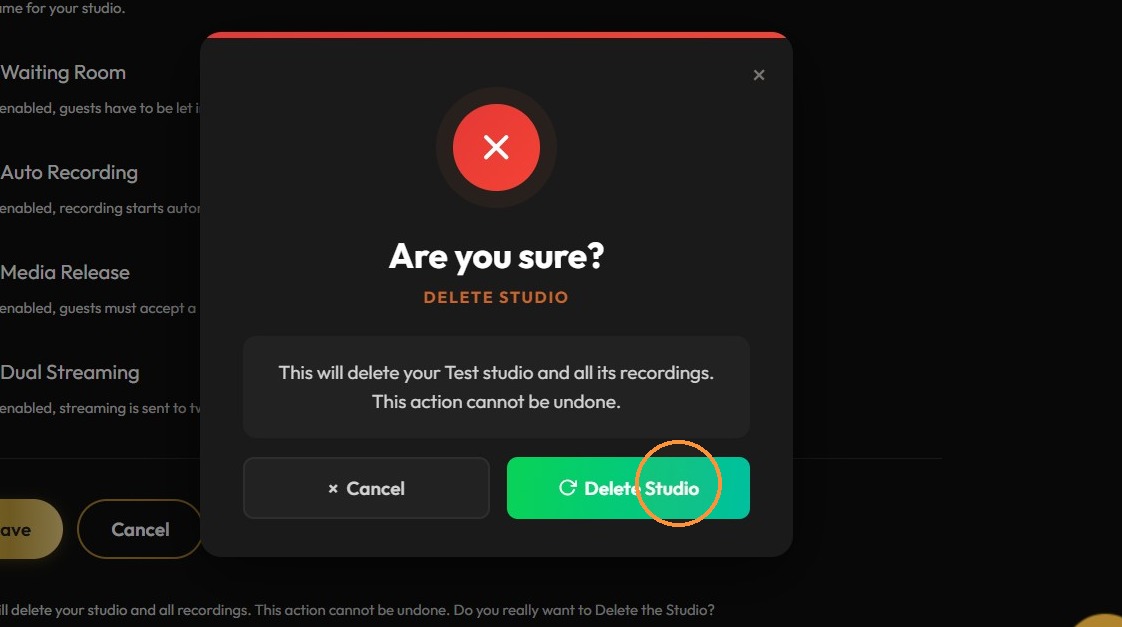
7. Click "Delete Studio"
8. Click Go to Studios List.