How to delete a page
Use this guide to delete pages in PodUp and manage your website content.
1. Navigate to app.podup.com/home
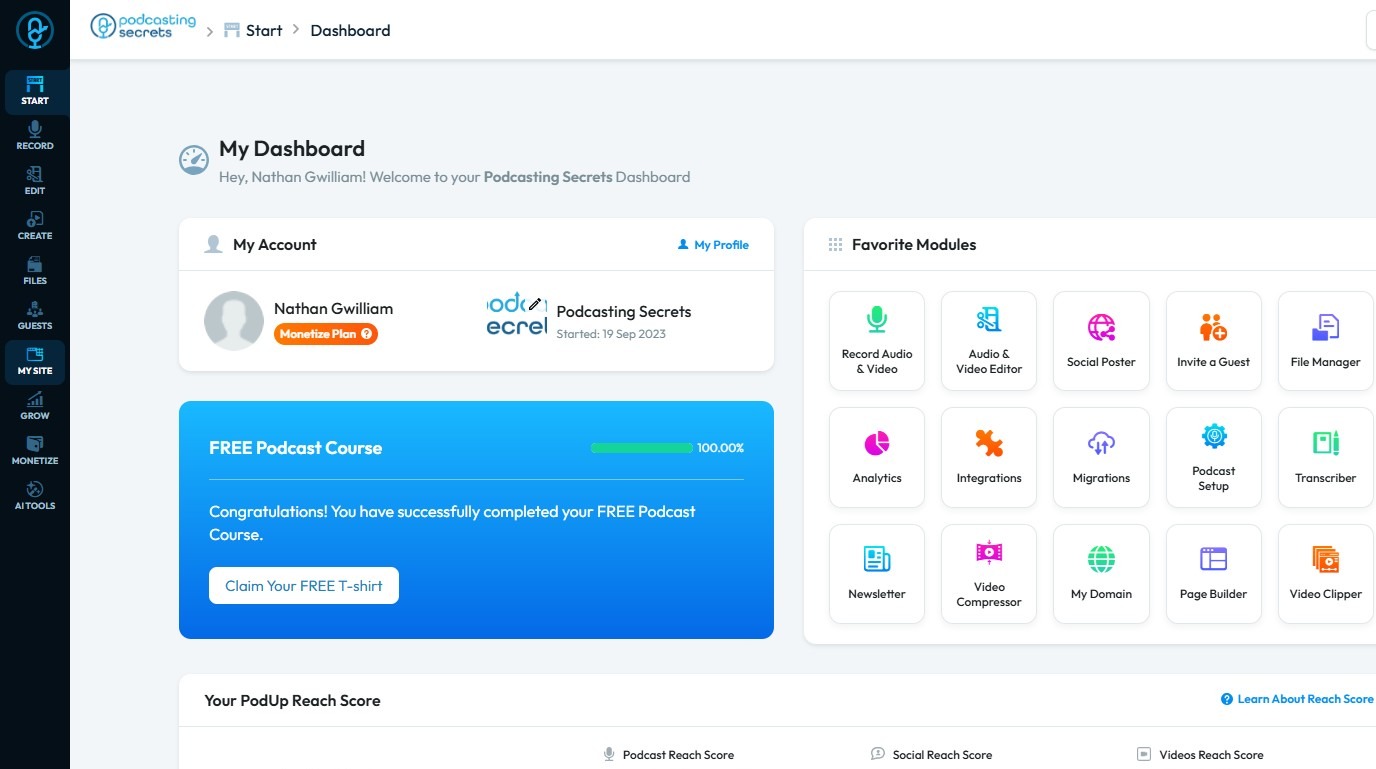
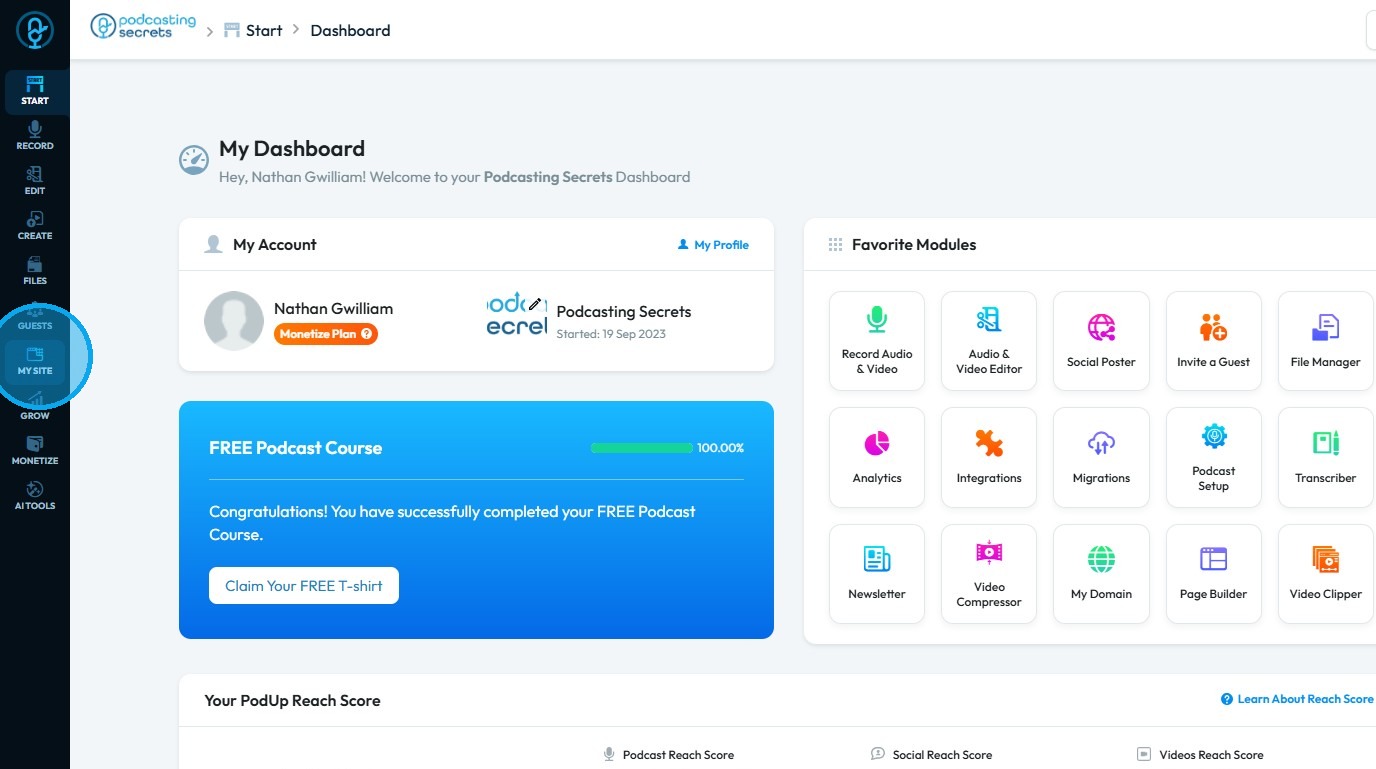
2. Click "My Site"
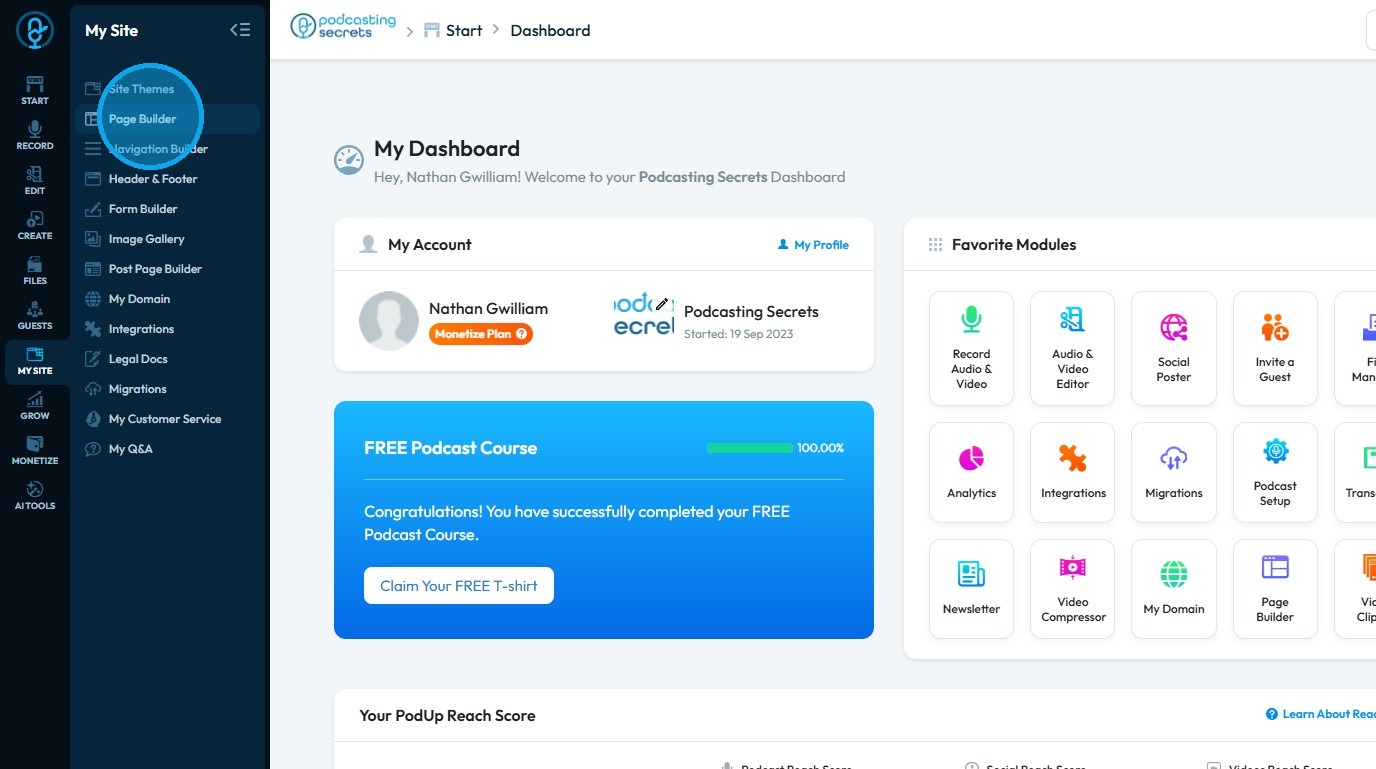
3. Select "Page Builder"
4. This section displays all your pages
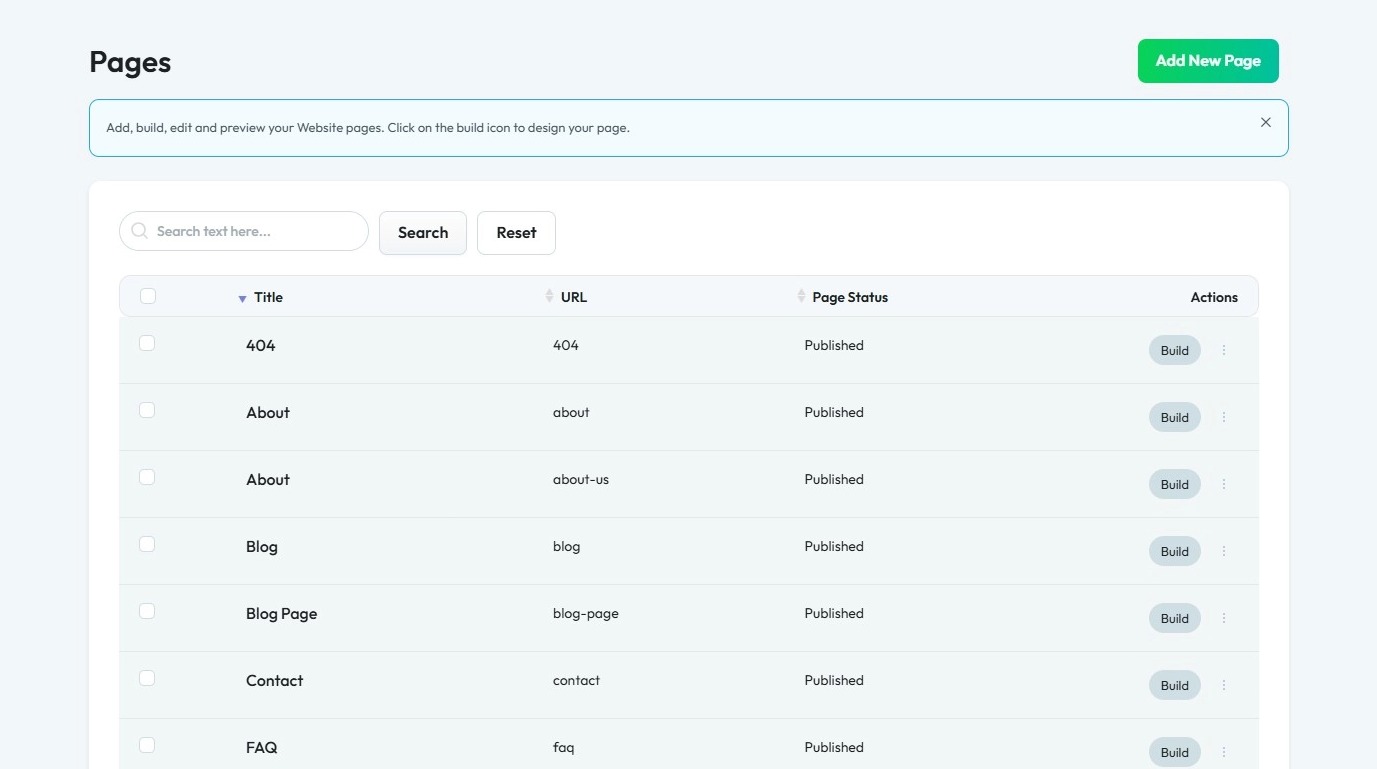
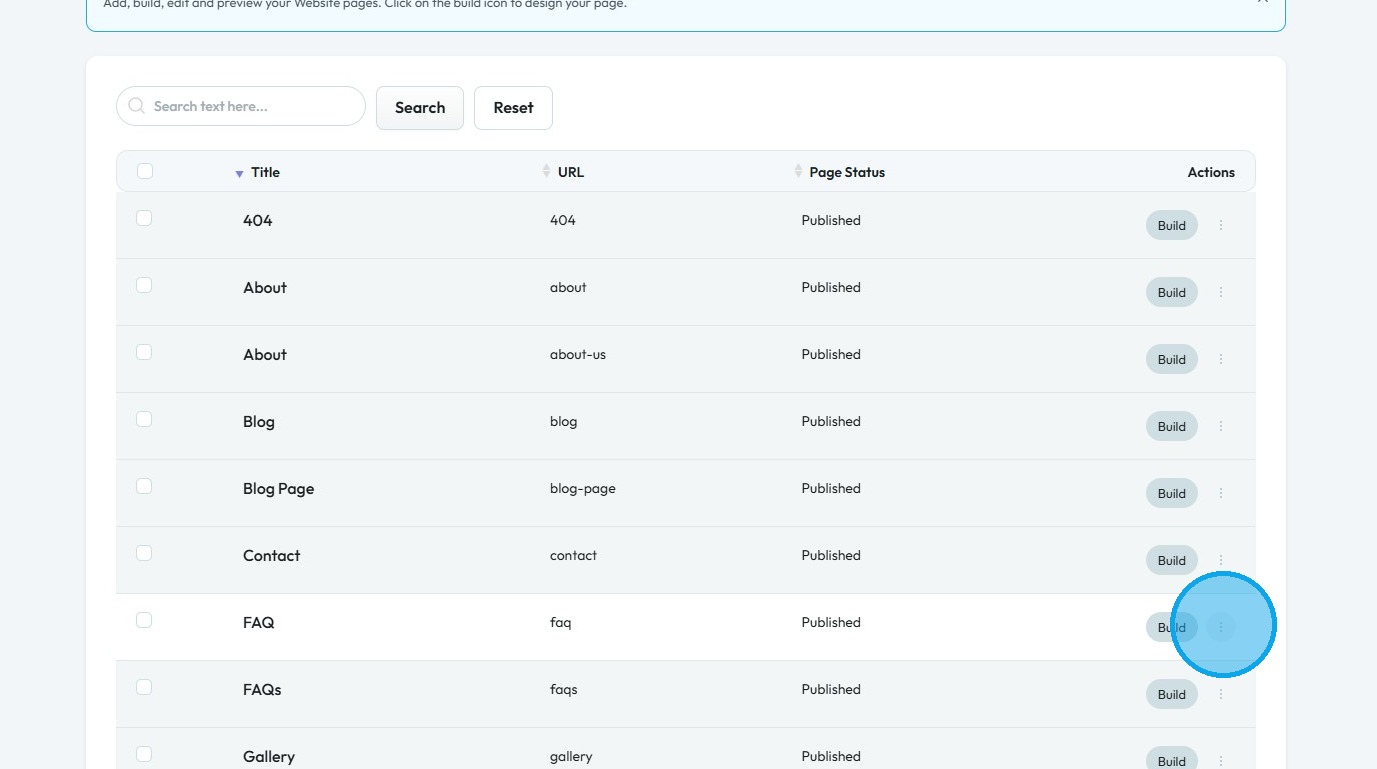
5. Click "3 Dots" button of the page you want to Delete
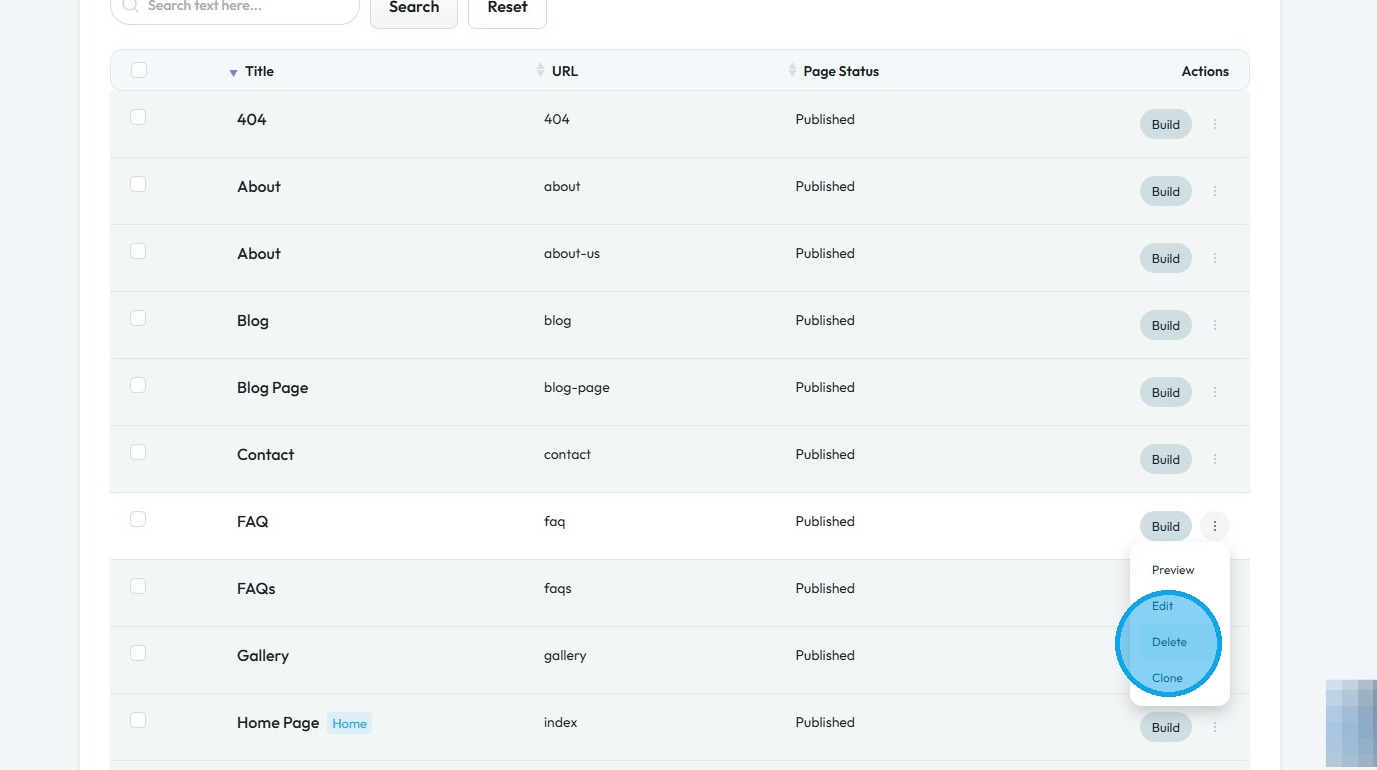
6. Click "Delete."
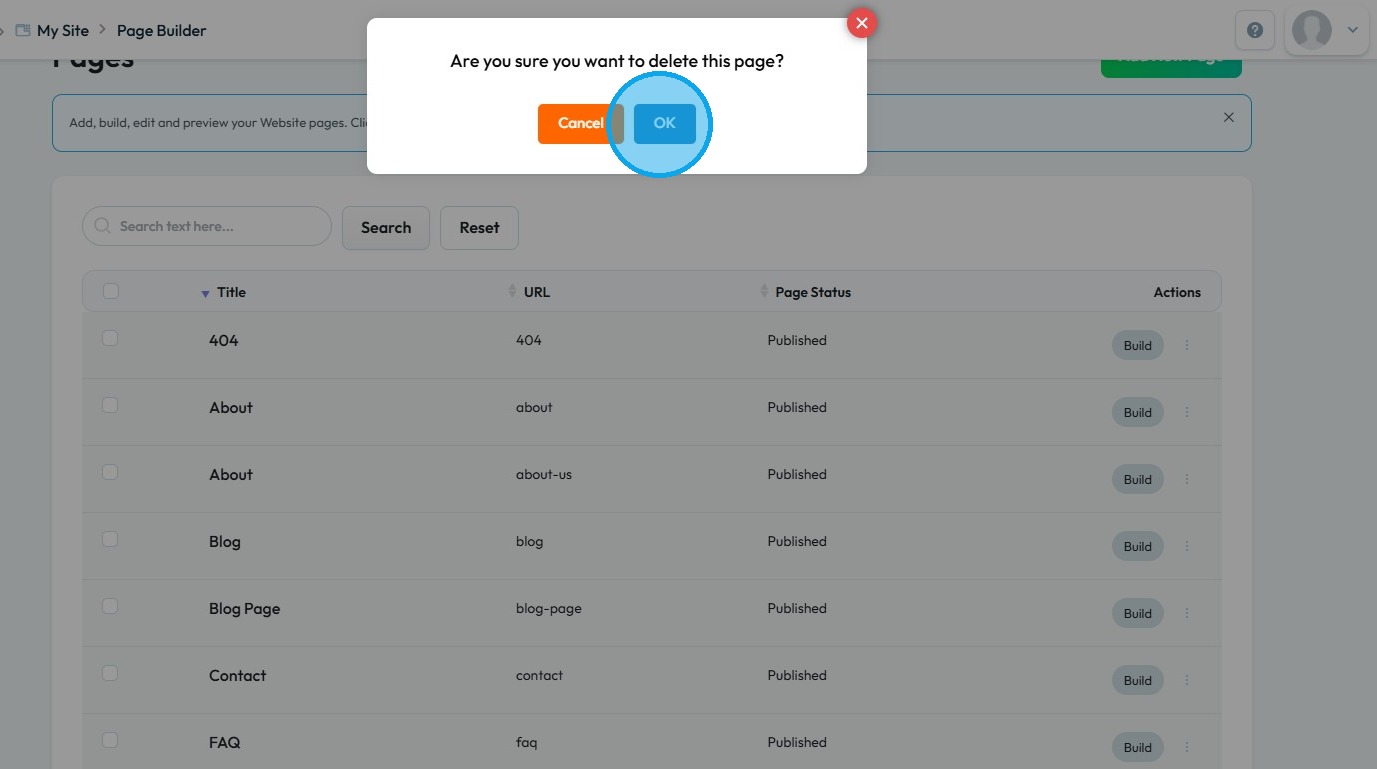
7. Click "OK"
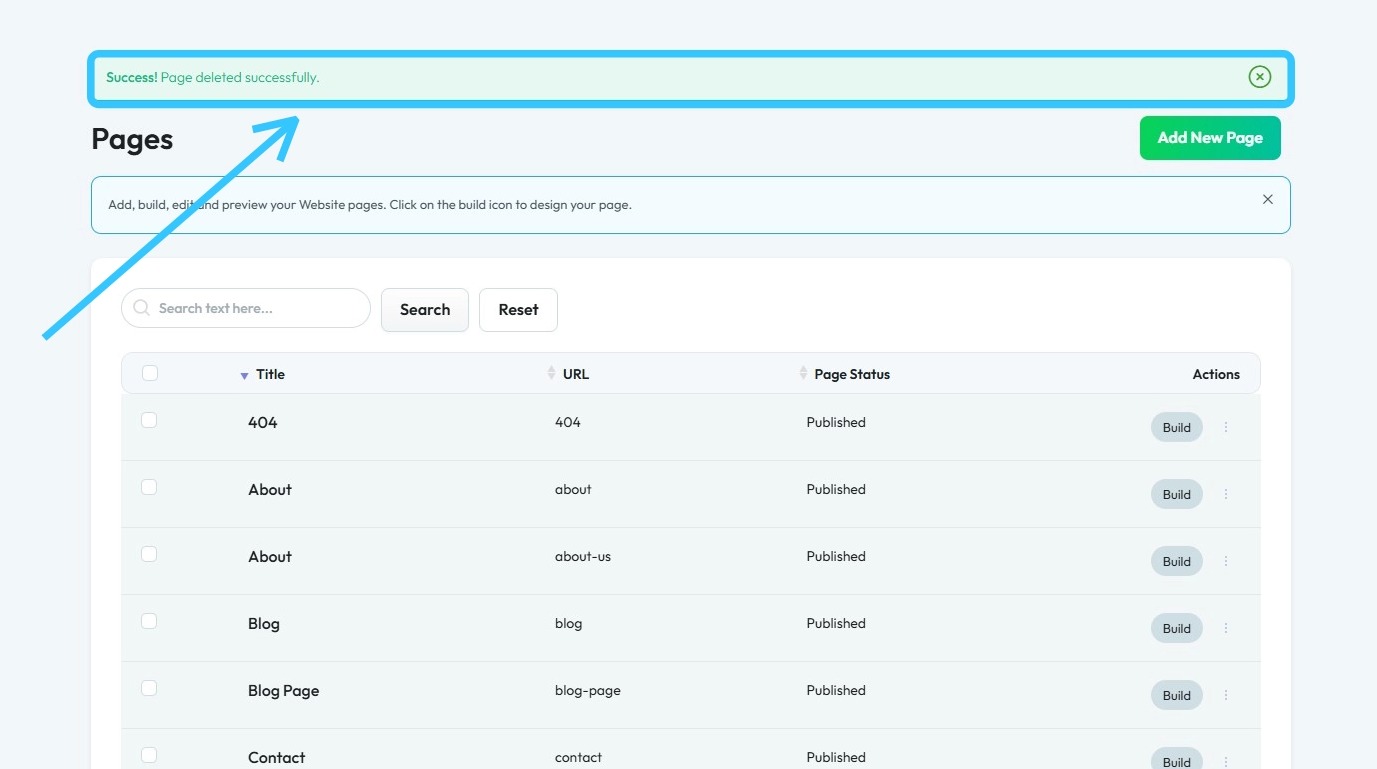
8. A ‘Success! Page deleted successfully.’ message will appear, confirming that the page has been deleted
Related Articles
How to Delete comments
Use this guide to quickly delete unwanted website comments and keep your site professional 1. Navigate to https://app.podup.com/home 2. Click "Grow" 3. Select "Comments" 4. The “Commenter” page displays all comments on your website 5. Click the three ...How to Delete an Episode
This guide offers a step-by-step process for deleting an episode from the Podup account to keep your podcast organized and up-to-date. 1. Navigate to https://app.podup.com/home 2. Click "Create" 3. Select "Episode Manager" 4. The “Episode Manager” ...How to Delete a Blog post
This guide offers a clear, step-by-step process for deleting a blog on PodUp, ensuring users can easily manage their content and quickly remove unwanted posts. 1. Navigate to https://app.podup.com/home 2. Click "Create" 3. Select "Blogs" 4. The ...How To Permanently Delete Files In PodUp
This guide provides clear, step-by-step instructions for permanently deleting files in Podup, ensuring users can effectively free up storage space. By following the outlined process, you can avoid the common mistake of leaving files in the "trash," ...How to Delete a Podcast Episode on Podup
This guide simplifies deleting podcast episodes on PodUp, helping users manage their content more efficiently. 1. Navigate to https://app.podup.com/home 2. Click "Create" 3. Click "Podcast Episodes" 4. The “Podcast Episodes” page opens. 5. Click the ...