How to Delete a Domain Name in Podup
This guide provides a straightforward process for deleting a domain name in Podup, ensuring users can manage their domains efficiently. It outlines each step clearly, making it easy for anyone, regardless of technical expertise, to follow along. By using this guide, users can quickly remove unwanted domains, helping to streamline their online presence.
1. Navigate to https://app.podup.com/home
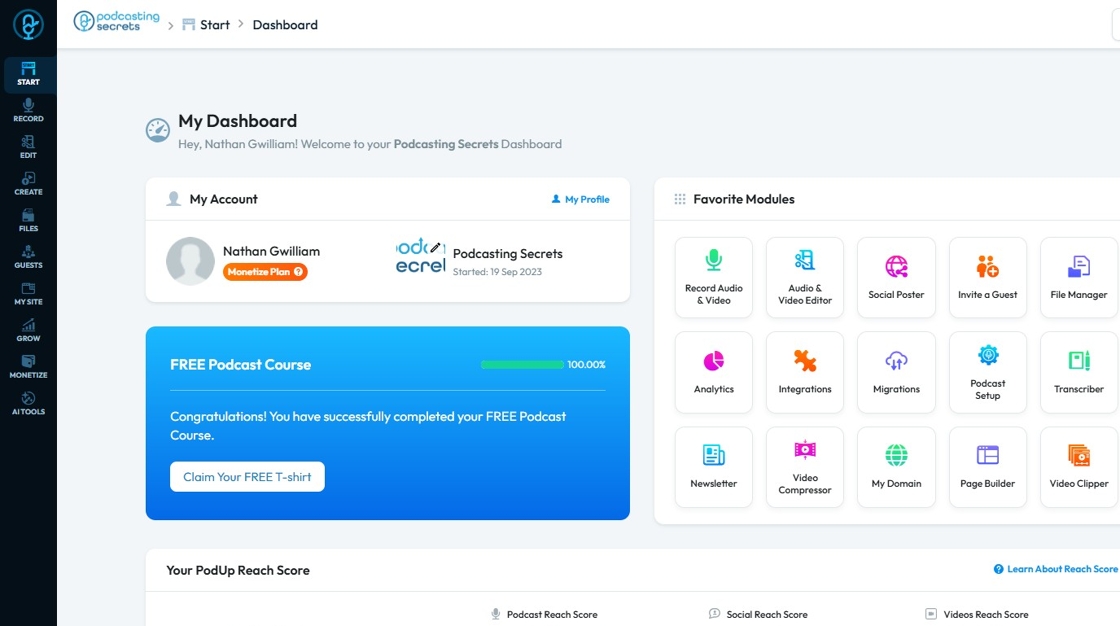
2. Click "My Domain"

3. "My Domain" page will load up.

4. Click on the "Three Dot" button of a Domain you want to remove.

5. Click "Delete"

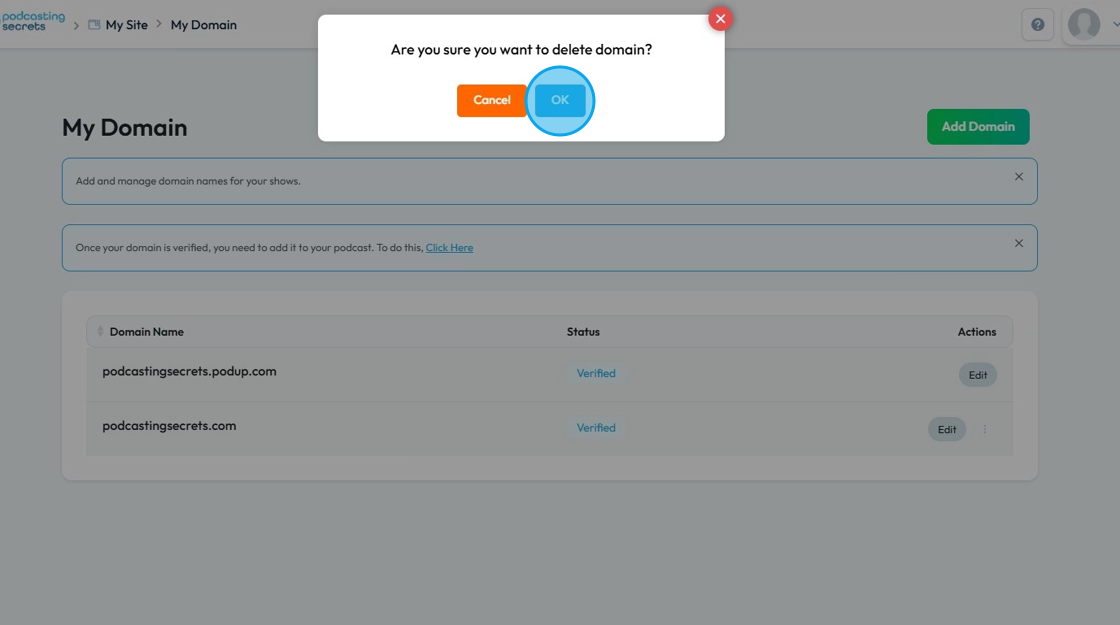
6. Click "OK" when "Are you sure you want to delete domain?" dialogue box appears.