How to Create and Manage Q&A Categories
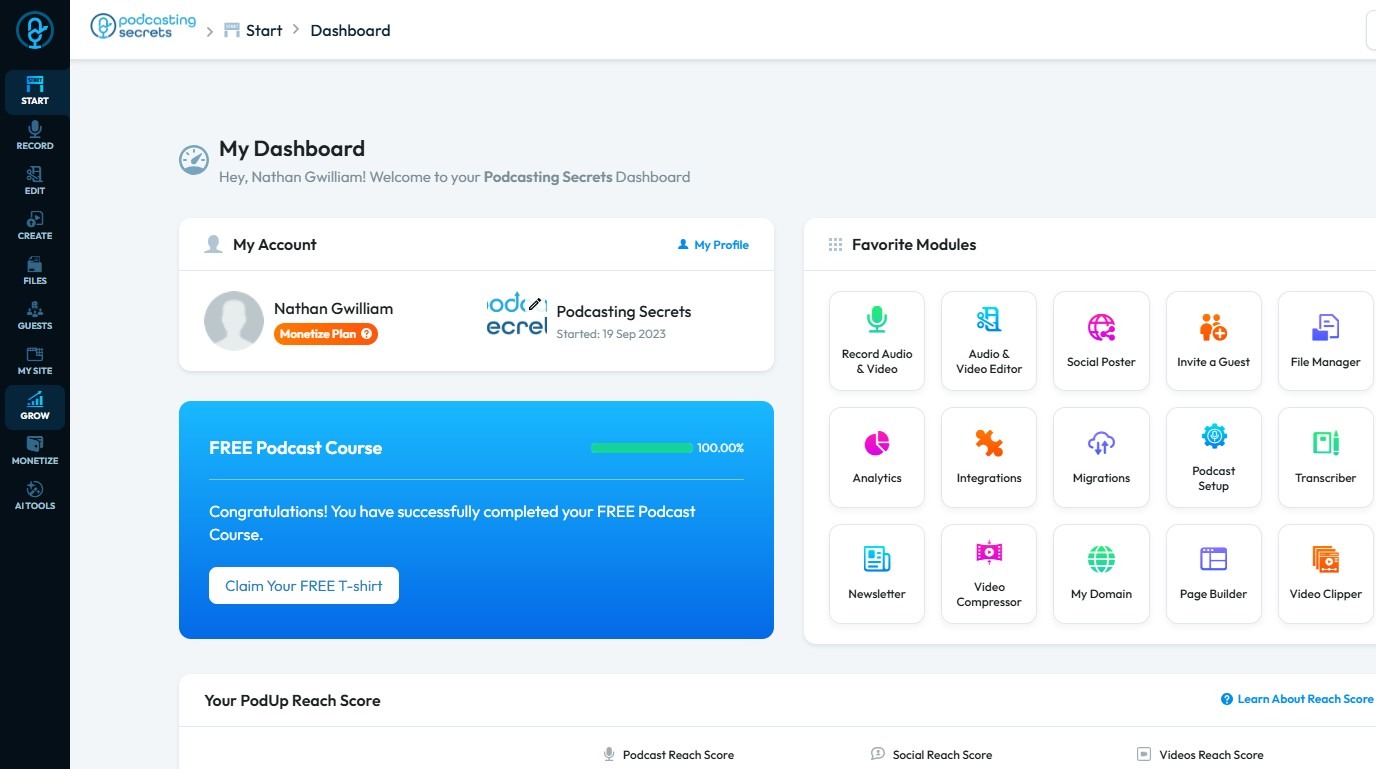
2. Click "My Site".
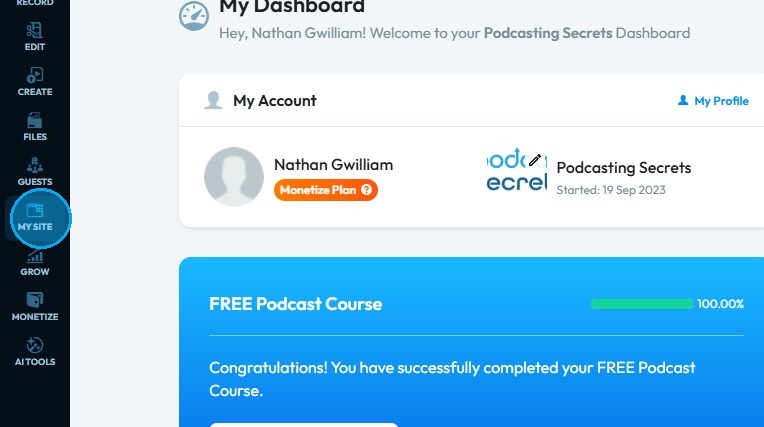
3. Select "My Q&A"
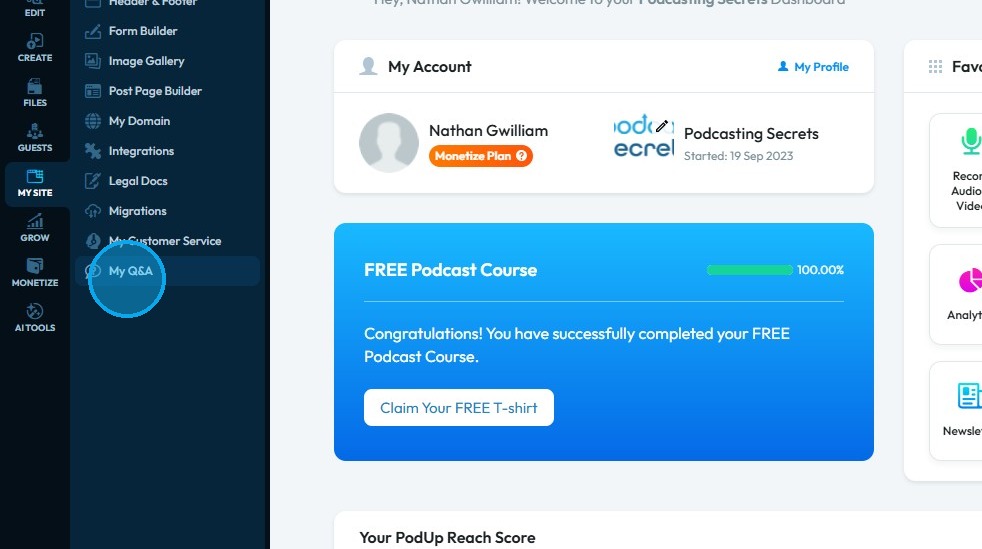
4. "My Q&A" page will load up.
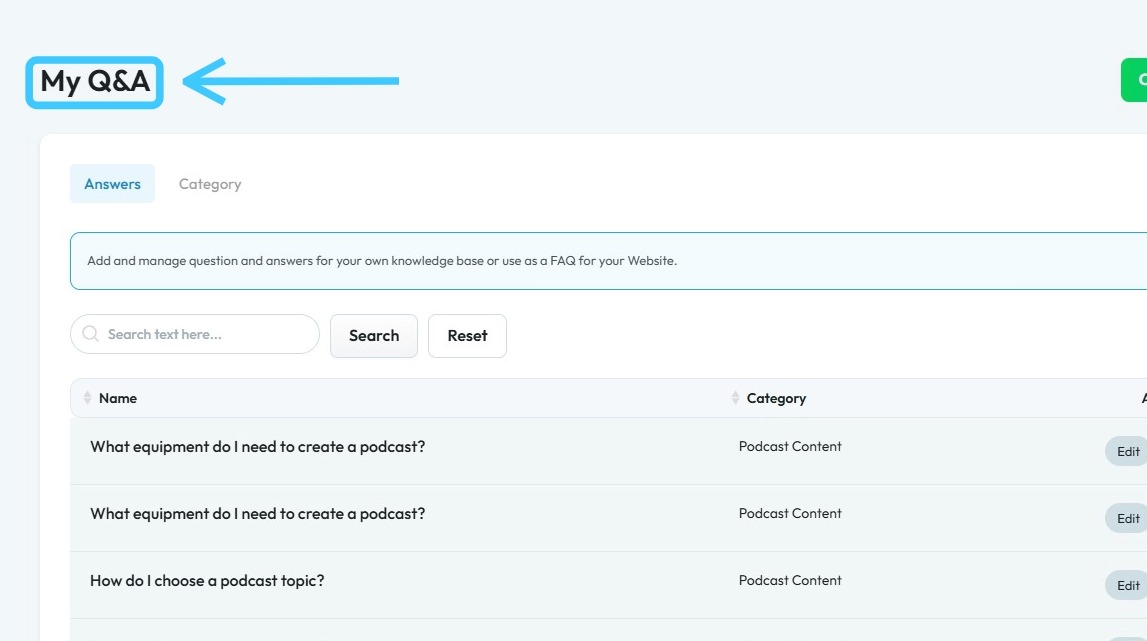
5. First tab will be of "Answers".
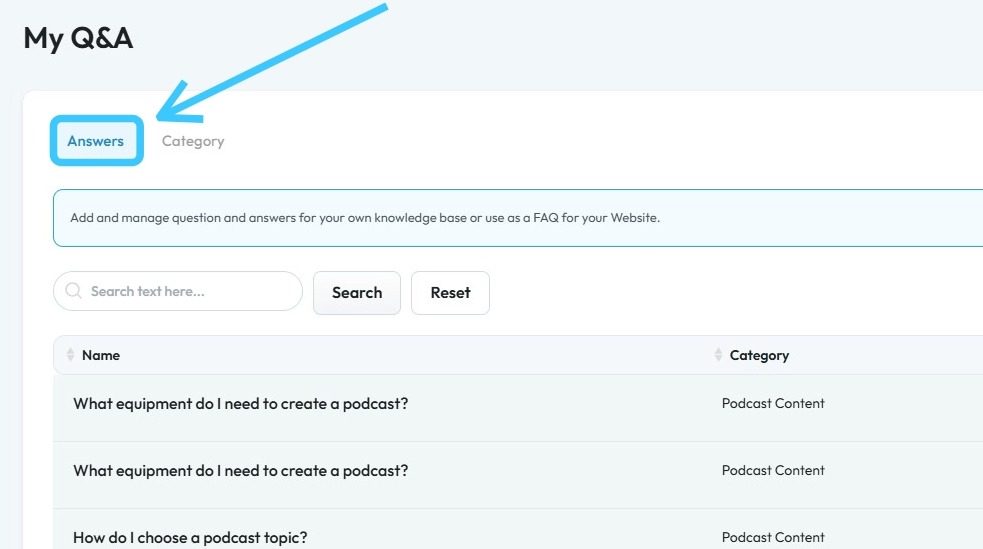
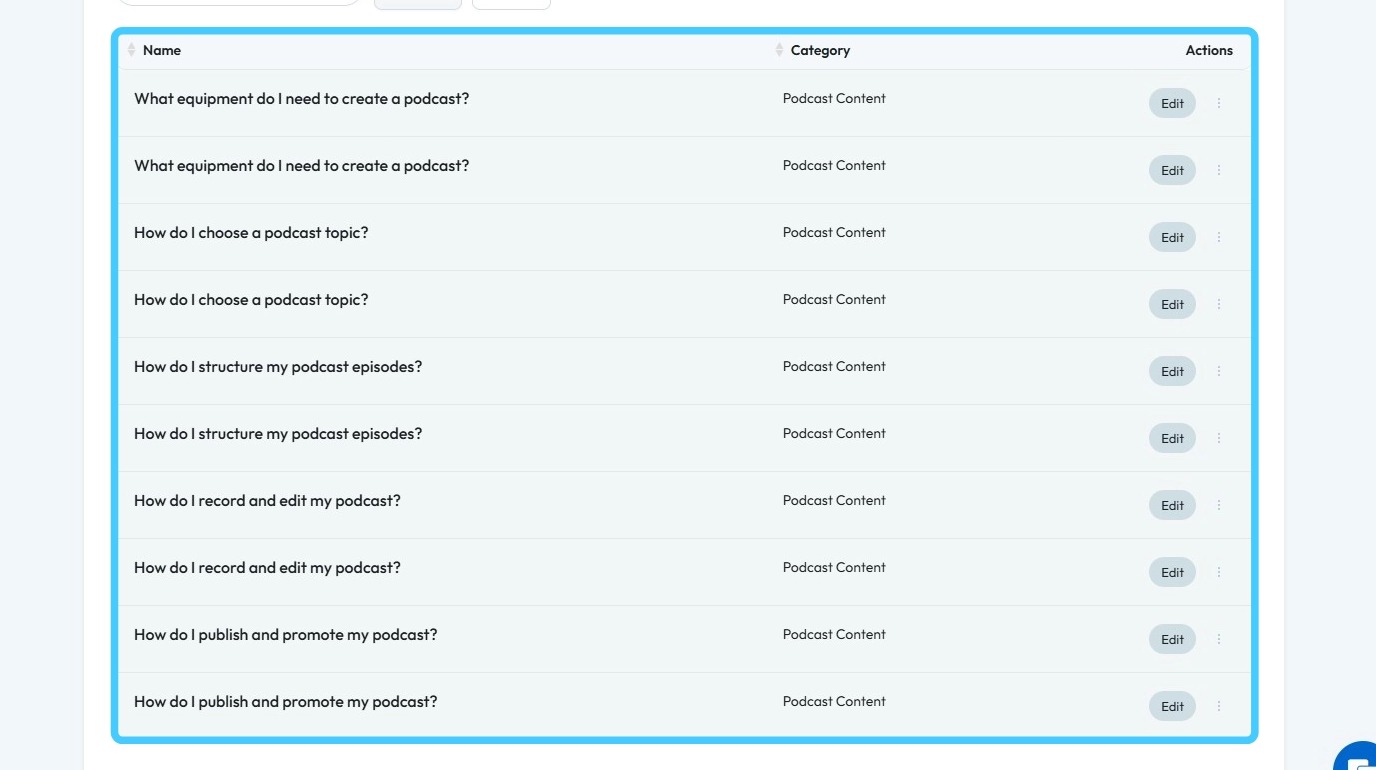
6. Here you will find all the Questions and Answers related to your website.
7. Second section is of "Category"
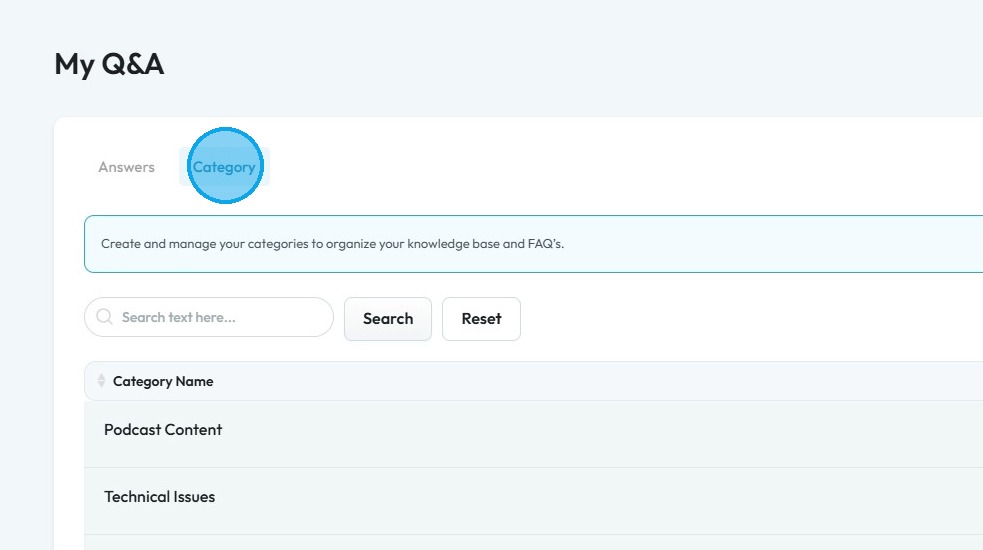
8. Here you will find all the Categories of your Q&A.
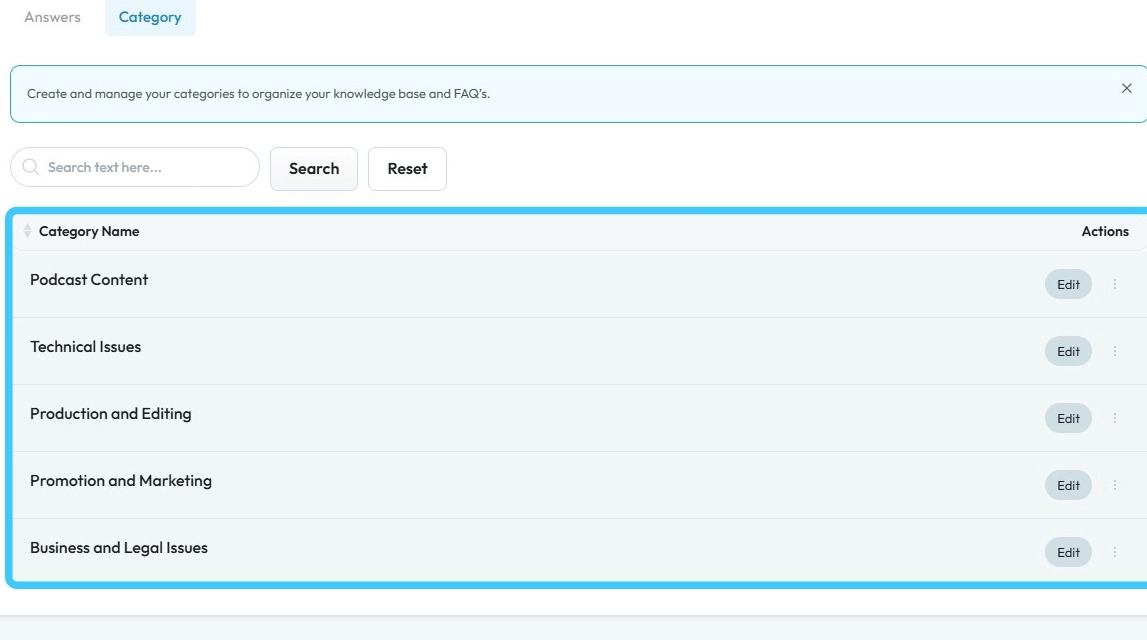
9. You can also enter the a word and click "Search" to filter the results.
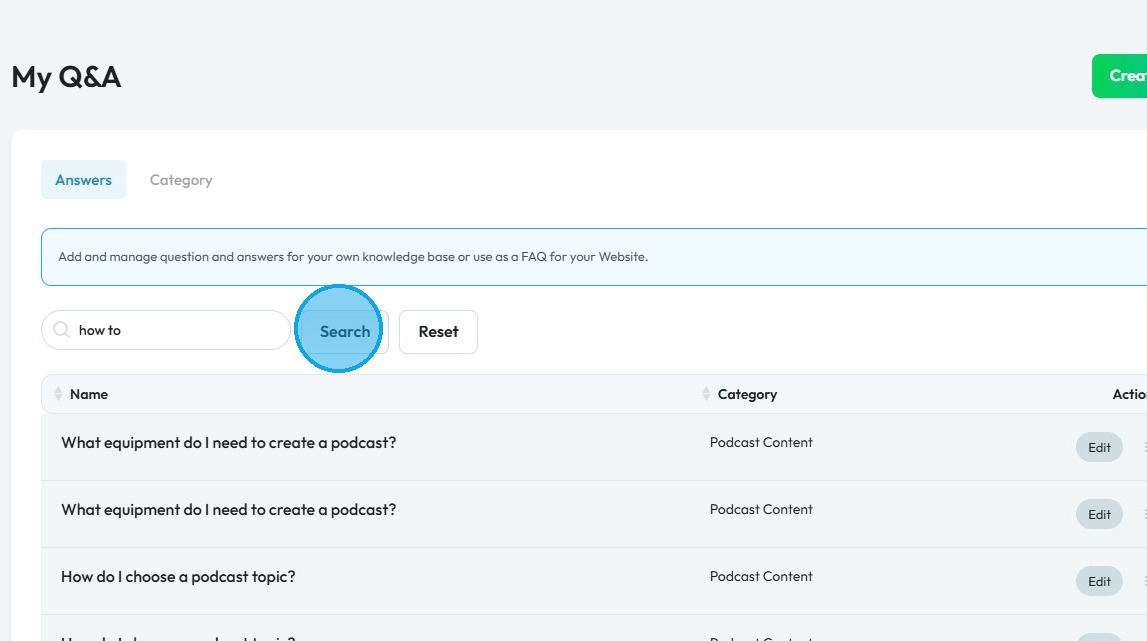
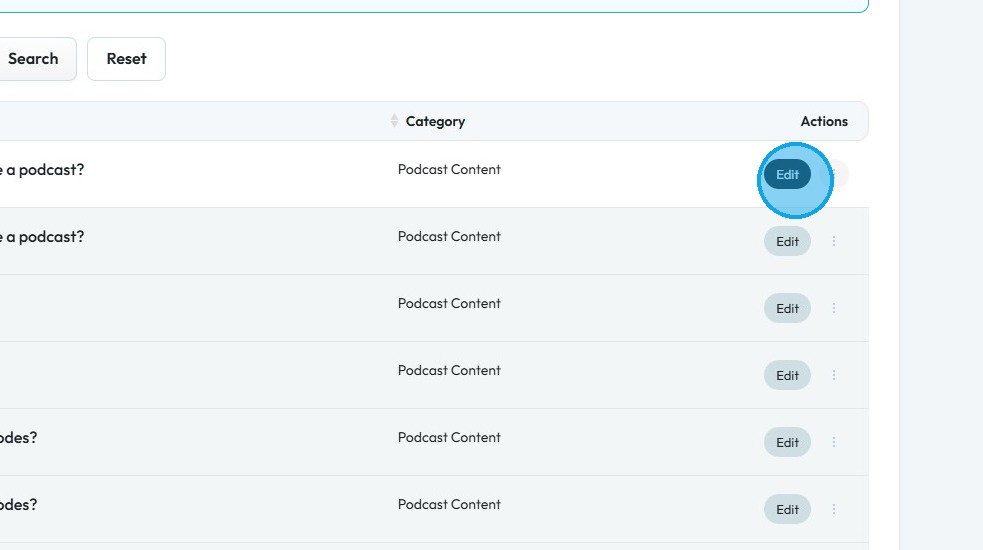
10. To customize an Answer or Category click "Edit"
11. "Edit Answer" page will open up.
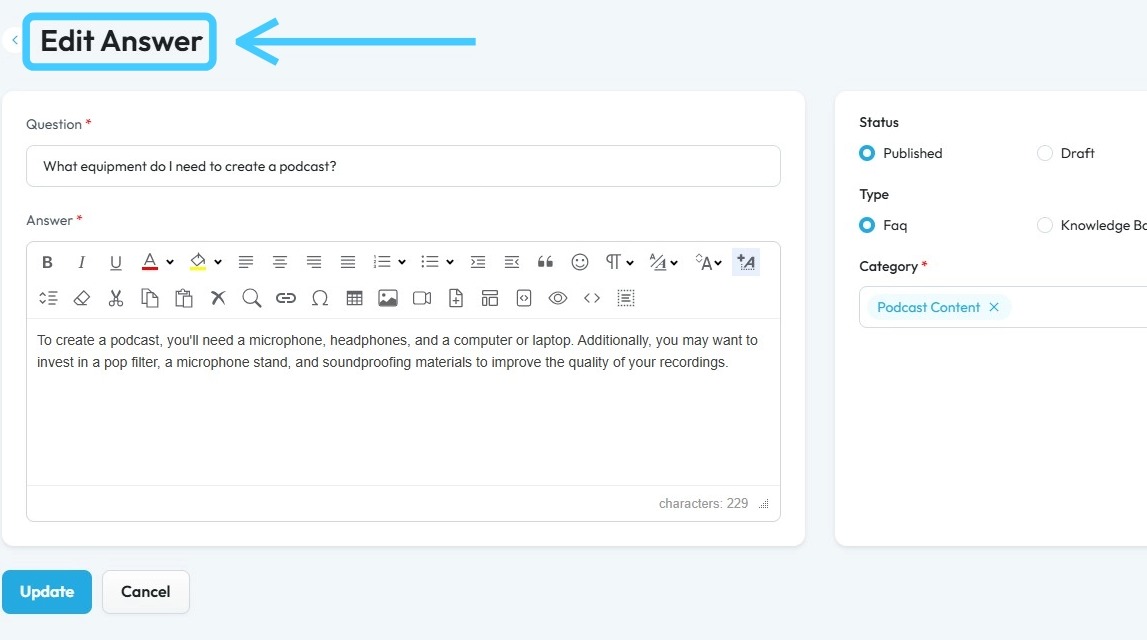
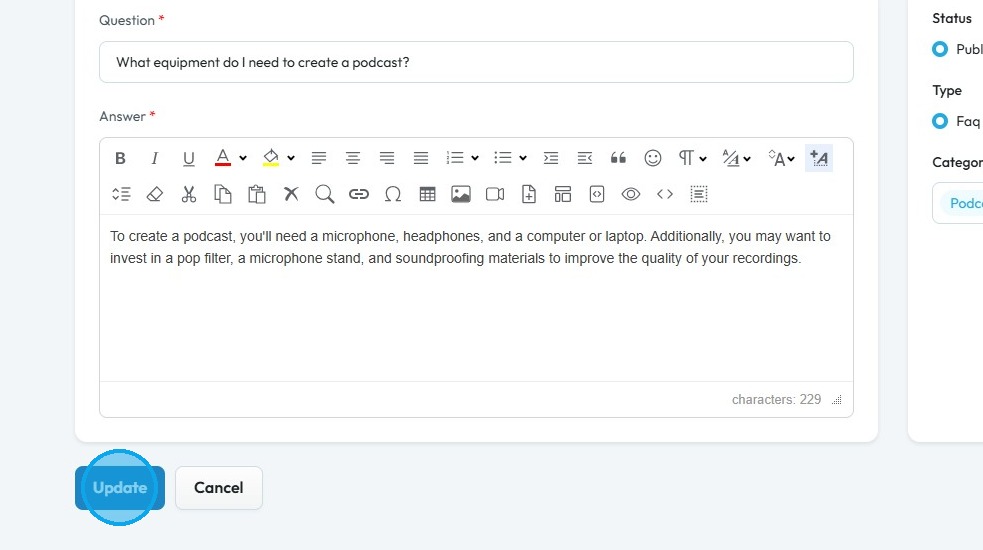
12. Edit the variables and click "Update" to keep the changes.
13. "Success! Answer update successfully." message will appear.
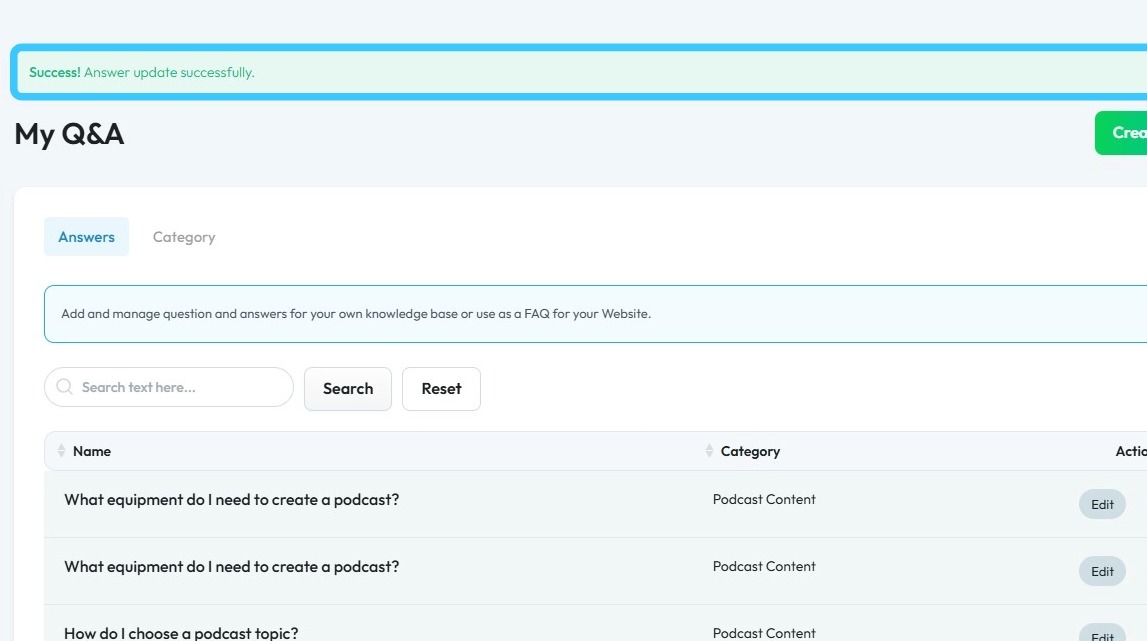
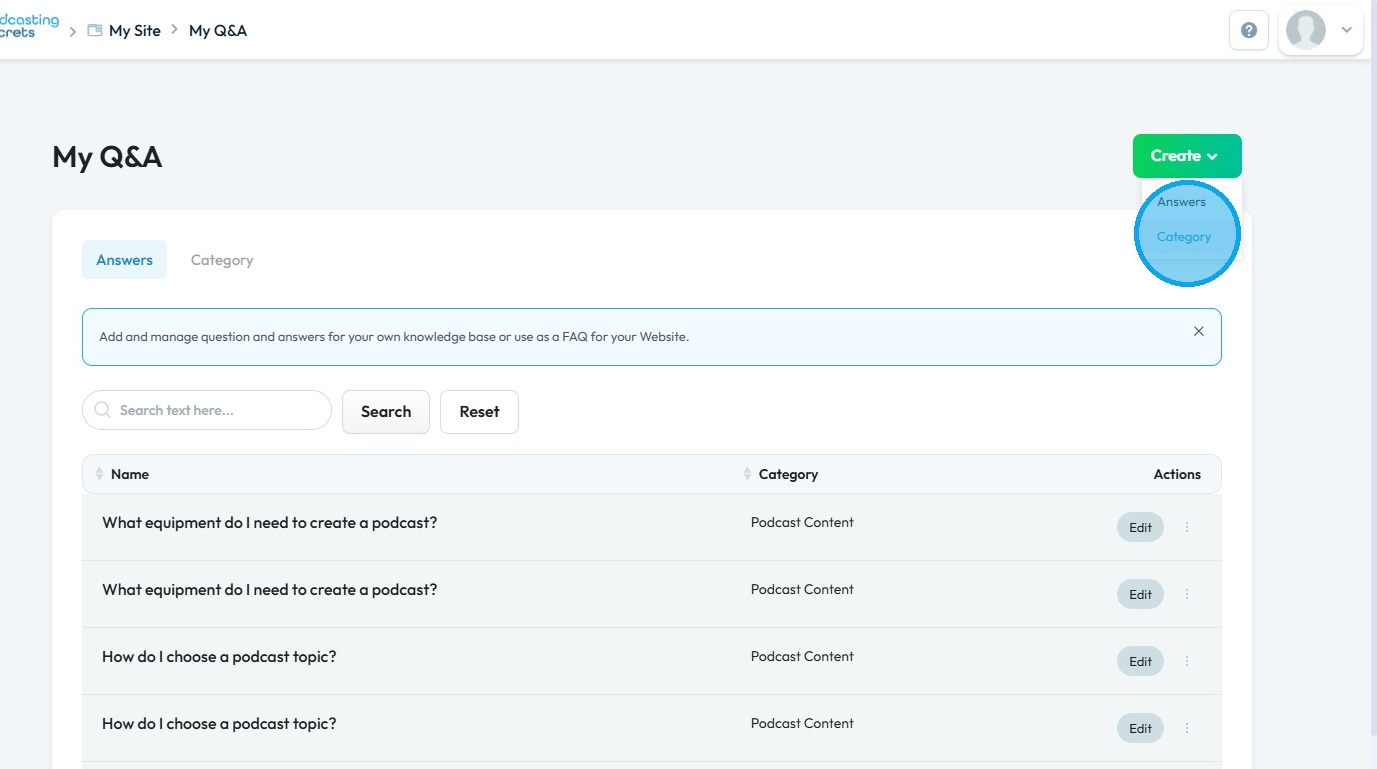
14. To create a new Answer or Category click "Create"
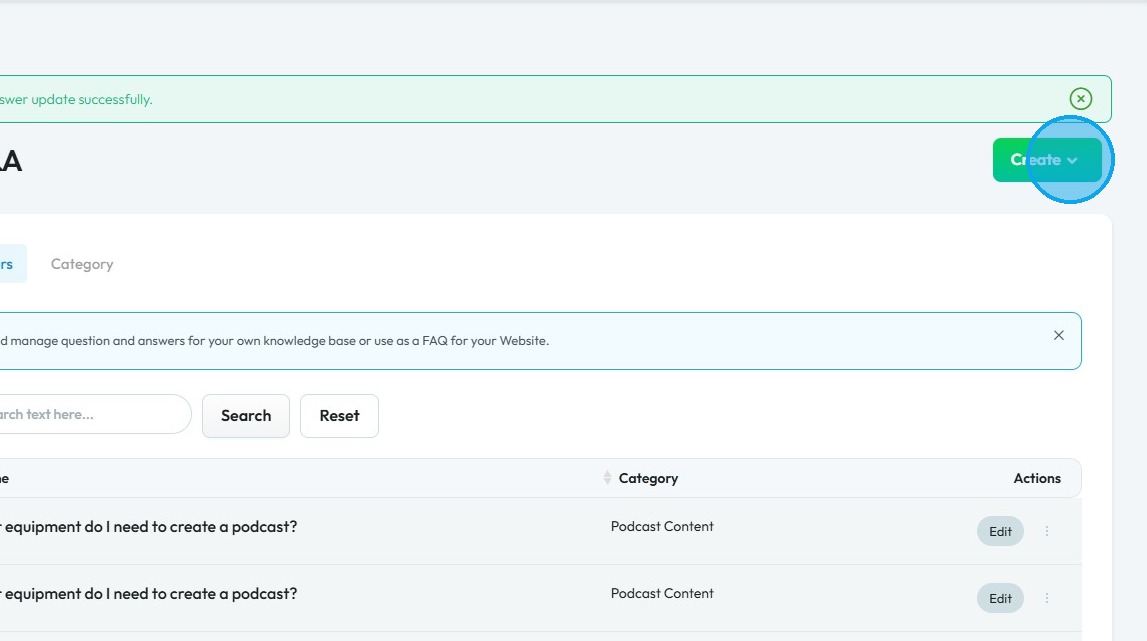
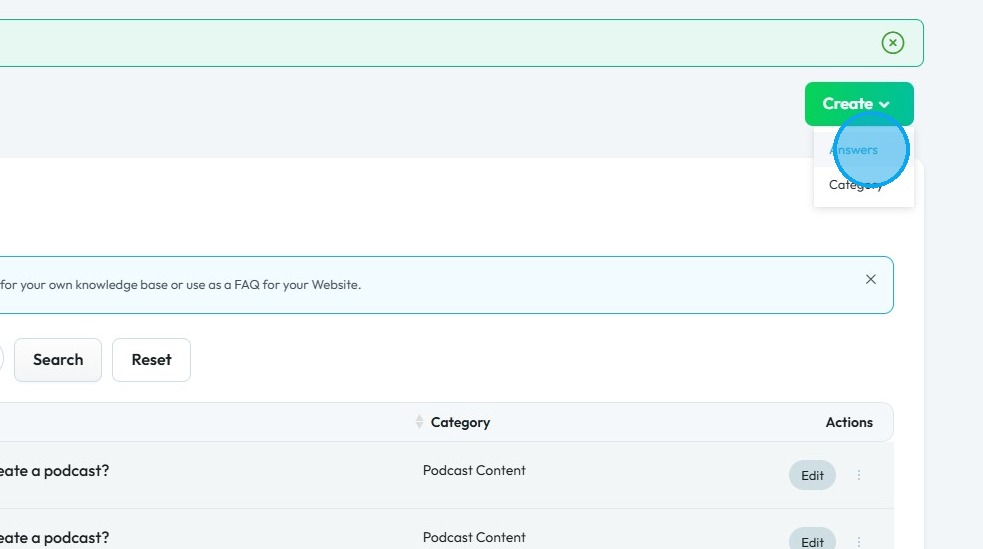
15. Click "Answers" to make a new Q&A
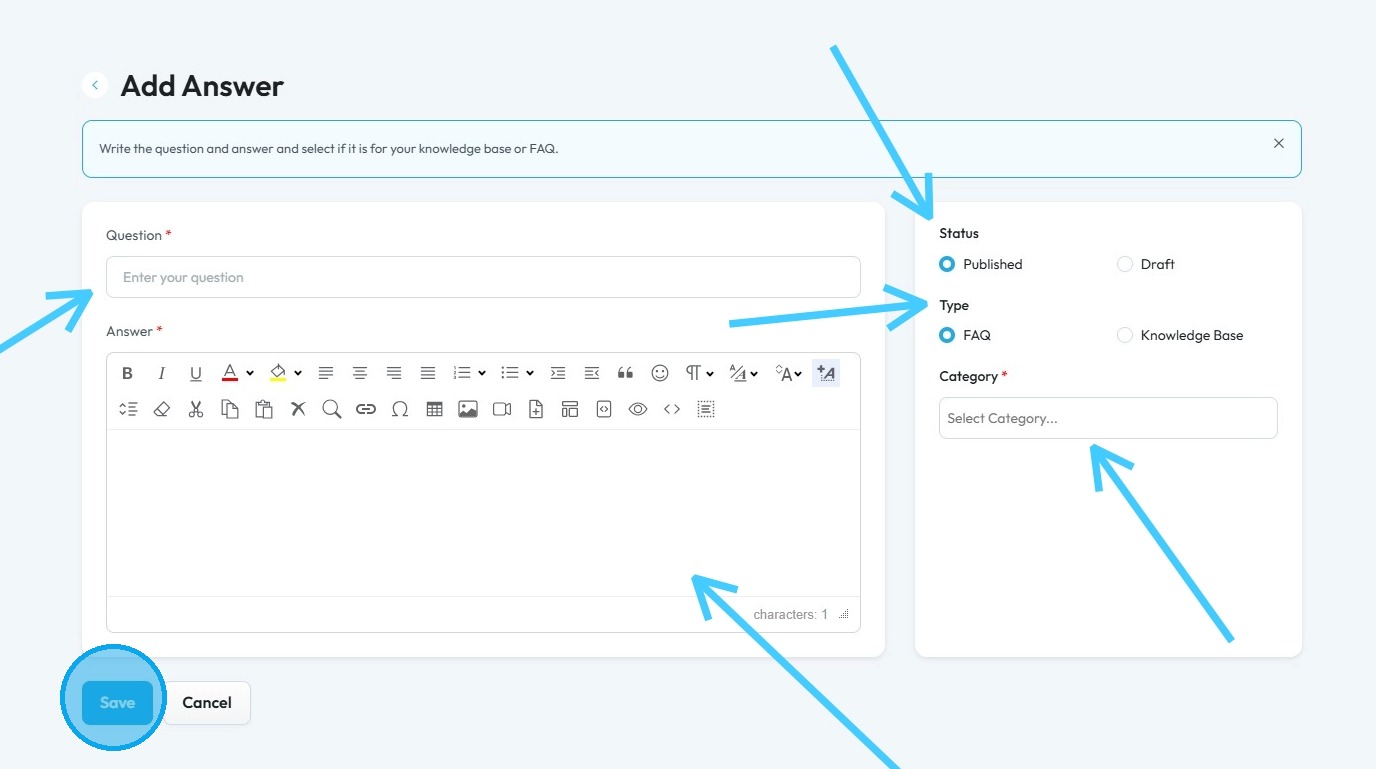
16. "Add Answer" page will open up.
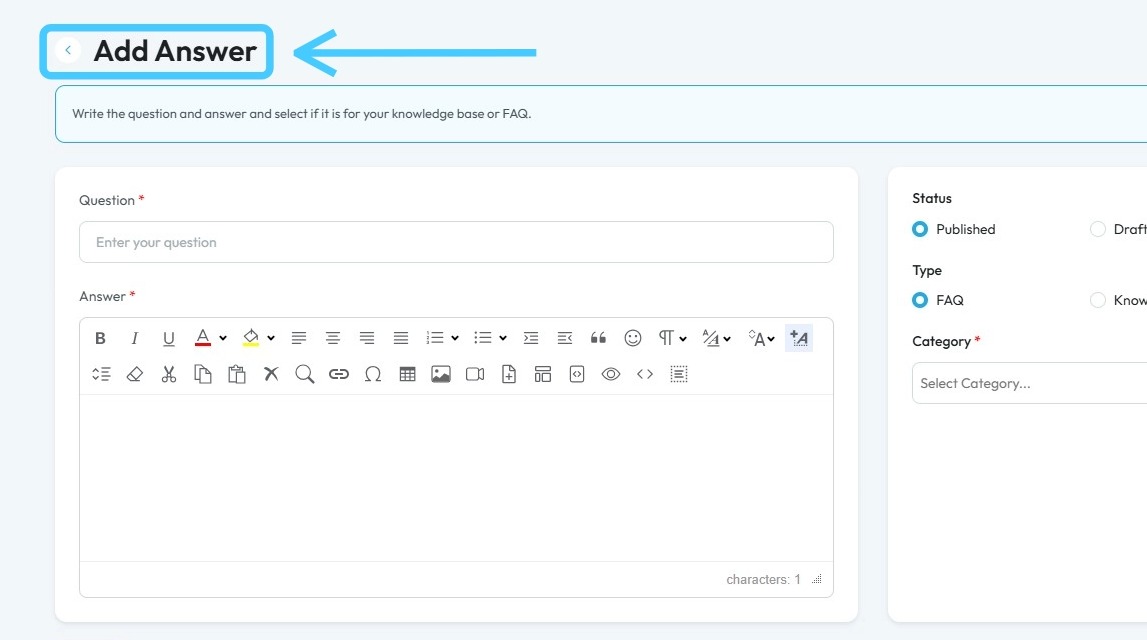
17. Enter the question under "Question" field.
Write down the answer in the "Answer" field.
Under "Status" choose "Published" and "Draft"
Select the "Type" either FAQ or Knowledge Base.
Add a suitable category.
Click "Save" to keep the changes.
18. To create a category click "Create" and choose "Category"
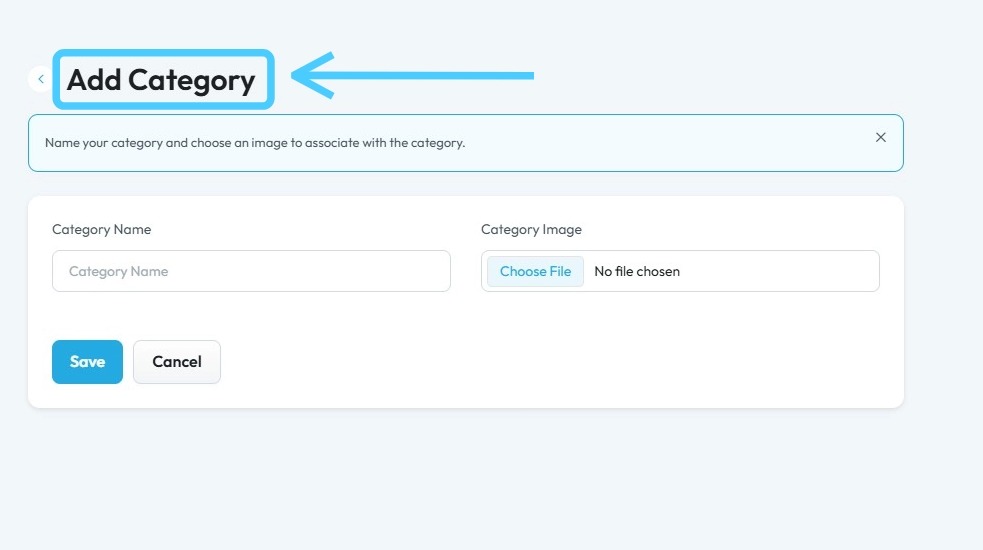
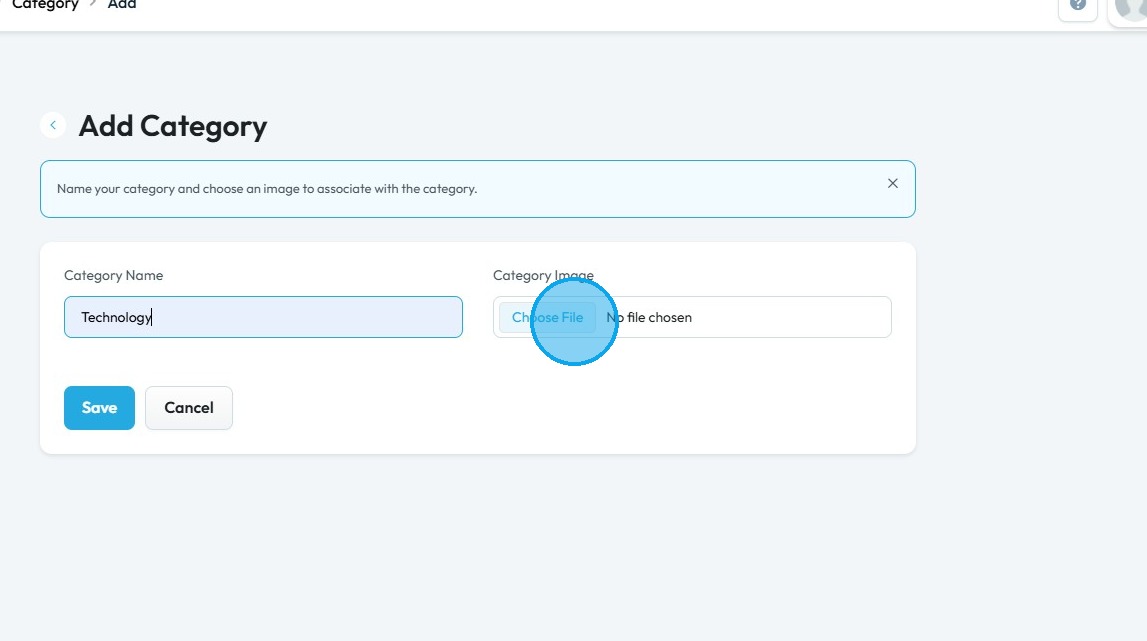
19. "Add Category" page will appear.
20. Click the "Category Name" field and enter the suitable name.
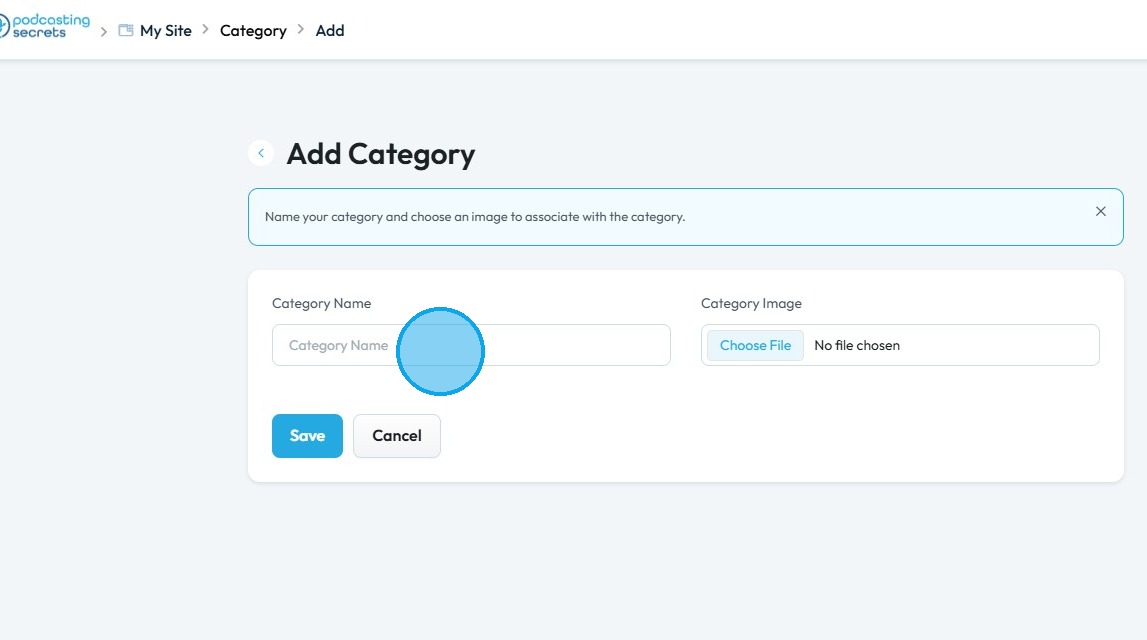
21. You can also add an Image by click "Choose File" button.
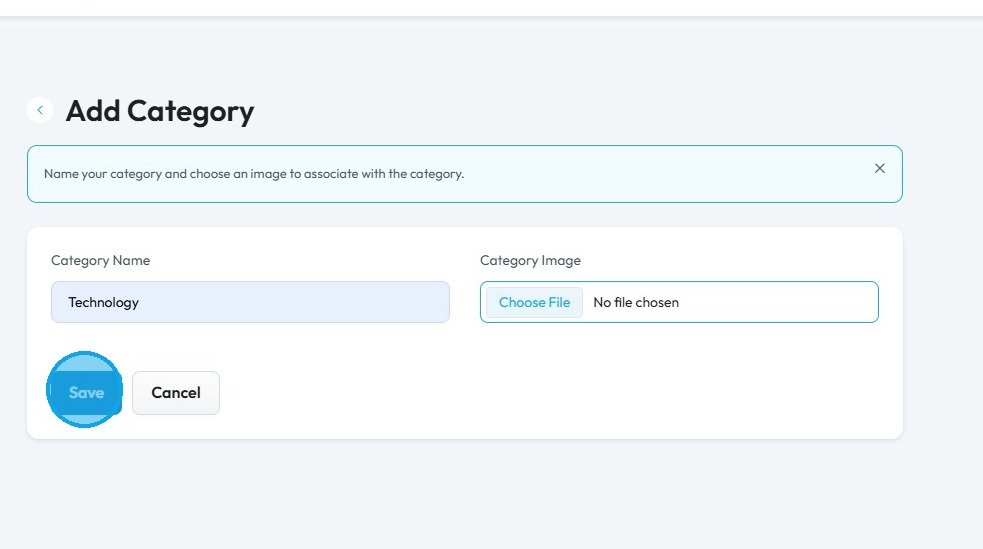
22. Click "Save"
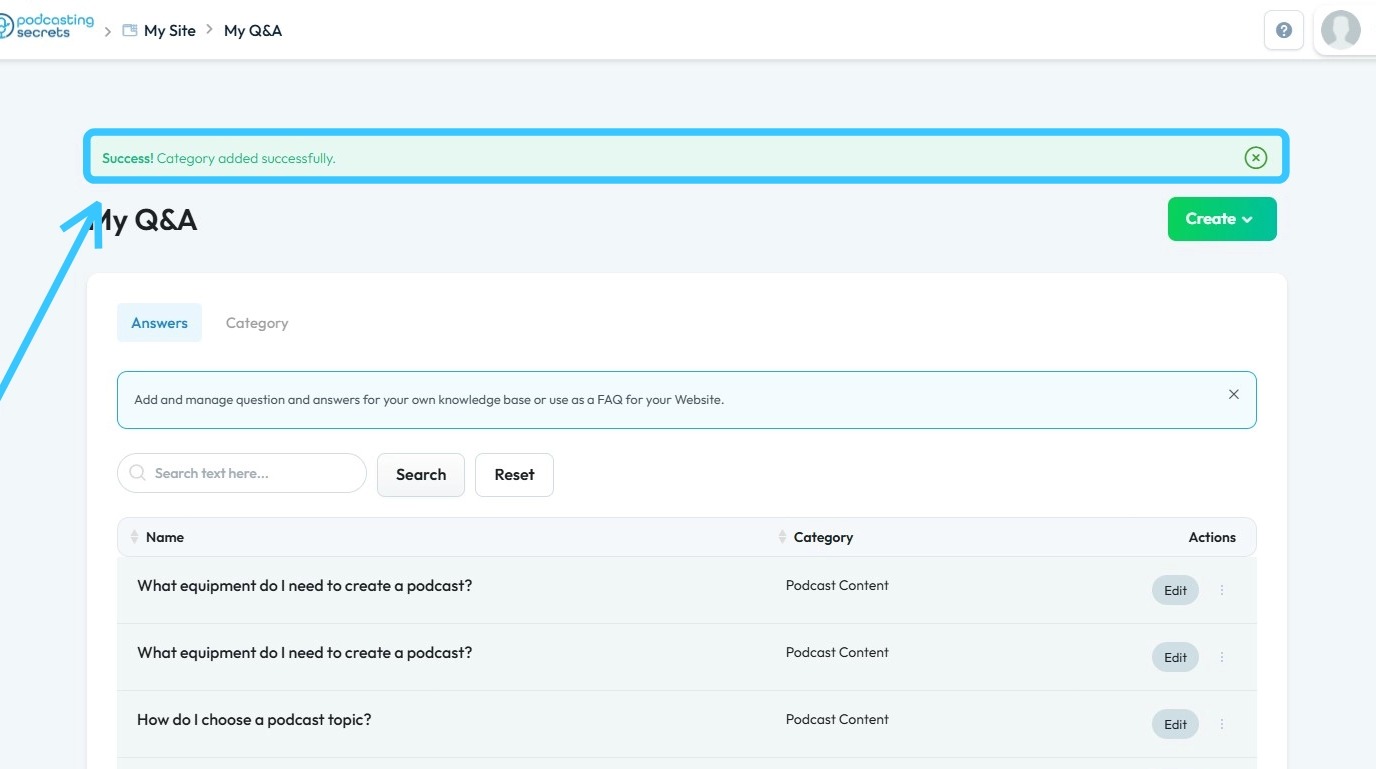
23. "Success! Category added successfully." message will appear.
Related Articles
How To Navigate Categories (Detailed)
This guide offers a straightforward approach to adding and updating categories on your Podup website, making it essential for users looking to enhance their site’s organization and appearance. It provides step-by-step instructions that are easy to ...What is contained in the create package?
This guide provides a comprehensive overview of the Create package, detailing its extensive features designed for podcasters, including a Podcast Launch Course, storage, editing tools, and AI capabilities. It highlights the benefits of easy episode ...How to Manage Users under My Shop in PodUp Application
This guide provides a comprehensive overview of user management within the PodUp application, specifically under the "My Shop" section. It outlines how to access and manage different user types, including admins, sellers, and customers, as well as ...How To Create Privacy Policy Using Podup Legal Docs
By following this guide, you can create a comprehensive privacy policy on PodUp to ensure legal compliance and build trust. Alert: Alert! LLC is a show technology company that makes creating, producing and monetizing shows simpler and more ...How Do I Create a Blog Post
This guide shows you how to create a blog step by step. It covers SEO, categories, and social sharing to help you reach more people and grow your online presence. 1. Click "Create" 2. Click "Blogs" 3. Click "Create Post" to write your own blog or ...