How to create an FAQ page
This guide provides a straightforward process for creating an FAQ page on PodUp, making it easy for users to enhance their website's functionality. By following the step-by-step instructions, you can efficiently set up a professional-looking FAQ section that improves user experience and addresses common inquiries. Whether you're a beginner or looking to streamline your site, this guide simplifies the task, ensuring your FAQ page is both informative and visually appealing.
1. Navigate to https://app.podup.com/home
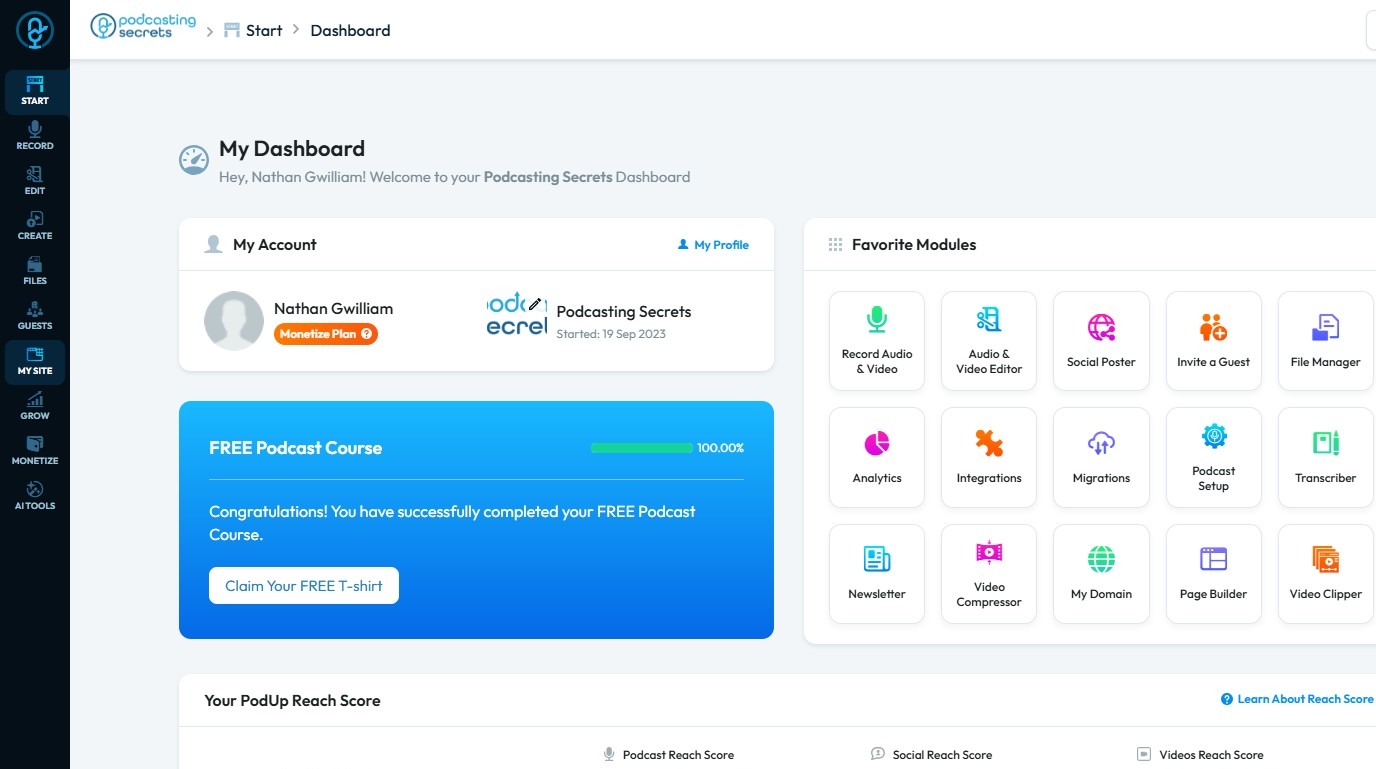
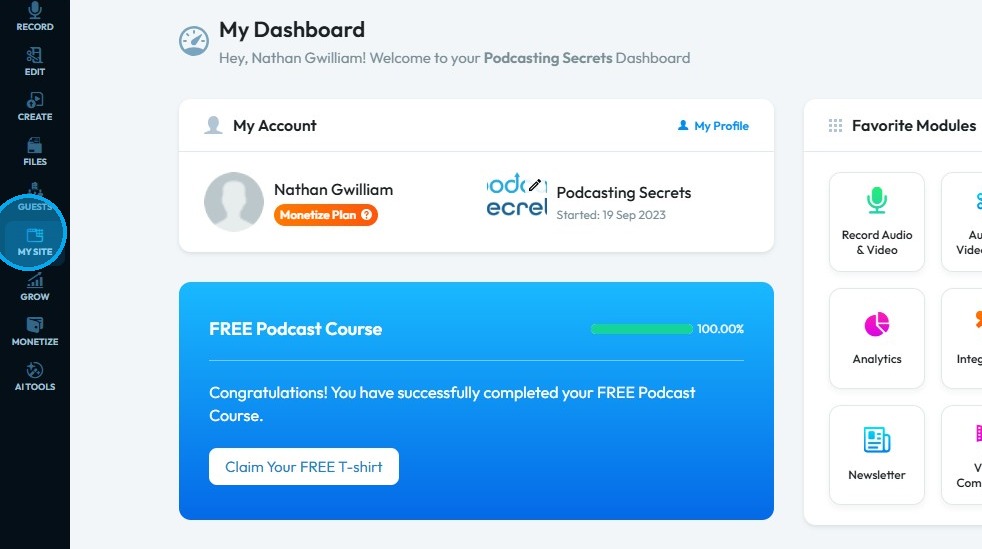
2. Click "My Site".
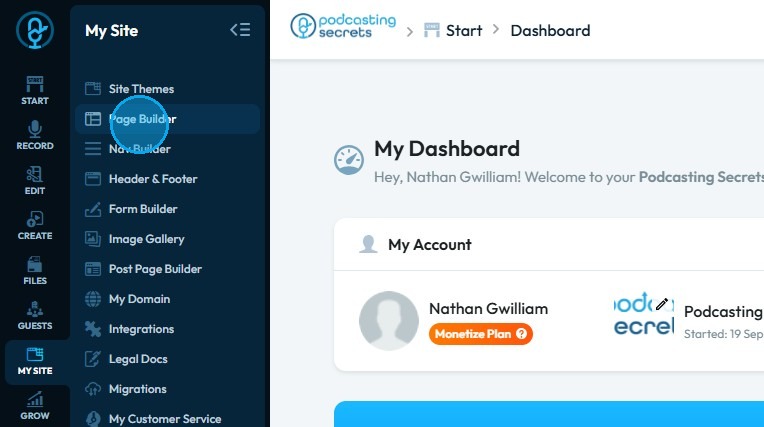
3. Click "Page Builder"
4. Click "Add New Page"
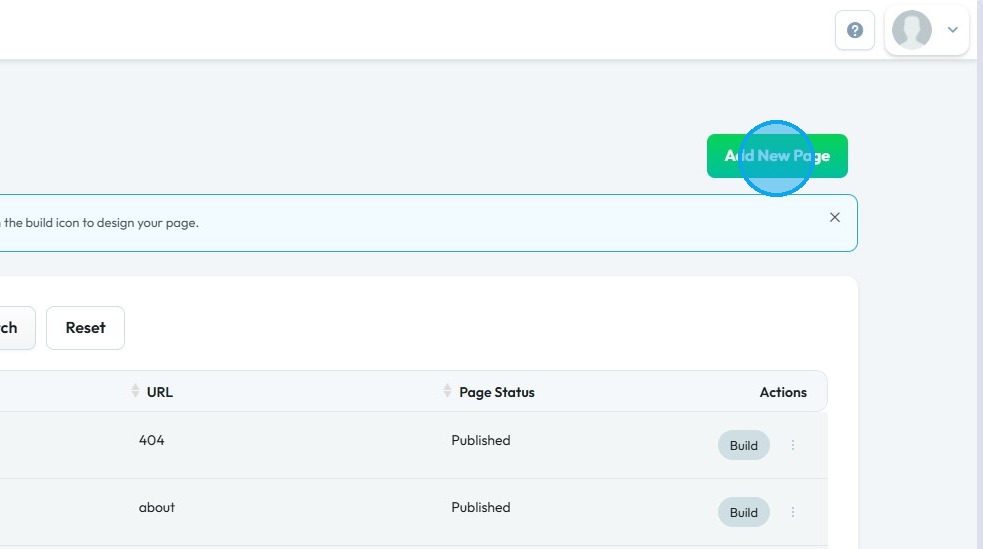
5. Click "Add New Page" section will open up.
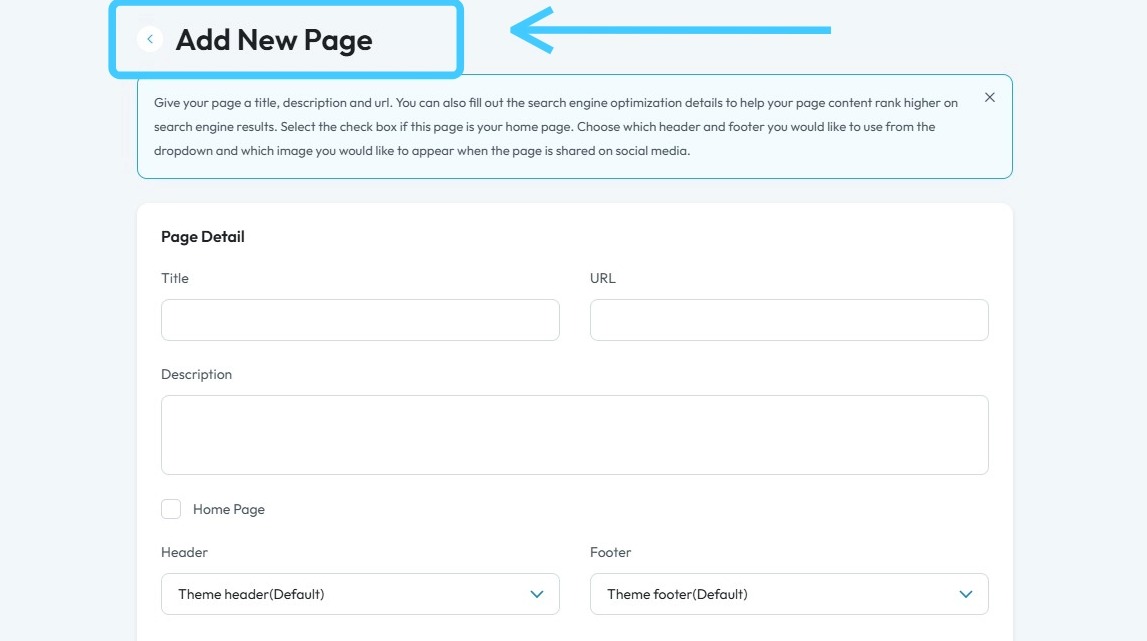
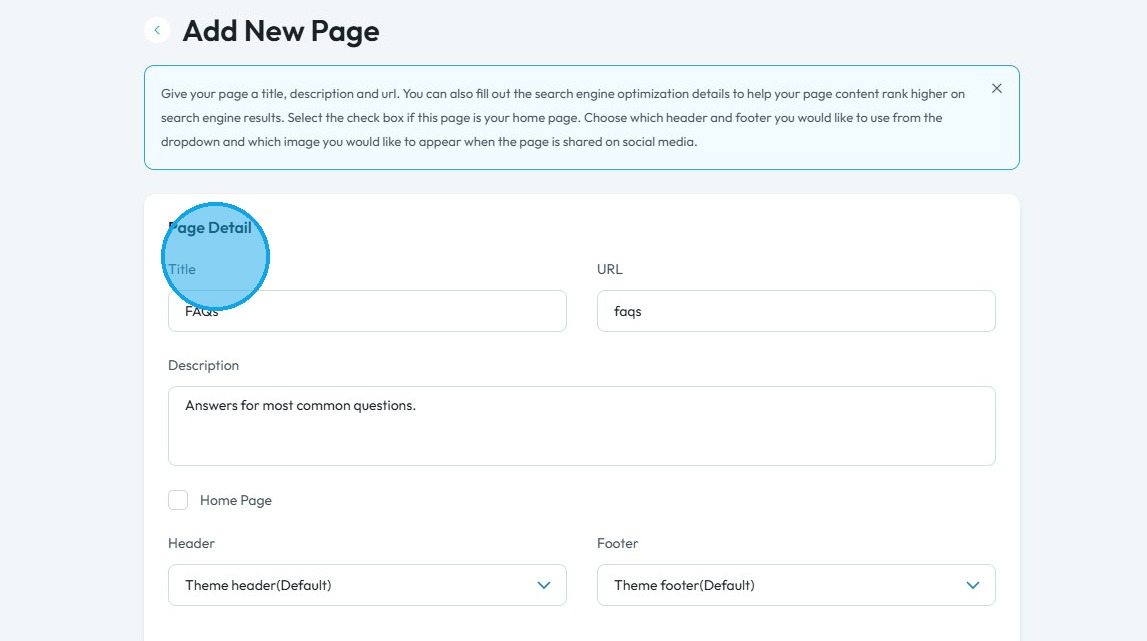
6. Fill in all the details of your "FAQ Page"
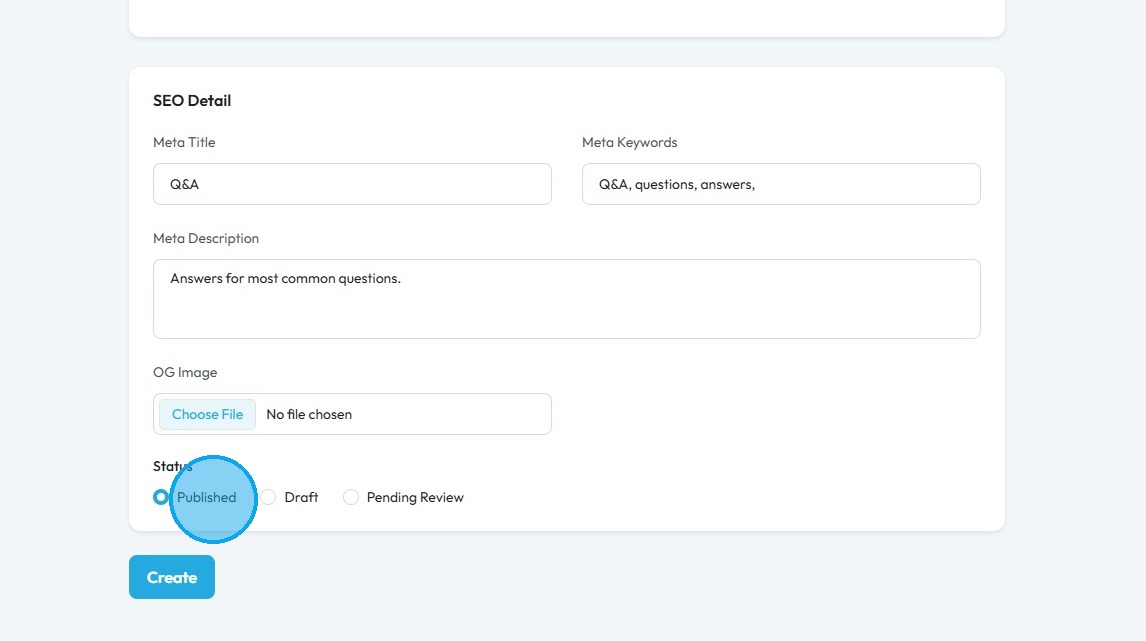
7. Select the "Status" of the page.
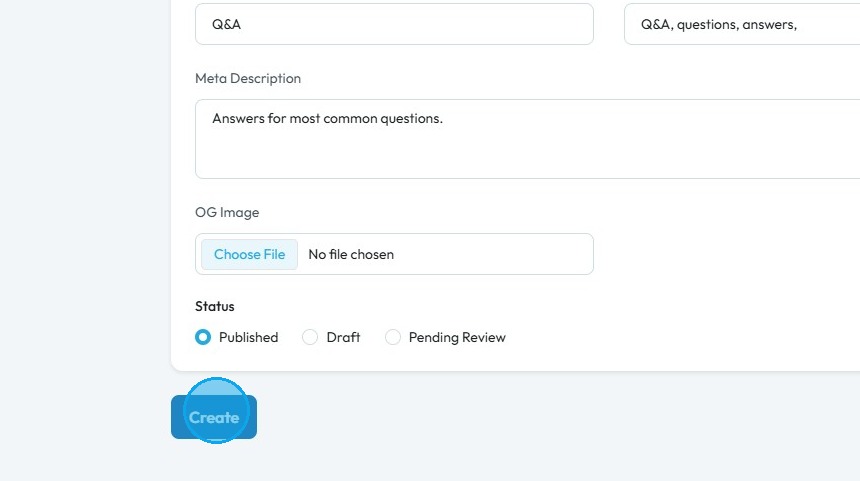
8. Click "Create"
9. You will be redirected to PodUp page builder.
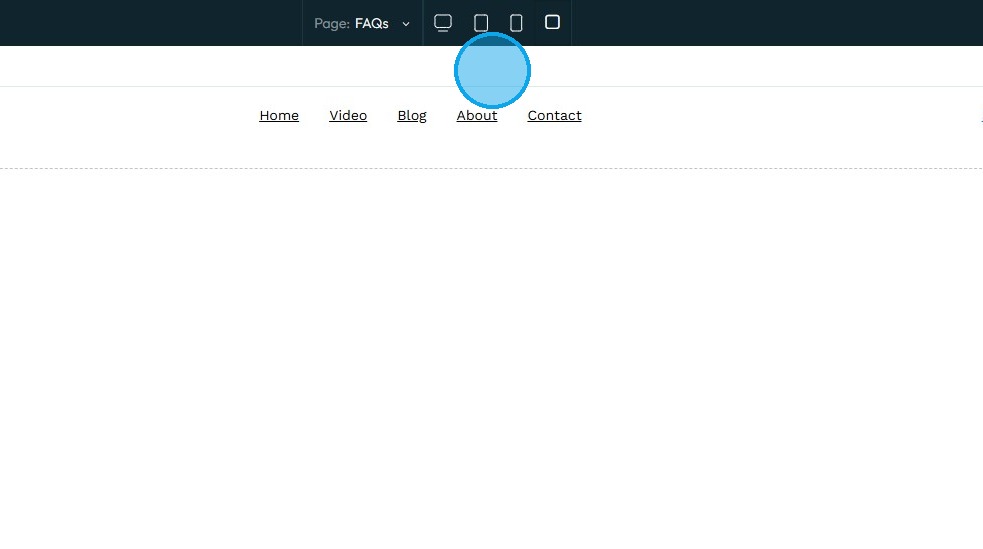
10. Click this "Add Segment" icon.
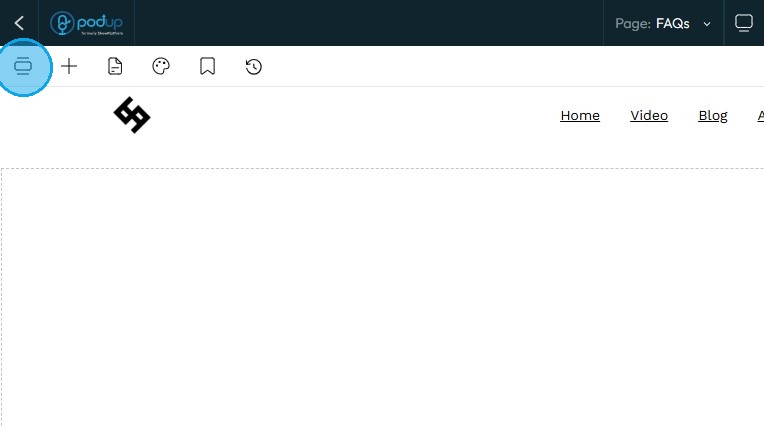
11. Click "Faq"
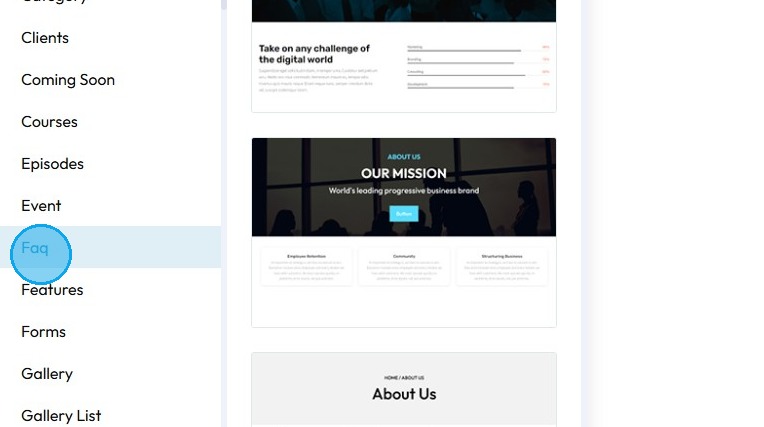
12. Select the layout of the "FAQs" you want to add.
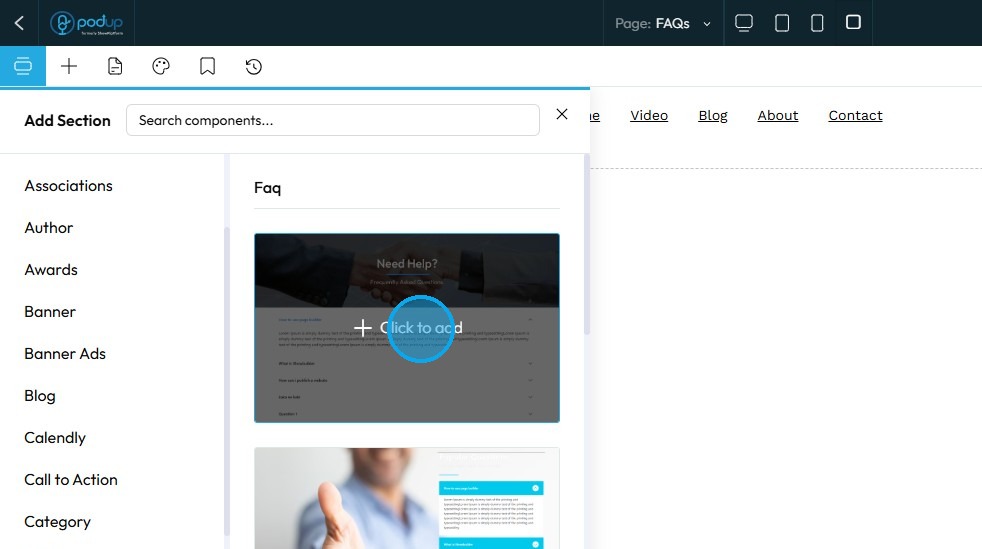
13. "Select Component Style" window will open up.
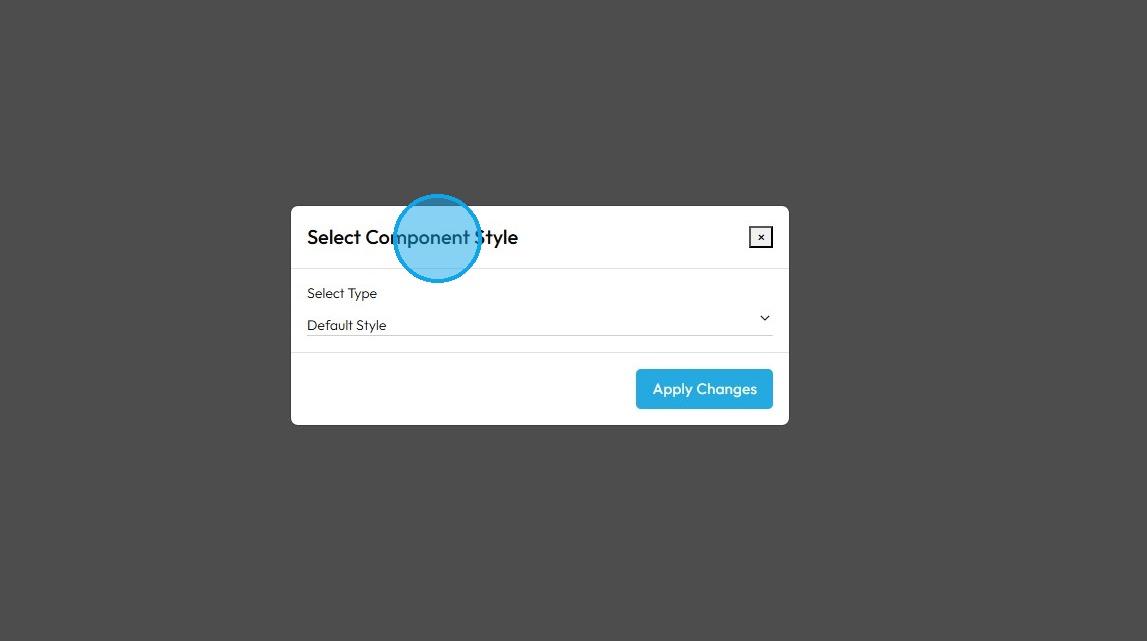
14. Choose the preferred style. Click "Apply Changes"
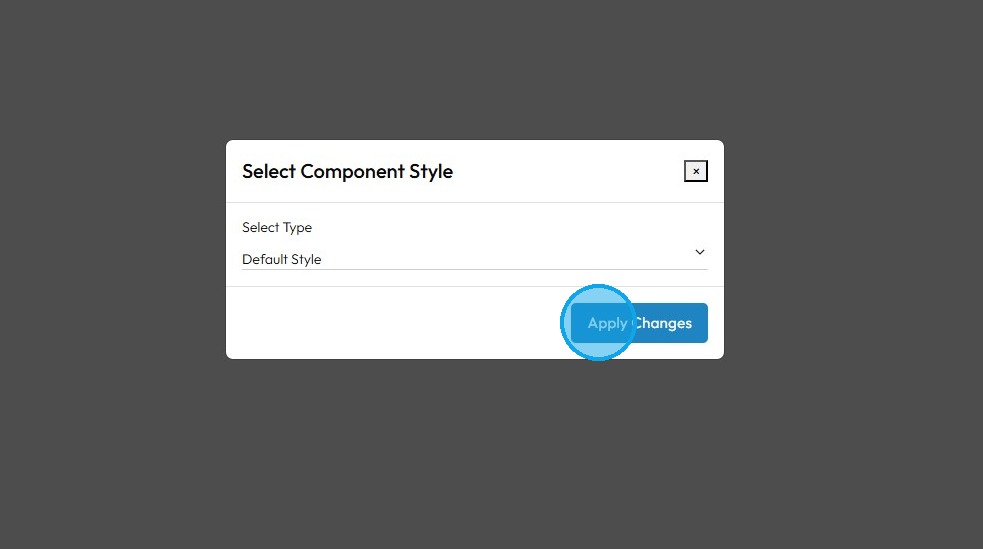
15. The "FAQ" layout will be applied to the blank page.
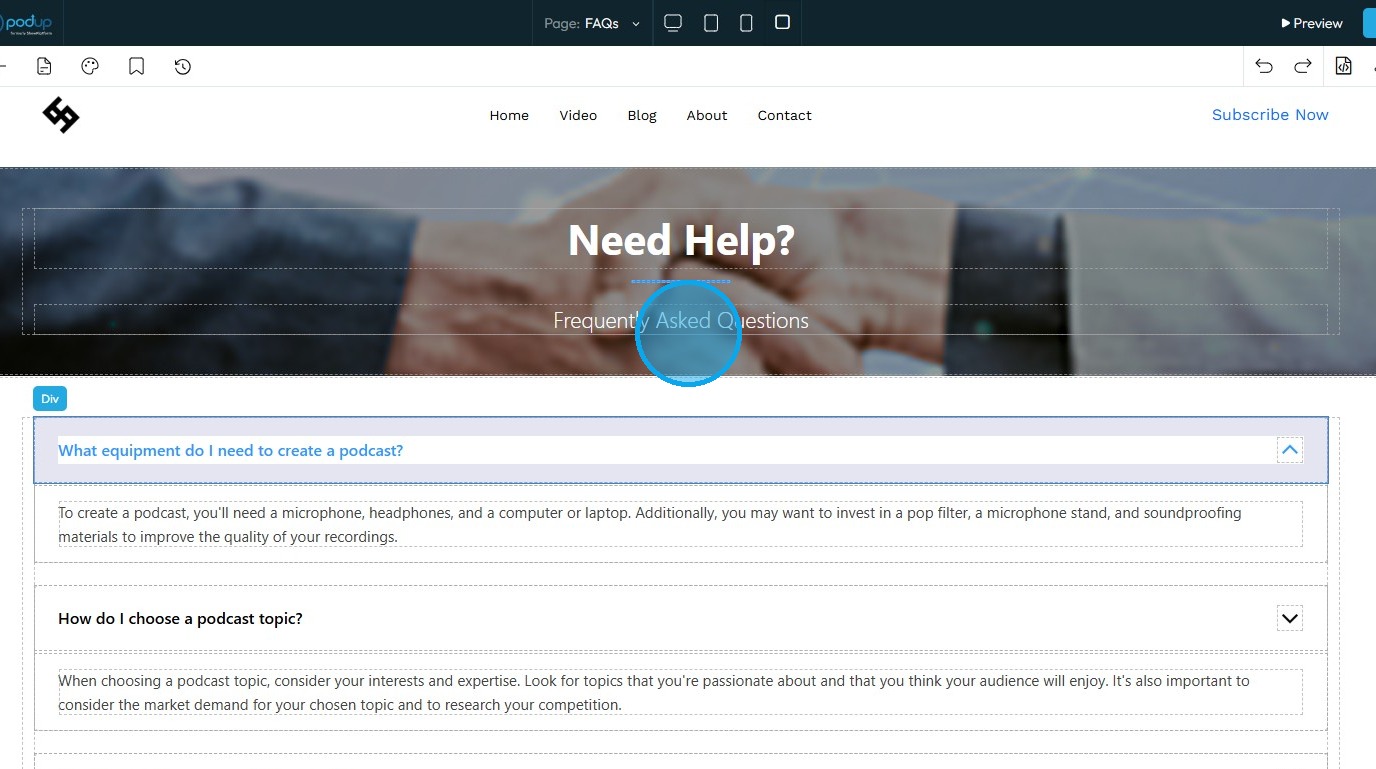
16. Edit the layout if needed then simply click "Save".
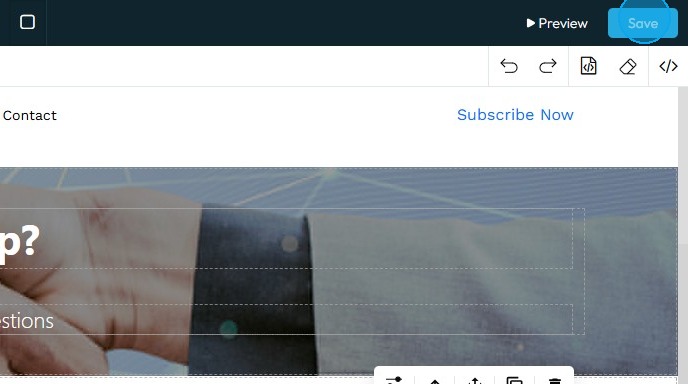
17. Click "Preview" to view the website.

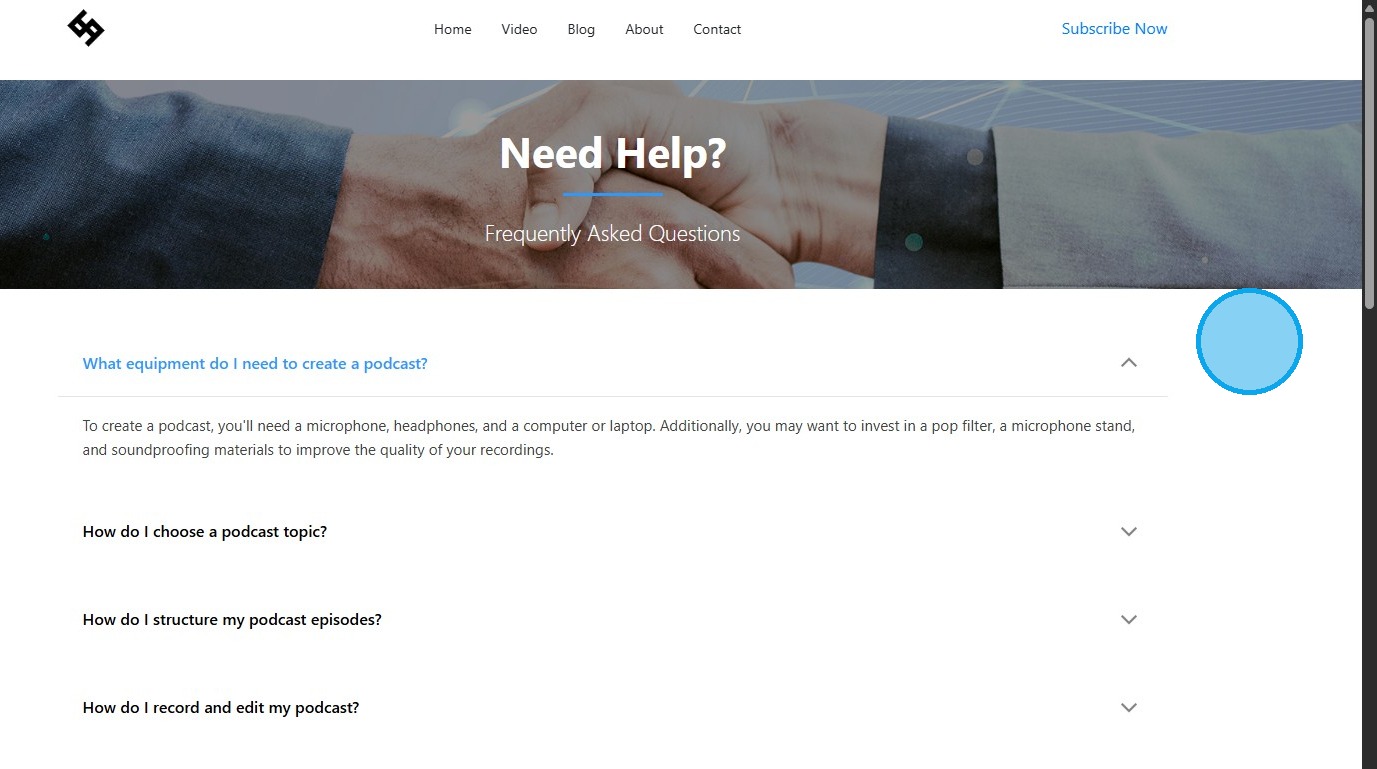
18. The "FAQ Page" will be ready.
Related Articles
How to Create and Manage Q&A Categories
This guide provides a straightforward approach to creating and managing Q&A categories on your website, making it easier to organize and access information. It outlines essential steps for adding questions, answers, and categories, ensuring a ...Create a Video Page for Your Podcast
This guide provides a straightforward approach to creating a video page for your podcast, making it easier to engage your audience visually. 1. Navigate to https://app.podup.com/home 2. Click "My Site". 3. Click "Page Builder" 4. Click "Add New Page" ...How to create an about page
This guide provides a straightforward process for creating an engaging "About" page on your website using PodUp. It walks you through each step, from accessing the site to customizing your page layout and style, ensuring that you can effectively ...How to create a form for my contact us page
This guide provides a straightforward process for creating and integrating a contact form on your website using PodUp. It simplifies the steps, ensuring even those with minimal technical skills can effectively set up a user-friendly contact page. By ...Create a New Blog Page on Podup Website
This guide provides a straightforward, step-by-step process for creating a new blog page on the PodUp website. By following these instructions, users can efficiently navigate the platform, customize their blog layout, and publish content that meets ...