How to create an about page
This guide provides a straightforward process for creating an engaging "About" page on your website using PodUp. It walks you through each step, from accessing the site to customizing your page layout and style, ensuring that you can effectively communicate your brand's story. By following these instructions, you can enhance your website's professionalism and connect better with your audience.
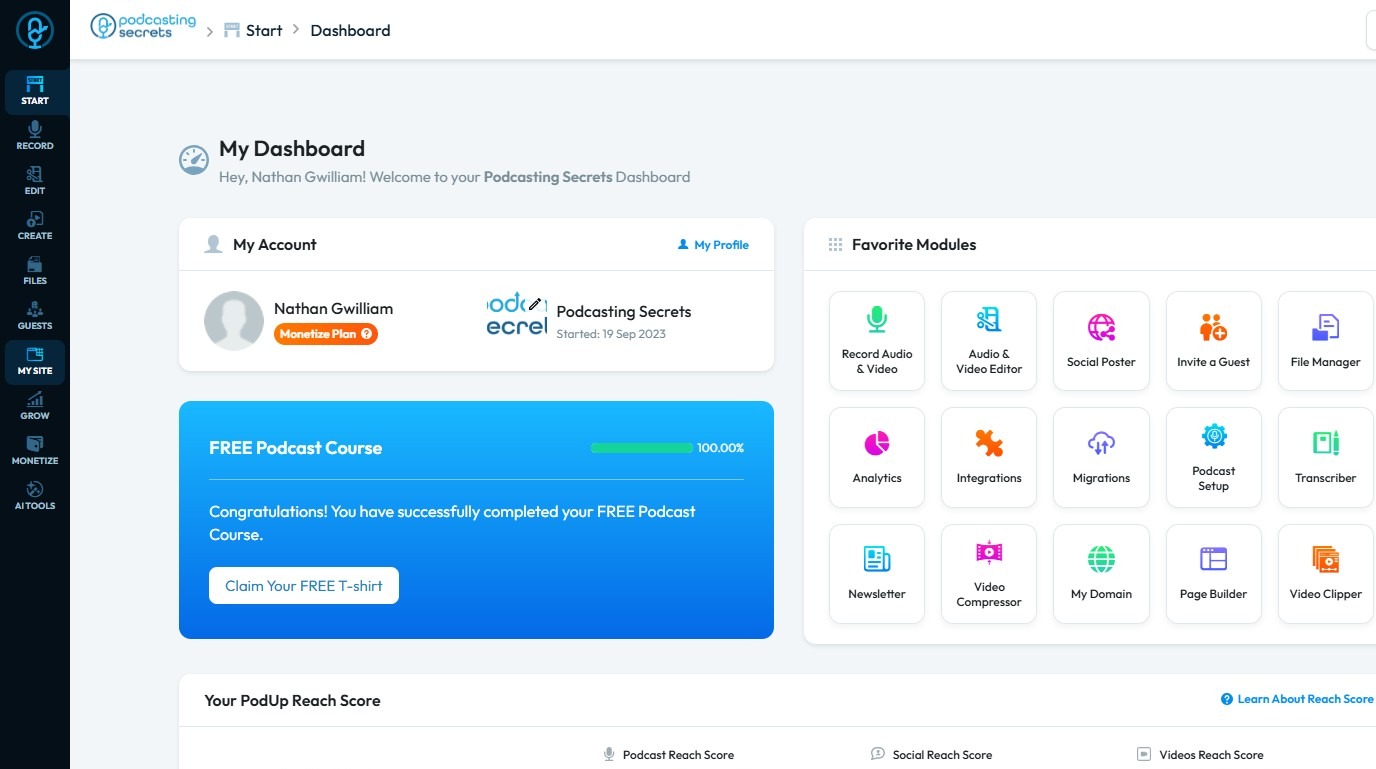
1. Navigate to https://app.podup.com/home
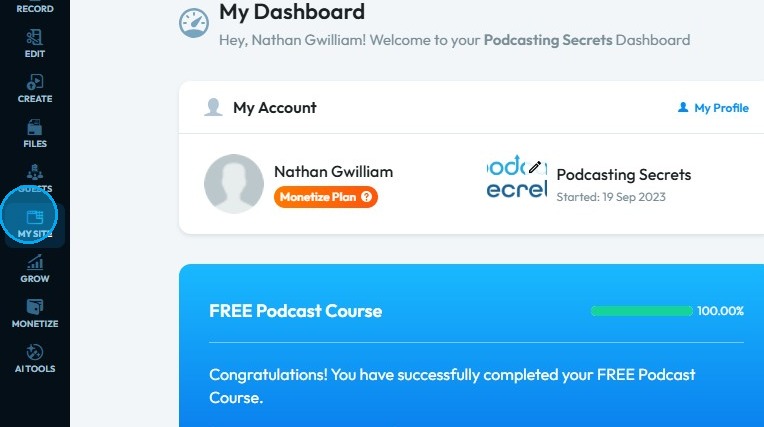
2. Click "My Site".
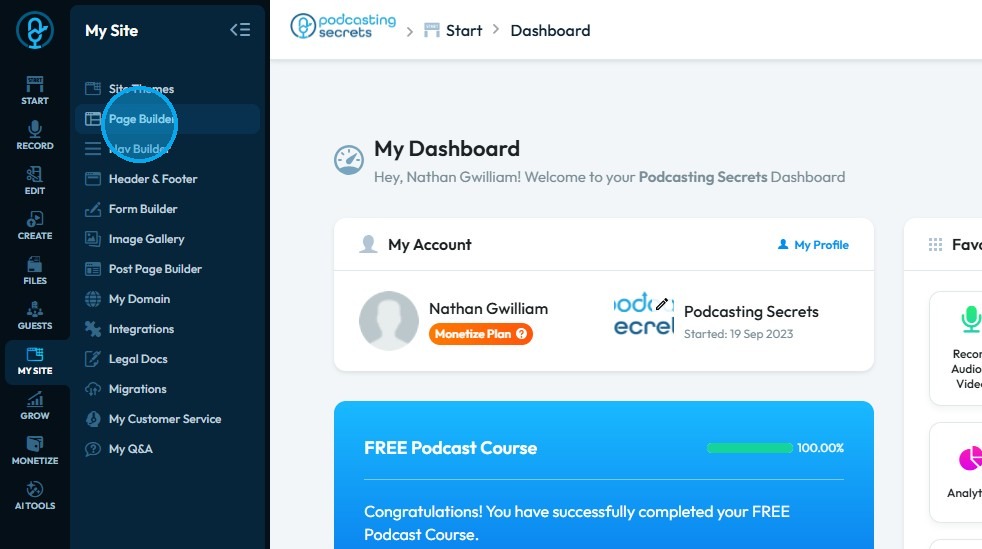
3. Click "Page Builder"
4. Click "Add New Page"
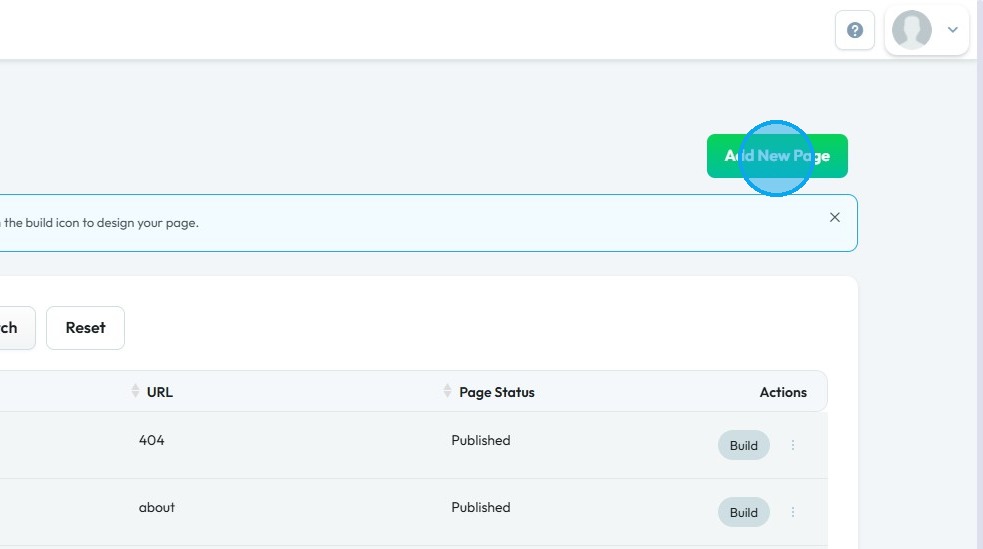
5. Click "Add New Page" section will open up.
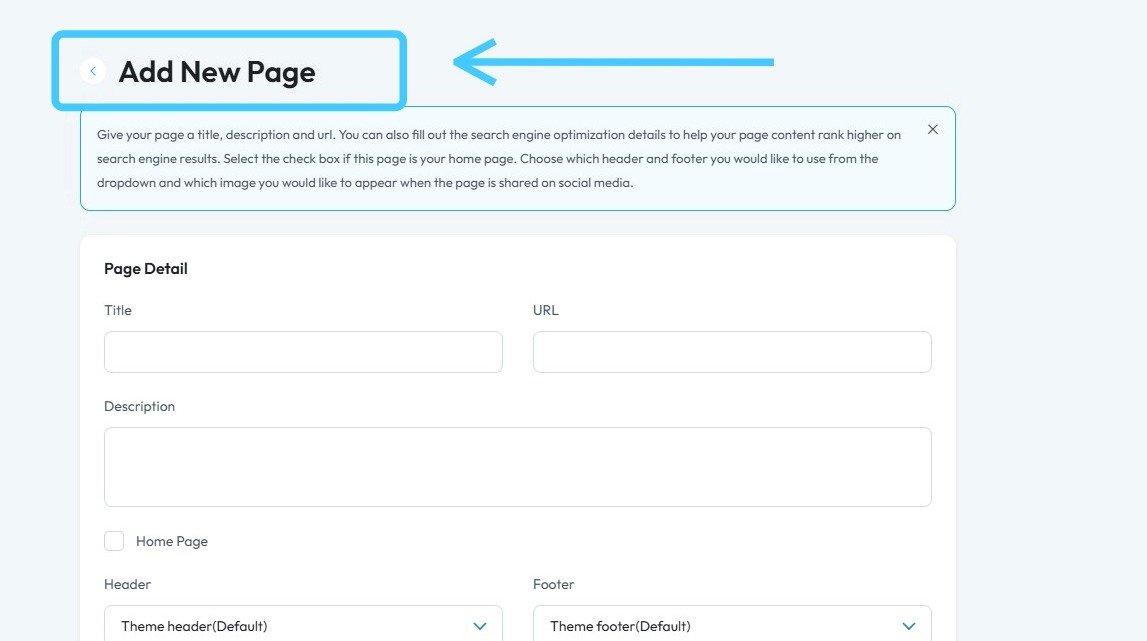
6. Fill in all the details for "About" page.
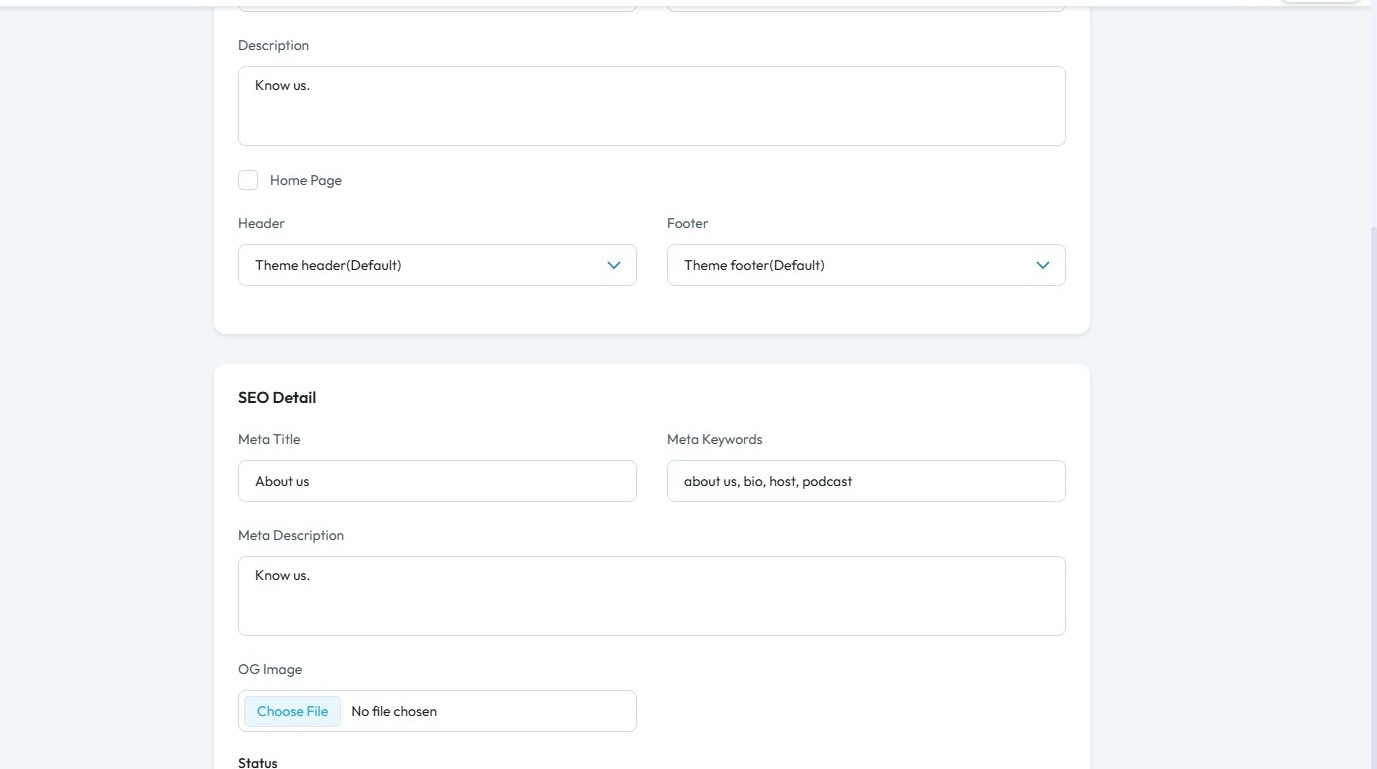
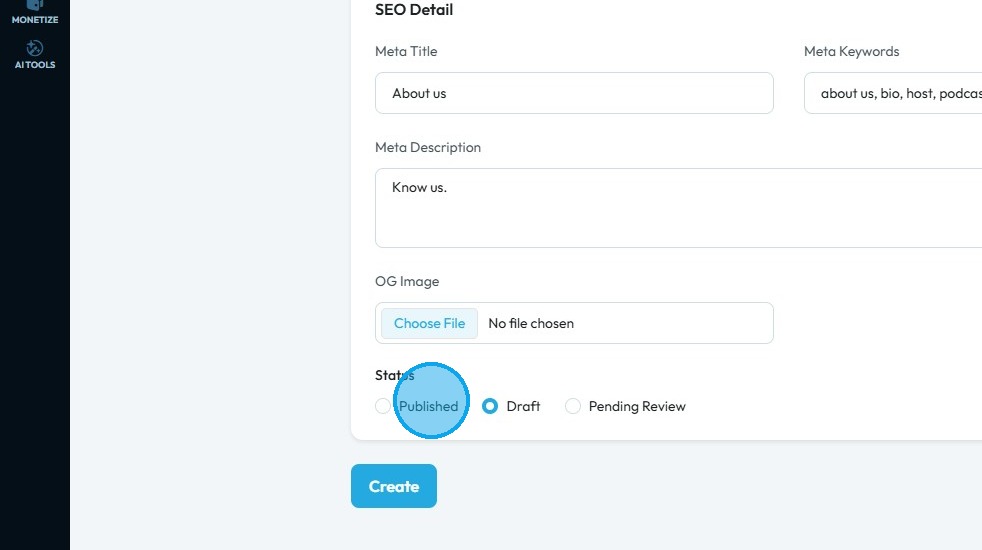
7. Choose the status accordingly.
8. Click "Create"
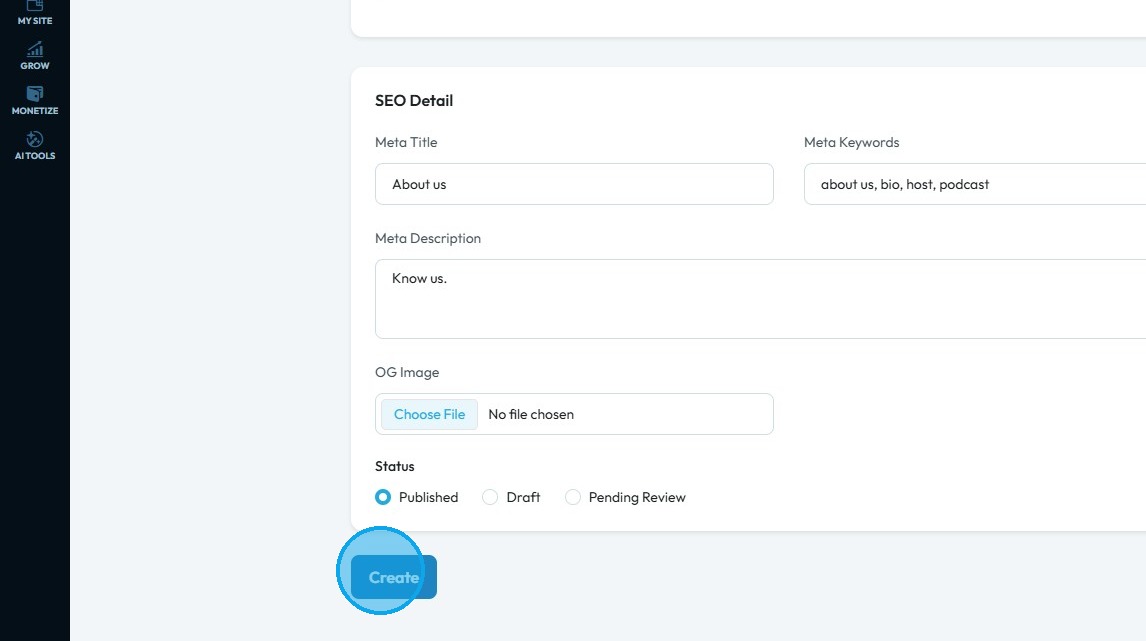
9. You will be redirected to PodUp page builder with empty "About page".
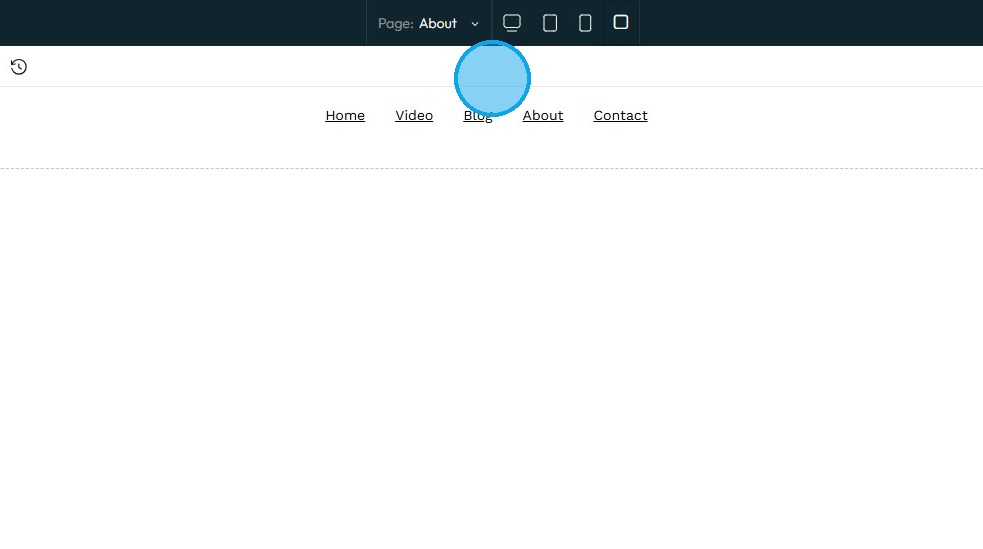
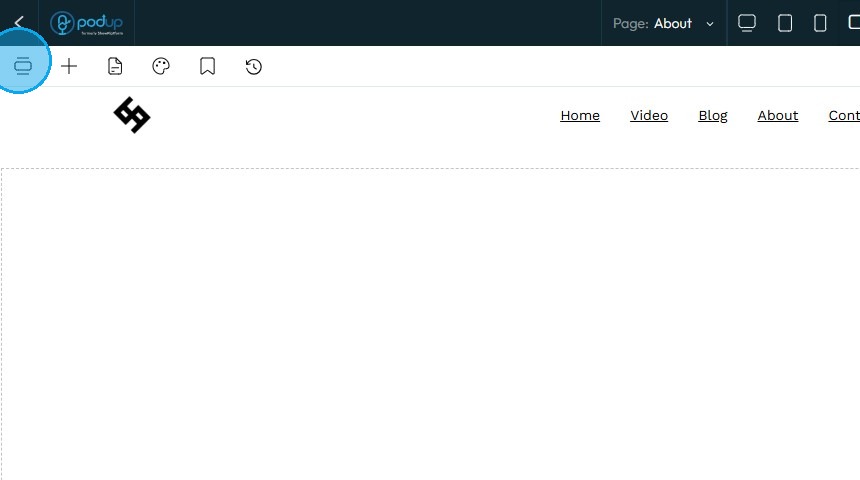
10. Click on "Add Component" icon.
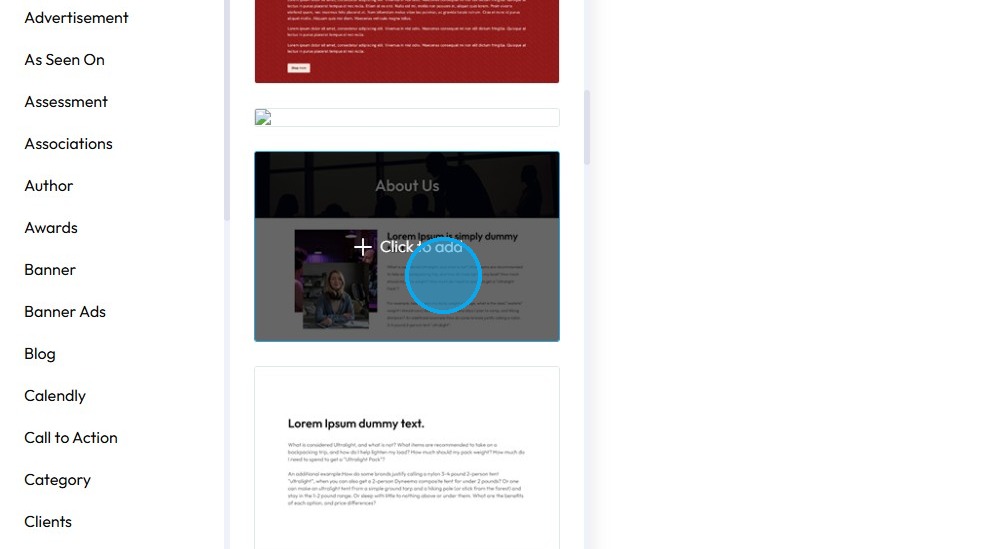
11. Choose the layout and click on it to apply.
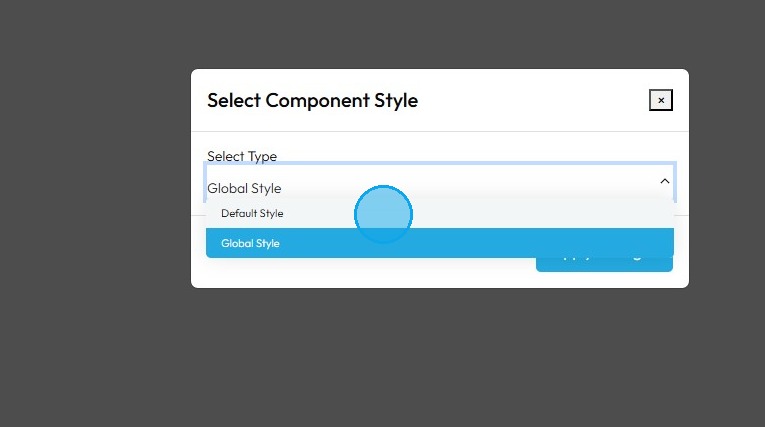
12. "Select Component Style" box will appear.
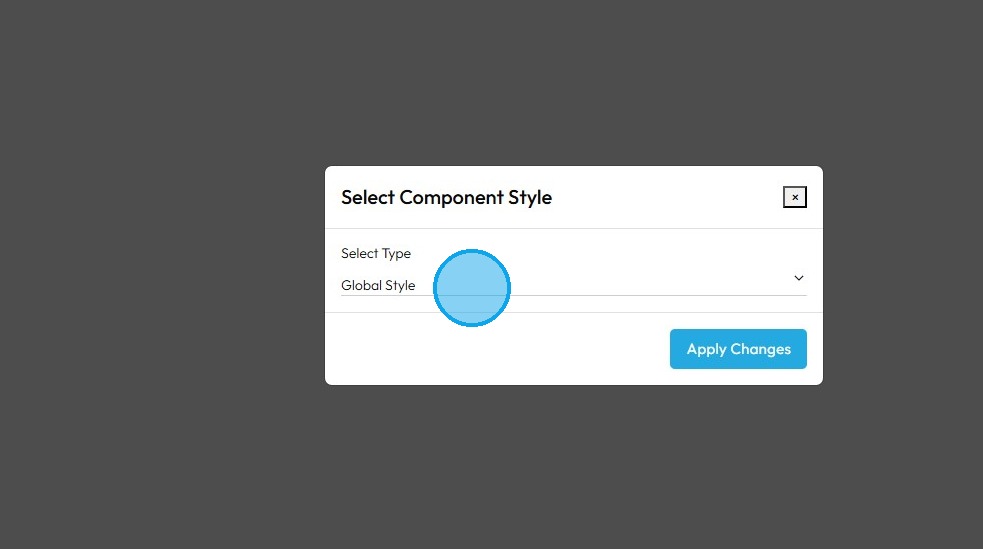
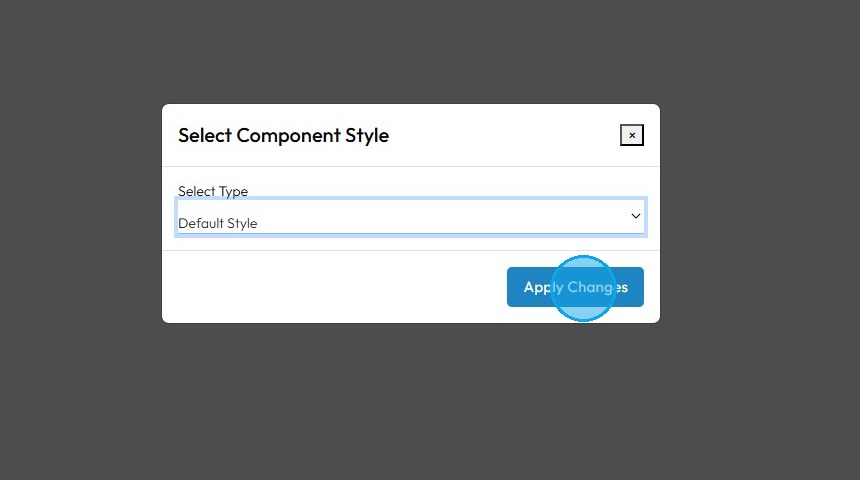
13. Select the "Preferred Component Style"
14. Click "Apply Changes"
15. The template will be applied to your page.
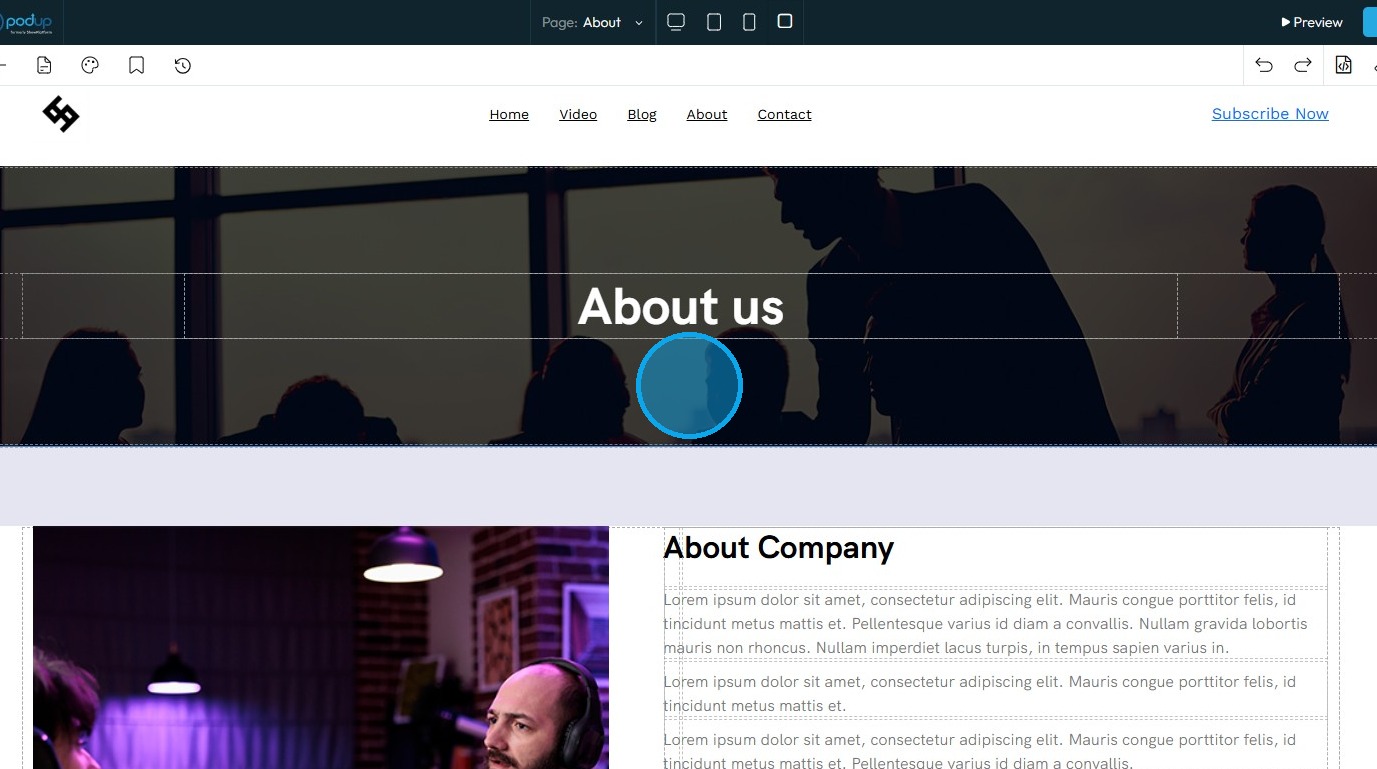
16. Click "Save" after editing the page accordingly.

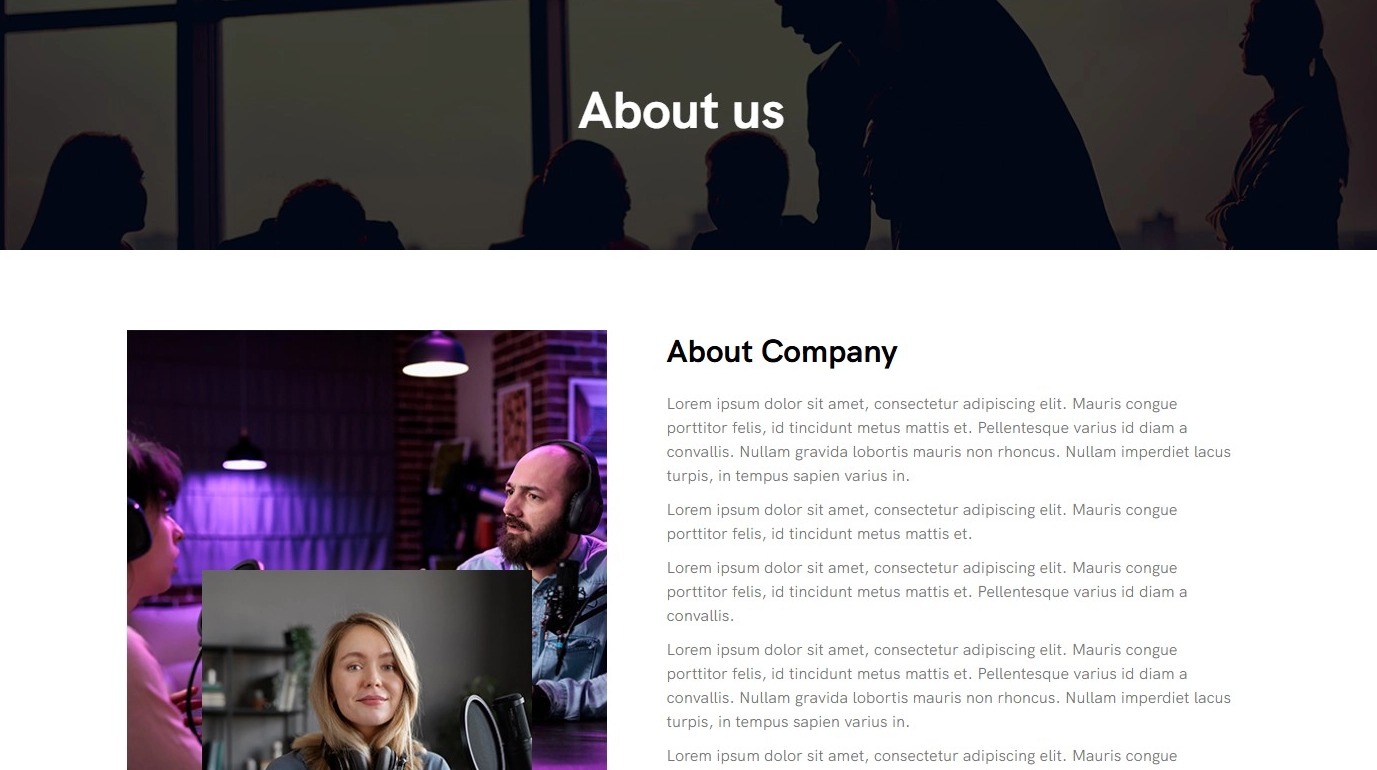
17. The "About us" page will be ready.
Related Articles
Create a Video Page for Your Podcast
This guide provides a straightforward approach to creating a video page for your podcast, making it easier to engage your audience visually. 1. Navigate to https://app.podup.com/home 2. Click "My Site". 3. Click "Page Builder" 4. Click "Add New Page" ...How to create an FAQ page
This guide provides a straightforward process for creating an FAQ page on PodUp, making it easy for users to enhance their website's functionality. By following the step-by-step instructions, you can efficiently set up a professional-looking FAQ ...How to create a form for my contact us page
This guide provides a straightforward process for creating and integrating a contact form on your website using PodUp. It simplifies the steps, ensuring even those with minimal technical skills can effectively set up a user-friendly contact page. By ...Create a New Blog Page on Podup Website
This guide provides a straightforward, step-by-step process for creating a new blog page on the PodUp website. By following these instructions, users can efficiently navigate the platform, customize their blog layout, and publish content that meets ...How To Create A Page for My Website in Page Builder
This guide shows beginners how to build a webpage with Page Builder by adding titles, descriptions, and metadata to boost search and social sharing. It’s a quick way to start a professional, effective site. 1. Navigate to https://app.podup.com/home ...