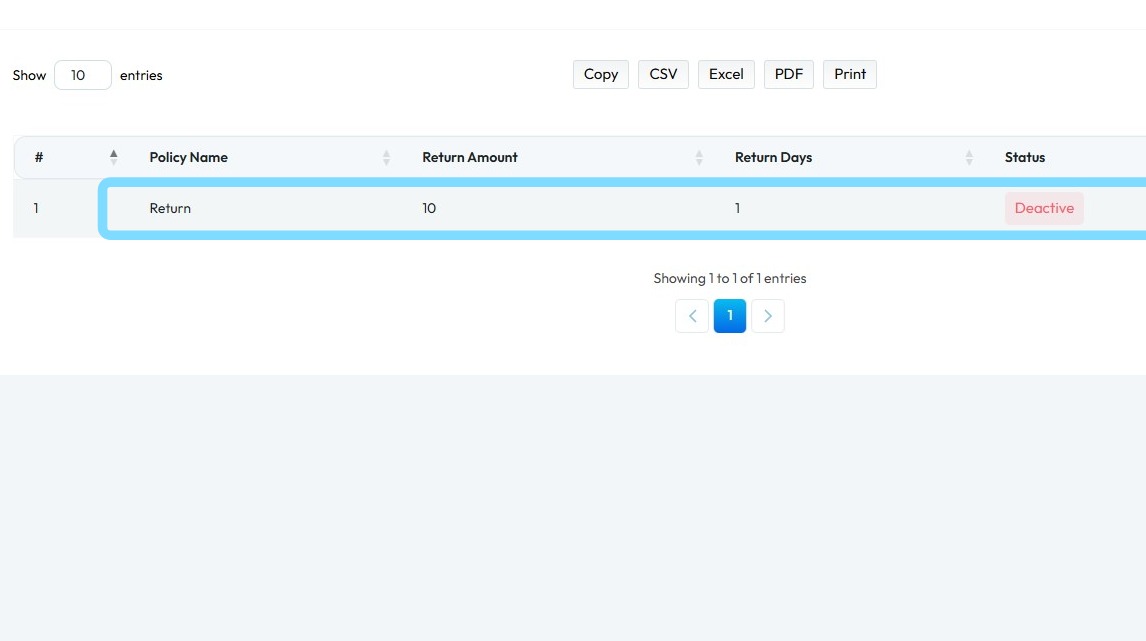
How to create a Return Policy in PodUp Shop?
This guide provides a straightforward process for creating a new return policy on the Podup platform, ensuring that your shop maintains clear and effective customer service standards.
1. Navigate to https://app.podup.com/home
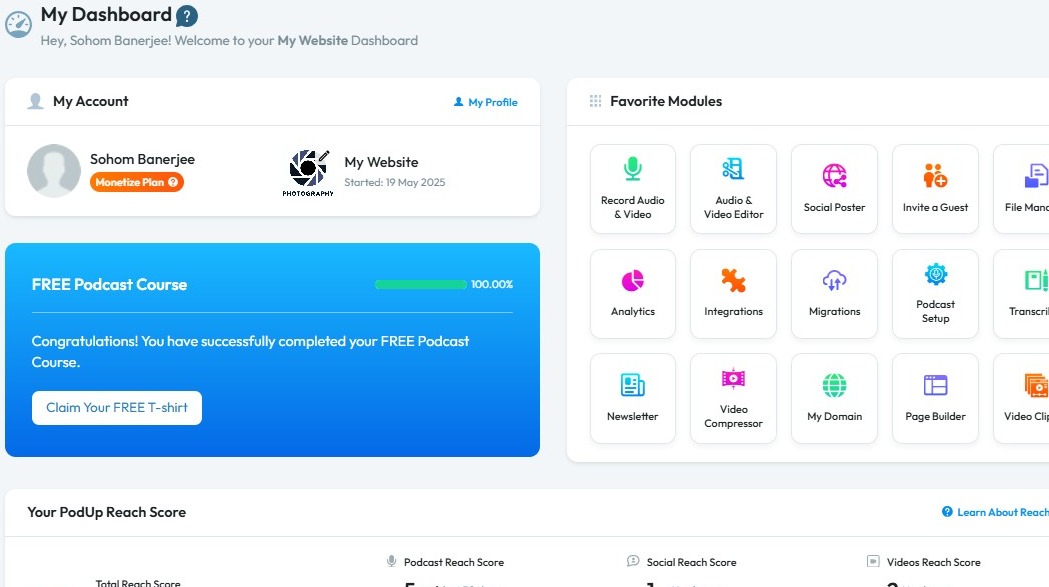
2. Click "Monetize"
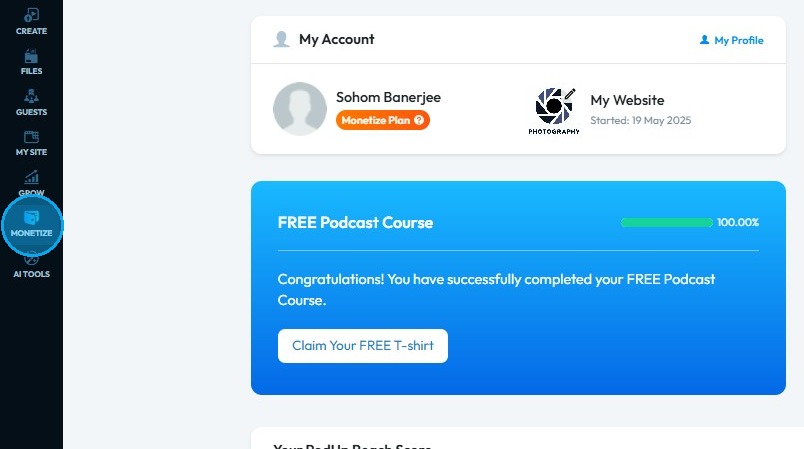
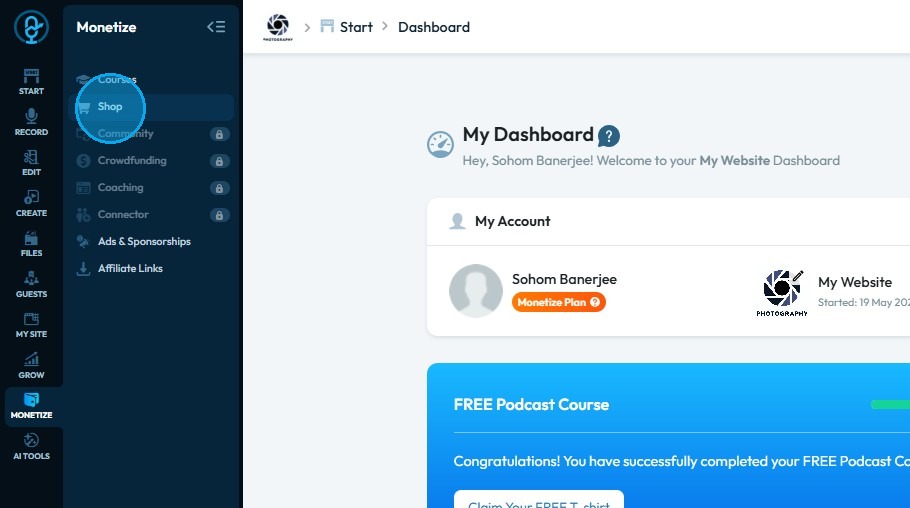
3. Click "Shop"
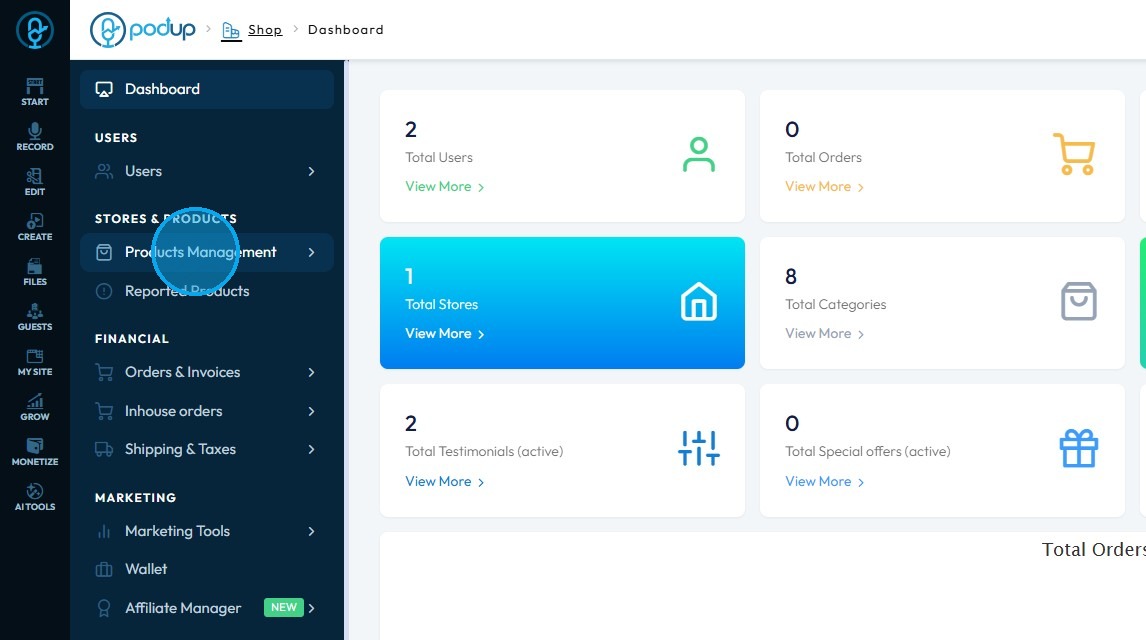
4. Click "Products Management"
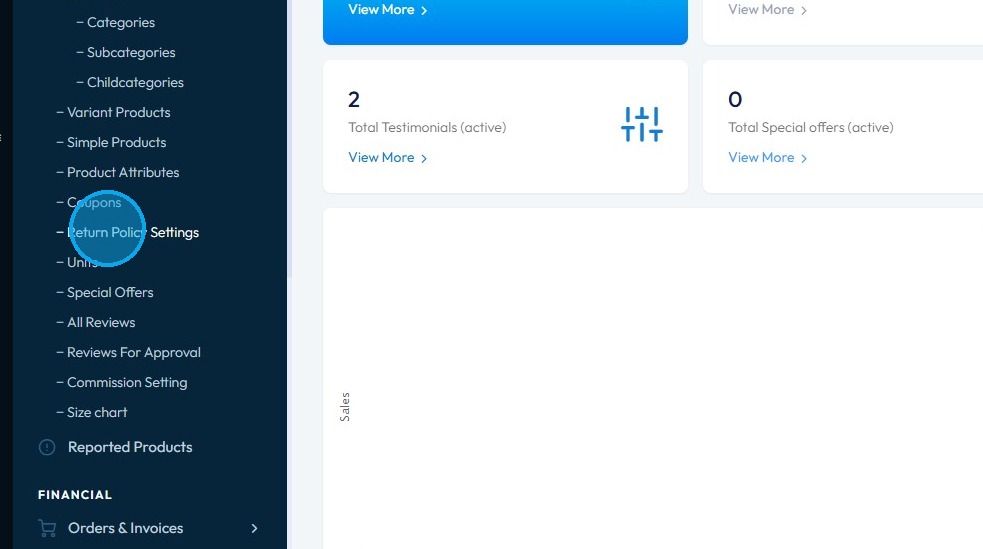
5. Click "Return Policy Settings."
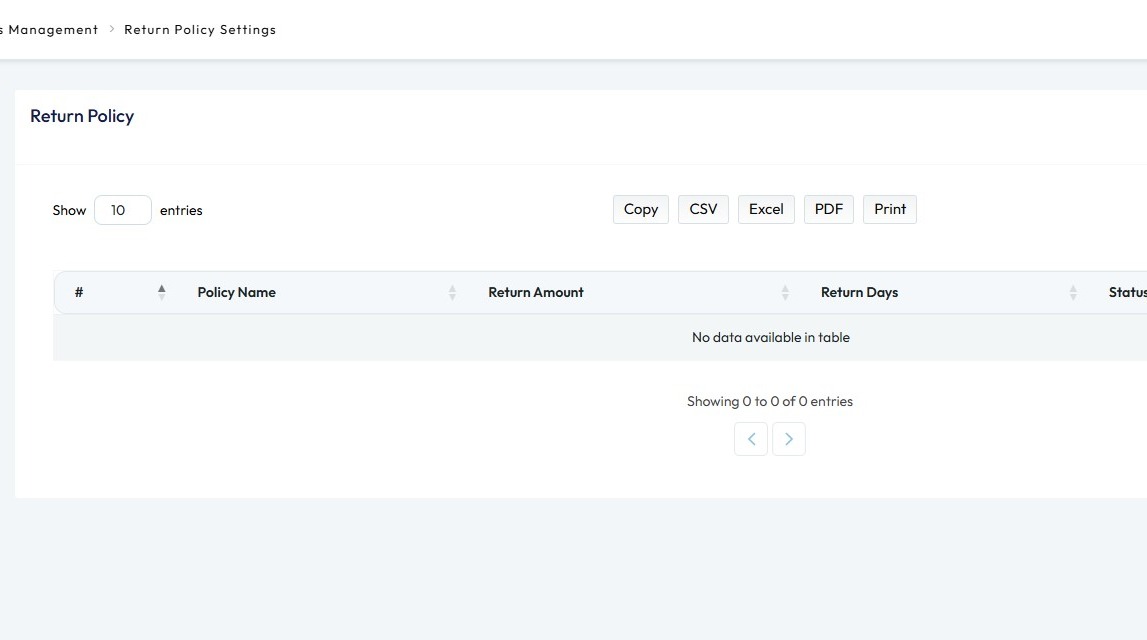
6. "Return Policy" page opens up
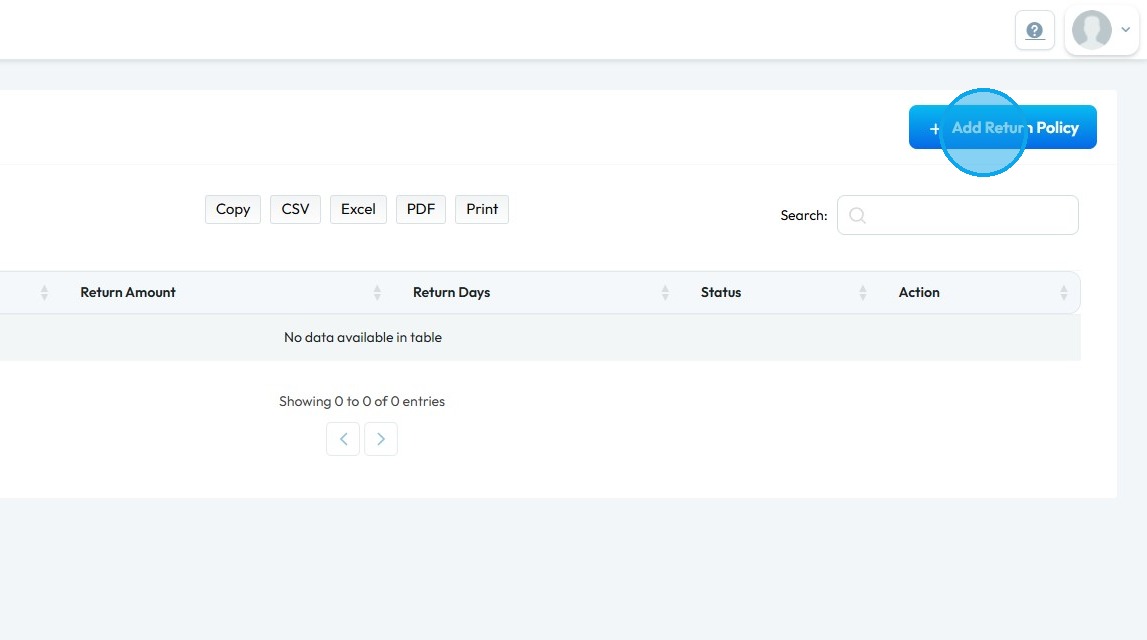
7. Click "Add Return Policy"
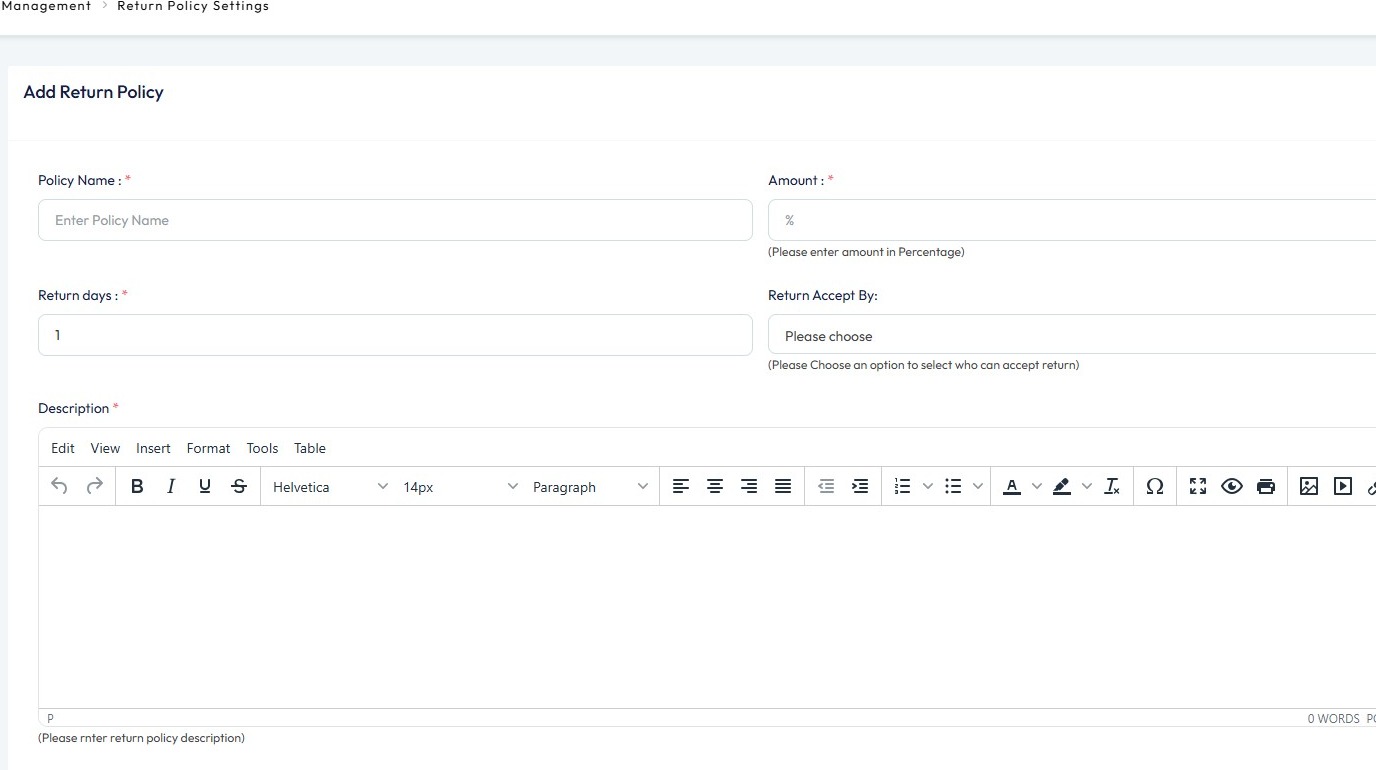
8. Enter the Return Policy details
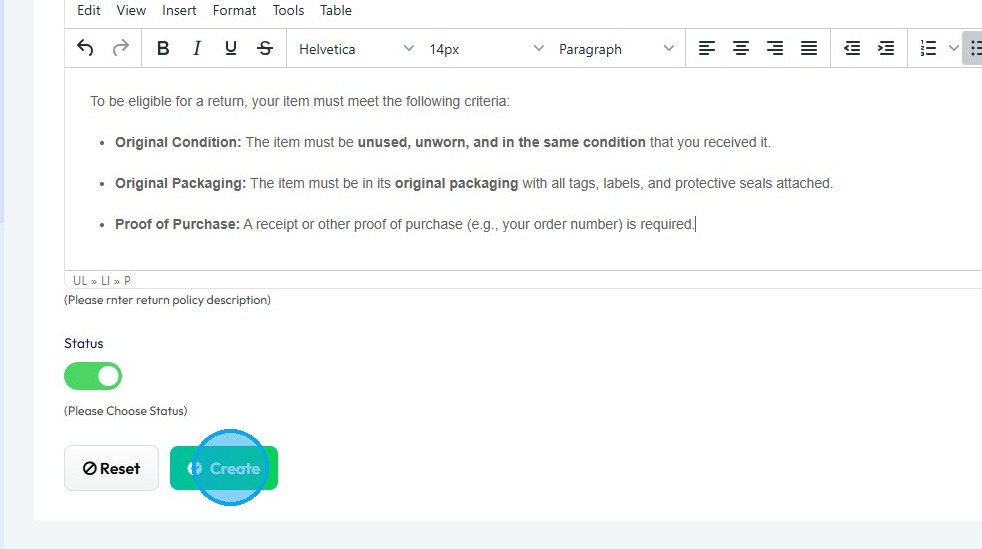
9. Once you have entered the details
Click "Create"
10. A new return policy will be added to the Return Policy list