How to Create a New Project in Podup Editor
By following this guide, you can easily create a new project in PodUp Editor and begin your video editing workflow smoothly and efficiently.
1. Navigate to https://editor.podup.com/
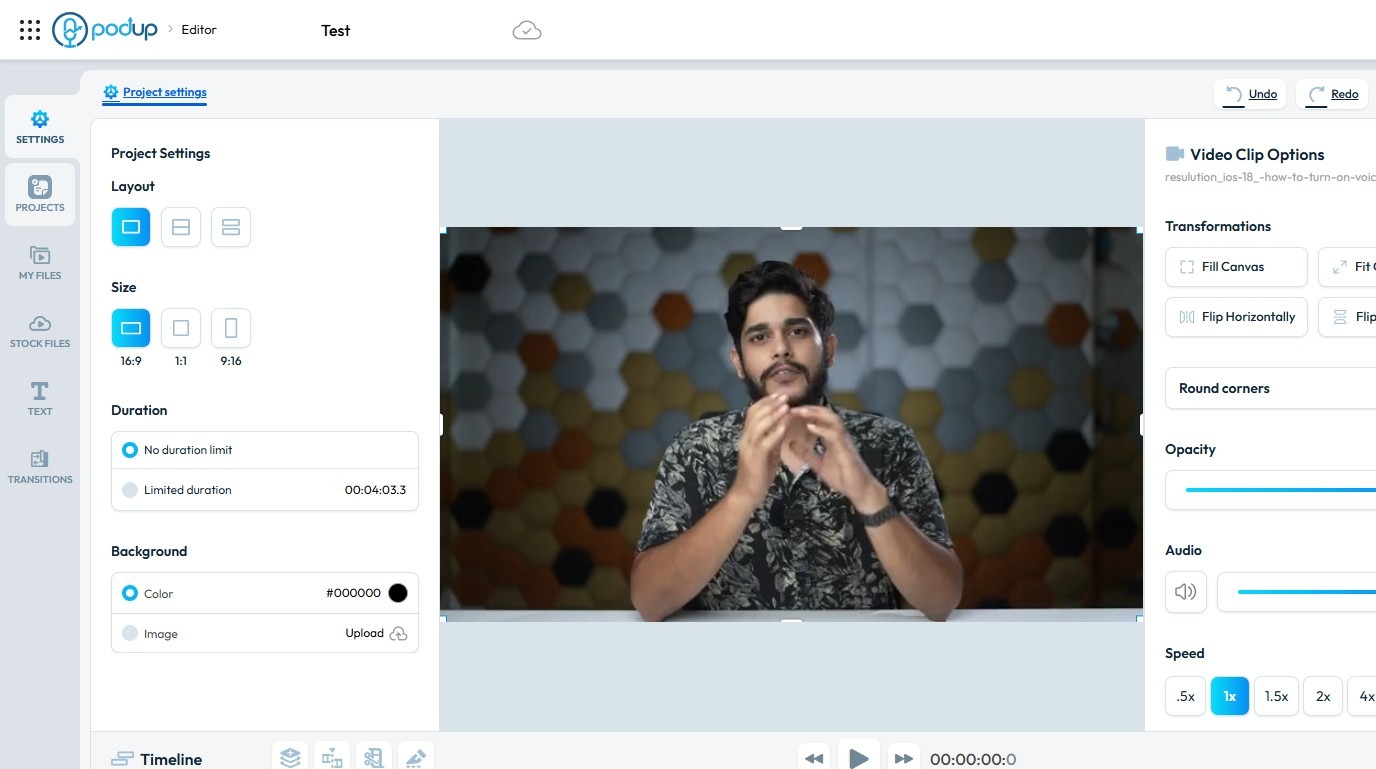
2. Click "Projects".
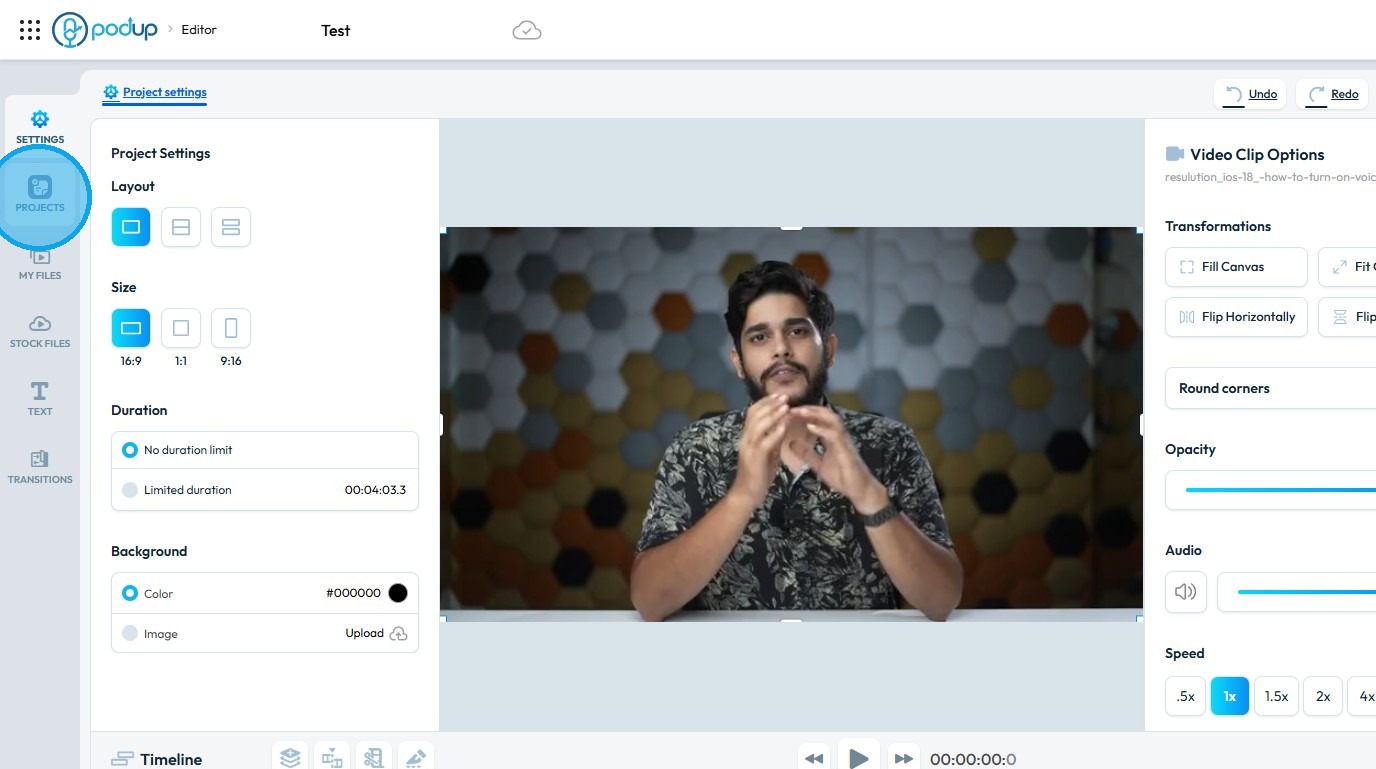
3. Select "New project"
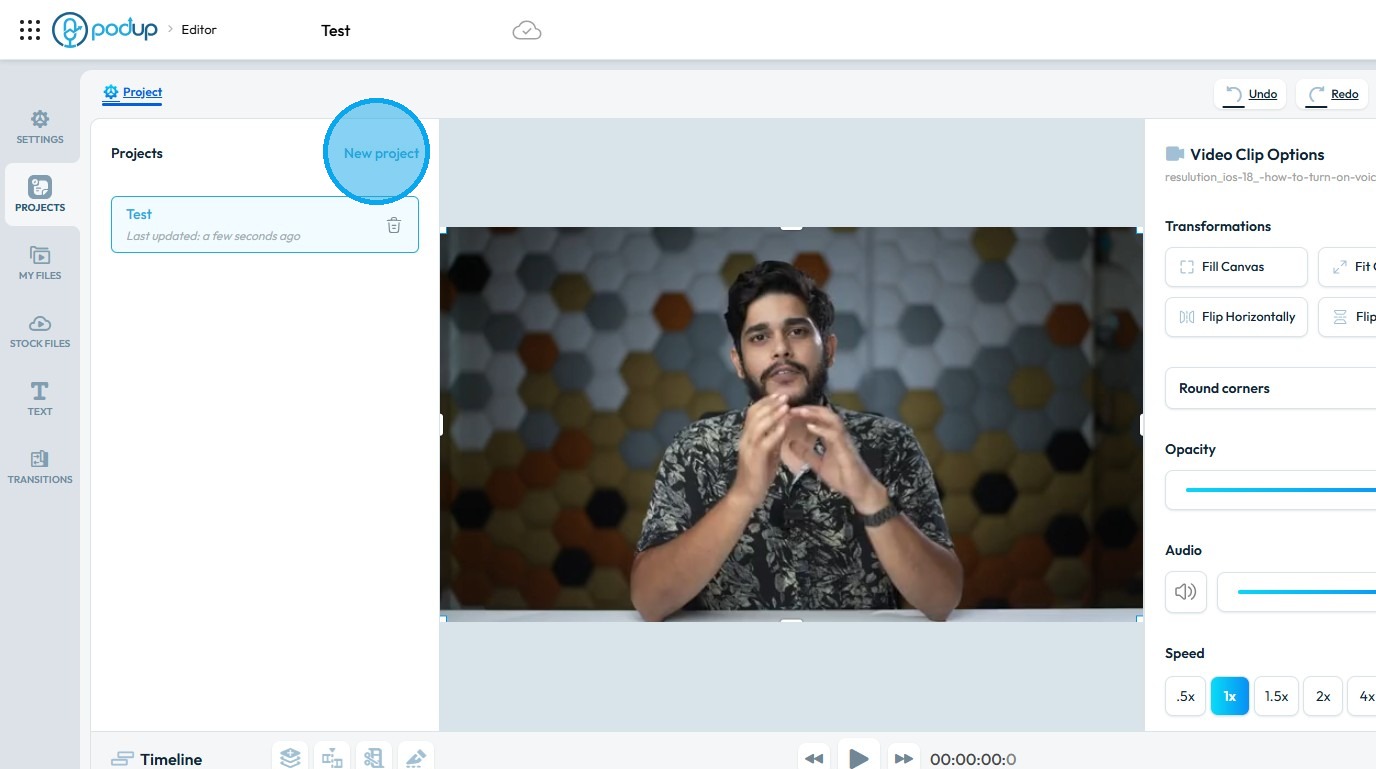
4. A new project will be created and loaded, closing the previous one
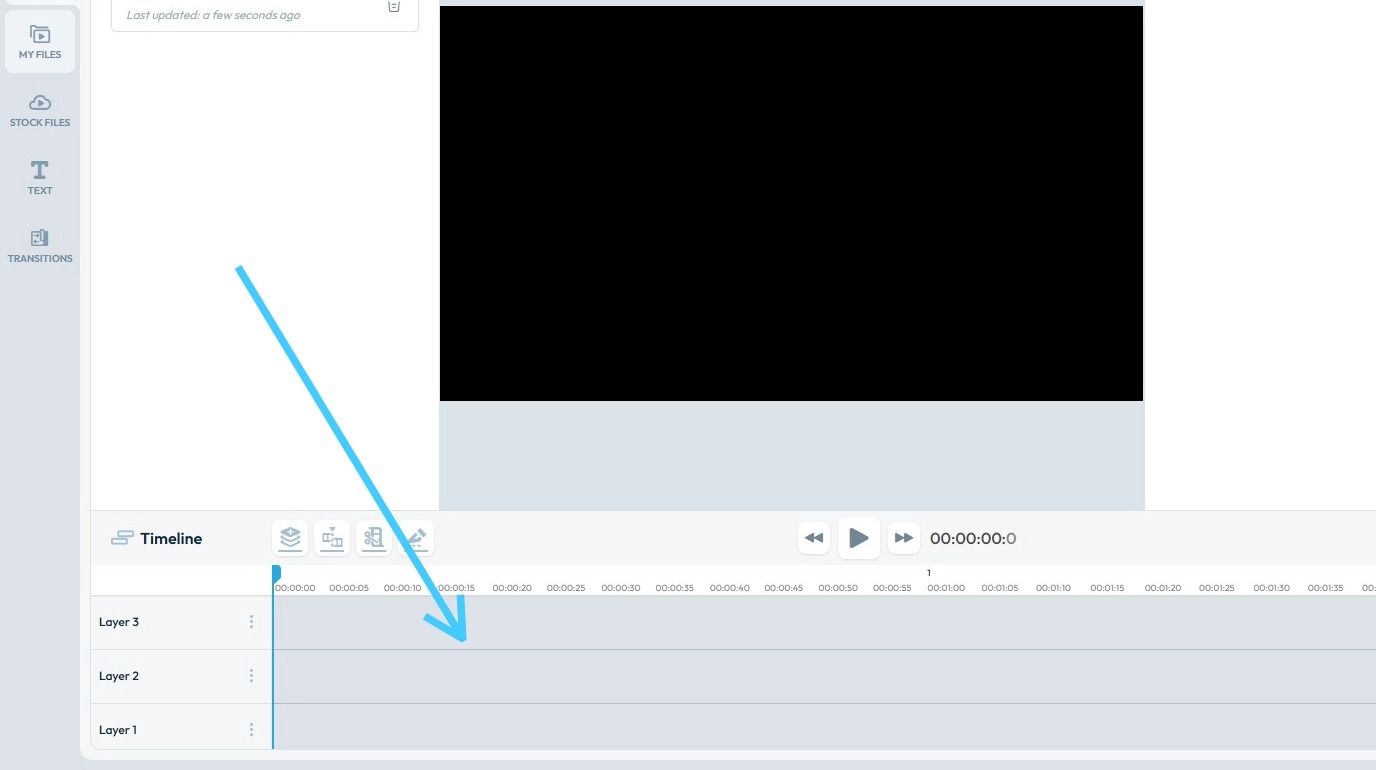
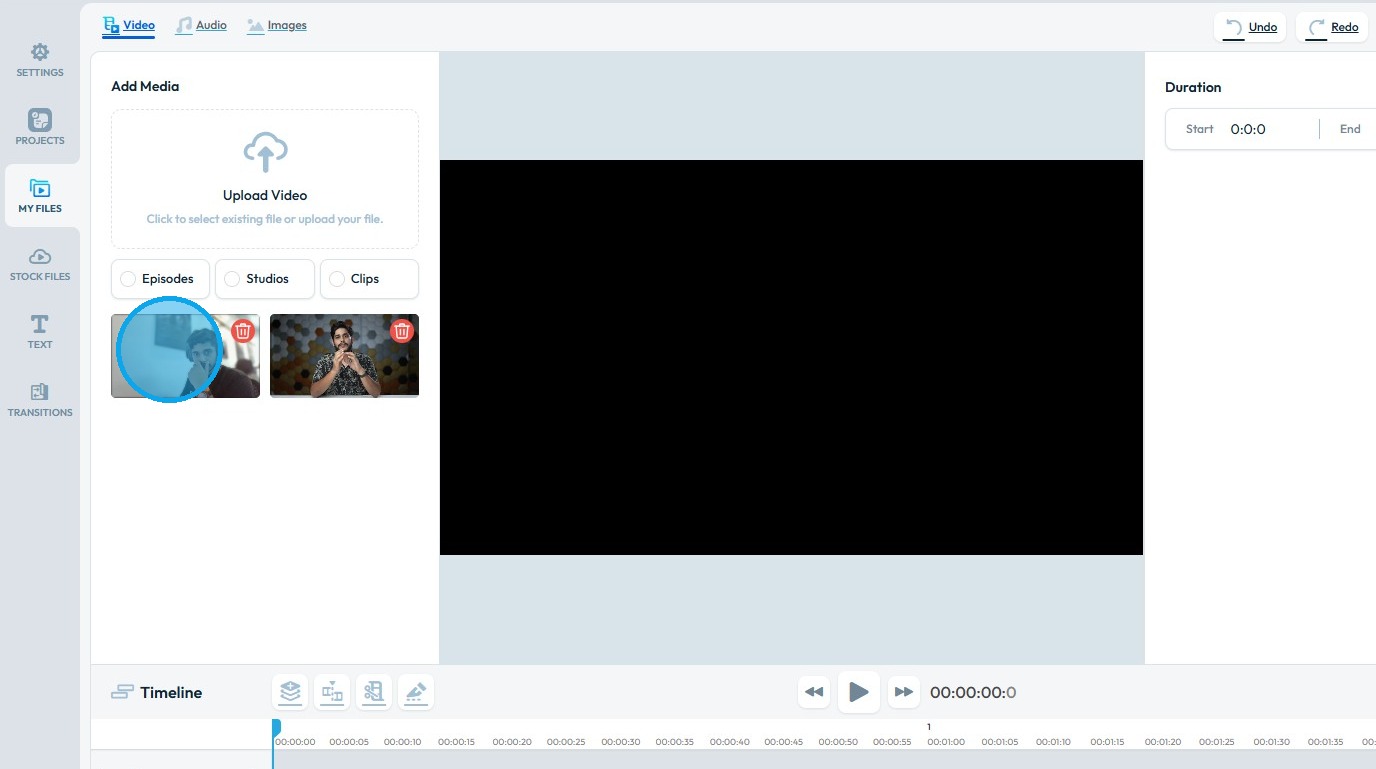
5. Click "My Files"
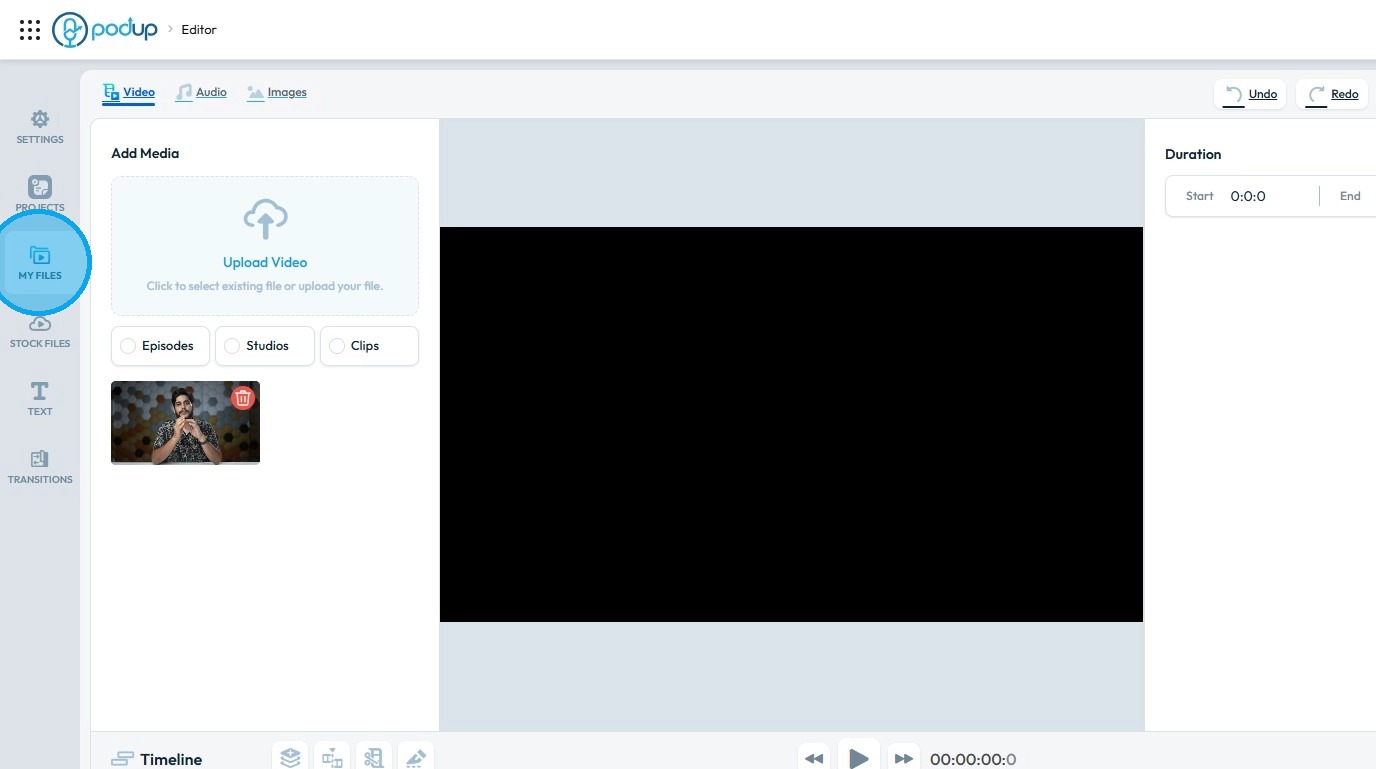
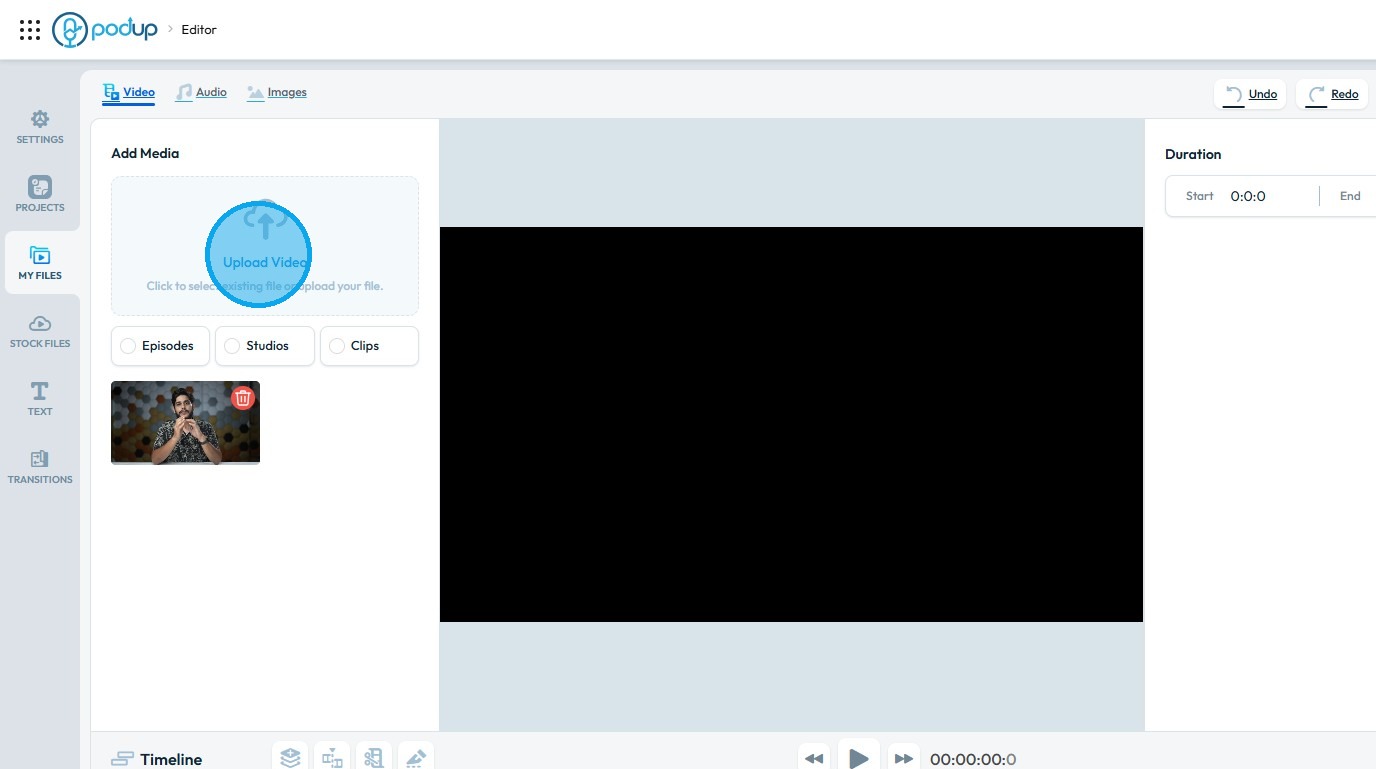
6. Click "Upload Video"
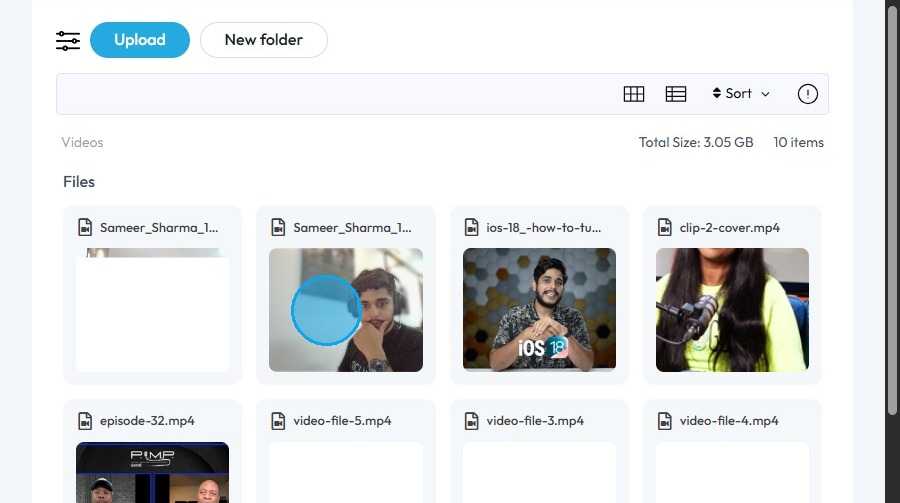
7. Click on the video you wish to import into the Editor
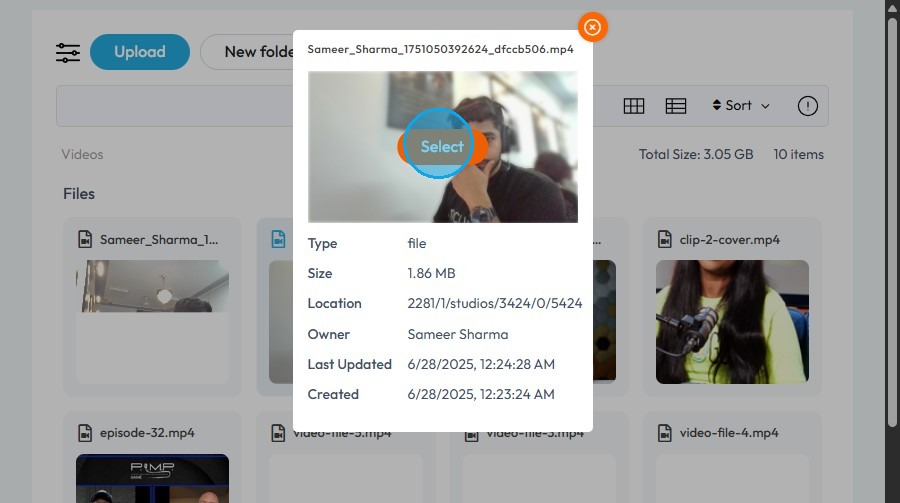
8. Click "Select"
9. The video file will be loaded into the New Project
Related Articles
How To Navigate Editor (Detailed)
This guide is essential for anyone looking to effectively edit audio and video using Podup's Editor. It provides a comprehensive overview of the platform's features, from navigating the interface to utilizing various editing tools and elements. With ...Timeline lag / slow
editor is slow, timeline lagging, video editor laggy, editing is sluggish, playback stutters By following this guide, you can easily create a new project in PodUp Editor and begin your video editing workflow smoothly and efficiently. 1. Navigate to ...How to create a New Subcategory in Podup Shop?
This guide provides a straightforward process for creating a new subcategory in Podup, making it easy for users to enhance their product organization. By following the clear steps outlined, users can efficiently manage their inventory and improve the ...Create a New Blog Page on Podup Website
This guide provides a straightforward, step-by-step process for creating a new blog page on the PodUp website. By following these instructions, users can efficiently navigate the platform, customize their blog layout, and publish content that meets ...I am new. Where do I start?
This guide helps beginners launch and manage a podcast on PodUp using easy-to-use tools for setup, creation, and distribution. 1. Navigate to https://app.podup.com/home 2. Click "Start" 3. Podcast Setup: PodUp’s Setup tools walk you through ...