How to create a form for my contact us page
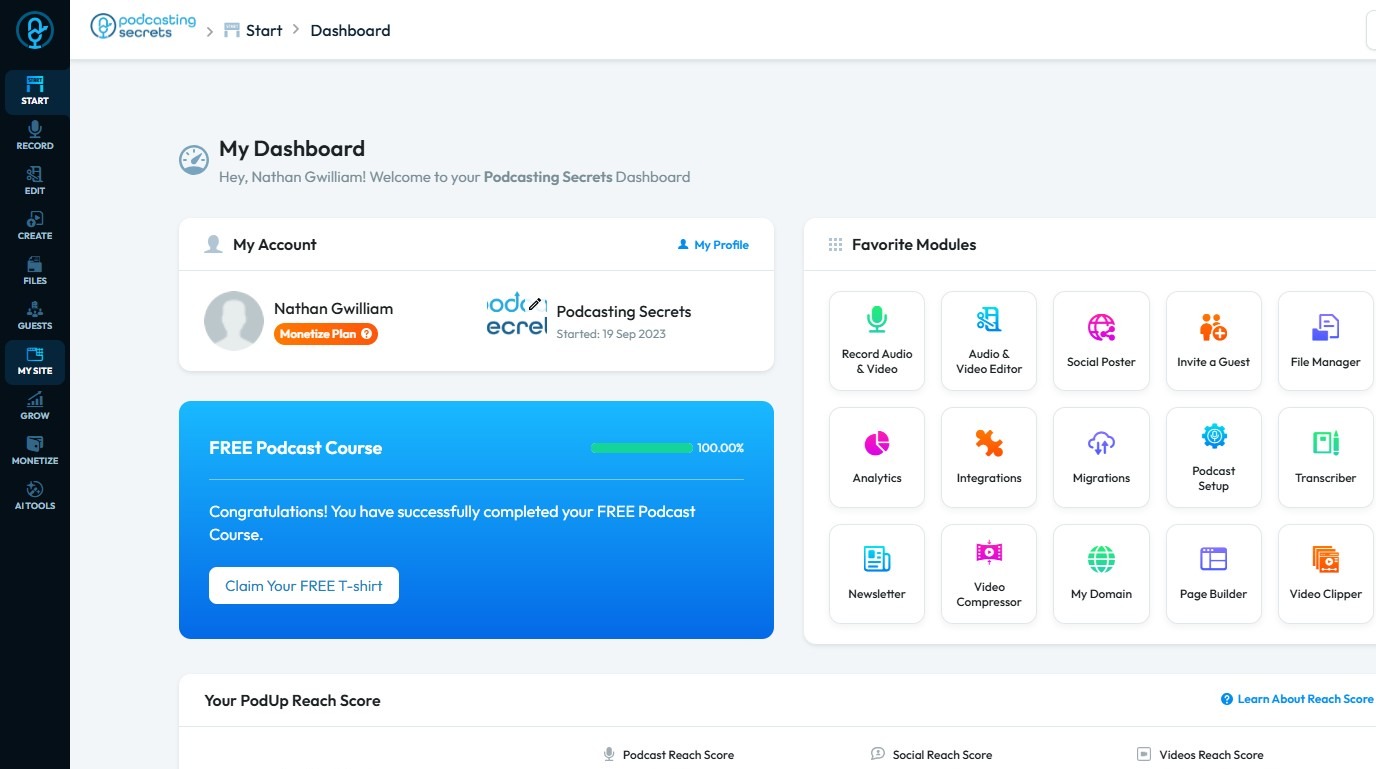
2. Click "My Site"
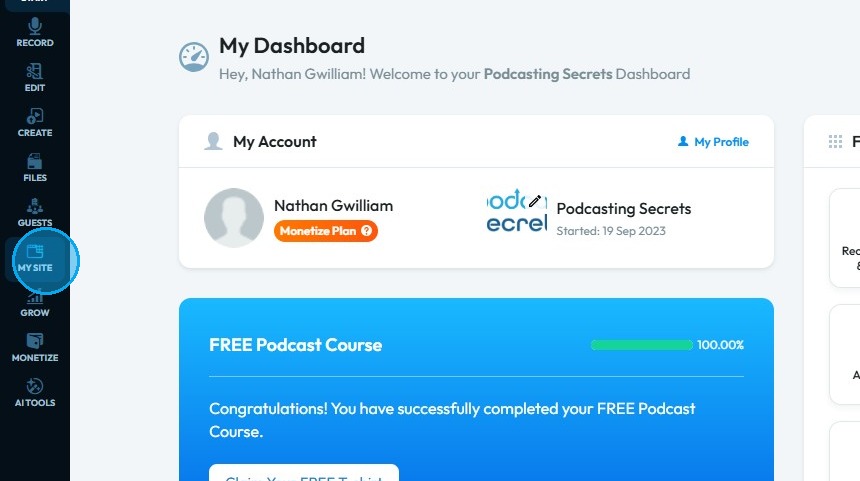
3. Click "Form Builder"
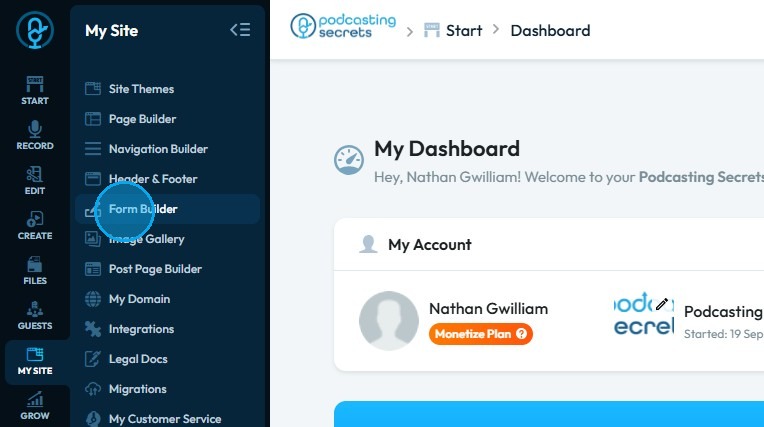
4. Click "Create a New Form"
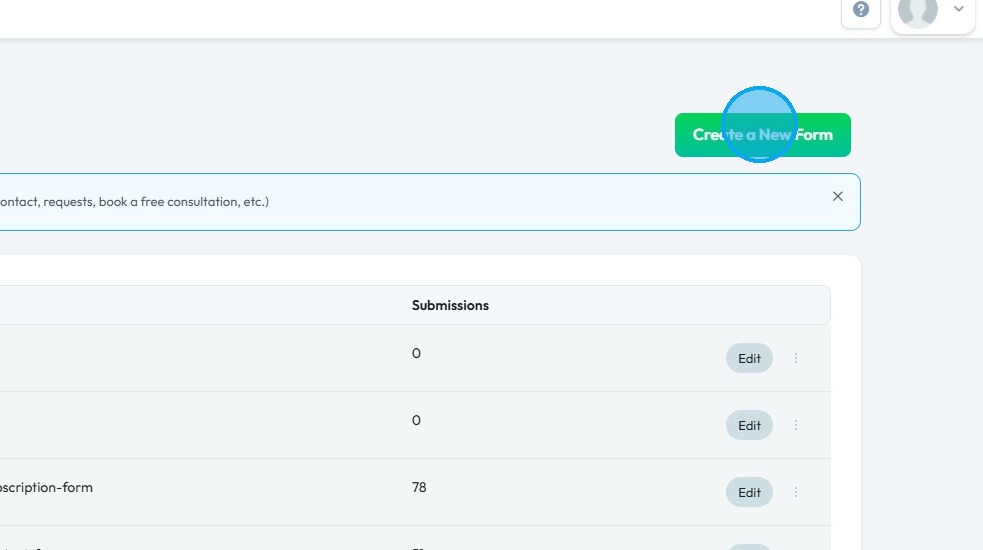
5. This will be your "Create a Form" page.
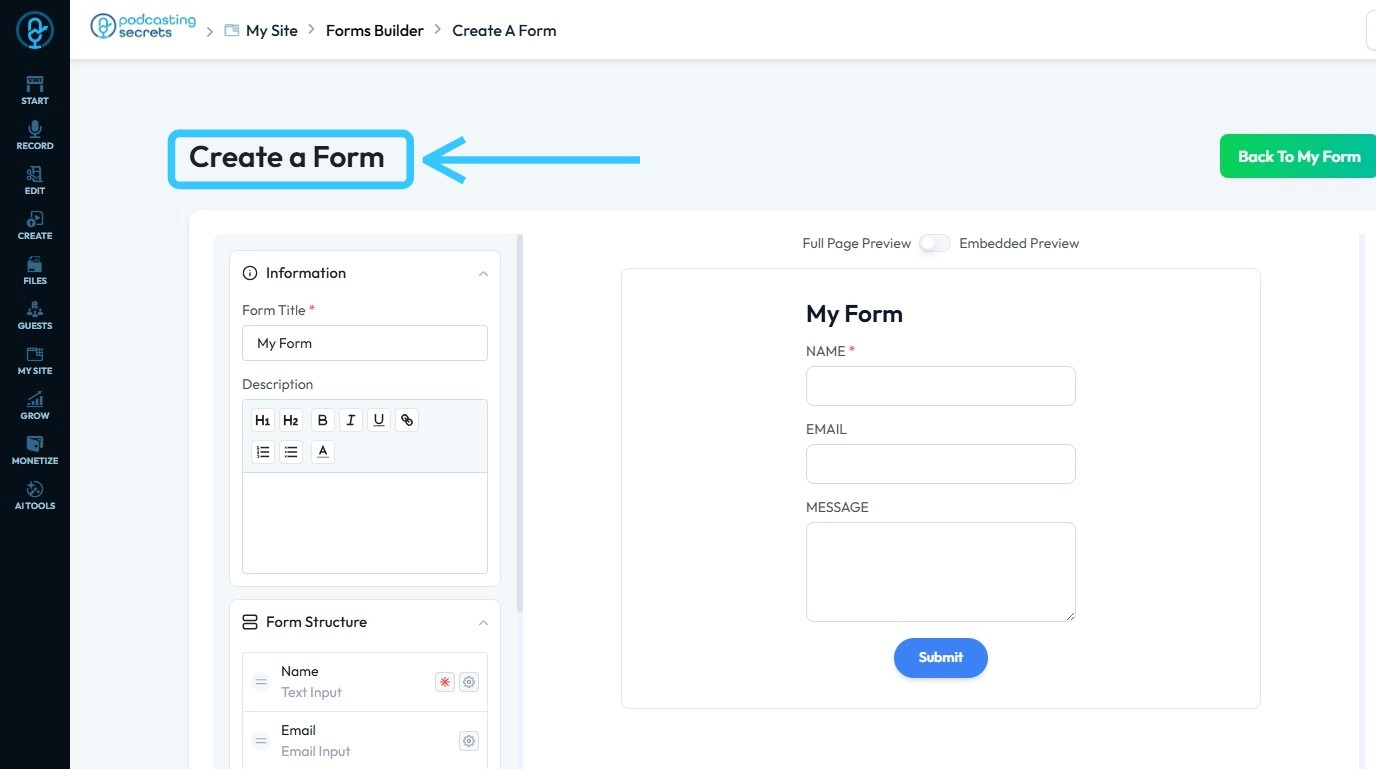
6. You can write the "Description" and customize the form accordingly.
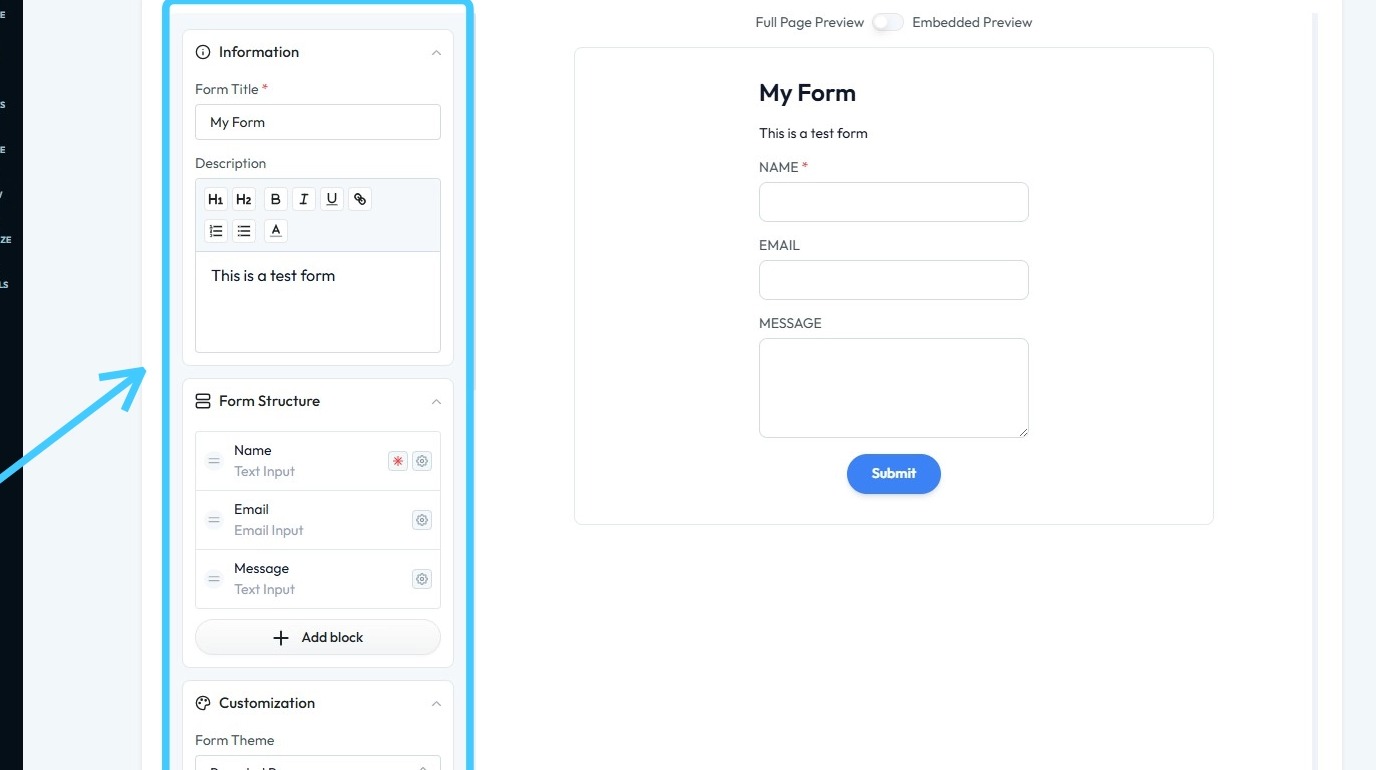
7. Click "Submit & Save Form"

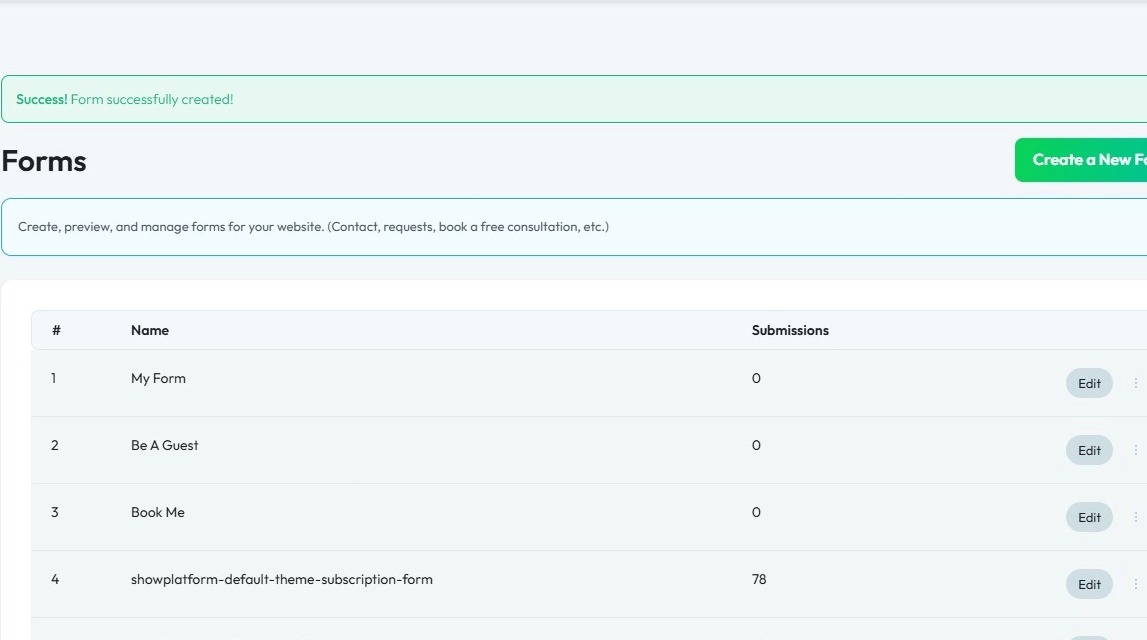
8. You will see "Success! Form successfully created!" message in green.
9. Now to add the form on website, click "My Site"
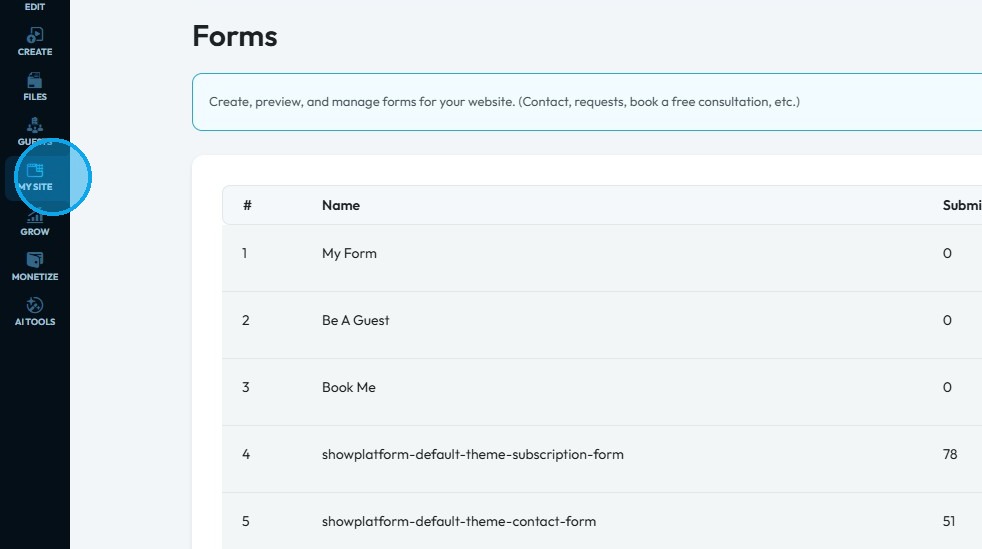
10. Click "Page Builder"
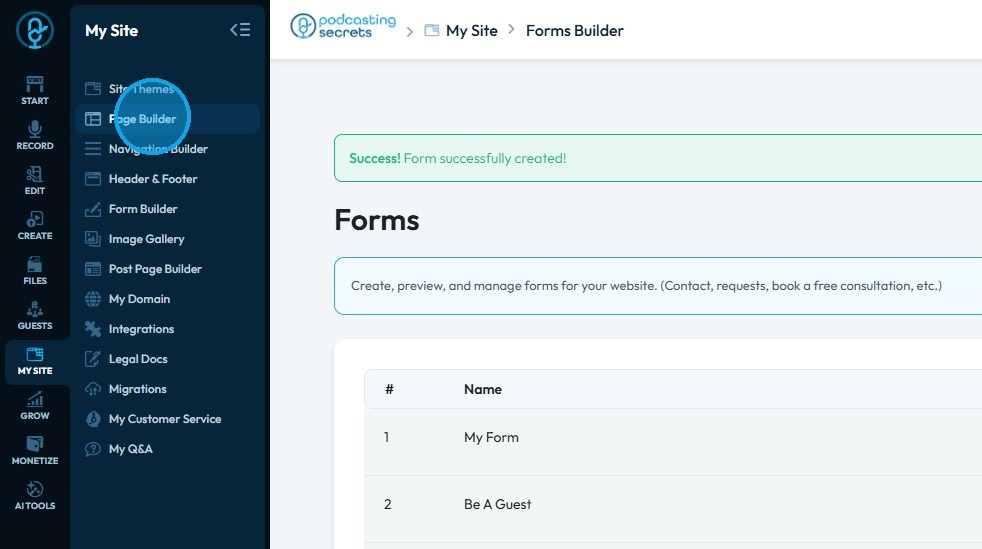
11. Here you will find all your website pages.
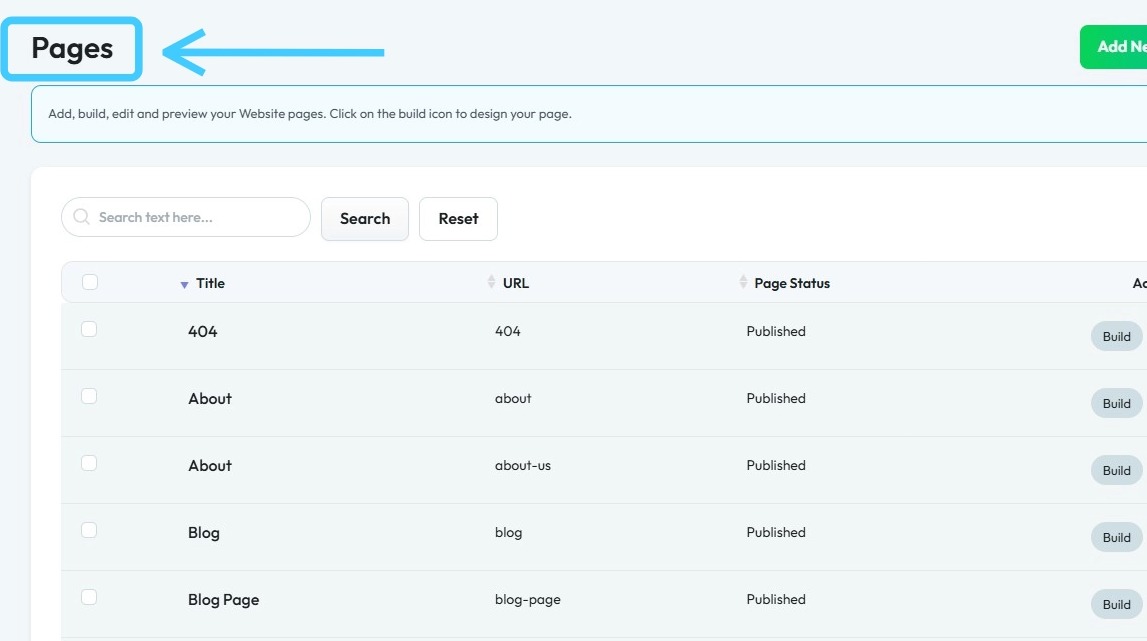
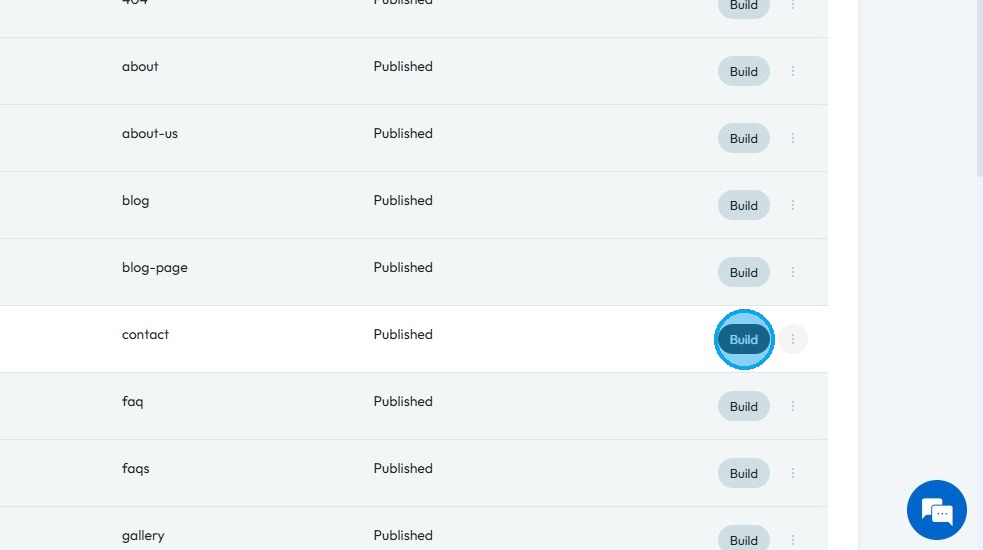
12. Click "Build" button of a page you want to add form to.
13. You will be redirected to PodUp page builder.
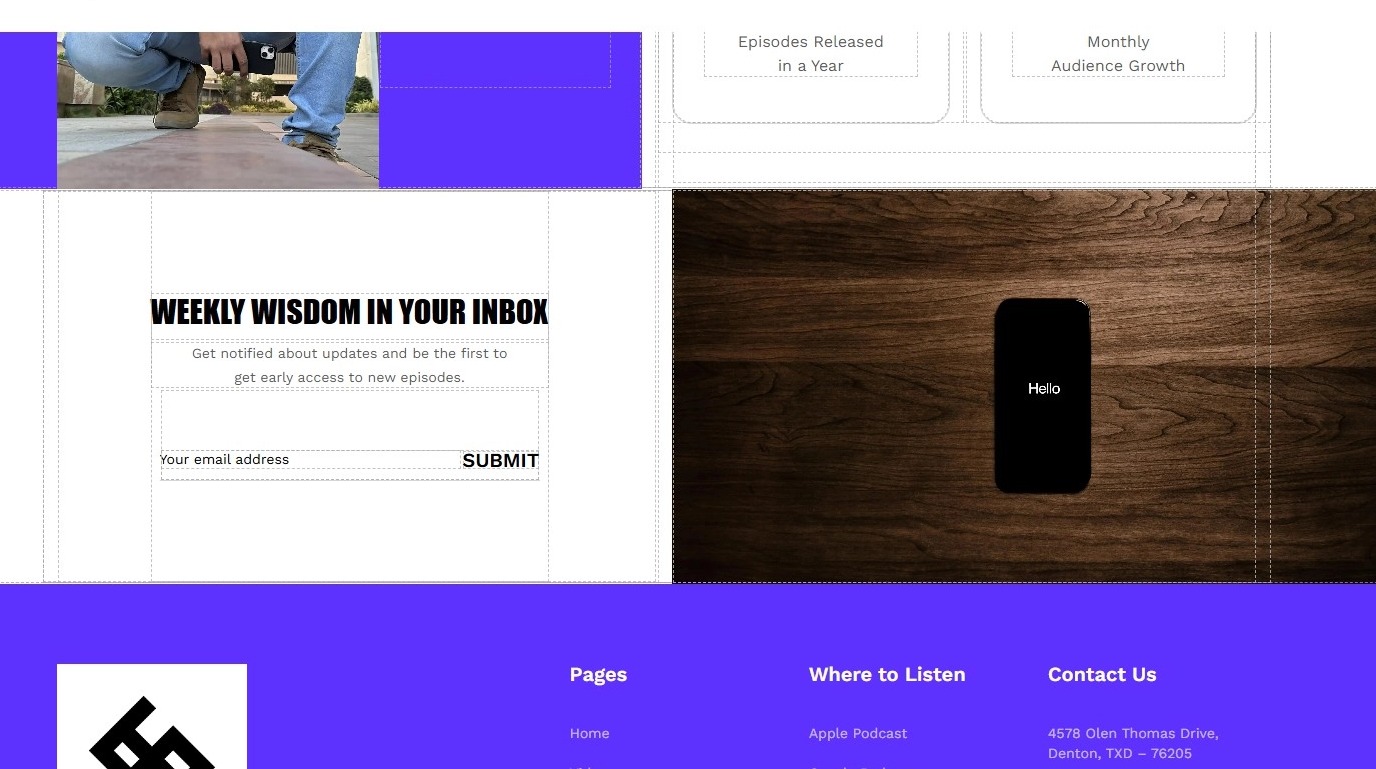
14. Click this "Component" icon.
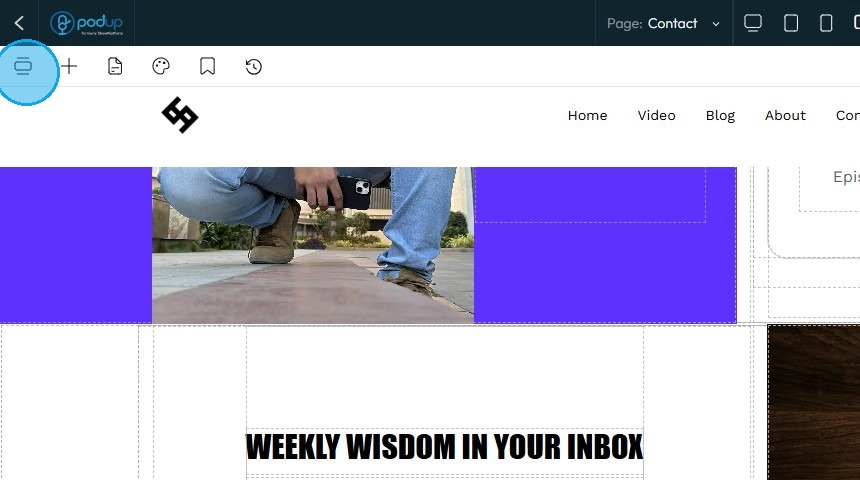
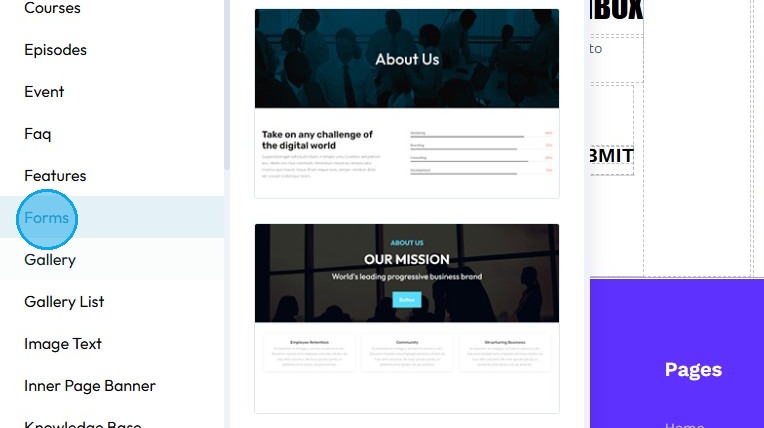
15. Click "Forms"
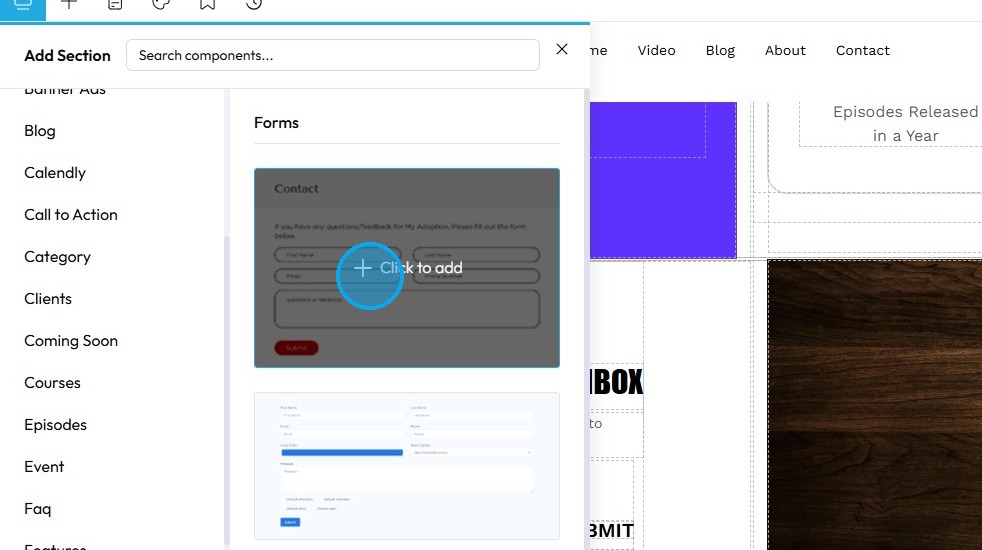
16. Click on the "Layout" you want to use with the form.
17. "Select Form" window will open up.
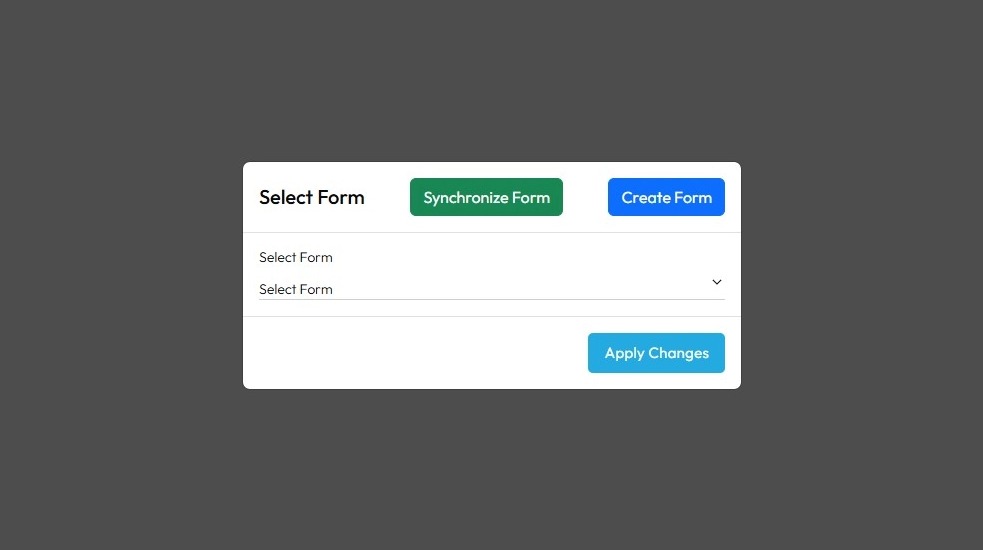
18. From the drop down list select the form you created.
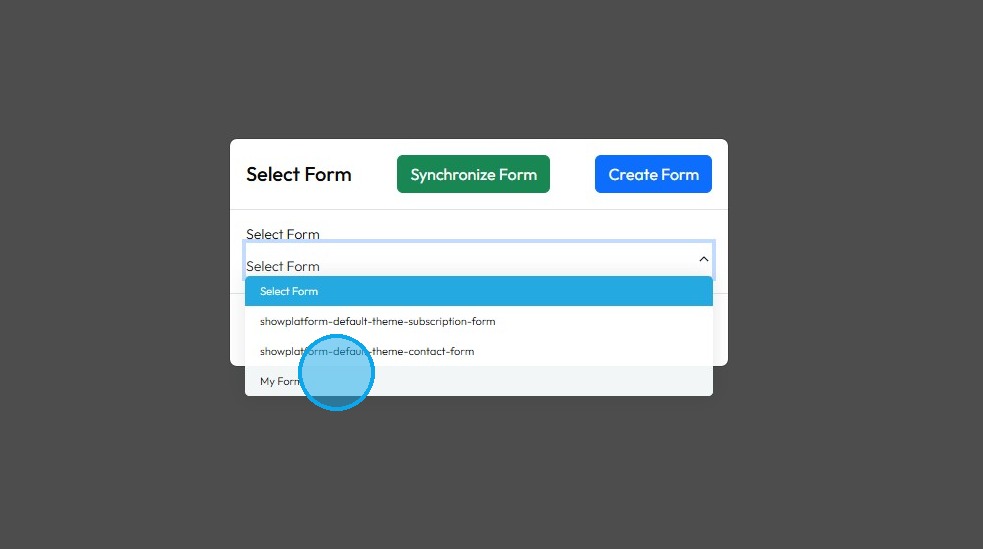
19. Click "Apply Changes"
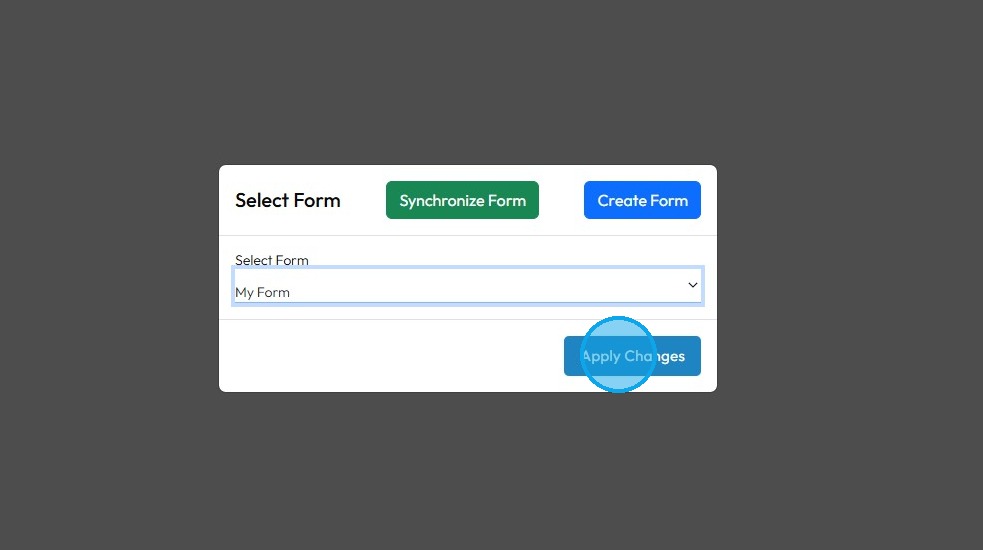
20. The form with the selected layout will be applied to your page.
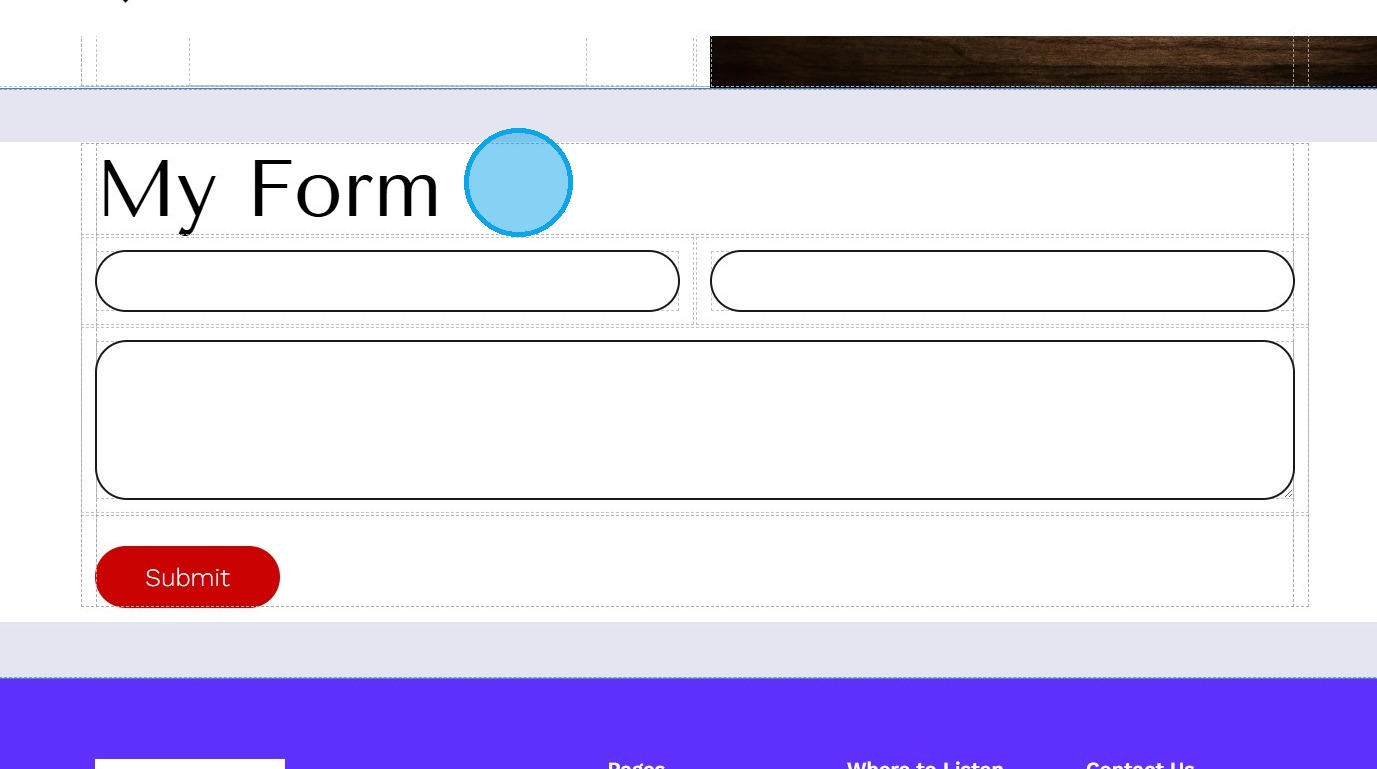
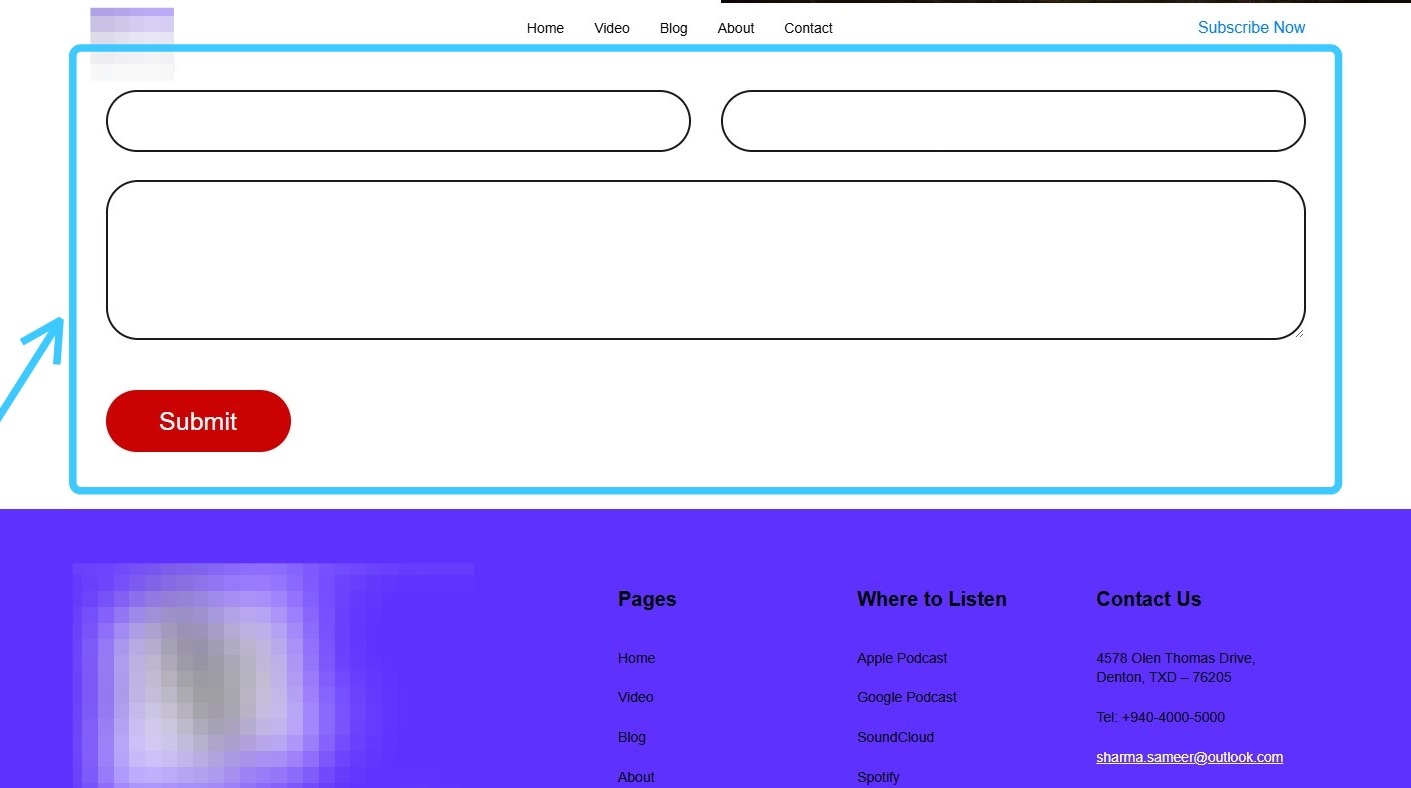
21. You have successfully added form to your website page.
Related Articles
How to Navigate Page Builder (Detailed)
This guide provides a straightforward method for creating and customizing website pages using PodUp's Page Builder, making it ideal for users of all skill levels. It outlines each step in the process, from accessing the page builder to editing ...How to make a Contact Us page for my website
This guide offers a straightforward approach to creating an effective "Contact Us" page for your website, ensuring that visitors can easily reach you. It walks you through the process step by step, from setting up the page to customizing it with one ...How to create an about page
This guide provides a straightforward process for creating an engaging "About" page on your website using PodUp. It walks you through each step, from accessing the site to customizing your page layout and style, ensuring that you can effectively ...How do I Customize Web builder Quick Add (Detailed) - Form
By following this guide, you can easily customize forms in the PodUp Web Builder and optimize your website’s design and functionality. 1. Navigate to https://app.podup.com/home 2. Click "Page Builder" 3. Click the "Build" button on the page where you ...How to create an FAQ page
This guide provides a straightforward process for creating an FAQ page on PodUp, making it easy for users to enhance their website's functionality. By following the step-by-step instructions, you can efficiently set up a professional-looking FAQ ...