How To Create a Banner to My Website
This guide shows you how to quickly create a custom banner on PodUp to boost your site's look and branding—easy for beginners and pros alike.
1. Navigate to https://app.podup.com/home
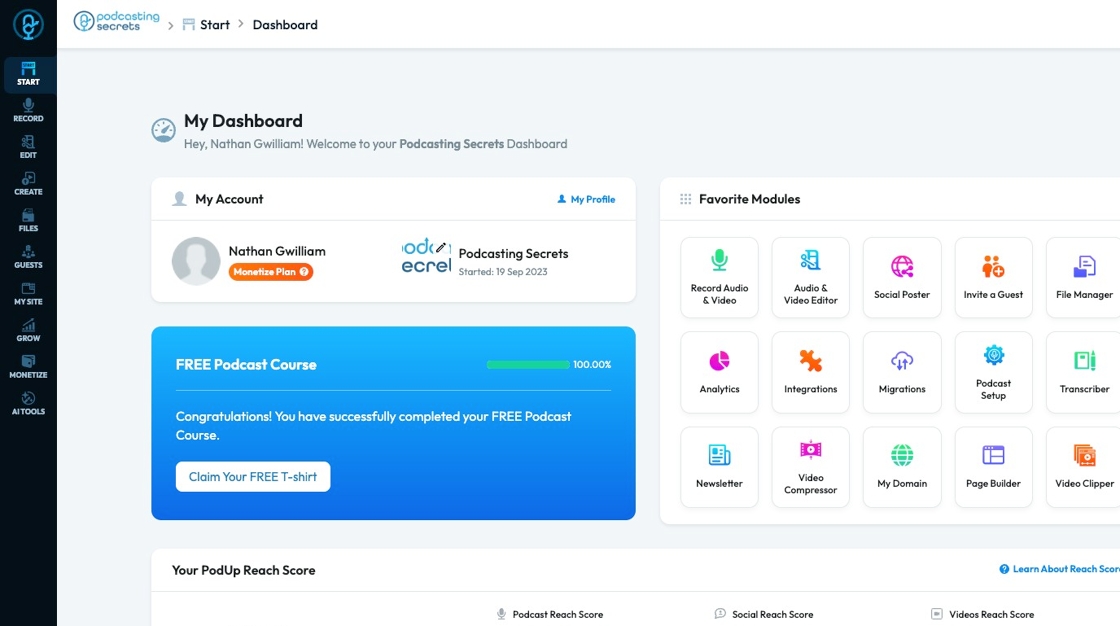
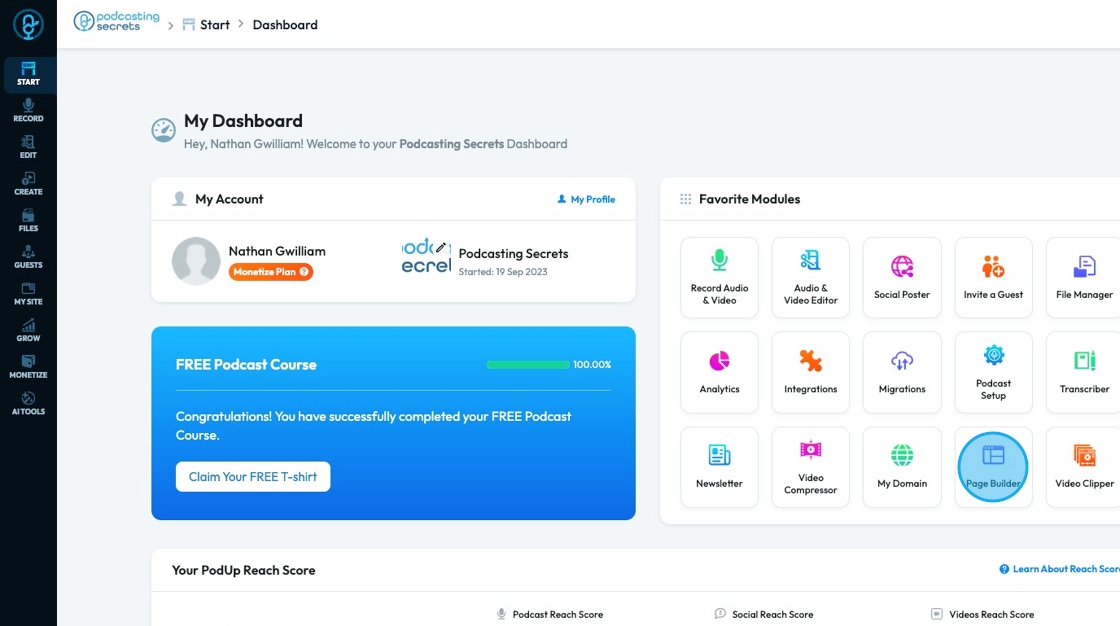
2. Click here.
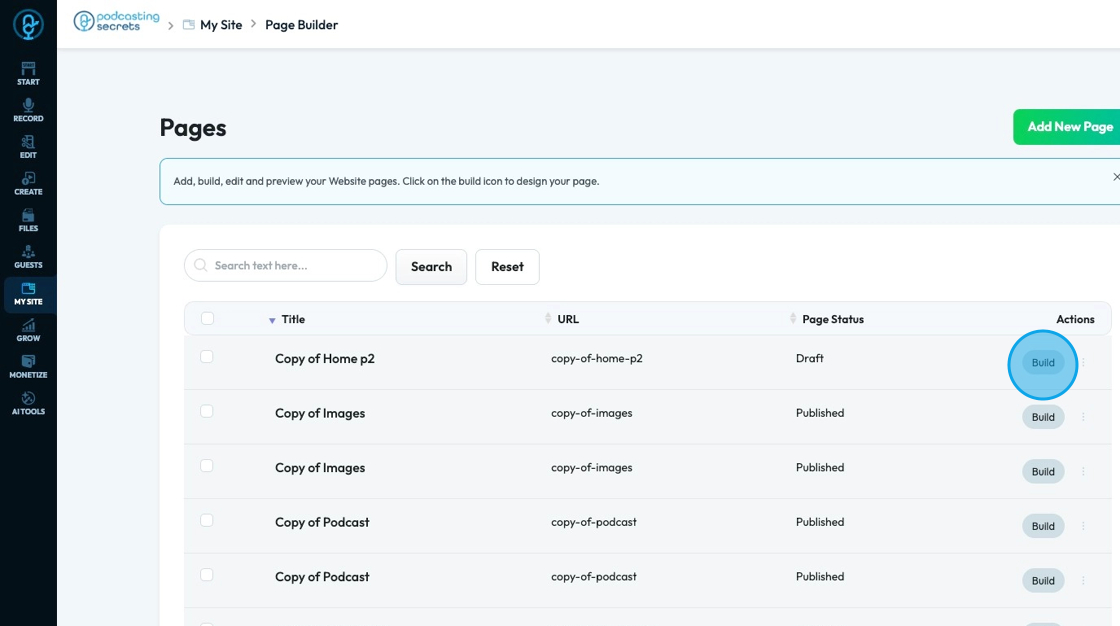
3. Click "Build" on the page you want to build
4. The newly created blank page will open
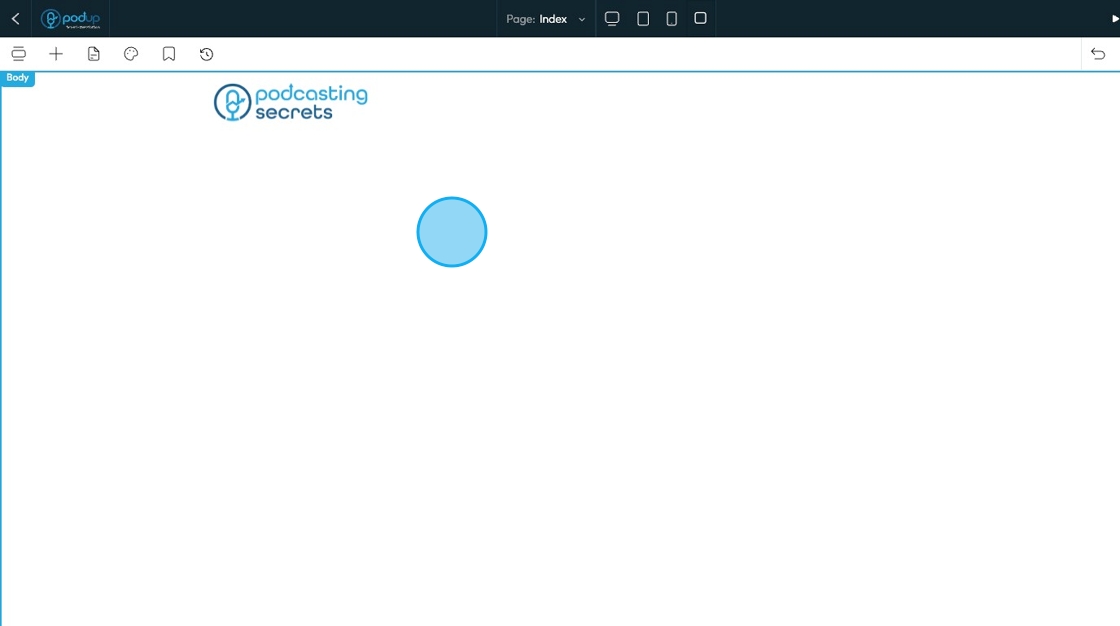
5. Click "Add Section" to add a section to your website
- This is the easiest way to build a website
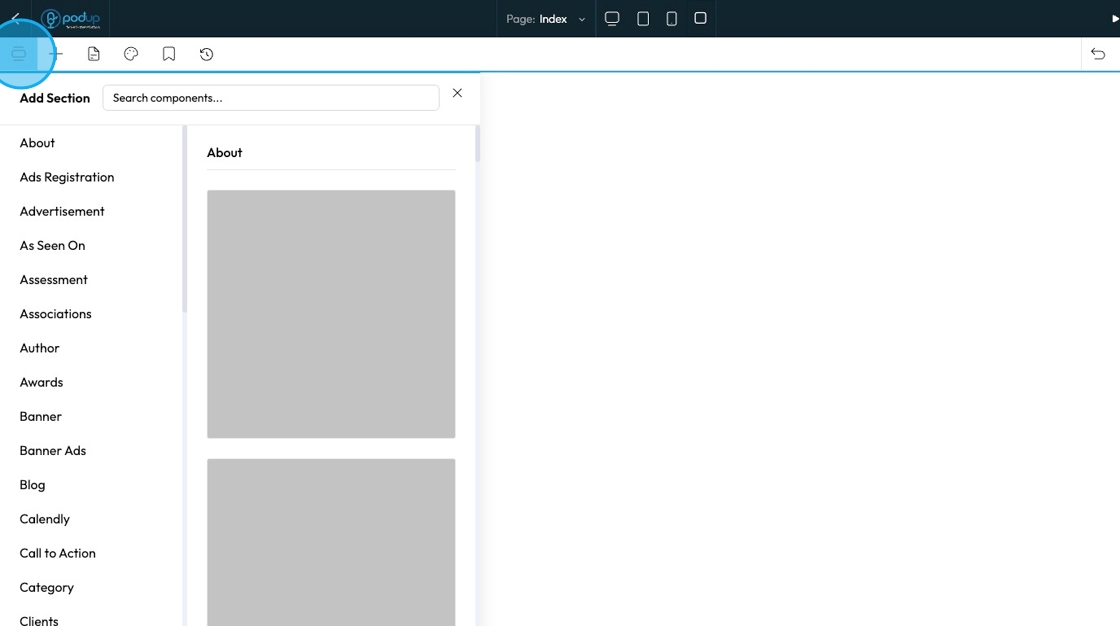
6. Click "Banner" to open the banner templates

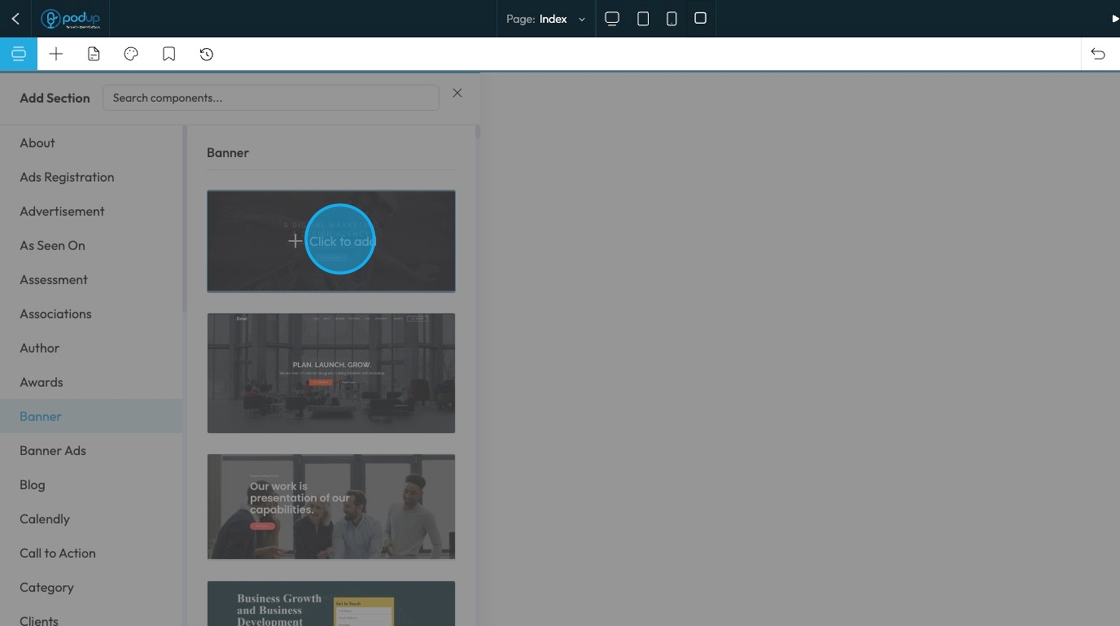
7. Hover over the template and click "Click to add"to add it to the website
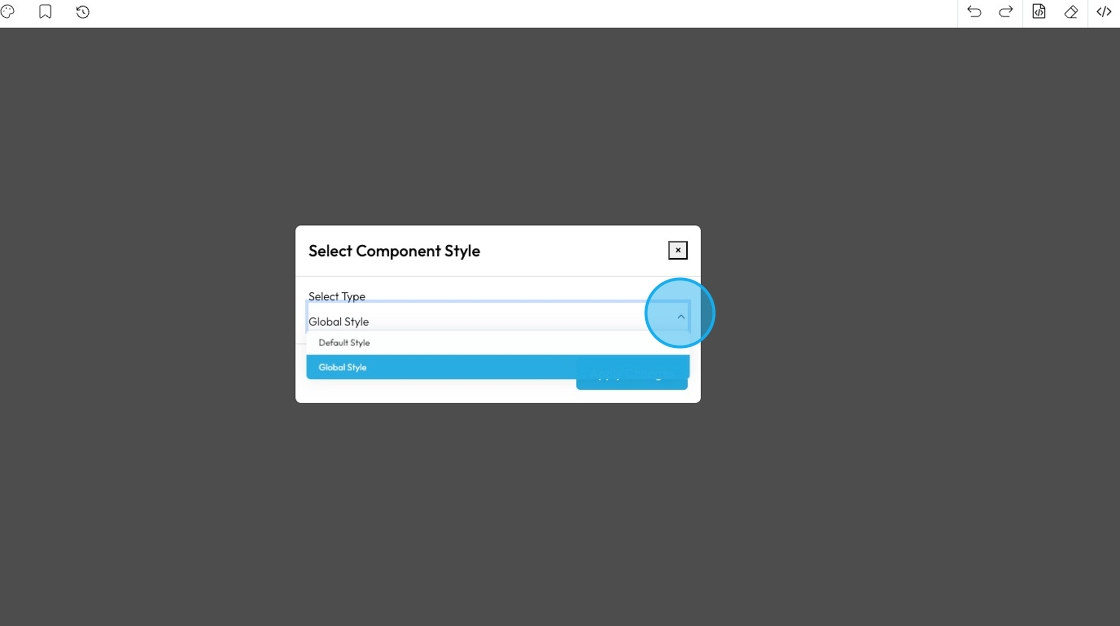
8. An option will appear for you to add a Component Style
- Global Style: These are settings that apply to many elements across your entire website. When you change a global style (like font, color, or spacing), it updates everywhere that style is used, keeping your design consistent.
- Default Style: This is the basic style an element uses if you don't change anything.
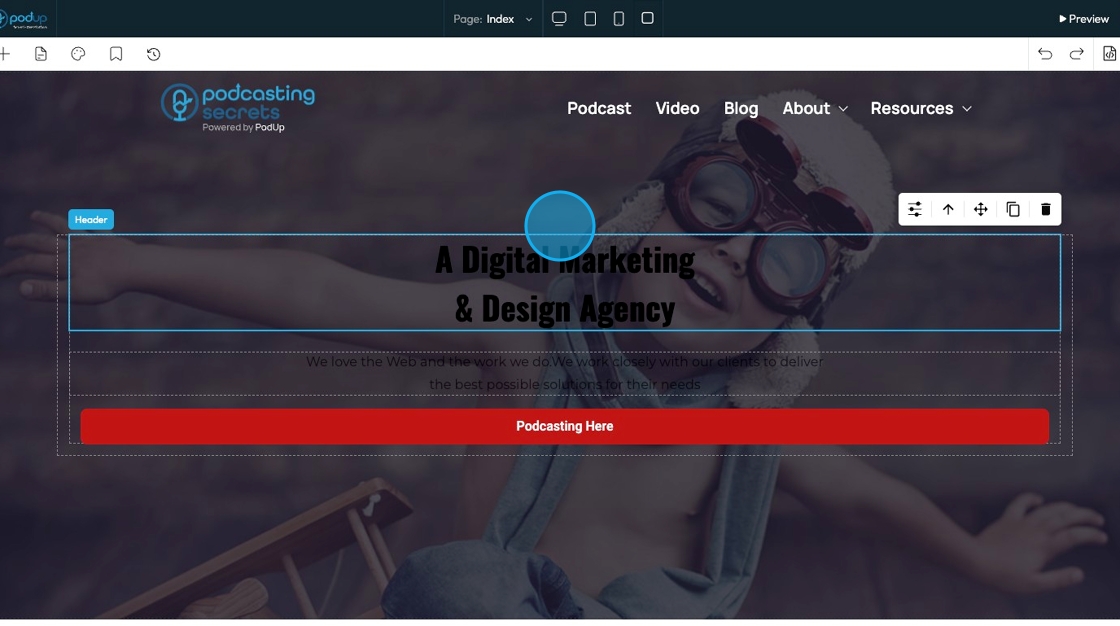
9. The Banner will then be added to your website page
Related Articles
How to turn a section into a banner?
Turn any website section into a banner to highlight key content or announcements 1. Navigate to https://app.podup.com/home 2. Click "My Site" 3. Select "Page Builder." 4. The "Pages" section will open, displaying all the webpages on your site 5. ...How to Change the Image of a Banner
This guide provides a straightforward process for adding a customizable banner to your page, enhancing your website's visual appeal. With over 100 templates to choose from, it caters to a variety of design preferences, ensuring you can find the ...How to Add a Banner to my Page
This guide provides a straightforward process for adding a customizable banner to your page, enhancing your website's visual appeal. With over 100 templates to choose from, it caters to a variety of design preferences, ensuring you can find the ...Create a New Blog Page on Podup Website
This guide provides a straightforward, step-by-step process for creating a new blog page on the PodUp website. By following these instructions, users can efficiently navigate the platform, customize their blog layout, and publish content that meets ...How To Create A Page for My Website in Page Builder
This guide shows beginners how to build a webpage with Page Builder by adding titles, descriptions, and metadata to boost search and social sharing. It’s a quick way to start a professional, effective site. 1. Navigate to https://app.podup.com/home ...