How to Connect LinkedIn Account in PodUp
This guide shows you how to easily connect your LinkedIn account to PodUp. It explains how to find the “Integrations” page and link your accounts in a few simple steps. Connecting LinkedIn helps you manage social media more easily and boost engagement. It’s a great tool for making the most of PodUp.
1. There are 3 ways to open "Integrations" page.
Navigate to https://app.podup.com/home
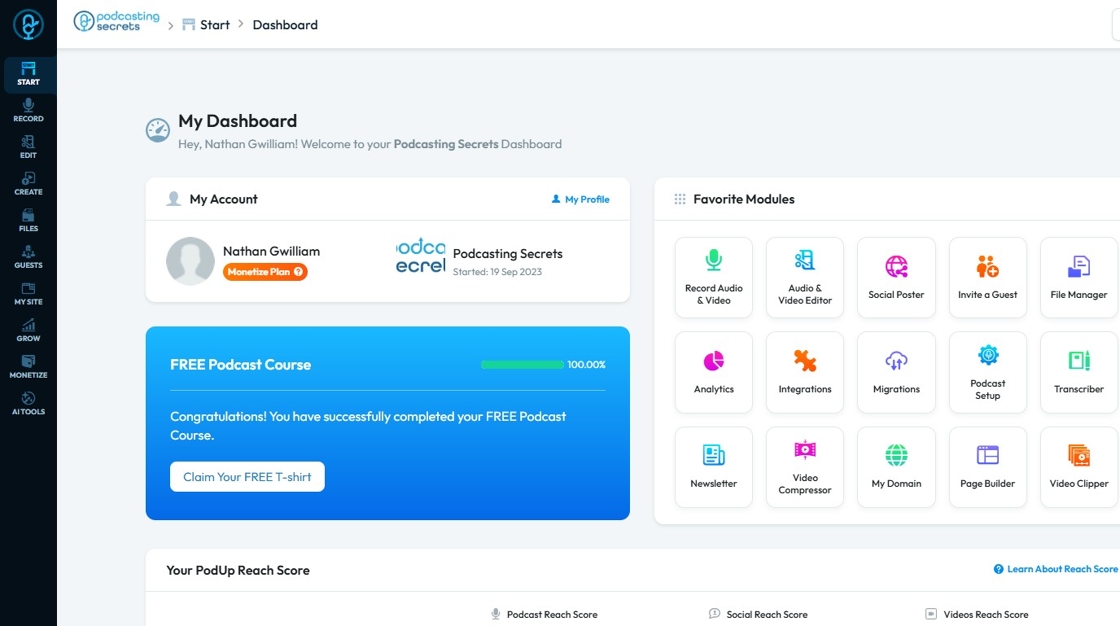
2. Click on "Integrations" in "Favorites Modules" on your "Dashboard"

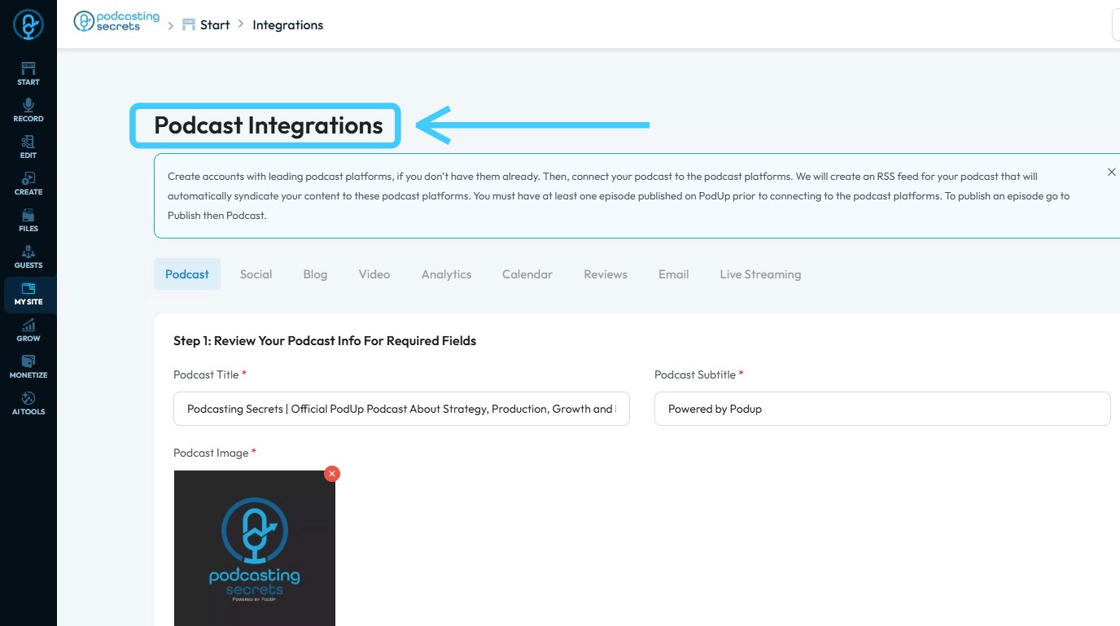
3. This is how "Integrations" page will look.
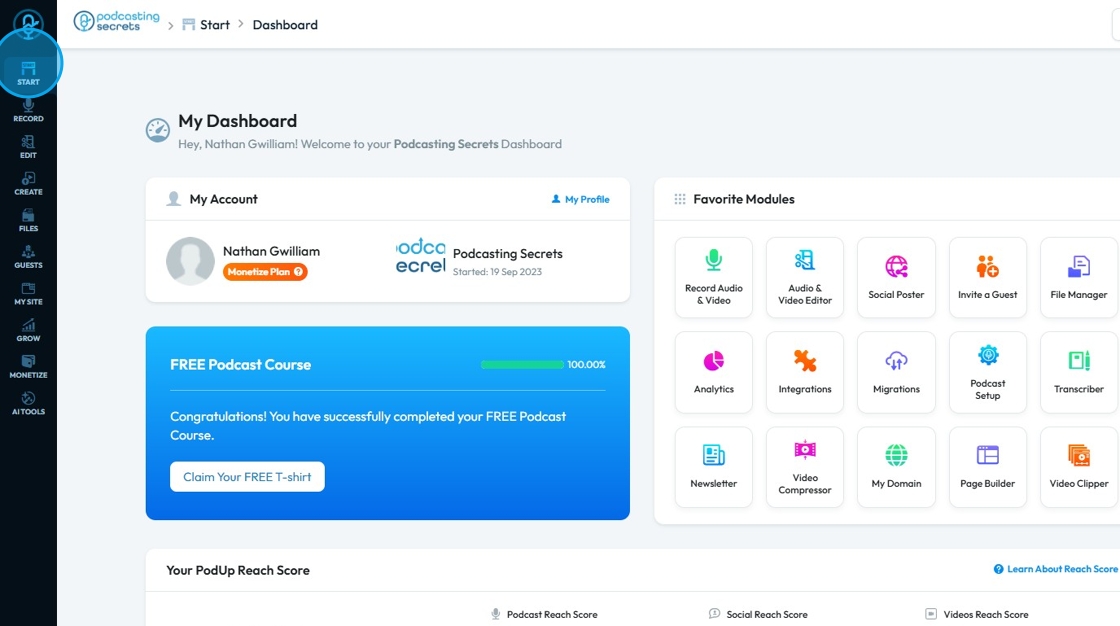
4. 2nd Method: Click on "Start"
5. Select "Integrations"
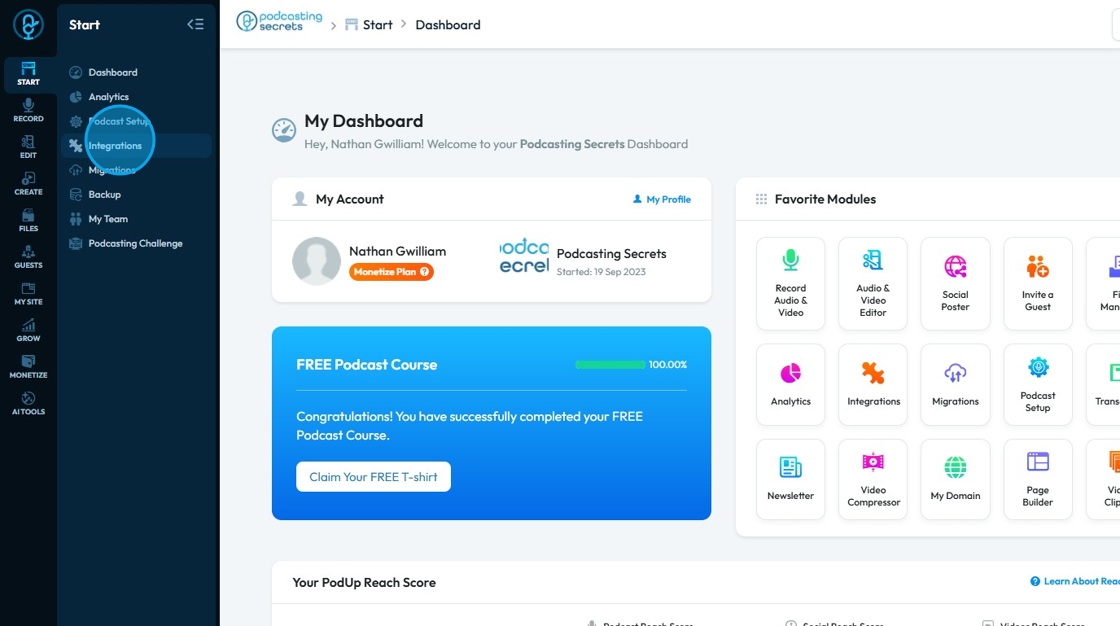
6. You will land on same "Integrations" page
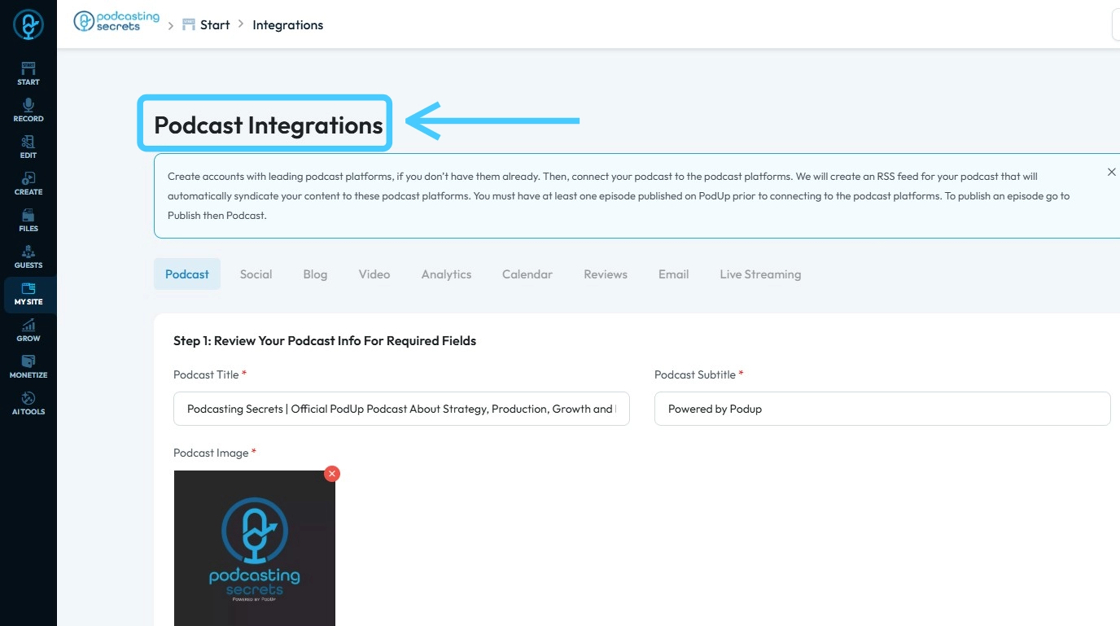
7. 3rd Method: Click "My Site"
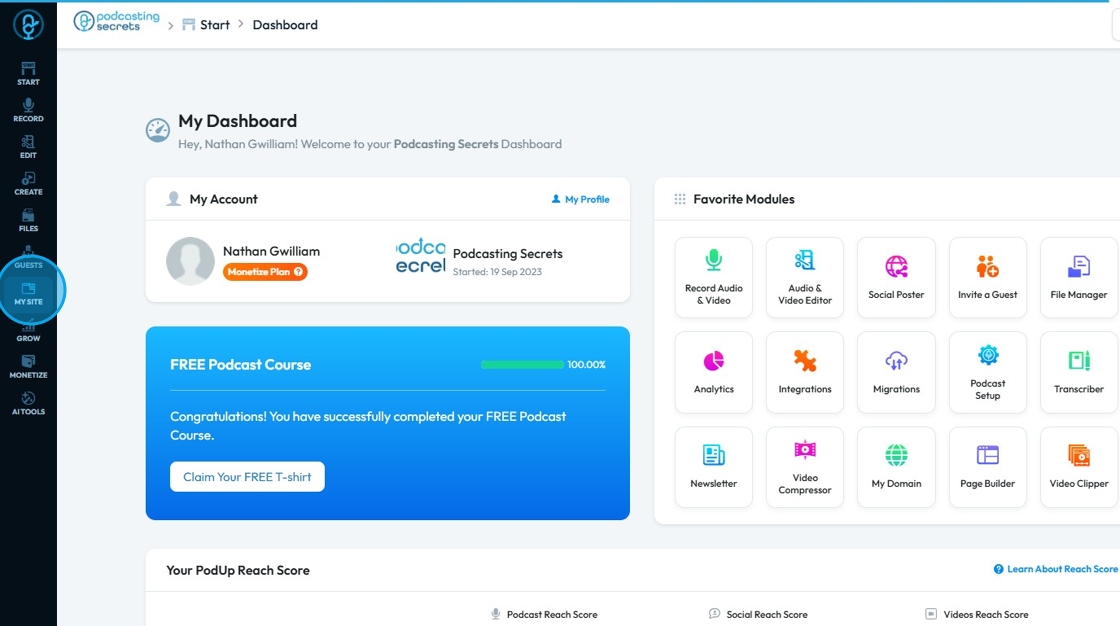
8. Select "Integrations"

9. You will be at the "Integrations" page.
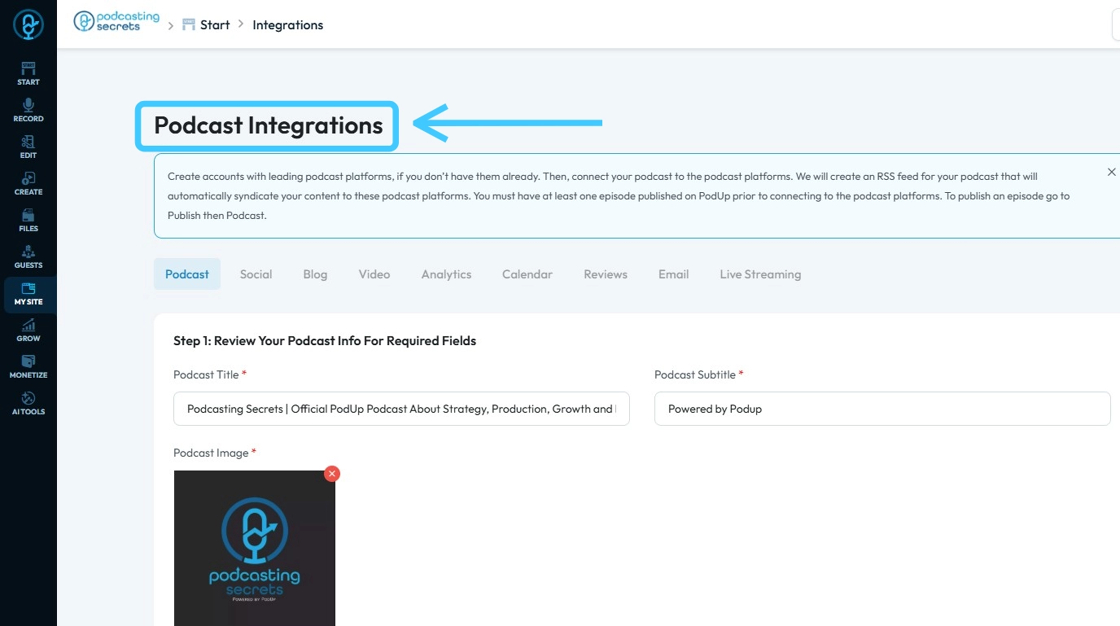
10. Click "Social"

11. This will be "Social Integration" page.
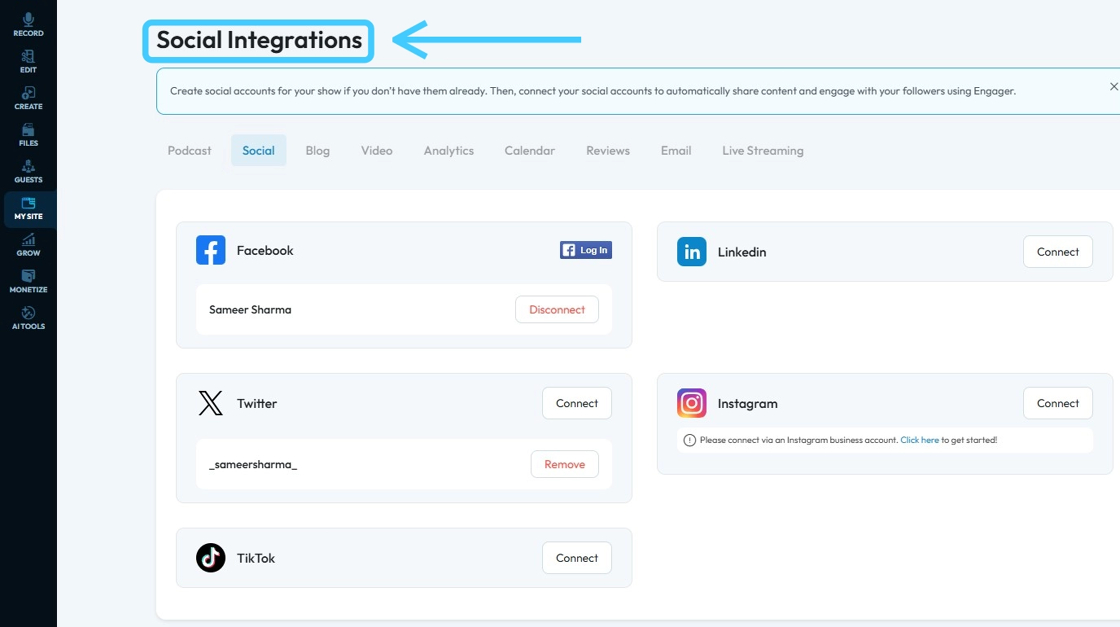
12. Click "Connect" button of LinkedIn
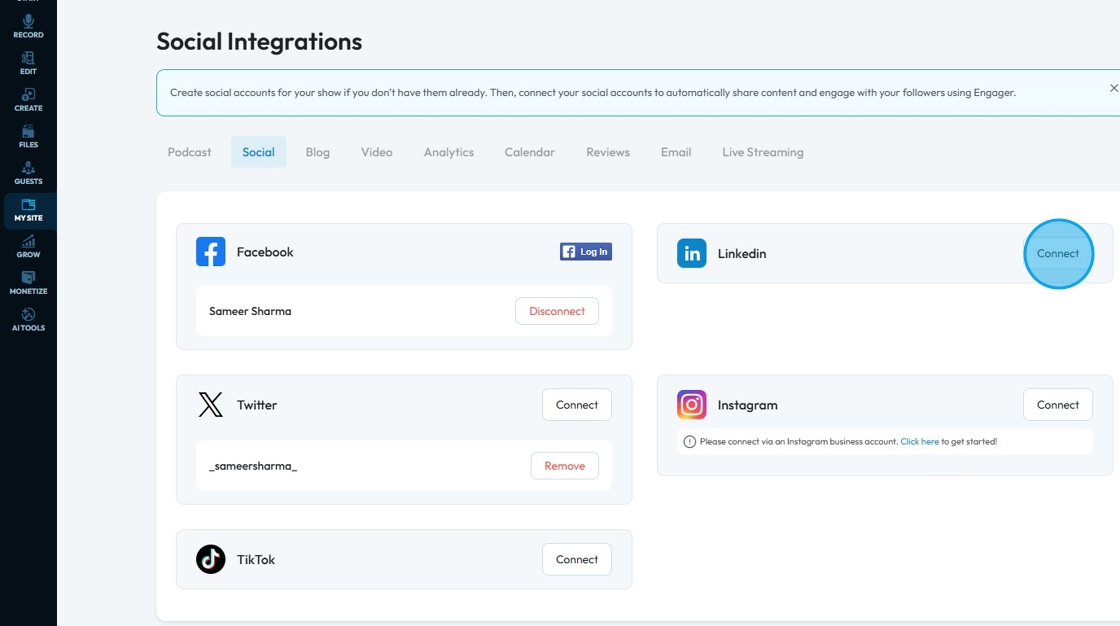
13. A new "Sign in Window" will open up. Enter your email address or phone number in the "Email or Phone" field.
- If you don't have an account select "Join now" on the bottom of the page
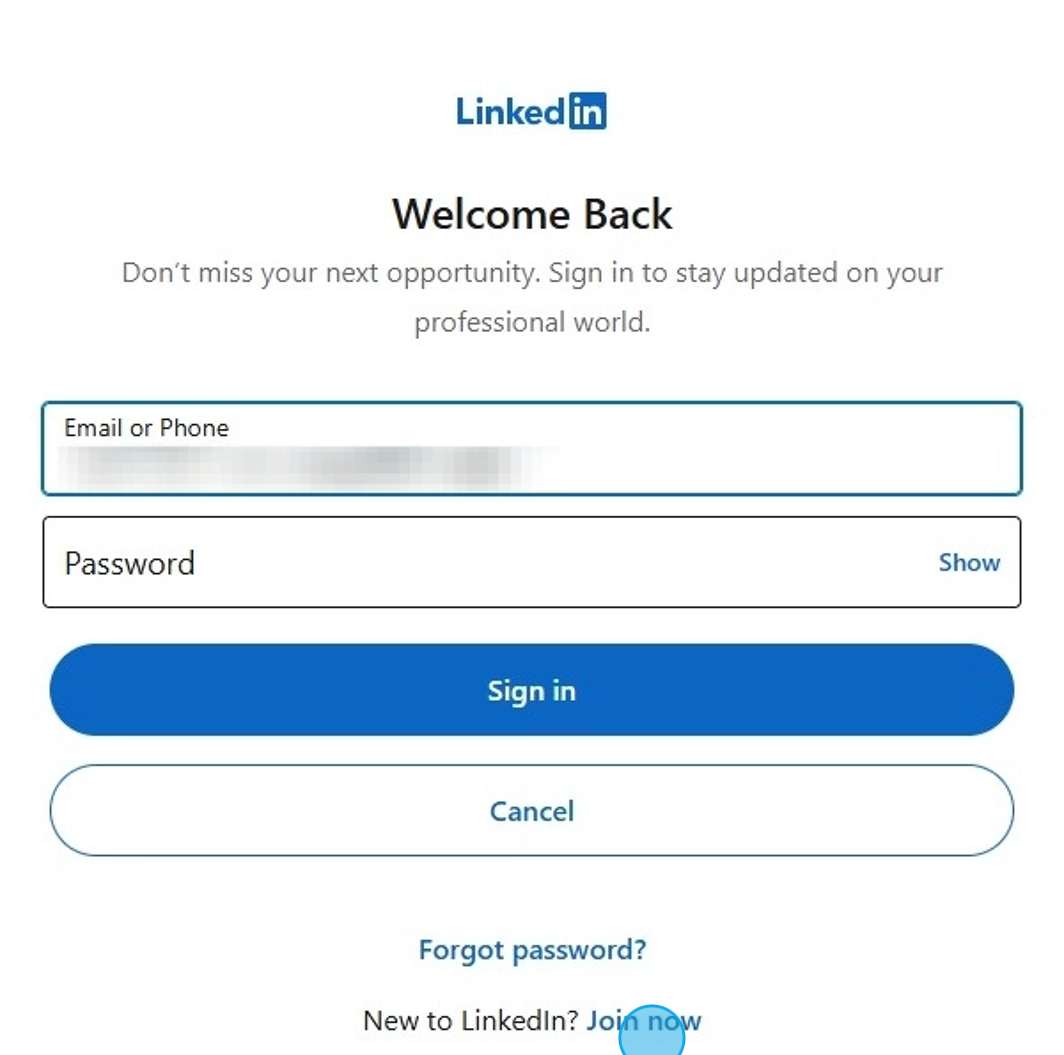
14. Enter your LinkedIn account "Password"
- If you have forgotten you password, select "Forgot password?" to be led to LinkedIn's password recovery page
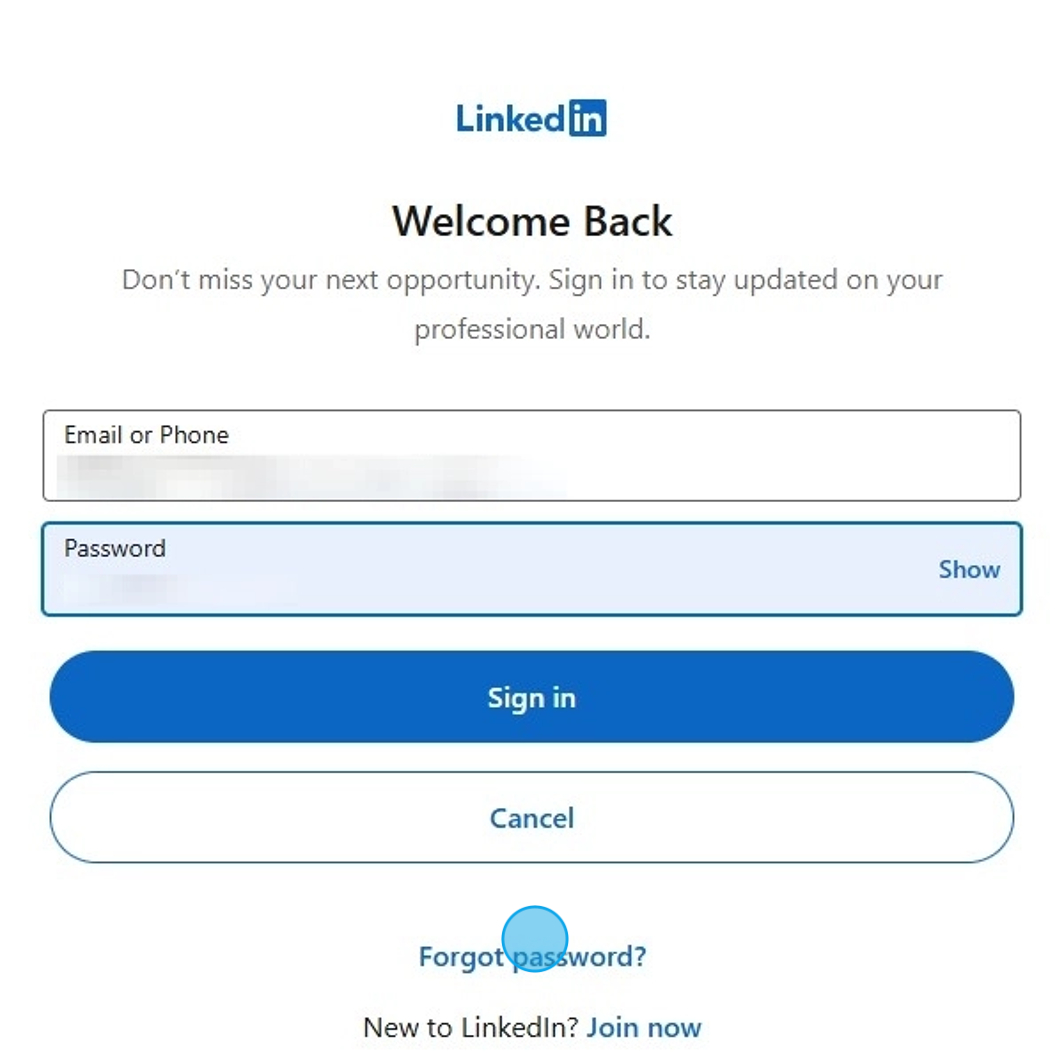
15. Click "Sign in"
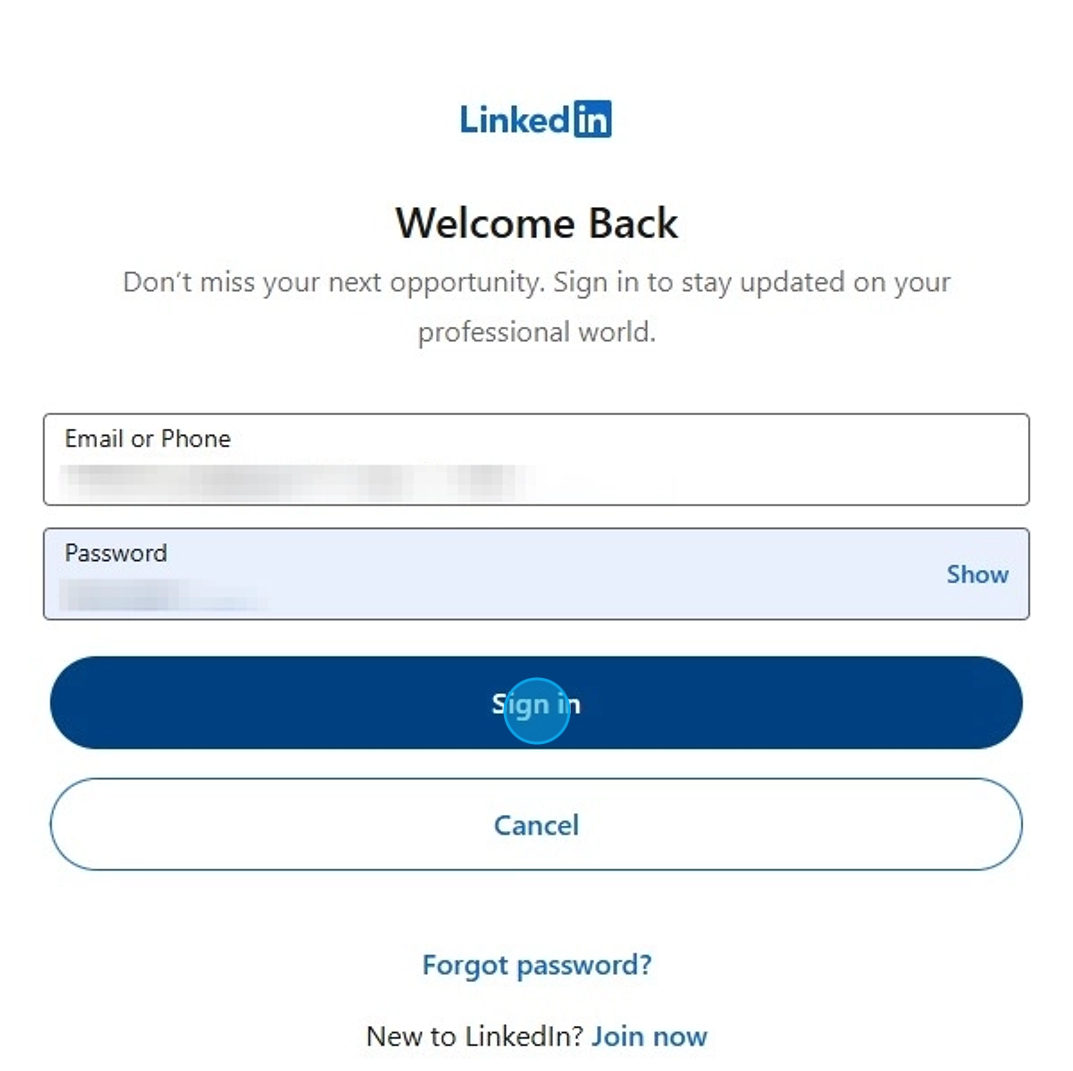
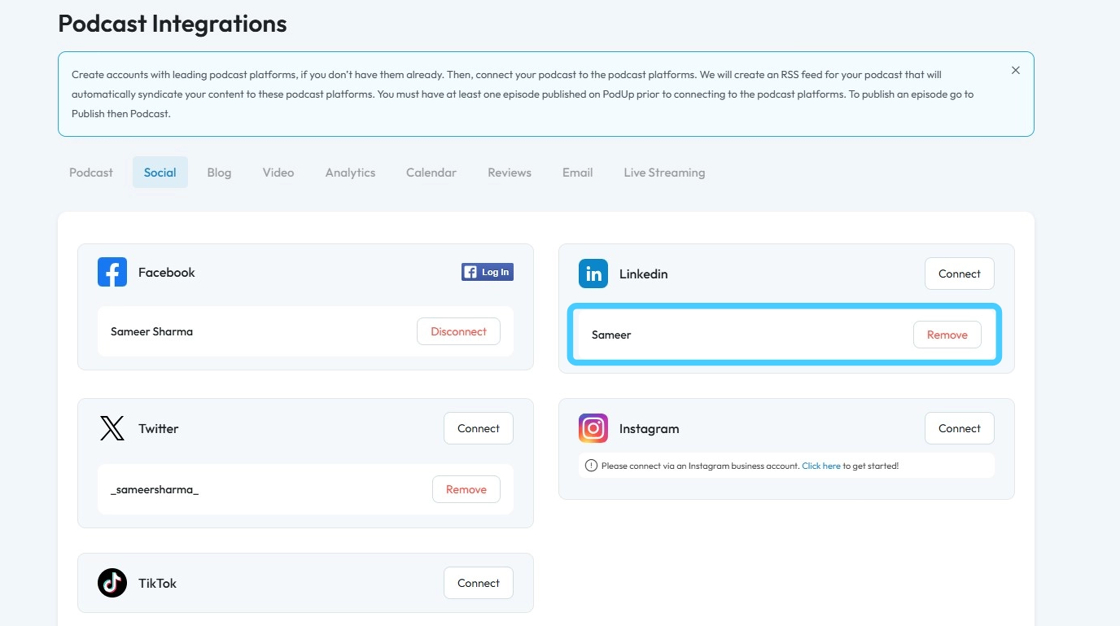
16. Your "LinkedIn" account will be connected as shown by your account name under the LinkedIn account
Related Articles
How to Connect LinkedIn Account in PodUp
This guide shows you how to easily connect your LinkedIn account to PodUp. It explains how to find the “Integrations” page and link your accounts in a few simple steps. Connecting LinkedIn helps you manage social media more easily and boost ...How to Add A Linkedin Button to My Blog Post and Connect It to My Linkedin Account
By following this guide, you can easily link your blog to your LinkedIn account, allowing readers to engage with your professional profile. 1. Navigate to https://app.podup.com/home 2. Click "My Site". 3. Select "Post Page Builder" 4. The "Blog ...How to Add a LinkedIn Button to My Podcast Page and Connect It to My LinkedIn Account
By following this guide, you can connect your podcast to LinkedIn for easier professional engagement. 1. Navigate to https://app.podup.com/home 2. Click "My Site" 3. Click "Post Page Builder" 4. The "Blog Details" page will open up 5. Click the "3 ...How to Add a LinkedIn button to My Video Page and Connect It to My LinkedIn Account
By following this guide, you can add a LinkedIn button to your video page and boost professional engagement. 1. Navigate to https://app.podup.com/home 2. Click "My Site" 3. Click "Post Page Builder" 4. The "Blog Details" page will open up 5. Click ...Does PodUp have social channels?
By following this guide, you can connect with PodUp’s social media accounts to stay informed on podcasting tips, updates, and community interactions. 1. PodUp actively maintains social channels for both its platform and podcasting brand. Below are ...