How to Connect Google Calendar Using PodUp Integrations
This guide shows you how to easily connect Google Calendar to PodUp. Follow the simple steps to manage events and reminders all in one place. Whether you're new or already using PodUp, this integration can boost your organization and productivity.
1. There are 3 ways to open "Integrations" page.
1st Method: Navigate to https://app.podup.com/home
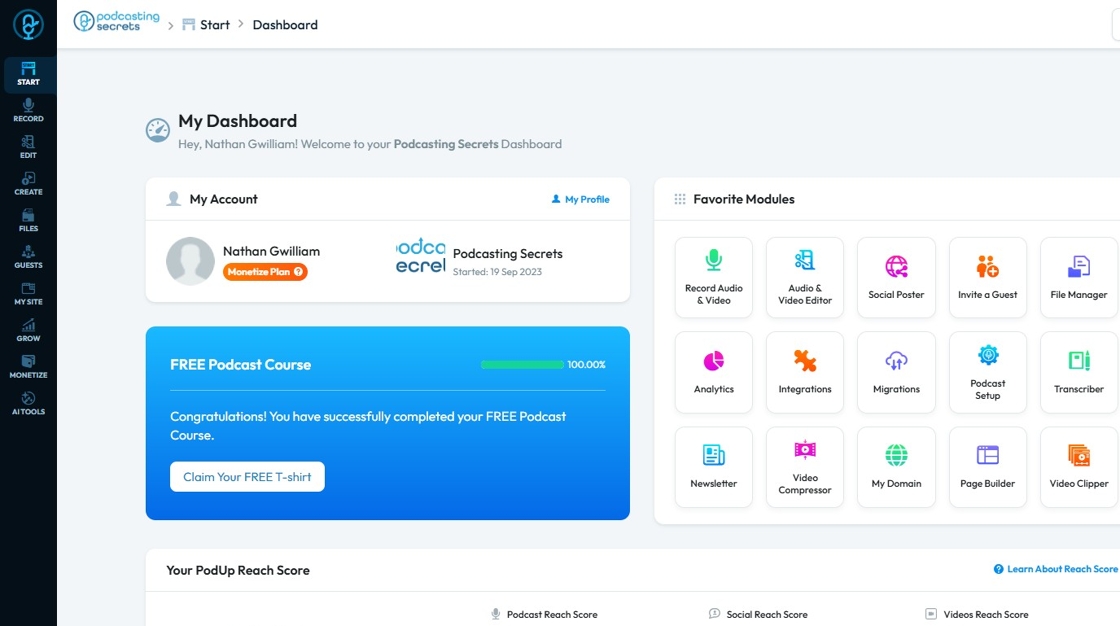
2. Click on "Integrations" in "Favorites Modules" on your "Dashboard".

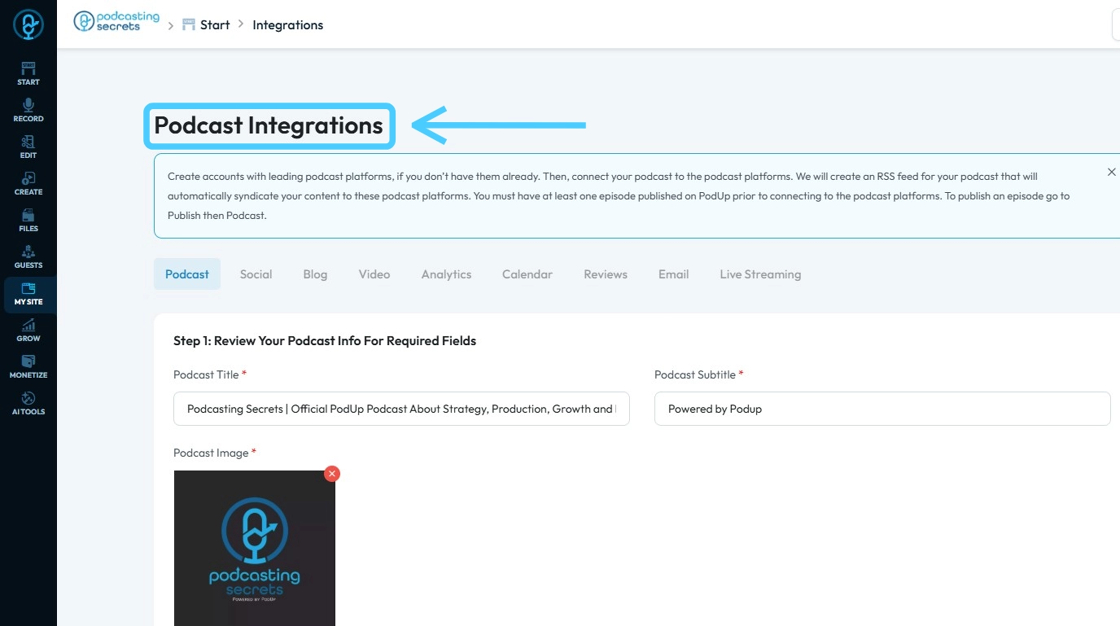
3. This is how "Integrations" page will look.

4. Click "Start".

5. Click "Integrations"

6. You will land on same "Integrations" page.
7. 3rd Method: Click "My Site"
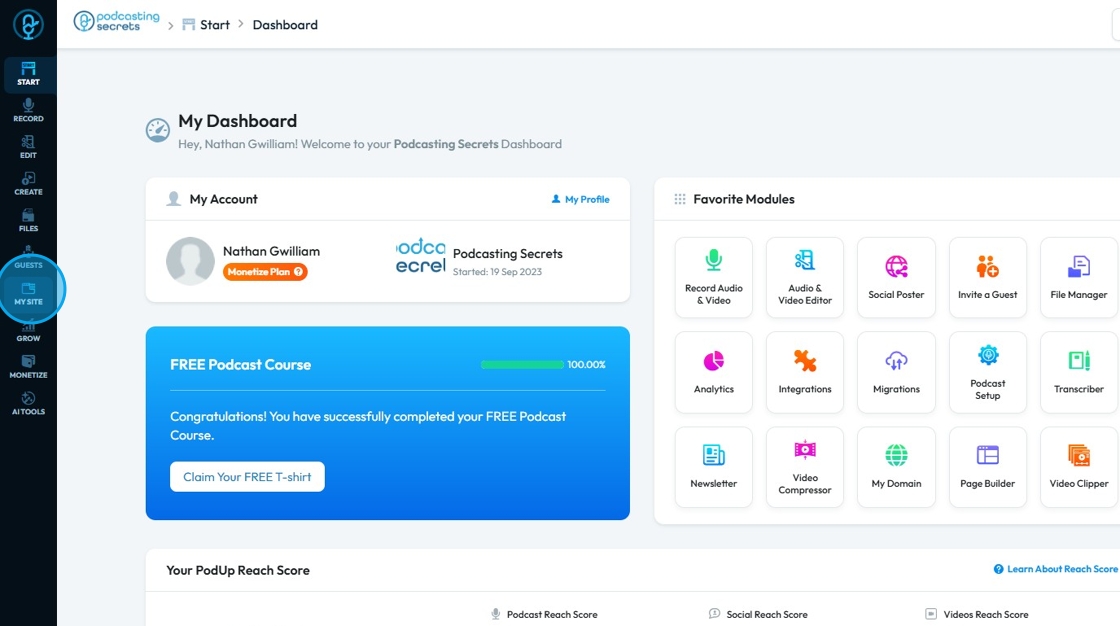
8. Select "Integrations"

9. You will be on the "Podcast Integrations" page.

10. Click "Calendar"

11. This is the "Calendar Integrations" page.

12. Click "Connect" button for Google Calendar to Integrate.

13. A new "Sign up" window will open up.
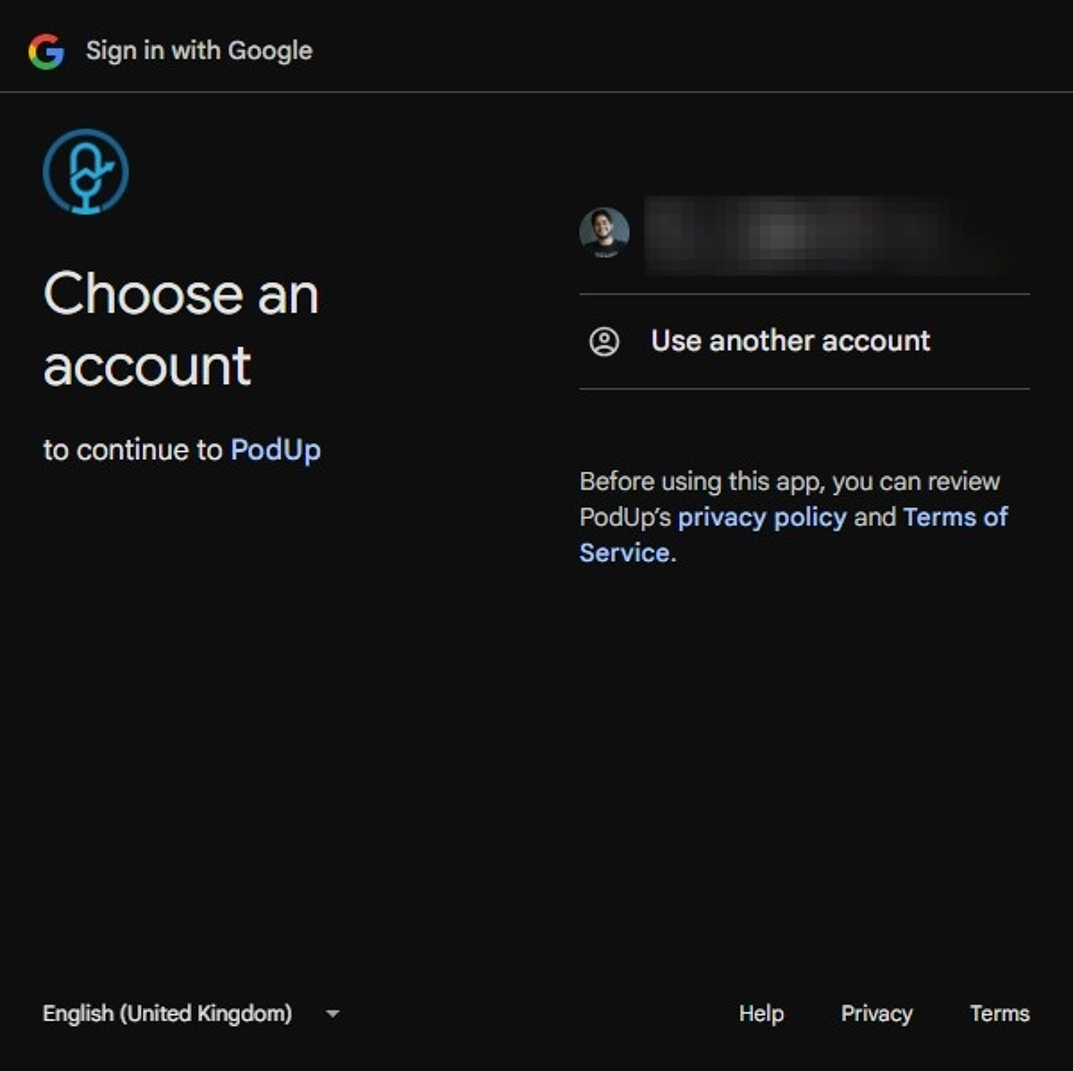
14. Click on "Account" you want to add.

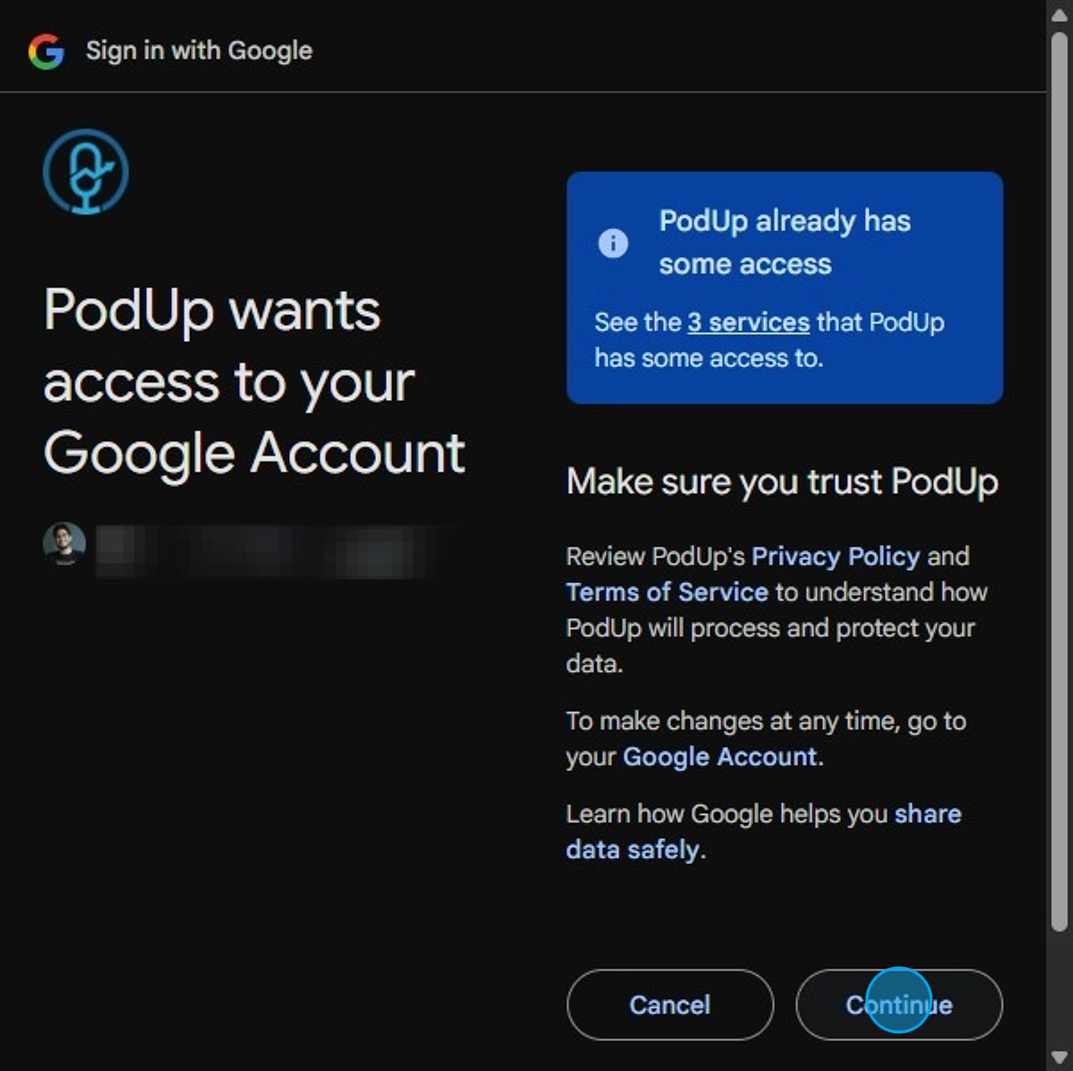
15. Click "Continue"

16. Click "Continue" on the permission window.
17. Your "Google Calendar" account will be connected.
- A green message bar will appear to inform you that it worked
- Your user name will appear under the Google Calendar logo to demonstrate that it was successful
