How to Change the Line Spacing on the Website
Use this guide to adjust line spacing on your website for better readability and design
1. Navigate to https://app.podup.com/home
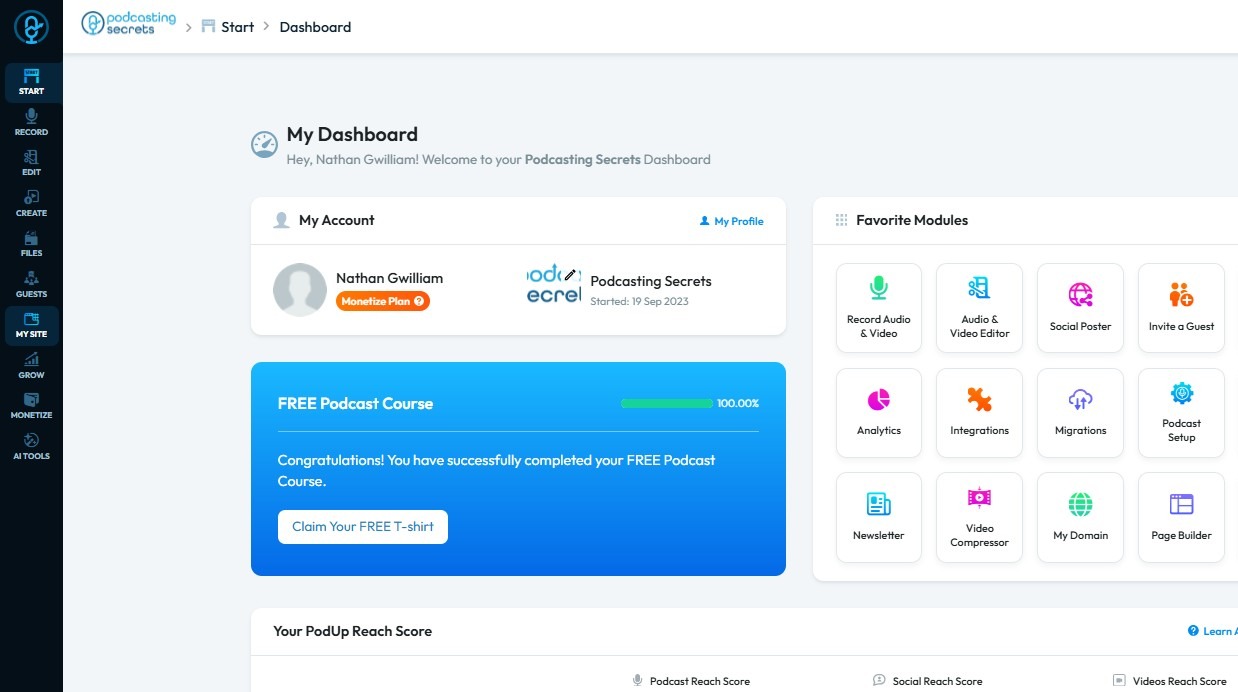
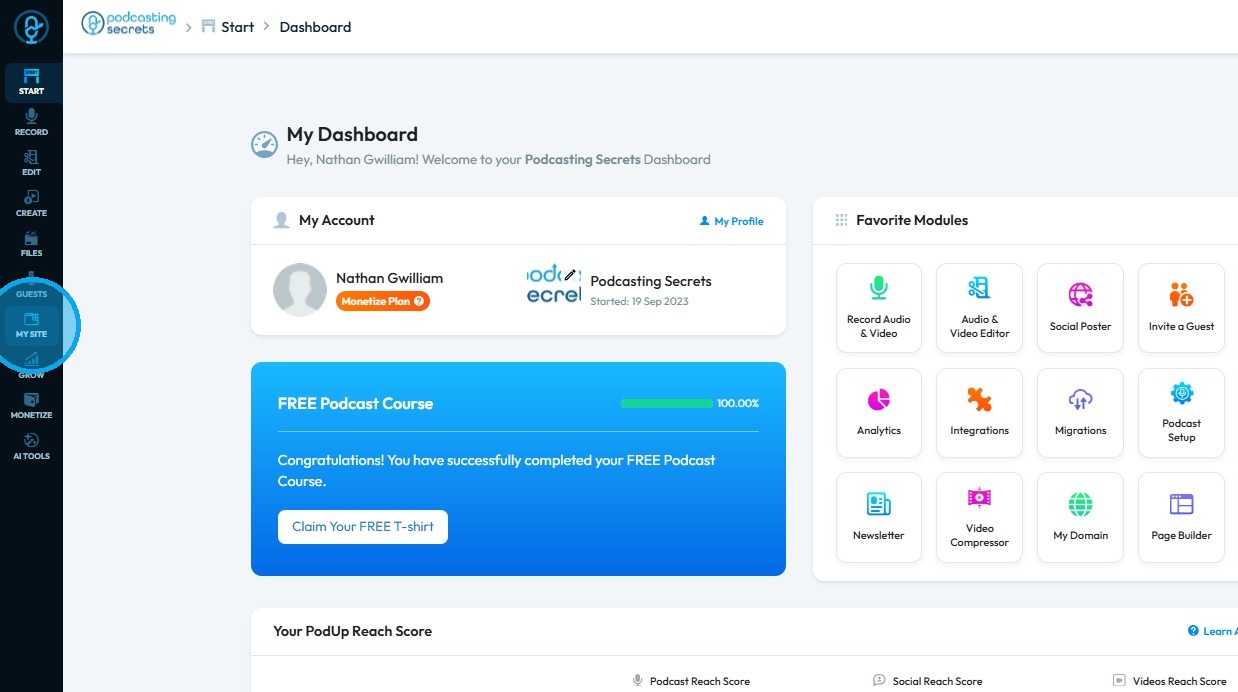
2. Click "My Site"
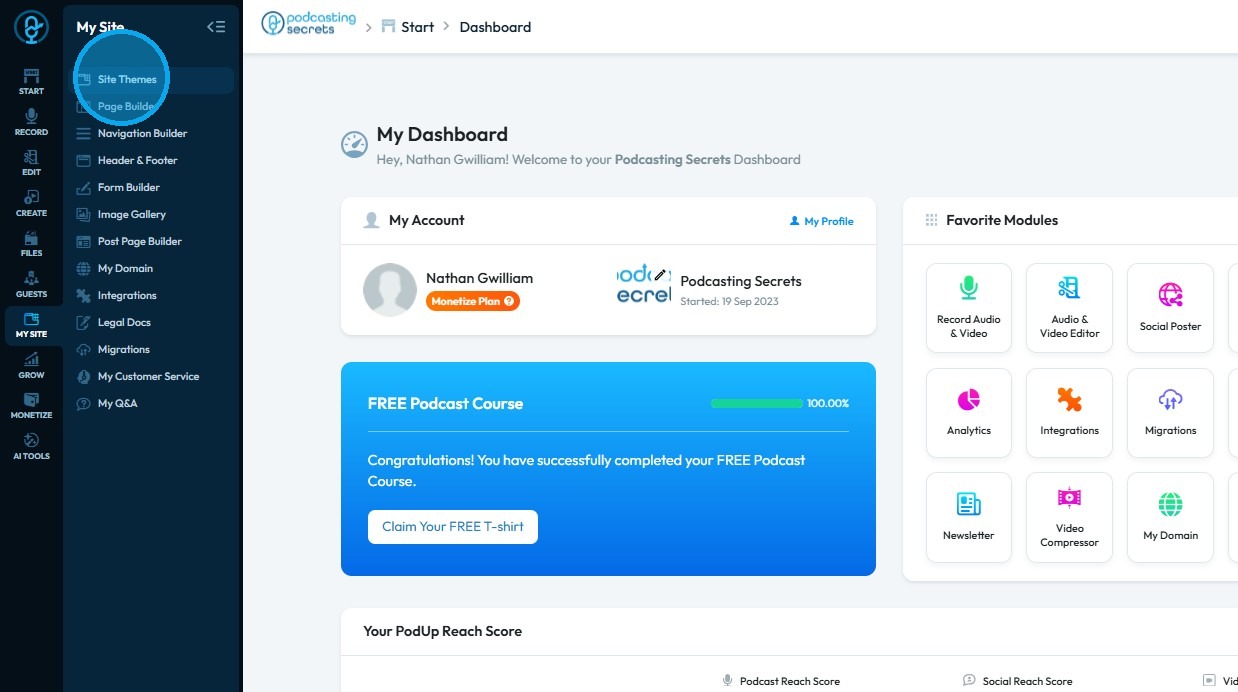
3. Select "Site Themes"
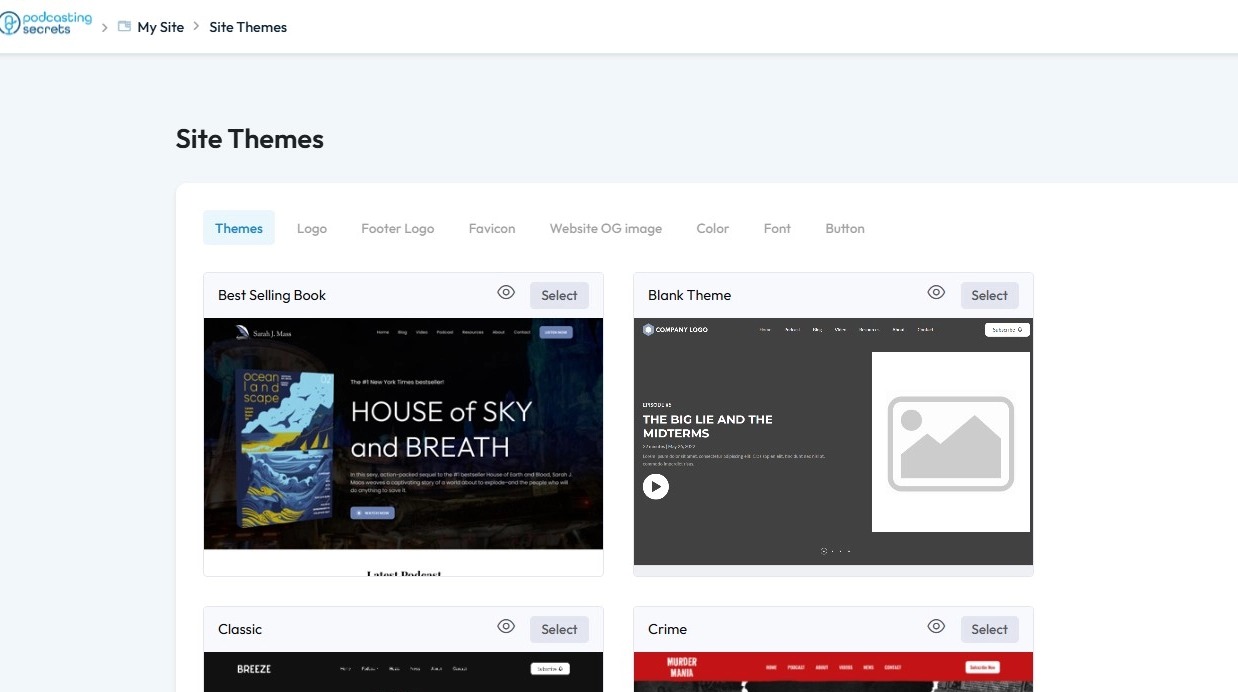
4. The “Site Themes” page will open
5. Select "Font"
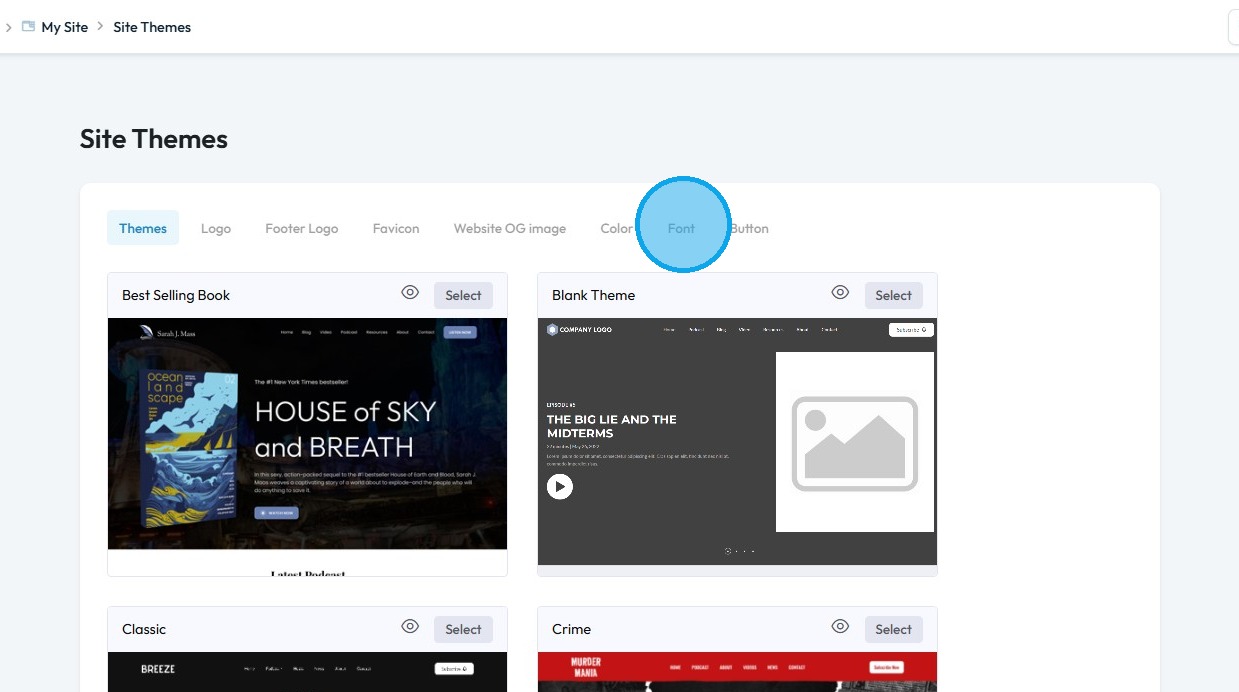
6. Click “Letter Spacing”
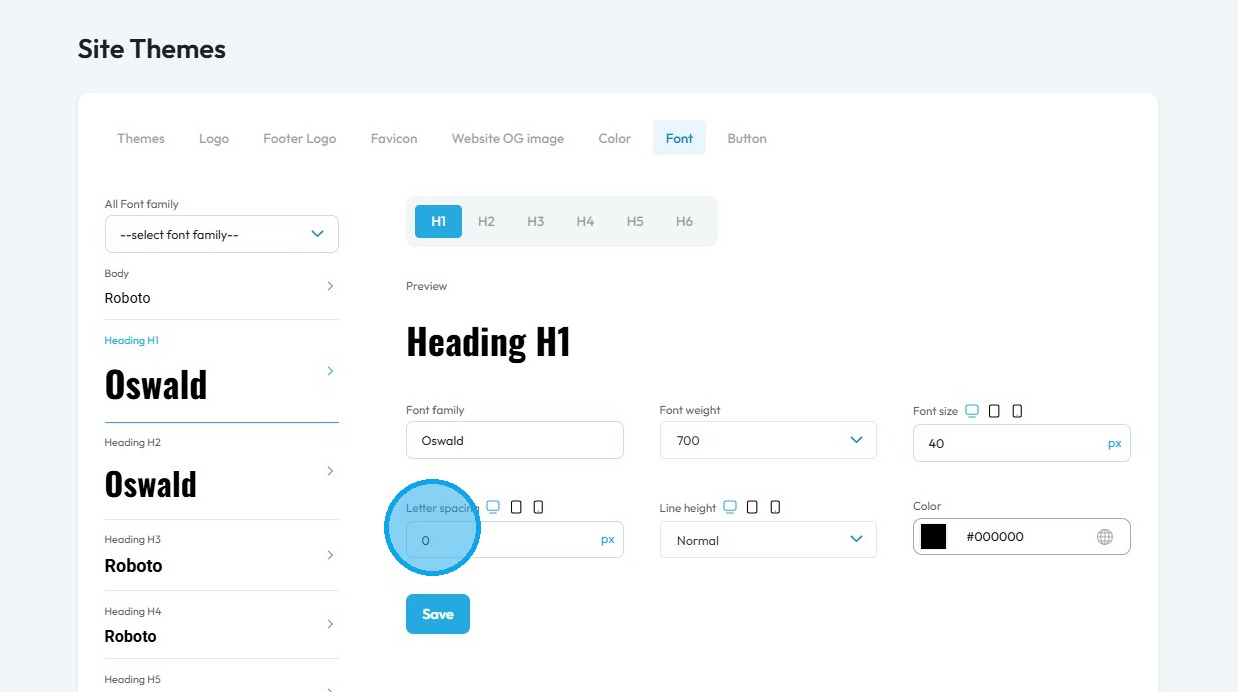
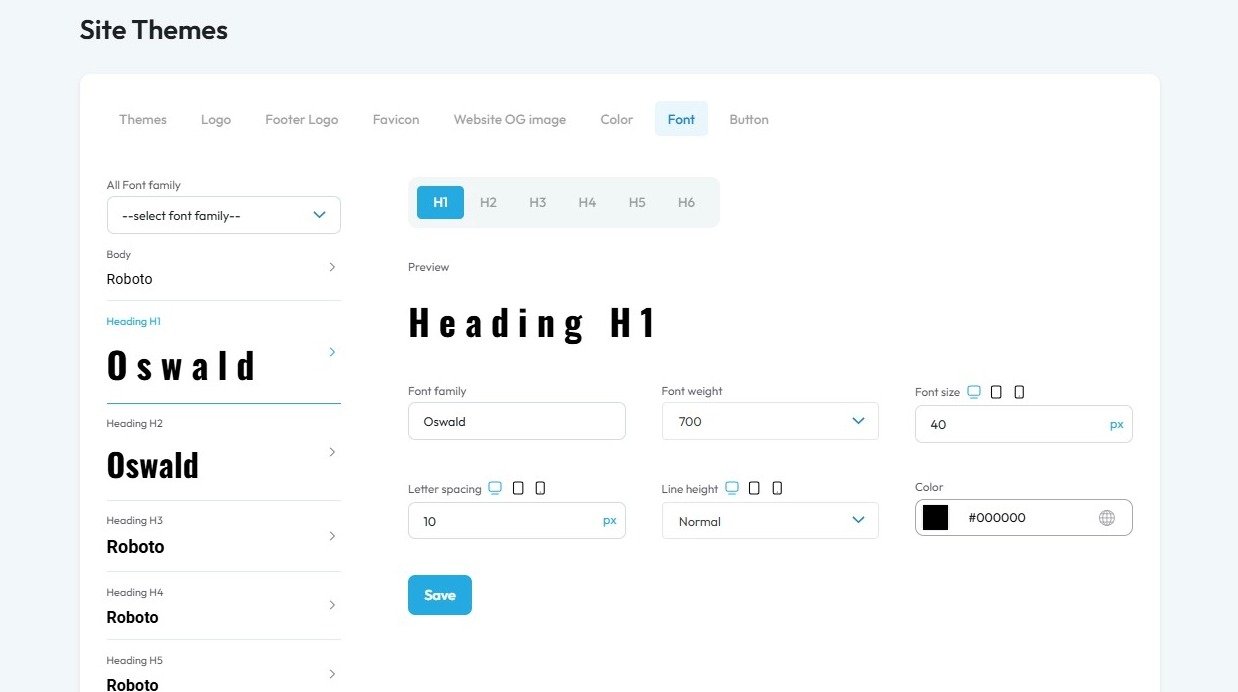
7. Enter your desired value
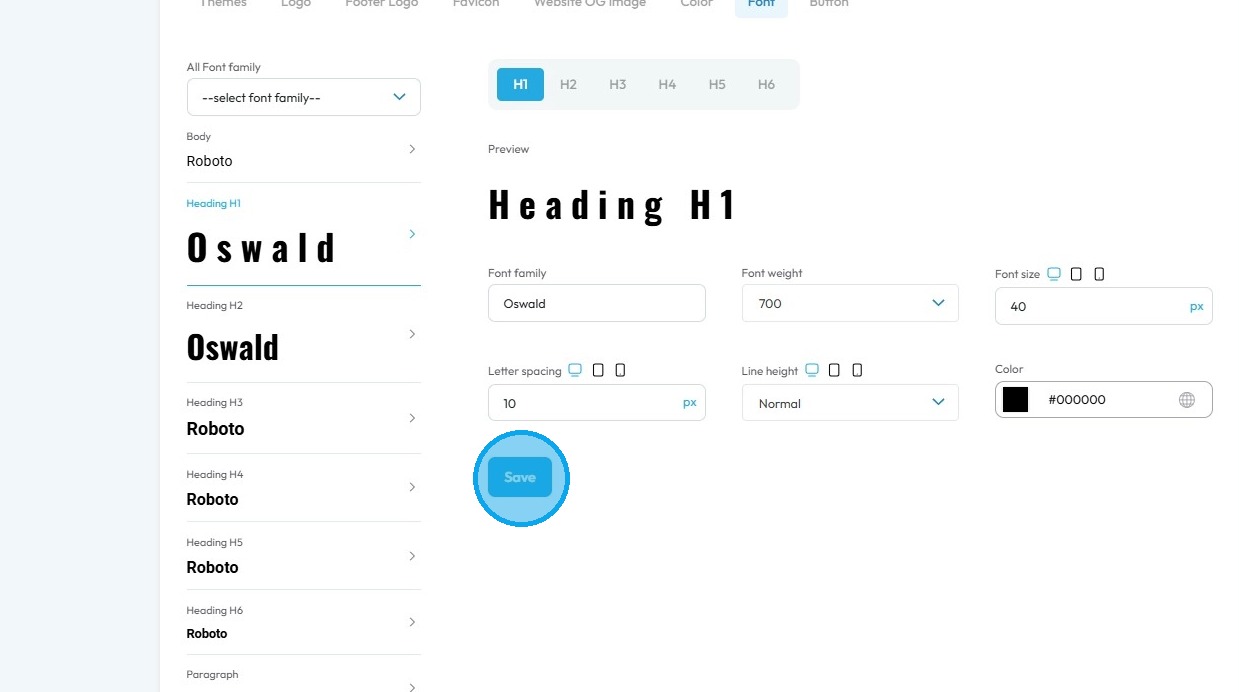
8. Click "Save"
Related Articles
How To Change the Body Text of My Website?
This guide offers a straightforward approach to customizing your website's body text, enhancing its visual appeal and readability. By following the simple steps outlined, you can easily select and change the font style to suit your brand or personal ...How do I adjust the font style
This guide shows you how to create and customize fonts for your website to match your brand. It covers font family, size, weight, color, and advanced options like spacing and text shadows to help you create a clean, visually appealing design. 1. ...How to change my homepage
Use this guide to change your PodUp homepage and improve your site’s experience 1. Navigate to https://app.podup.com/home 2. Click "My Site" 3. Select "Page Builder" 4. All your website “Pages” will open 5. Click the "3 Dots" button of the page you ...How to Change the Font for All the Text on My Website
This guide shows you how to change the font for all text on your website. Follow the steps to pick a font that improves your site’s look and matches your brand. 1. Navigate to https://app.podup.com/home 2. Click "My Site" 3. Click "Site Themes" 4. ...How To Create a Banner to My Website
This guide shows you how to quickly create a custom banner on PodUp to boost your site's look and branding—easy for beginners and pros alike. 1. Navigate to https://app.podup.com/home 2. Click here. 3. Click "Build" on the page you want to build 4. ...