How to Change the Image of a Banner
This guide provides a straightforward process for adding a customizable banner to your page, enhancing your website's visual appeal. With over 100 templates to choose from, it caters to a variety of design preferences, ensuring you can find the perfect fit for your site.
Tip: Hero banner:
A large section at the top of a webpage, often with an image or video background, headline, and call-to-action button. It’s used to grab attention and introduce the site’s main message or product.
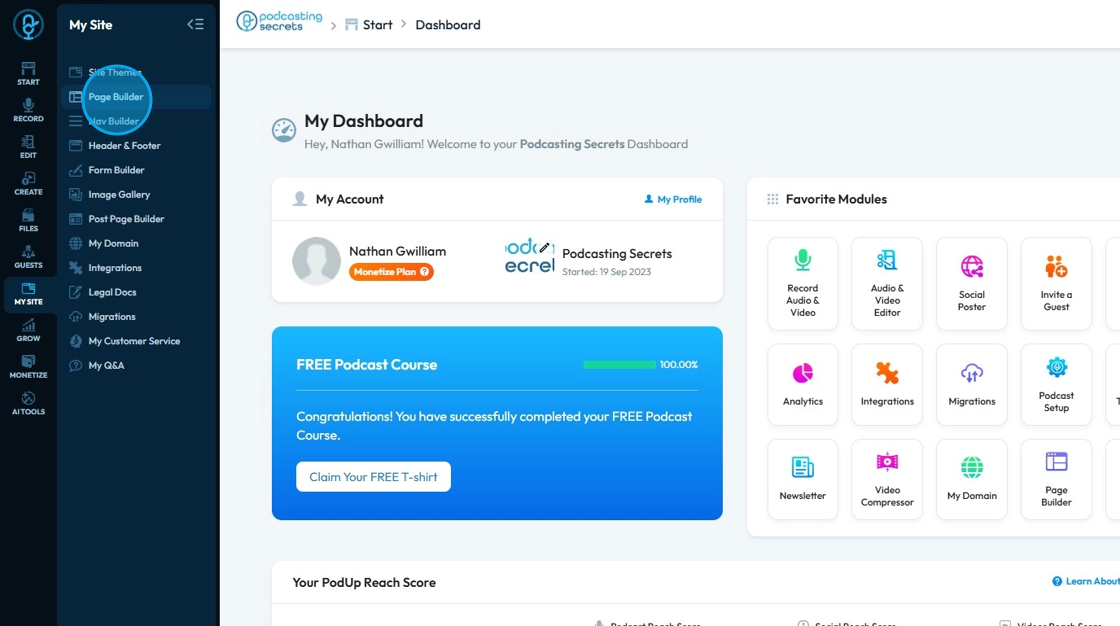
1. Click "My Site"

2. Click "Page Builder"
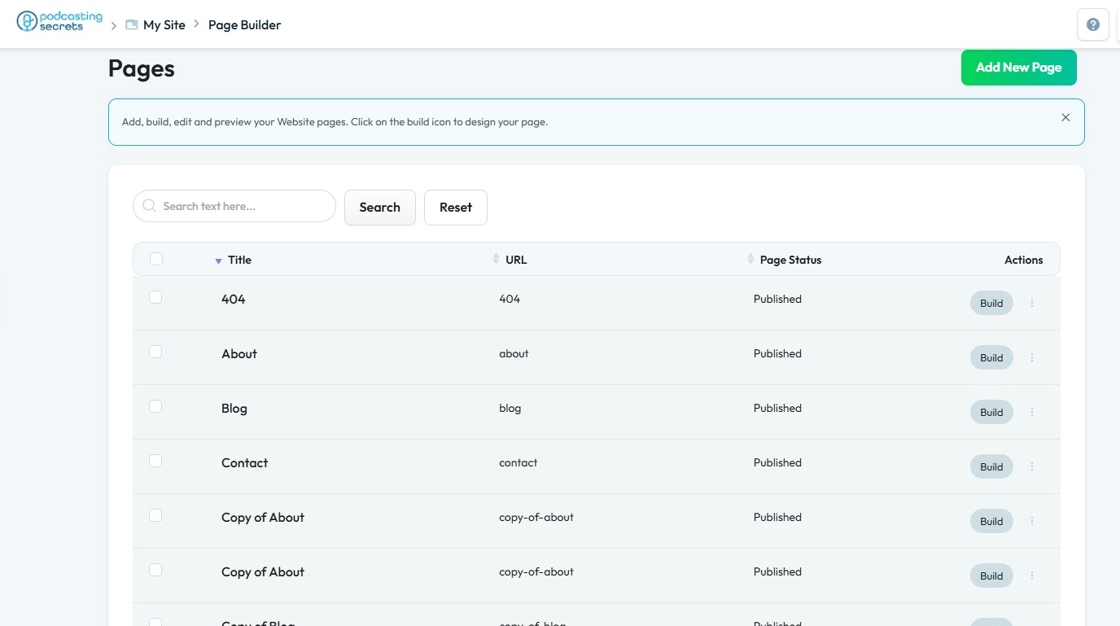
3. Select the page you want to add a banner to
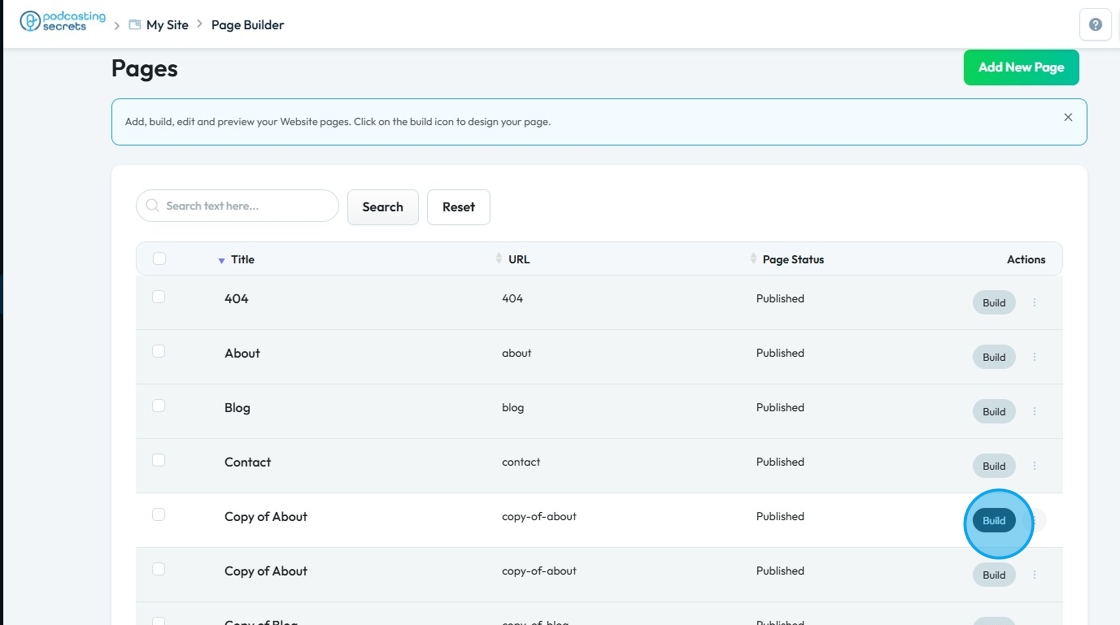
4. Click "Build"
5. Navigate to the banner section
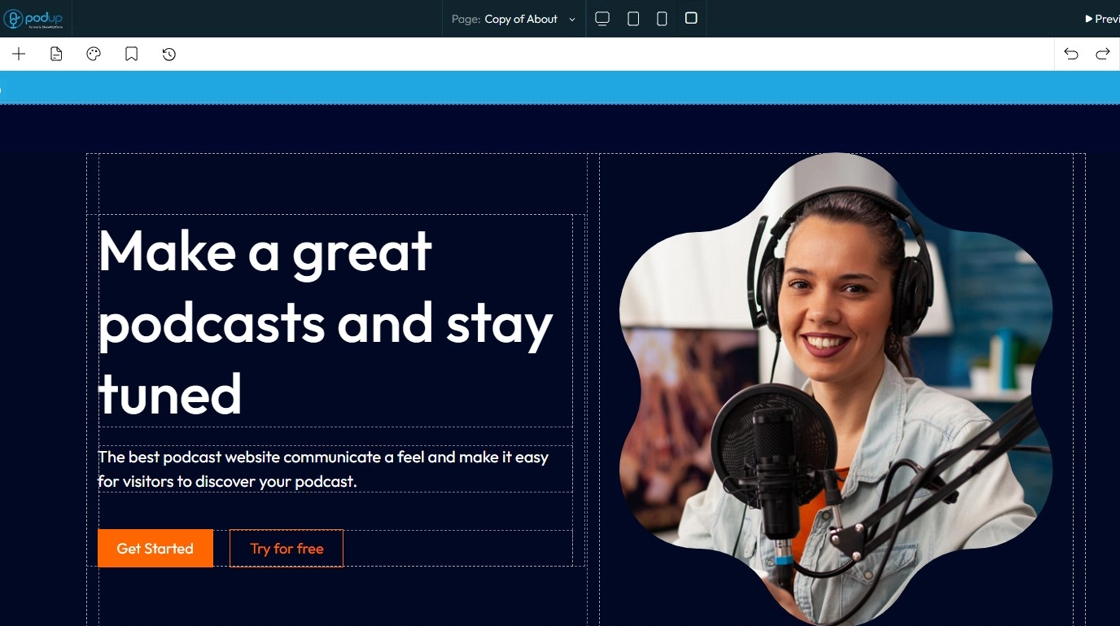
6. Double clik the image
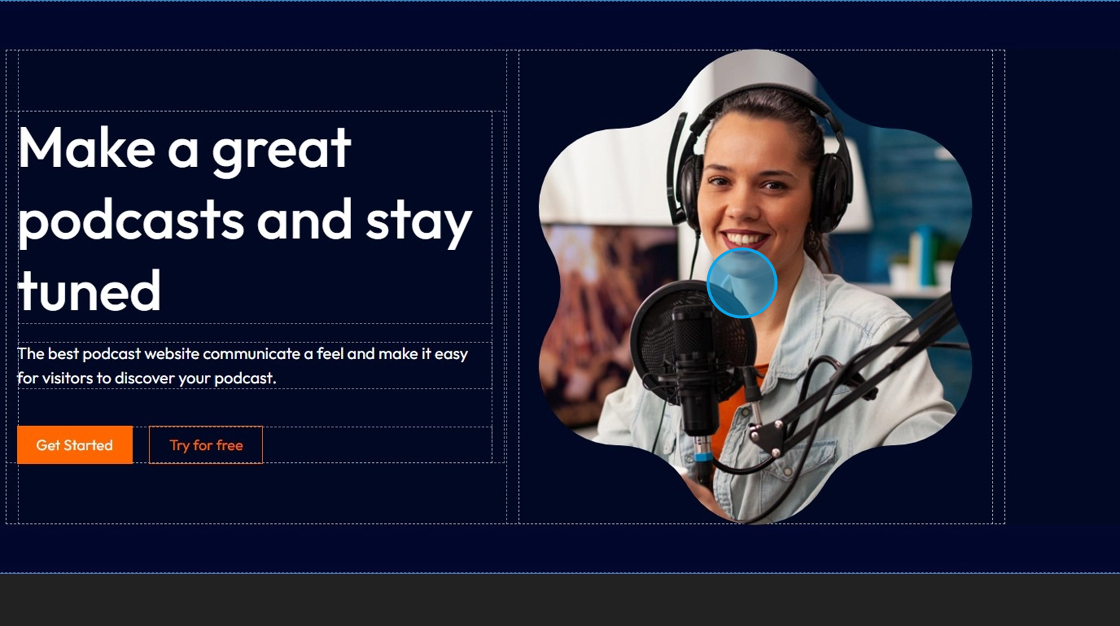
7. File manager opens up
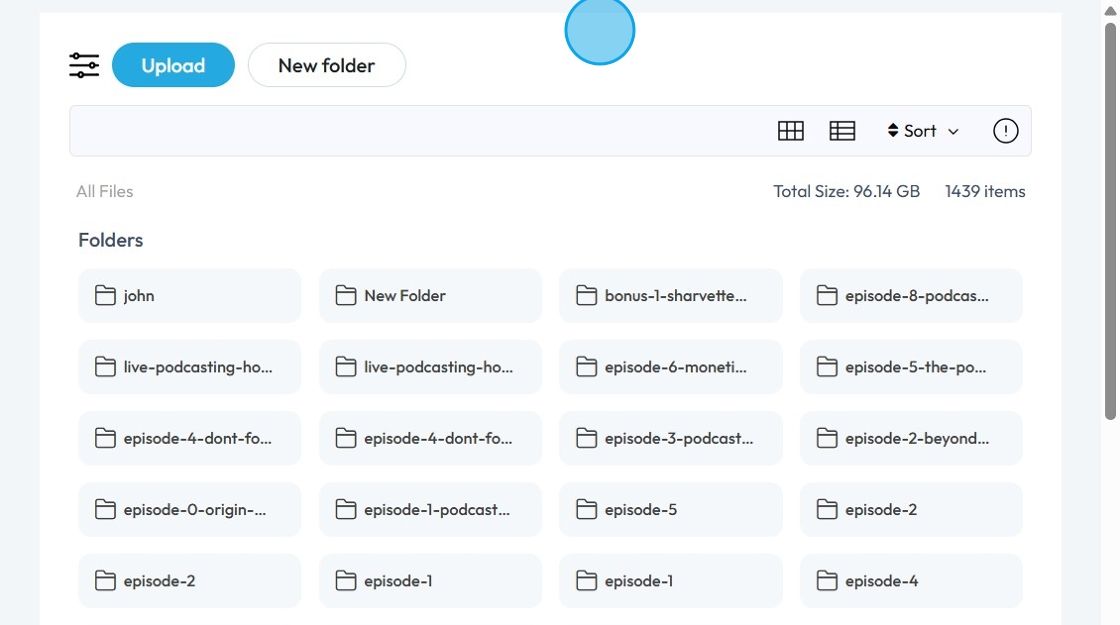
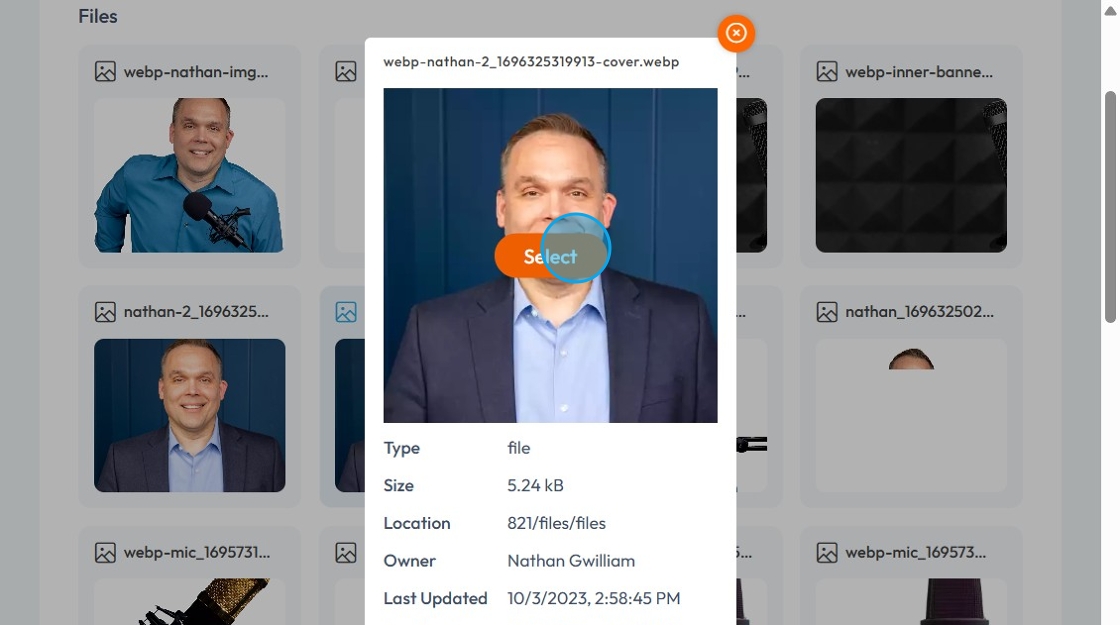
8. Click the image you want to display

9. Click "Select"
10. The image will be updated as per your needs
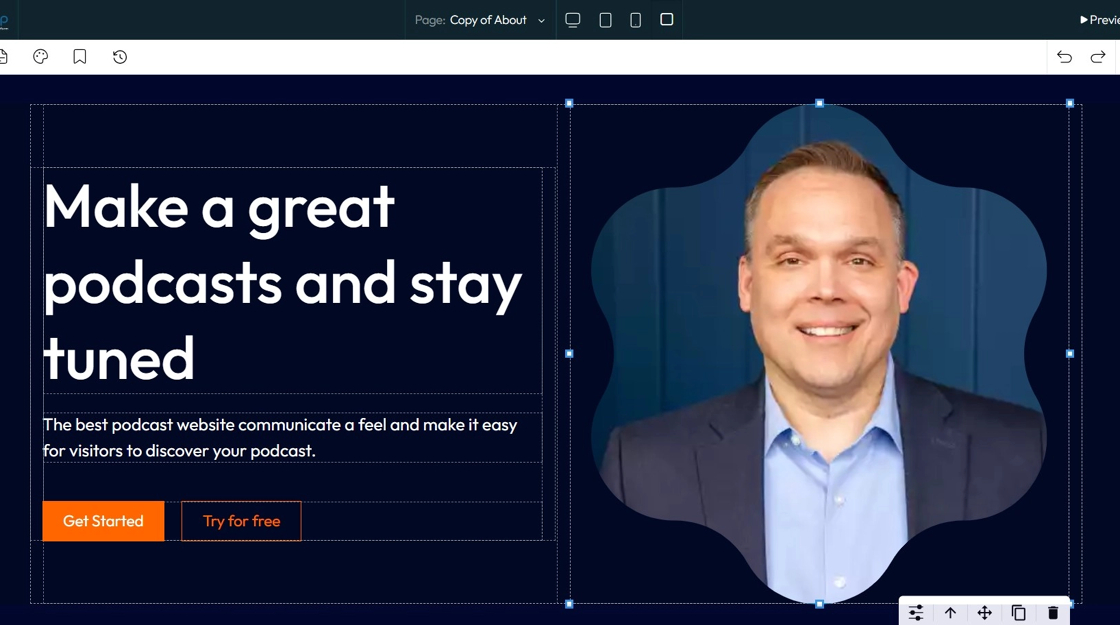
11. Click "Save"
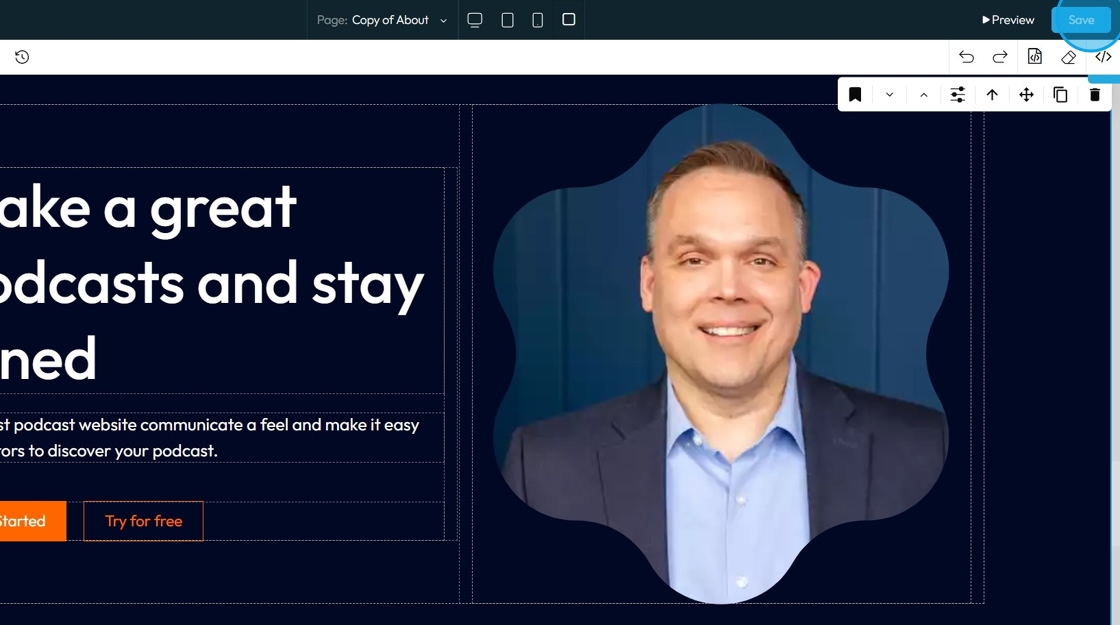
12. Once you publish the changes, it will be reflected in your website

Related Articles
How To Change The Background Image for My Banner
This guide shows you how to easily change your banner’s background image. Follow simple steps to update your design and match your branding quickly. Make your banner stand out with minimal effort. 1. Open your page with your banner 2. Click the ...How To Create a Banner to My Website
This guide shows you how to quickly create a custom banner on PodUp to boost your site's look and branding—easy for beginners and pros alike. 1. Navigate to https://app.podup.com/home 2. Click here. 3. Click "Build" on the page you want to build 4. ...How to Navigate Image Generator (Detailed)
This guide offers a straightforward process for generating AI images tailored for podcast studio setups, making it ideal for podcasters and content creators. By following the step-by-step instructions, users can easily visualize their podcast ...How to Navigate Image Generator (Detailed)
This guide offers a straightforward process for generating AI images tailored for podcast studio setups, making it ideal for podcasters and content creators. By following the step-by-step instructions, users can easily visualize their podcast ...What Image Dimensions are Important For My Website?
By following this guide, you can optimize image dimensions on PodUp to ensure a professional, distortion-free look across devices. 1. For the PodUp web builder, the recommended image dimensions are: 2. - Podcast Cover: Square image between 1800 x ...