How To Change The Background Image for My Banner
This guide shows you how to easily change your banner’s background image. Follow simple steps to update your design and match your branding quickly. Make your banner stand out with minimal effort.
1. Open your page with your banner

2. Click the customization icon to open the editing menu

3. The menu will open in "Design" click "Background"

4. You will see a box under "Background" that says "Image" click there

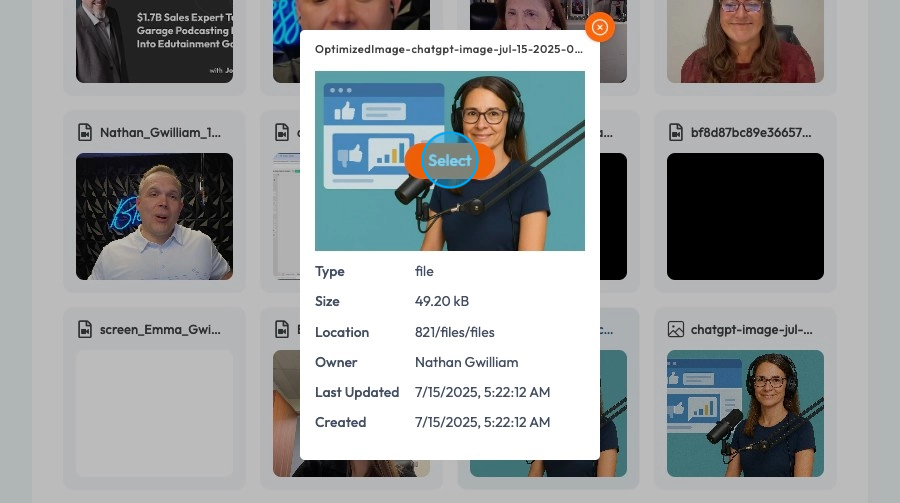
5. Click "Images" to open the PodUp File Manager where you can upload an image from PodUp or from your computer

6. Select teh image you want to use and a preview will open of that image, then click "Select"
7. Now your background image will be updated!