How to change account settings?
This guide shows you how to update your PodUp account settings so your profile stays current and reflects your personal information.
1. Navigate to https://app.podup.com/home
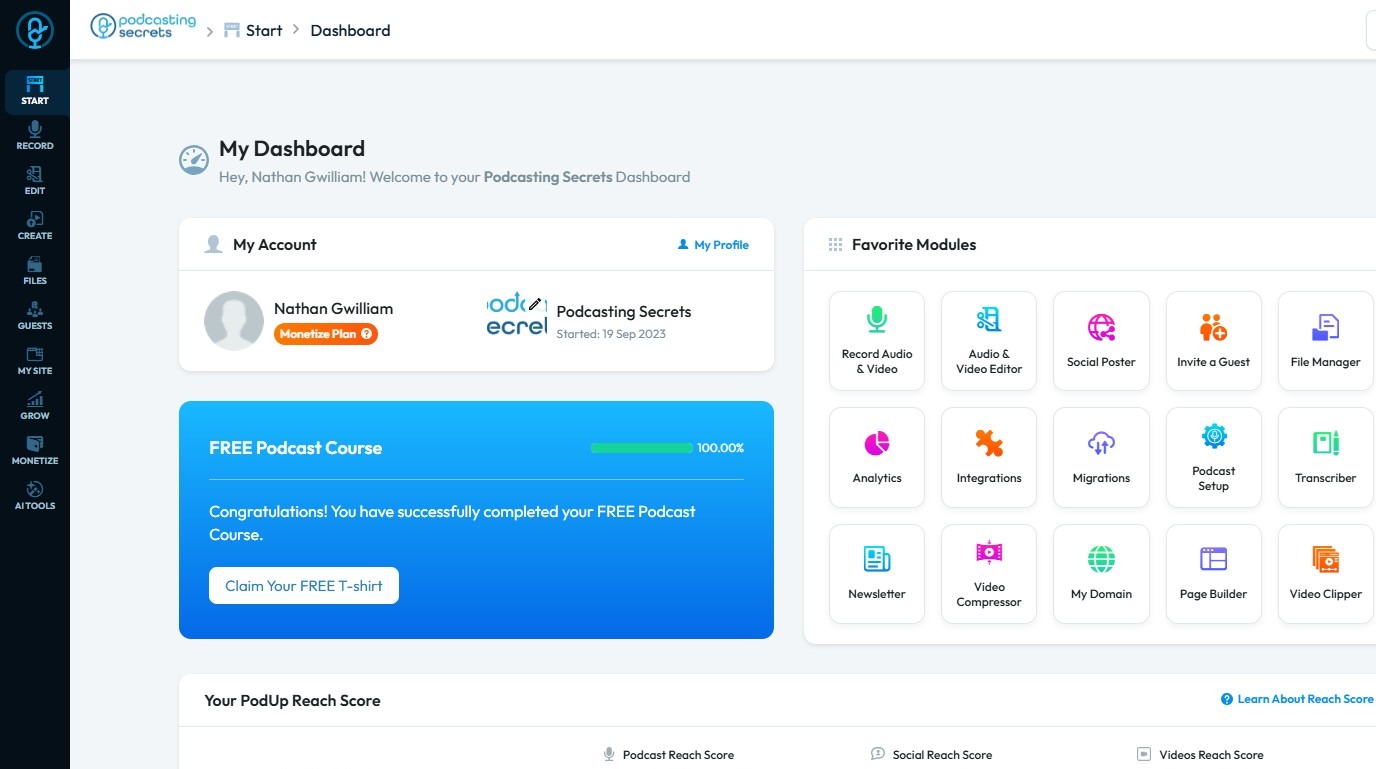
2. Click your "Profile" icon in the top-right corner
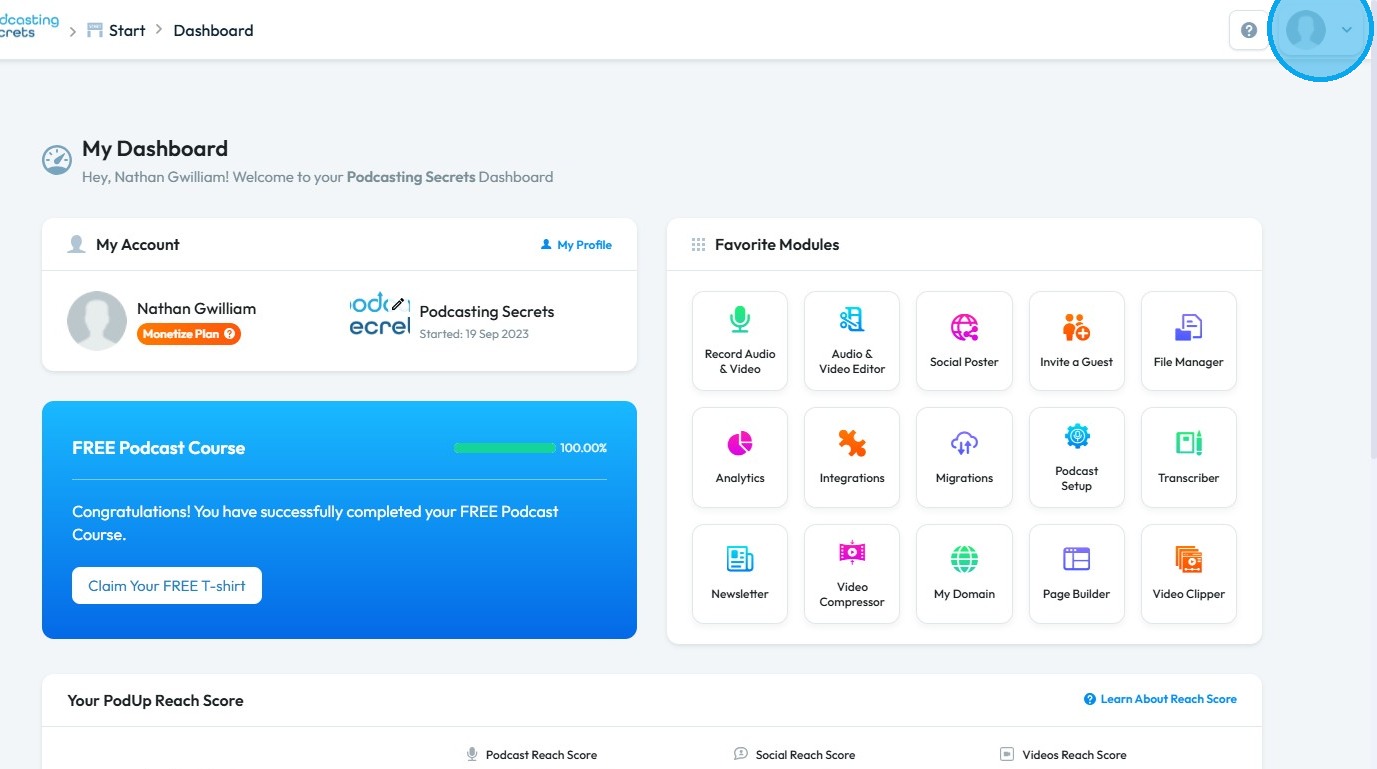
3. Select "Edit My Profile"
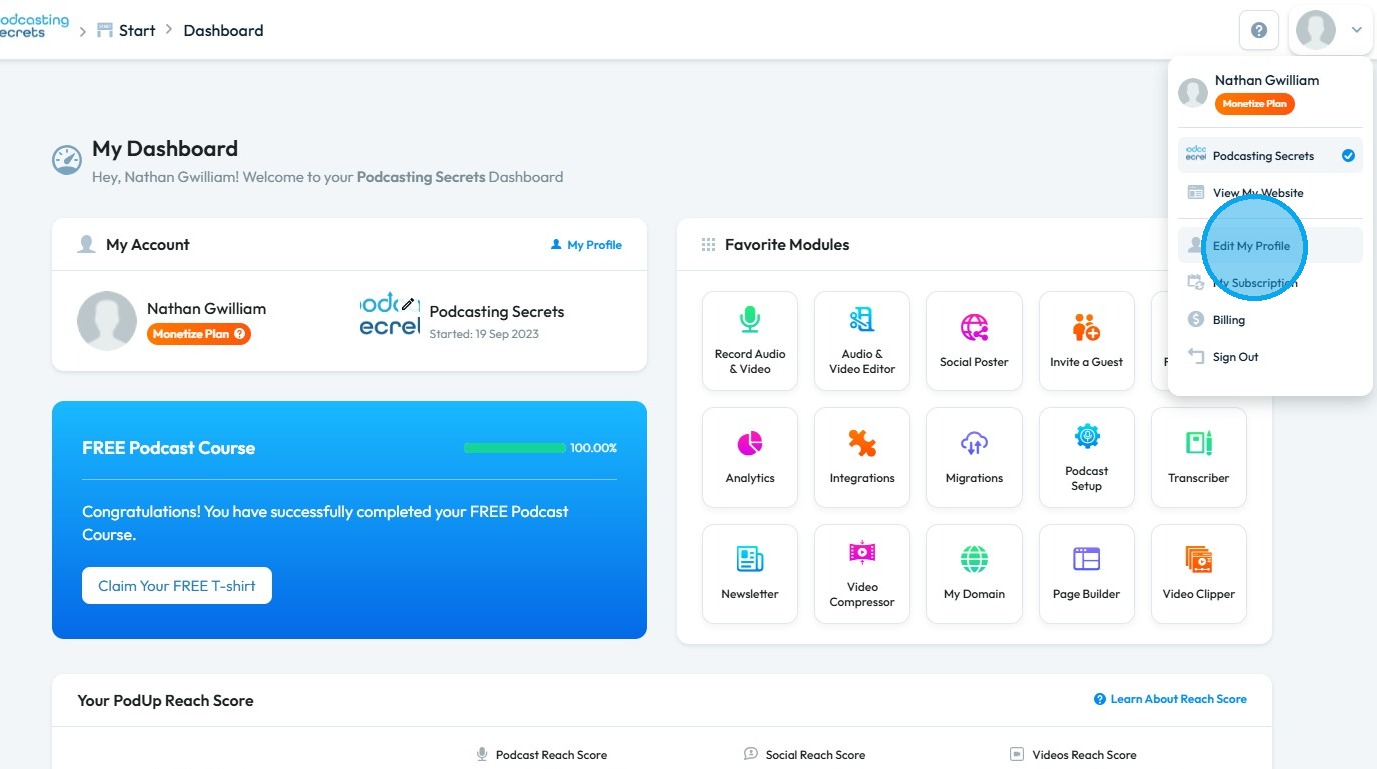
4. You will be directed to the "Profile Settings" page
Under General:-
- You can change the "Profile Picture"
- First and Last name.
- Email address
- Company Name
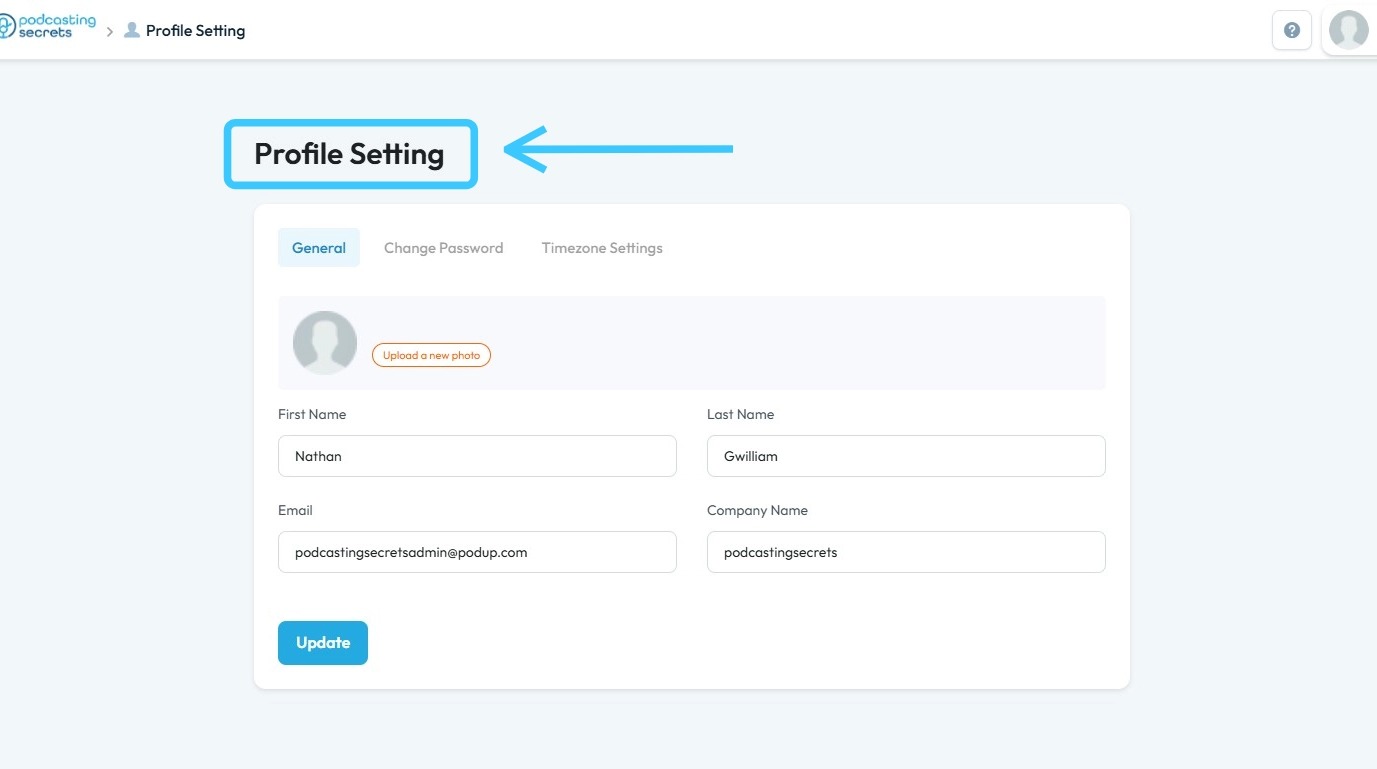
5. To update your password, click "Change Password."
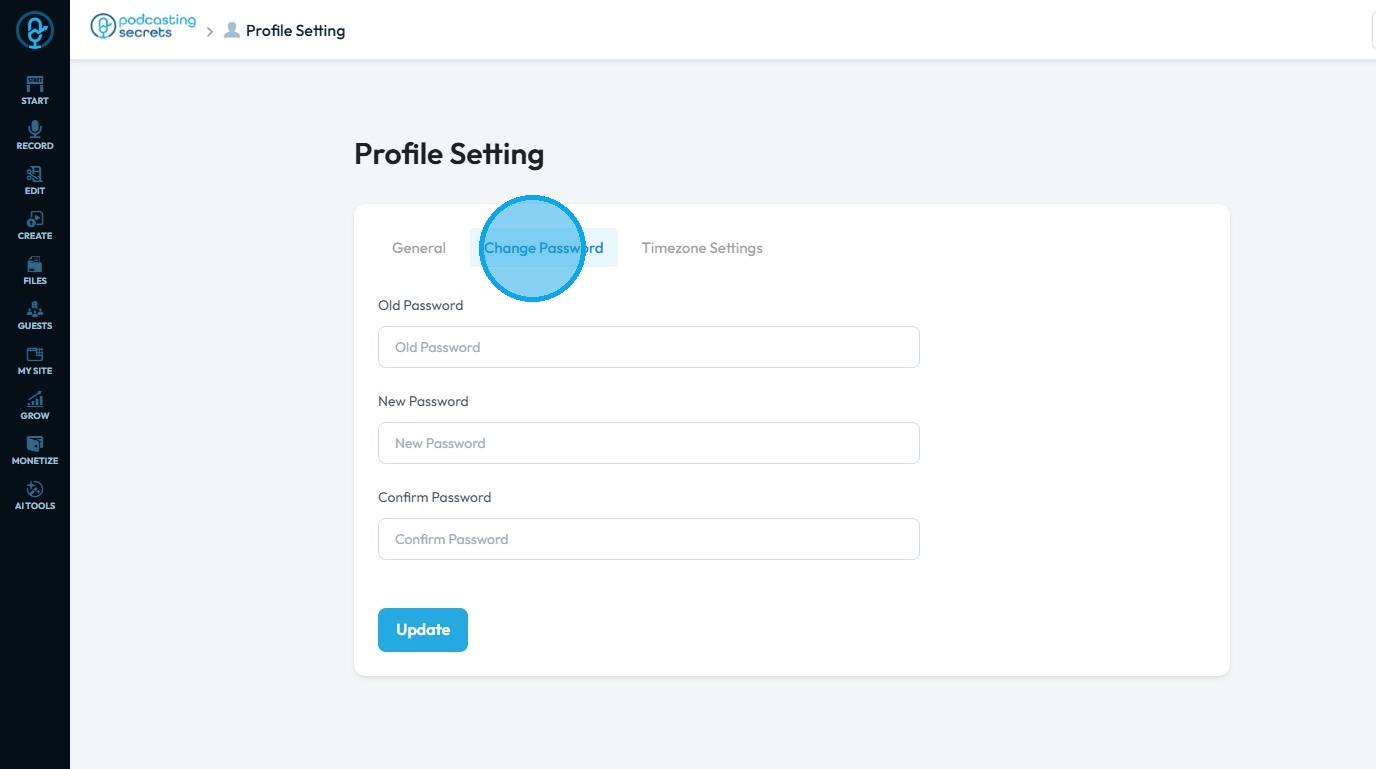
6. To update your timezone, click "Timezone Settings."
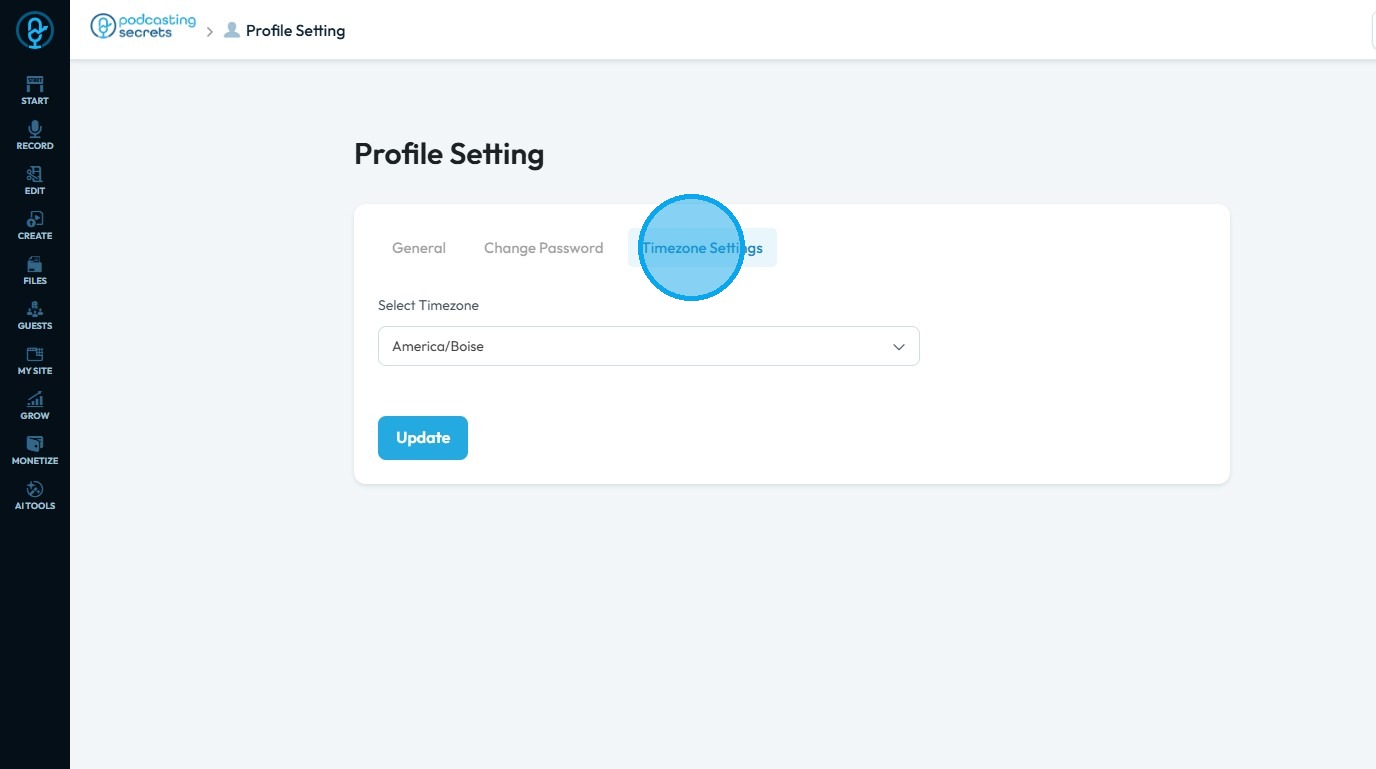
7. Once you have finished customizing the settings, click "Update."
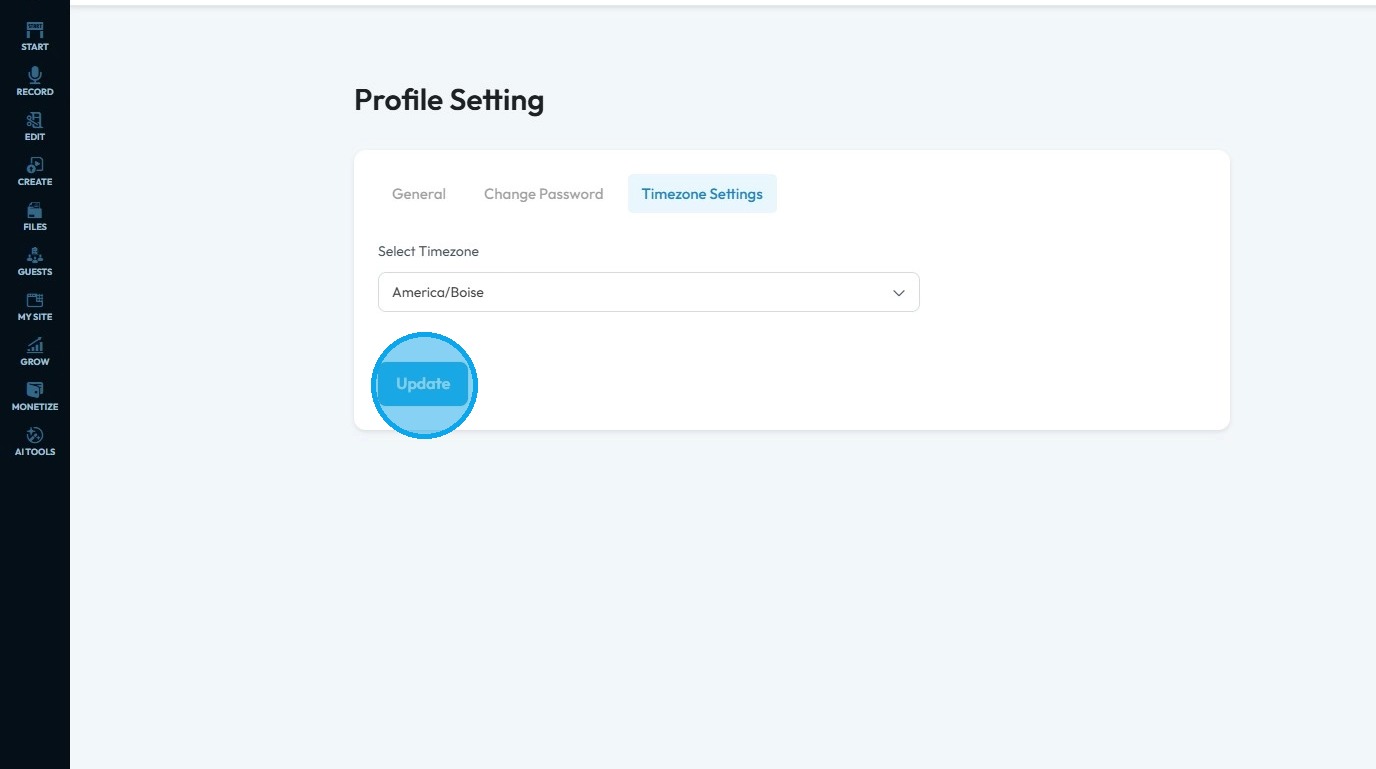
Related Articles
How To Navigate Guest Settings (Detailed)
This guide is essential for anyone looking to create a customized guest intake form using PodUp's Guest Settings. It offers detailed instructions on how to navigate the platform, edit profile components, and tailor questions to fit specific needs. By ...How To Update Your Profile and Timezone Settings
This guide provides essential instructions for updating your profile and timezone settings on the PodUp platform, ensuring your information is accurate and current. By following these steps, you can easily customize your profile, manage your ...How to Add a YouTube Button to My Blog Post and Connect It to My YouTube Account
By following this guide, you can easily customize the button's appearance and link it directly to your YouTube account. 1. Navigate to https://app.podup.com/home 2. Click "My Site". 3. Click "Post Page Builder" 4. The "Blog Details" page will open up ...How to Add A Linkedin Button to My Blog Post and Connect It to My Linkedin Account
By following this guide, you can easily link your blog to your LinkedIn account, allowing readers to engage with your professional profile. 1. Navigate to https://app.podup.com/home 2. Click "My Site". 3. Select "Post Page Builder" 4. The "Blog ...How to Add a Instagram Button to My Blog Post and Connect It to My Instagram Account
By following this guide, you can easily customize and link your Instagram profile, making it accessible to your readers. 1. Navigate to https://app.podup.com/home 2. Click "My Site" 3. Select "Post Page Builder" 4. The "Blog Details" page will open ...