How to Build A Header for My Website
This guide shows you how to easily create a custom header using templates and styles, with global and default settings to keep your site consistent. Quick edits make it simple to get the look you want.
1. Click "My Site"
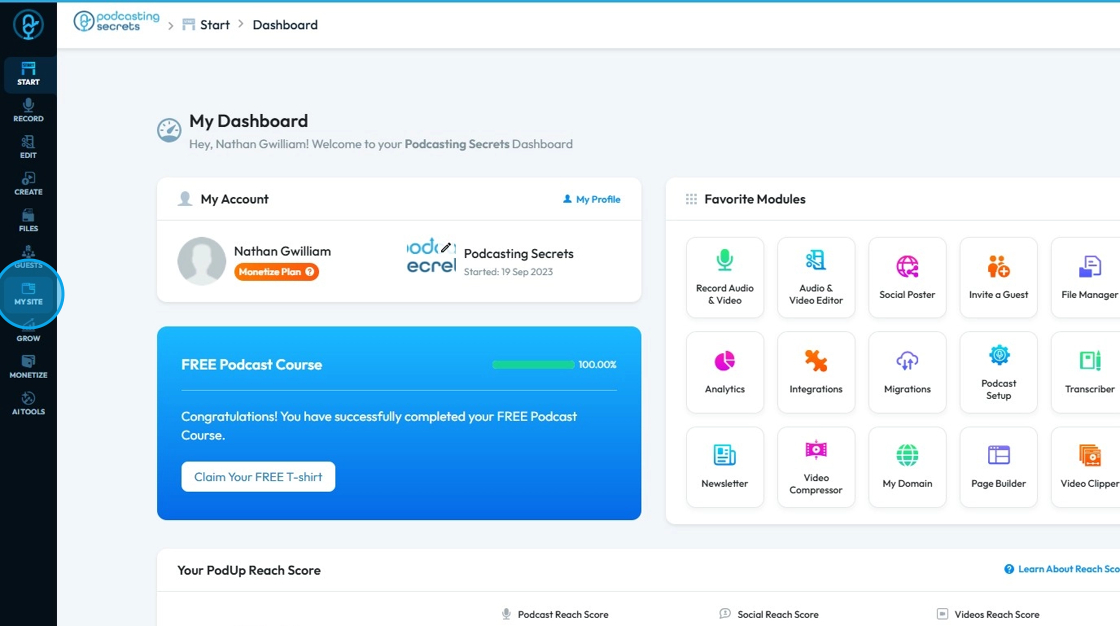
2. Click "Header & Footer"

3. Click "Build"

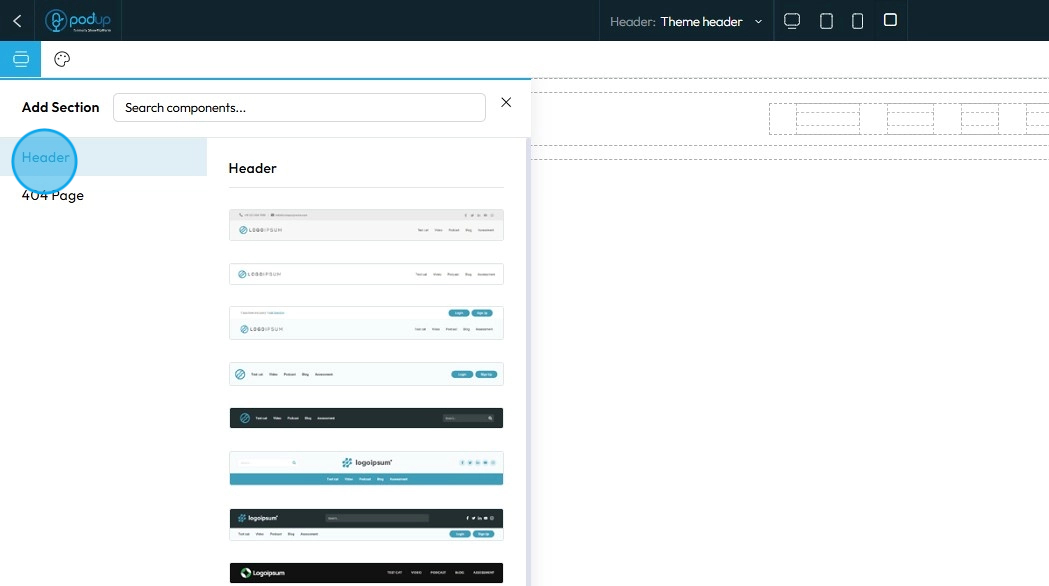
4. Click "Components" to add, move, delete, or rearrange components

5. Choose 1 of 20+ header templates, click to add it to the page
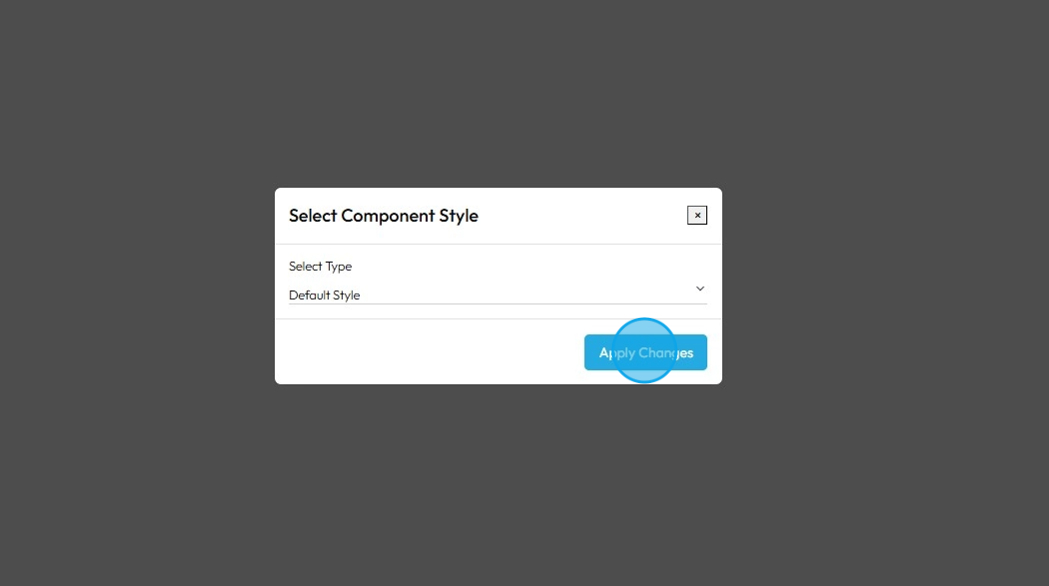
6. When you add the component to your website, a popup will appear asking you to choose between Default and Global Settings
- Global style: A site-wide design setting you can apply to multiple elements—changing it updates all elements using that style.
- Default style: The starting design is automatically applied to an element unless you customize or override it.
Click "Apply Changes"
7. The header wil appear at the top of the page
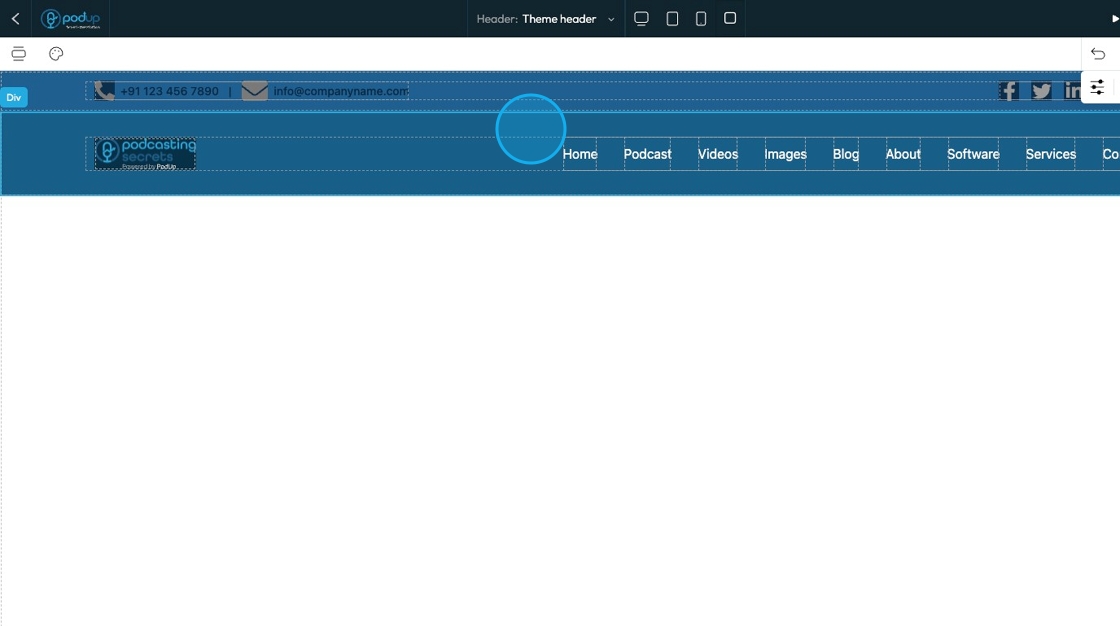
8. If you don't like your current header, you can repeat steps 5 and 6 until you find a design that you like