How to Build a footer for my website
By following this guide, you can quickly create a custom footer in PodUp to enhance your website’s design and functionality.
1. Navigate to https://app.podup.com/home
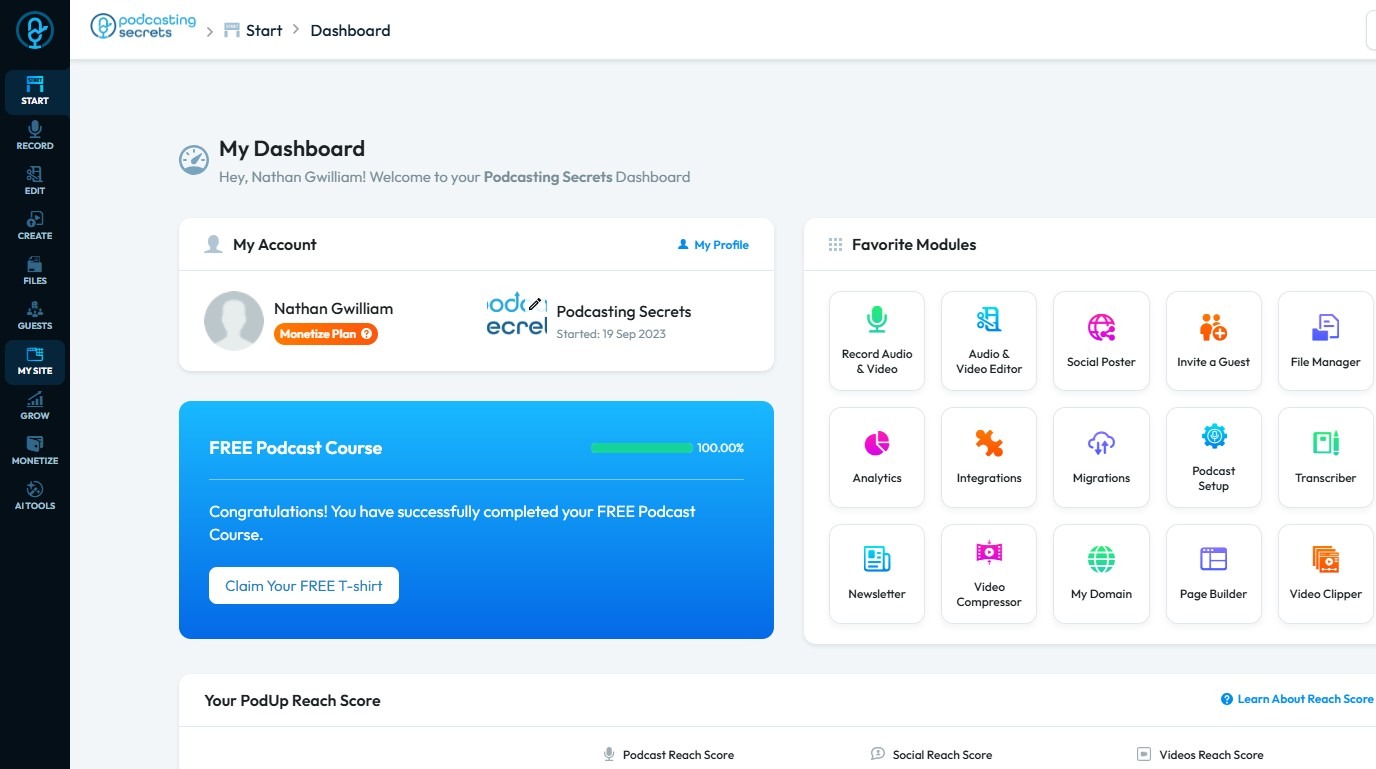
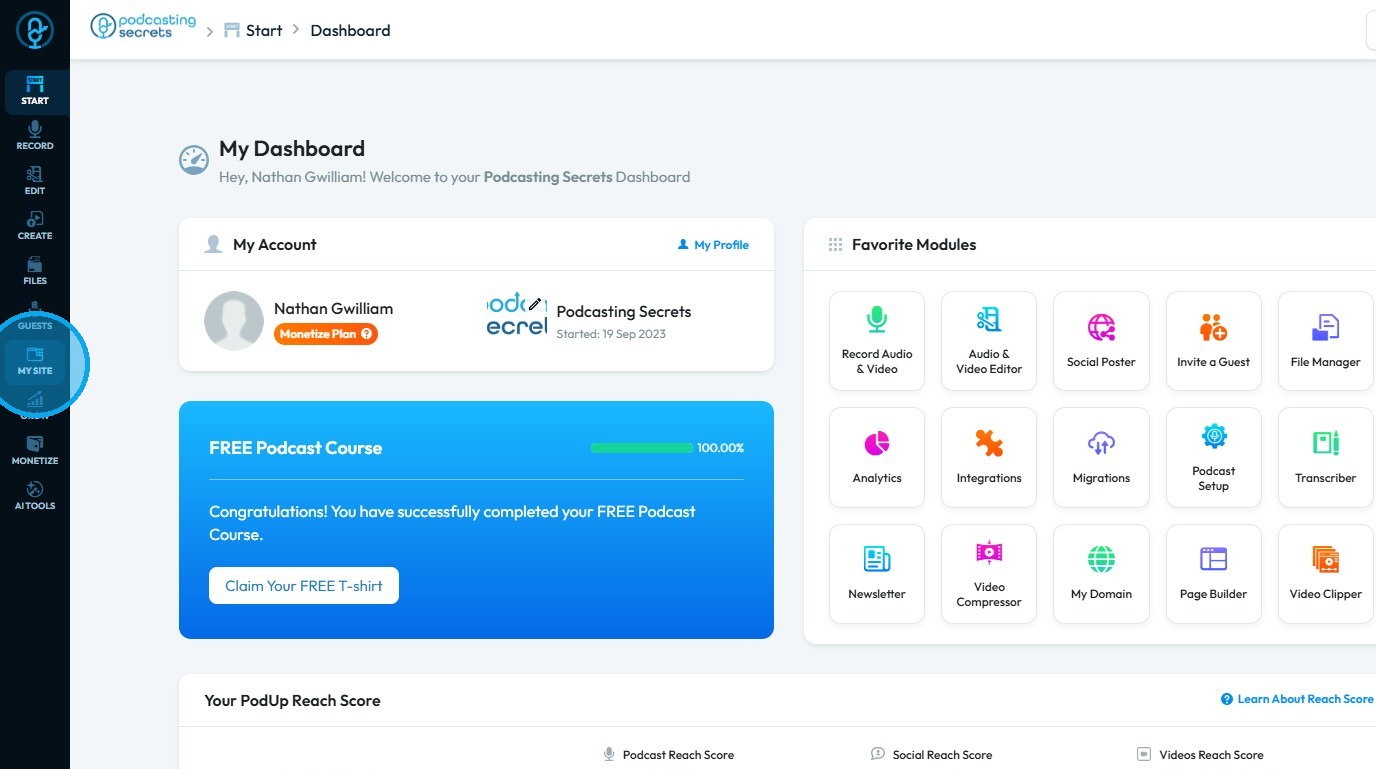
2. Click "My Site"
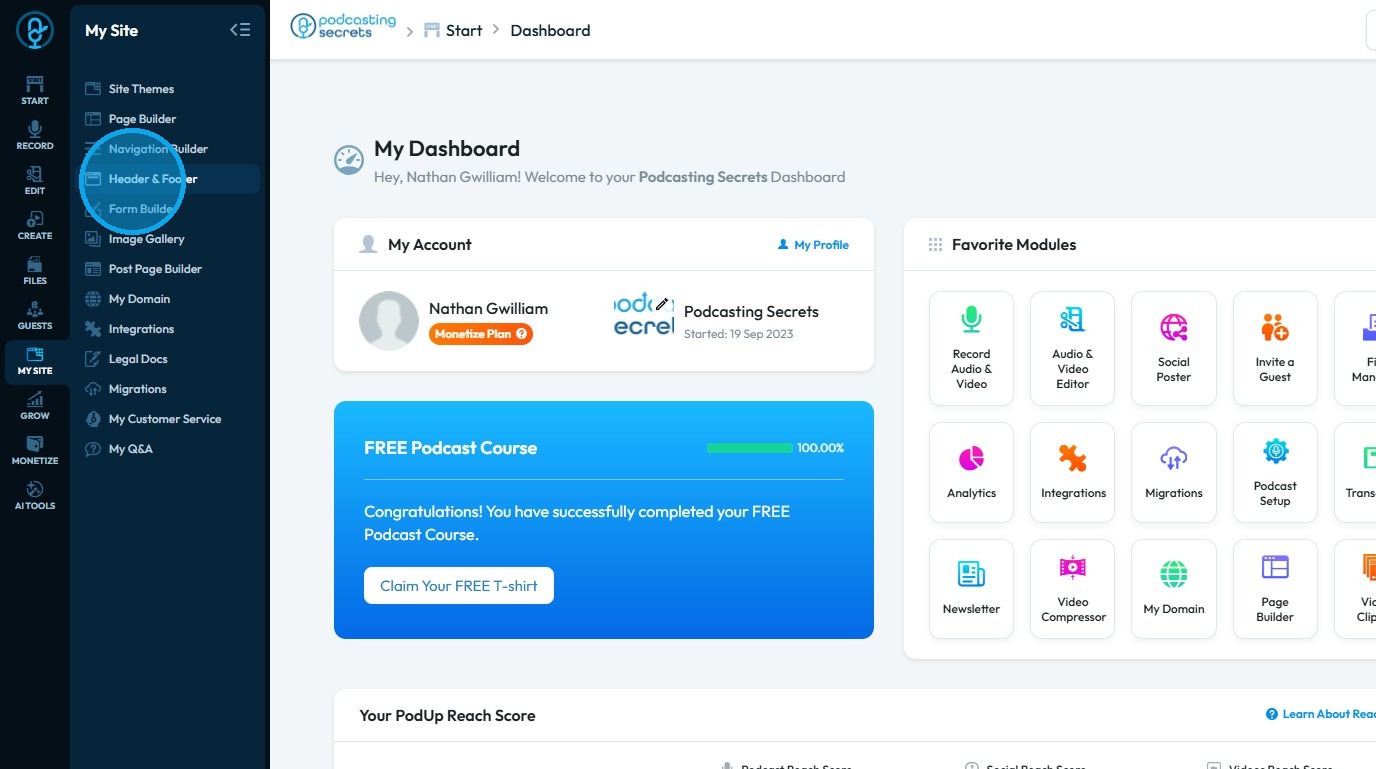
3. Select "Header & Footer"
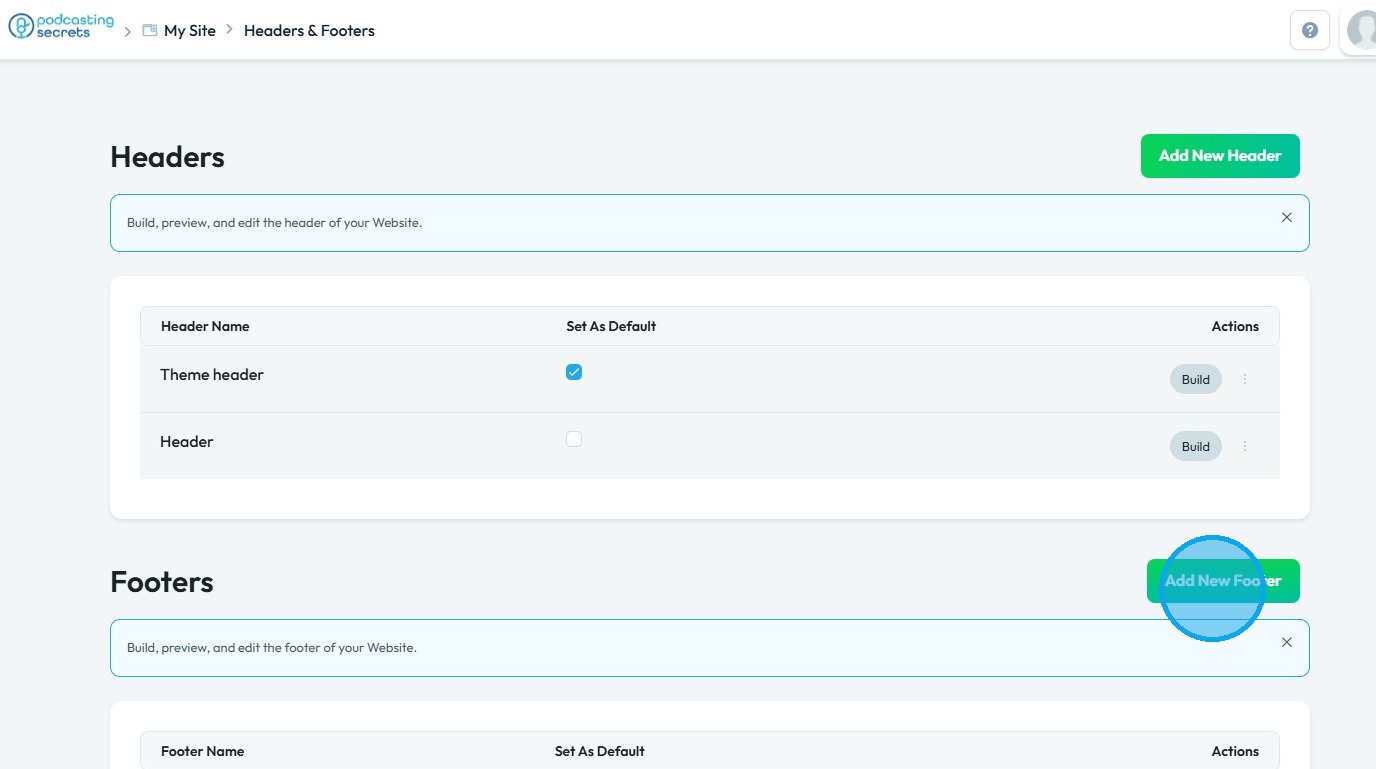
4. Click "Add New Footer"
5. Enter the name for the new footer and click "Create"
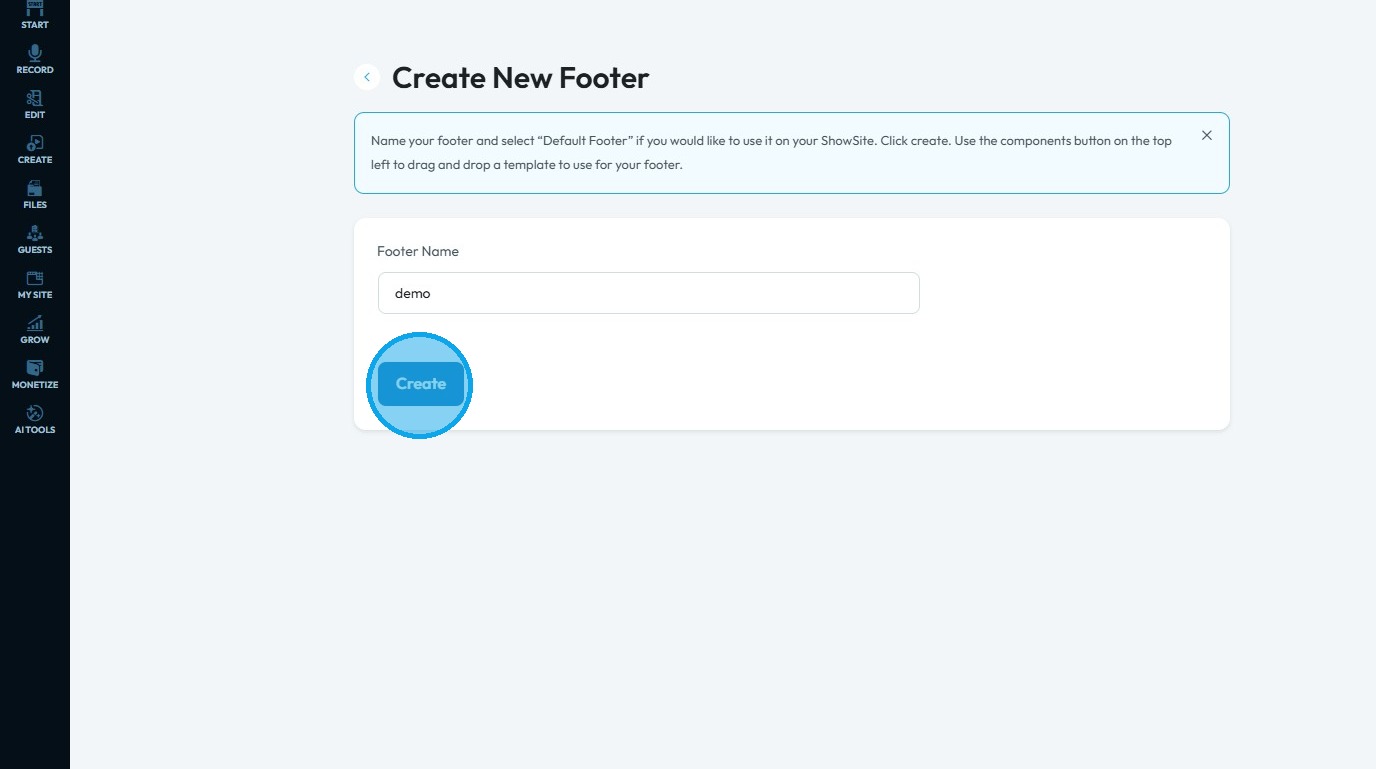
6. You will be redirected to the PodUp Page Builder
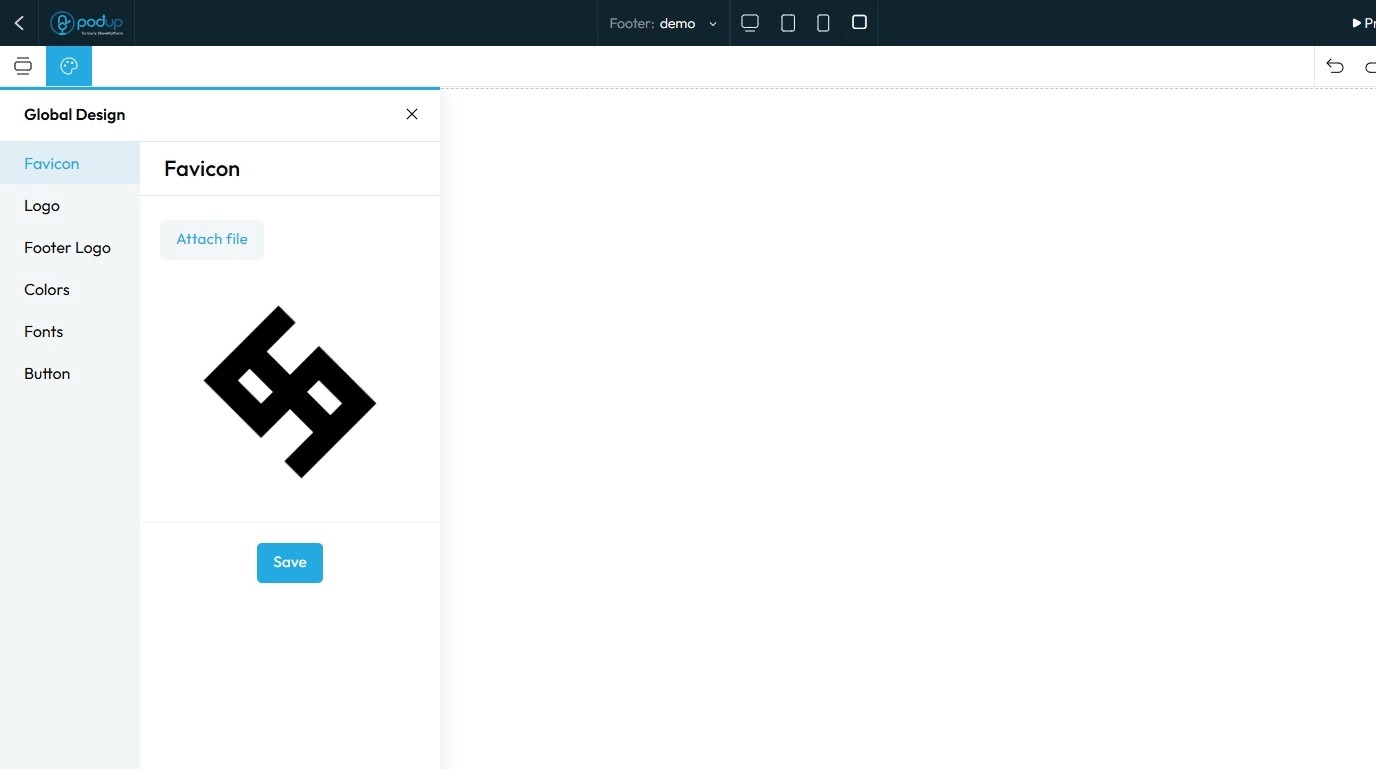
7. Click on "Component" icon.
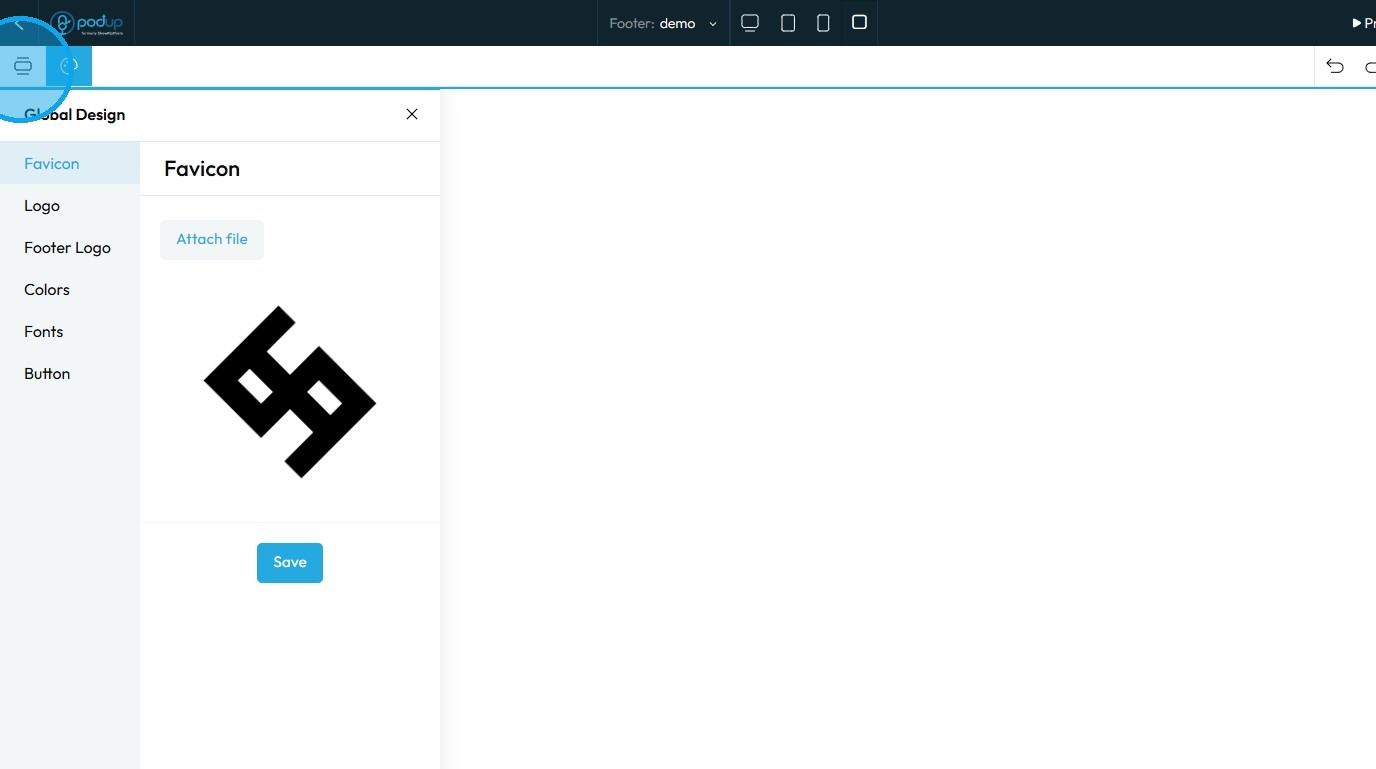
8. Select "Footer"
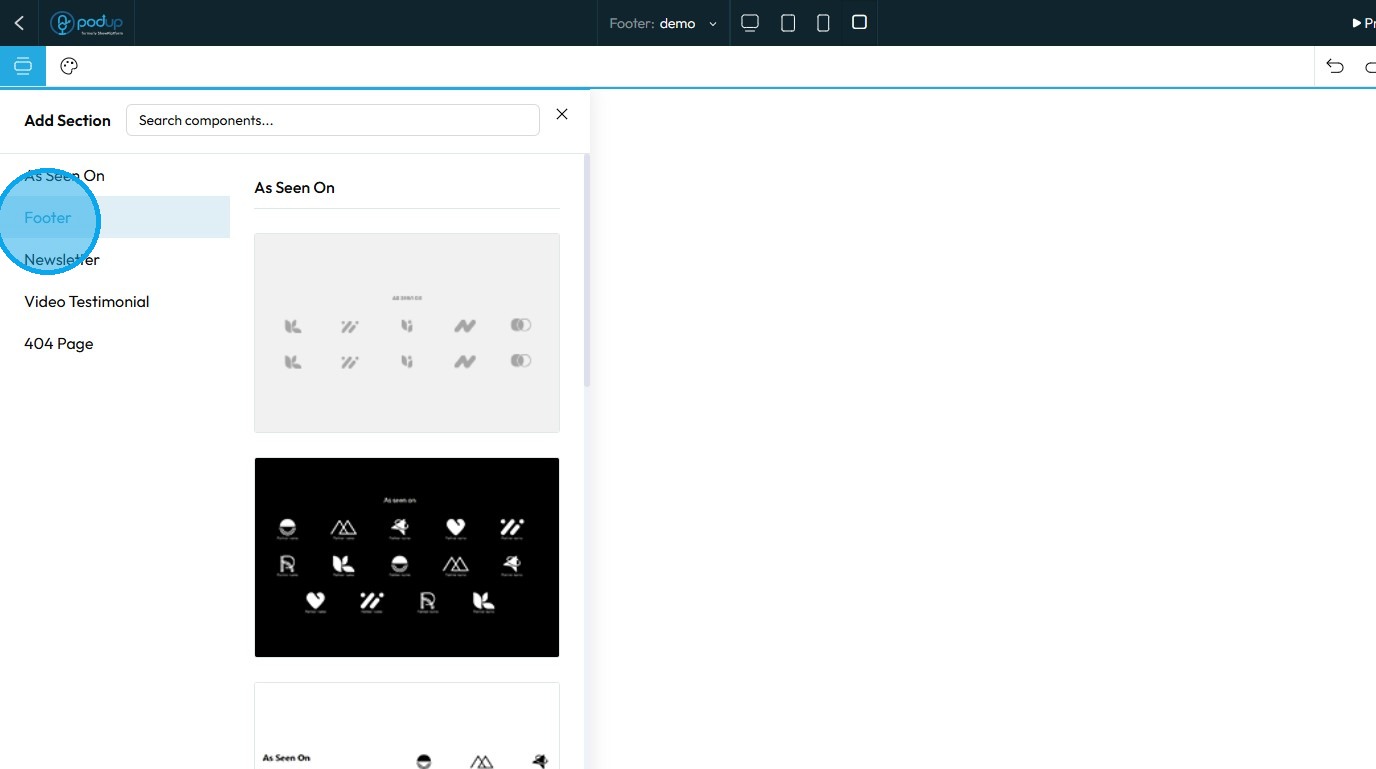
9. Click on the footer layout you wish to use

10. The selected footer layout will be imported
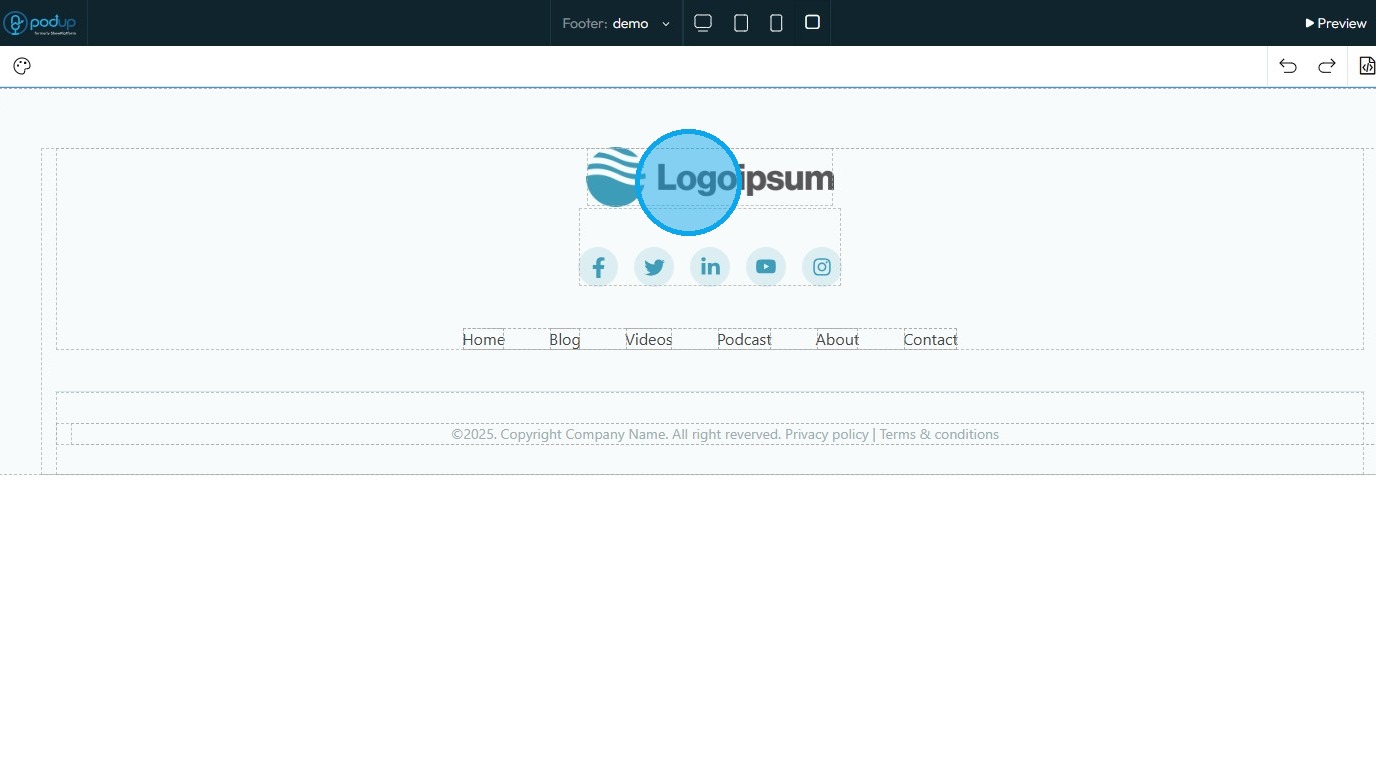
11. Customize the footer as needed
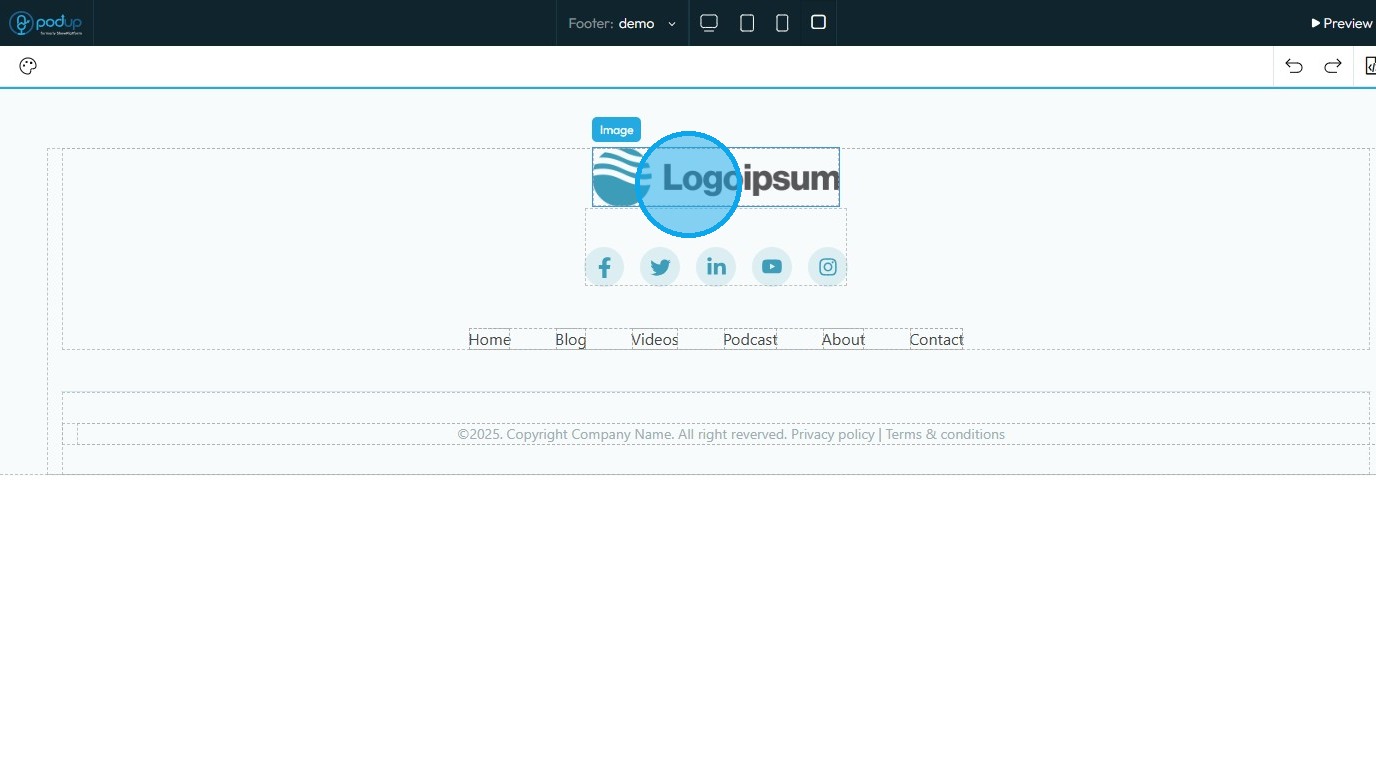
12. Once you have finished editing, click "Save" in the top-right corner
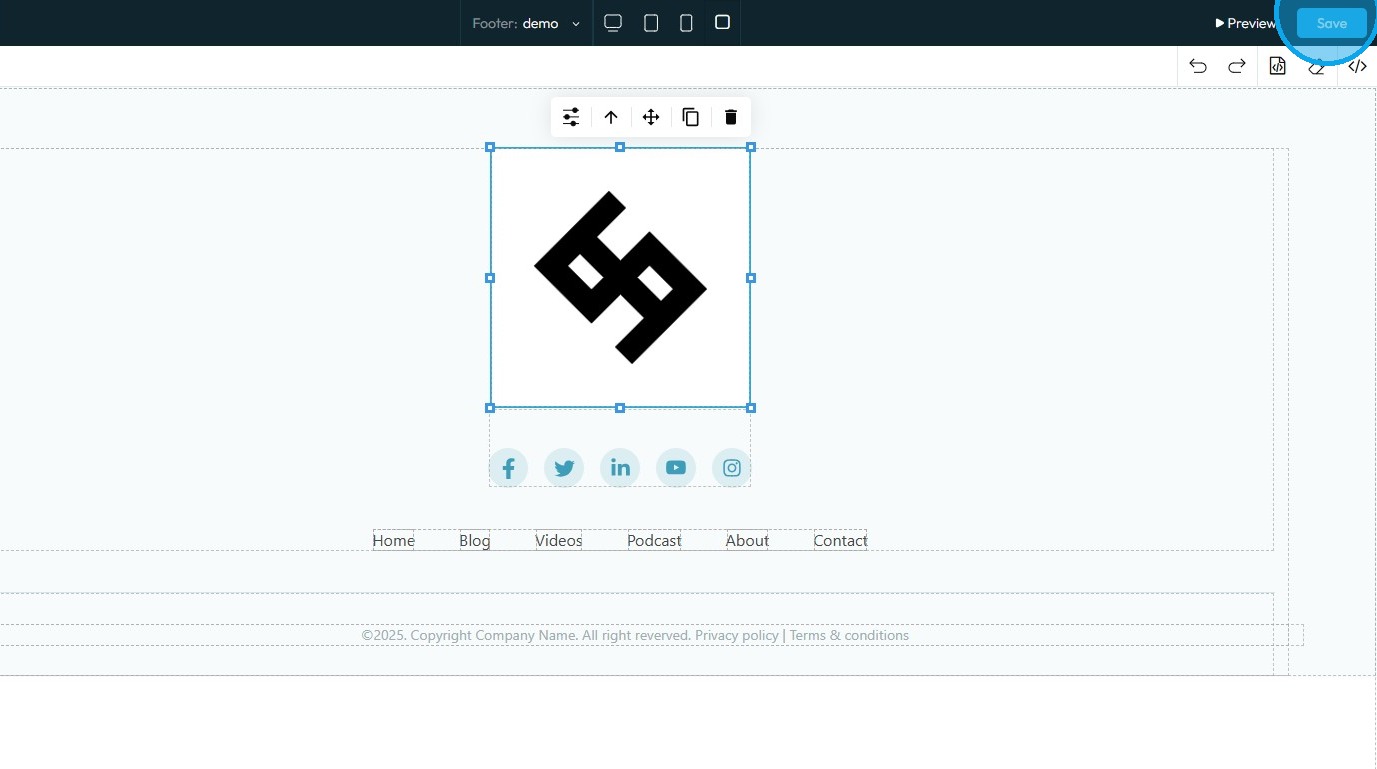
13. The new footer has been successfully created

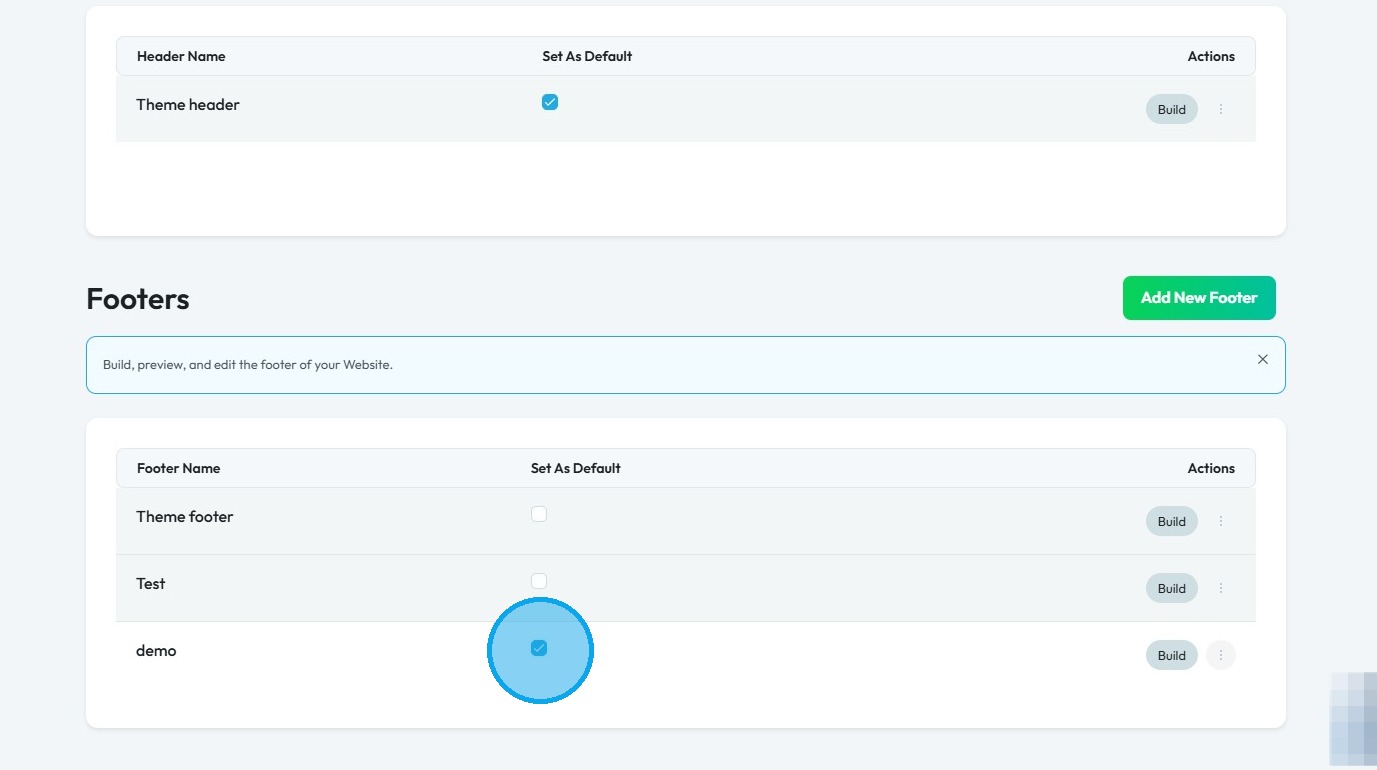
14. To apply the newly created footer, navigate to the Headers & Footers section in PodUp
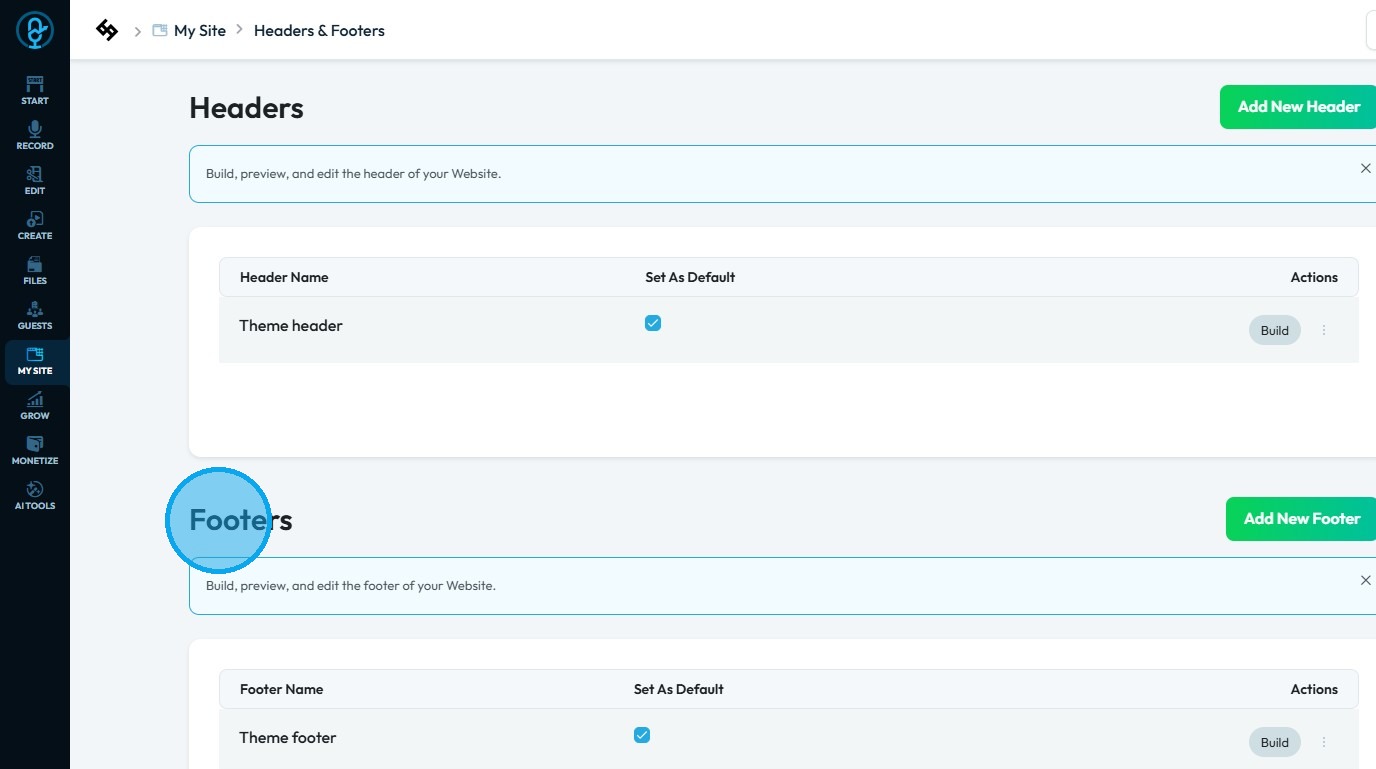
15. Select the footer you wish to use by checking the box
Related Articles
How to Build A Header for My Website
This guide shows you how to easily create a custom header using templates and styles, with global and default settings to keep your site consistent. Quick edits make it simple to get the look you want. 1. Click "My Site" 2. Click "Header & Footer" 3. ...How to Navigate Header and Footer - Footer (Detailed)
This guide offers a comprehensive step-by-step process for creating and customizing footers in PodUp, empowering users to enhance their website's design with unique branding elements like logos and favicons. It covers essential design aspects such as ...How to Navigate Header & Footer - Header (Detailed)
This guide is an essential resource for anyone looking to enhance their PodUp website by effectively creating and customizing headers and footers. It provides step-by-step instructions on how to utilize key features like global design settings, ...How To Create A Page for My Website in Page Builder
This guide shows beginners how to build a webpage with Page Builder by adding titles, descriptions, and metadata to boost search and social sharing. It’s a quick way to start a professional, effective site. 1. Navigate to https://app.podup.com/home ...How to Add a Footer to my Page
This guide offers a straightforward approach to adding a footer to your webpage, emphasizing its importance for user experience and SEO. It provides step-by-step instructions for customizing your footer with logos, colors, and templates, making it ...