How to Build a 404 page
Use this guide to create a custom 404 page to help users navigate your site (a page that does not exist on a website).
1. Navigate to https://app.podup.com/home
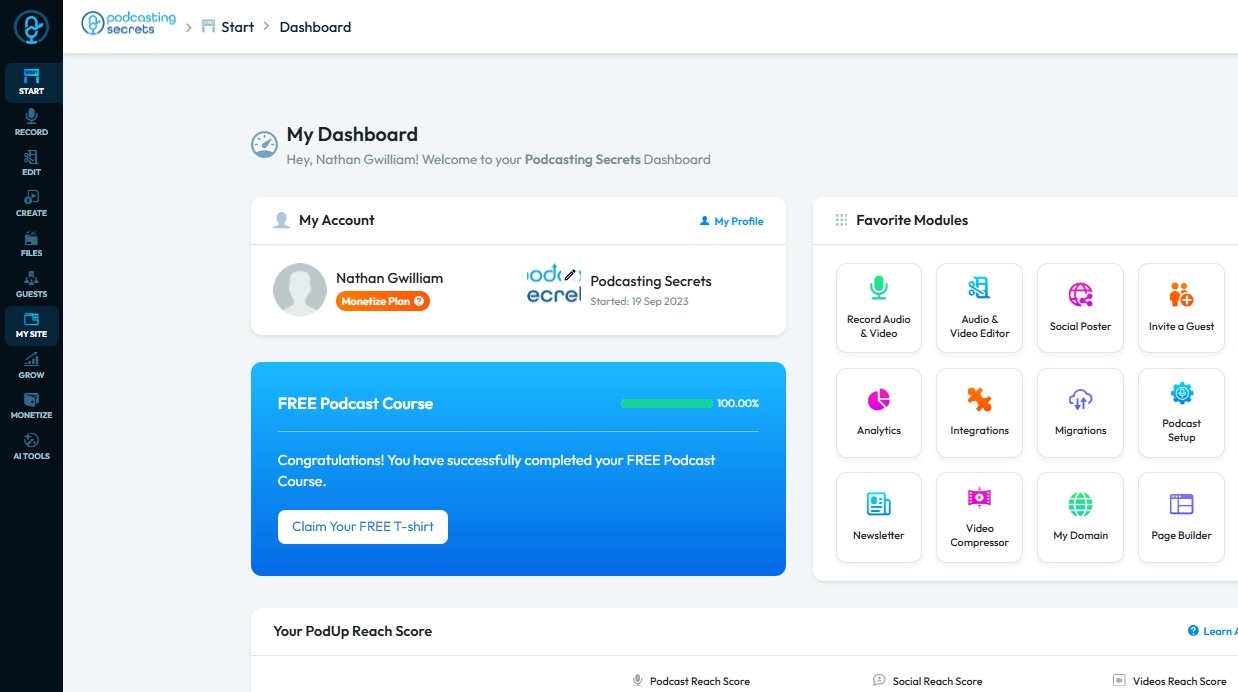
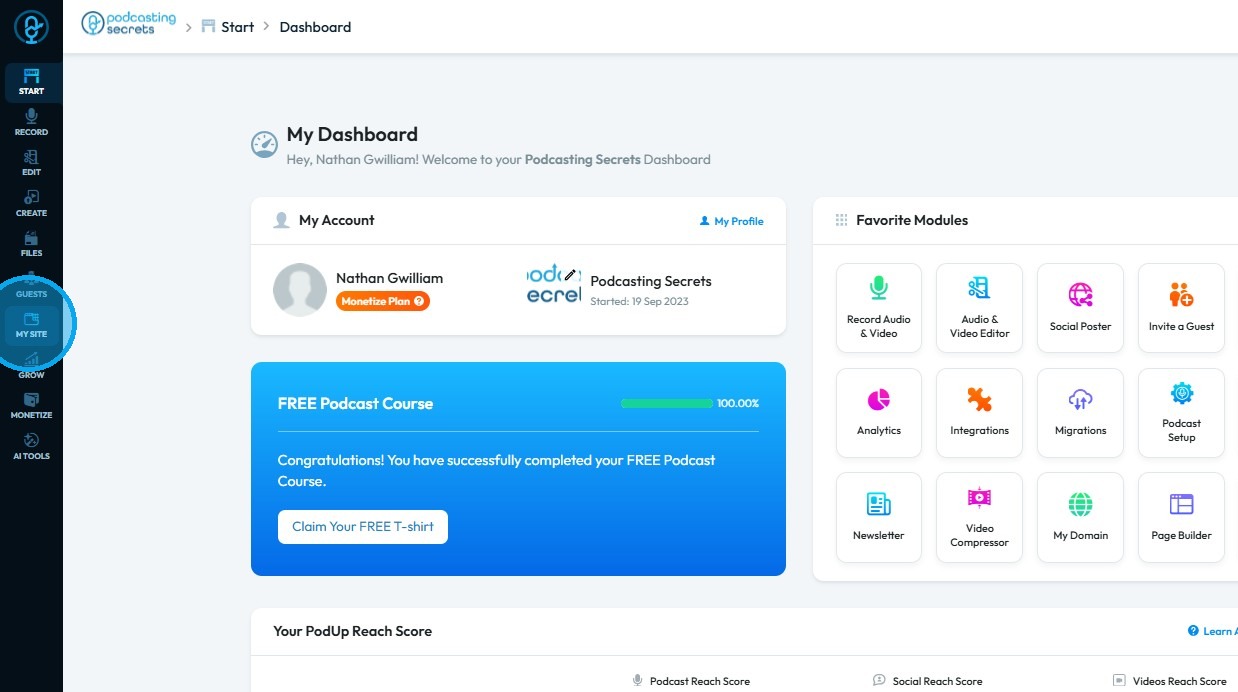
2. Click "My Site"
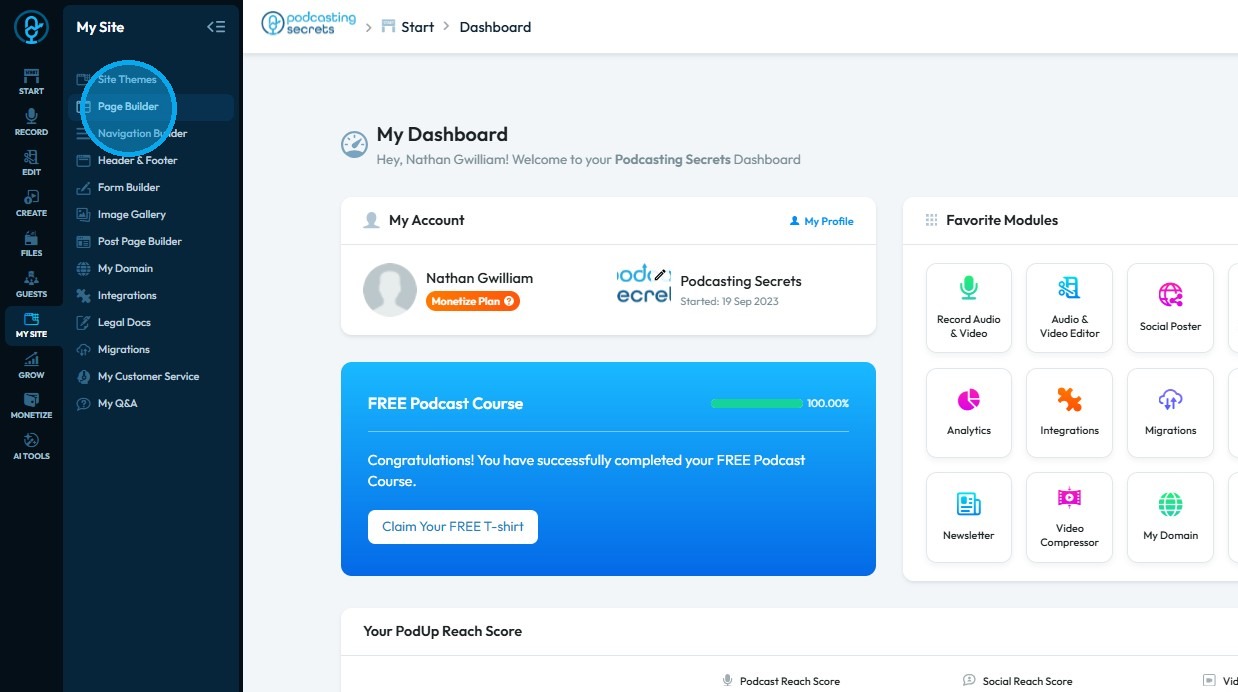
3. Select "Page Builder"
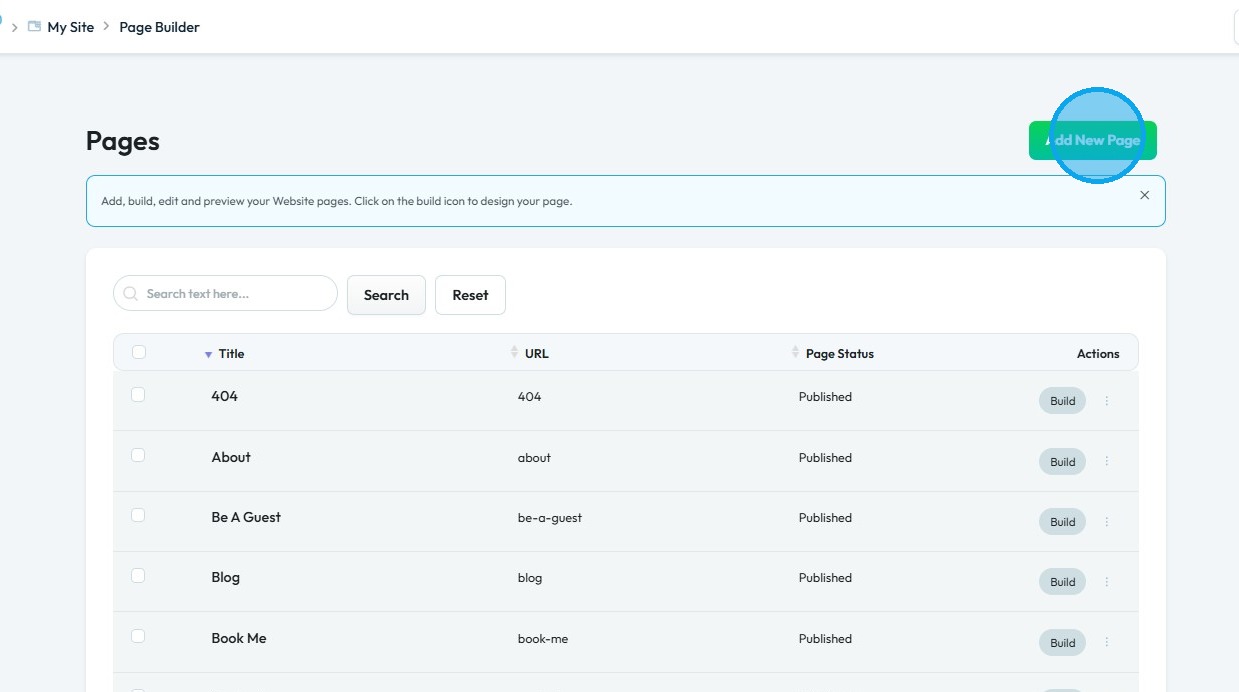
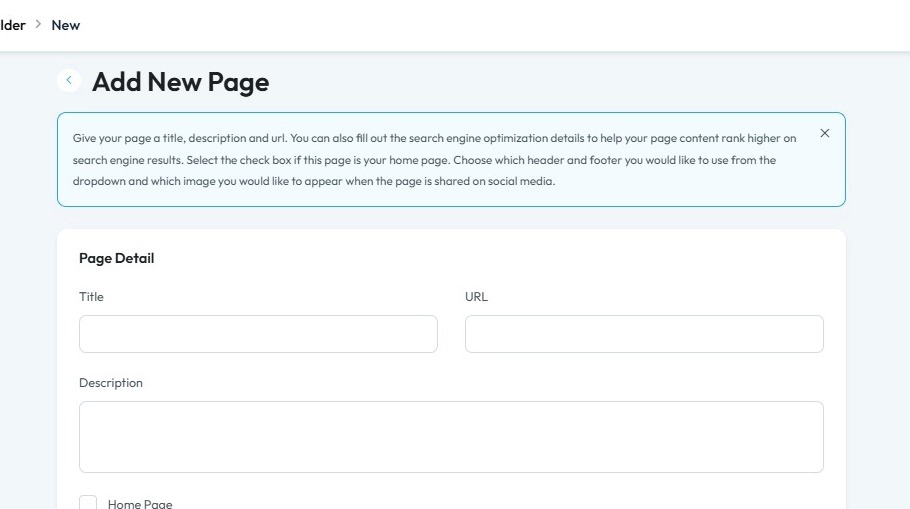
4. Click "Add New Page"
5. Fill in the details, scroll down, and click “Create”
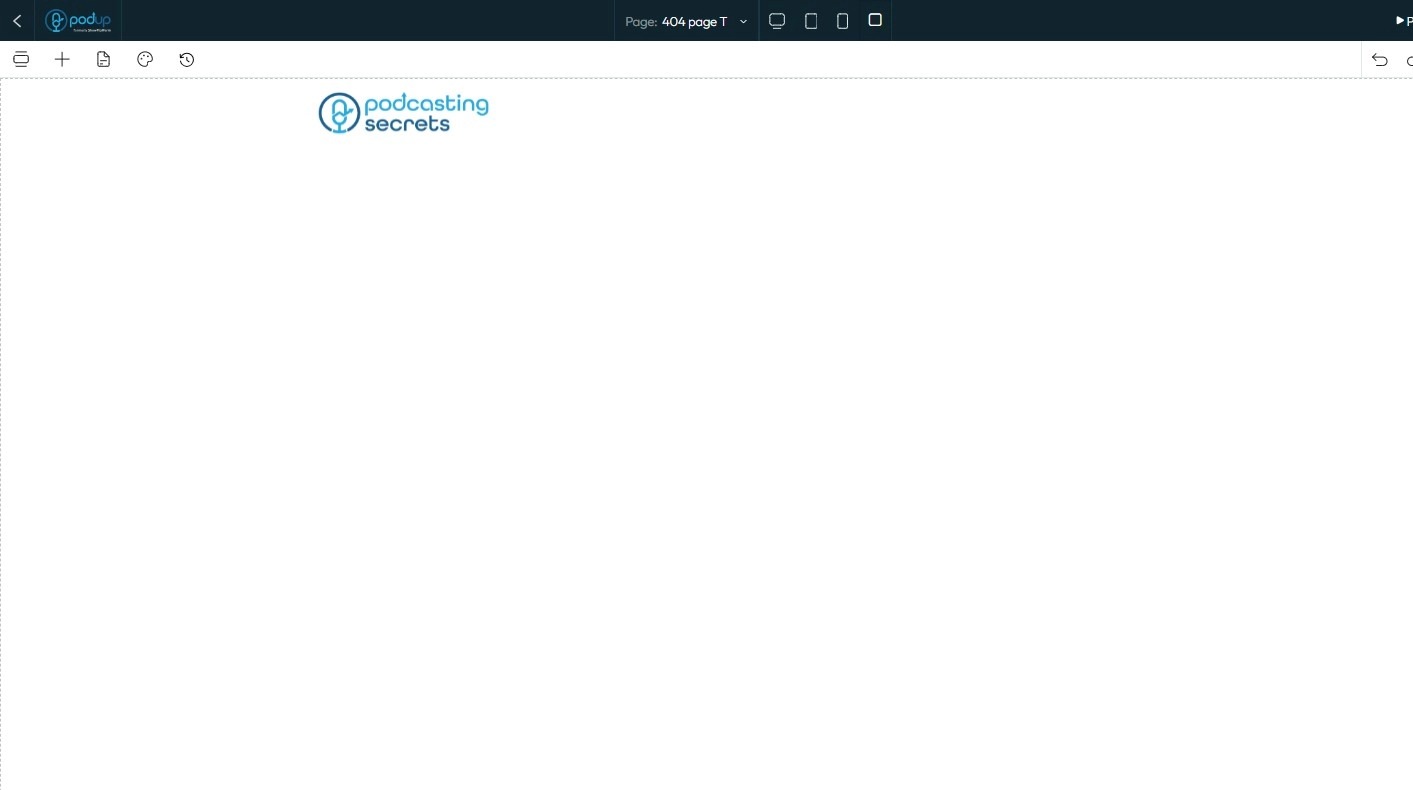
6. The Page Builder will open
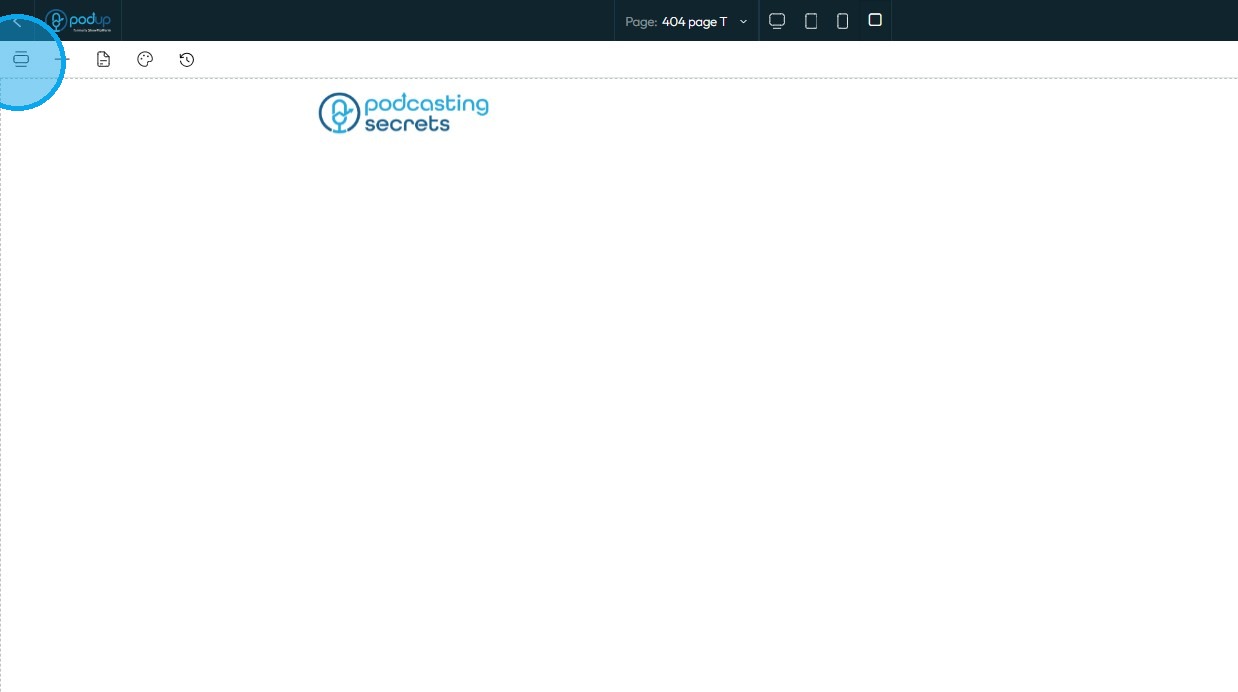
7. Click the "Component" icon
8. Scroll down and click “404 Page” from the list of components

9. Select "Click to add"
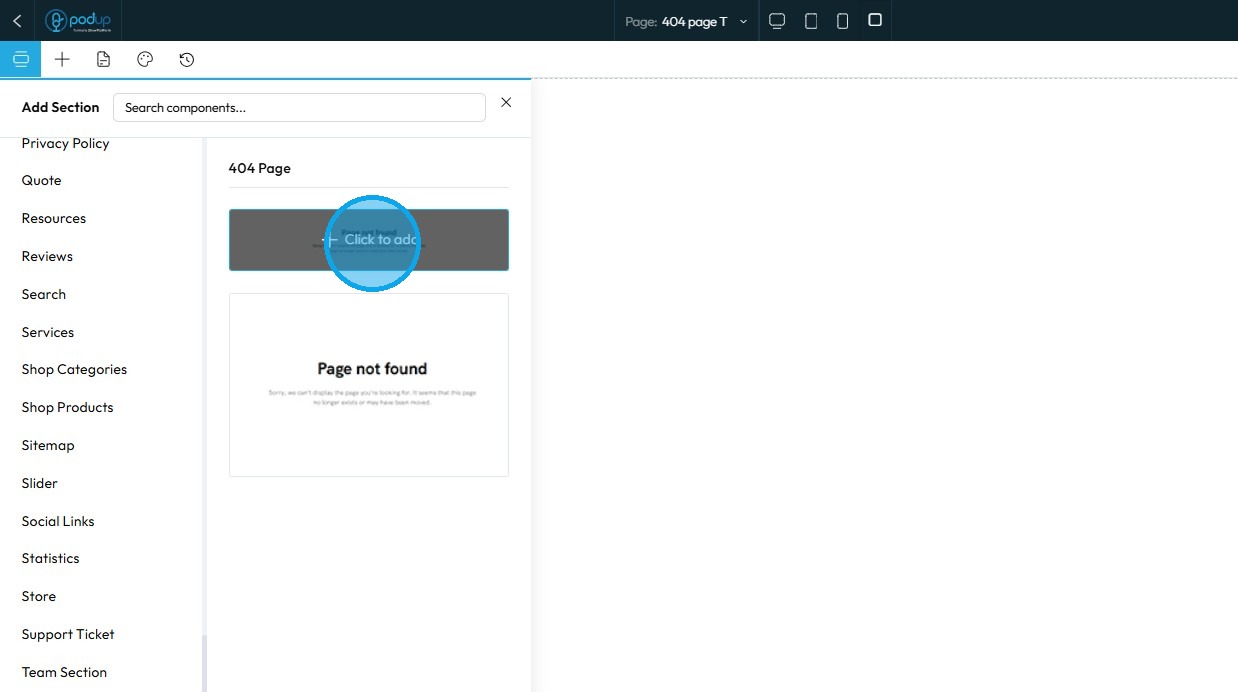
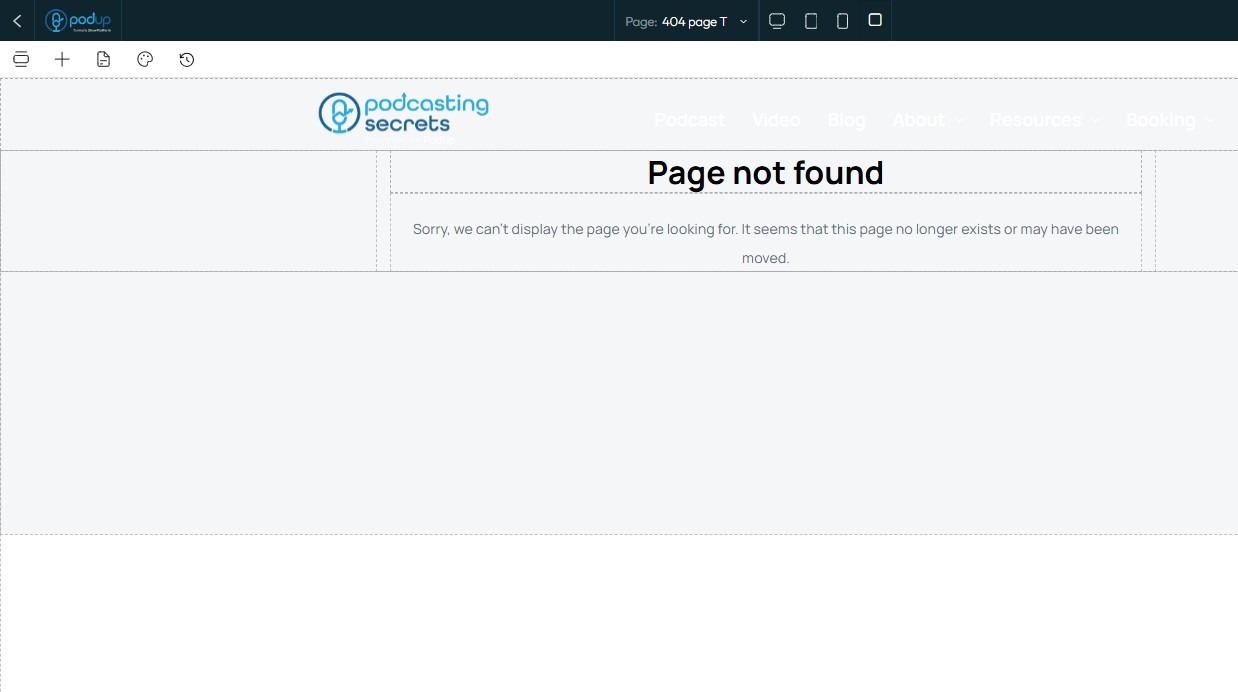
10. The 404 page component has been added to the page
Customize the component according to your choice
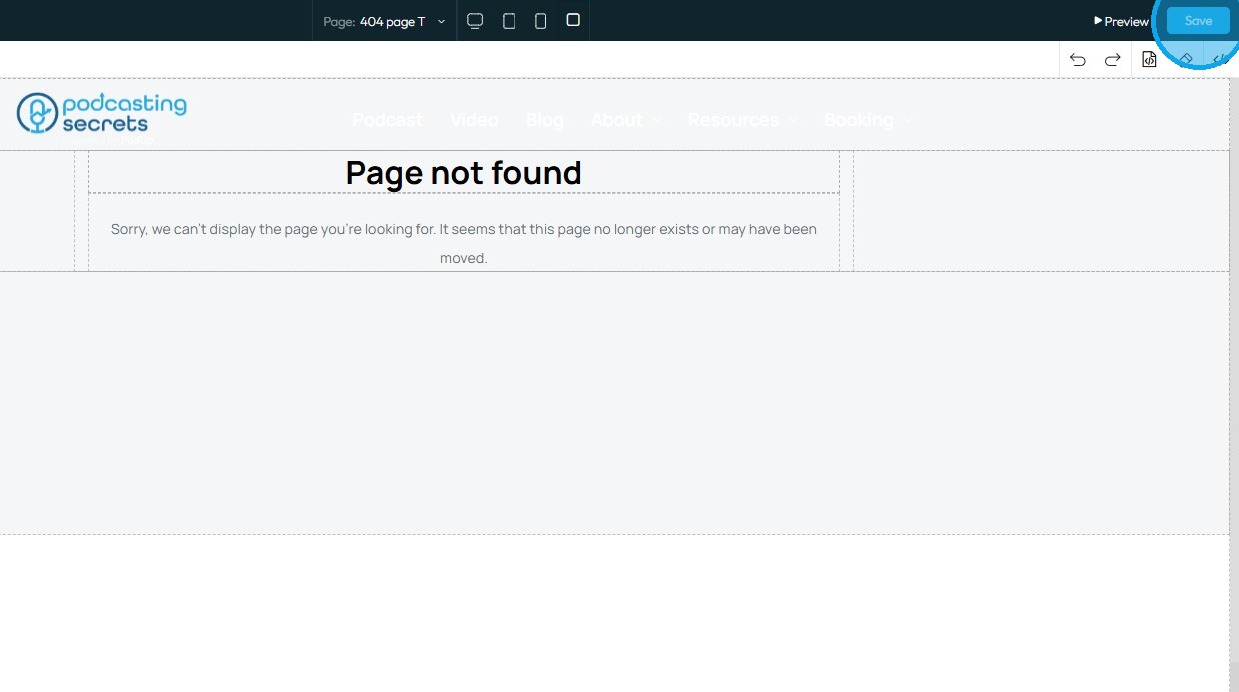
11. Click “Save” in the top-right corner
Related Articles
How to Build A Header for My Website
This guide shows you how to easily create a custom header using templates and styles, with global and default settings to keep your site consistent. Quick edits make it simple to get the look you want. 1. Click "My Site" 2. Click "Header & Footer" 3. ...How To Create A Page for My Website in Page Builder
This guide shows beginners how to build a webpage with Page Builder by adding titles, descriptions, and metadata to boost search and social sharing. It’s a quick way to start a professional, effective site. 1. Navigate to https://app.podup.com/home ...How to Navigate Page Builder (Detailed)
This guide provides a straightforward method for creating and customizing website pages using PodUp's Page Builder, making it ideal for users of all skill levels. It outlines each step in the process, from accessing the page builder to editing ...How to Navigate Post Page Builder (Detailed)
This guide offers a straightforward approach to creating and customizing post pages using PodUp's Post Page Builder, making it ideal for bloggers, video creators, and podcasters. It provides step-by-step instructions for adding and enhancing post ...How to Add a Section to my Page
This guide provides a straightforward approach to enhancing your webpage by adding new sections using Podup's Page Builder. It simplifies the process into easy-to-follow steps, making effective customization accessible for users of all skill levels. ...