How to Approve comments on my site.
This guide shows you how to approve and manage website comments to improve engagement and user experience
1. Navigate to https://app.podup.com/home
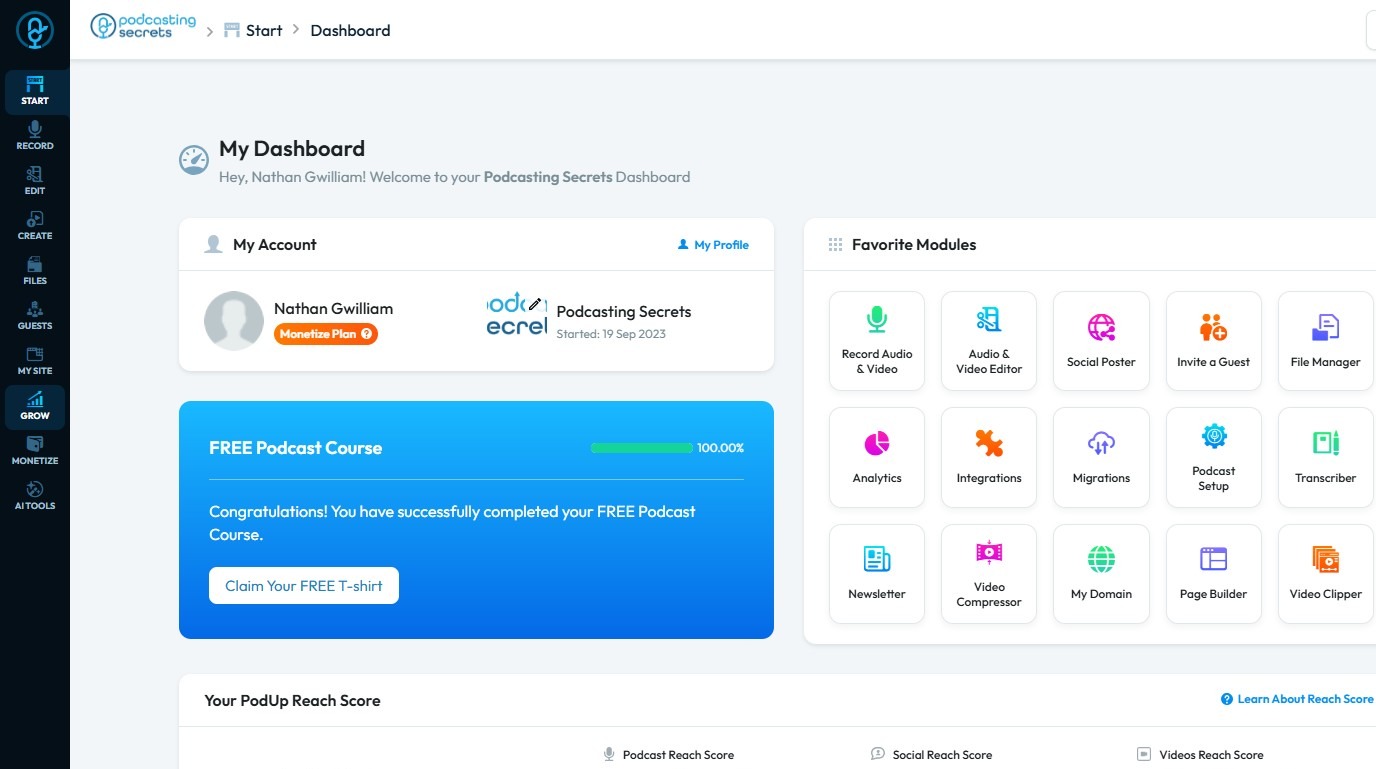
2. Click "Grow"
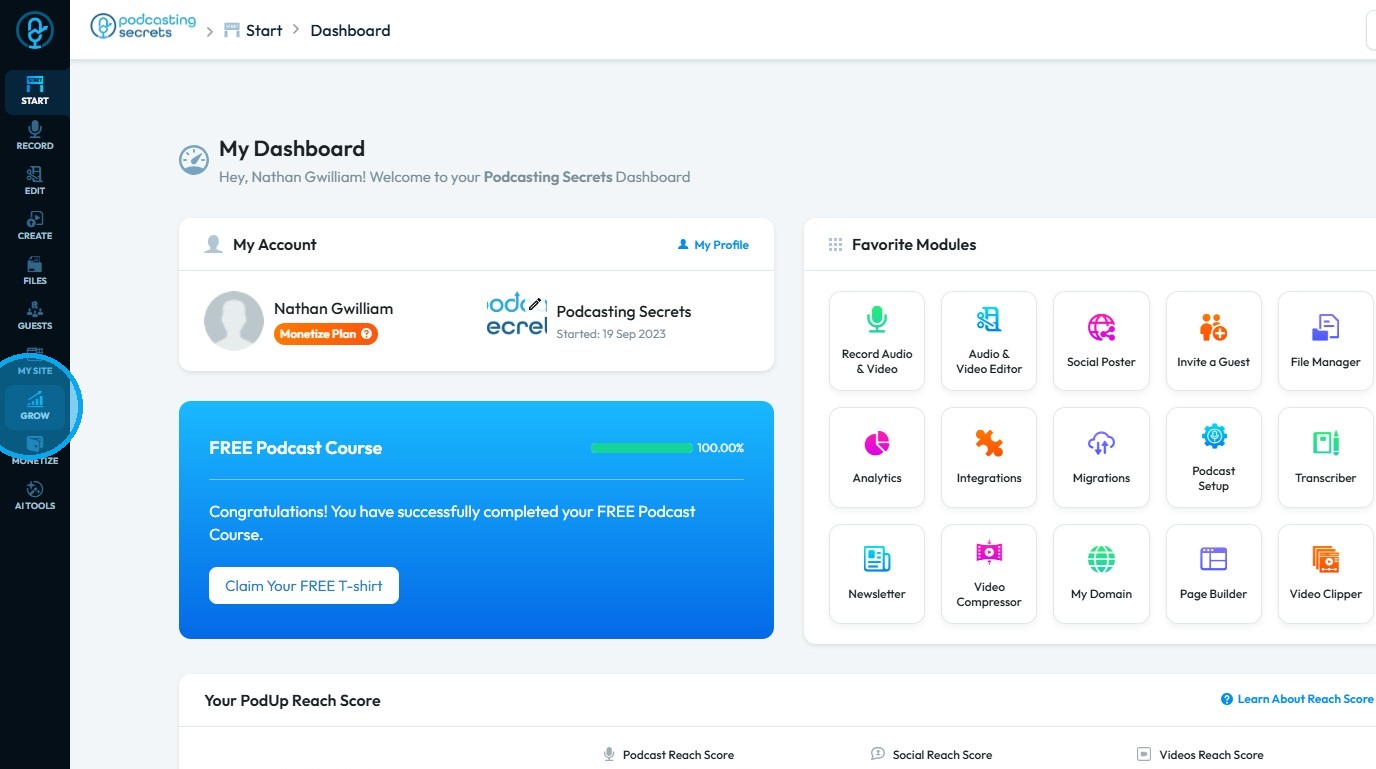
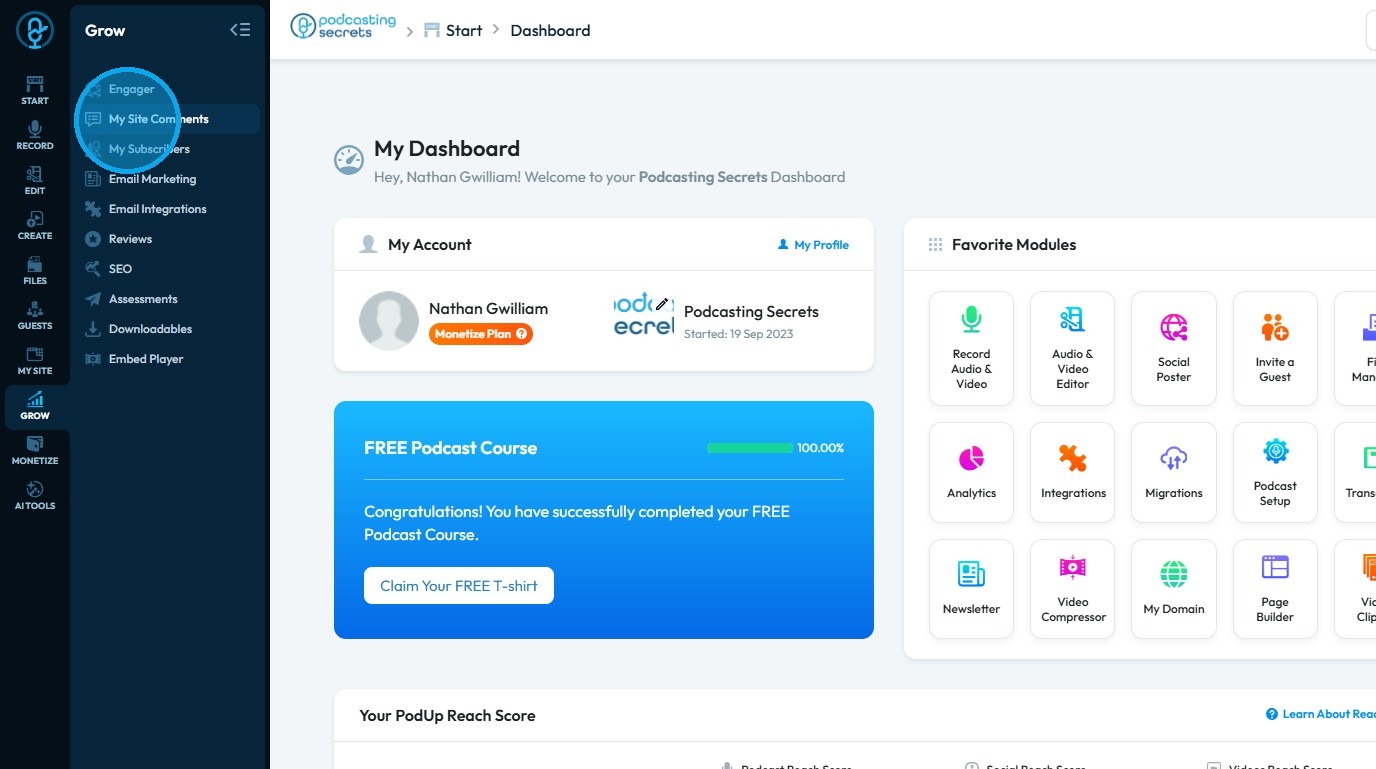
3. Select "Comments"
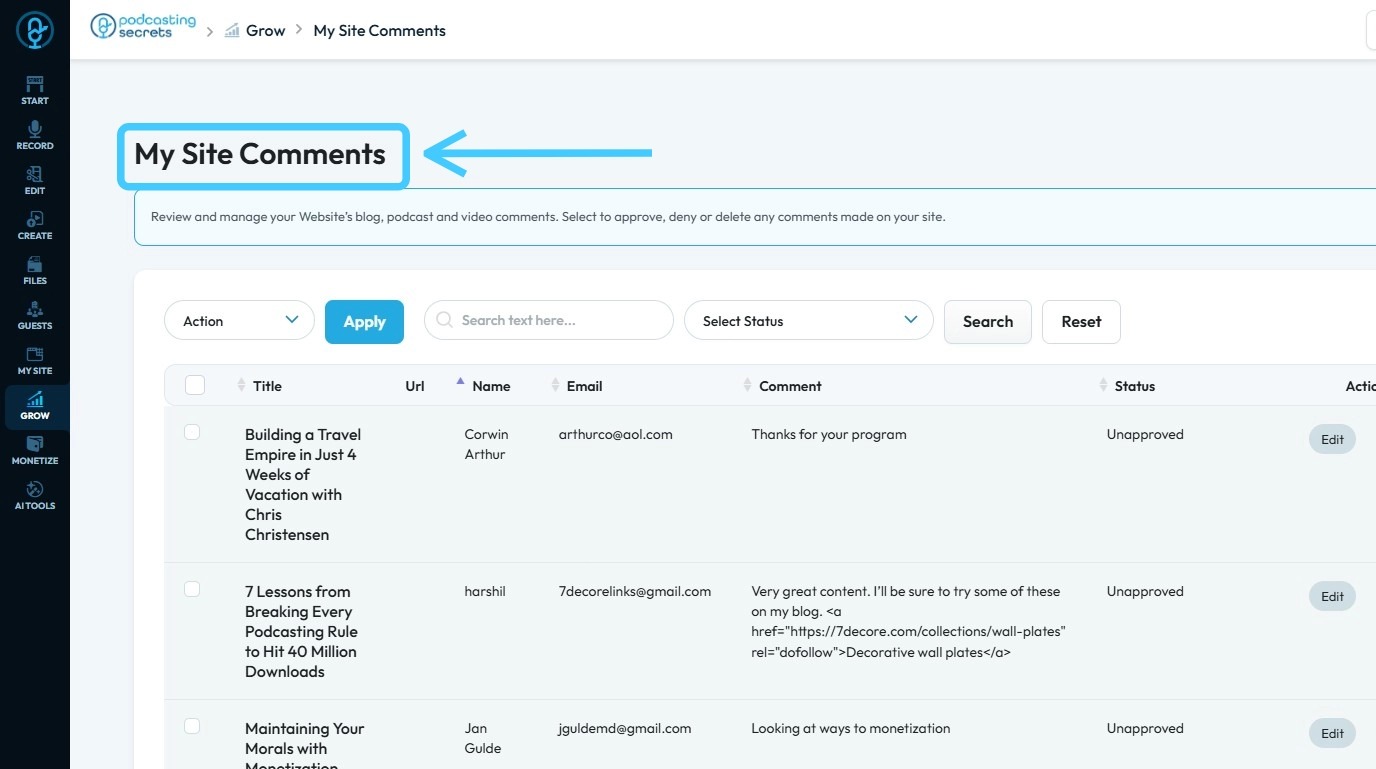
4. "My Site Comments" page will have all the comments on your website
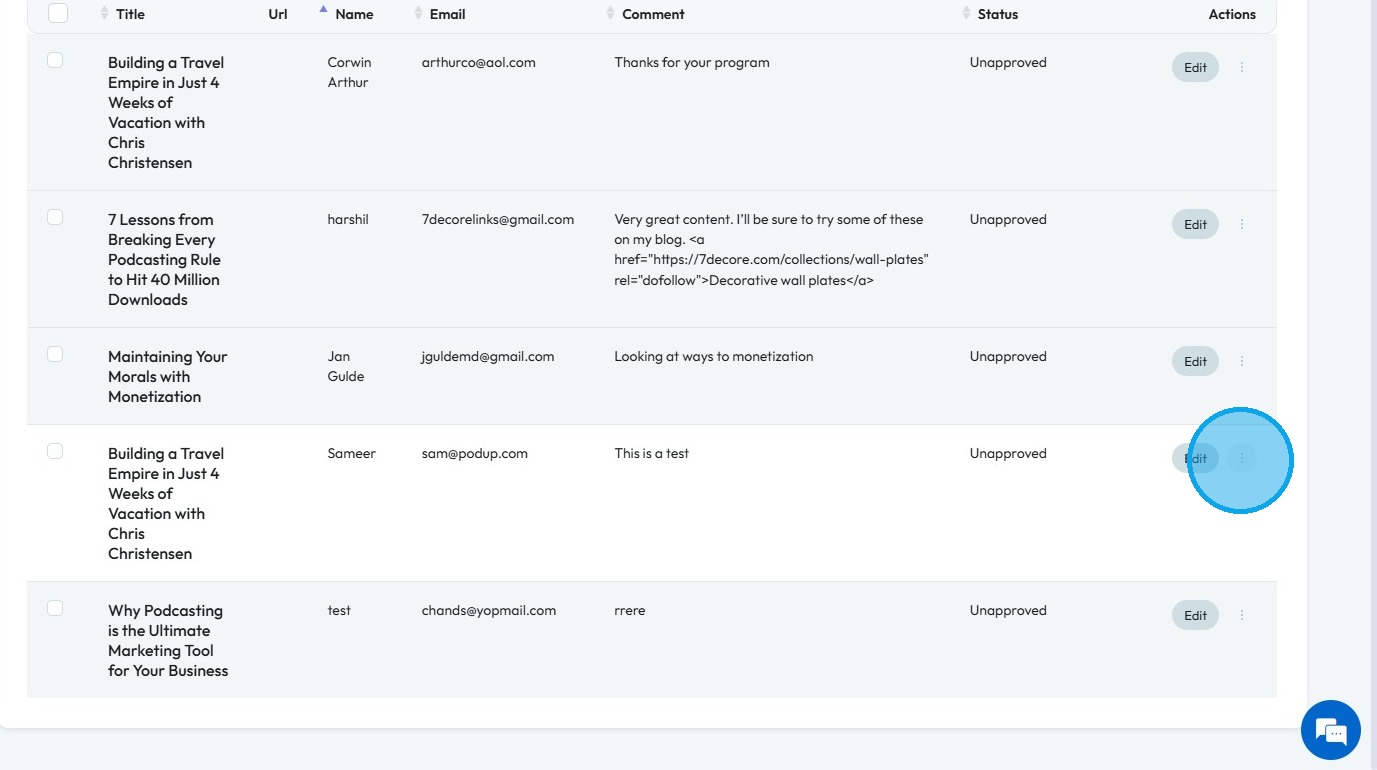
5. Click on the "3 Dots" of a comment you want to approve
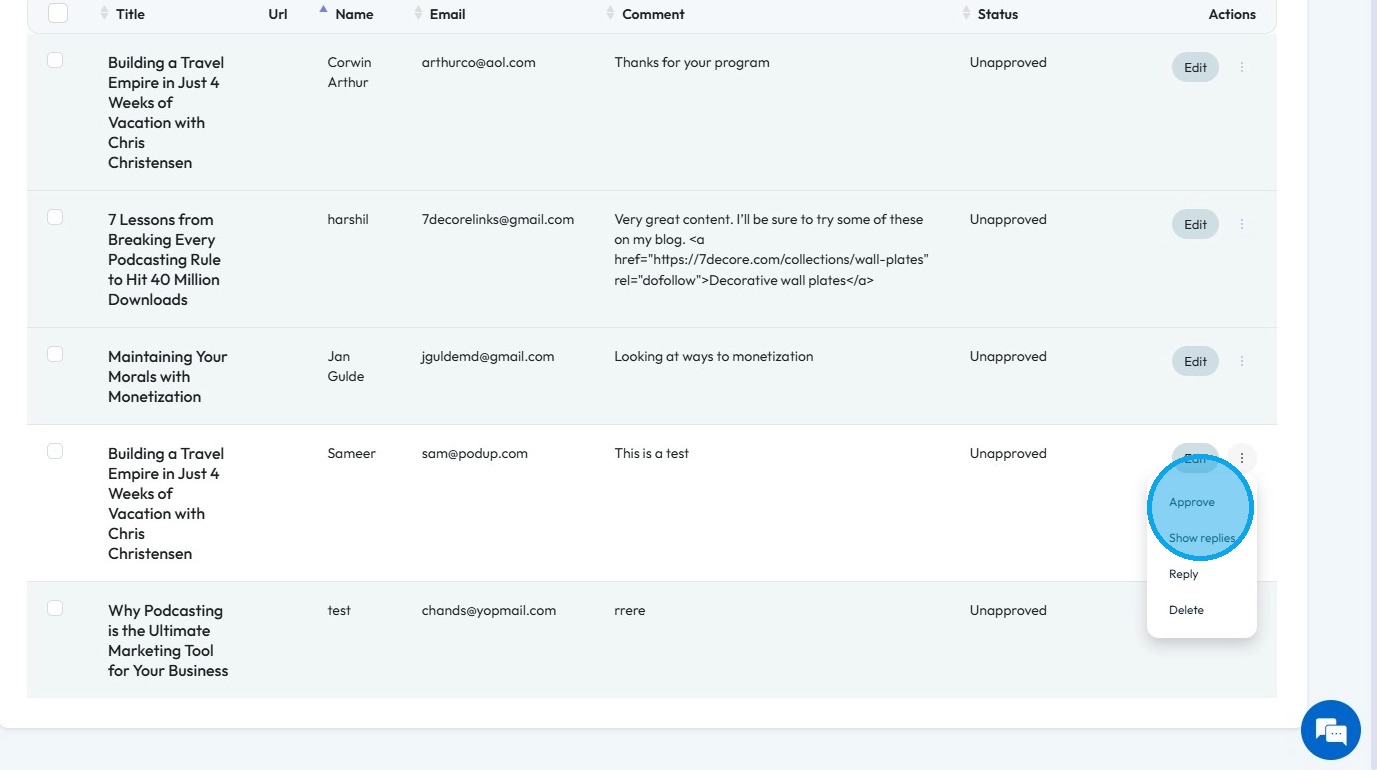
6. Click "Approve" from the drop-down list, and the comment will be visible on the site
Related Articles
How to Delete comments
Use this guide to quickly delete unwanted website comments and keep your site professional 1. Navigate to https://app.podup.com/home 2. Click "Grow" 3. Select "Comments" 4. The “Commenter” page displays all comments on your website 5. Click the three ...How to add a comments section to my blog?
This guide walks you step by step through adding a comments section to your blog to encourage reader interaction. 1. Navigate to https://app.podup.com/home 2. Click on the "My Site" 3. Choose "Post Page Builder" 4. Click "Build" button of your "Blog" ...Can't edit / site breaks
can't edit, site is broken, editor not working, page crashes, can't save changes, editor won't load, site down This guide is essential for anyone looking to effectively edit audio and video using Podup's Editor. It provides a comprehensive overview ...How To Navigate Site Themes (Detailed)
This guide offers a comprehensive step-by-step approach to customizing your website's theme and logo using PodUp, providing valuable insights on design elements such as templates, colors, fonts, and logos. It empowers users to create a visually ...How to Change Your Site Theme on PodUp
By following this guide, you can easily change your PodUp site theme to match your brand and enhance user experience. 1. Navigate to https://app.podup.com/home 2. Click "My Site" 3. Select "Site Themes" 4. The ‘Site Themes’ page will load 5. The ...