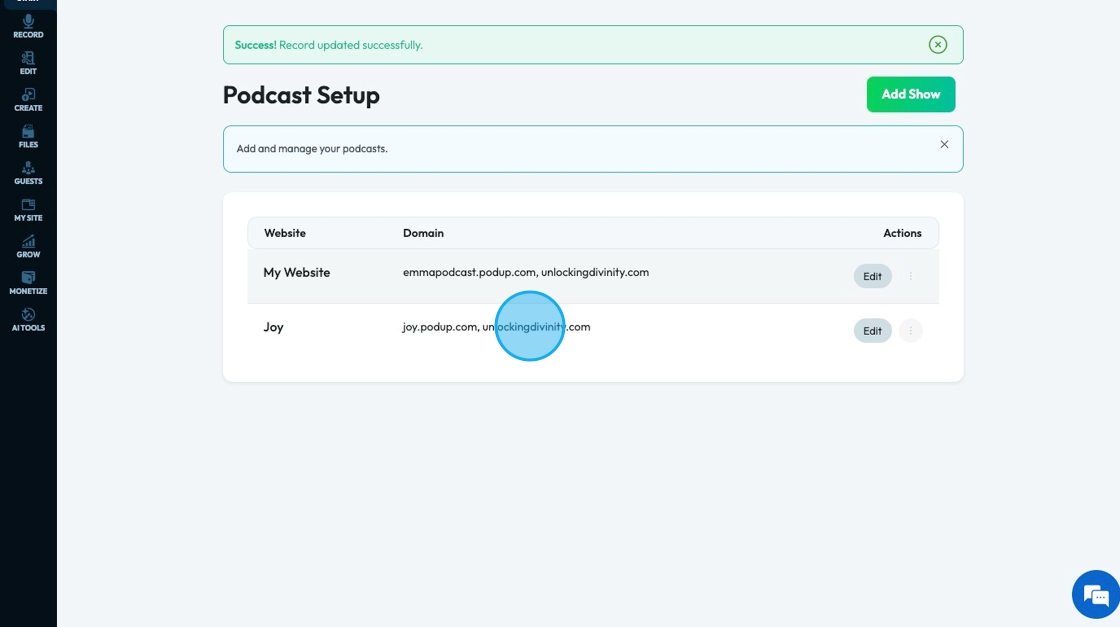
How to Add Your Domain to Your Podcast
This guide offers a straightforward method for podcasters to add their domain to their podcast, enhancing their brand identity and accessibility. By following the outlined steps, users can ensure their podcast is easily discoverable and professional. It also links to additional resources for setting up a podcast, making it a comprehensive tool for both new and experienced podcasters looking to optimize their online presence.
1. Navigate to https://app.podup.com/home
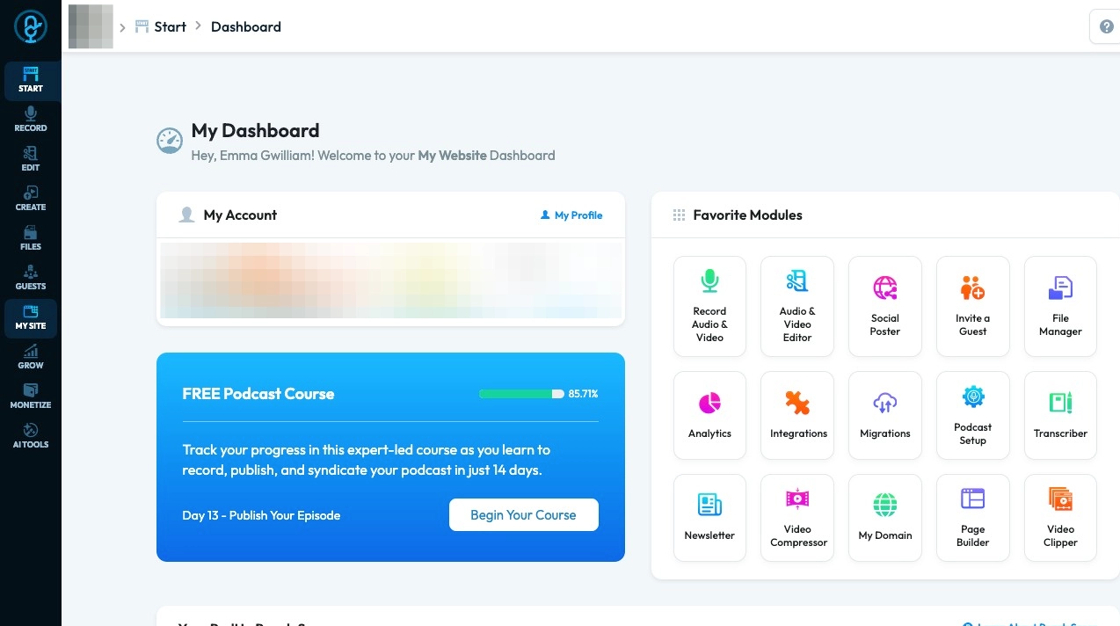
2. Click "My Site"
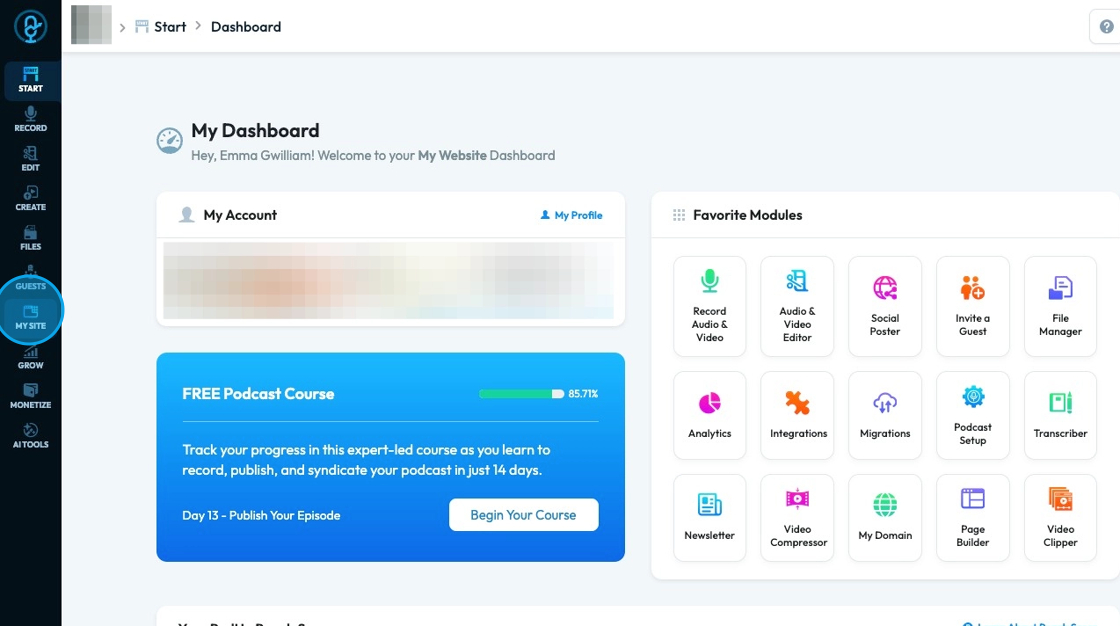
3. Click "My Domain"
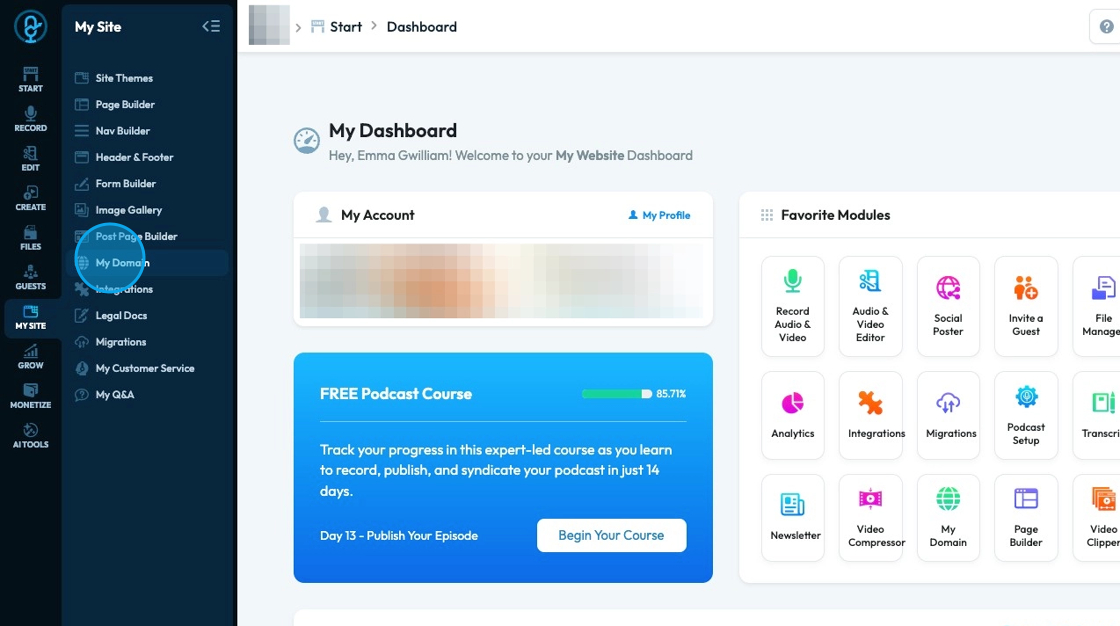
4. Click "Click Here" in the second blue message box which will direct you to "Podcast Setup"
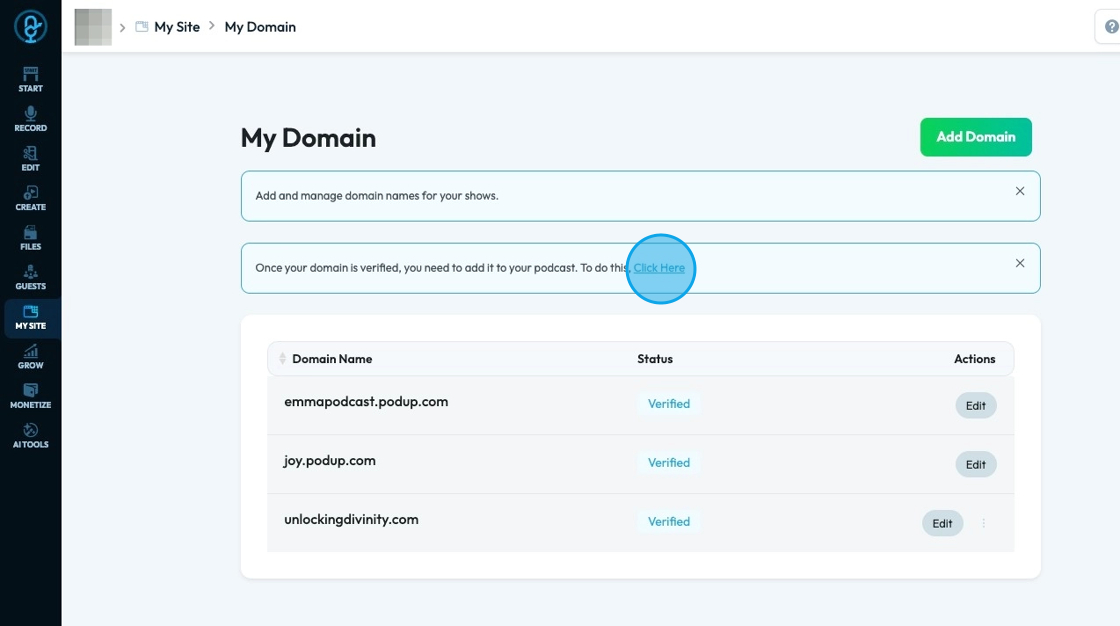
Tip: See "How to Set Up a Podcast" for details on how to set up the show
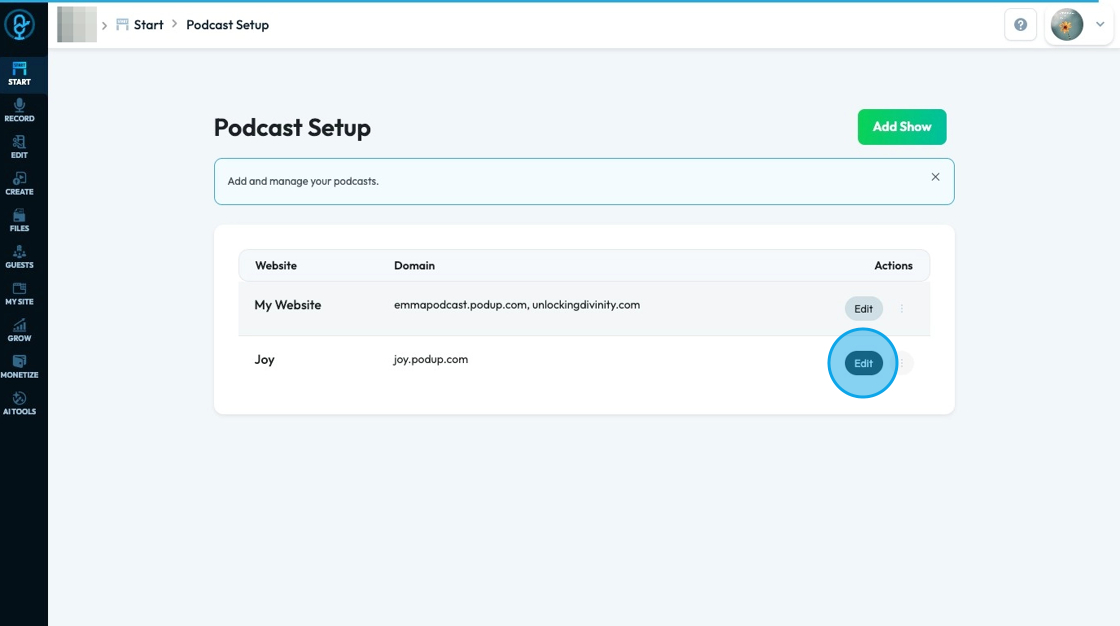
5. Click "Edit" on the website you want to edit
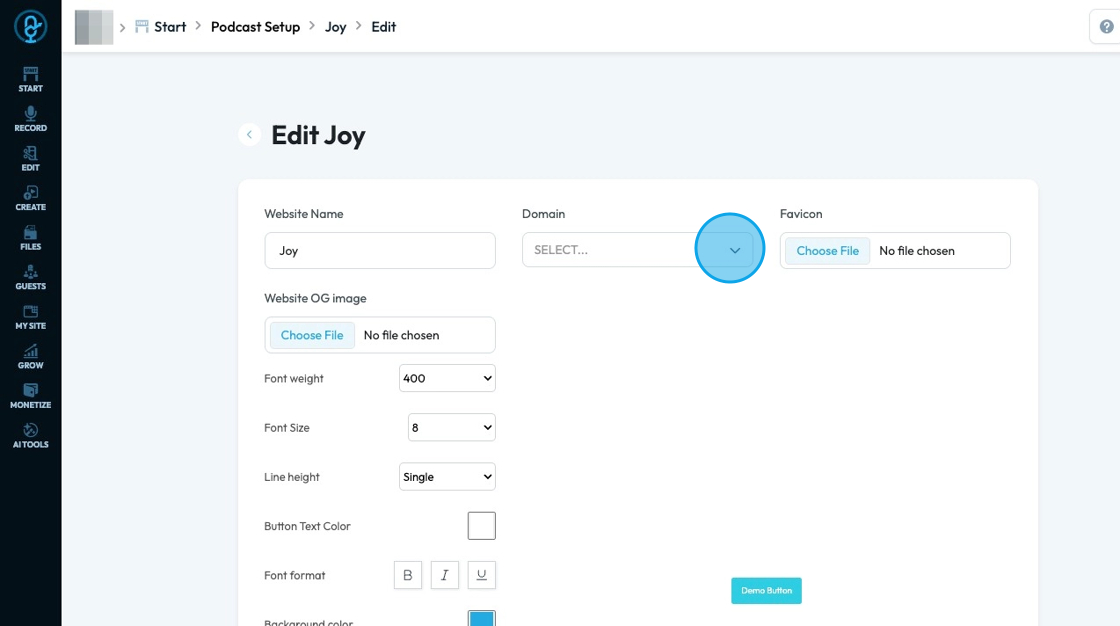
6. Click "Select" under domain
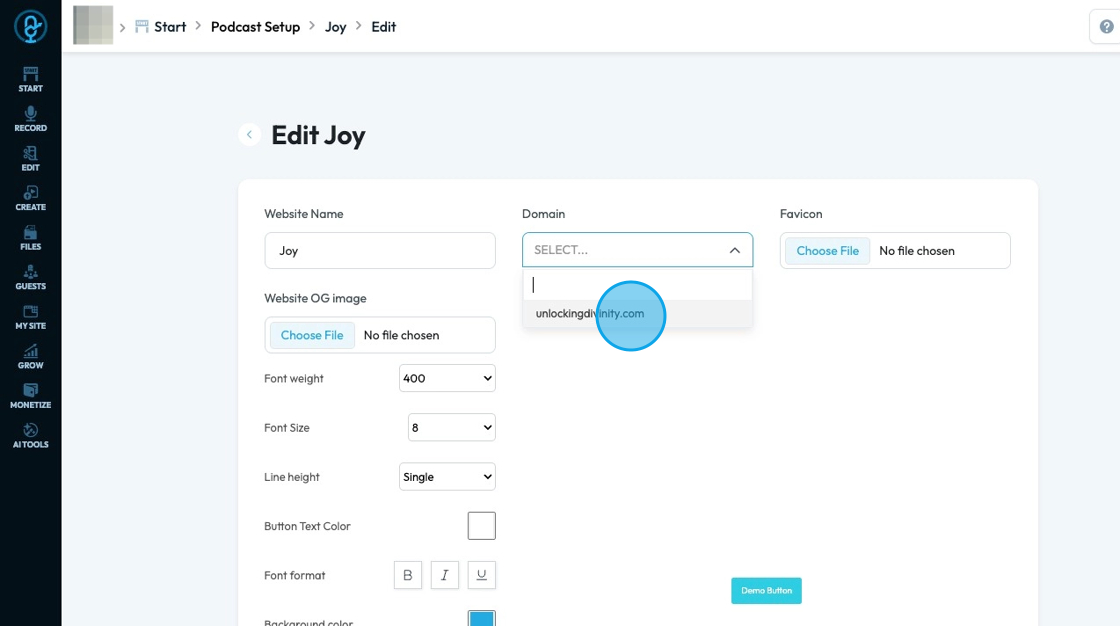
7. A dropdown menu will appear where you can select your domain
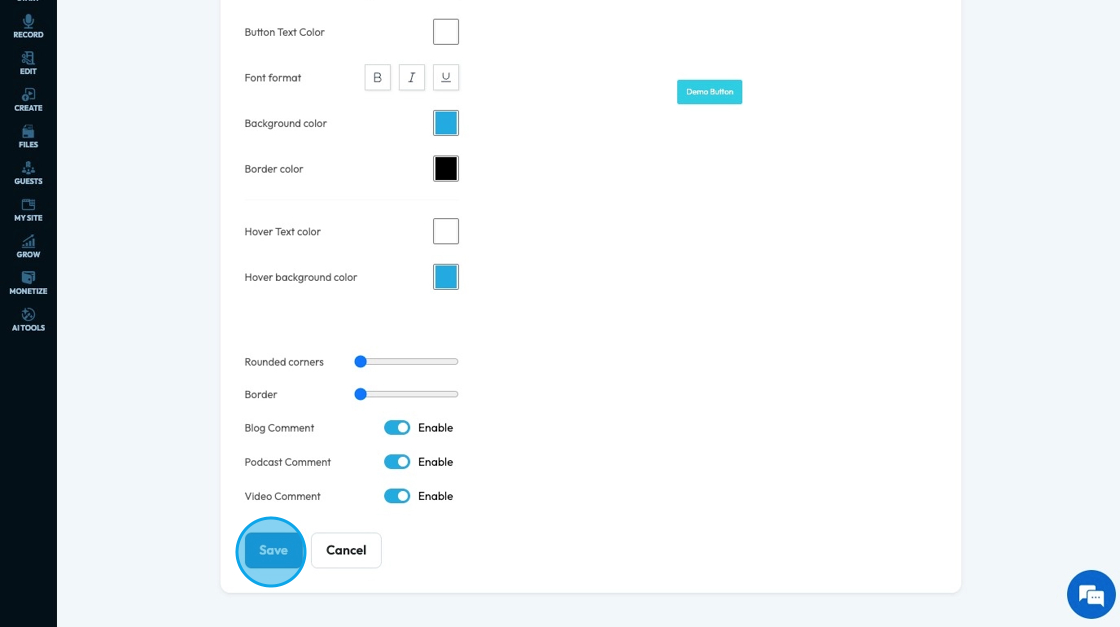
8. Click "Save" to save the add the domain to the show
9. The domain will appear next to the website name under domain