How to add reviews to your site.
This guide helps you add reviews to boost credibility and user engagement
1. Navigate to https://app.podup.com/home
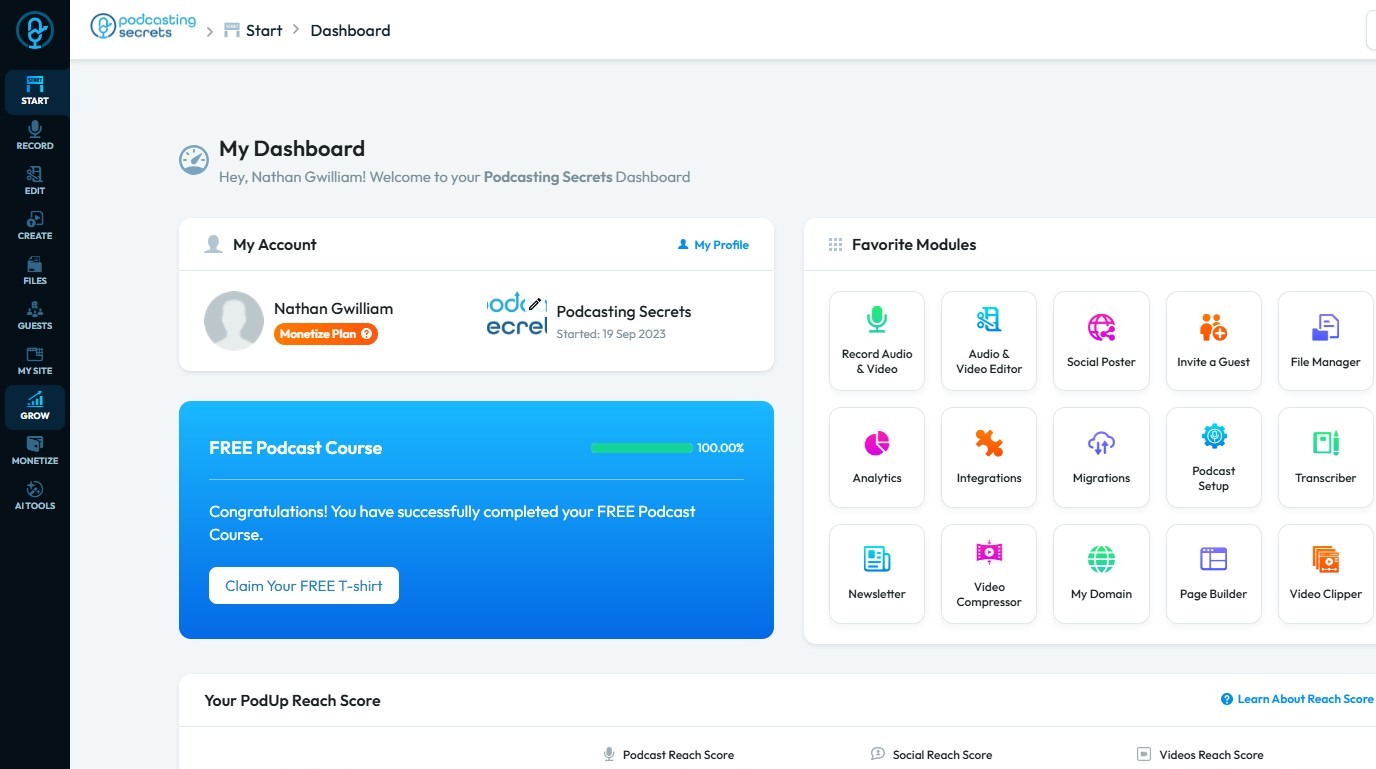
2. Click "Grow"
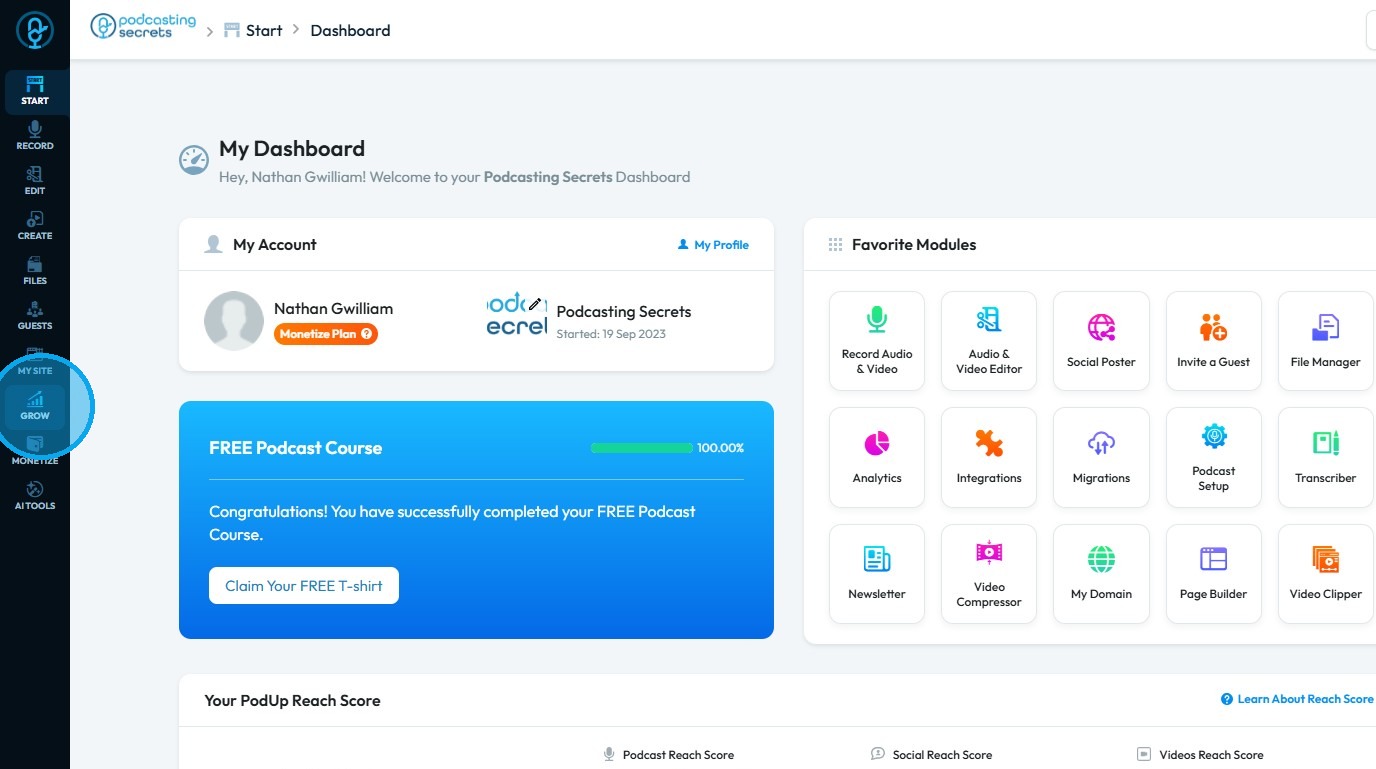
3. Select "Reviewer"
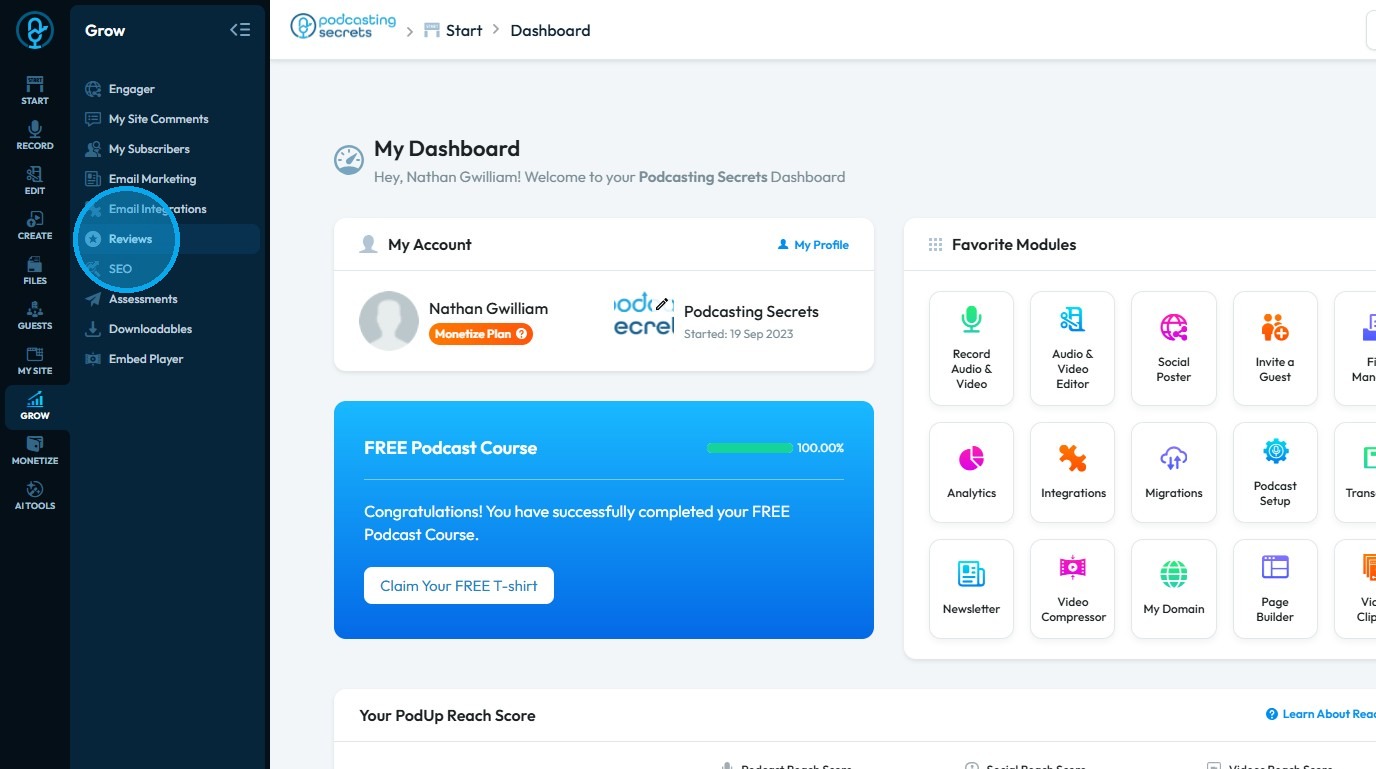
4. Click “Add Review” to create a new review
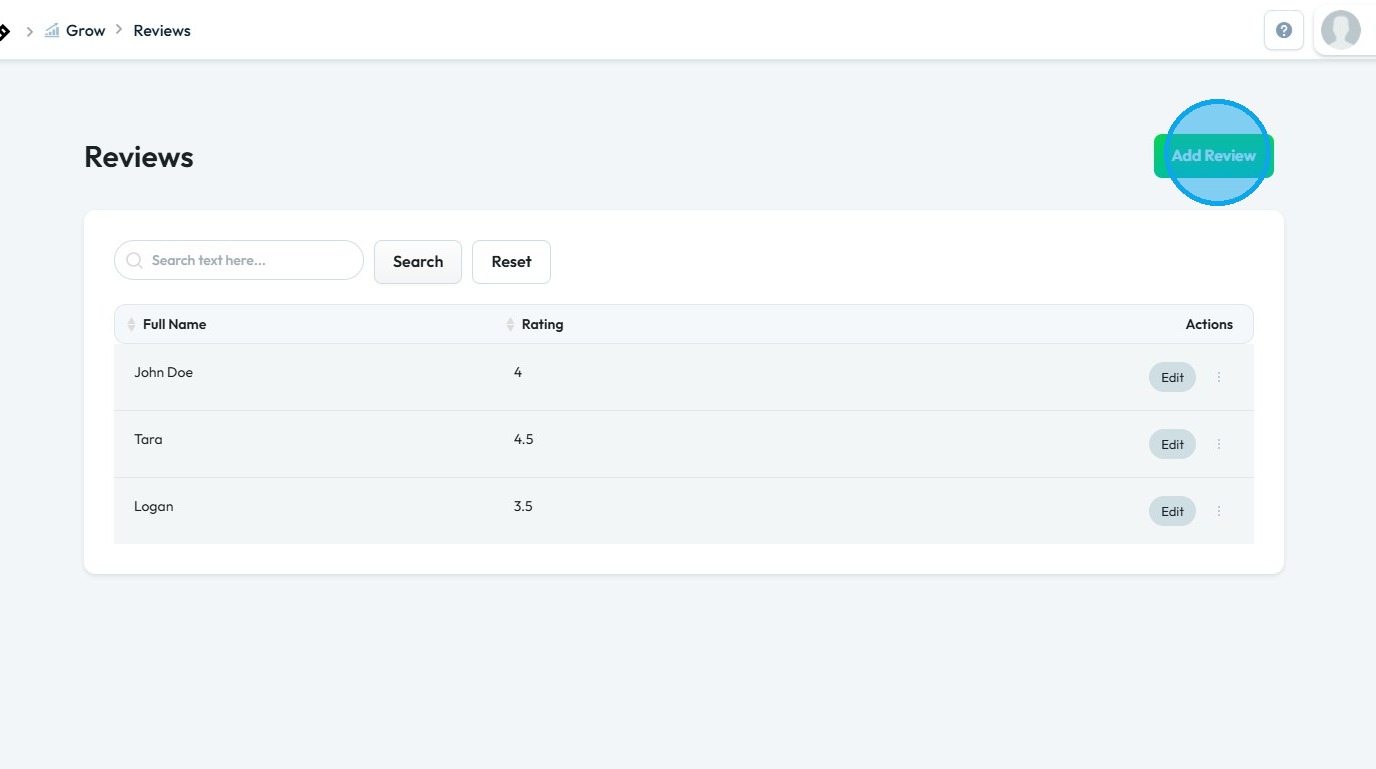
5. "Add Review" page will open up
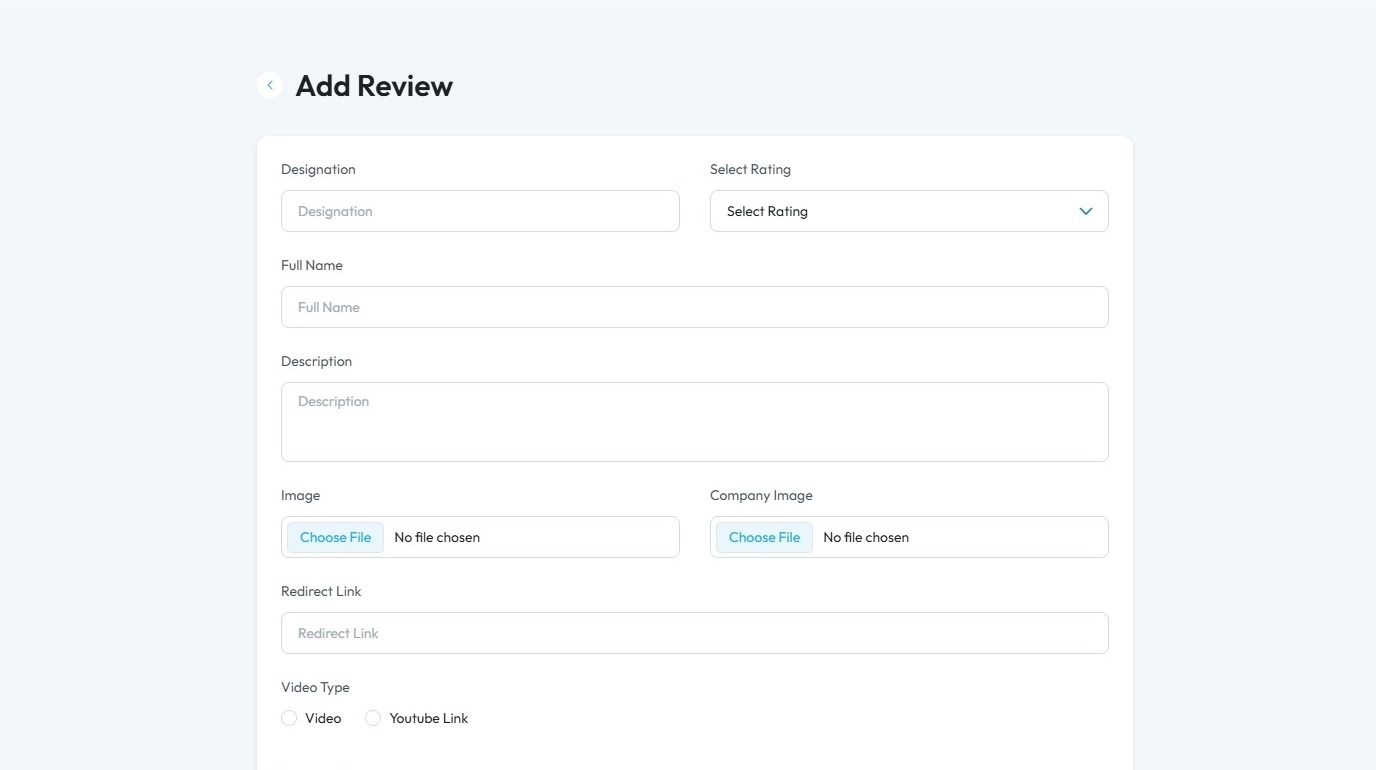
6. Ensure all required fields are completed
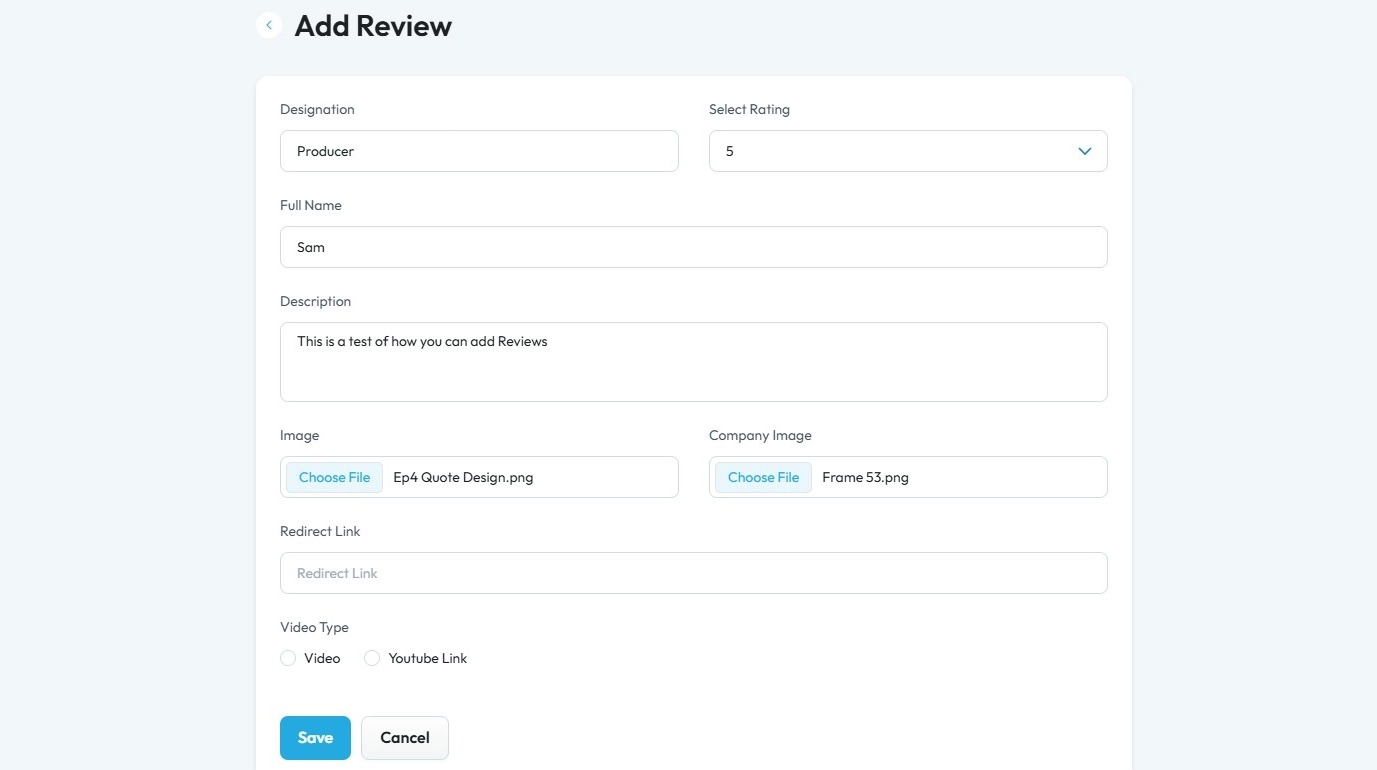
7. Click “Save” to apply your changes
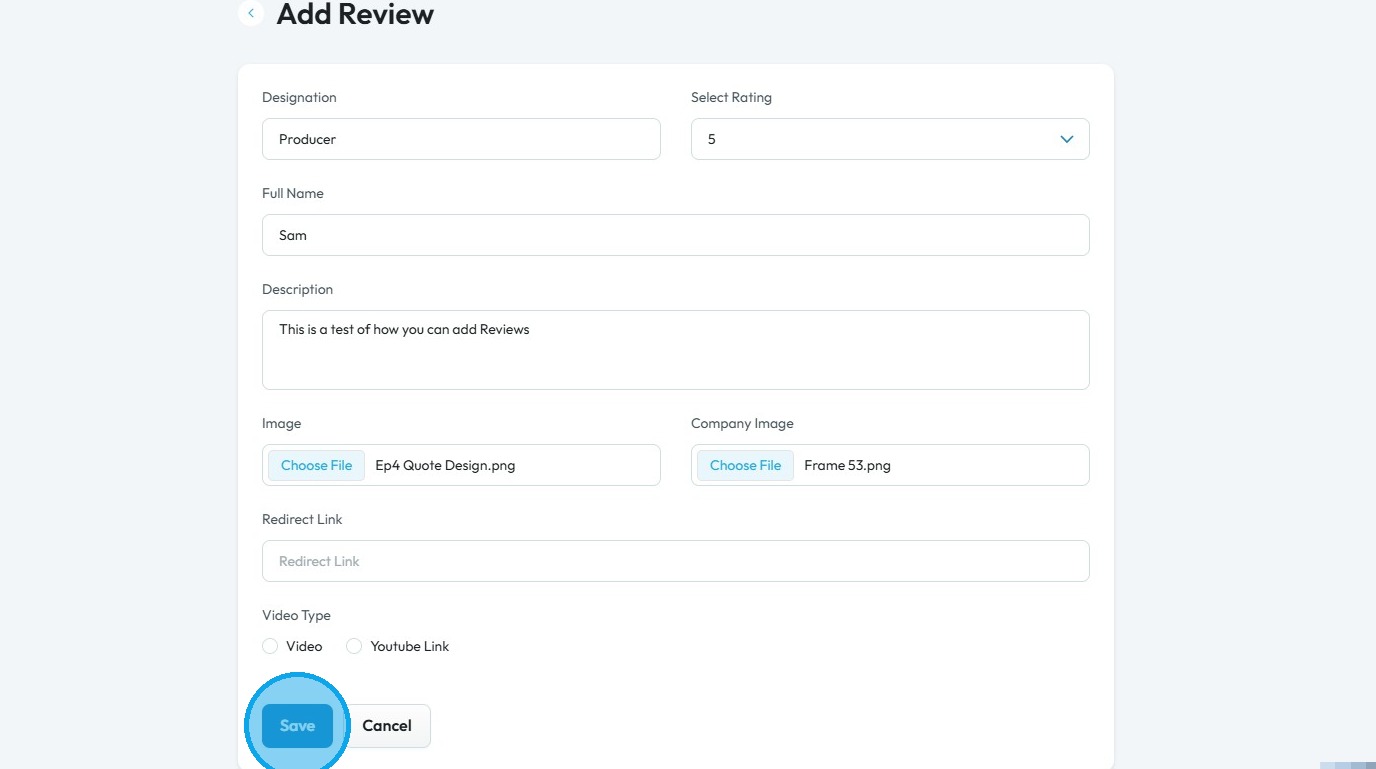
8. A message stating “Success! Review added successfully” will appear in a green box, and your review will be added to the list
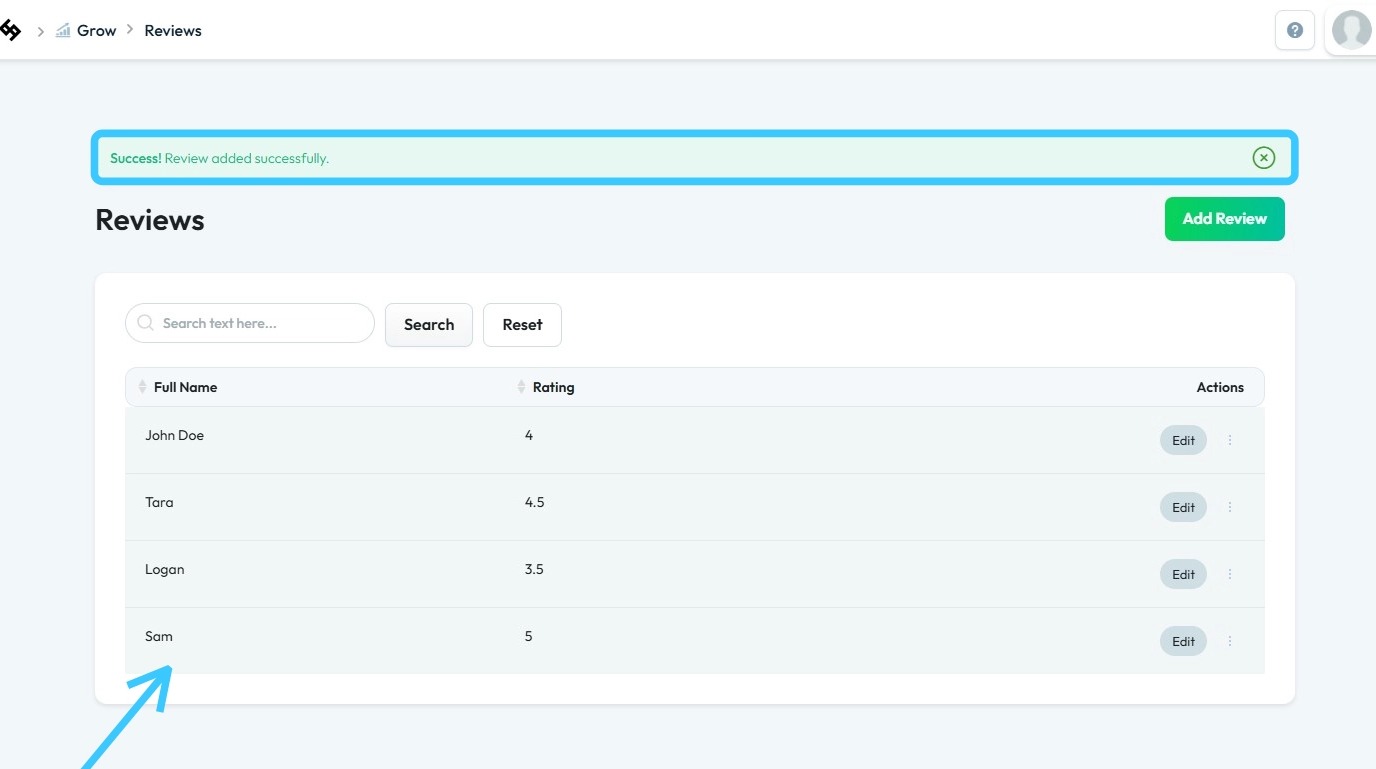
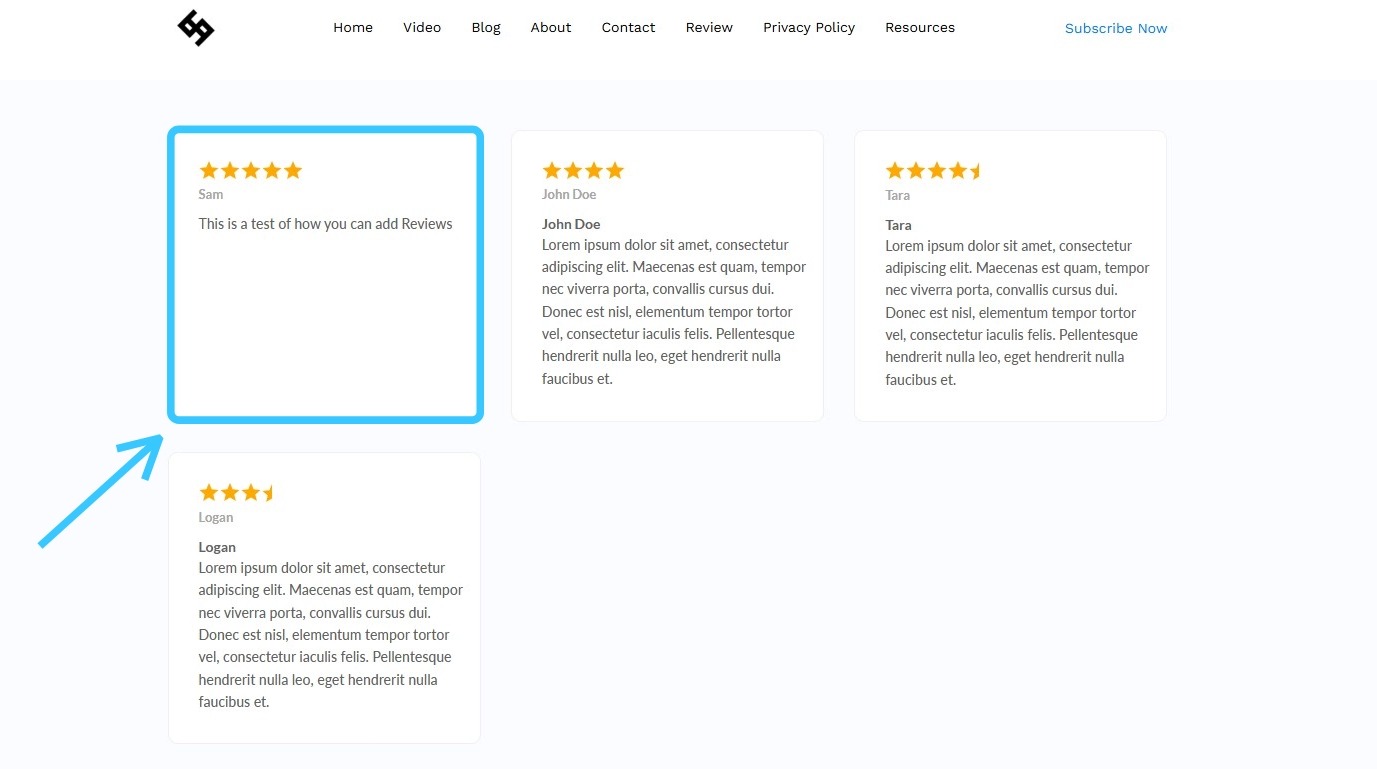
9. The newly added review will be displayed on your website’s “Review” page
Related Articles
Can't edit / site breaks
can't edit, site is broken, editor not working, page crashes, can't save changes, editor won't load, site down This guide is essential for anyone looking to effectively edit audio and video using Podup's Editor. It provides a comprehensive overview ...How to add embed player to your site
Use this guide to add an embed player to your site and share audio or video content. 1. Navigate to https://app.podup.com/home 2. Click "Grow" 3. Select "Embed Player" 4. Click "Get Embed Code" for the embed player you wish to add to your webpage 5. ...How To Navigate Site Themes (Detailed)
This guide offers a comprehensive step-by-step approach to customizing your website's theme and logo using PodUp, providing valuable insights on design elements such as templates, colors, fonts, and logos. It empowers users to create a visually ...How to Change Your Site Theme on PodUp
By following this guide, you can easily change your PodUp site theme to match your brand and enhance user experience. 1. Navigate to https://app.podup.com/home 2. Click "My Site" 3. Select "Site Themes" 4. The ‘Site Themes’ page will load 5. The ...How to check Reviews in PodUp Shop?
This guide provides a straightforward method for accessing and managing product reviews in the PodUp Shop, ensuring you can easily evaluate customer feedback. 1. Navigate to https://app.podup.com/home 2. Click "Monetize" 3. Click "Shop" 4. Click ...