How to add pages to the Menu Builder?
Use this guide to add pages to your site’s navigation bar and improve user experience.
1. Navigate to https://app.podup.com/home
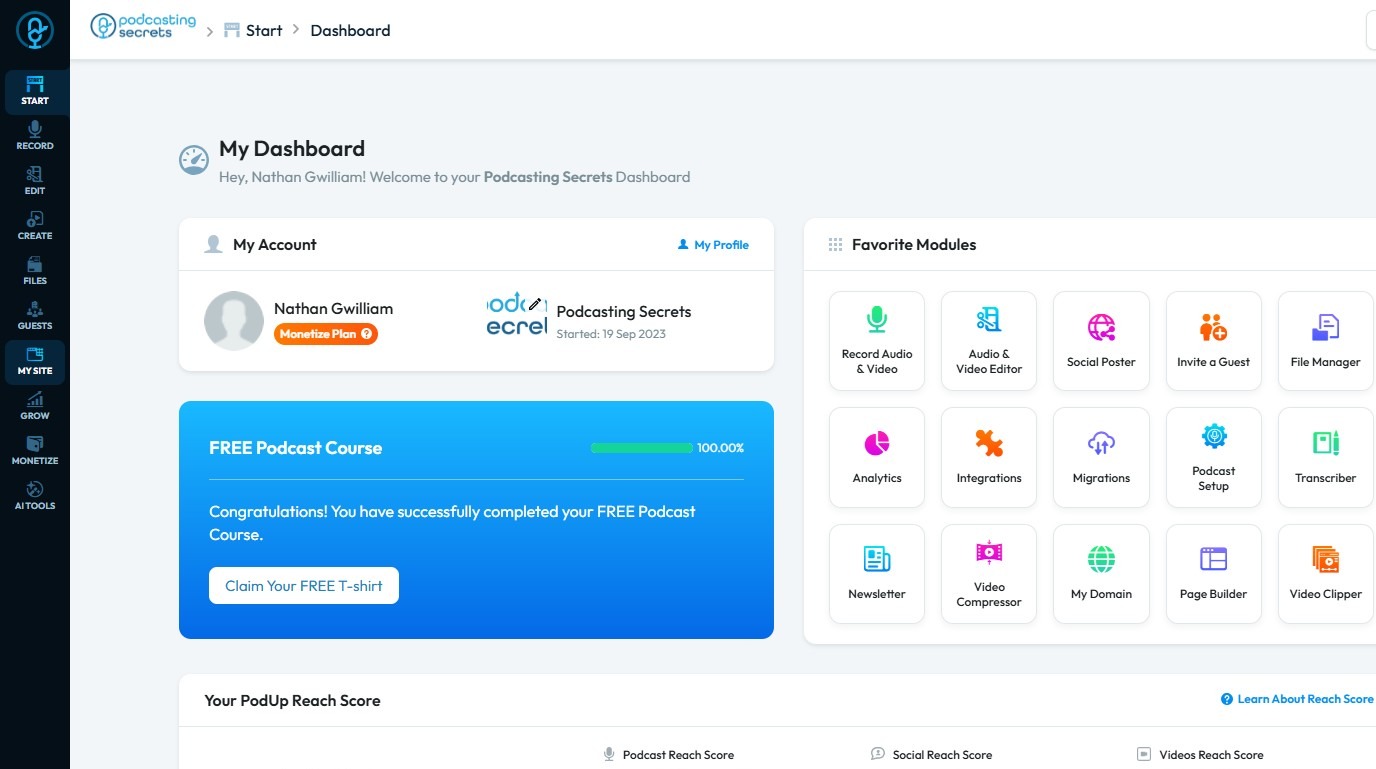
2. Click "My Site"
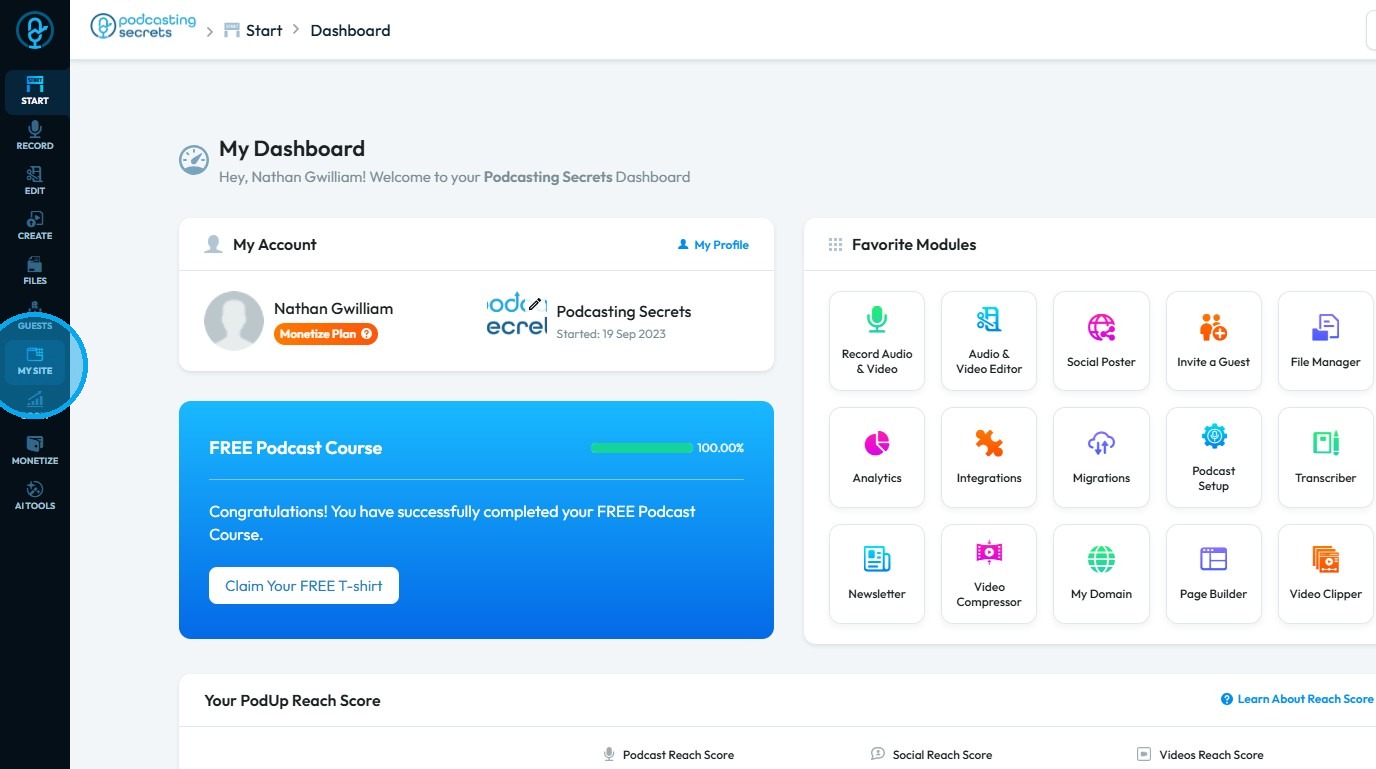
3. Select "Menu Builder"
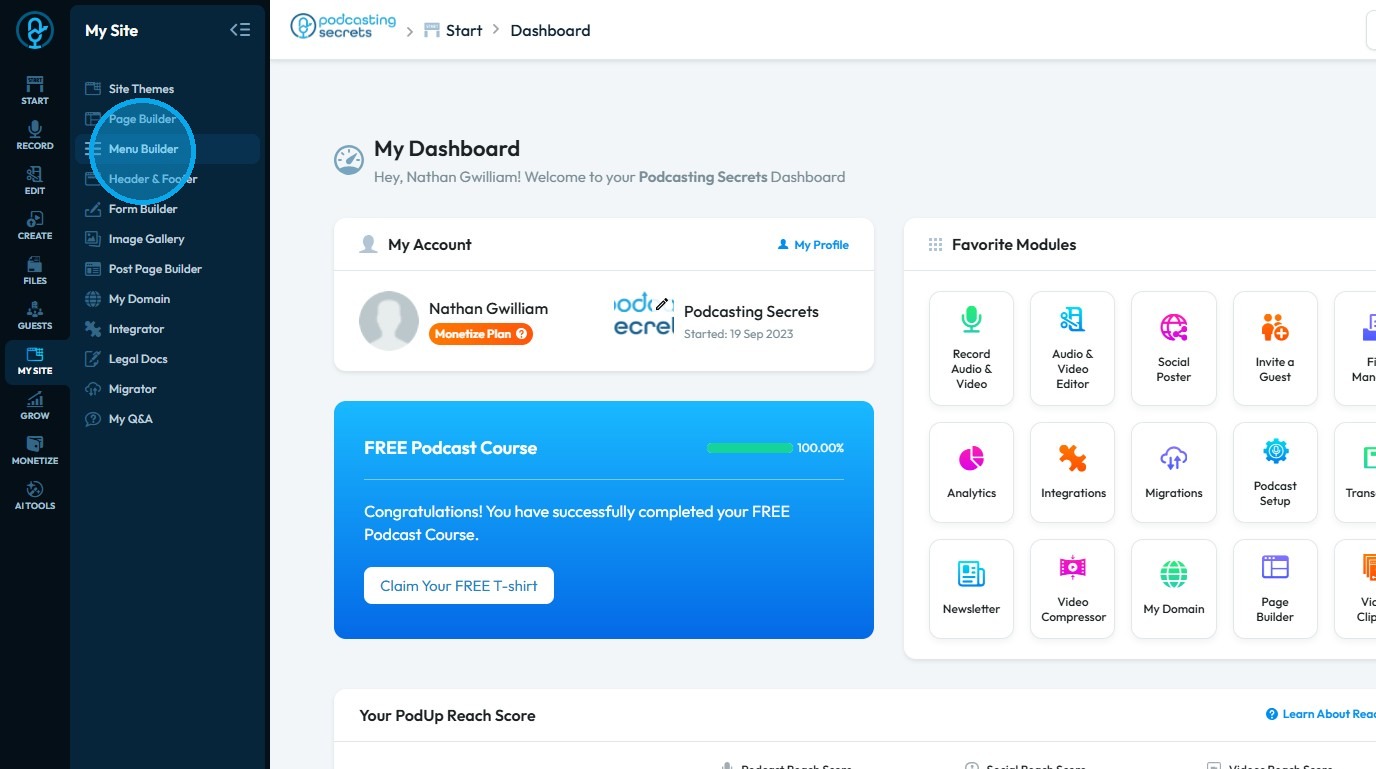
4. The "Menu Builder" page will be displayed
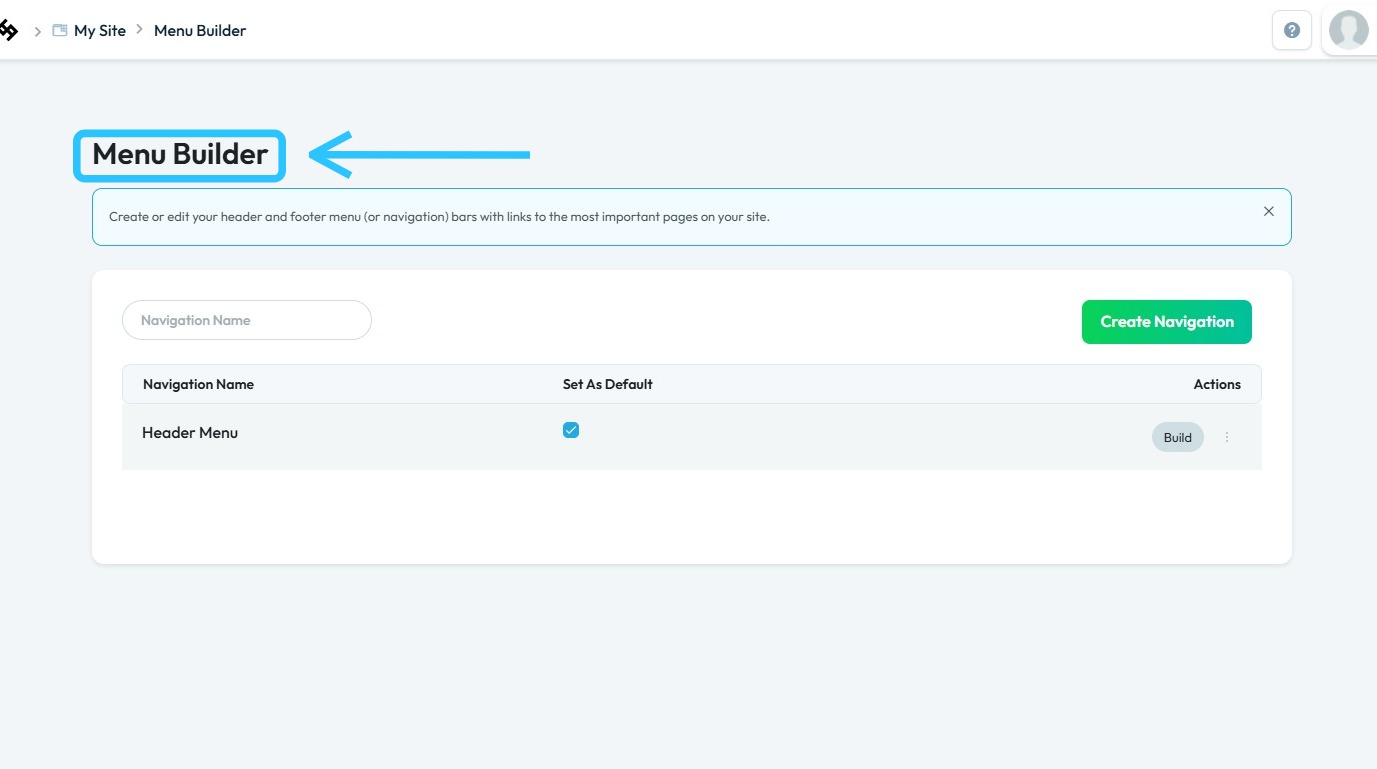
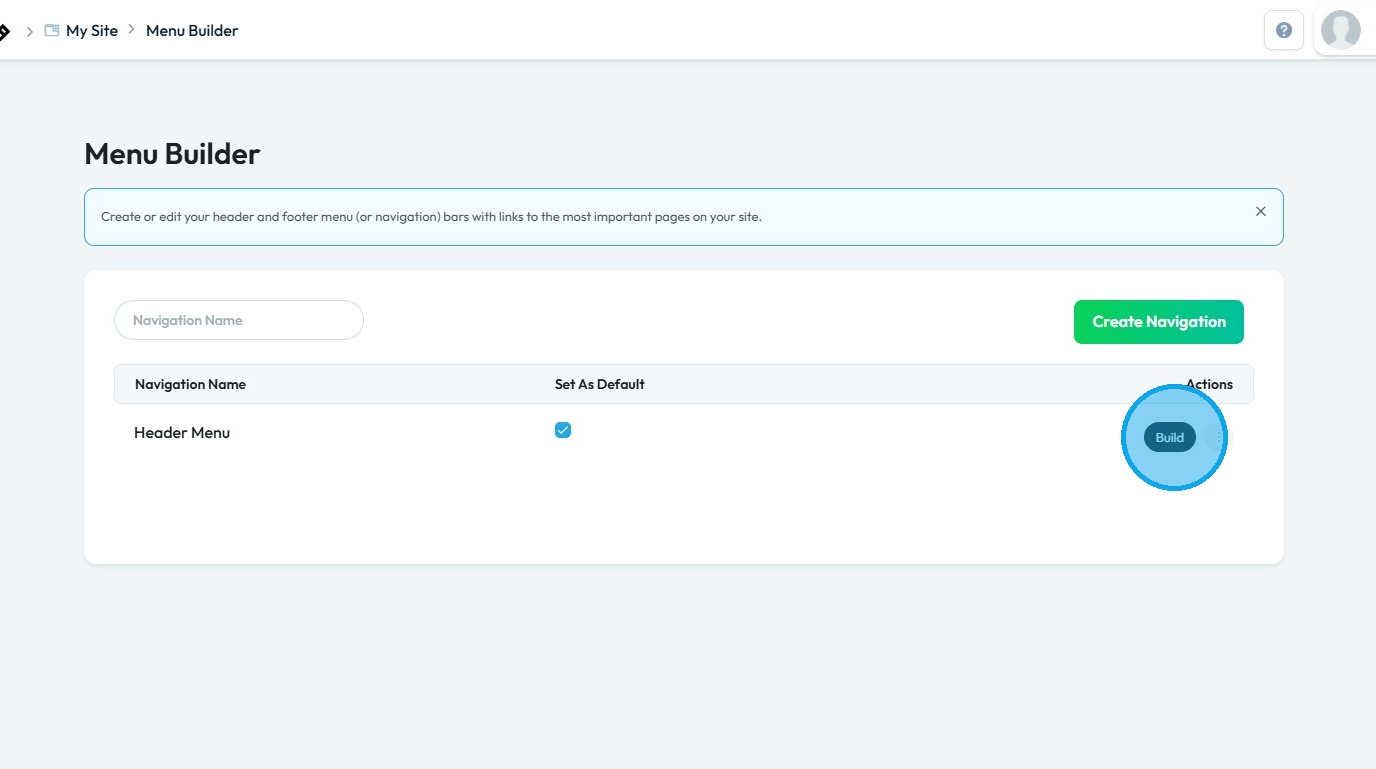
5. Click "Build" to add pages to the Menu Builder
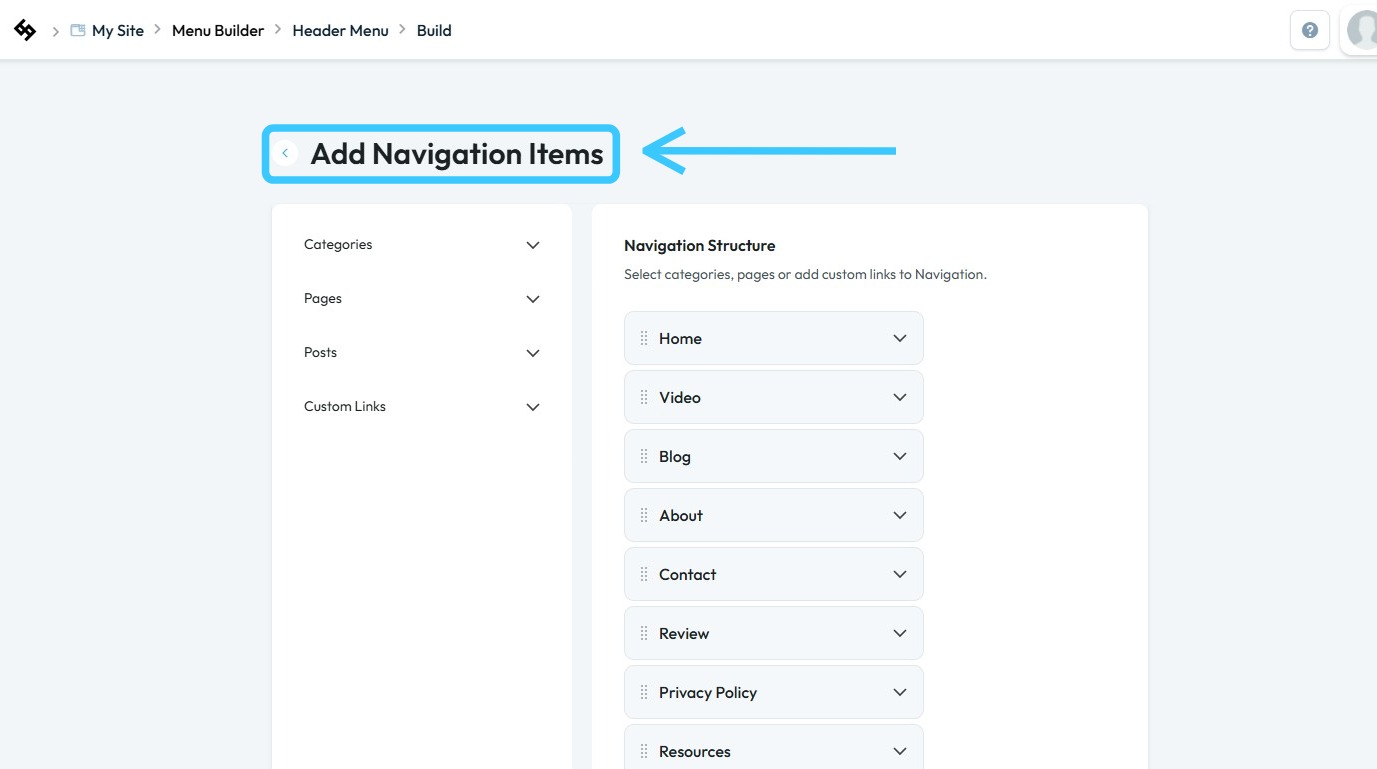
6. You will be directed to the "Add Navigation Items" page
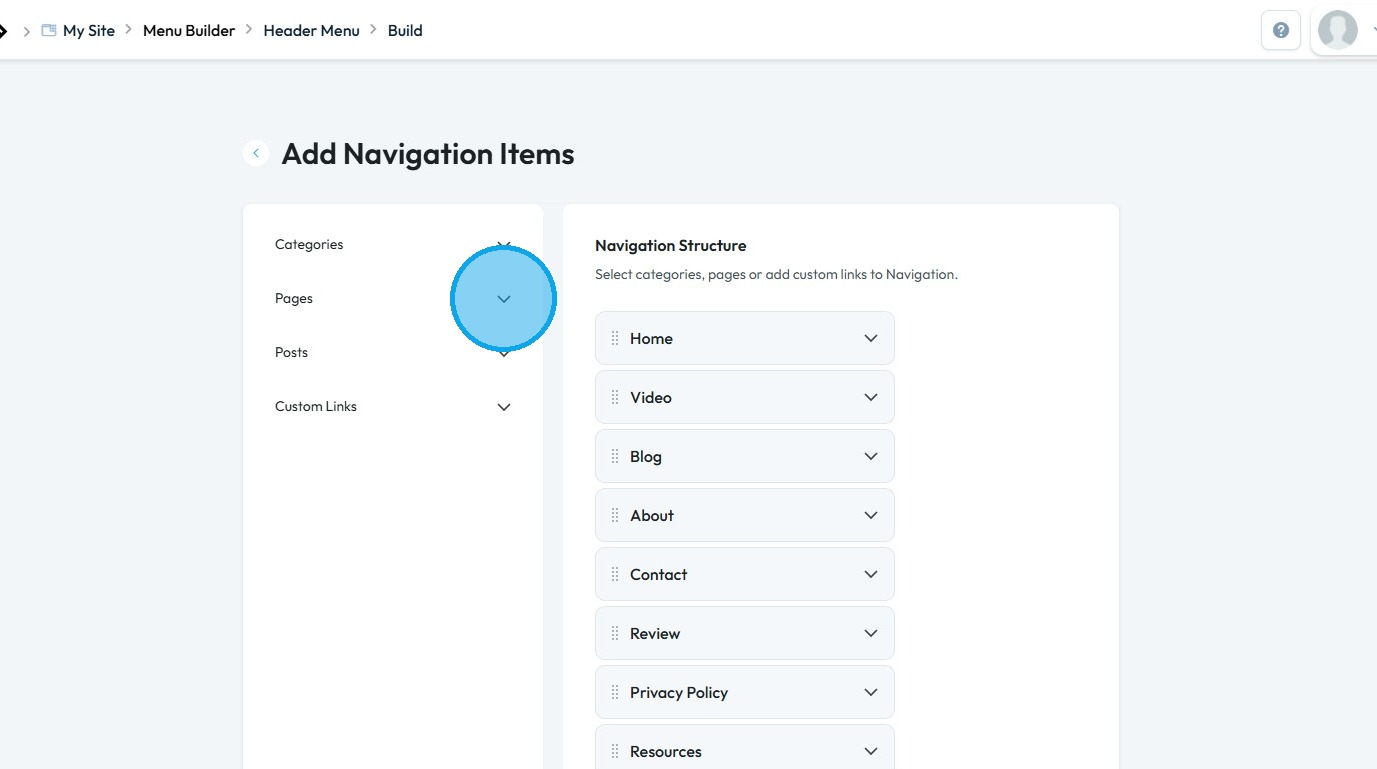
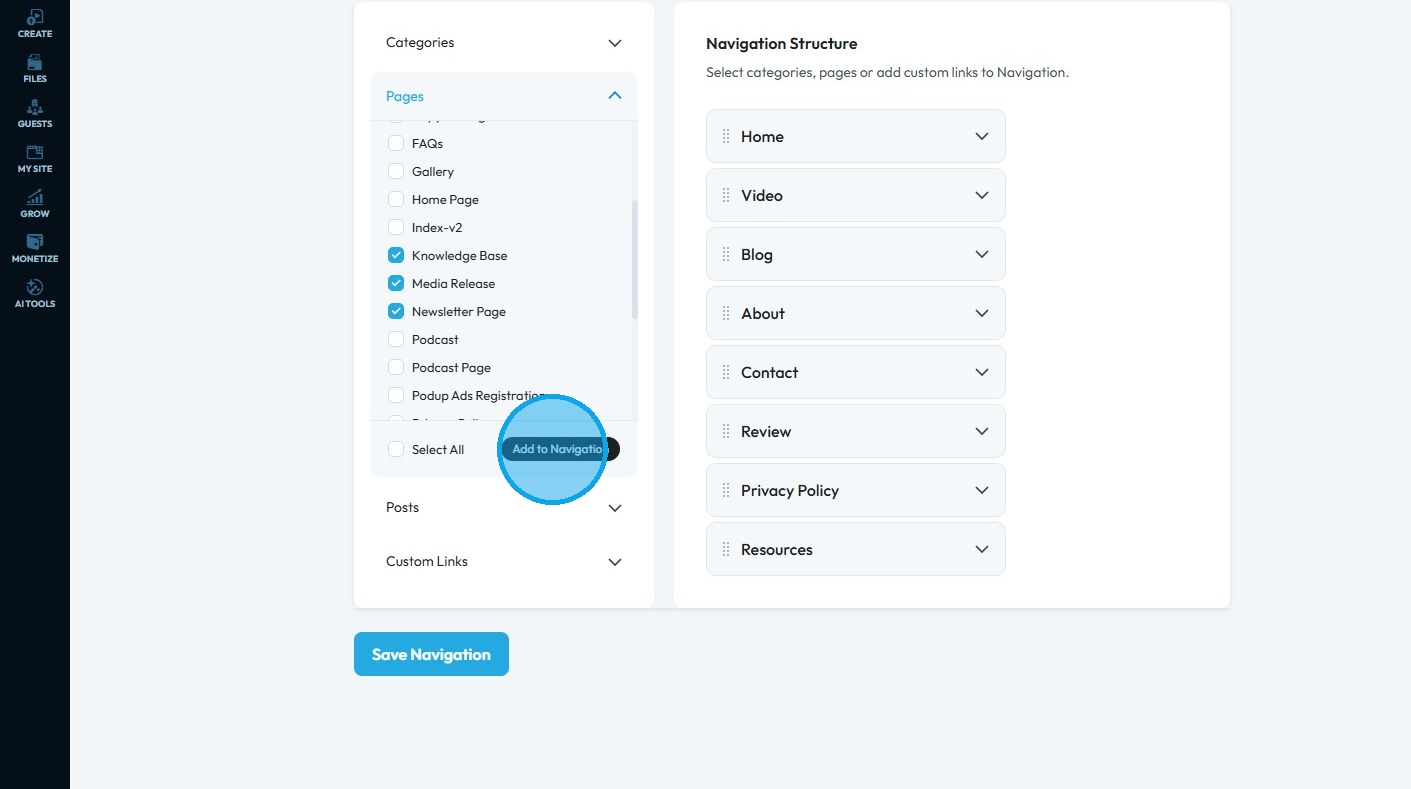
7. Click the dropdown arrow next to "Pages"
8. All pages of your website will be displayed
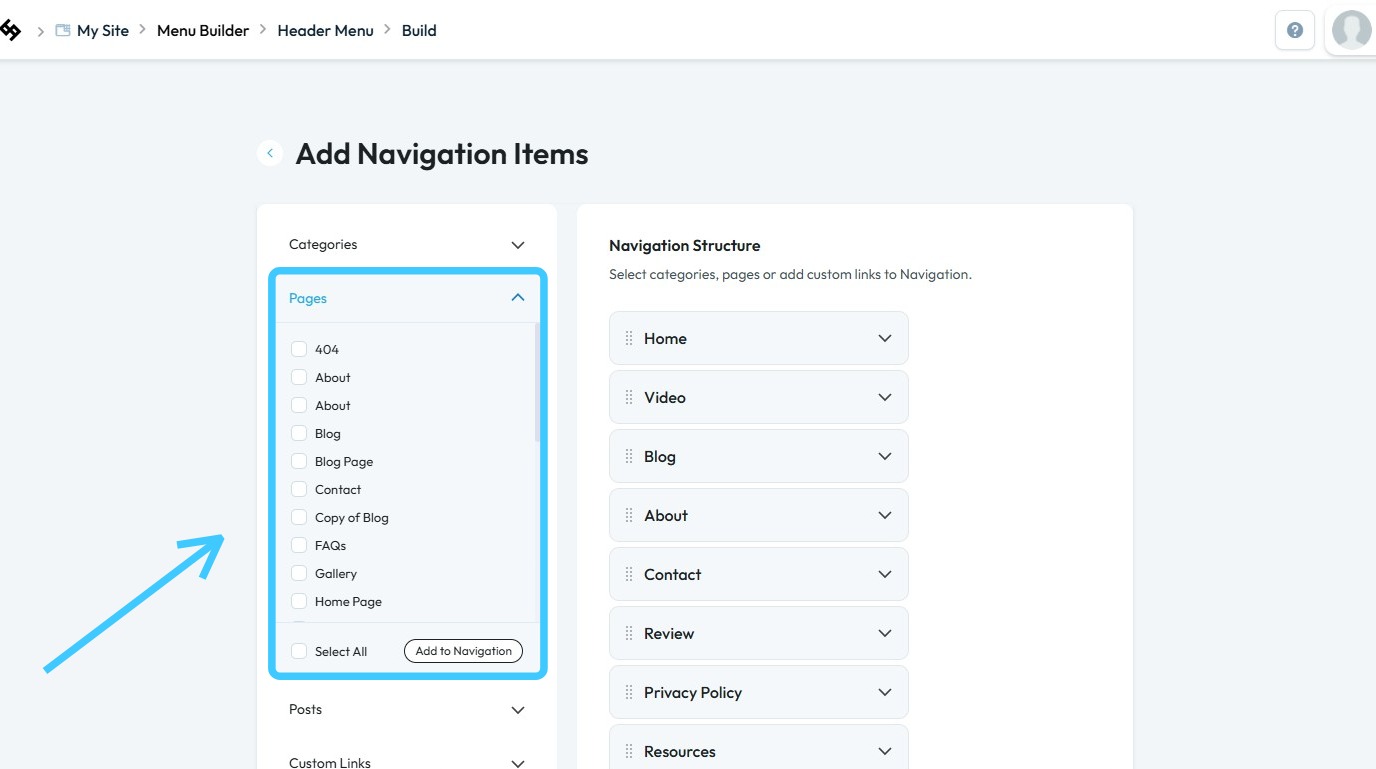
9. Select the pages you wish to add, then click "Add to Navigation"
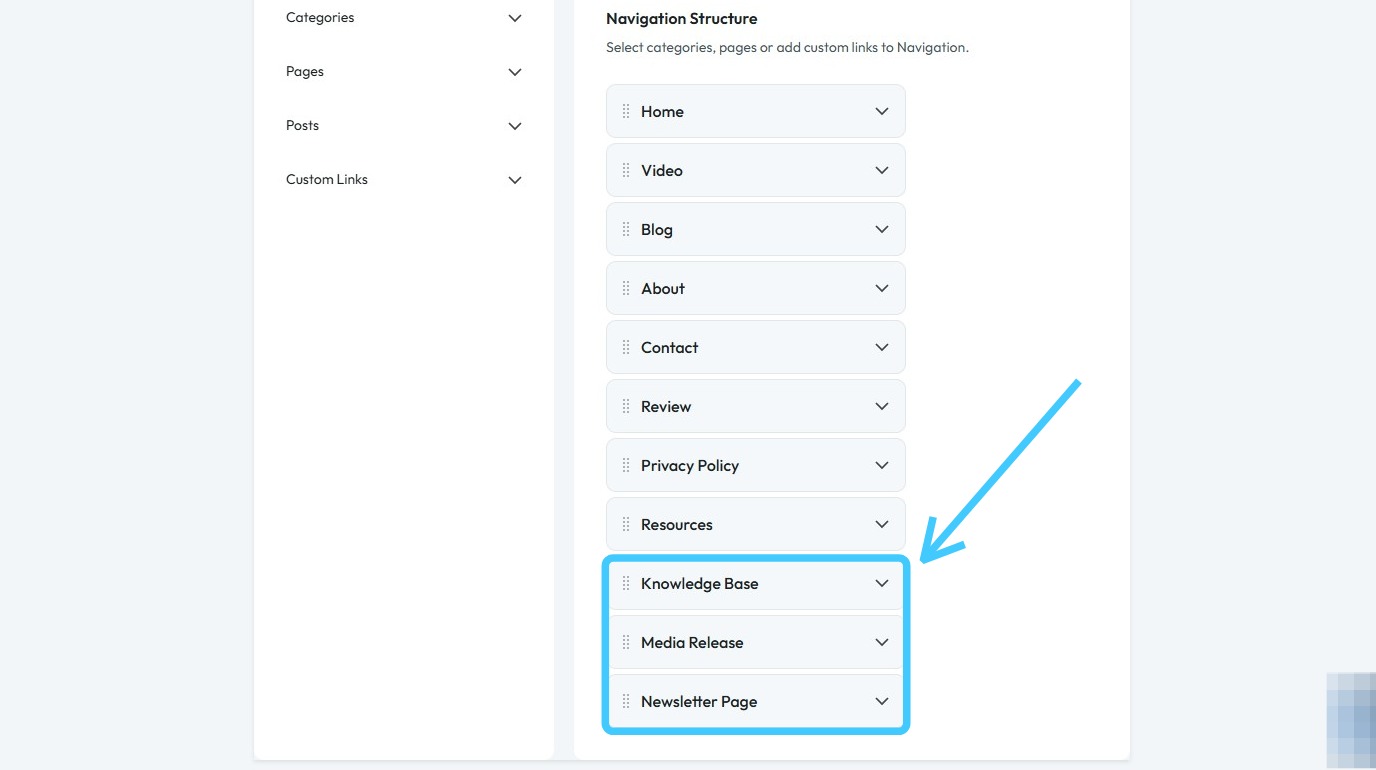
10. The selected pages will be added to the Navigation Bar
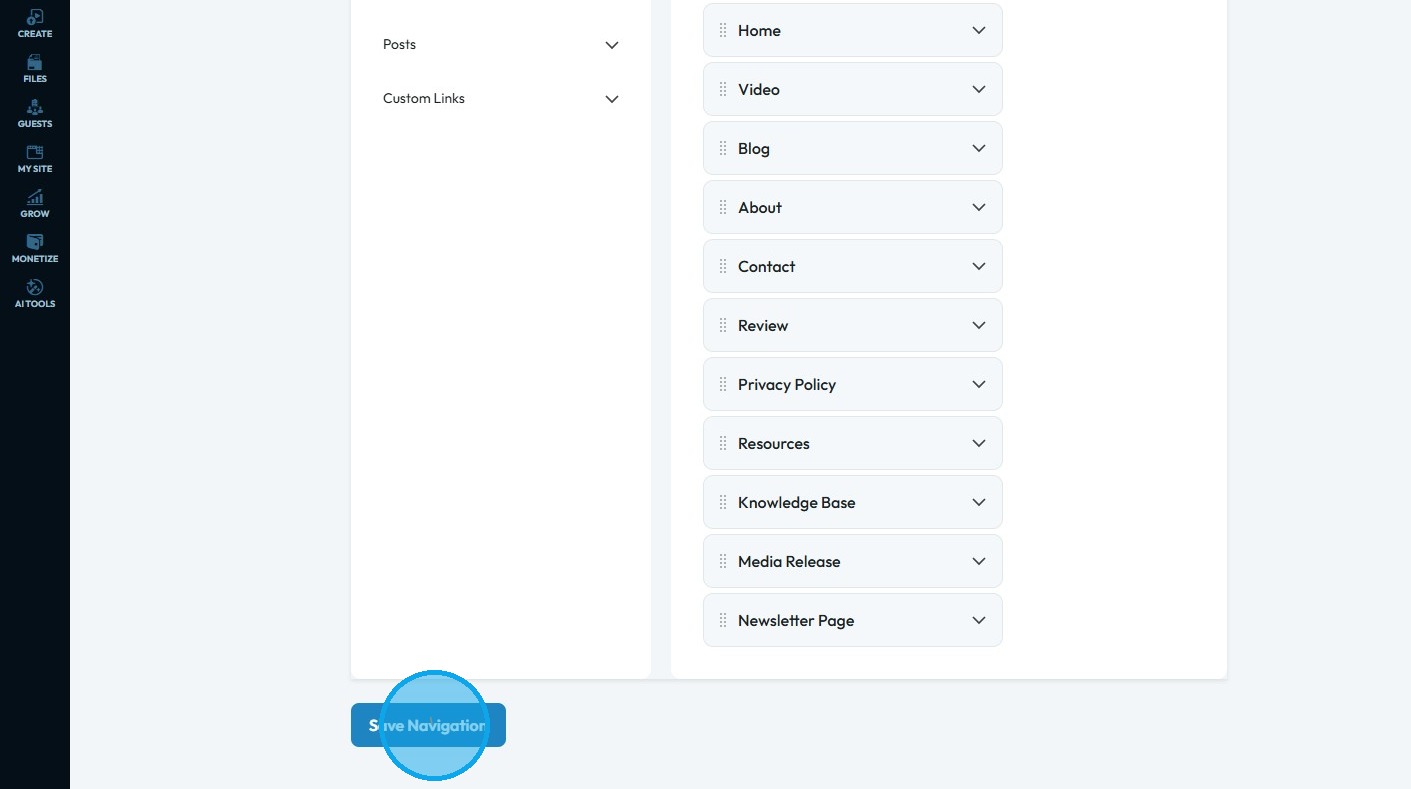
11. Click "Save Navigation" to apply and save your changes
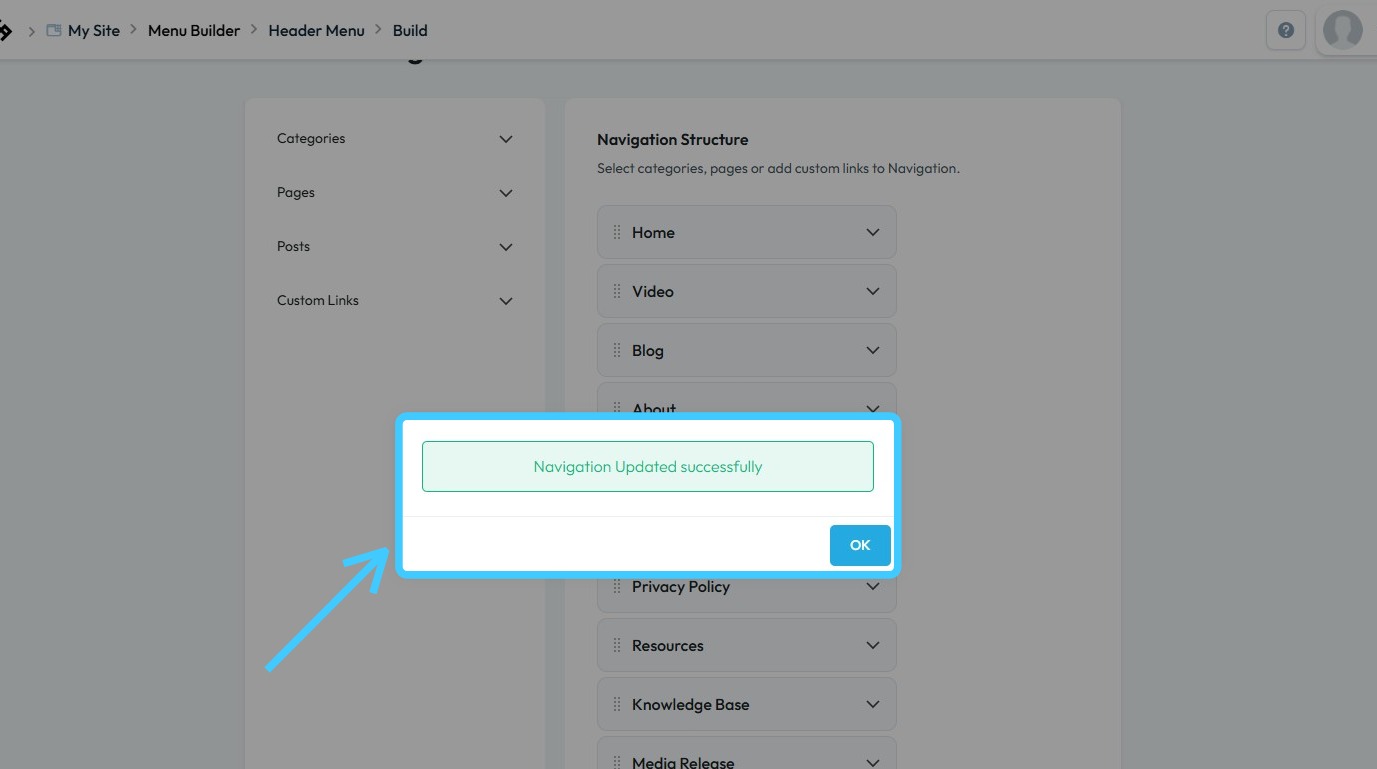
12. "Navigation Updated successfully" message will appear
The pages are added in the Menu Builder
Related Articles
How to Navigate Nav Builder (Detailed)
This guide provides a step-by-step approach to creating a navigation menu in PodUp, essential for enhancing user experience on your website. It simplifies the process of organizing and managing your site's links, making it easier for visitors to ...How to Navigate Post Page Builder (Detailed)
This guide offers a straightforward approach to creating and customizing post pages using PodUp's Post Page Builder, making it ideal for bloggers, video creators, and podcasters. It provides step-by-step instructions for adding and enhancing post ...How to Navigate Page Builder (Detailed)
This guide provides a straightforward method for creating and customizing website pages using PodUp's Page Builder, making it ideal for users of all skill levels. It outlines each step in the process, from accessing the page builder to editing ...Difference between Page Builder and Post Page Builder
Understand Page Builder vs. Post Page Builder to manage your site effectively 1. Page Builder structures entire website pages, including navigation, layouts, SEO configuration, and site elements. Page Builder is ideal for pages such as Home, About, ...How do I customize Web builder Quick Add (Detailed) - Radio
By following this guide, you can easily customize the Quick Add Radio feature in the PodUp Page Builder to enhance your website’s interactivity and user experience. 1. Navigate to https://app.podup.com/home 2. Click "Page Builder". 3. Click the ...