How to Add and Save Notes in Podup
How to Add and Save Notes in Podup
Learn how to efficiently add, manage, and organize notes within the PodUp Recording Studio. This guide will help you keep important talking points, reminders, questions, and other useful information easily accessible while recording your podcast. By organizing your notes effectively, you can stay prepared, keep your conversations on track, and create a smoother recording experience.
1. Navigate to https://app.podup.com/home
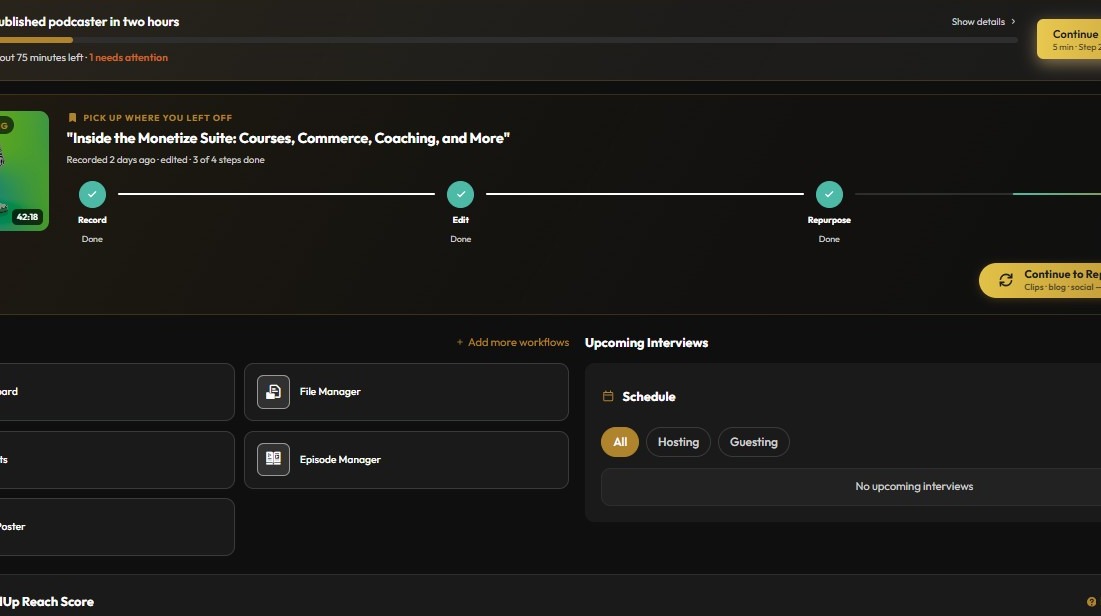
2. Click here.
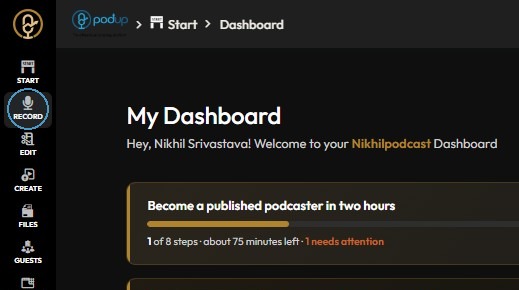
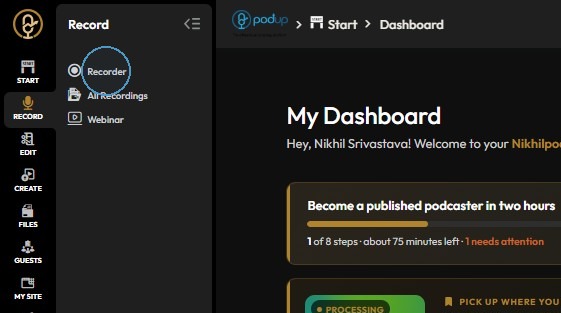
Open Recorder
3. Click "Recorder"
4. Click on three dots

5. Click "Notes Insights"

Create a Note
6. Click "Add Notes"

Edit Note Details
7. Enter the title
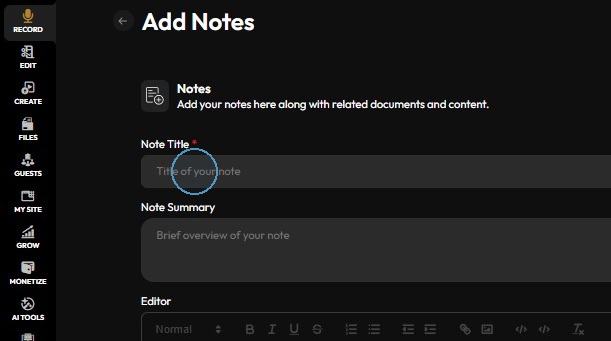
8. Add summary
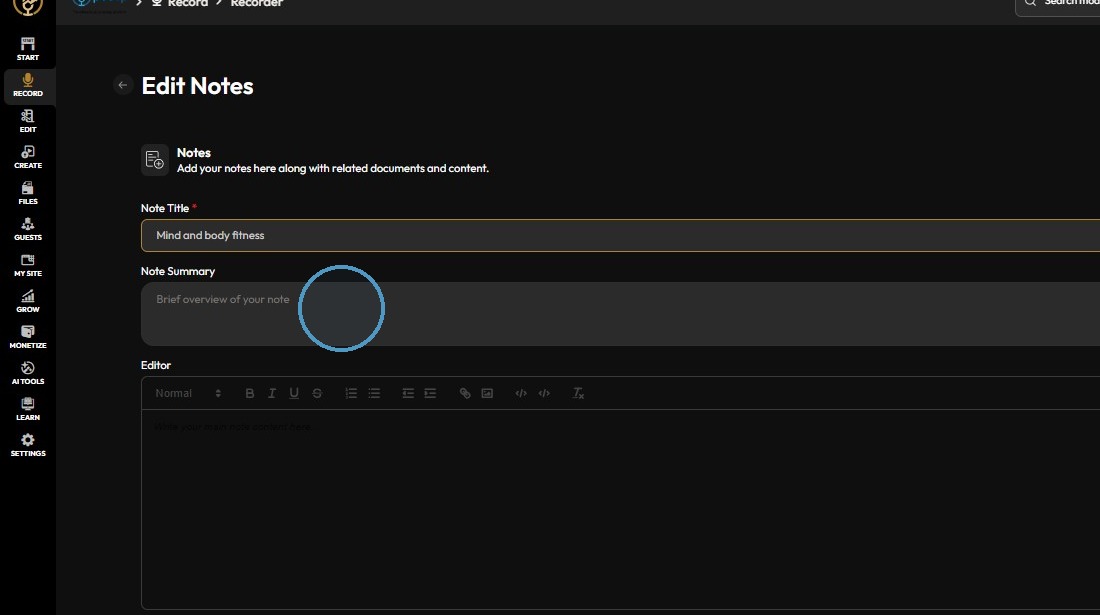
9. Click in editor box to add the notes.
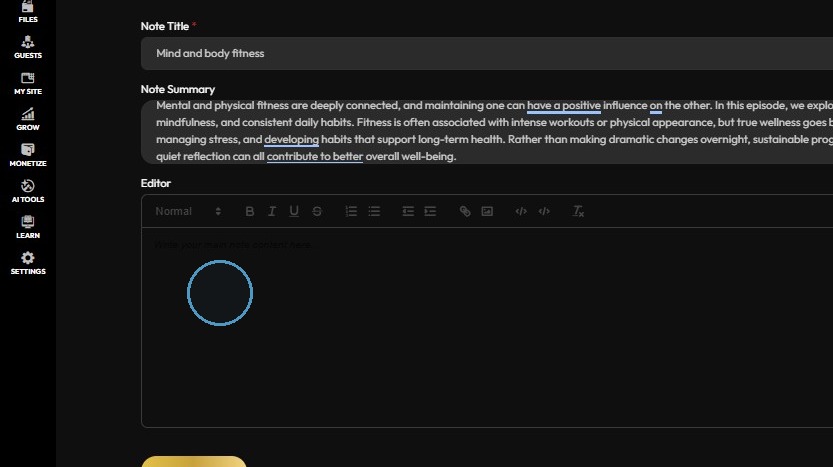
Save Changes
10. Click "Saving..."

11. Your notes will be saved successfully
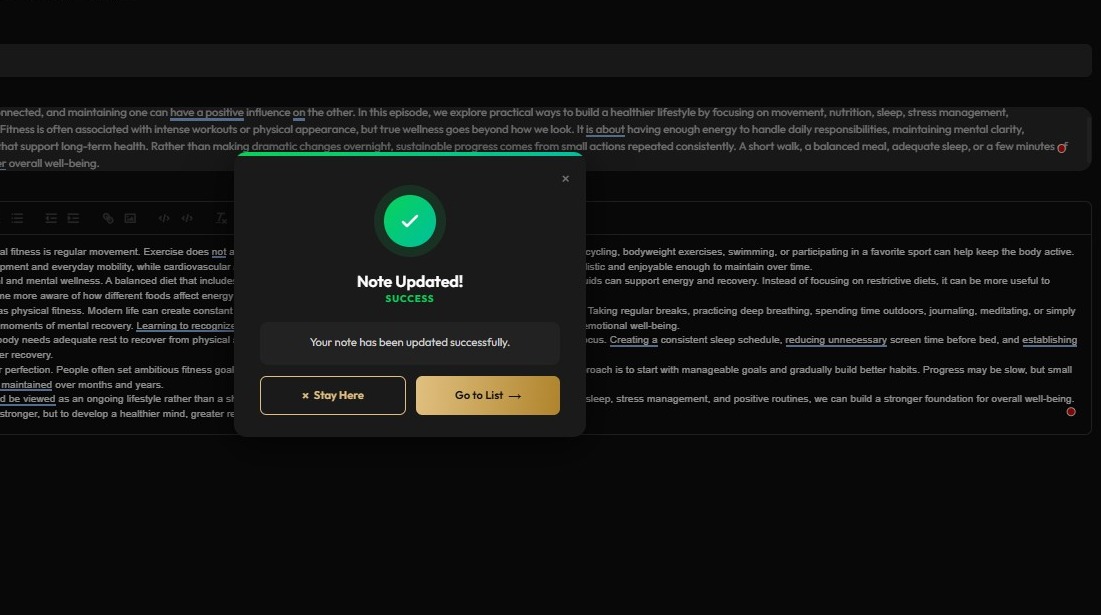
12. Notes can be selected from the list
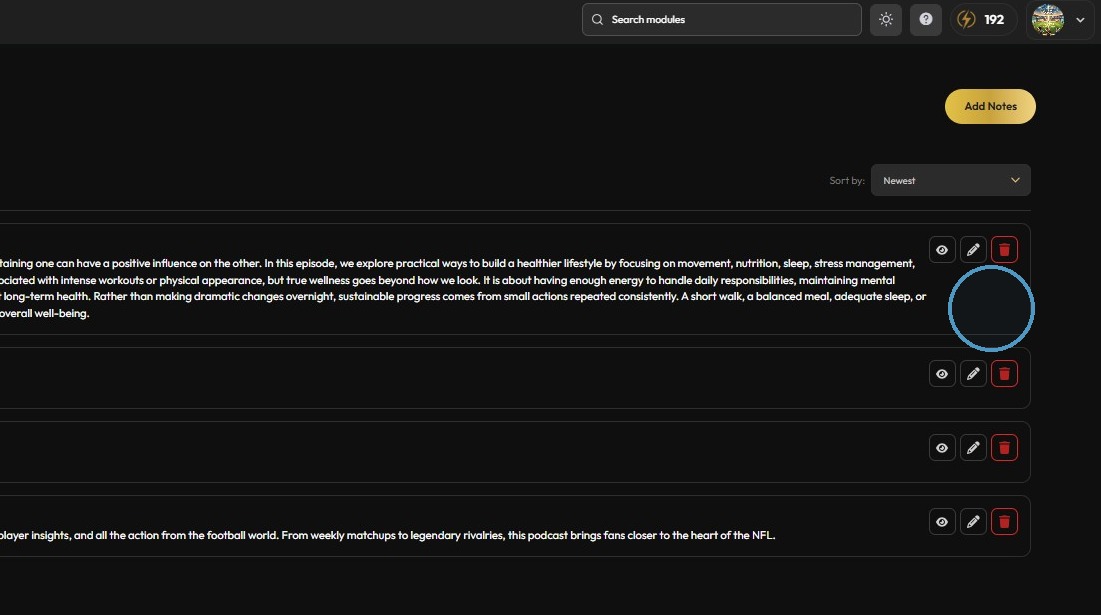
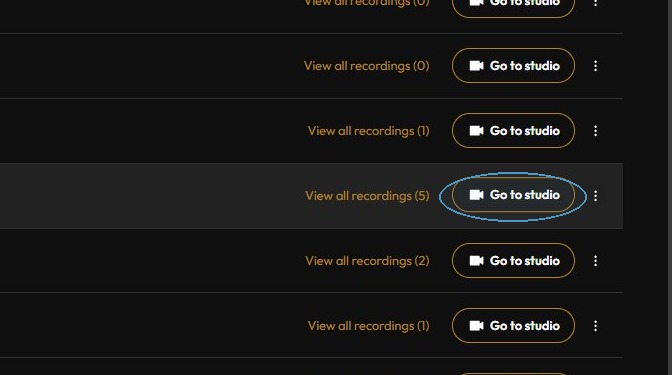
13. Click "Go to studio"
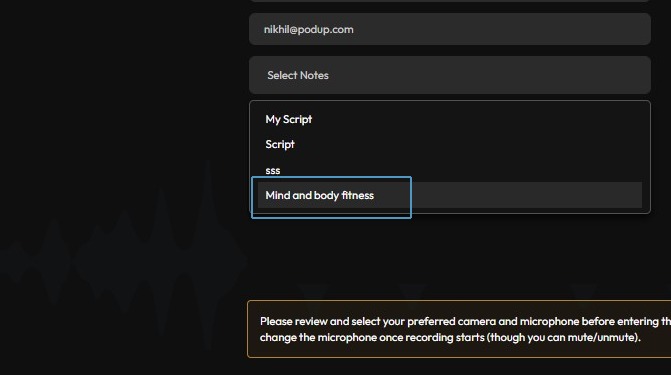
14. Click the "Select Notes" field.

15. Select the notes.
16. Click "Join Meeting"

17. Click on Notes
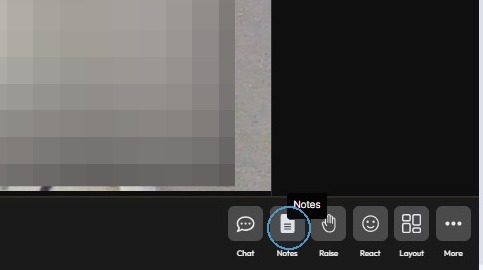
18. Access the notes