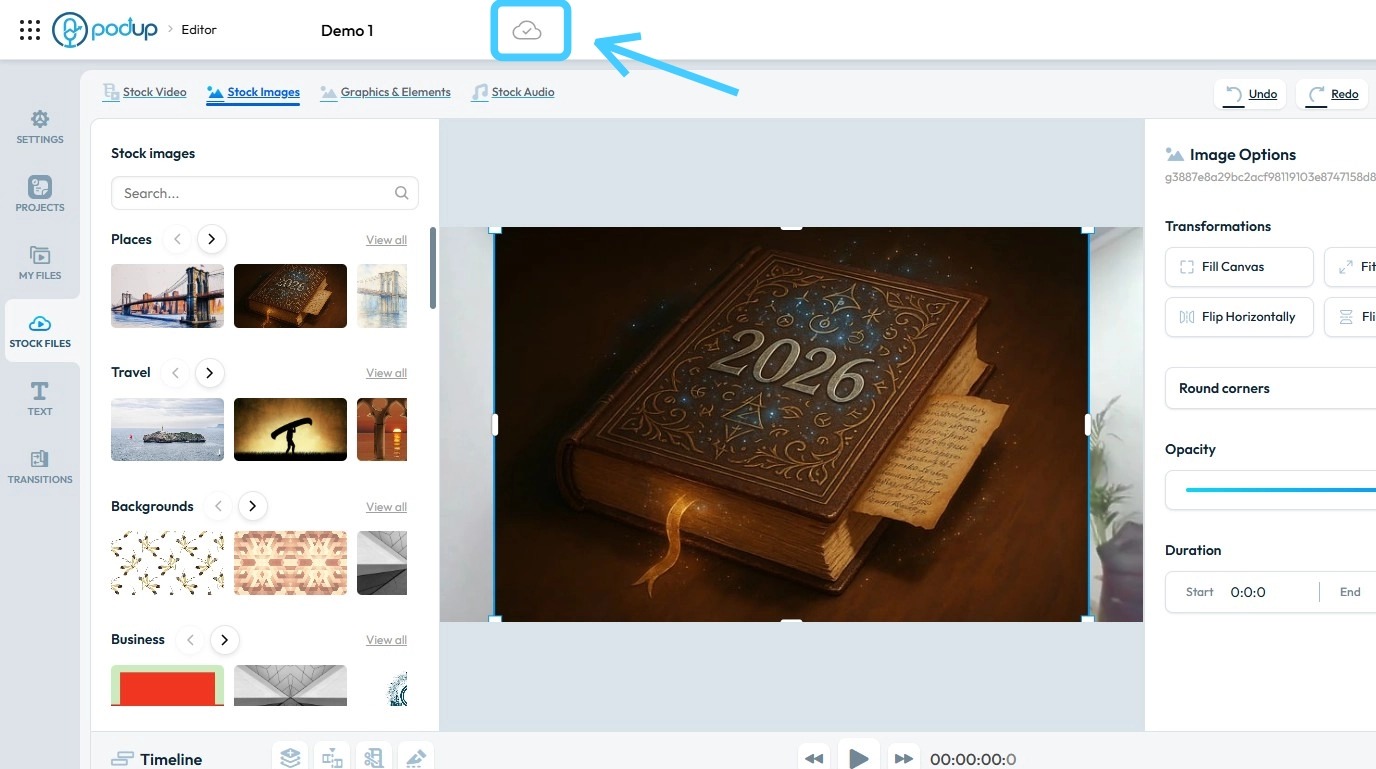
How to add an image to my video
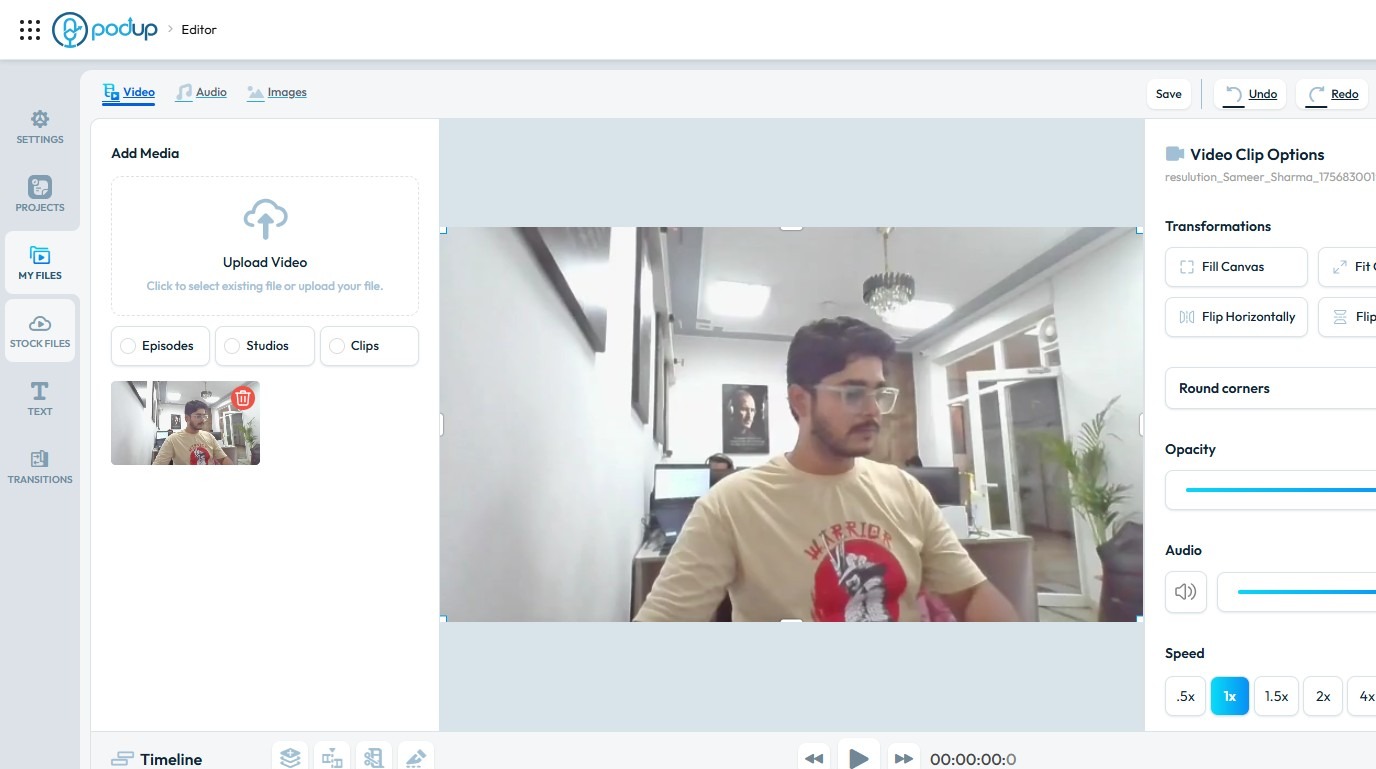
1. Navigate to https://editor.podup.com/ and load a video into the Timeline
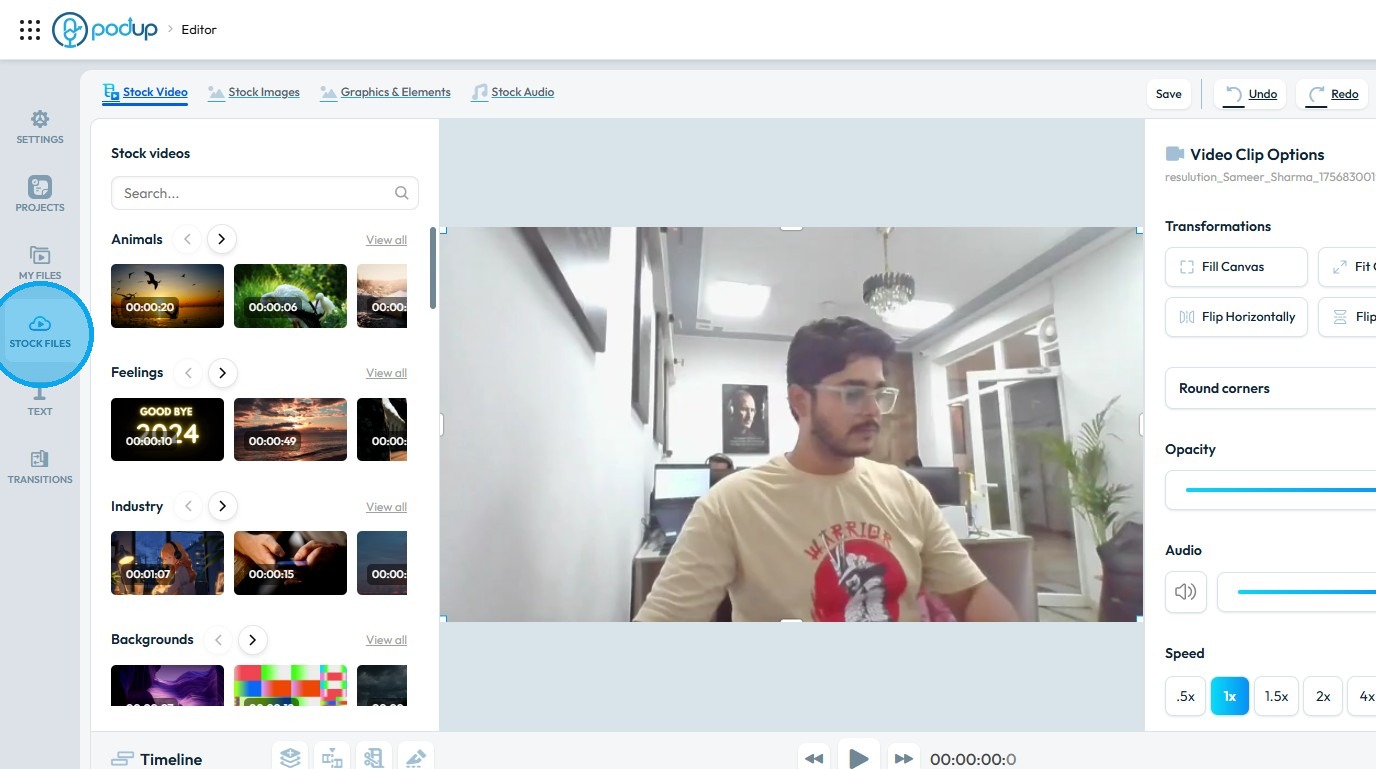
2. Click "Stock Files"
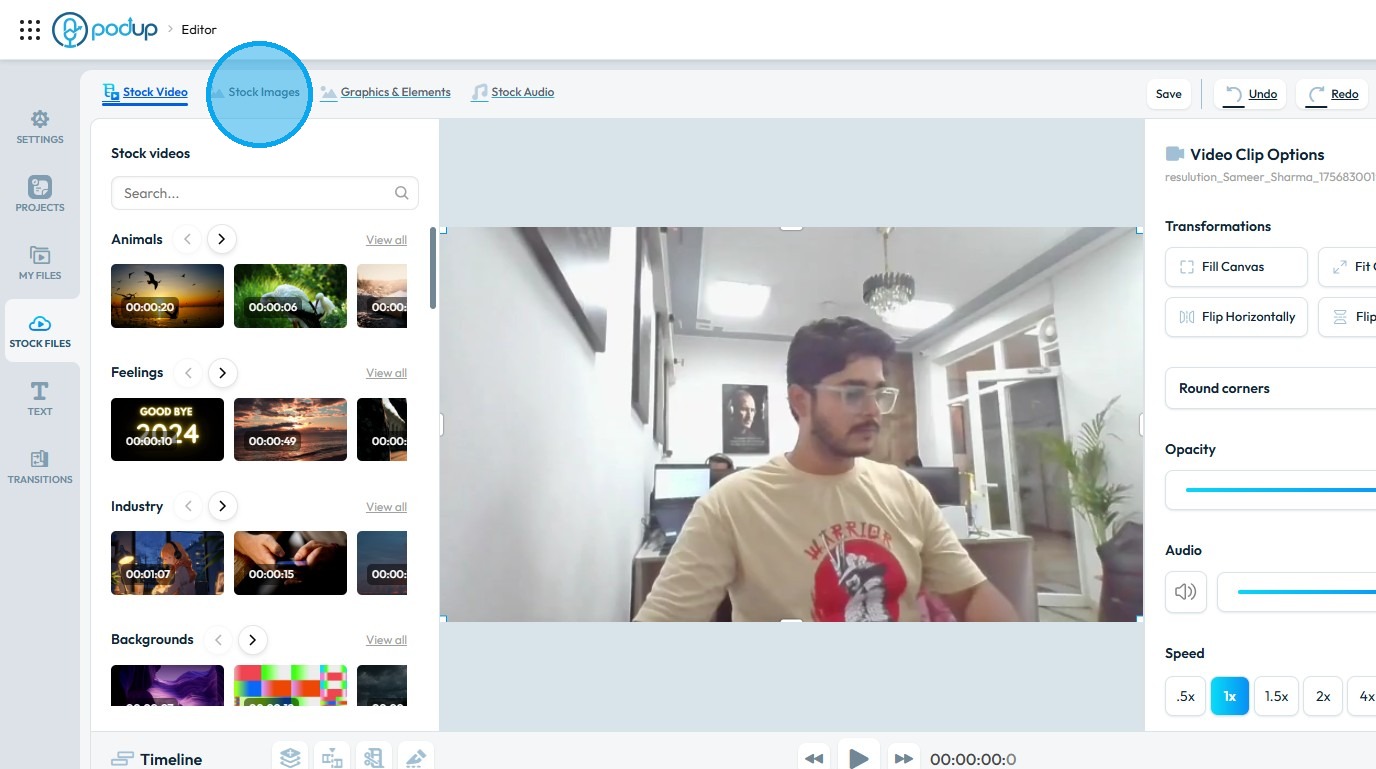
3. Select "Stock Images"
4. Drag and drop the image in the timeline
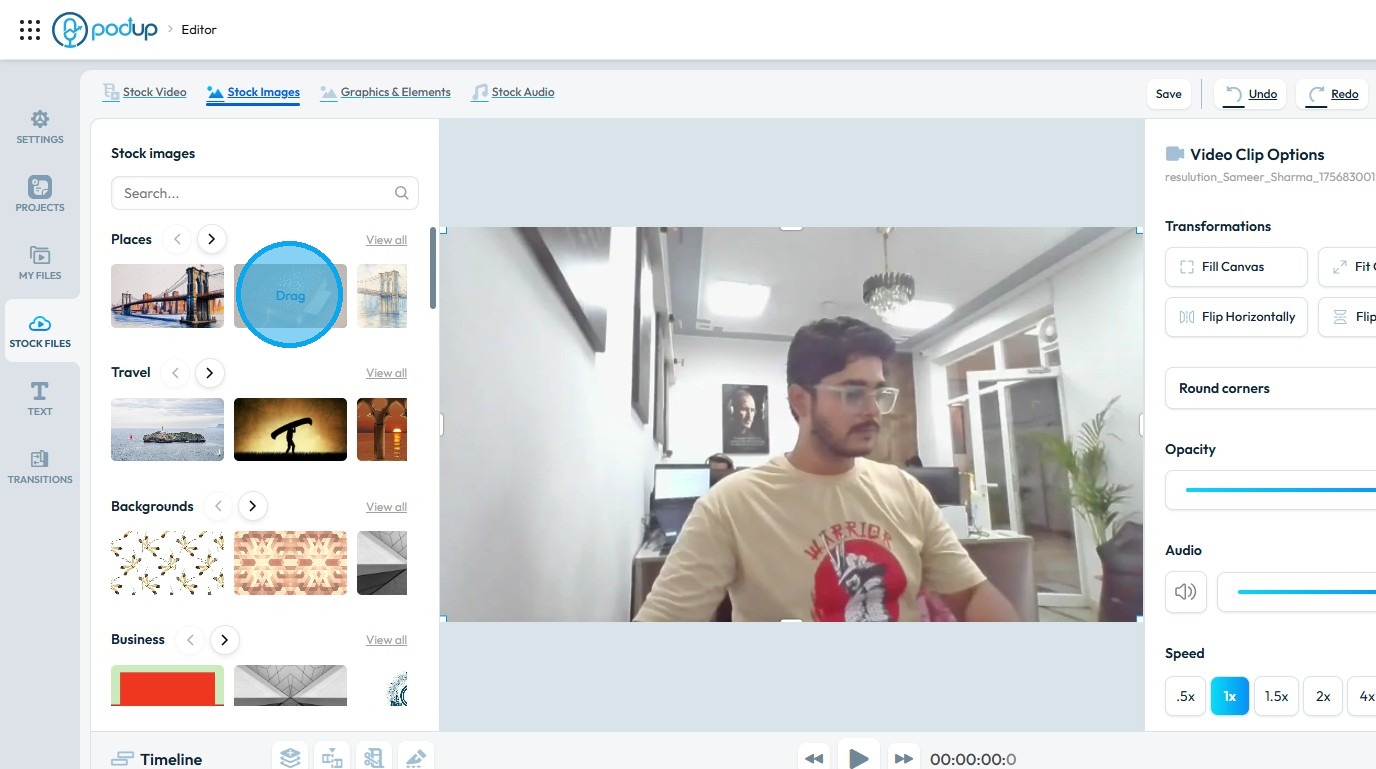
5. The photo will be added to the video
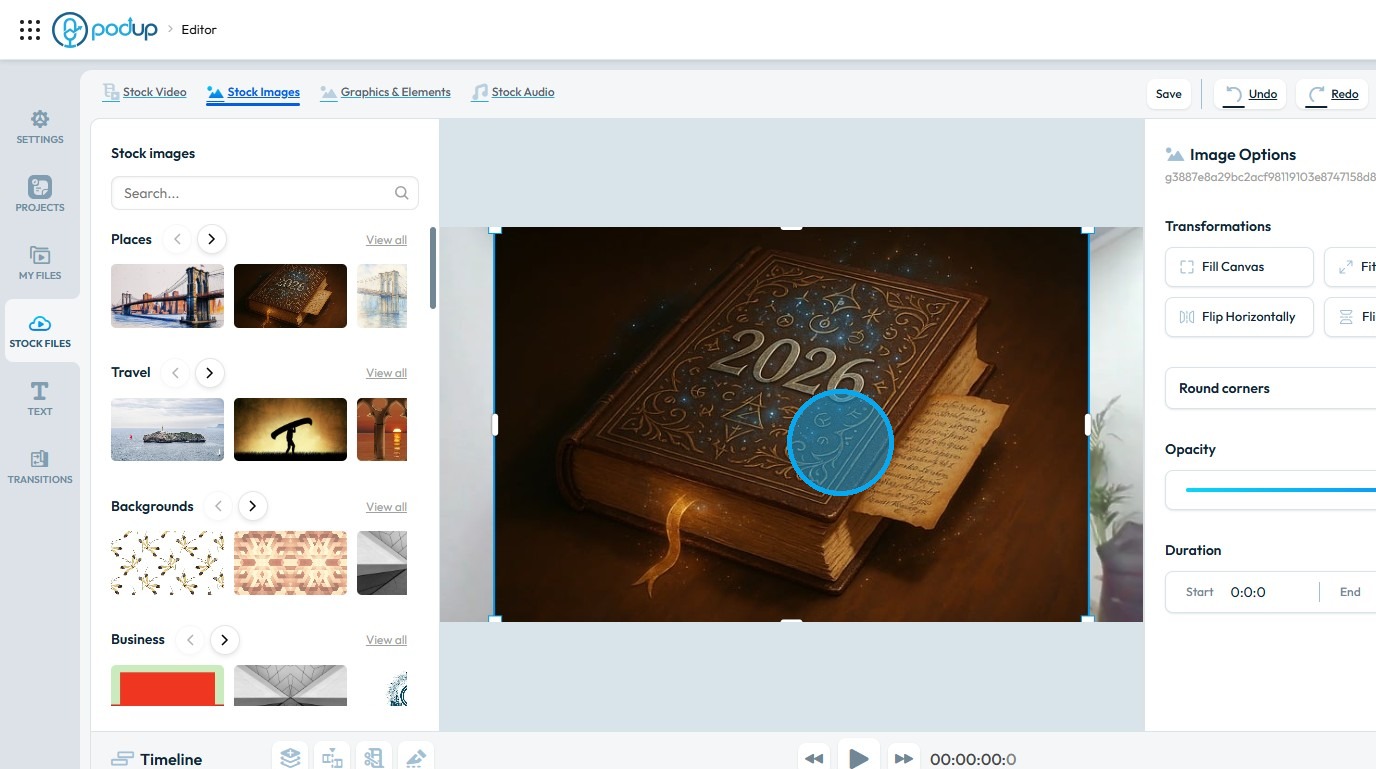
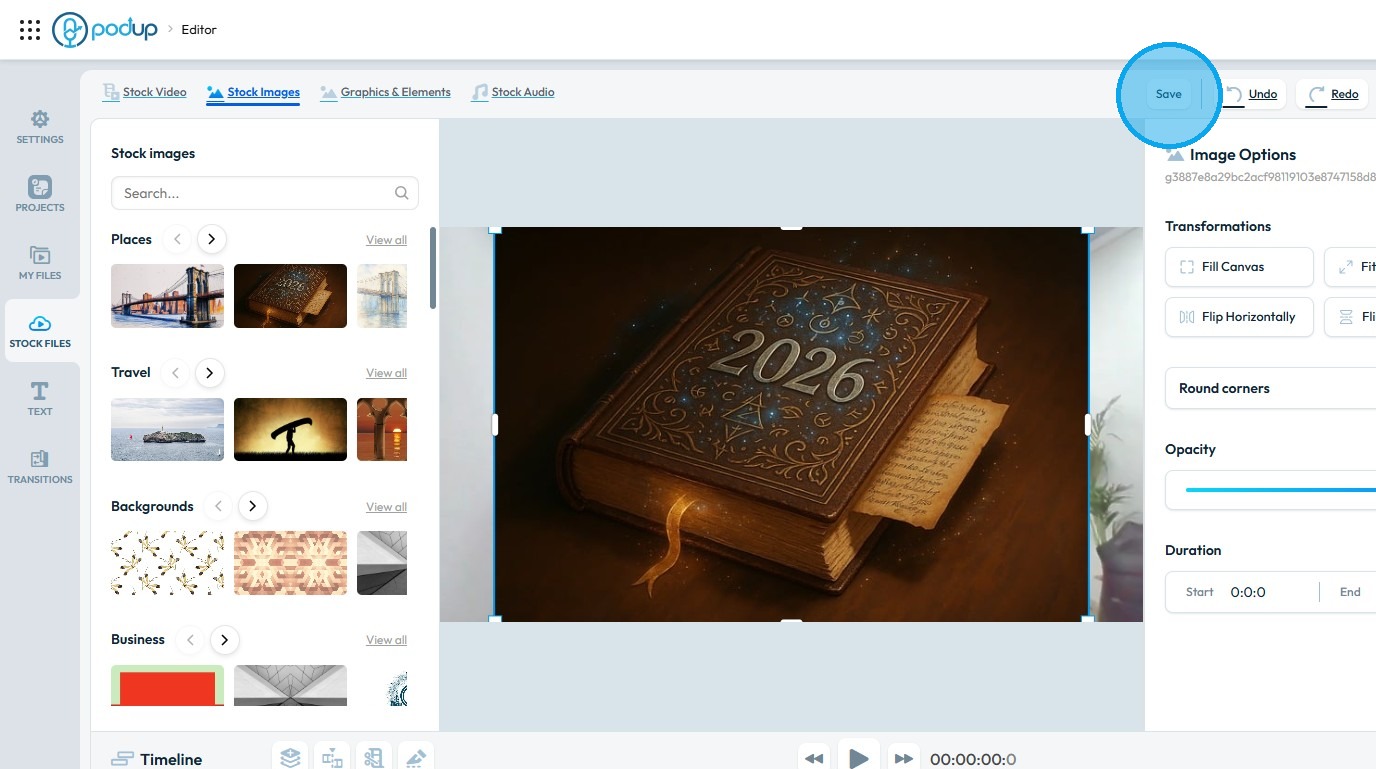
6. Adjust the image, click "Save"
7. PodUp will prompt you to name the project. Enter a name and press ‘Enter
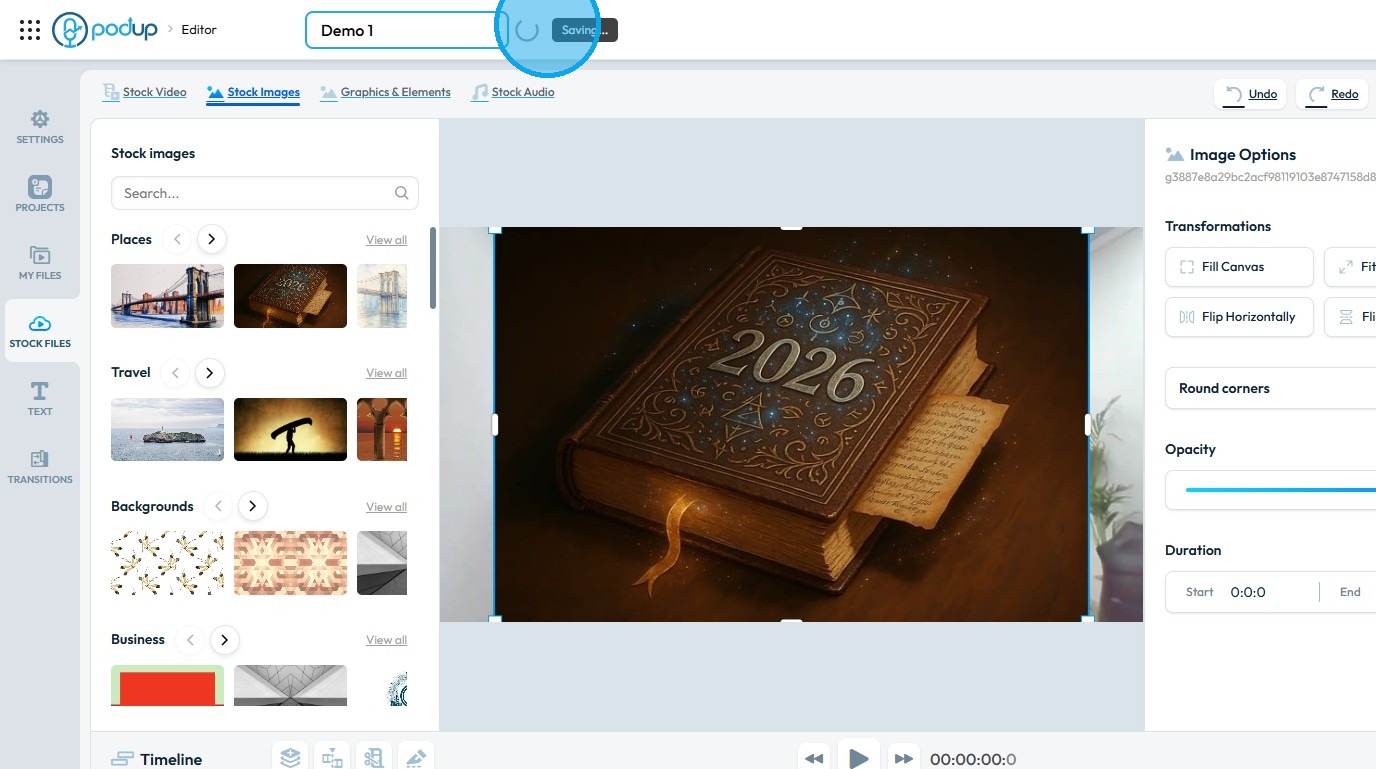
8. A ‘Cloud’ icon will appear, indicating that your changes have been saved