How To Add A Theme to My Website
This guide shows you how to add a nice-looking theme to your website using PodUp. It walks you through picking a template, changing colors and fonts, and making your site match your brand. It also helps you avoid common mistakes, like losing your changes when switching themes.
1. Navigate to https://app.podup.com/home
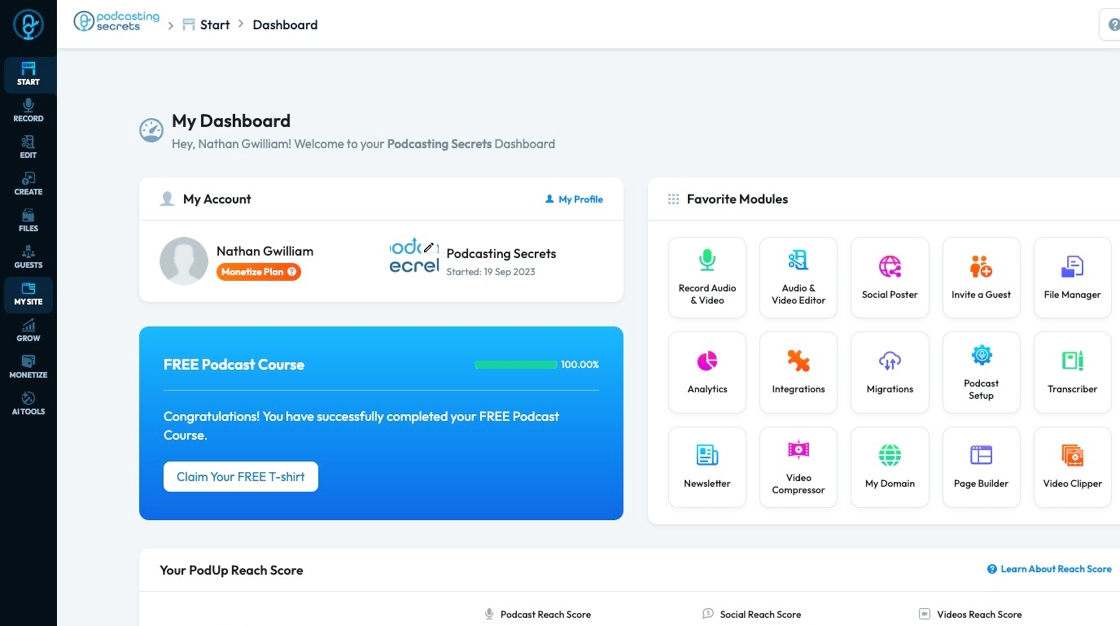
2. Click "My Site"
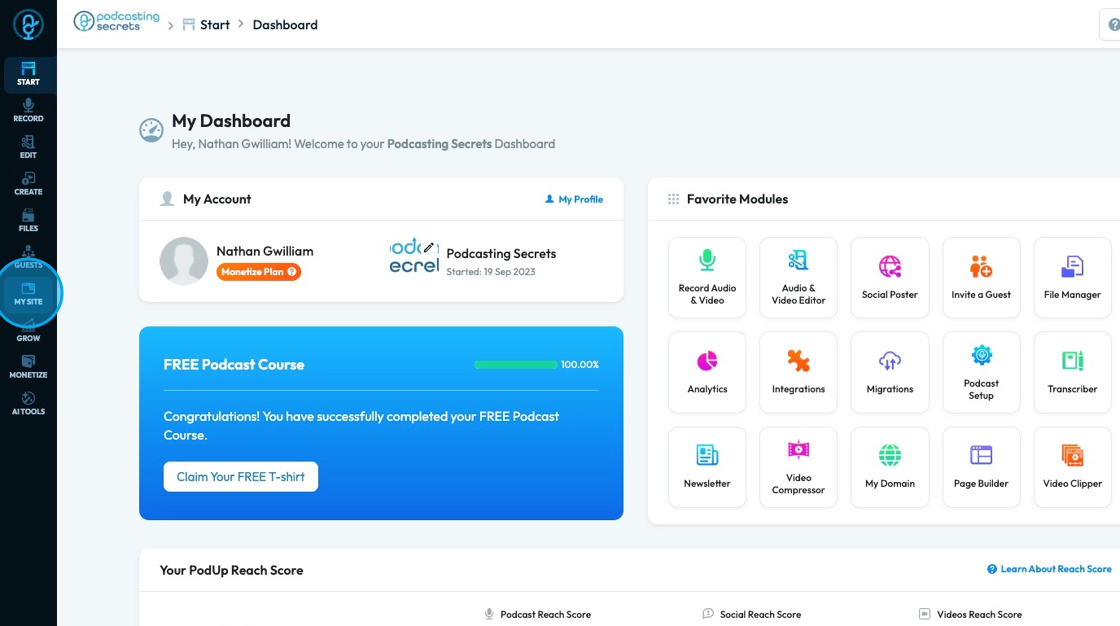
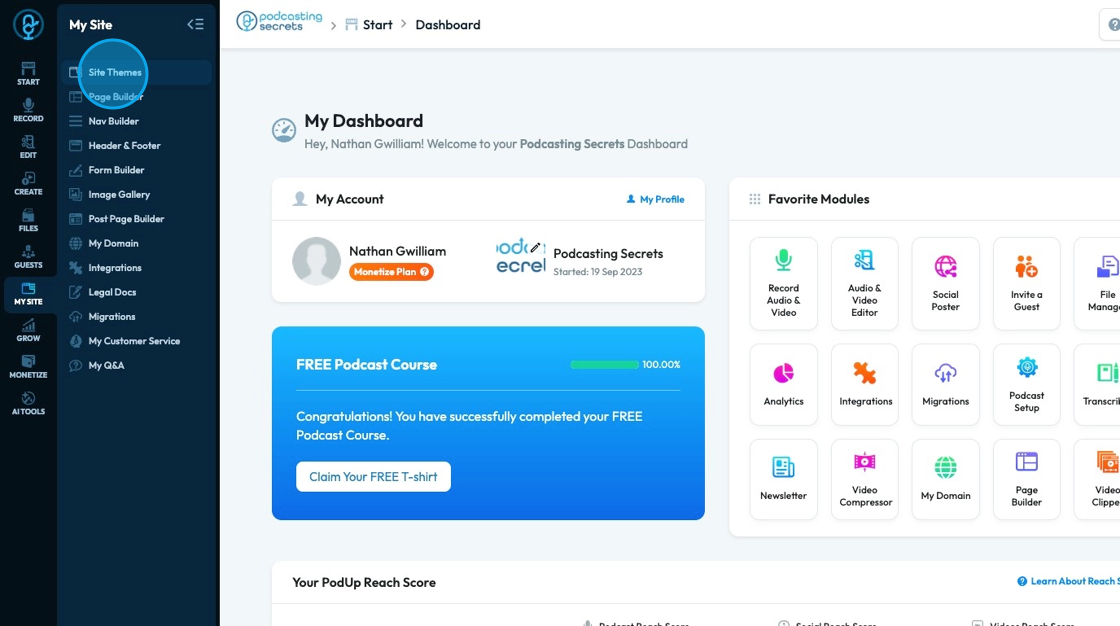
3. Click "Site Themes"
4. Site themes will appear with 16 website templates. All of these templates are editable but it gives a start to what the website could look like
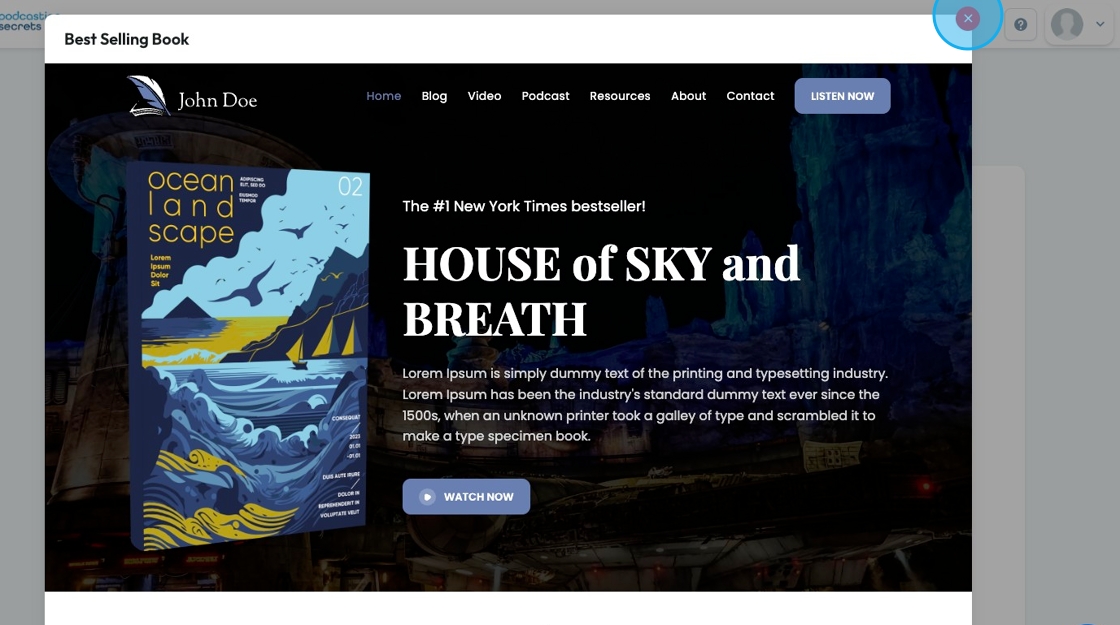
- To preview a template, select the preview "eye" icon in the top right-hand corner
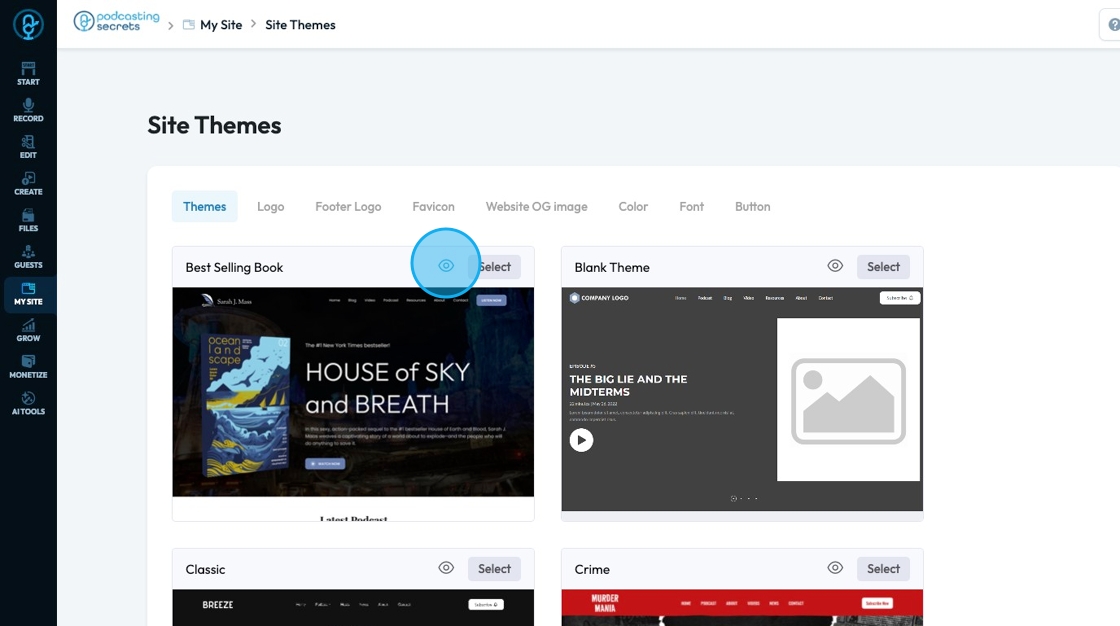
5. The preview will appear as a pop-up that you can scroll though
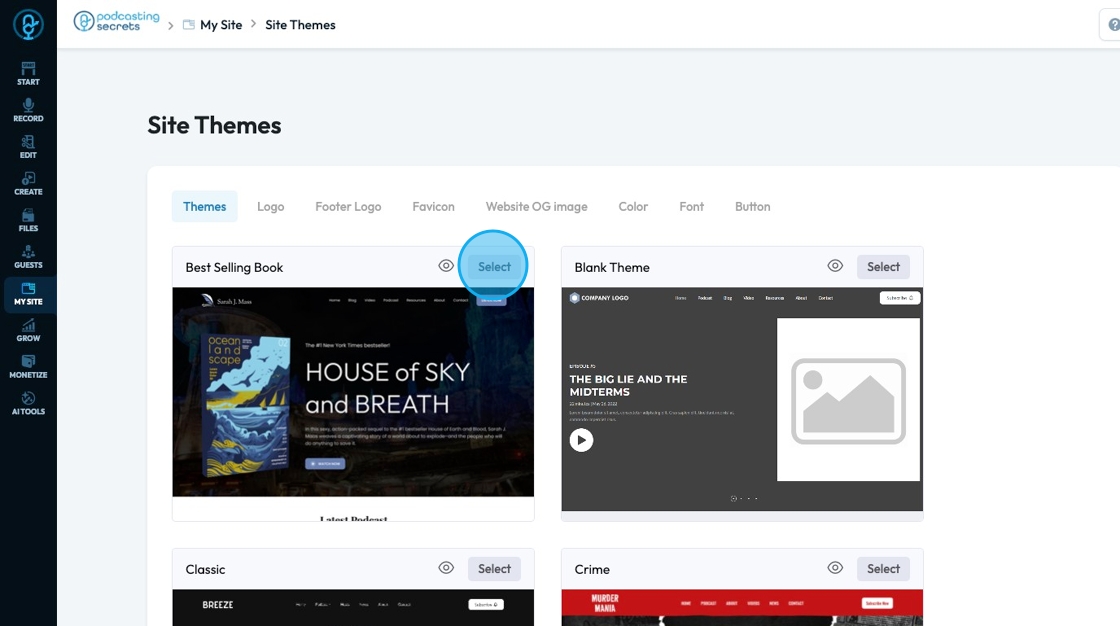
6. Click "Select" on the site that you want to use
- Note: Select a template that you love because once you have started editing your website changing the theme will lose all of your edits
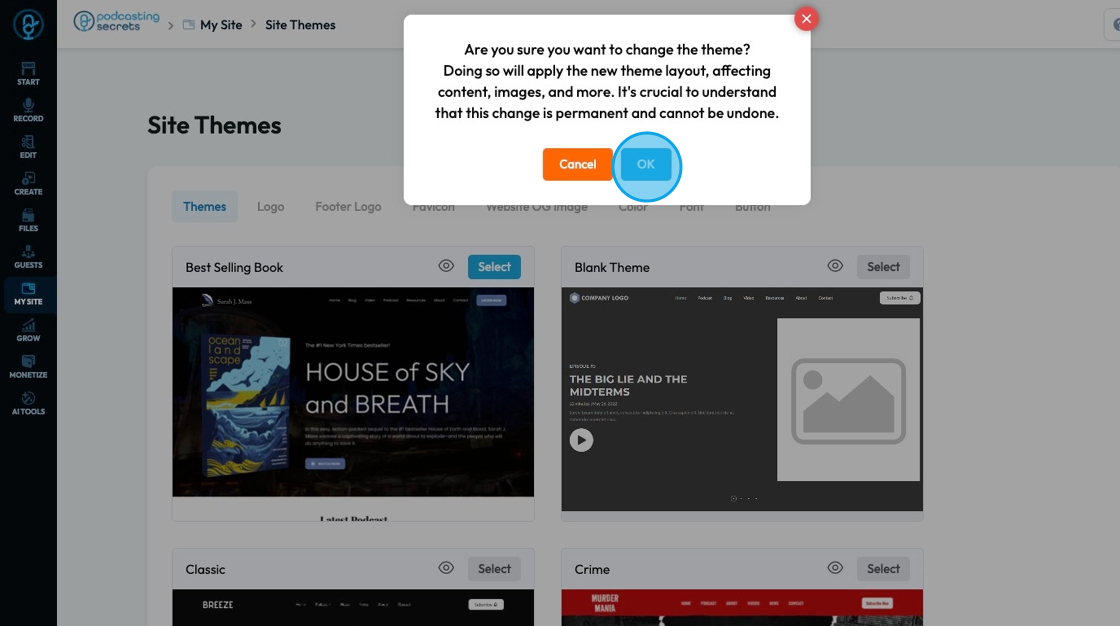
7. A pop-up will appear confirming that you want to change the theme and it stresses the significance of changing a site theme. Click "Ok"
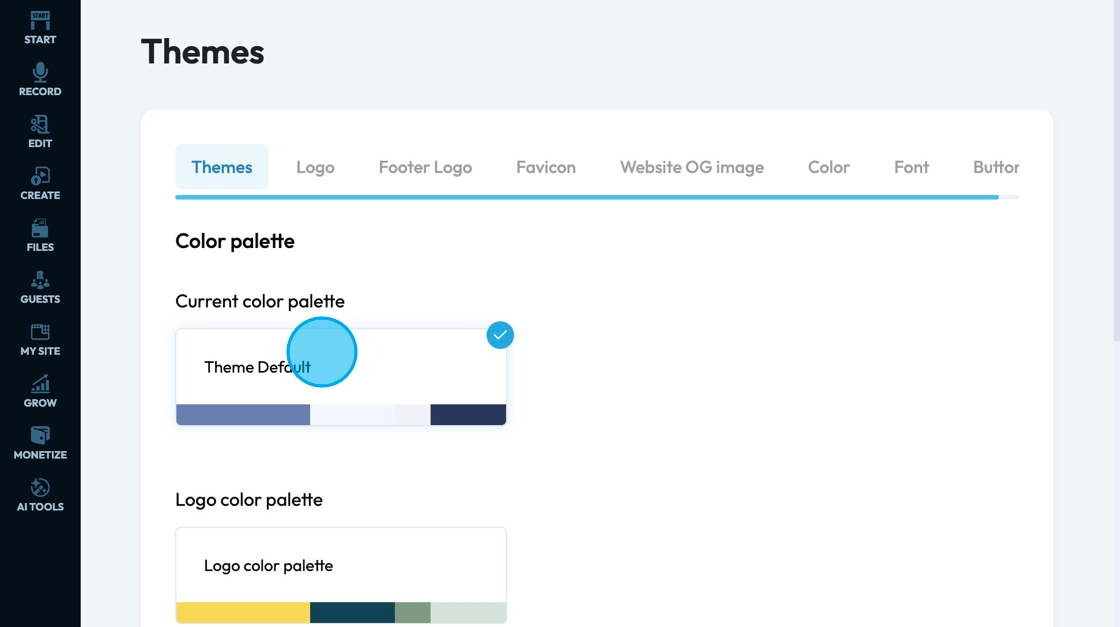
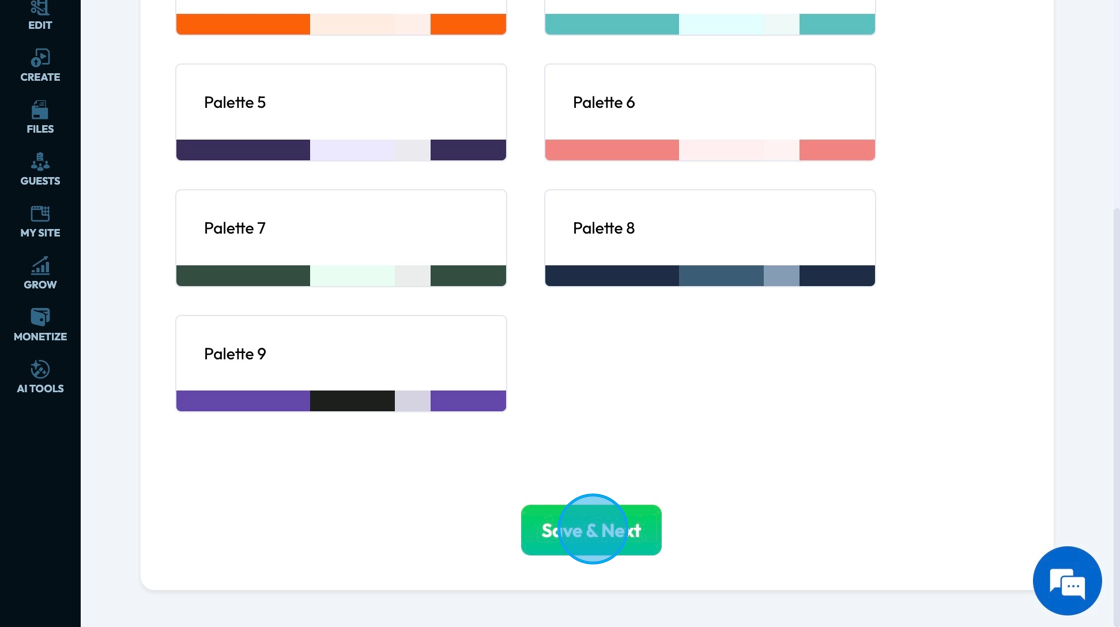
8. Select the color palette for your website
9. Click "Save & Next"
10. Here you can change the color, font, and size for your text if you want a specific text style
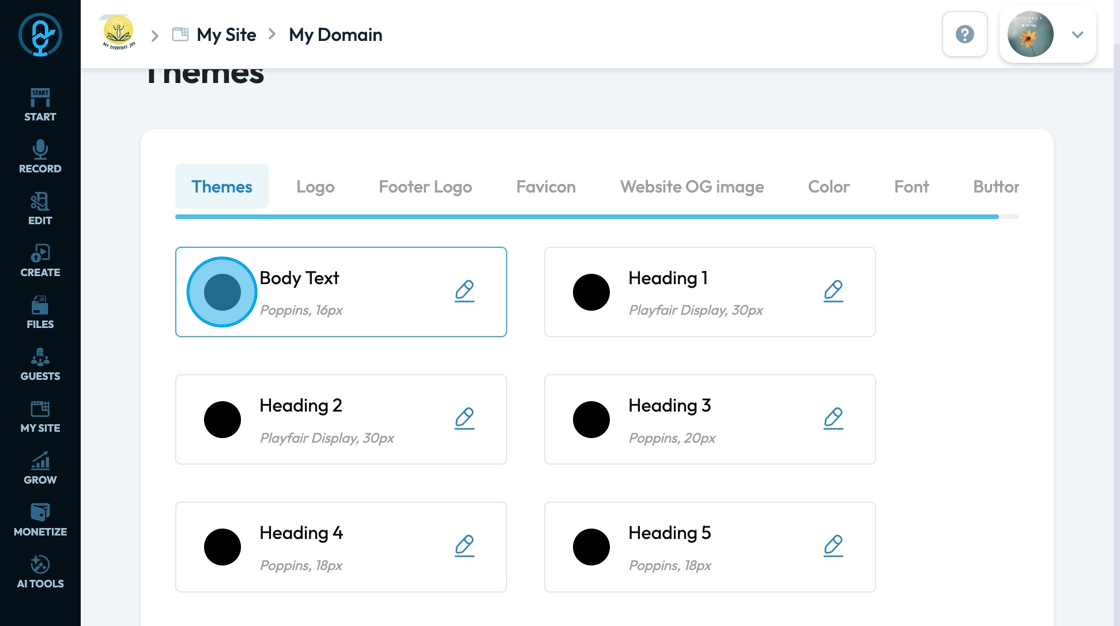
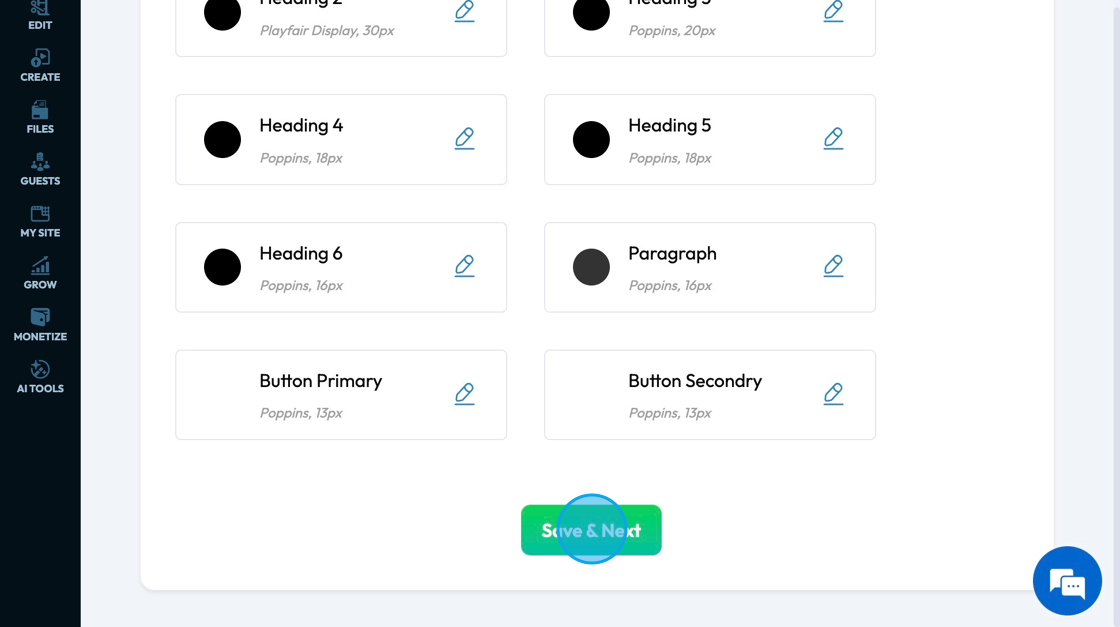
11. Click "Save & Next" to move to the next page
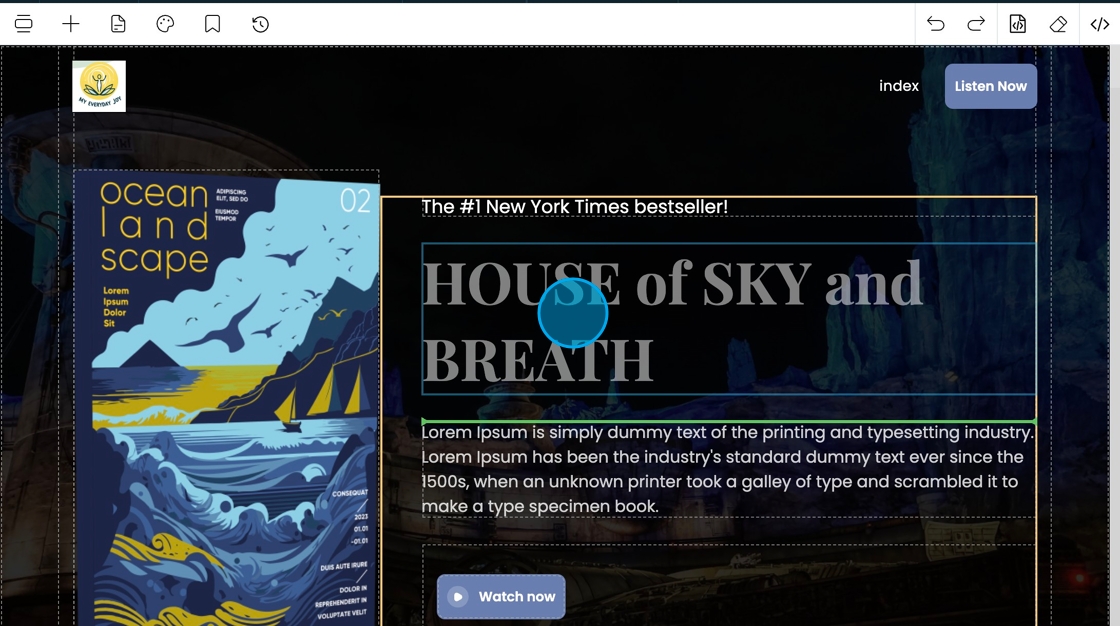
12. The theme will appear on your website in the page builder
Related Articles
How to Change Your Site Theme on PodUp
By following this guide, you can easily change your PodUp site theme to match your brand and enhance user experience. 1. Navigate to https://app.podup.com/home 2. Click "My Site" 3. Select "Site Themes" 4. The ‘Site Themes’ page will load 5. The ...How do I customize Web builder Quick Add (Detailed) - Tabs
By following this guide, you can easily customize the Quick Add Tabs feature in PodUp Web Builder to enhance your website’s functionality and design. 1. Navigate to https://app.podup.com/home 2. Click "Page Builder". 3. Click the "Build" button for ...How do I customize Web builder Quick Add (Detailed) - Card
By following this guide, you can easily customize the Quick Add Card feature in PodUp Web Builder to enhance your website’s design and visual appeal. 1. Navigate to https://app.podup.com/home 2. Click "Page Builder". 3. Click the "Build" button for ...How To Customize Link Quick Add in PodUp Page Builder (Detailed)
This guide is essential for anyone looking to enhance their website using PodUp's Page Builder. It provides step-by-step instructions on customizing the Quick Add link feature, allowing you to create interactive and visually appealing elements ...How to Customize "Text" Quick Add in PodUp Page Builder (Detailed)
This guide offers a comprehensive and friendly approach to customizing the "Text" Quick Add feature in PodUp's Page Builder. It provides step-by-step instructions on enhancing your website's text elements, including formatting options, color choices, ...