How to Add a Paragraph to My Website
By following this guide, you can easily add paragraphs to your website to enhance content and engage users, with simple steps suitable for all skill levels.
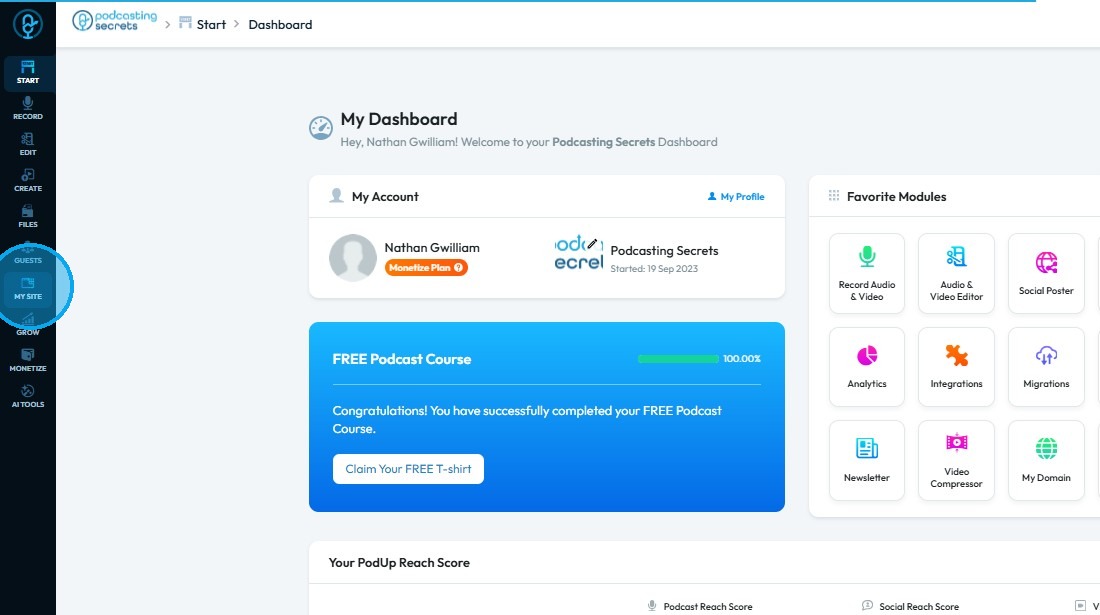
1. Click "My Site"
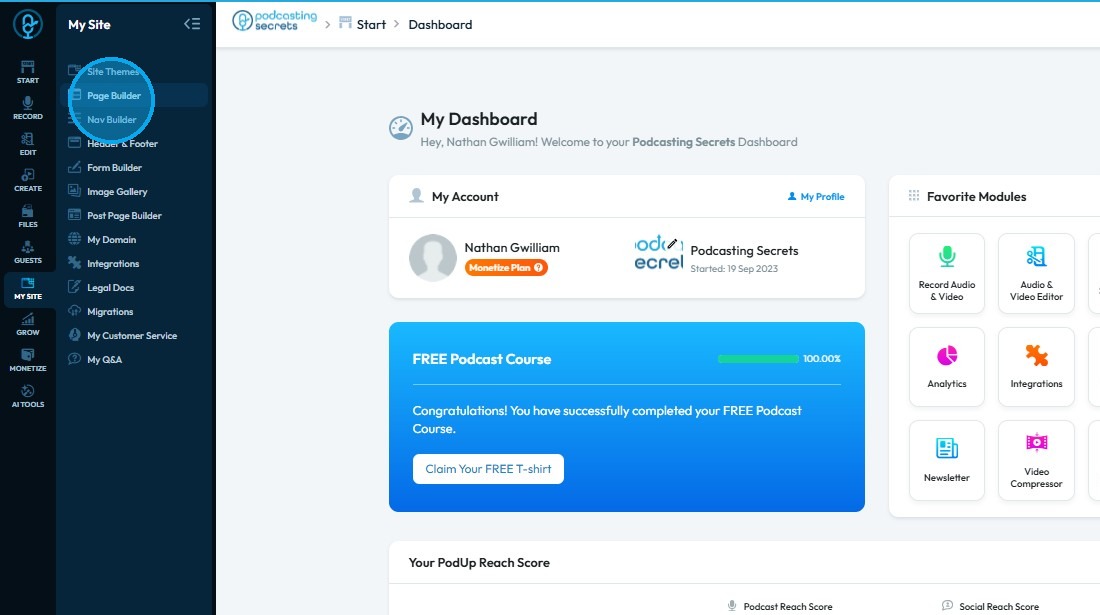
2. Select "Page Builder"
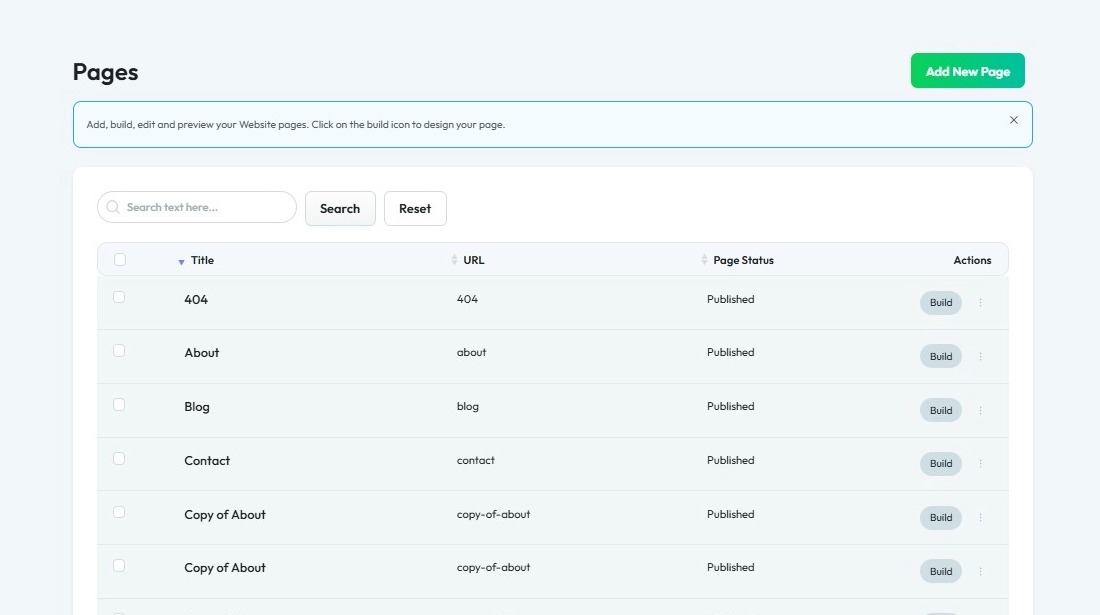
3. Select the page where you want to insert a paragraph
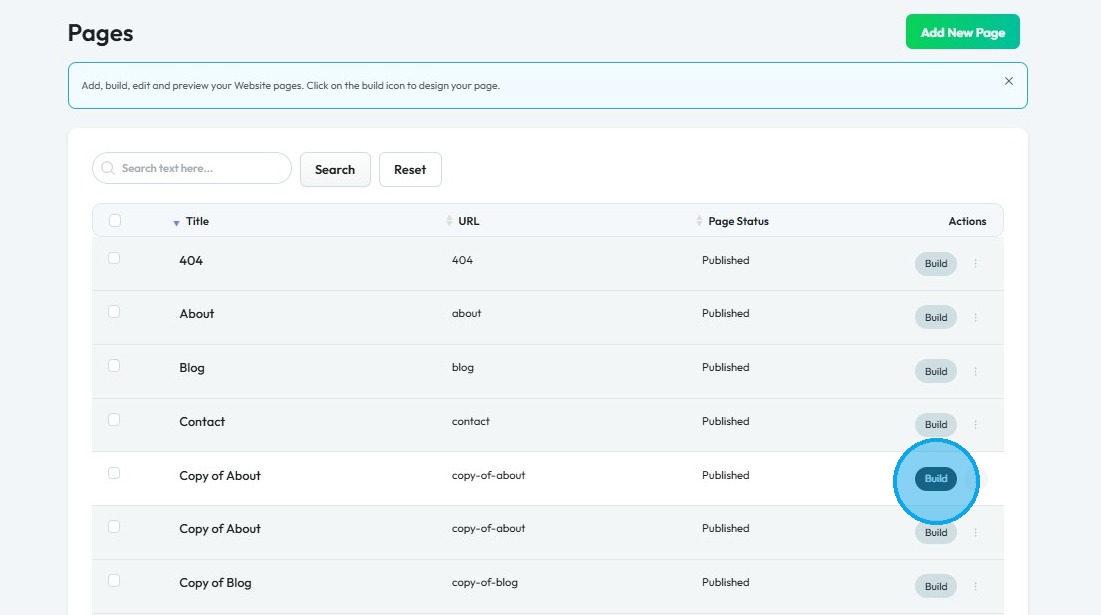
4. Click "Build"
5. The Page Builder interface will open
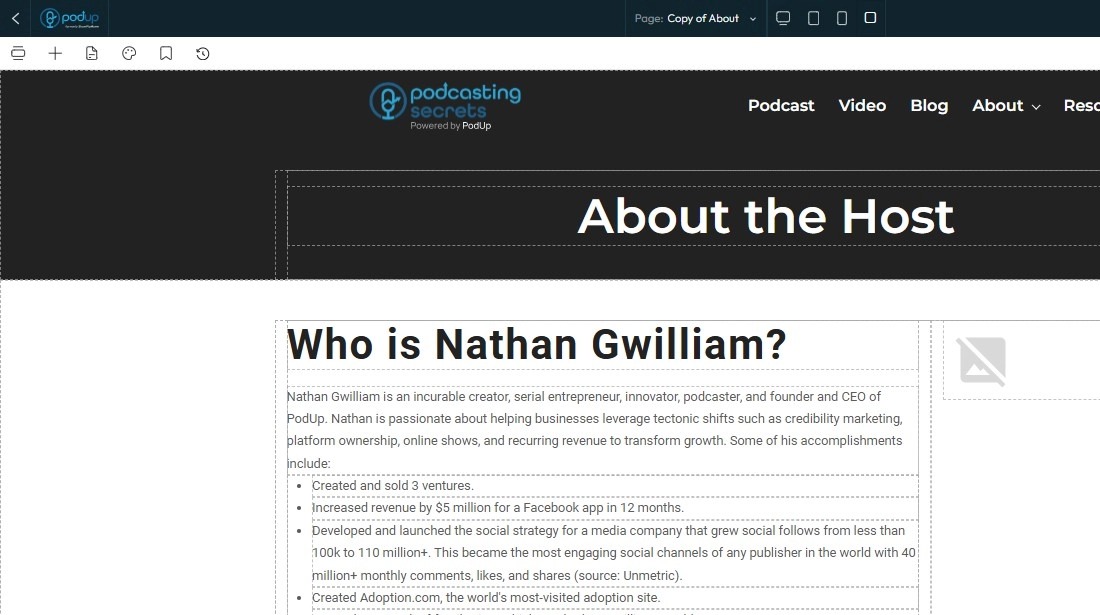
6. Click "Blocks" (+ icon)
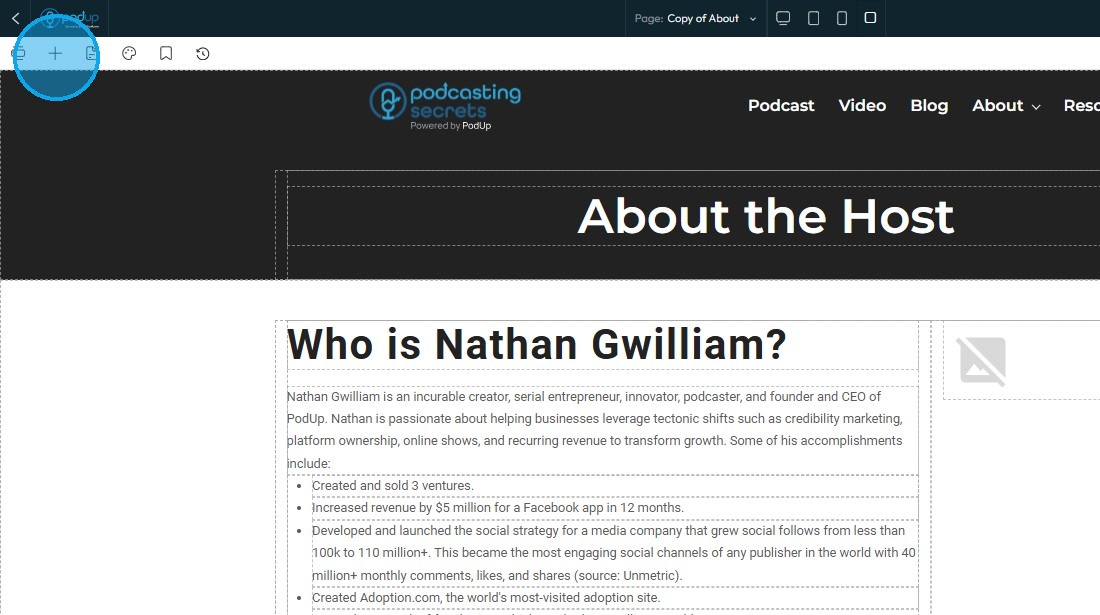
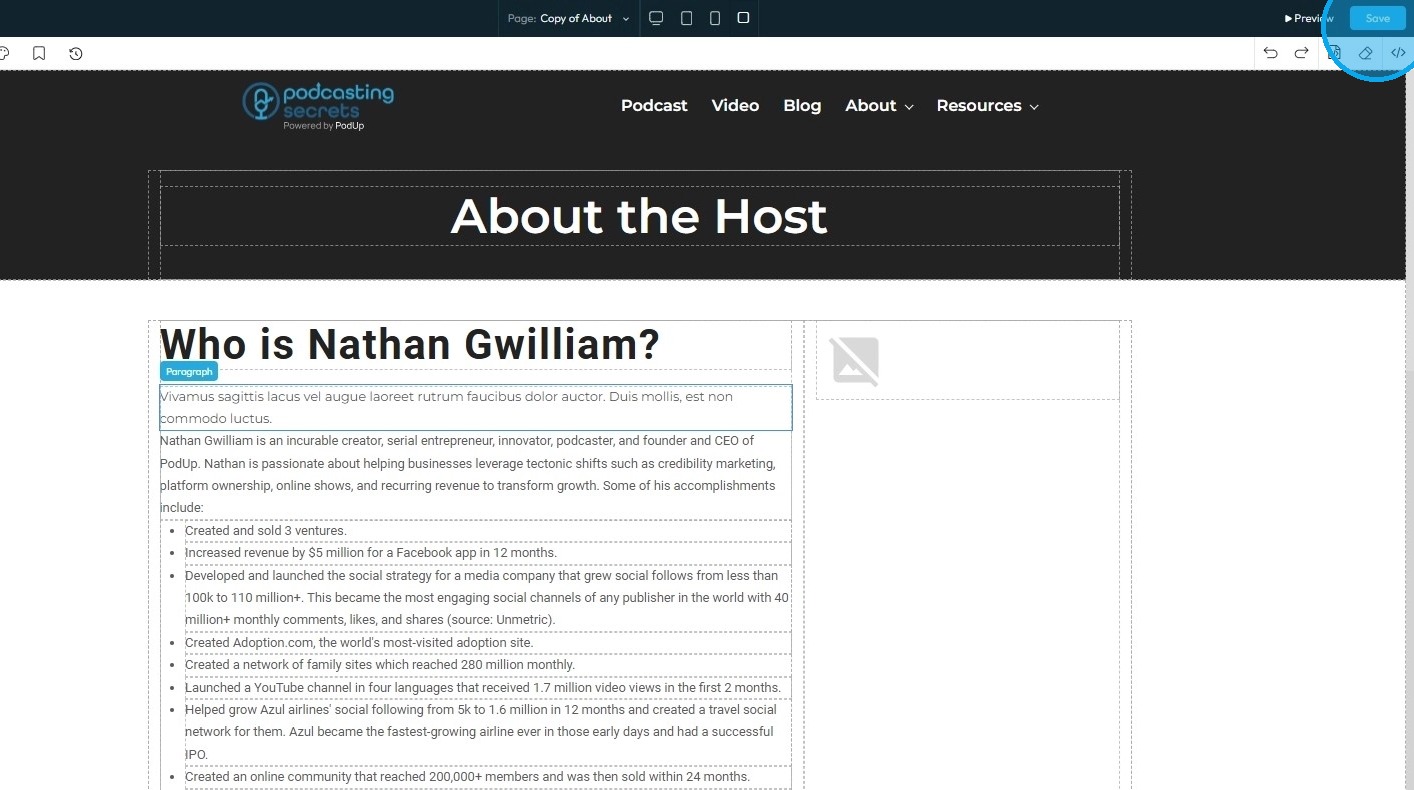
7. Under "Add Elements," select "Quick Add," then drag and drop the "Paragraph" element onto the desired location on your page
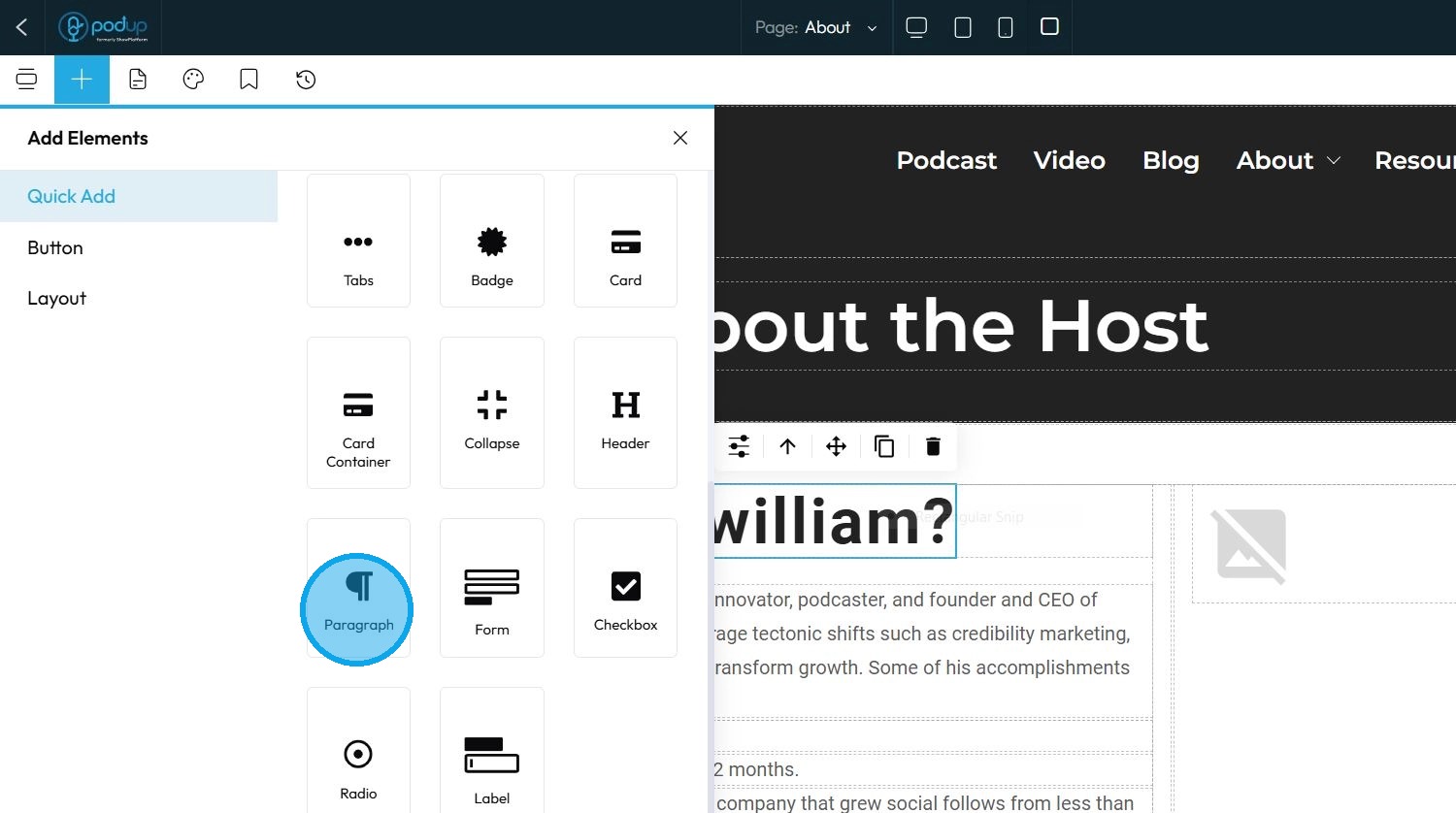
8. The paragraph will appear in the location where it was placed
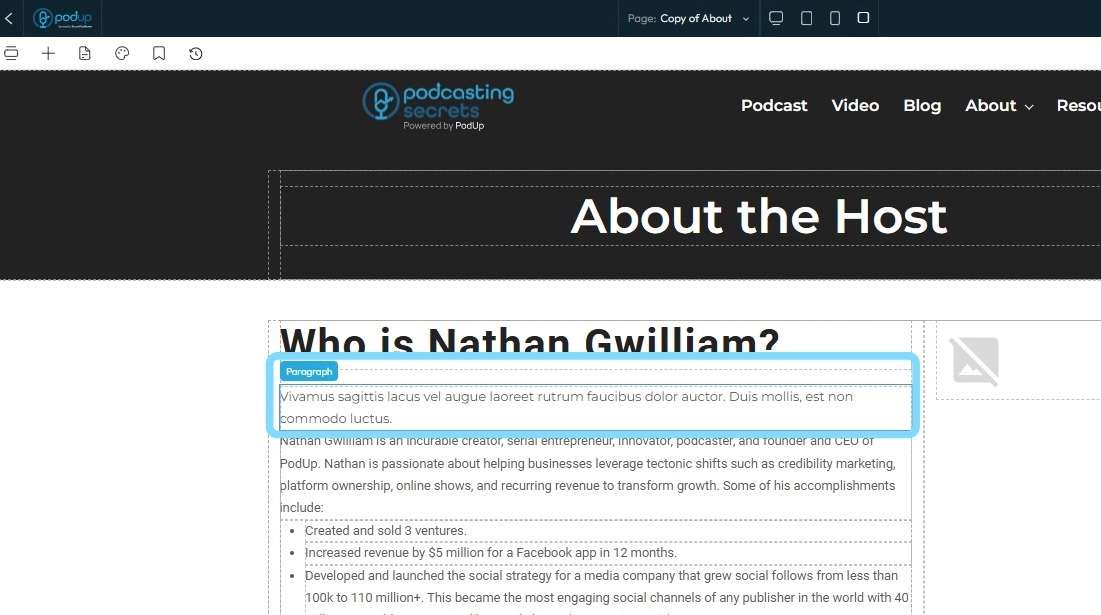
9. Click "Save" at the top-right corner to apply your changes
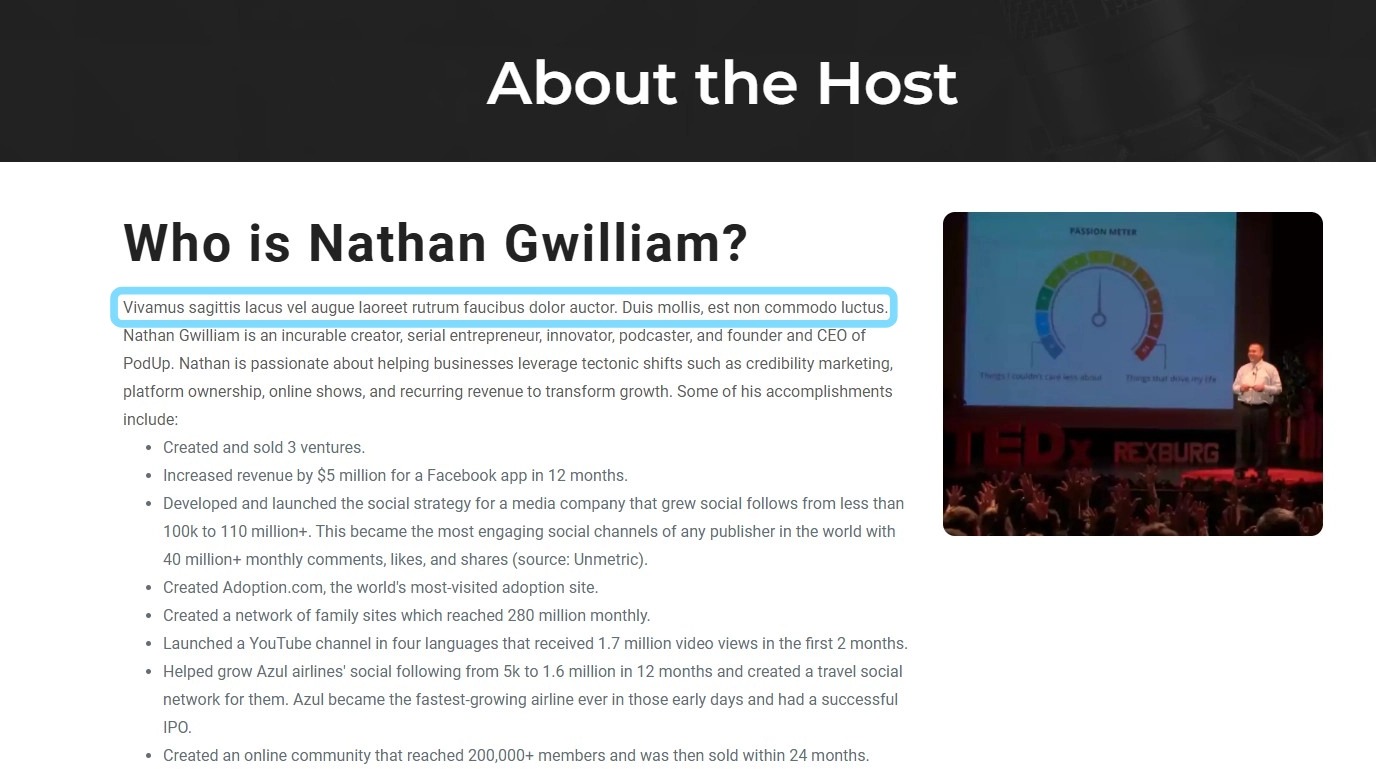
10. Once published, the changes will be visible on your website
Related Articles
How do I Customize Web builder Quick Add (Detailed) - Paragraph
By following this guide, you will learn how to customize the Quick Add feature in the PodUp Web Builder from adding a paragraph block to adjusting text, background, and border settings so you can create polished, visually appealing elements with ...How to Add Code to My Website
This guide offers a straightforward process for adding custom code to your website using Podup's Page Builder. It breaks down the steps clearly, making it accessible even for those with minimal technical knowledge. By following this guide, you can ...How to Add Text to My Website
This guide provides a straightforward method for adding text to your website using Podup's Page Builder. It walks you through the process step-by-step, ensuring even beginners can follow along easily. The included tips on formatting text enhance your ...How Do I Add Tabs to My Website
By following this guide, you can easily add tabs to your website using the PodUp platform to improve organization and enhance user experience. 1. Navigate to https://app.podup.com/home 2. Click "Page Builder" 3. Select the page on which you want to ...How to Add a Card to Your Website
By following this guide, you can easily add a card feature to your website to enhance engagement and visual appeal. 1. Navigate to https://app.podup.com/home 2. Click "Page Builder" 3. Select the page where you want to insert a card 4. Click "Build" ...