How to Add a New Shipping Zone in Podup
This guide helps you to add a new shipping zone in Podup, crucial for managing shipping costs and delivery times effectively. It's an essential resource for anyone looking to optimize their shop’s shipping options and improve customer satisfaction.
Tip: Shipping Zone: Shipping Zones are geographical areas that businesses define to manage and calculate shipping costs and delivery times for their products.
1. Click "Monetize"

2. Click "My Shop"
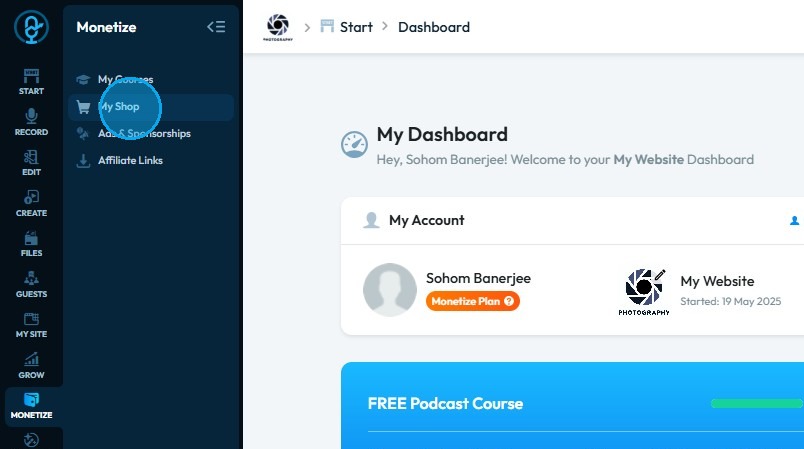
3. Click "Shipping & Taxes"
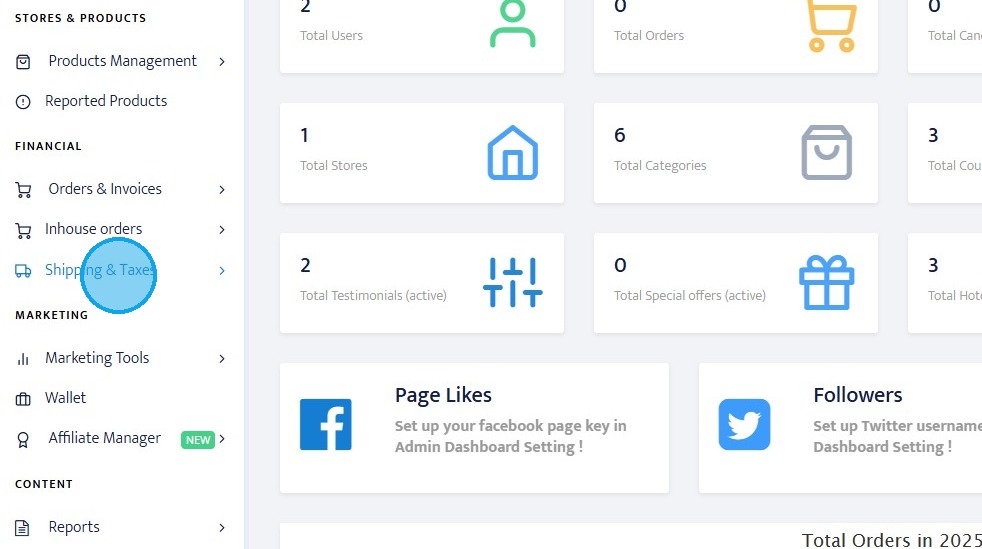
4. Click "Zones"
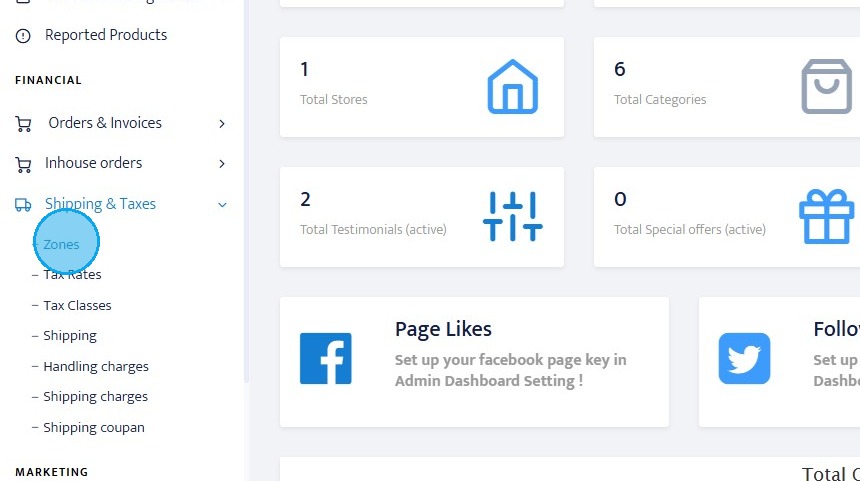
5. Click "Add a new zone"
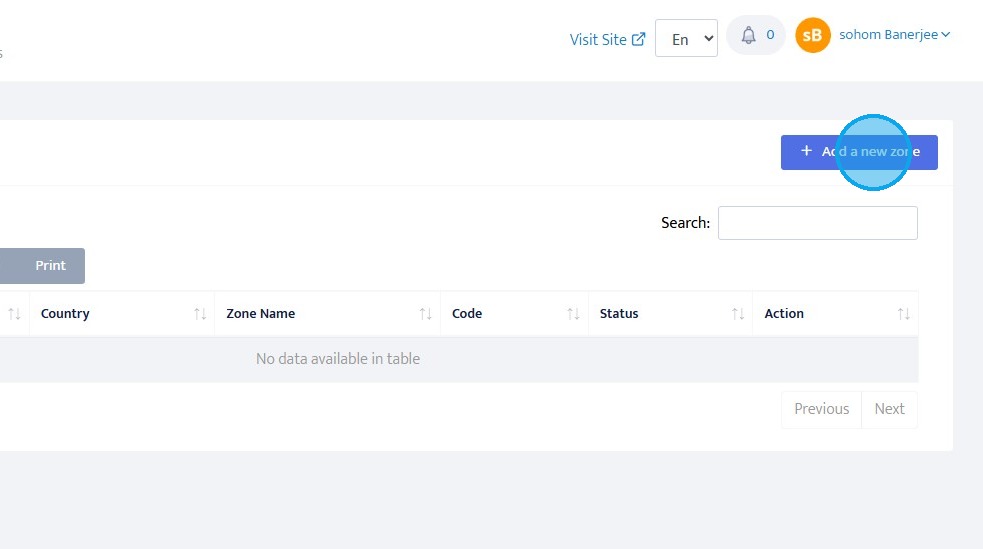
6. Click "Add a new zone"
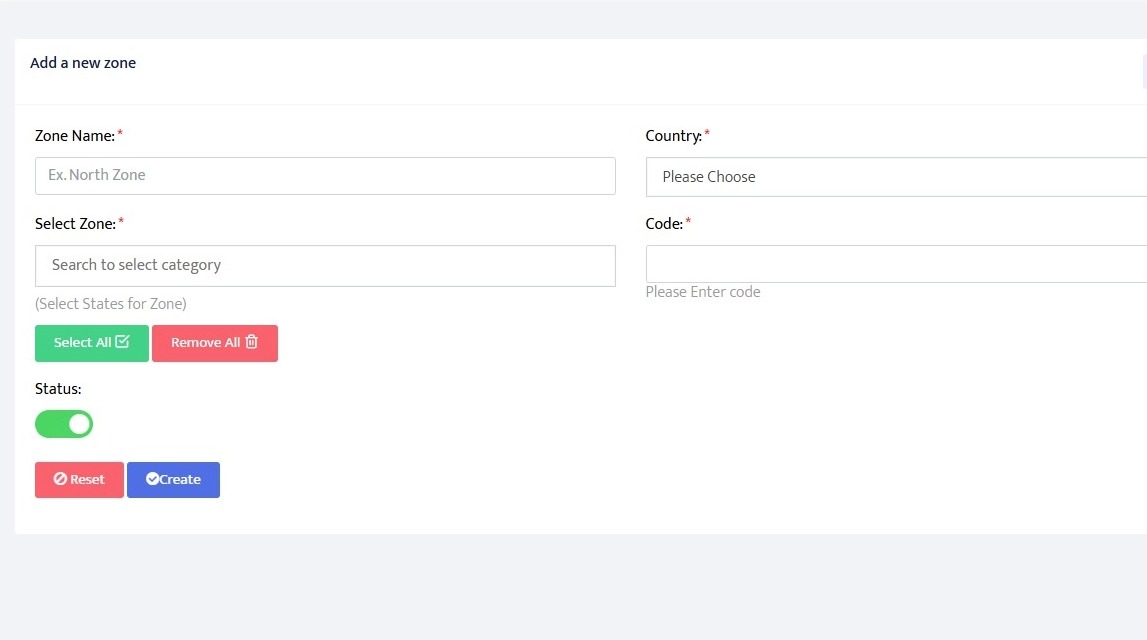
7. Click "Create"
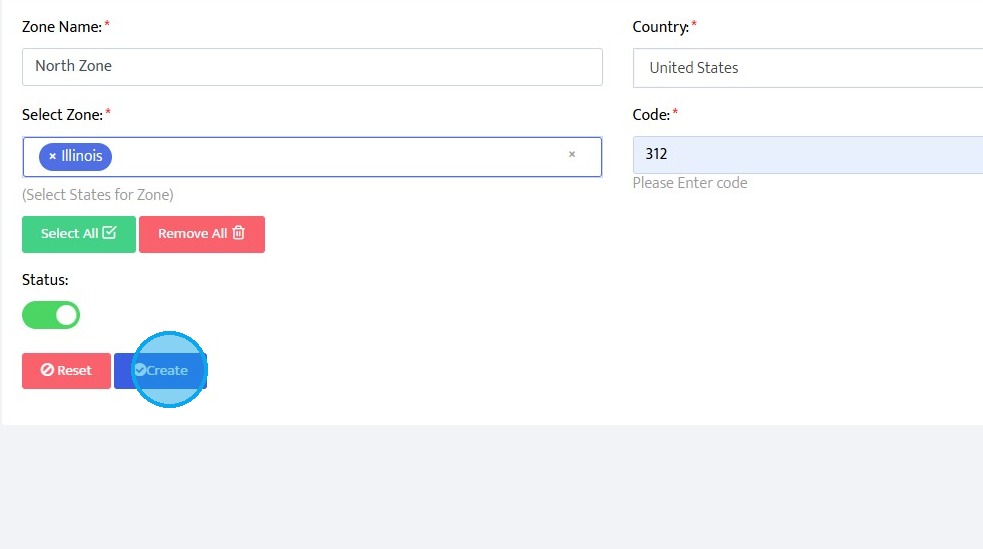
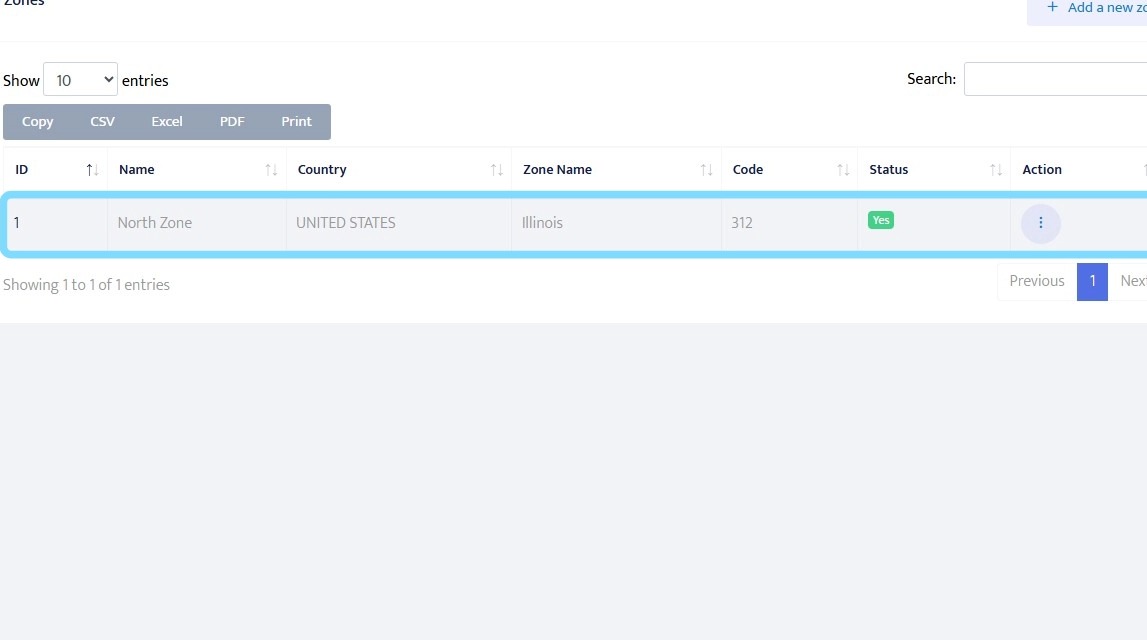
8. You will find shipping zone here
Related Articles
How To Add A New Tax Rate In Podup
This guide shows you how to quickly add a new tax rate in PodUp. It helps you set accurate rates by zone or criteria, making tax setup simple and error-free. Tip! Tax Rates: Tax rates are fundamental components of any taxation system. In simple ...How to add a New Child Category in Podup Shop?
This guide provides a straightforward process for adding a new child category in Podup, making it essential for users looking to enhance their product organization. 1. Navigate to https://app.podup.com/home 2. Click here. 3. Click "Shop" 4. Click ...How to create a New Subcategory in Podup Shop?
This guide provides a straightforward process for creating a new subcategory in Podup, making it easy for users to enhance their product organization. By following the clear steps outlined, users can efficiently manage their inventory and improve the ...Create a New Blog Page on Podup Website
This guide provides a straightforward, step-by-step process for creating a new blog page on the PodUp website. By following these instructions, users can efficiently navigate the platform, customize their blog layout, and publish content that meets ...Creating a New Page in PodUp's Page Builder
This guide offers a straightforward process for creating a new webpage using PodUp's Page Builder, making it accessible even for beginners. By following the simple steps, users can efficiently design and customize their pages to meet their specific ...