How to Add A Link to My Website
This guide provides a straightforward method for adding links to your website, enhancing its functionality and user experience. By following the simple steps outlined, users can easily integrate links to direct visitors to relevant content. Additionally, the guide offers advanced options for customization, allowing for more tailored hyperlinking.
1. Navigate to https://app.podup.com/home
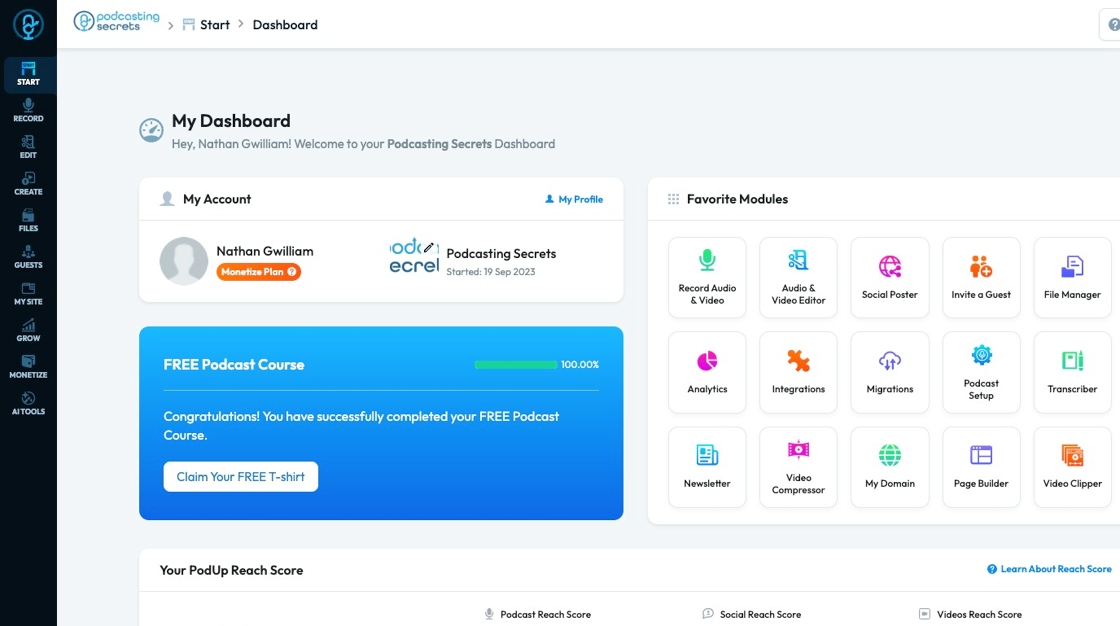
2. Click "Page Builder" in the "Favorite Modules" on the Dashboard
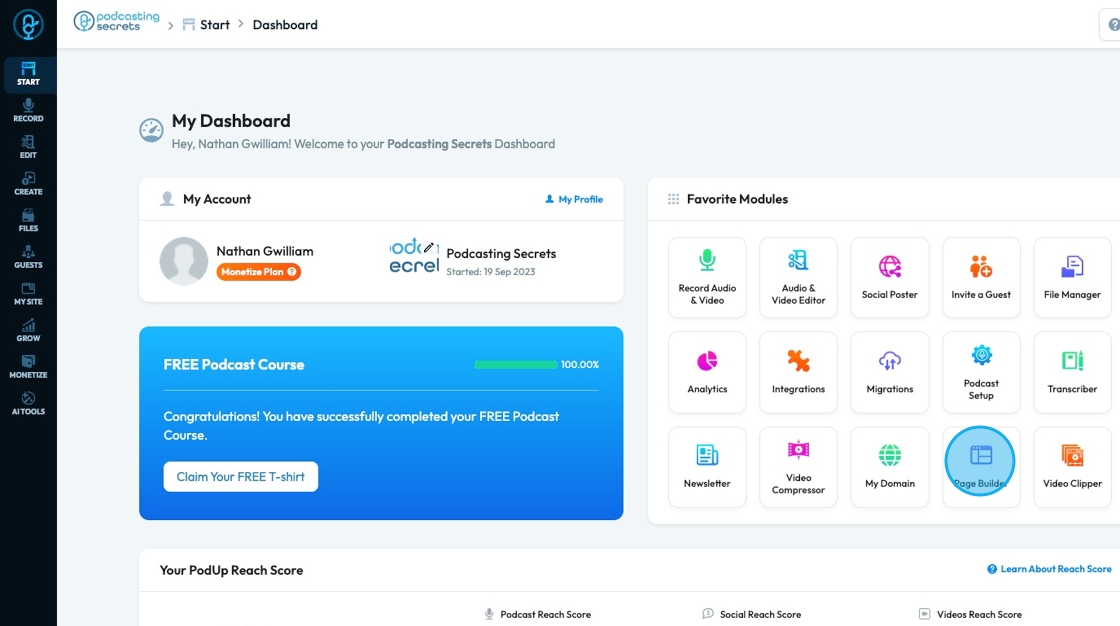
3. Click "Build" on the page you want to edit
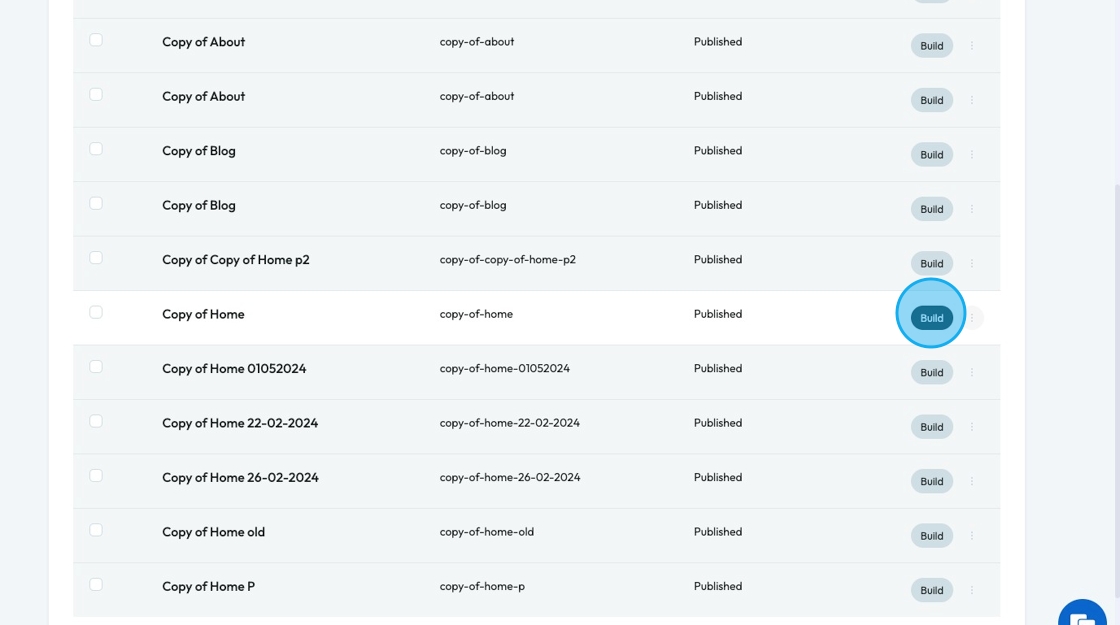
4. Click "Add" to add a "Quick Add" element
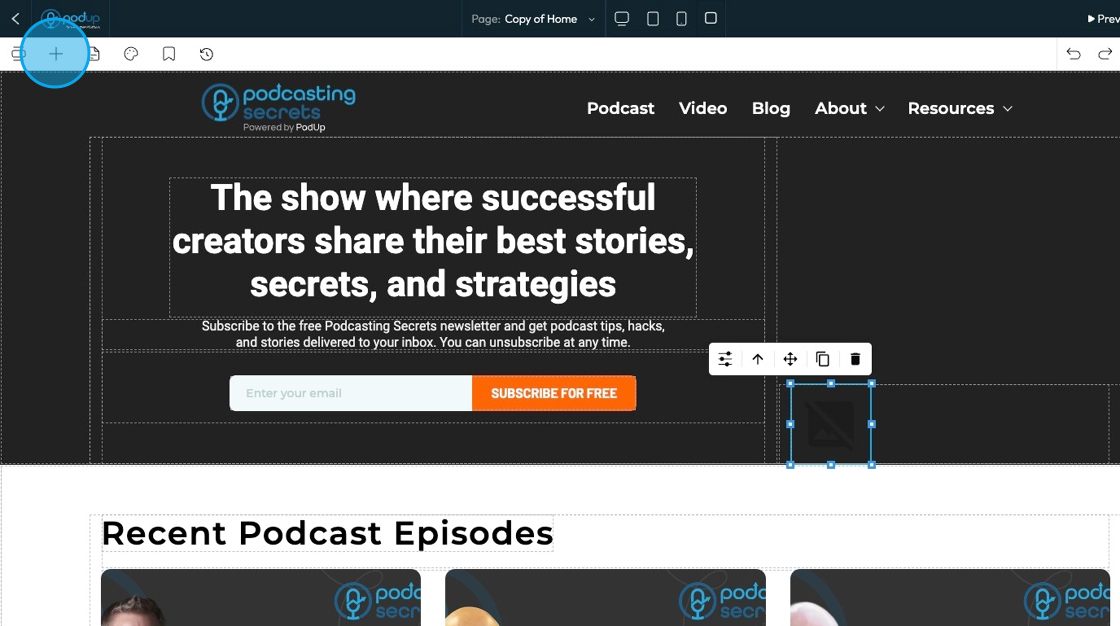
5. Click "Link" and drag it to the desired location
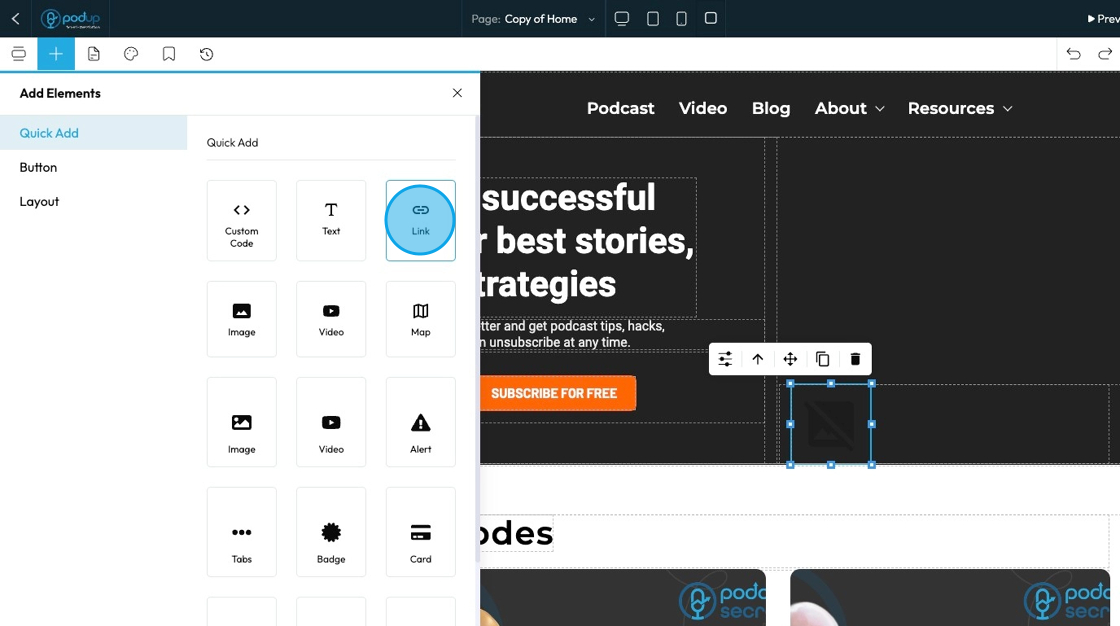
6. Click the text and type the desired words to link to another website
- To customize the link or to create a hyperlinked word, see the Advanced Menu

Related Articles
How To Customize Link Quick Add in PodUp Page Builder (Detailed)
This guide is essential for anyone looking to enhance their website using PodUp's Page Builder. It provides step-by-step instructions on customizing the Quick Add link feature, allowing you to create interactive and visually appealing elements ...How to Add A Video to My Website using Quick Add (Detailed)
This guide shows you how to quickly add videos to your website using the Quick Add feature. It walks you through choosing a video source and customizing how it looks and works. Follow the steps to make your site more engaging and professional with ...How to Add An Image to My Website Using A URL
This guide provides a straightforward method for adding images to your website using a URL, making it ideal for both beginners and those looking to enhance their website's visual appeal. It outlines a step-by-step process that simplifies image ...How to Add an Image from a URL to PodUp Page Builder using Quick Add (Detailed)
This guide offers a straightforward approach to adding images from URLs in PodUp Page Builder, making it ideal for users looking to enhance their website visually and interactively. It provides detailed steps for customizing images, managing styles, ...How do I customize Web builder Quick Add (Detailed) - Radio
By following this guide, you can easily customize the Quick Add Radio feature in the PodUp Page Builder to enhance your website’s interactivity and user experience. 1. Navigate to https://app.podup.com/home 2. Click "Page Builder". 3. Click the ...