How to Add a Header to my Page
This guide helps you customize your podcast website header with logos, colors, fonts, and 20+ templates. Create a polished, on-brand look that’s easy to set up and improves user experience.

Tip: Header: The top section of a website that usually appears on every page—it often includes the logo, navigation menu, and sometimes contact info or a search bar.
1. Click "My Site"
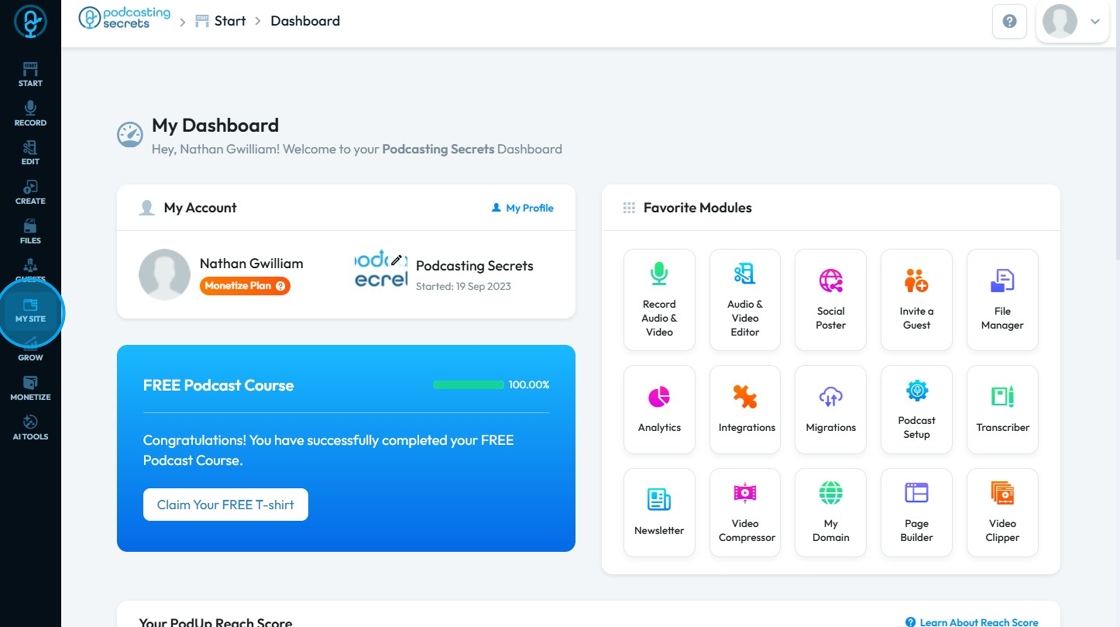
2. Click "Header & Footer"
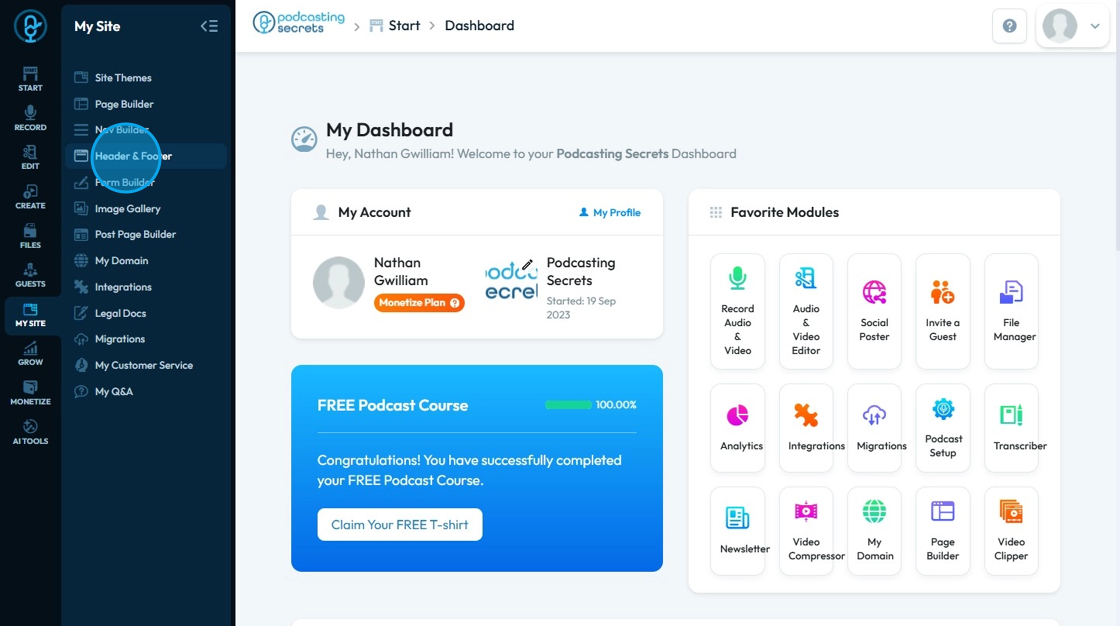
3. Click "Add New Header"
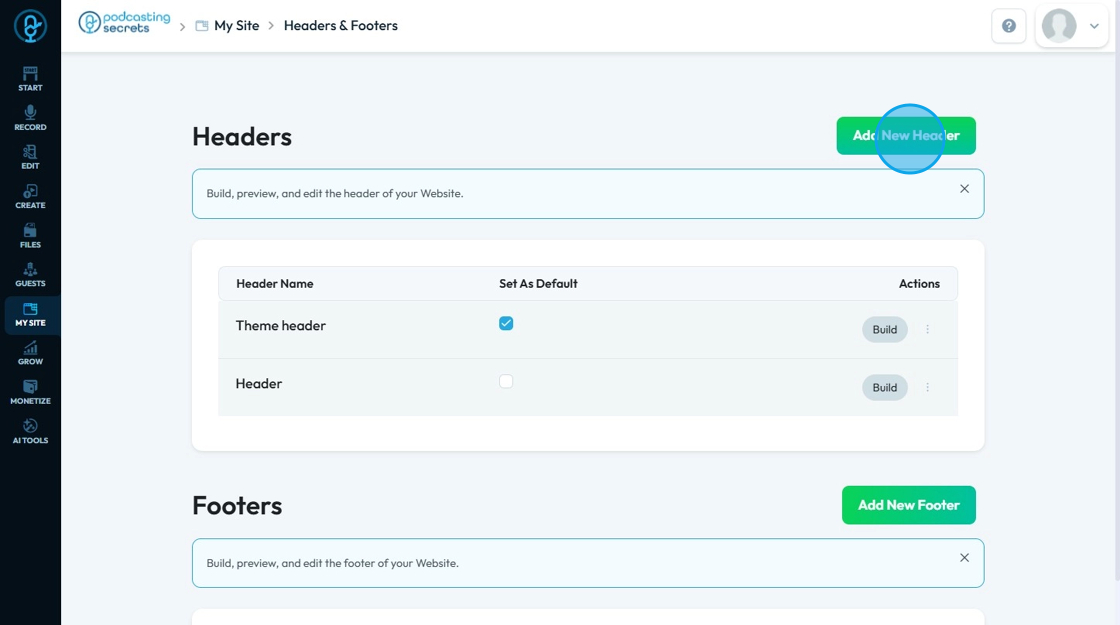
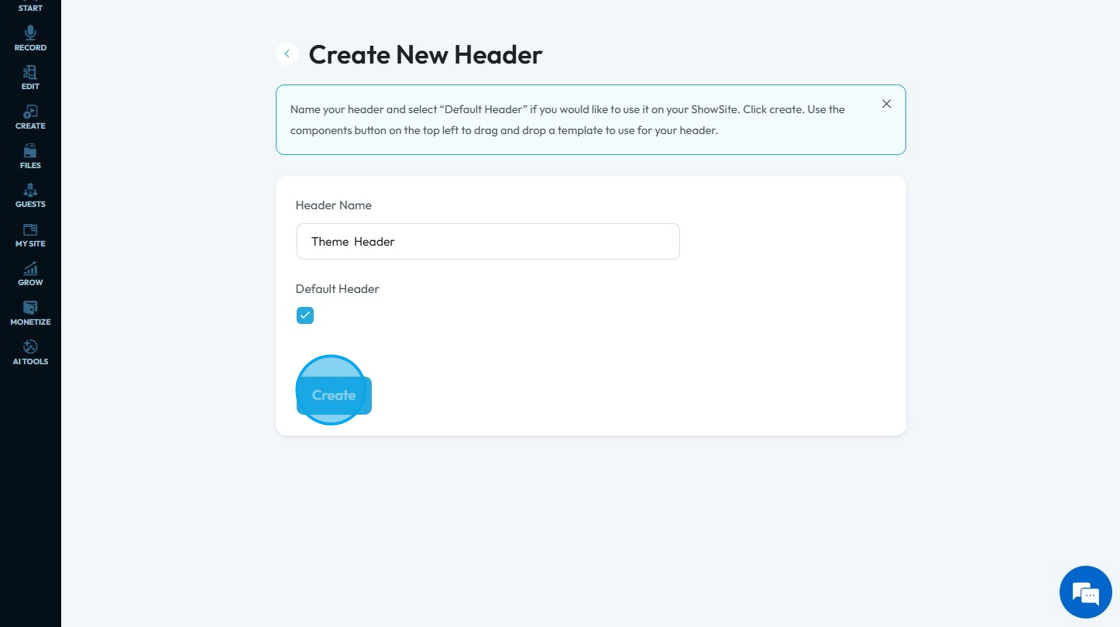
4. Click "Header Name" Enter
Click "Create"
5. Click "Components"
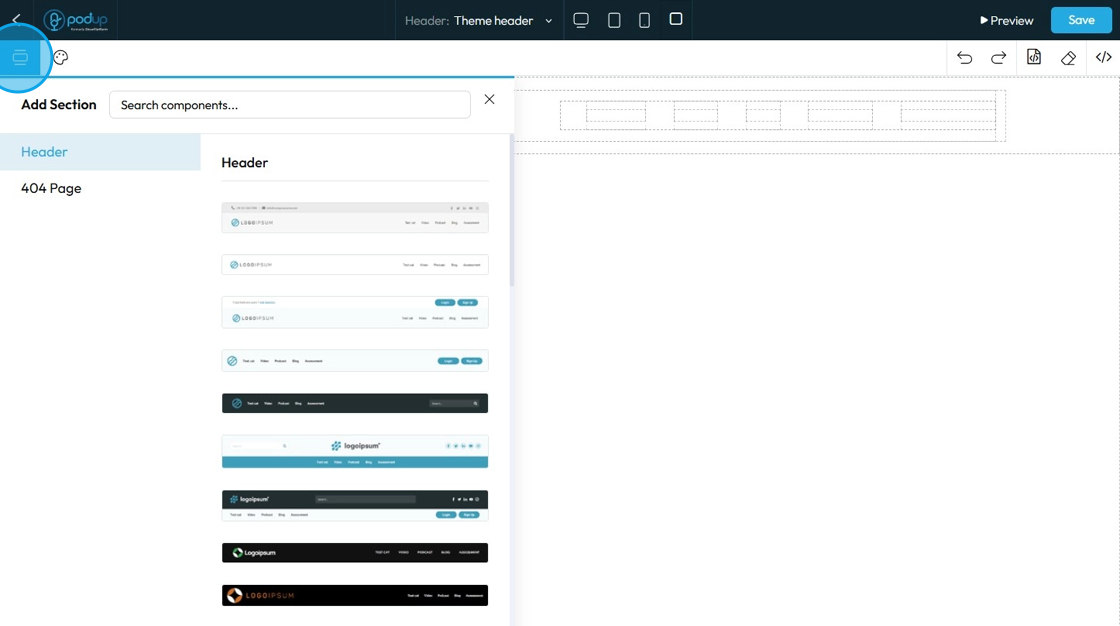
6. Click "Header" to choose from 20+ header template

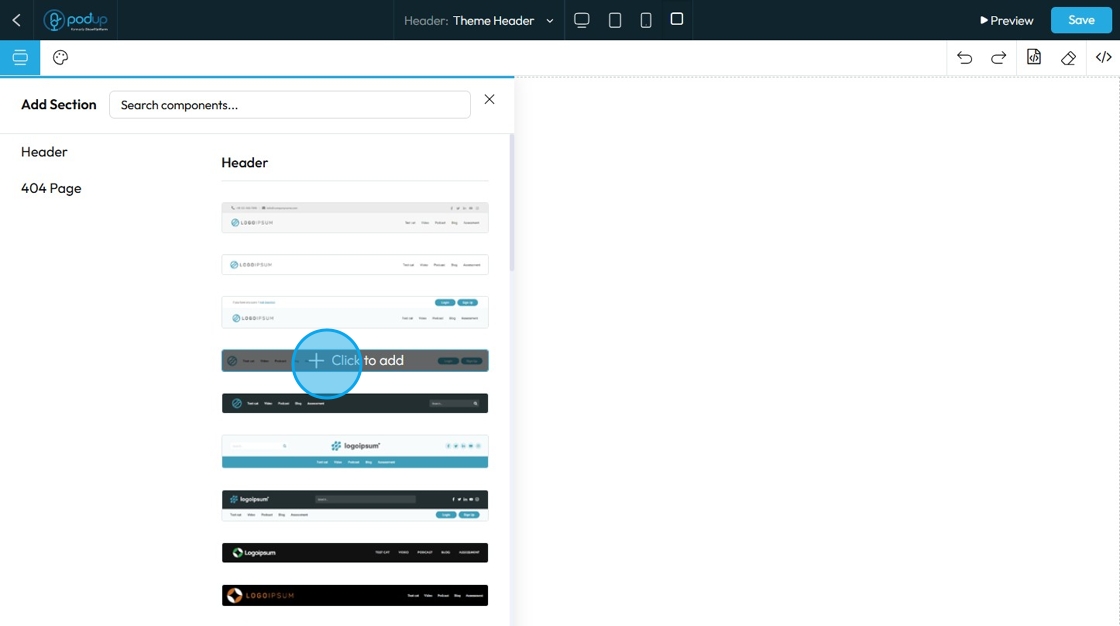
7. Select a header of your choice
Click "Click to add"
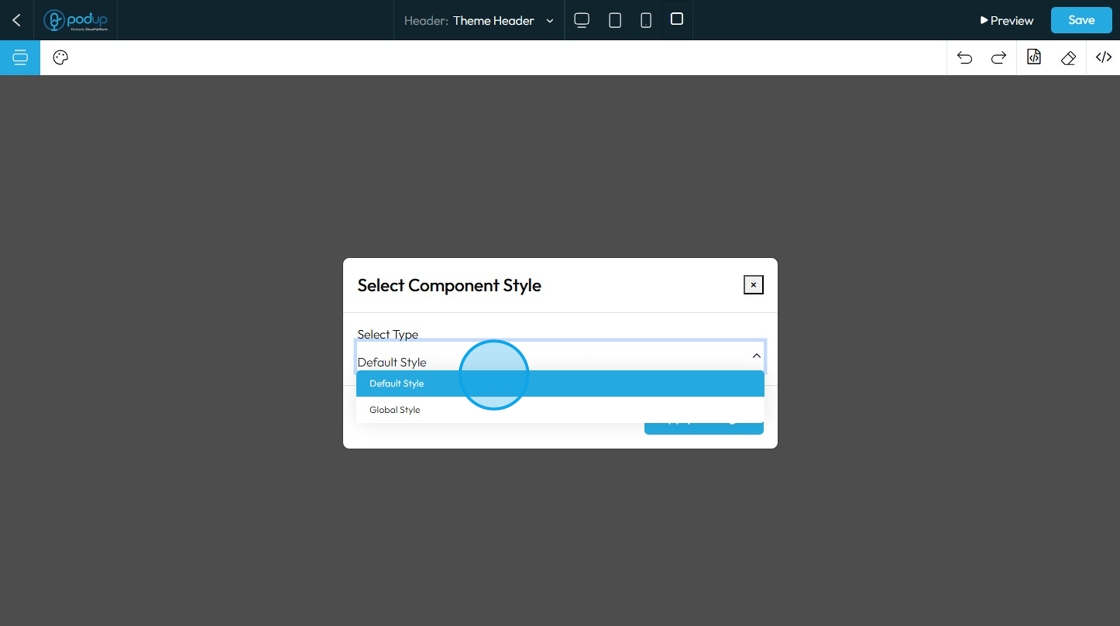
8. Select between "Default Style" and "Global Style"
- Default style: This is the style applied to just one section or block (like a single button or header). If you change the default style in one place, it only changes that one element.
- Global style: This is the style that applies to the entire website template. If you update a global style (like font, color, or button shape), it automatically updates all matching elements across your whole site.
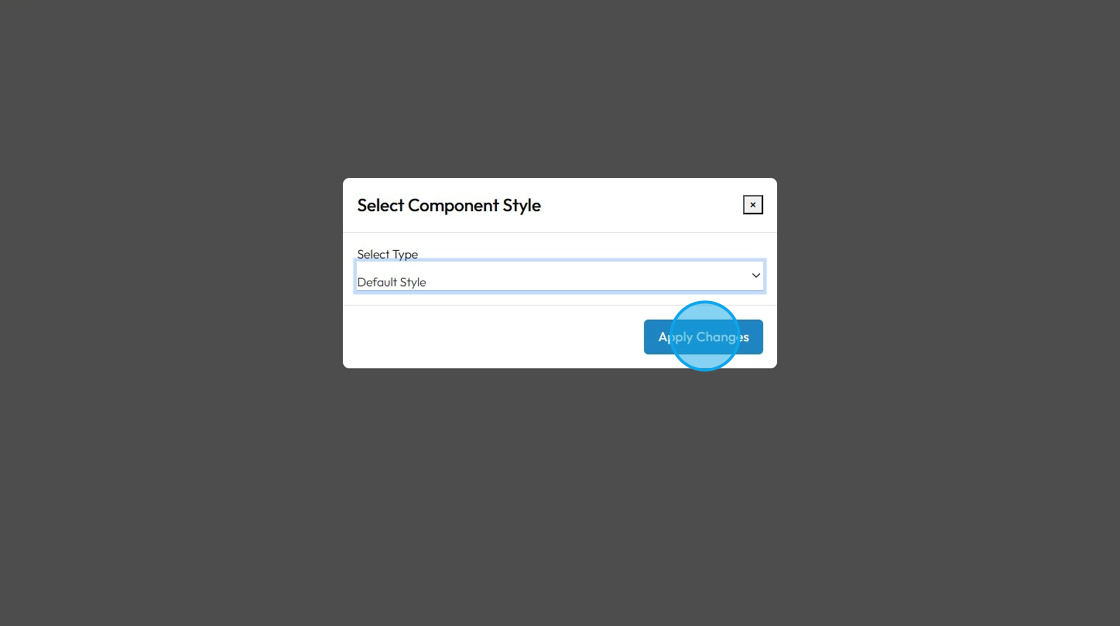
9. Click "Apply Changes"
10. Click "Save" to save the changes
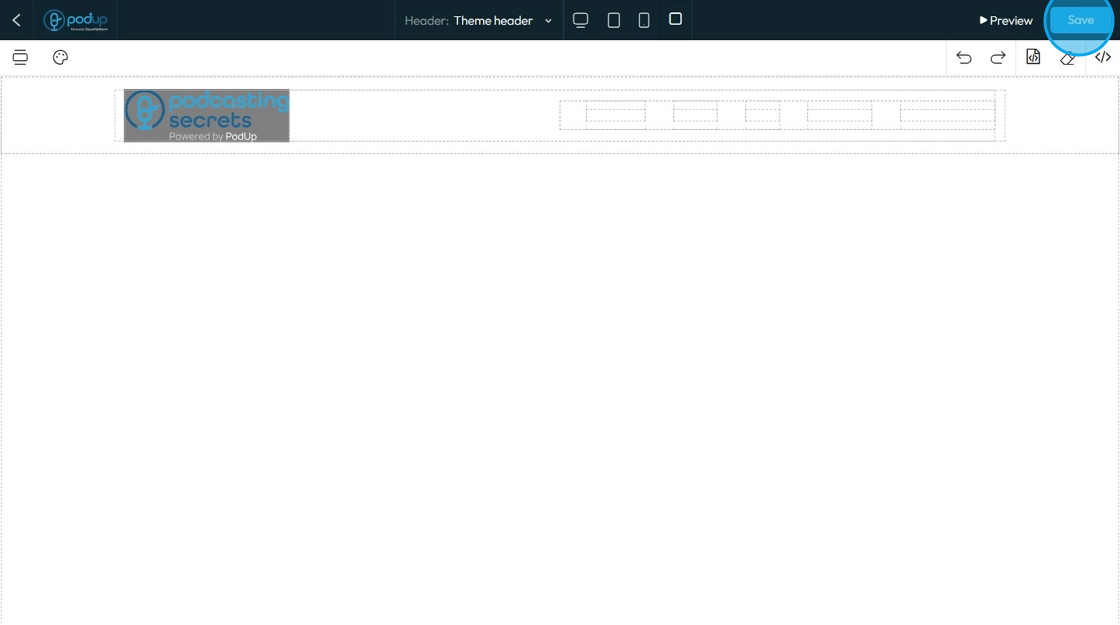
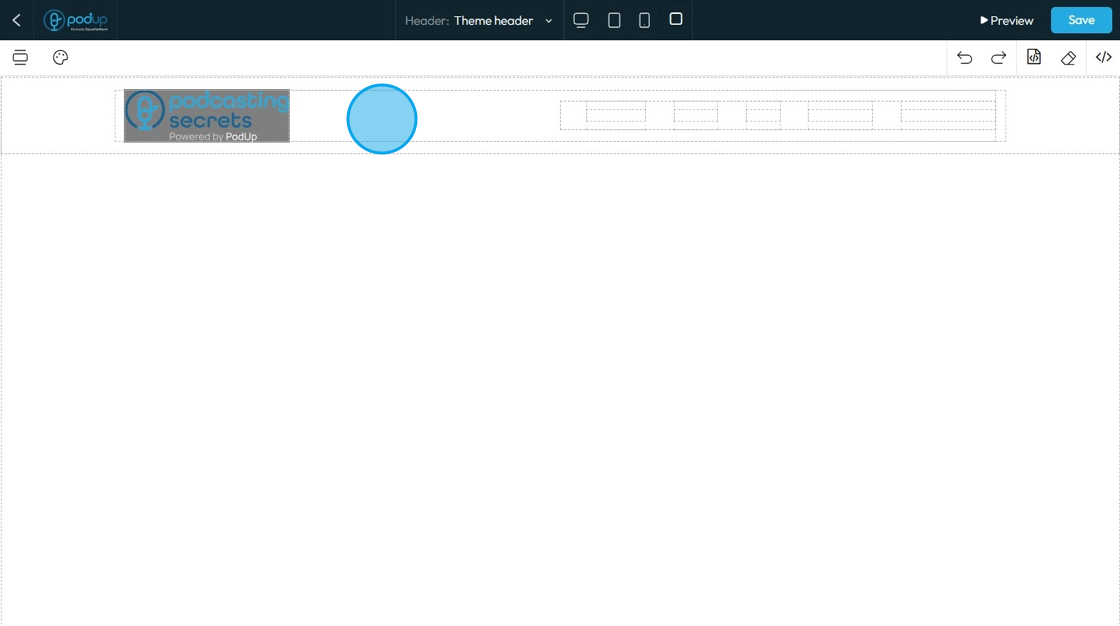
11. Now your heading has been added to your website
Related Articles
How to Navigate Header & Footer - Header (Detailed)
This guide is an essential resource for anyone looking to enhance their PodUp website by effectively creating and customizing headers and footers. It provides step-by-step instructions on how to utilize key features like global design settings, ...How do I Customize Web builder Quick Add (Detailed) - Header
By following this guide, you will learn how to fully customize the header in the PodUp Web Builder from adding the header block to adjusting its styles, colors, and interactive features ensuring a visually appealing and highly functional design. 1. ...How Do I Create A New Header Option
This guide is essential for anyone looking to customize their website's appearance by creating a new header. It provides step-by-step instructions to easily add a header that can be set as the default for all pages or customized for individual ones. ...How to Build A Header for My Website
This guide shows you how to easily create a custom header using templates and styles, with global and default settings to keep your site consistent. Quick edits make it simple to get the look you want. 1. Click "My Site" 2. Click "Header & Footer" 3. ...How to Navigate Header and Footer - Footer (Detailed)
This guide offers a comprehensive step-by-step process for creating and customizing footers in PodUp, empowering users to enhance their website's design with unique branding elements like logos and favicons. It covers essential design aspects such as ...