How to Add a Form to My Website.
By following this guide, you can easily add forms to your website to enhance user interaction and collect information, with simple steps suitable for all skill levels.
1. Click "My Site"
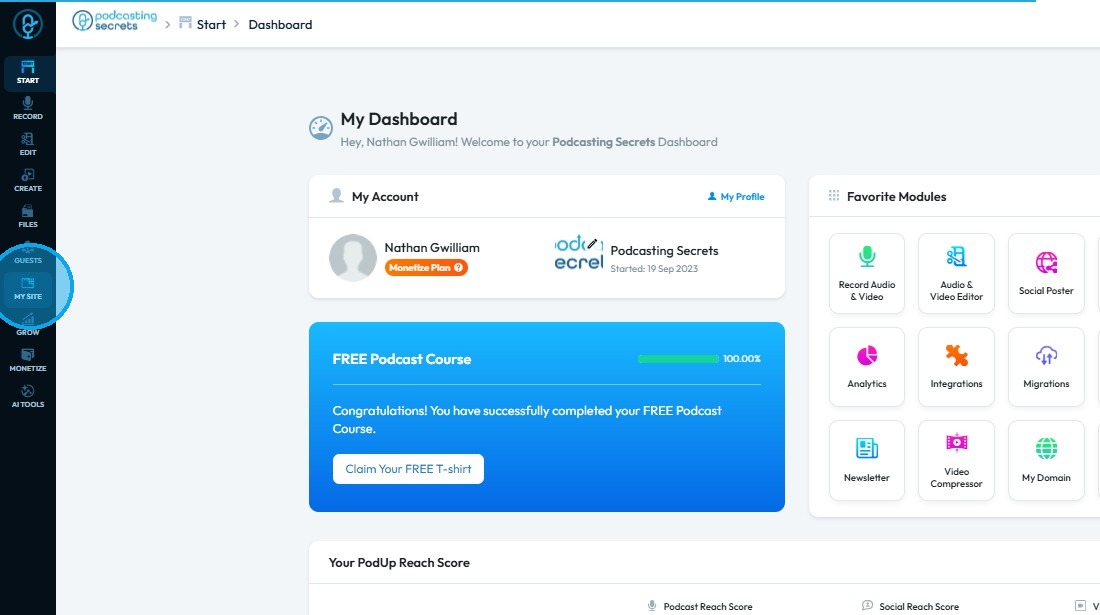
2. Click "Page Builder"
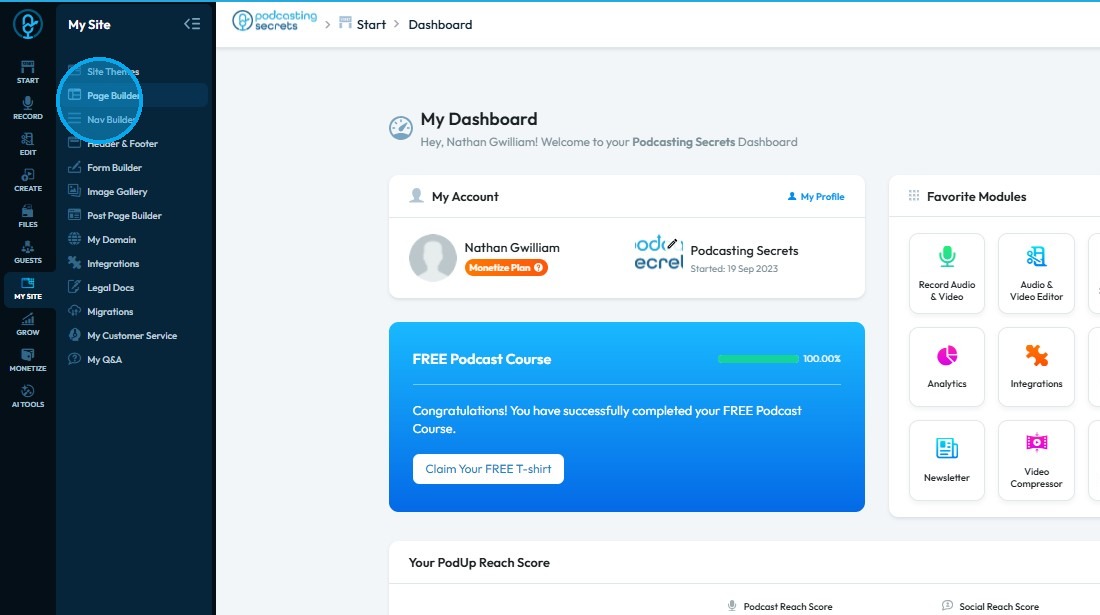
3. Navigate to the page where you want to insert a form
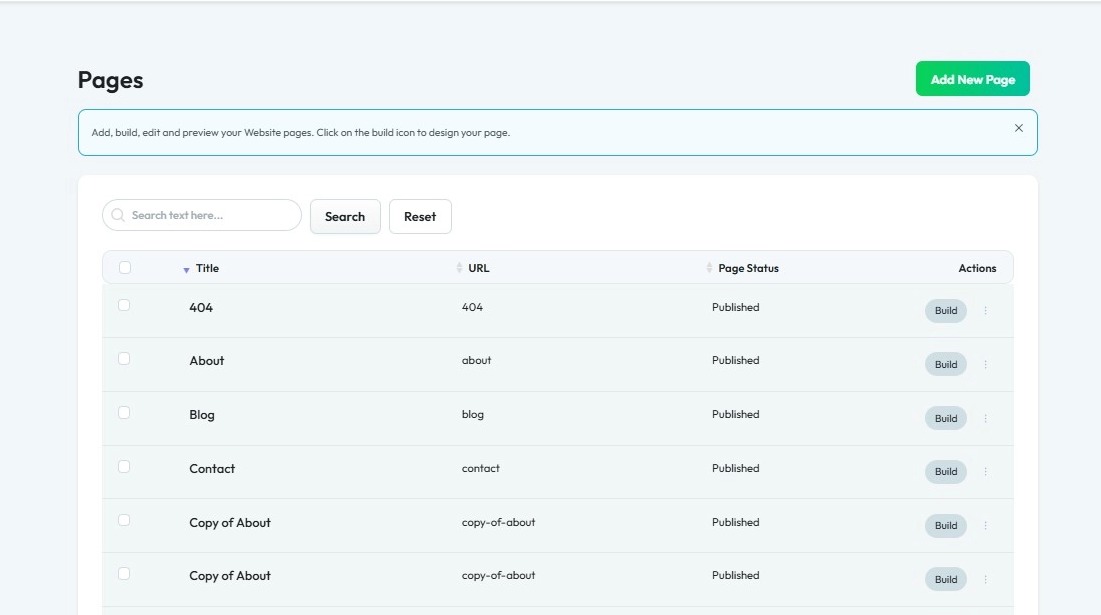
4. Click "Build"
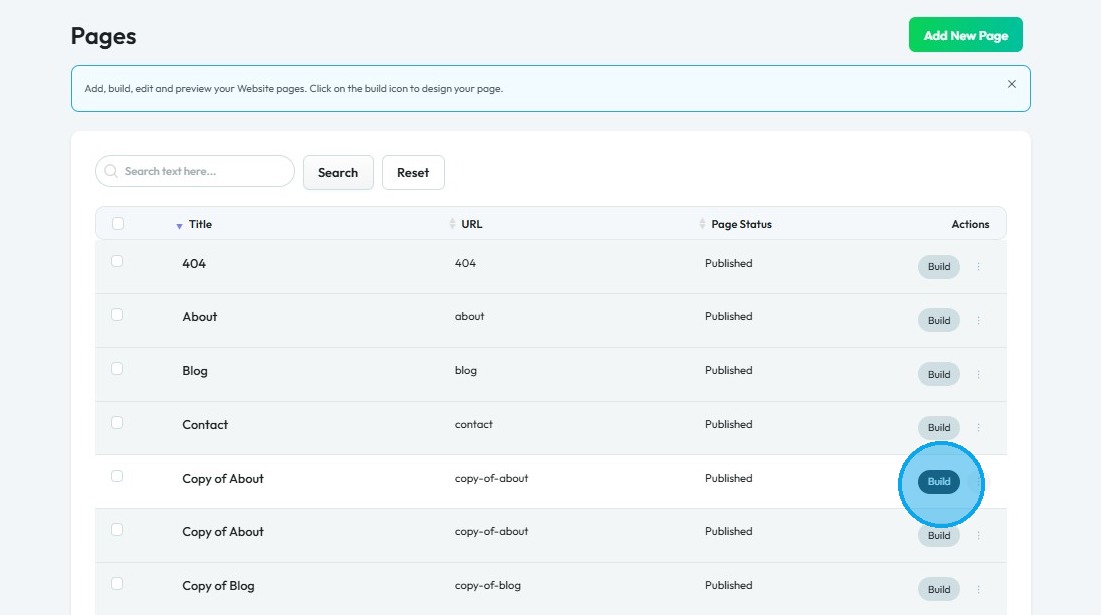
5. The Page Builder interface will open

6. Click "Components"
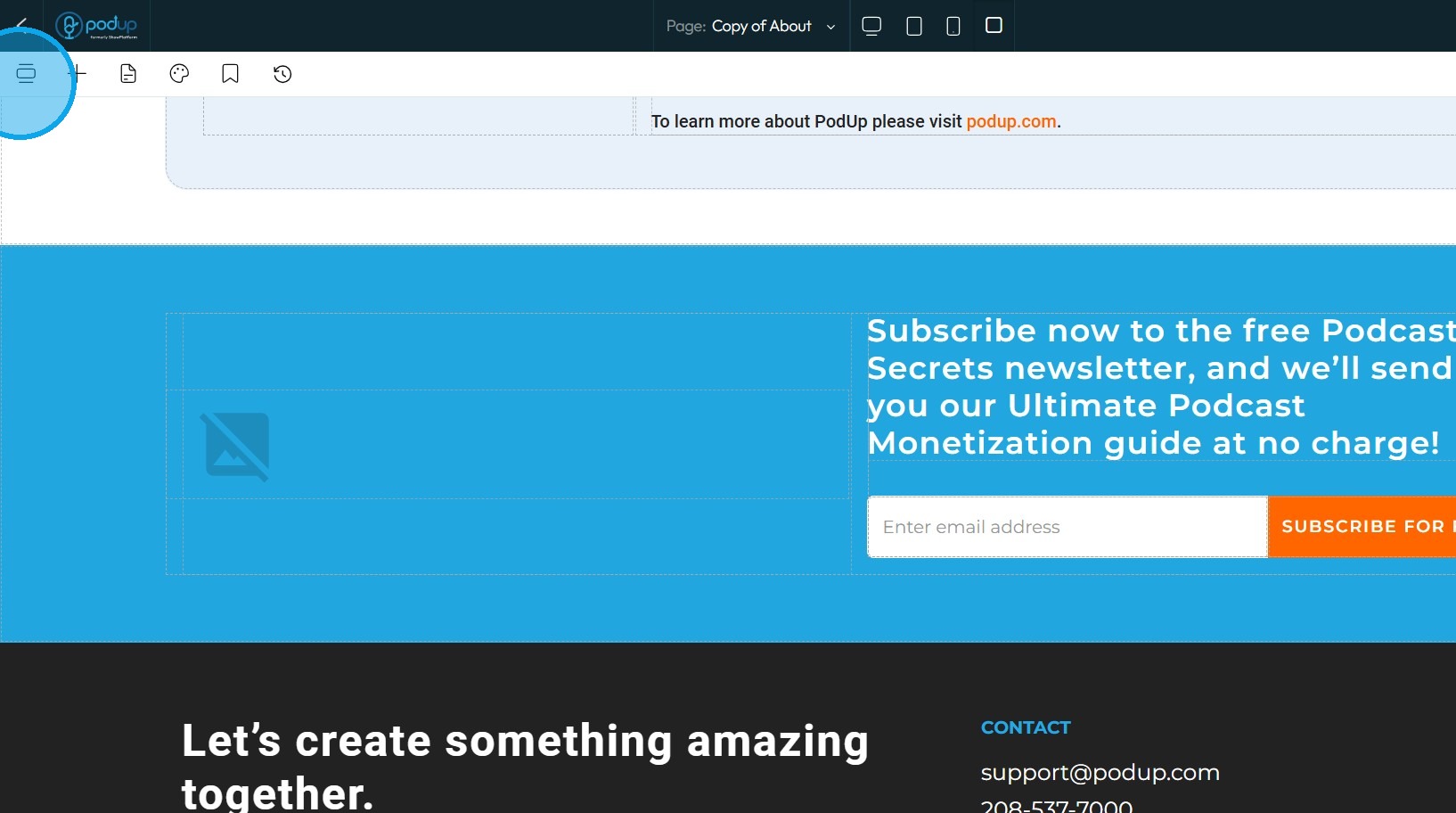
7. Click "Forms" under the Add section
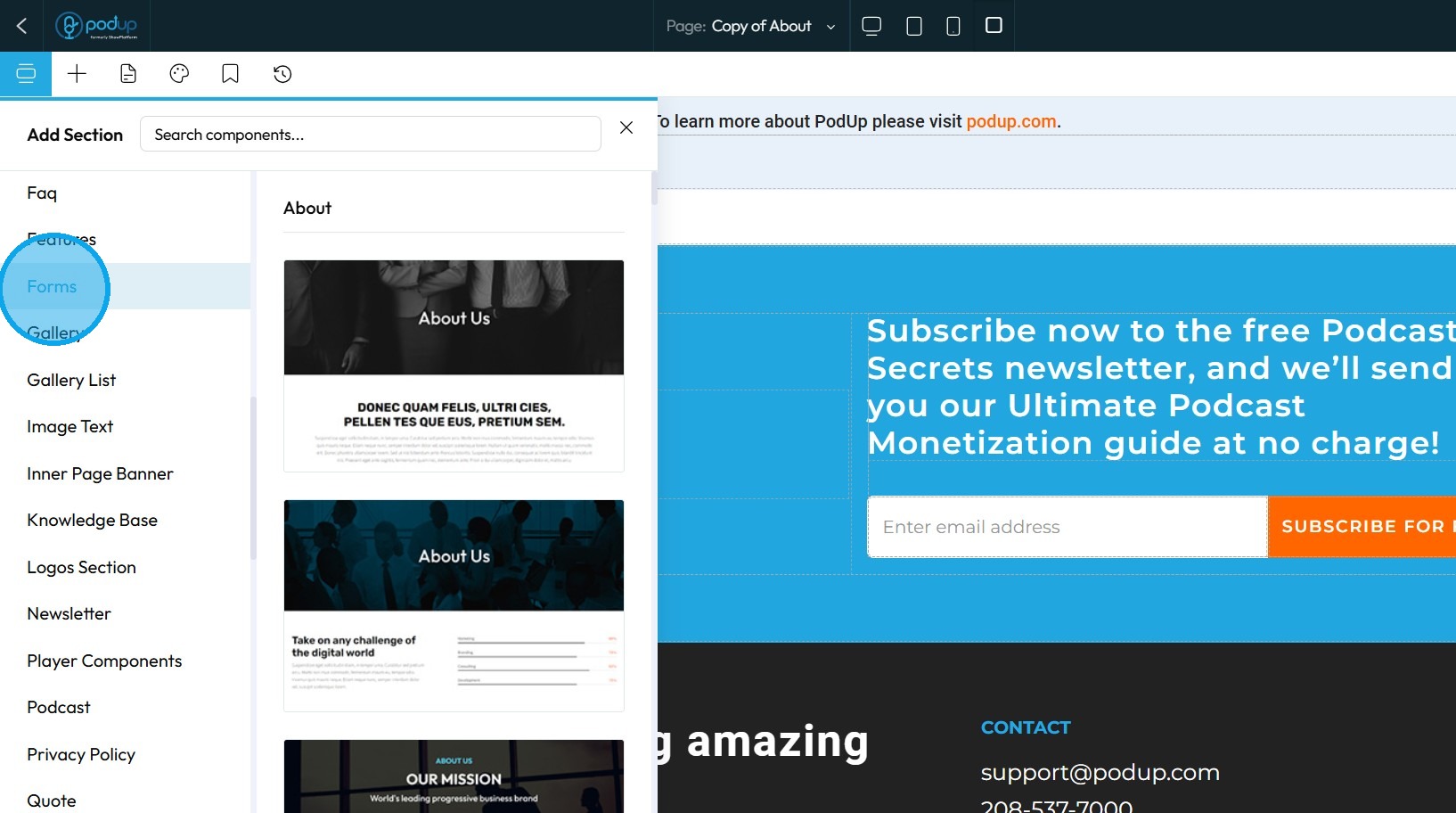
8. Choose a form template from the available options
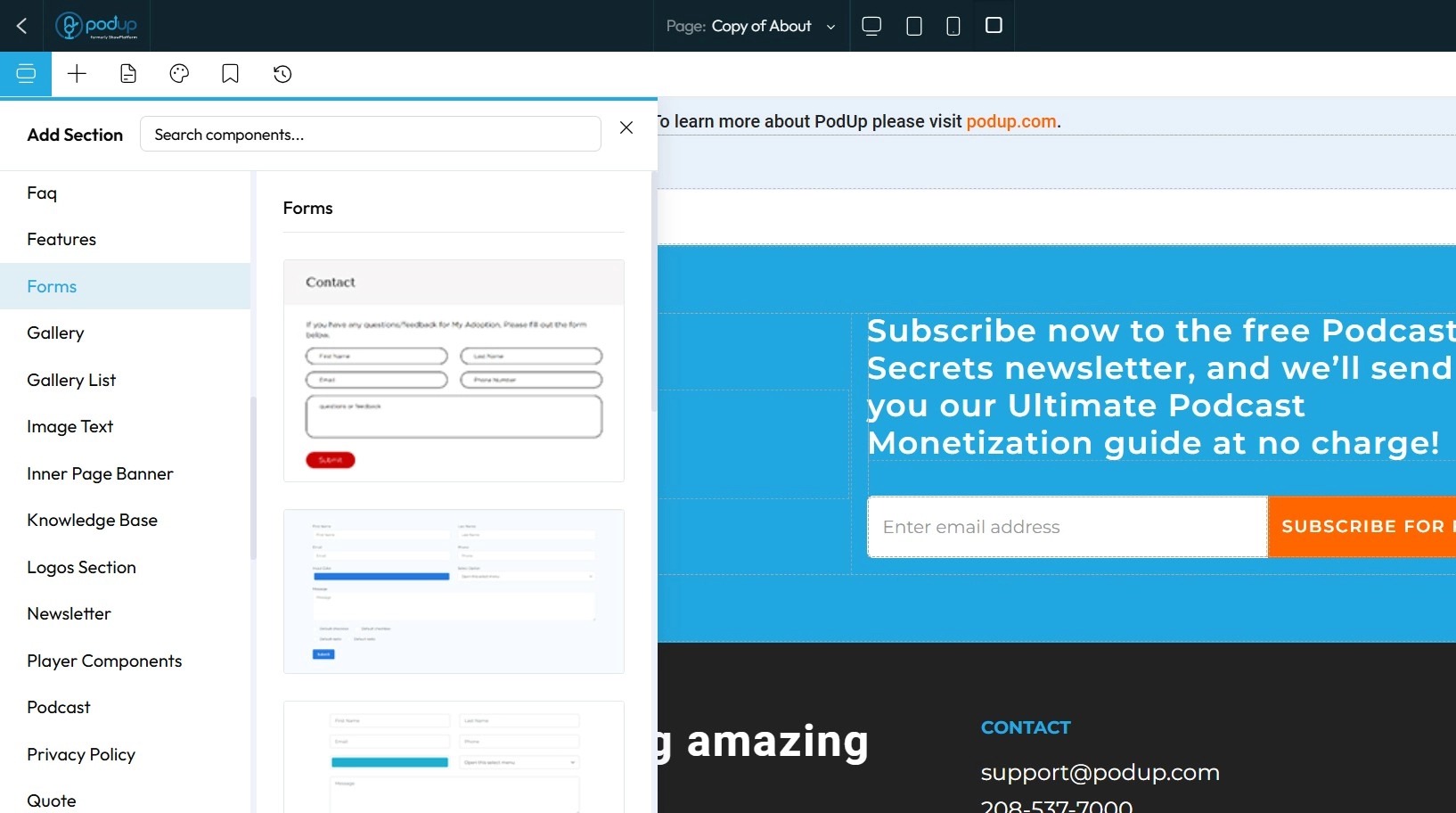
9. Select the desired template and click "Click to Add."
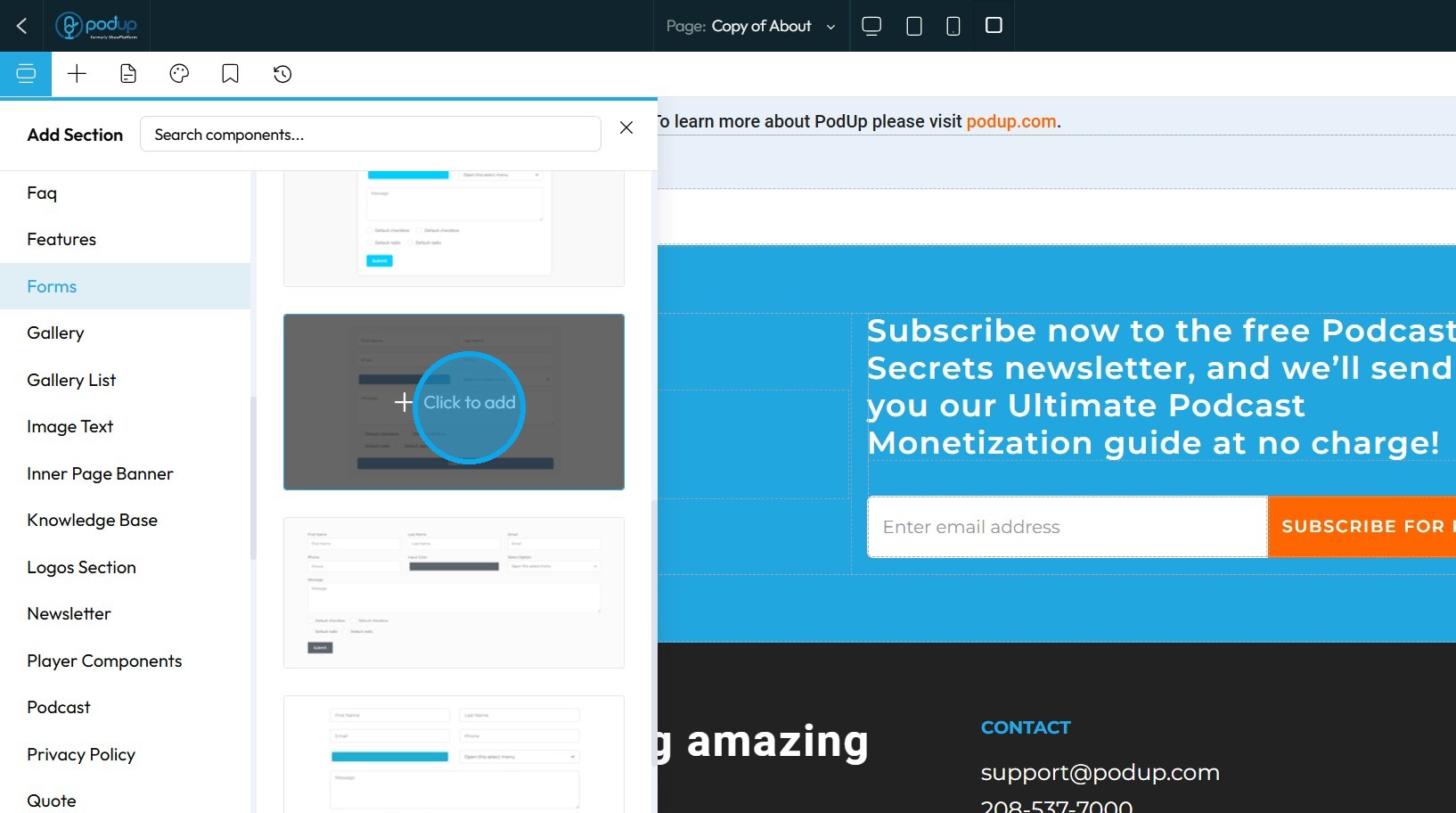
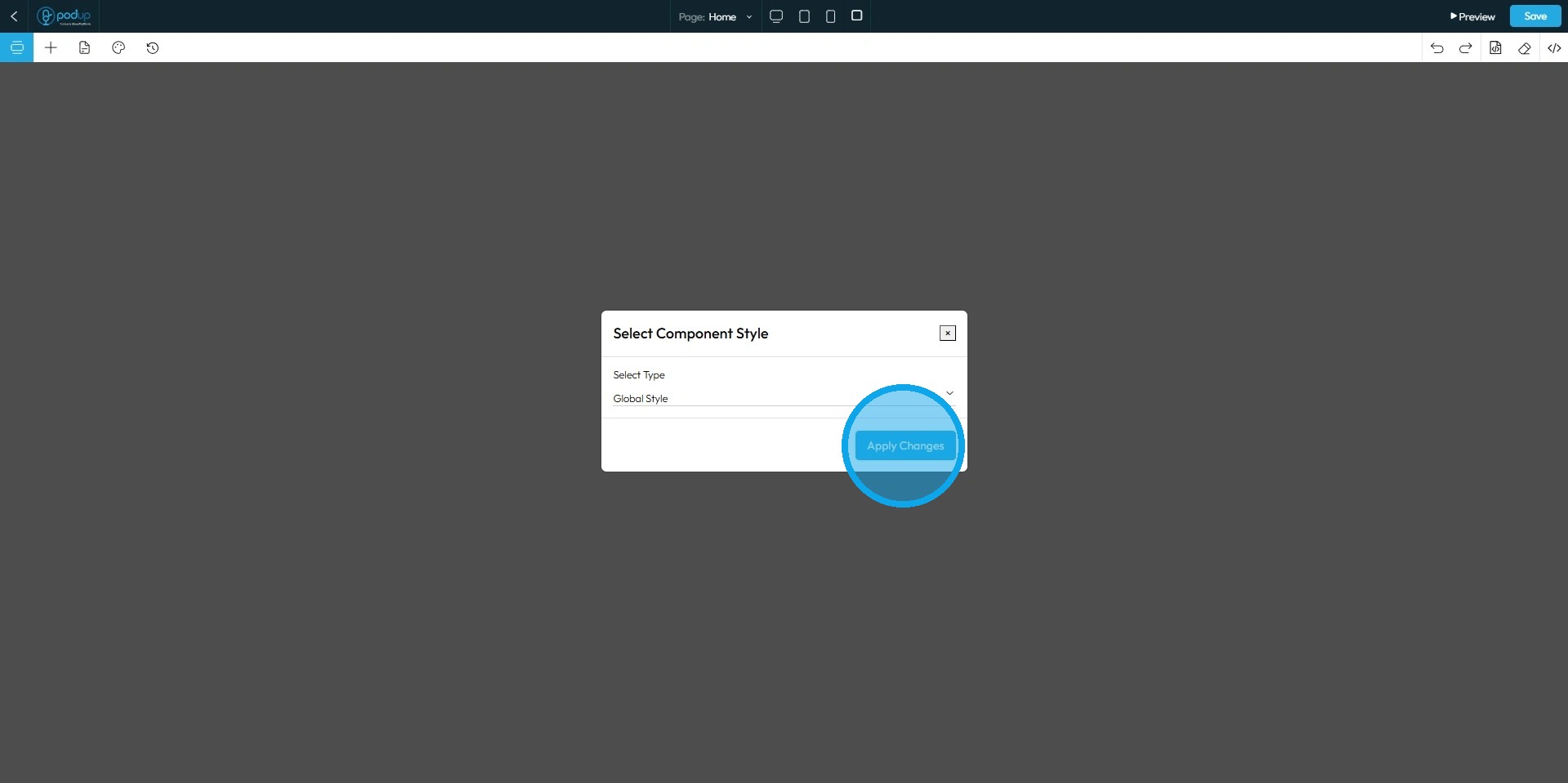
10. Click "Apply Changes," and please ensure you select the Global Style
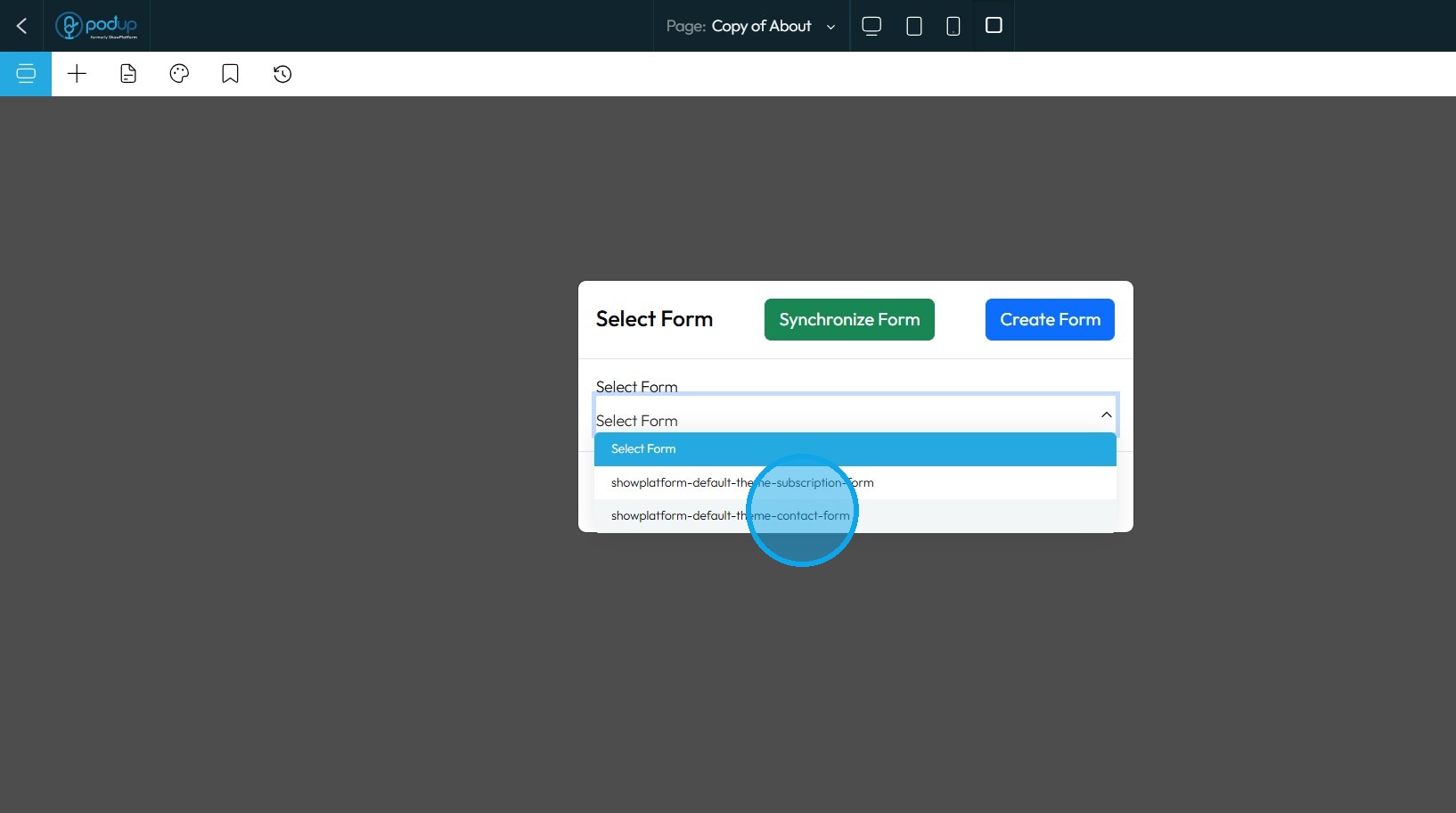
11. Click "Select Form" to choose your form
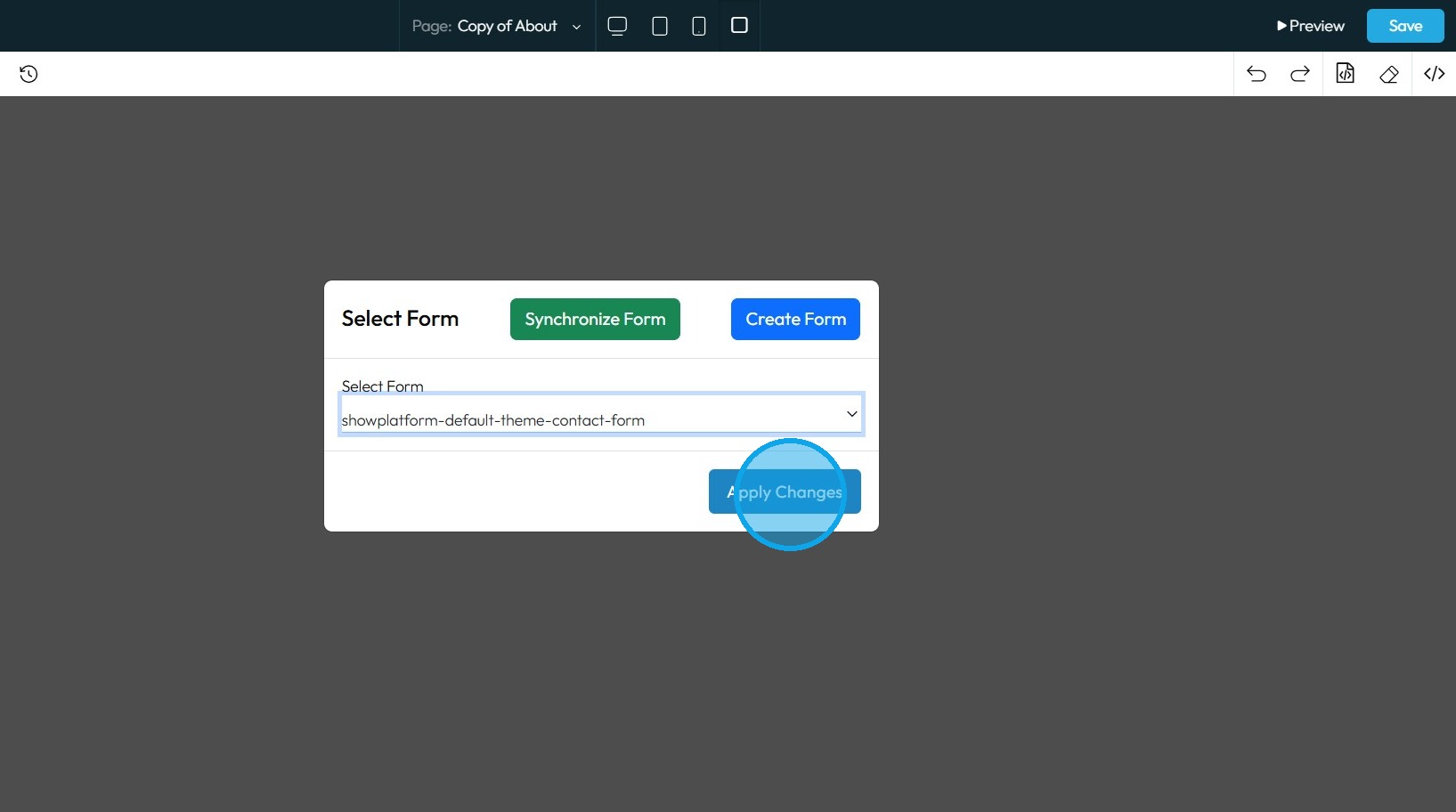
12. Click "Apply Changes"
13. The selected template will be applied to your form
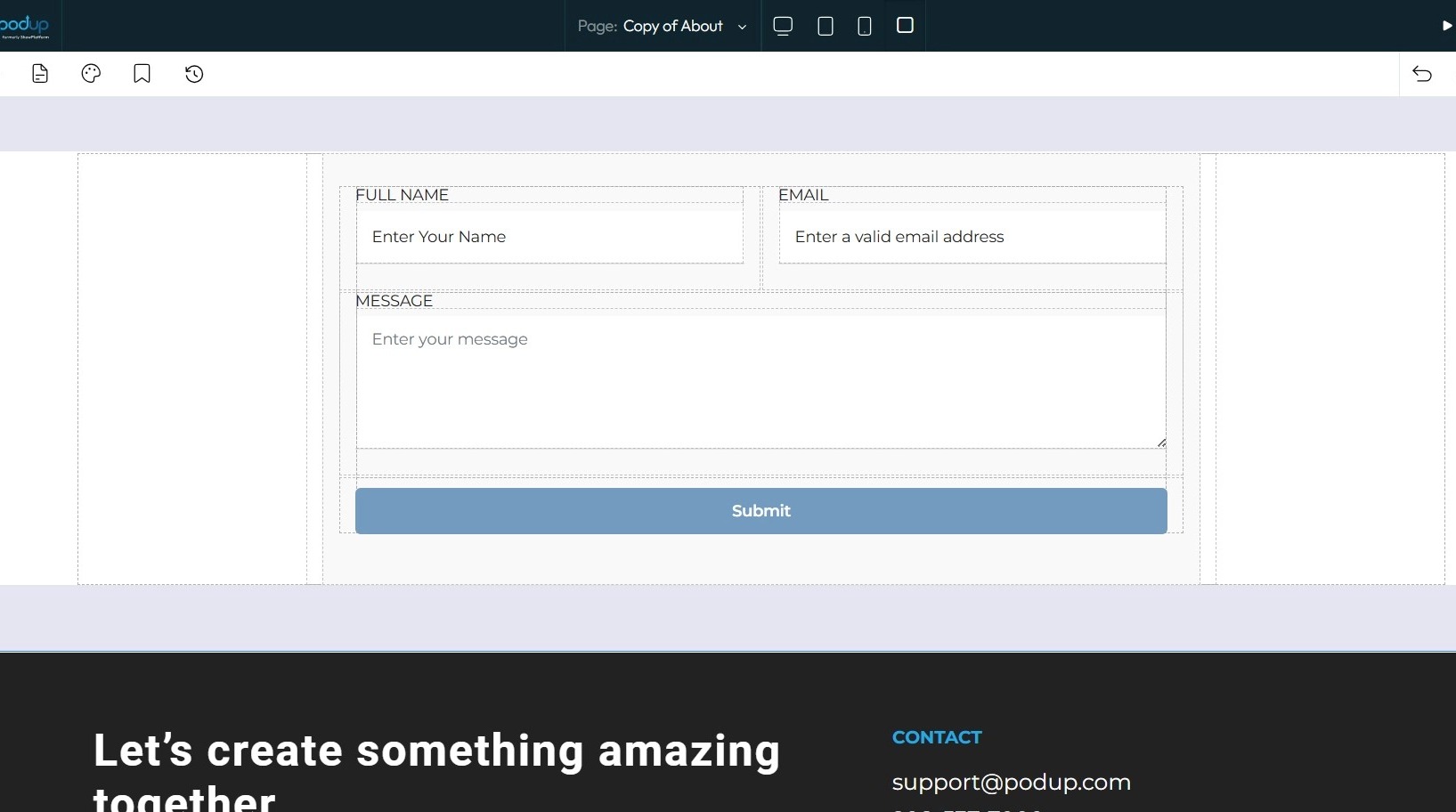
14. Click "Save" at the top-right corner.
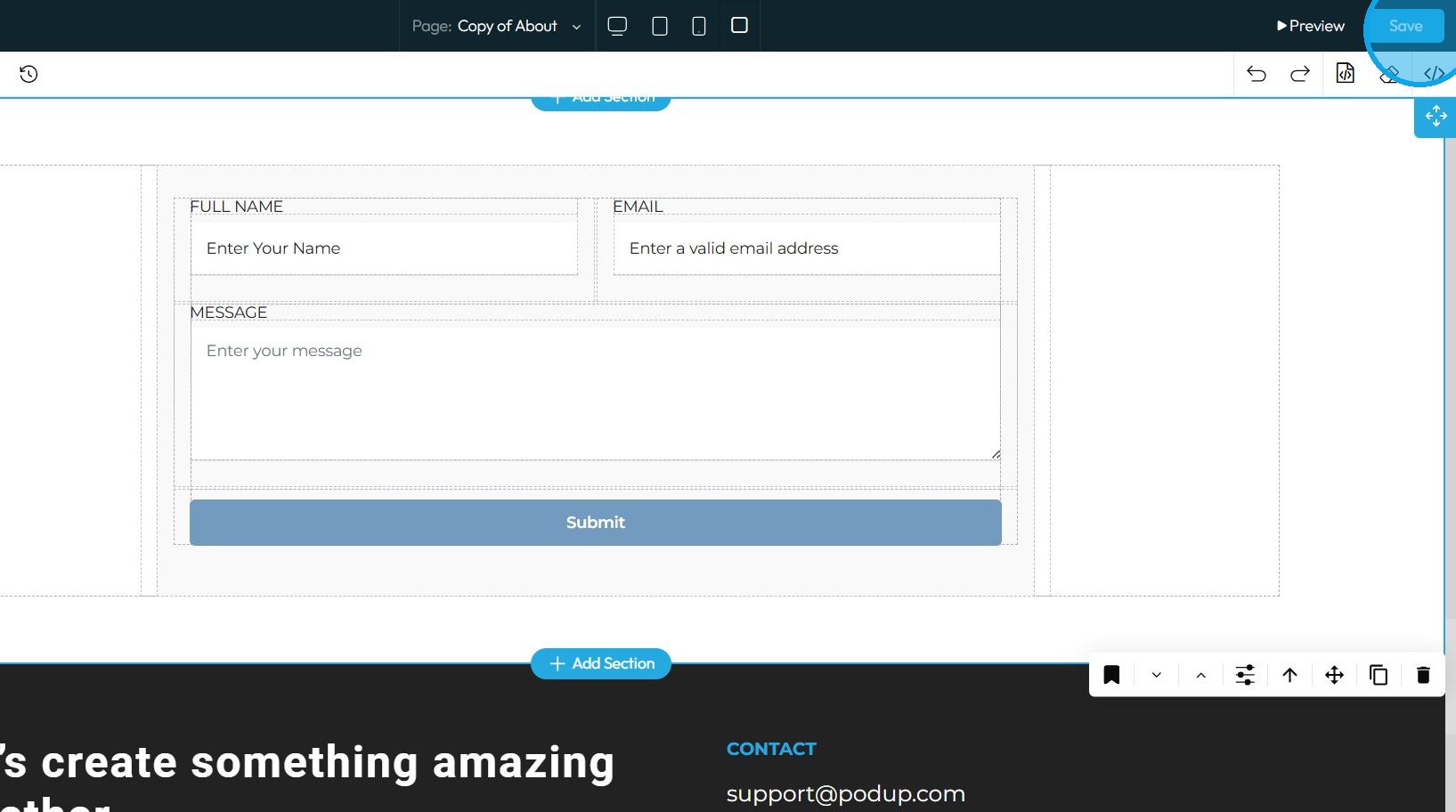
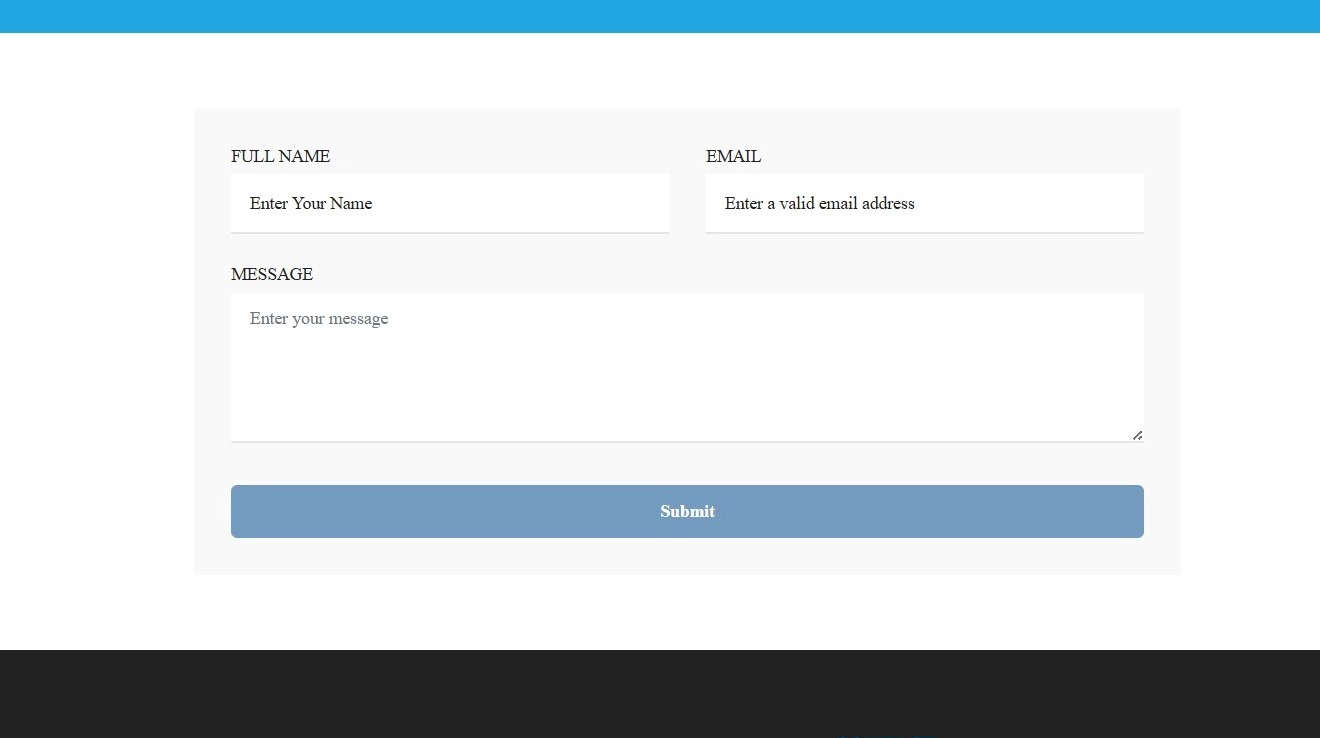
15. Once published, the changes will be reflected on your website
Related Articles
How do I Customize Web builder Quick Add (Detailed) - Form
By following this guide, you can easily customize forms in the PodUp Web Builder and optimize your website’s design and functionality. 1. Navigate to https://app.podup.com/home 2. Click "Page Builder" 3. Click the "Build" button on the page where you ...How to create a form for my contact us page
This guide provides a straightforward process for creating and integrating a contact form on your website using PodUp. It simplifies the steps, ensuring even those with minimal technical skills can effectively set up a user-friendly contact page. By ...How do I Customize Web builder Quick Add (Detailed) - Paragraph
By following this guide, you will learn how to customize the Quick Add feature in the PodUp Web Builder from adding a paragraph block to adjusting text, background, and border settings so you can create polished, visually appealing elements with ...How do I customize Web builder Quick Add (Detailed) - Collapse
By following this guide, you will be able to easily customize the Quick Add feature in the PodUp Web Builder from adding a collapse block to adjusting its visual properties ensuring an interactive and visually appealing website. 1. Navigate to ...How do I Customize Web builder Quick Add (Detailed) - Header
By following this guide, you will learn how to fully customize the header in the PodUp Web Builder from adding the header block to adjusting its styles, colors, and interactive features ensuring a visually appealing and highly functional design. 1. ...