How to Add a Form to My Blog
By following this guide, you can enrich your blog's content and gather valuable feedback from your audience.


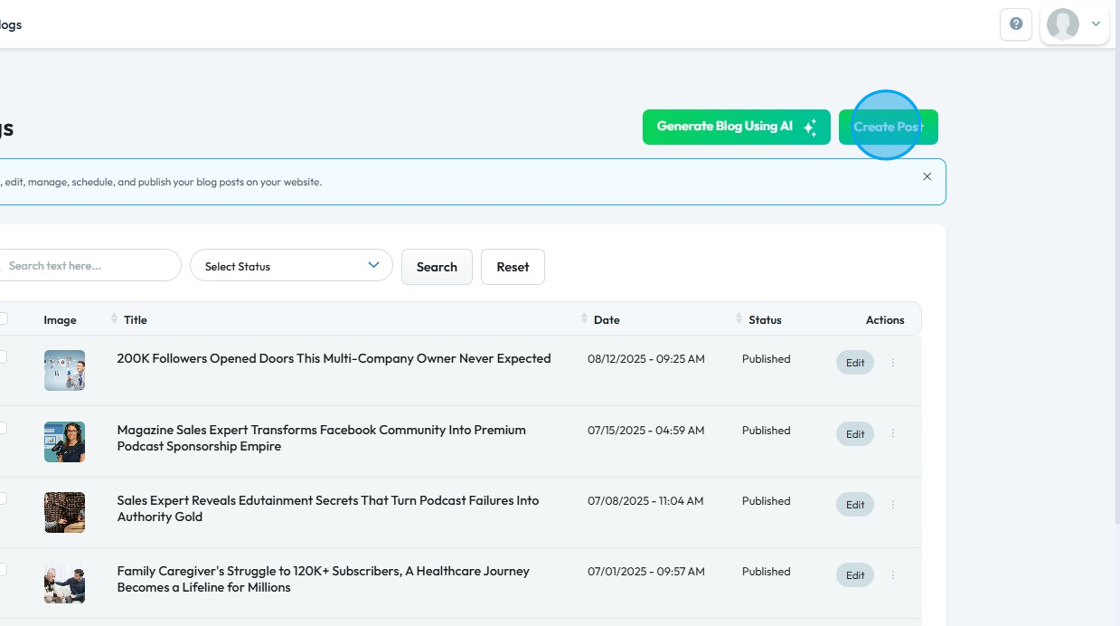
5. The ‘Create Post’ page will open
Fill in the details for your blog post.
- Specific Episode (optional)
- Title
- Excerpt
- Content

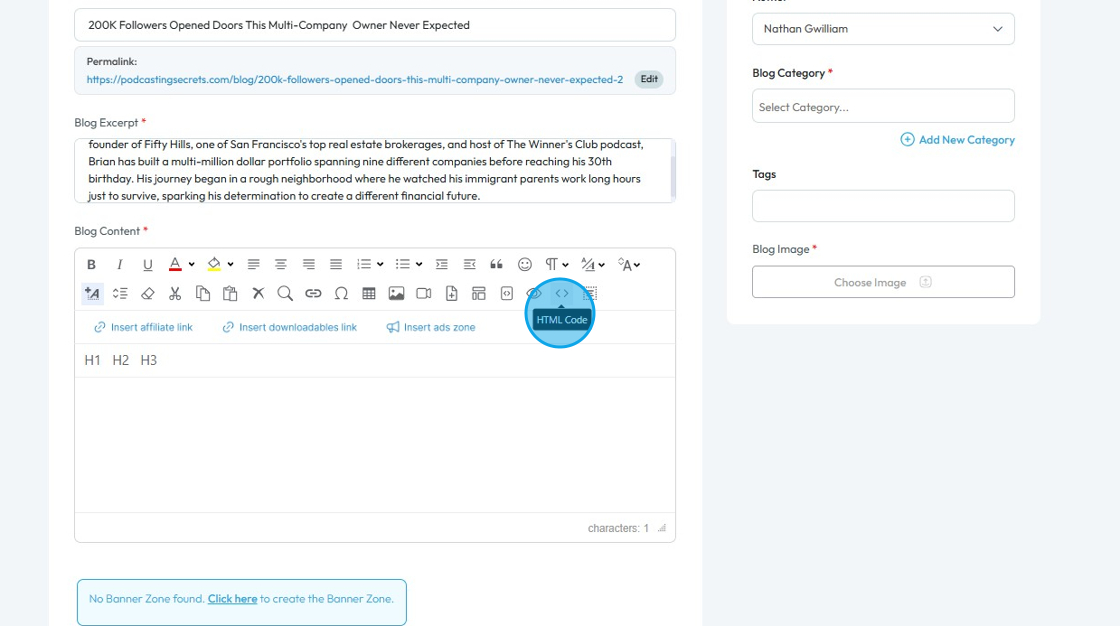
6. Click the "Html code" icon

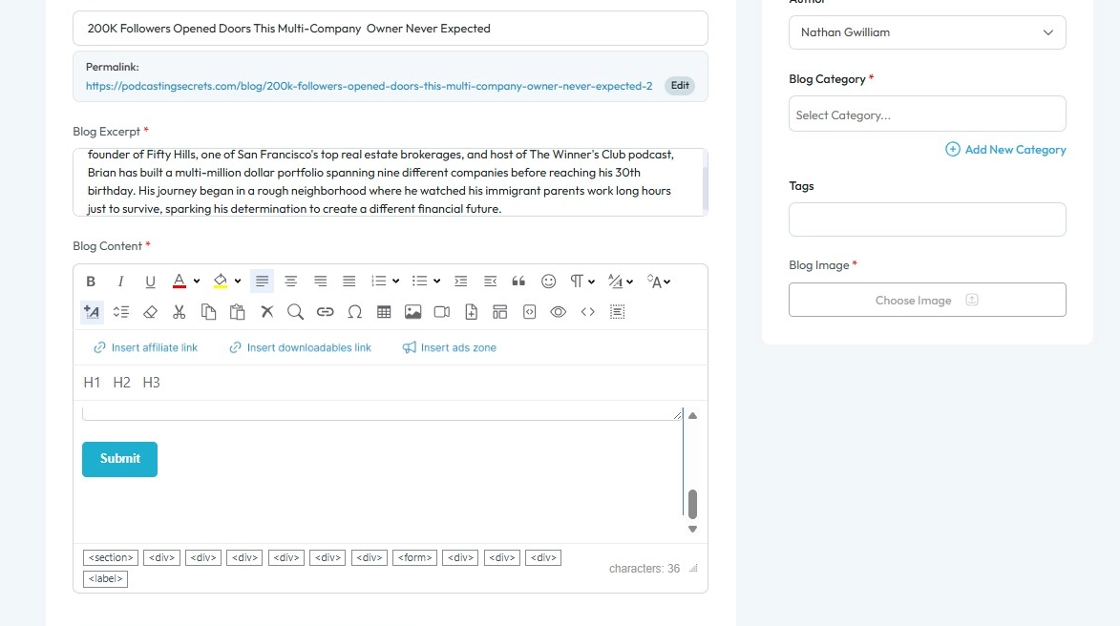
7. Click this field and paste the HTML code of your survey

8. The form is visible in the Blog Content box.

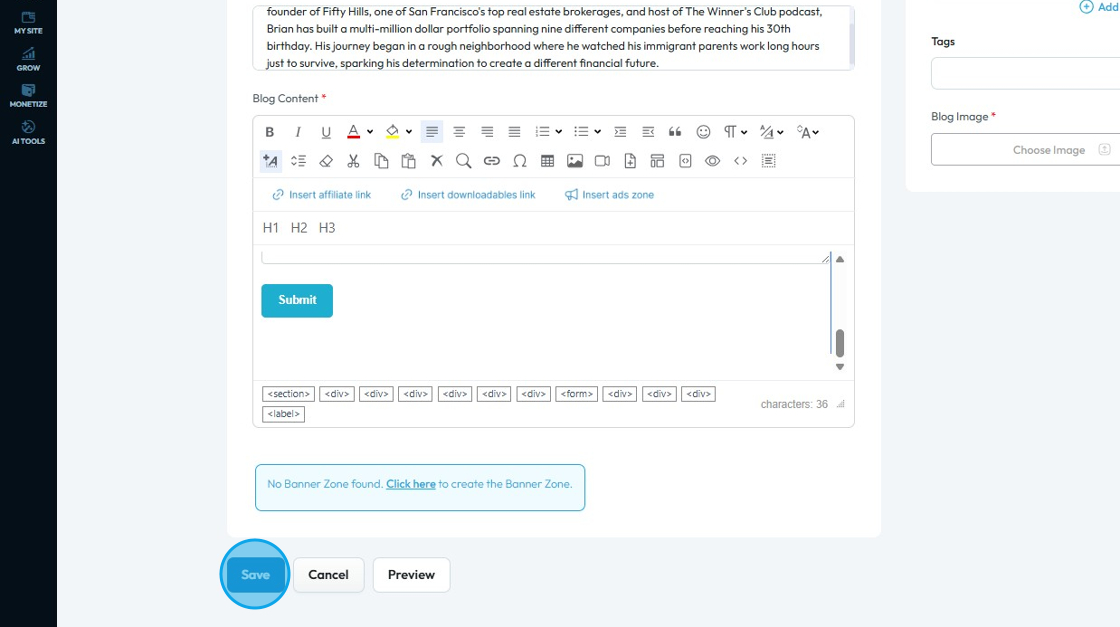
9. Scroll down and click "Save"

10. The form will be added to your blog post
Related Articles
Form Builder
● Create, preview, and manage forms for your website (i.e. contact us, request a quote, book a free consultation, etc.). ● You can edit the default forms given by clicking on the edit button or add a new form by clicking on the orange button. ● Click ...
How to Add a Graph to My Blog
By following this guide you can easily upload and integrate graphs into your posts, making your information more accessible and impactful for readers. 1. Navigate to https://app.podup.com/home 2. Click "Create" 3. Select "Blogs" 4. Click "Create ...
How to Add a Tag to my Blog Post
This guide makes it easy to create a blog post to enhance the content with relevant tags in PodUp to easily navigate your platform and optimize the blog for greater visibility. 1. Navigate to https://app.podup.com/home 2. Click "Create" 3. Select ...
How to Add a Call to Action Section to My Blog
By following this guide, you can add a customizable CTA section to your blog and boost user engagement. 1. Navigate to https://app.podup.com/home 2. Click "My Site" 3. Click "Post Page Builder" 4. "Post Page Builder" opens up 5. Click "Build" next to ...
How Do I Create a Blog Post
This guide shows you how to create a blog step by step. It covers SEO, categories, and social sharing to help you reach more people and grow your online presence. 1. Click "Create" 2. Click "Blogs" 3. Click "Create Post" to write your own blog or ...