How to add a comments section to my blog?
This guide walks you step by step through adding a comments section to your blog to encourage reader interaction.
1. Navigate to https://app.podup.com/home
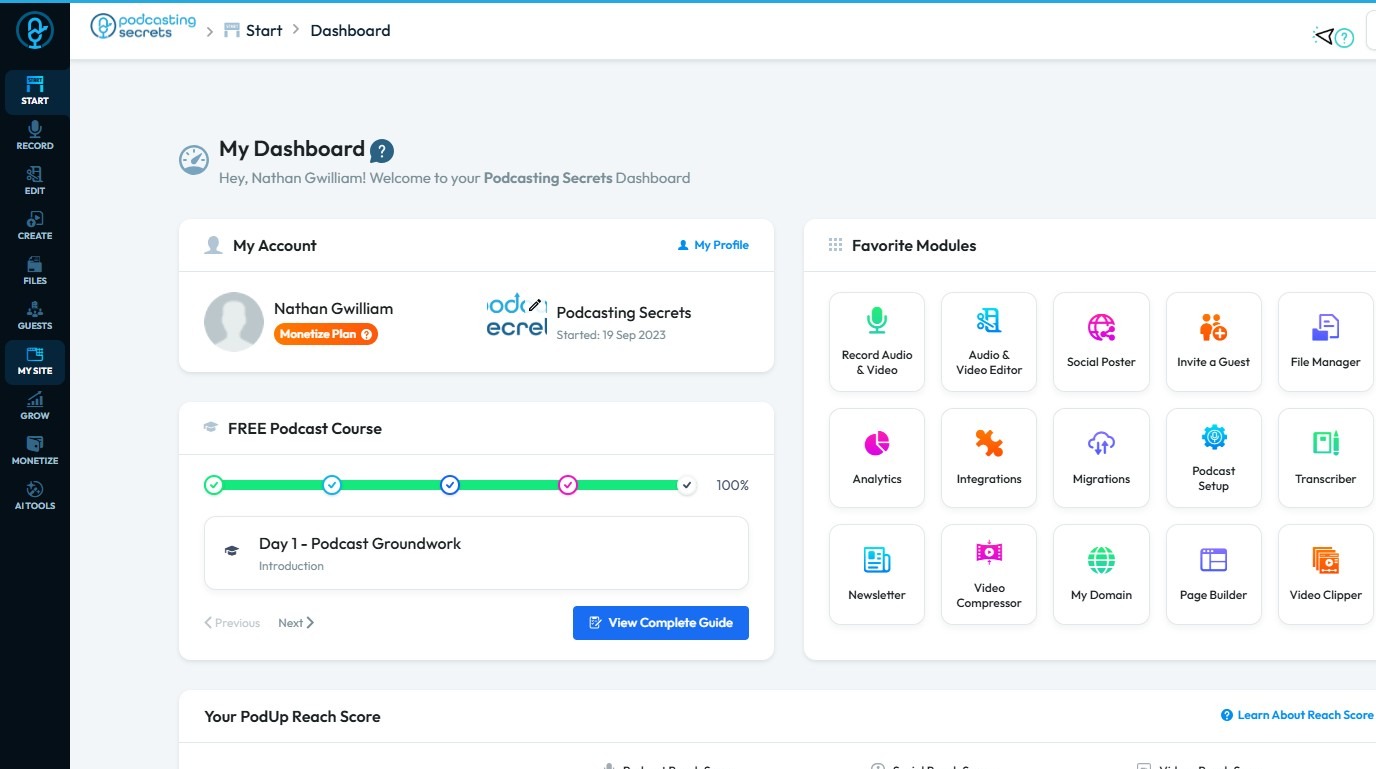
2. Click on the "My Site"
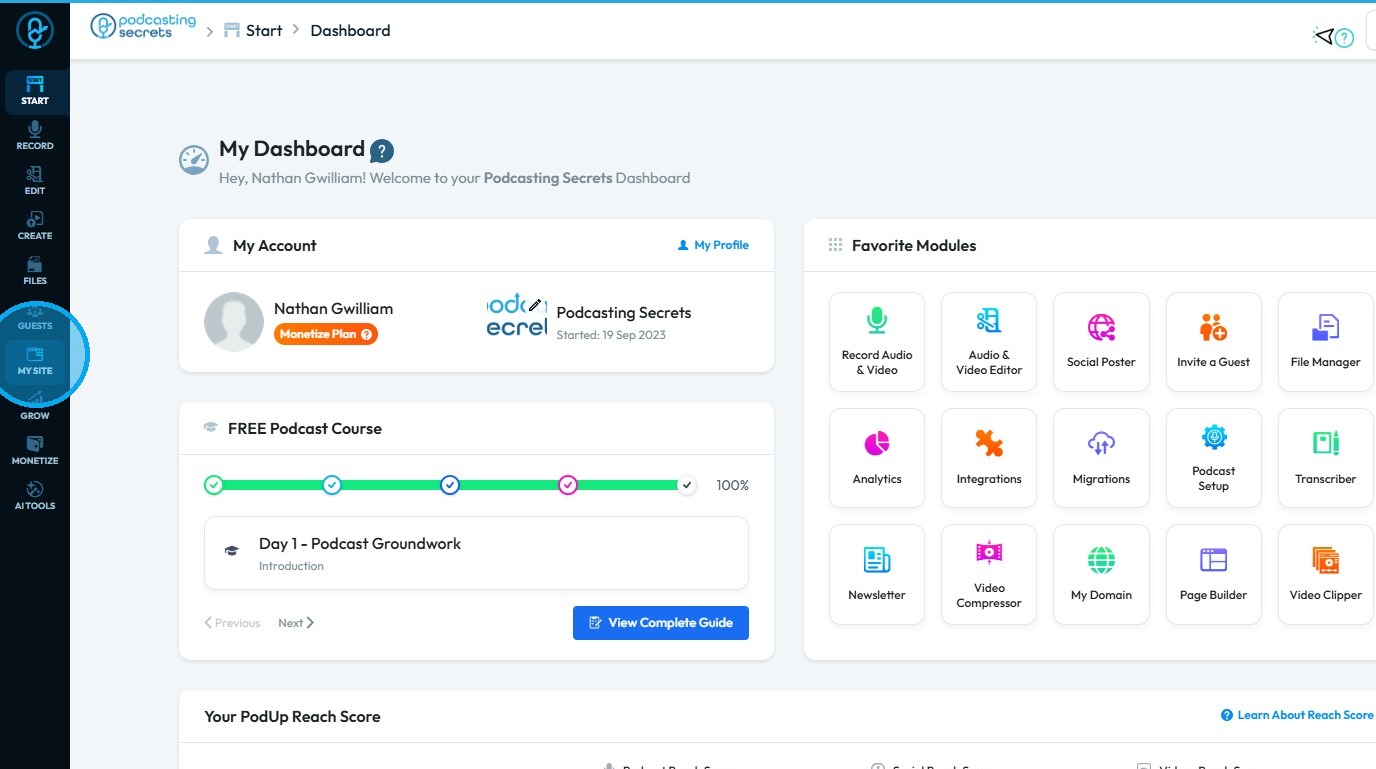
3. Choose "Post Page Builder"
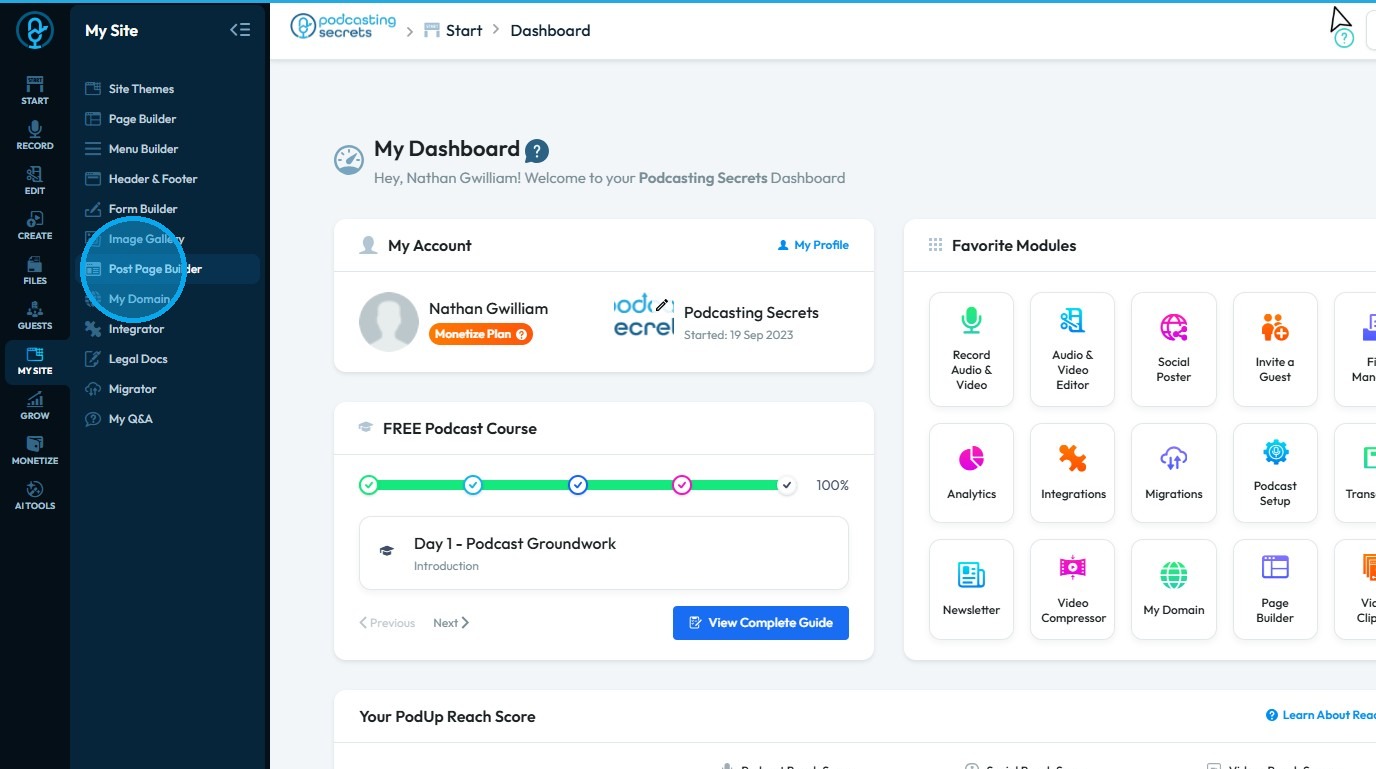
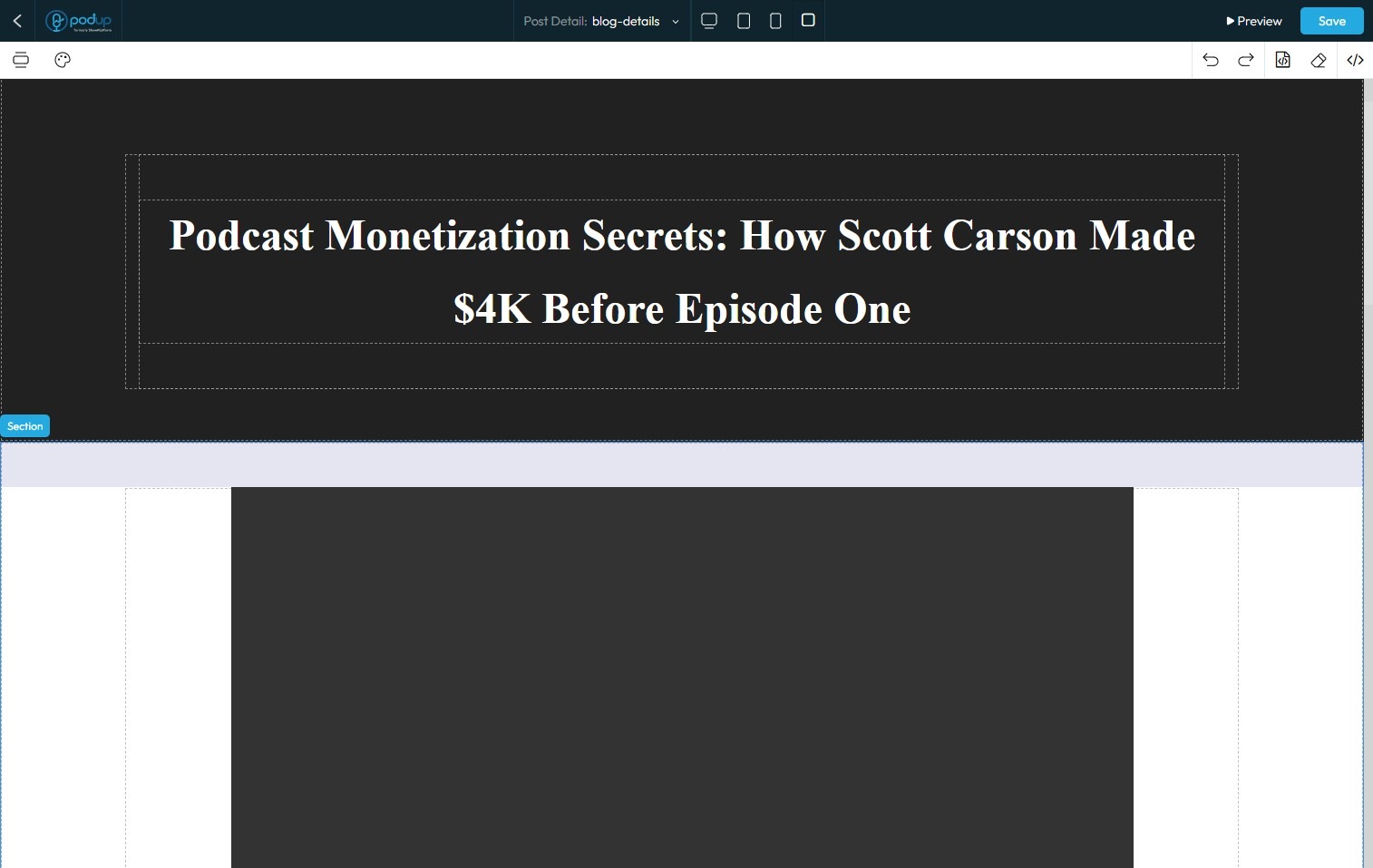
4. Click "Build" button of your "Blog" page
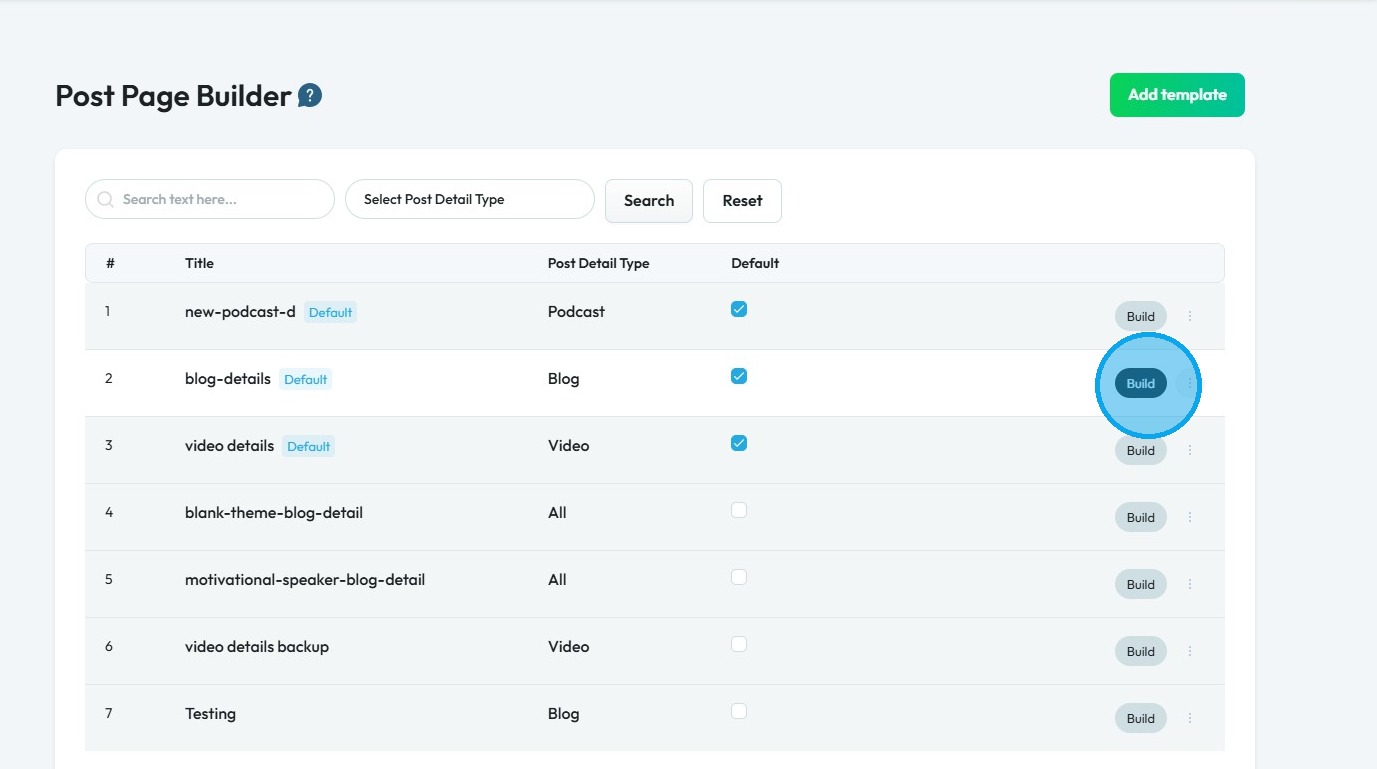
5. Blog page will open in "Post Page Builder"
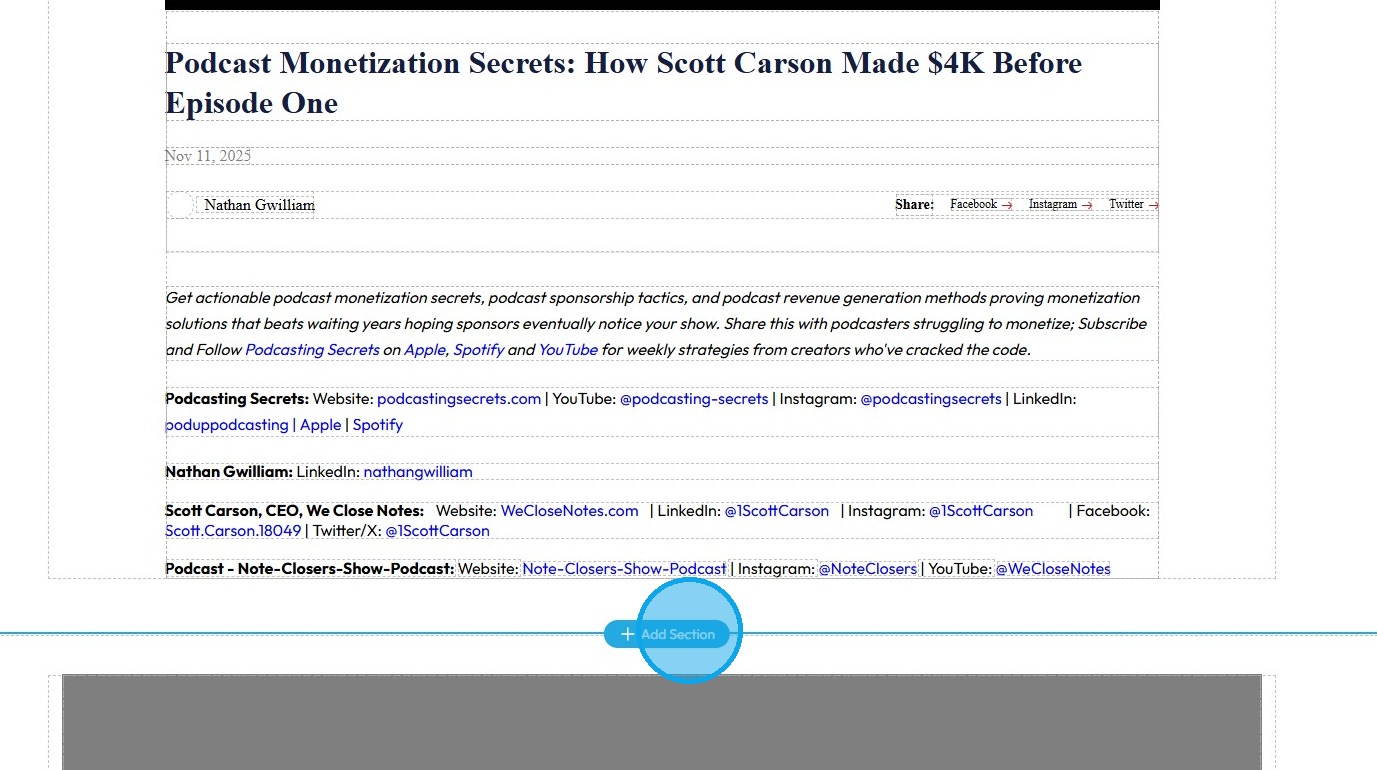
6. Click "Add Section" to create a new section for comments section
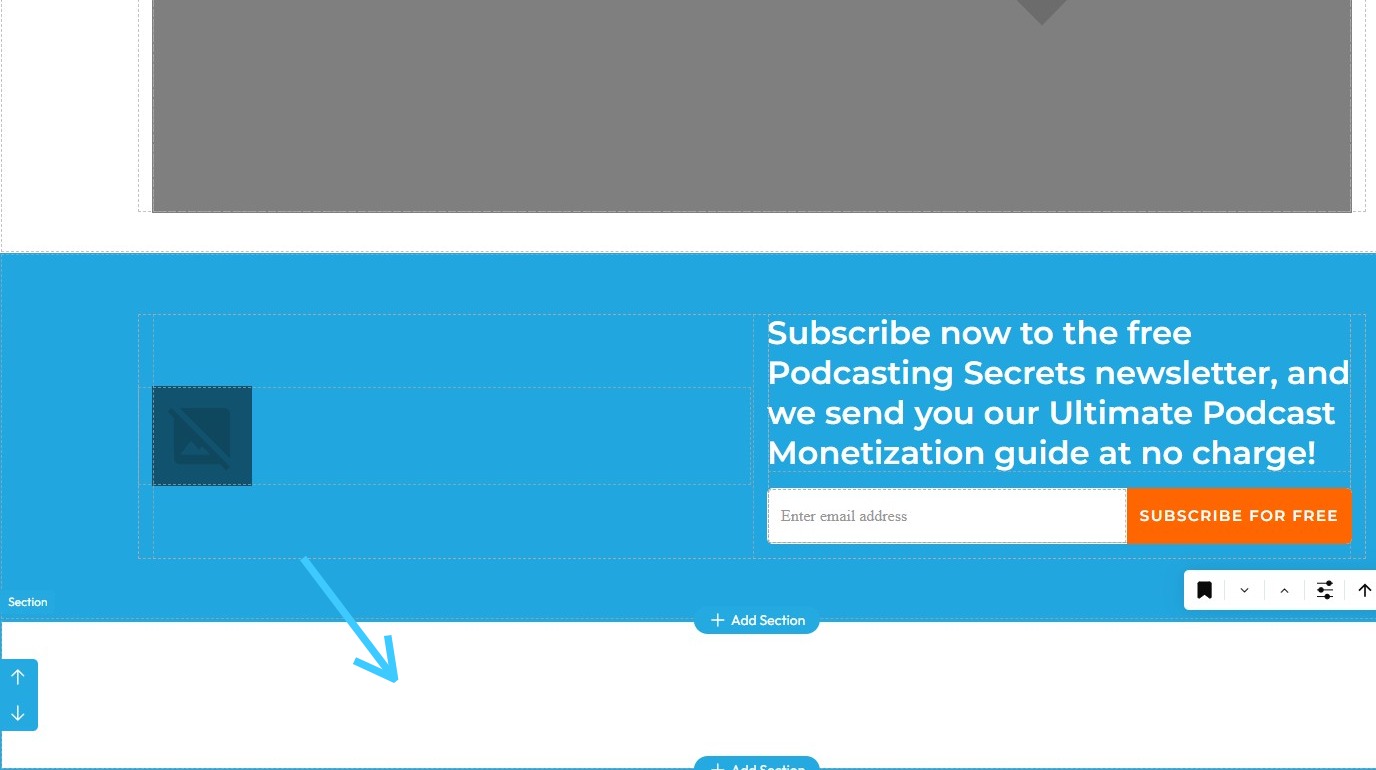
7. Make sure the "New section" is added
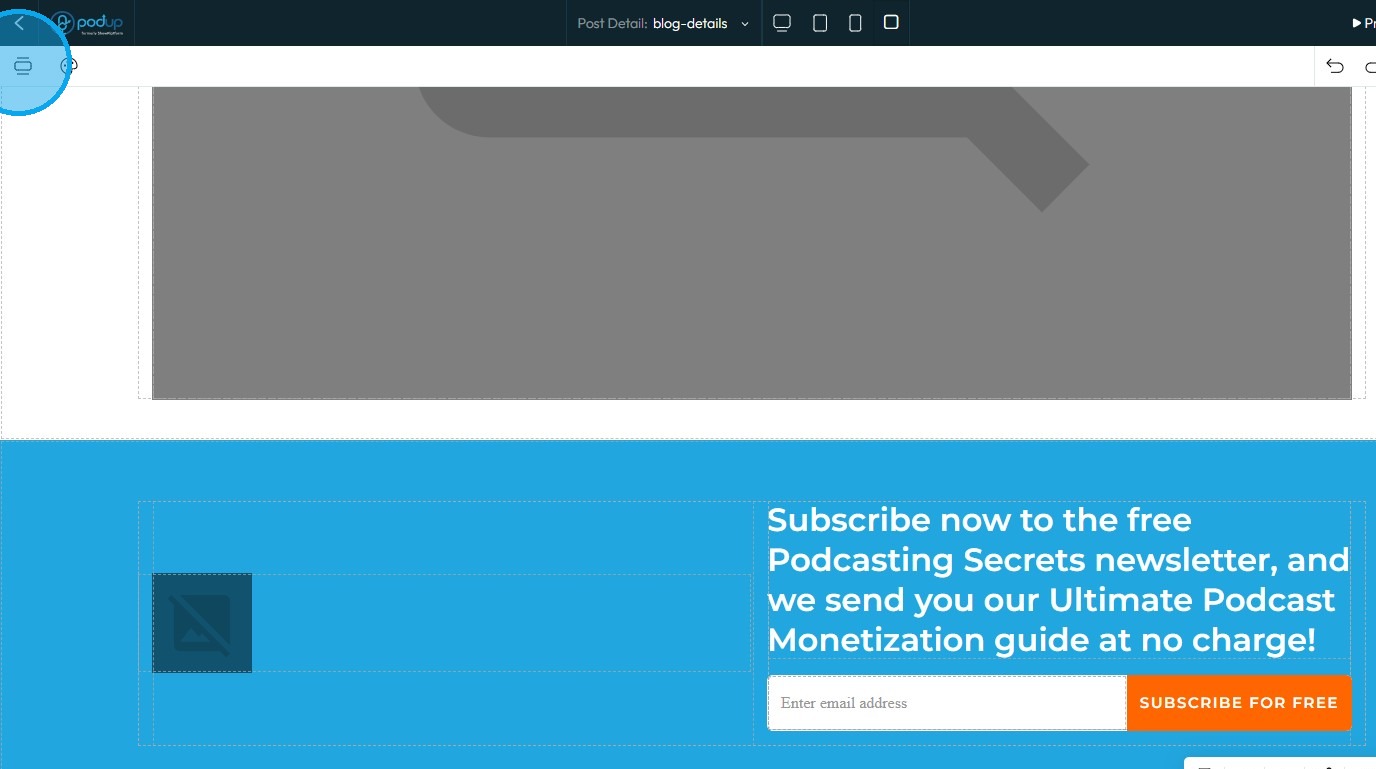
8. Click on the "Component" button
9. Select "Blog Comment Form"
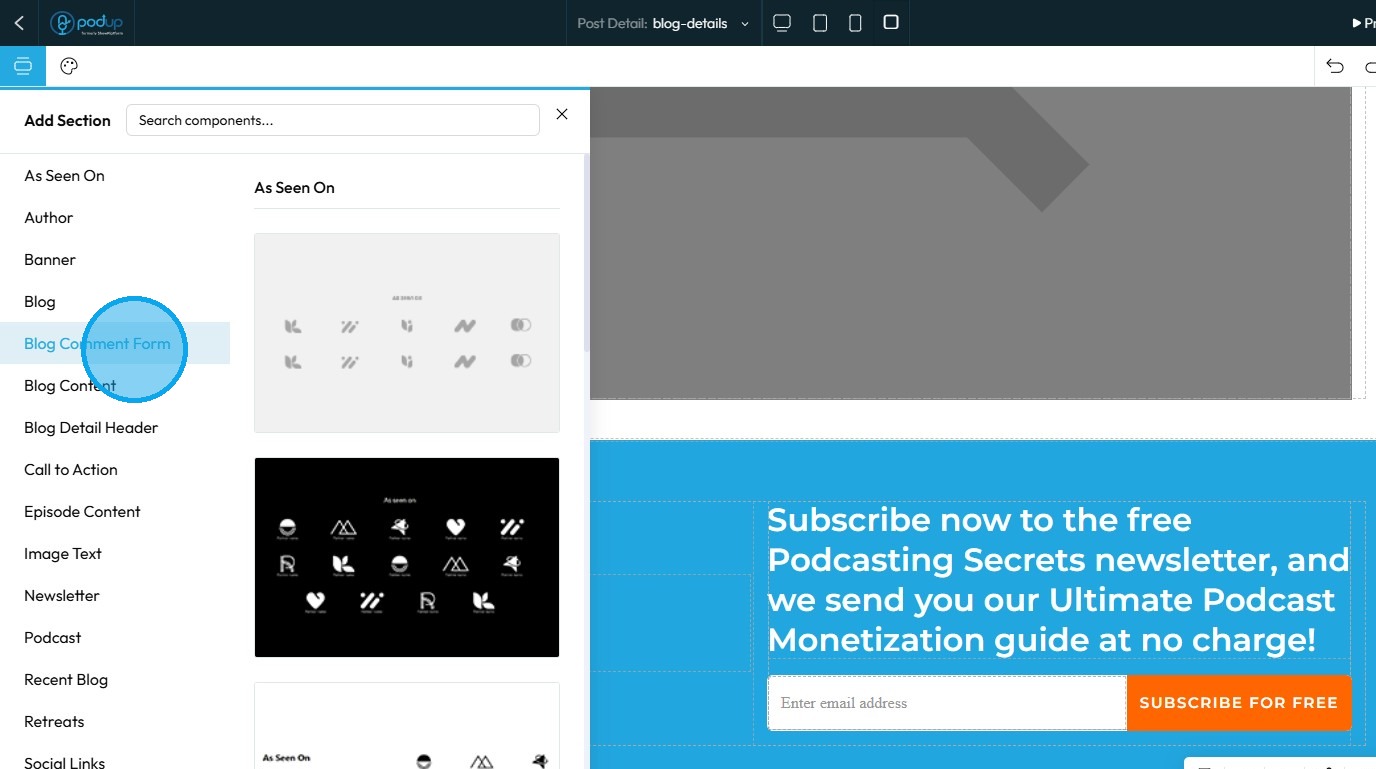
10. Drag and drop the Comment component in the new section
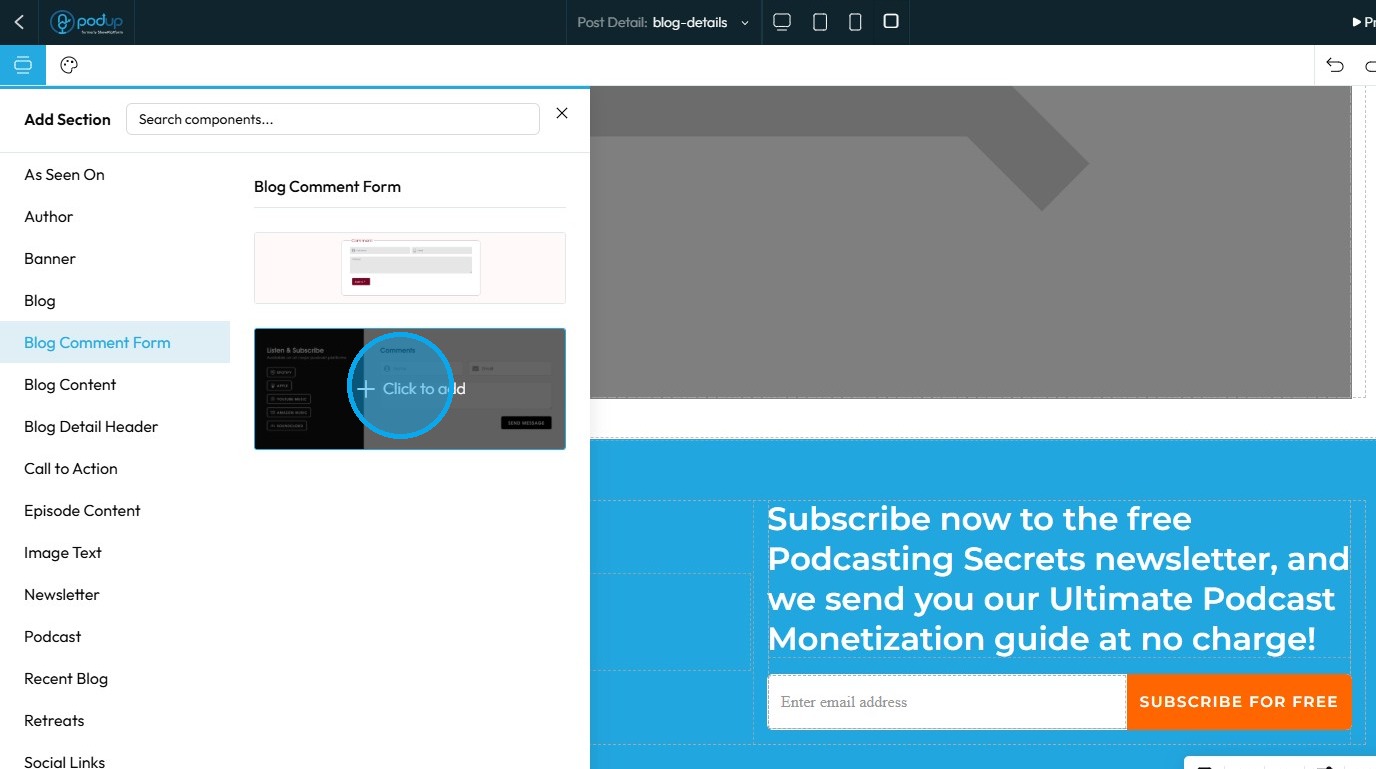
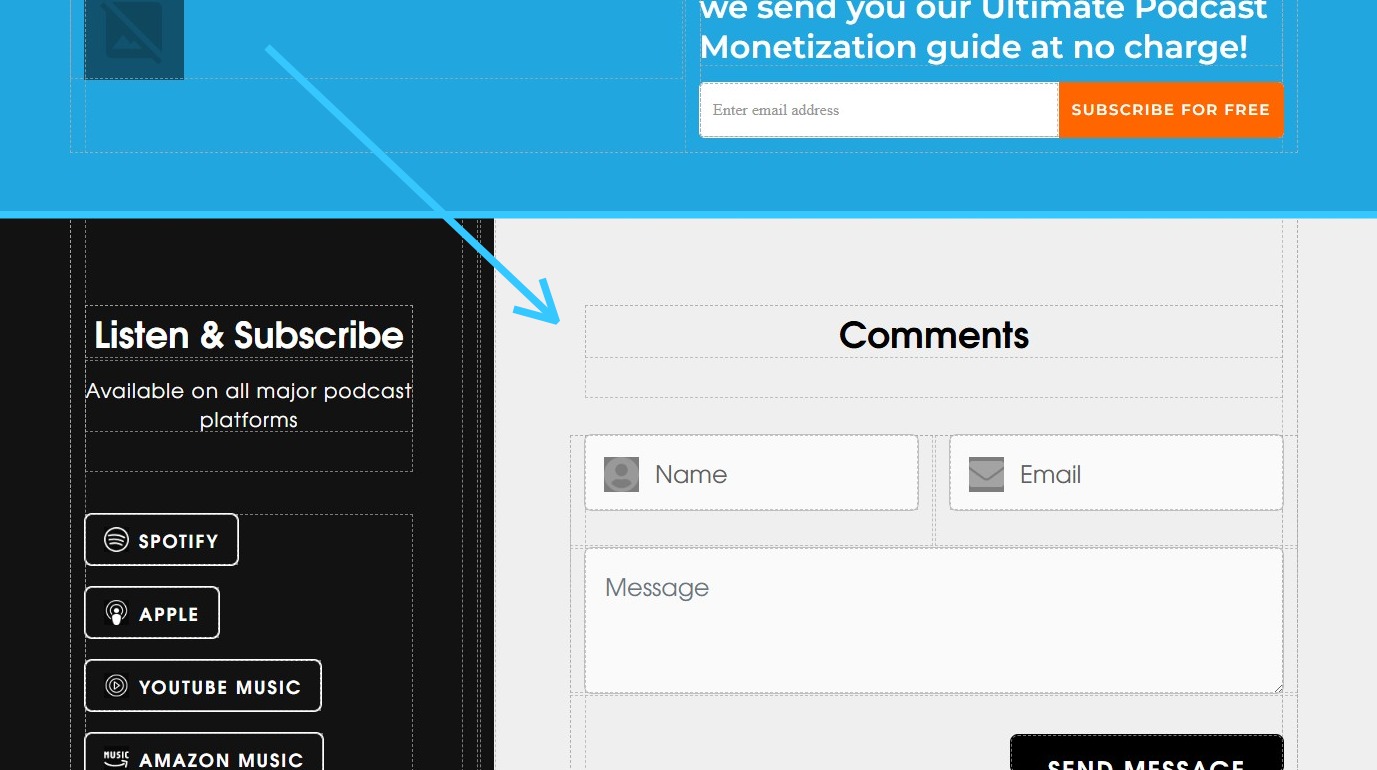
11. The Comment component will be added
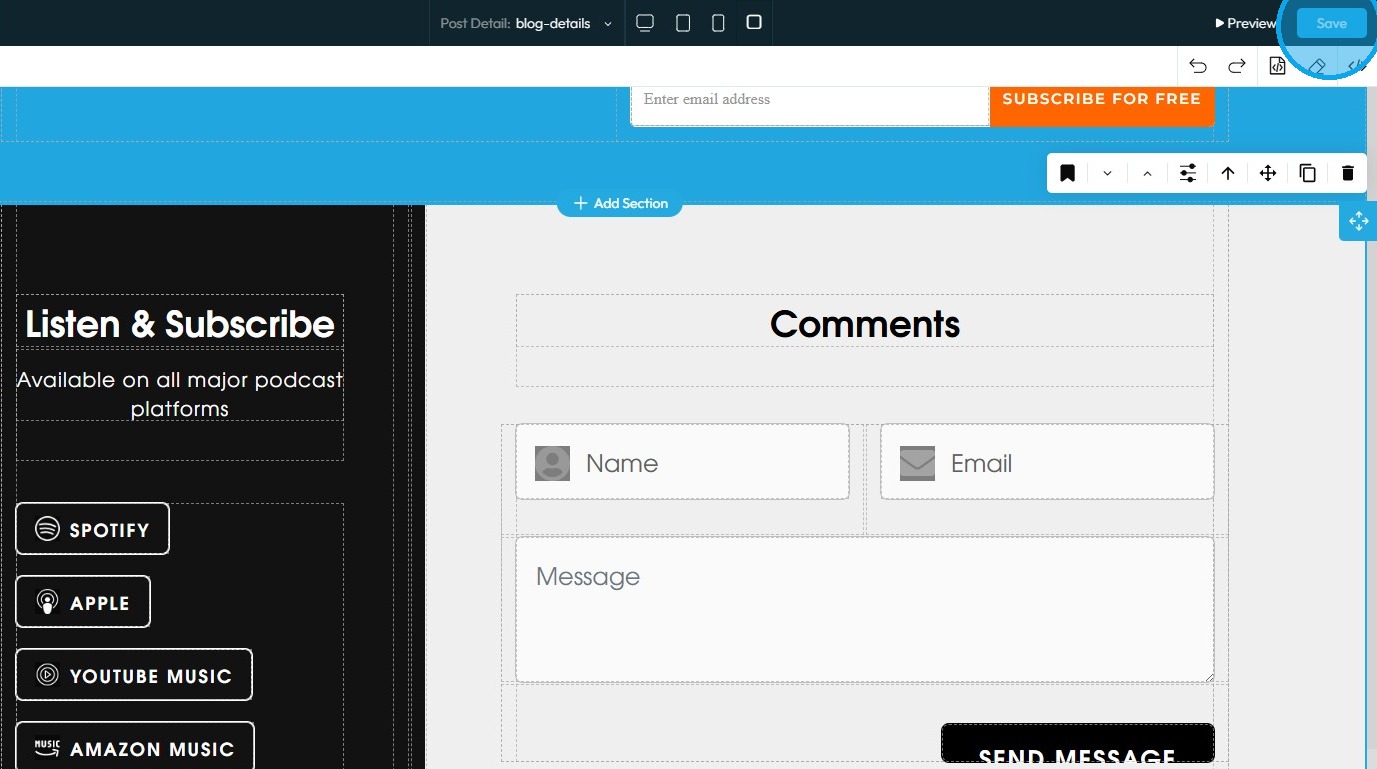
12. Click "Save" to keep the changes
Related Articles
How to Add a Call to Action Section to My Blog
By following this guide, you can add a customizable CTA section to your blog and boost user engagement. 1. Navigate to https://app.podup.com/home 2. Click "My Site" 3. Click "Post Page Builder" 4. "Post Page Builder" opens up 5. Click "Build" next to ...How to Add a Facebook Button to My Blog Post and Connect It to My Facebook Account
This guide offers a method for adding a Facebook button to your blog, enhancing your site's interactivity and connectivity with social media. 1. Navigate to https://app.podup.com/home 2. Click My Site. 3. Select "Post Page Builder" 4. This will ...How to Add a Instagram Button to My Blog Post and Connect It to My Instagram Account
By following this guide, you can easily customize and link your Instagram profile, making it accessible to your readers. 1. Navigate to https://app.podup.com/home 2. Click "My Site" 3. Select "Post Page Builder" 4. The "Blog Details" page will open ...How to Add a Graph to My Blog
By following this guide you can easily upload and integrate graphs into your posts, making your information more accessible and impactful for readers. 1. Navigate to https://app.podup.com/home 2. Click "Create" 3. Select "Blogs" 4. Click "Create ...Create a New Blog Page on Podup Website
This guide provides a straightforward, step-by-step process for creating a new blog page on the PodUp website. By following these instructions, users can efficiently navigate the platform, customize their blog layout, and publish content that meets ...