How To Access Guest Files on Podup
This guide shows you how to quickly access and manage guest files in PodUp to make your workflow smoother
1. Navigate to https://app.podup.com/home
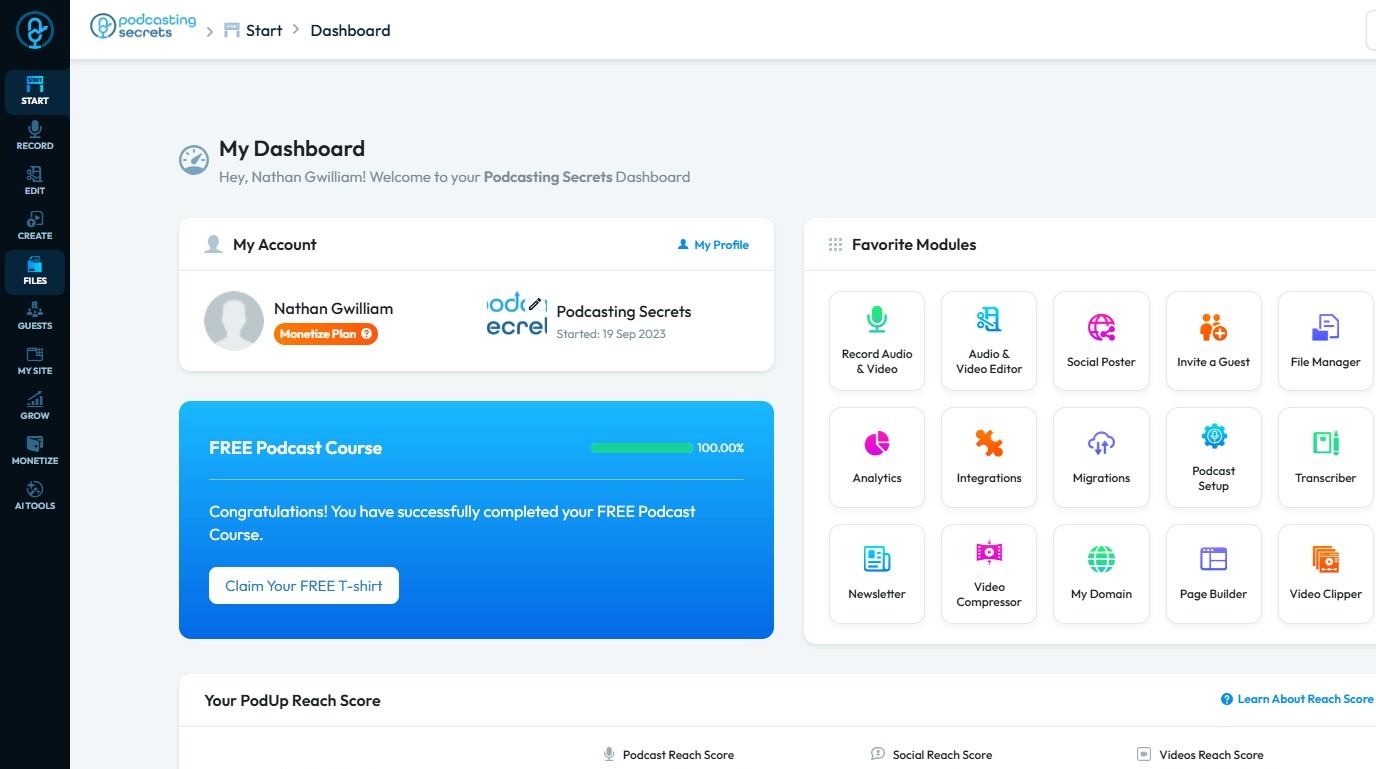
2. Click "Files"
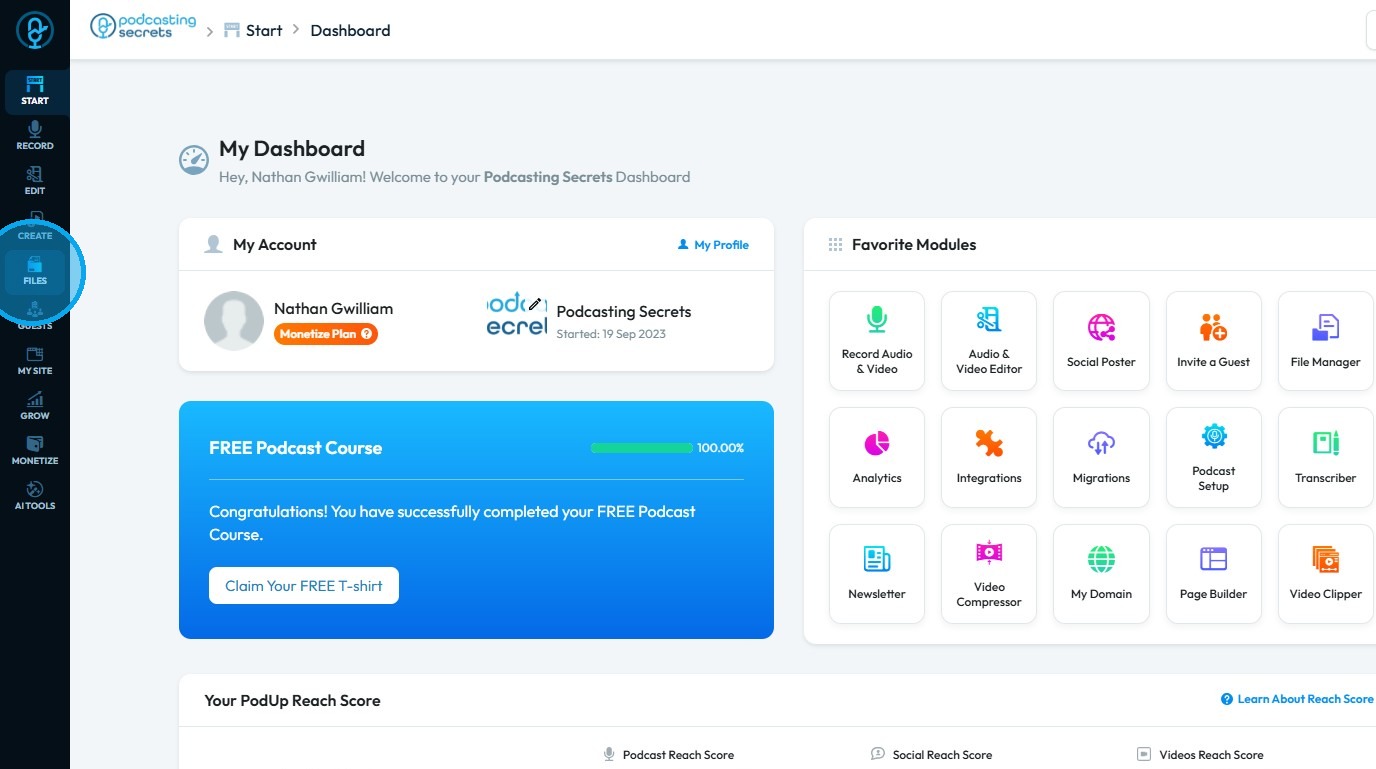
3. Select "Guests"
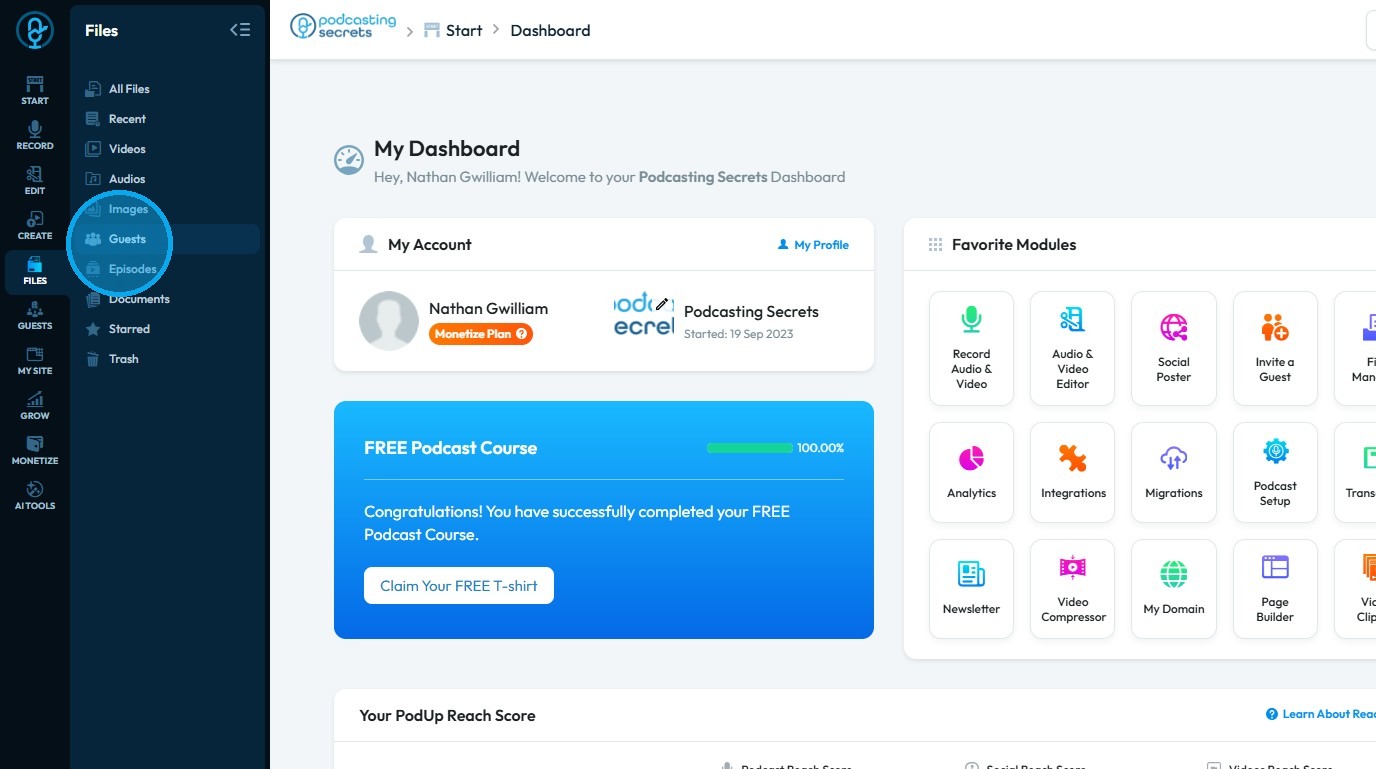
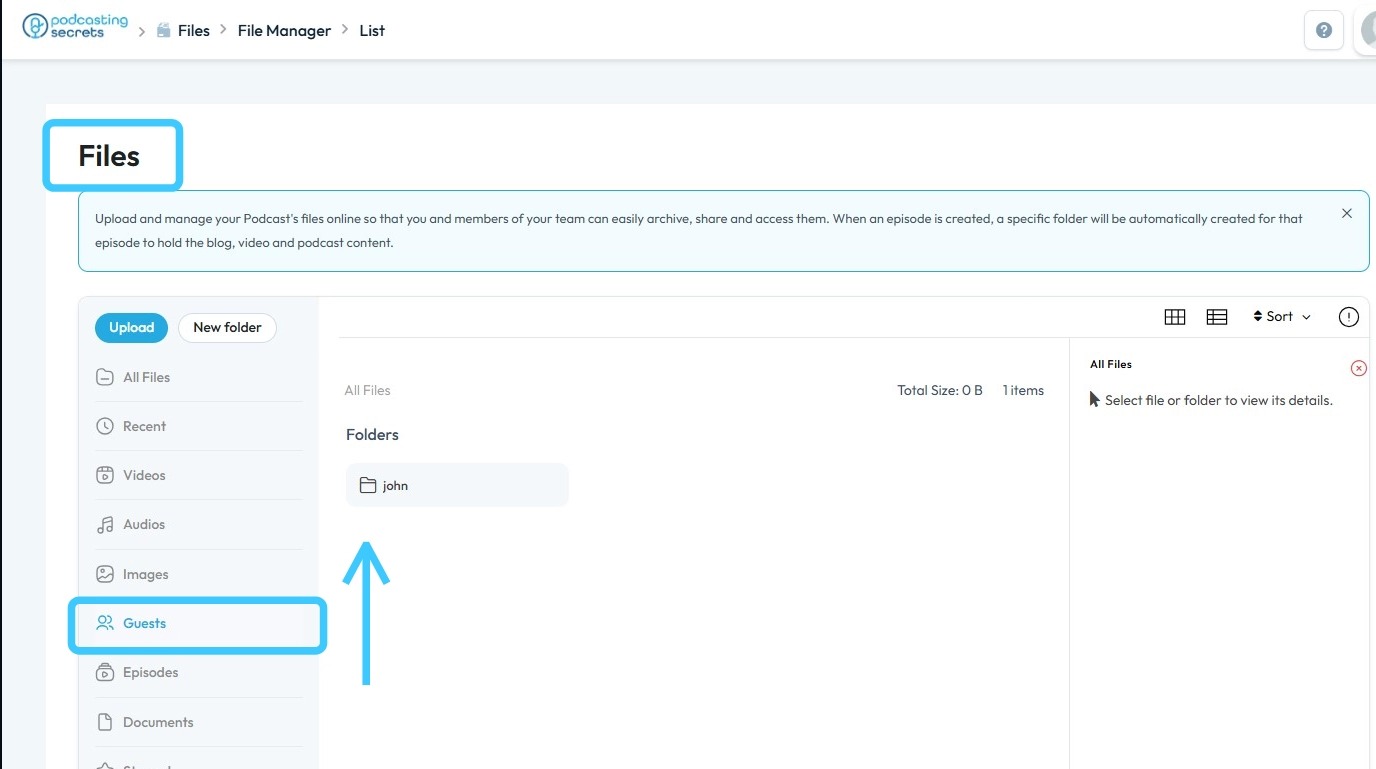
4. You can now view all your Guest Files
Related Articles
How to Manage Files in File Manager in PodUp
This guide shows you how to manage files in PodUp’s File Manager. Learn how to view, sort, filter, and organize content like videos and documents, star important files, and recover deleted ones. 1. Click "Files" 2. Click "All Files" 3. File Manager ...How To Access Episode Files on Podup
By following this guide, you can easily access and manage your episode files on PodUp. 1. Navigate to https://app.podup.com/home 2. Click "Files". 3. Choose "Episodes" 4. Your Episode Files will be displayed hereHow To Access Trash In PodUp
This guide shows how to access the Trash in PodUp to quickly recover lost files and manage your content. 1. Click "Files" 2. Click "Trash" 3. "Trash" page opens up 4. You can also access "Trash" from the Dashboard 5. Click "File Manager" 6. Click ...How can I import existing guest info to PodUp?
Use this guide to import and manage guest information in PodUp. 1. Navigate to https://app.podup.com/home 2. Click "Guest" 3. Choose "Guest Manager" 4. The “Guest Manager” will open 5. Click "Add Guest" 6. This will open your “Add Guest” page 7. ...How To Navigate Guest Settings (Detailed)
This guide is essential for anyone looking to create a customized guest intake form using PodUp's Guest Settings. It offers detailed instructions on how to navigate the platform, edit profile components, and tailor questions to fit specific needs. By ...