How To Access Episode Files on Podup
By following this guide, you can easily access and manage your episode files on PodUp.
1. Navigate to https://app.podup.com/home
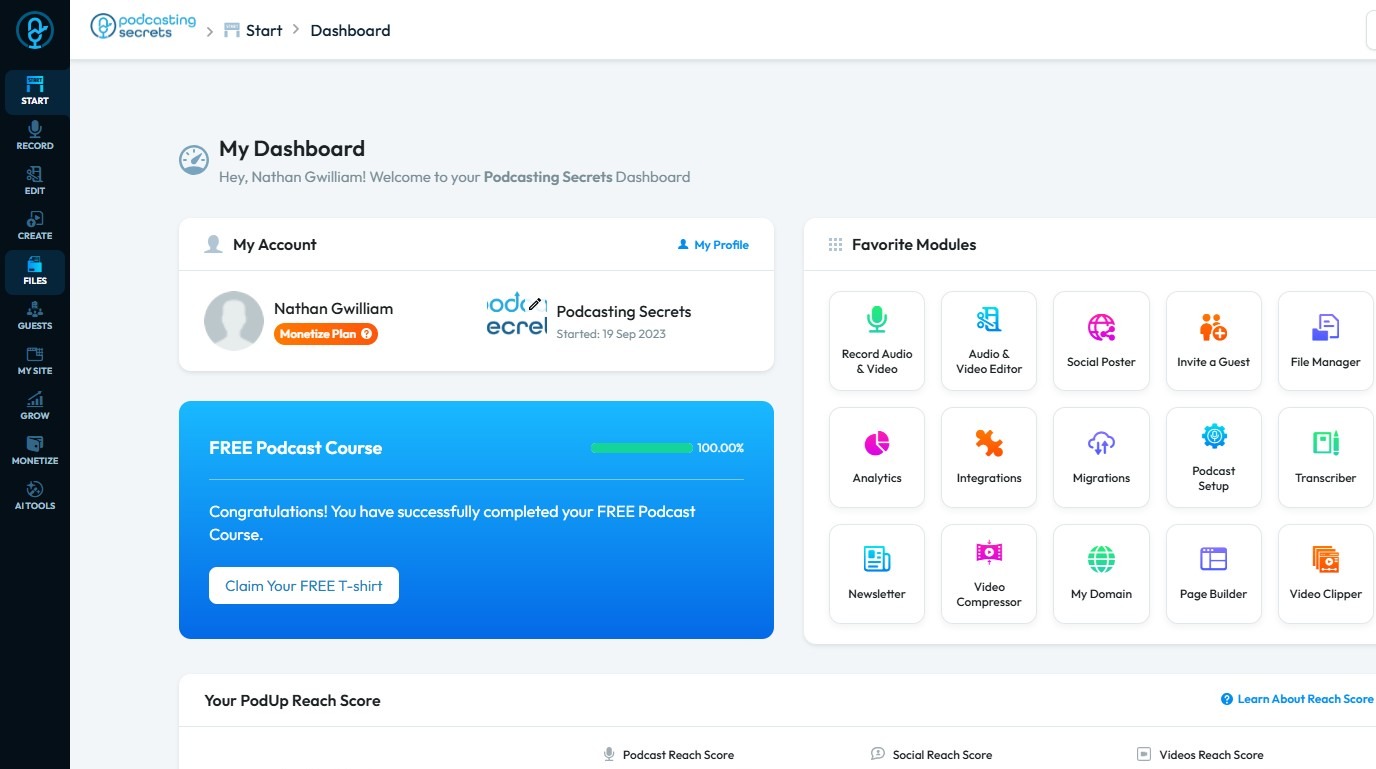
2. Click "Files".
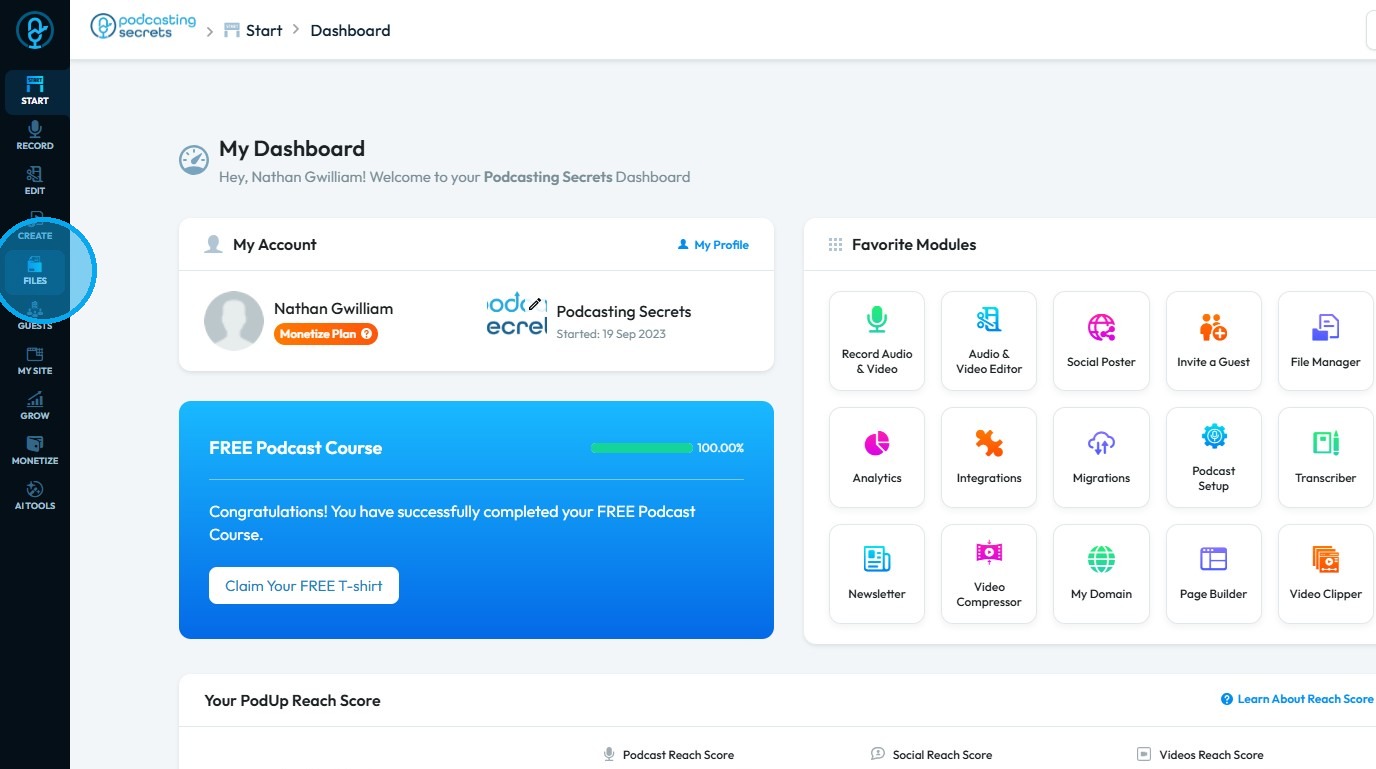
3. Choose "Episodes"
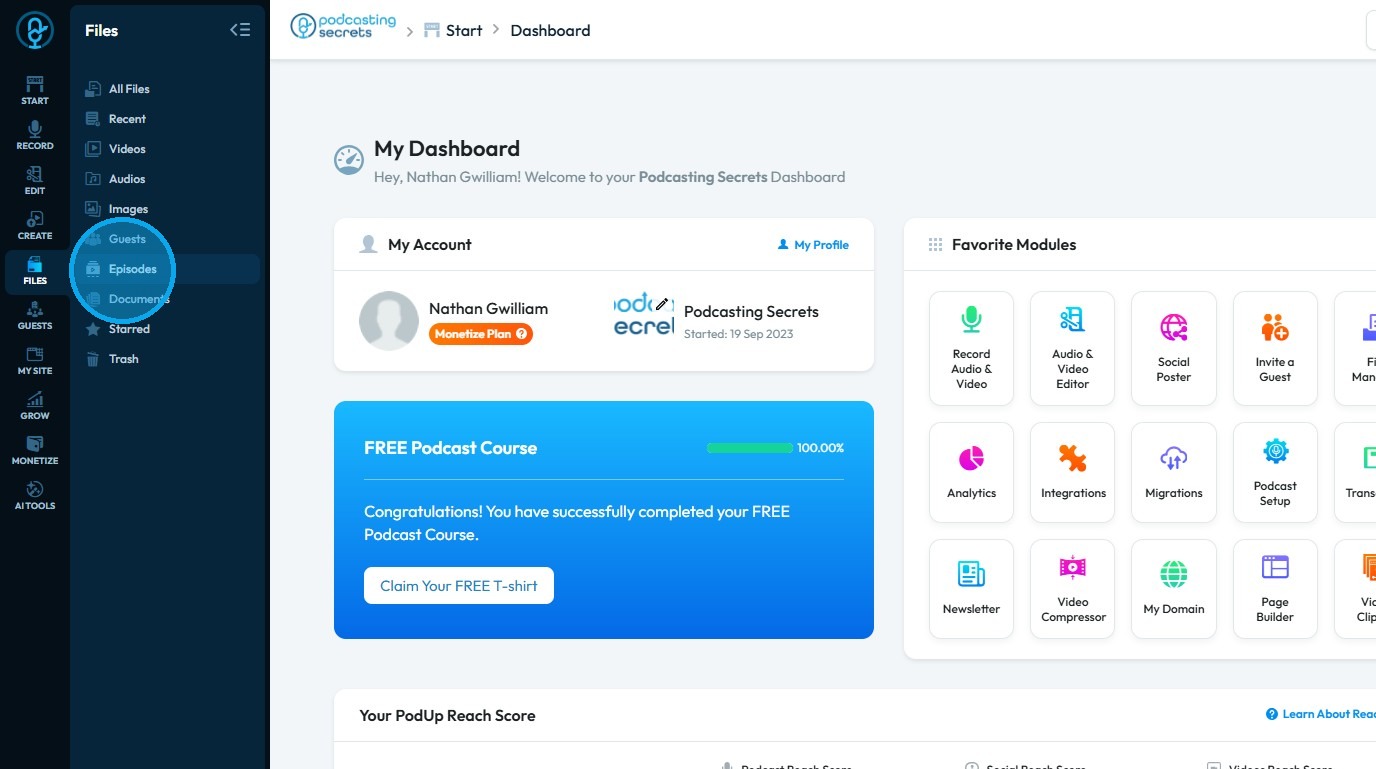
4. Your Episode Files will be displayed here
Related Articles
How to Manage Files in File Manager in PodUp
This guide shows you how to manage files in PodUp’s File Manager. Learn how to view, sort, filter, and organize content like videos and documents, star important files, and recover deleted ones. 1. Click "Files" 2. Click "All Files" 3. File Manager ...How To Navigate Episode Manager (Detailed)
This guide provides a step-by-step process for adding an episode in PodUp, making it an invaluable resource for podcasters looking to streamline their workflow. It covers everything from entering episode details to uploading images and sharing links, ...How To Access Guest Files on Podup
This guide shows you how to quickly access and manage guest files in PodUp to make your workflow smoother 1. Navigate to https://app.podup.com/home 2. Click "Files" 3. Select "Guests" 4. You can now view all your Guest FilesHow To Access Trash In PodUp
This guide shows how to access the Trash in PodUp to quickly recover lost files and manage your content. 1. Click "Files" 2. Click "Trash" 3. "Trash" page opens up 4. You can also access "Trash" from the Dashboard 5. Click "File Manager" 6. Click ...How Do I Find My Video Files?
This guide shows you easy ways to find your videos on PodUp, helping you access content quickly from the homepage or dashboard. 1. Navigate to https://app.podup.com/home 2. Click "Files". 3. Click "Videos" 4. You will see all your "Videos".