How Do I Tell If My Integration Worked?
1. Navigate to https://app.podup.com/home
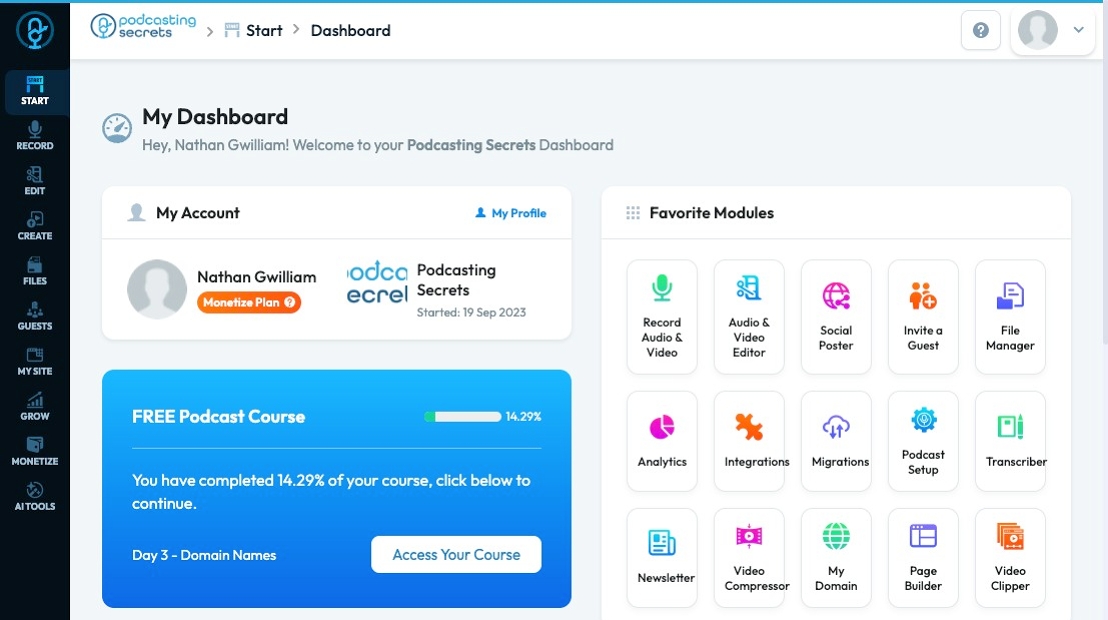
2. Click "Integrations" in "Favorite Modules" on the Dashboard

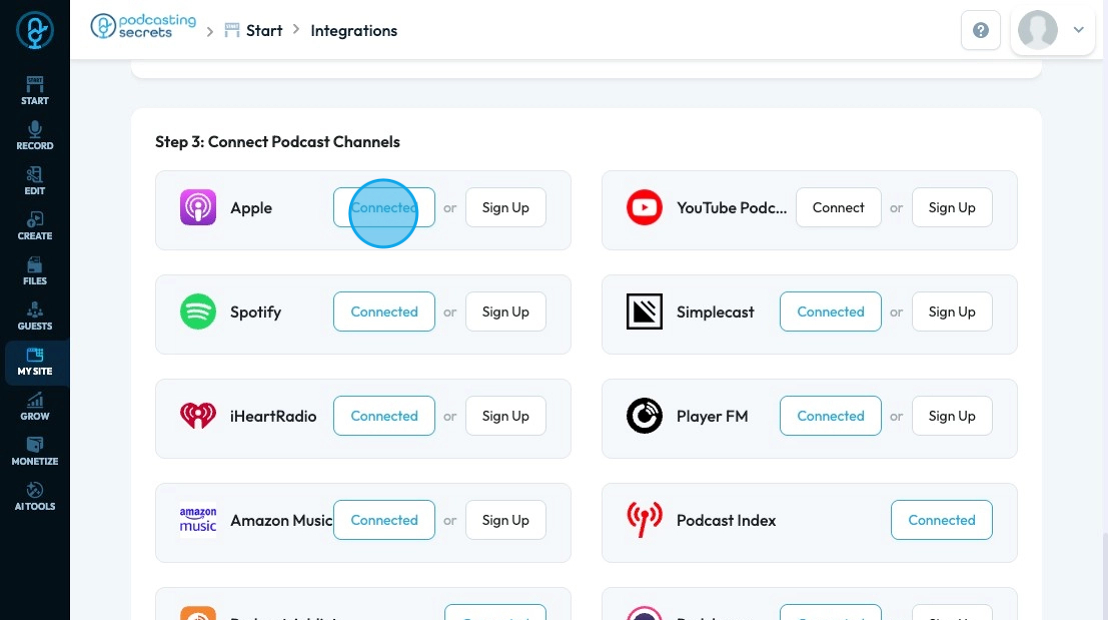
3. The "Podcast Integrations" page will open to Podcast where you can see if your podcast has been integrated

4. If you have connected your Podcast to the Podcasting Platform it will say "Connected" next to the platform as seen by Apple rather than "Connect" as seen by YouTube Podcast
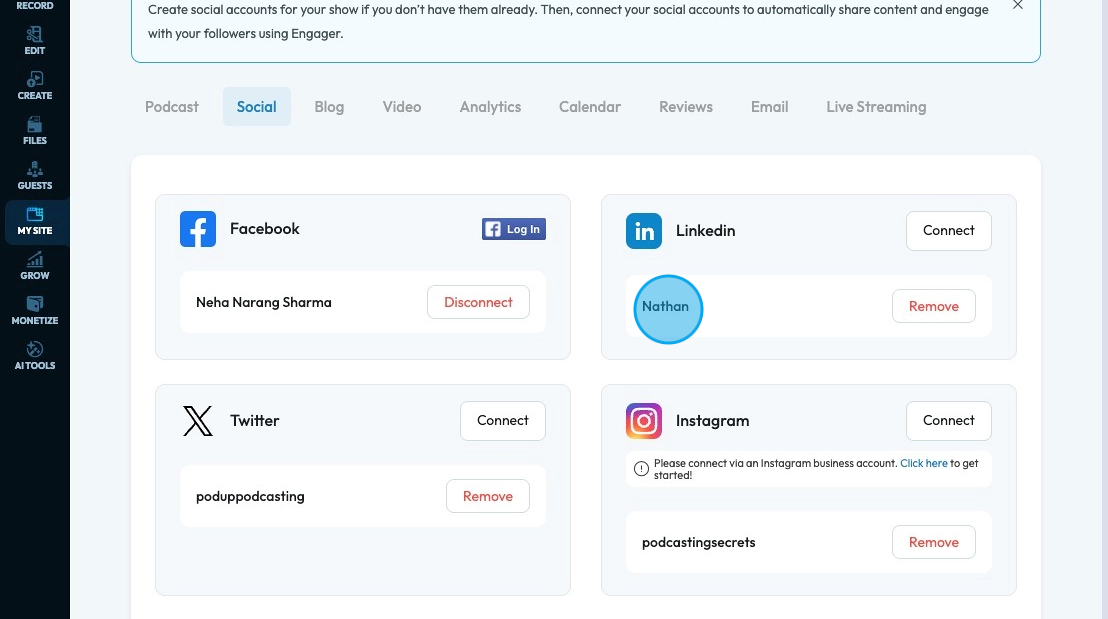
5. When you integrate a social channel, the name of your account will appear underneath the social platform icon
Tip: Note: The notice of successful integration should immediately reflect in PodUp but it might take a day or two to for the platform to be fully linked so if your material is not immediately reflected there give it a day or two then it will be uploaded