How do I recover a deleted video?
Use this guide to easily recover deleted videos on PodUp
1. Navigate to https://app.podup.com/home
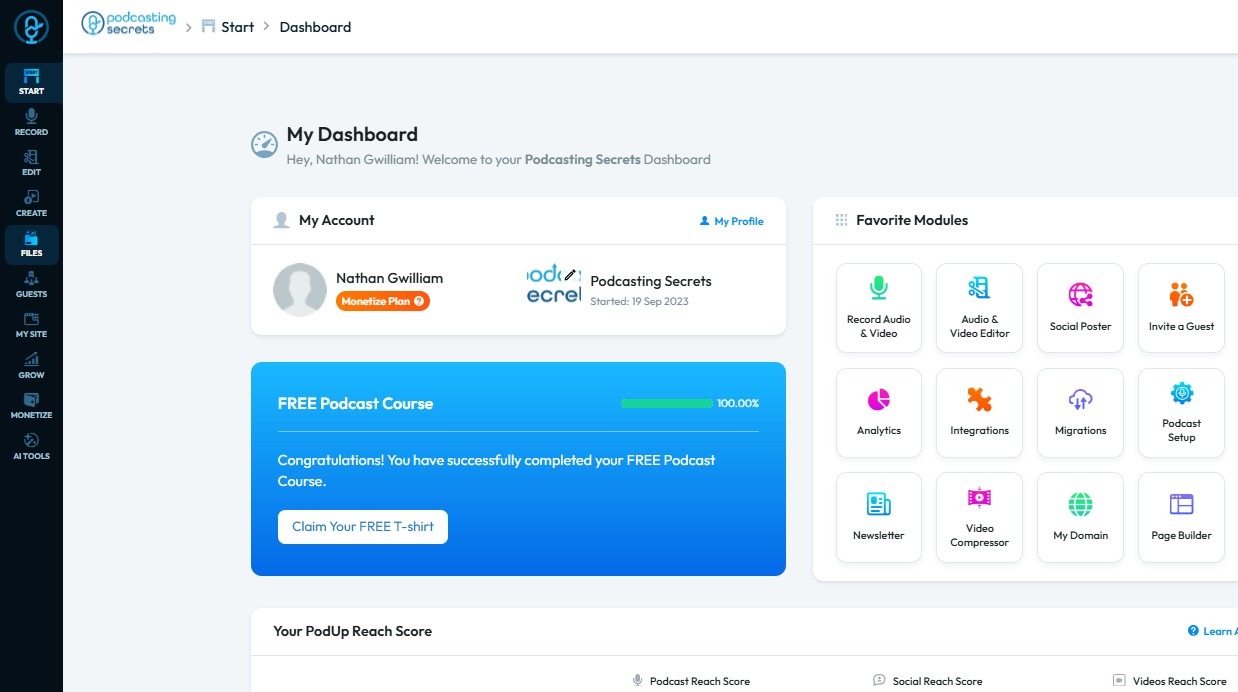
2. Click "Files"
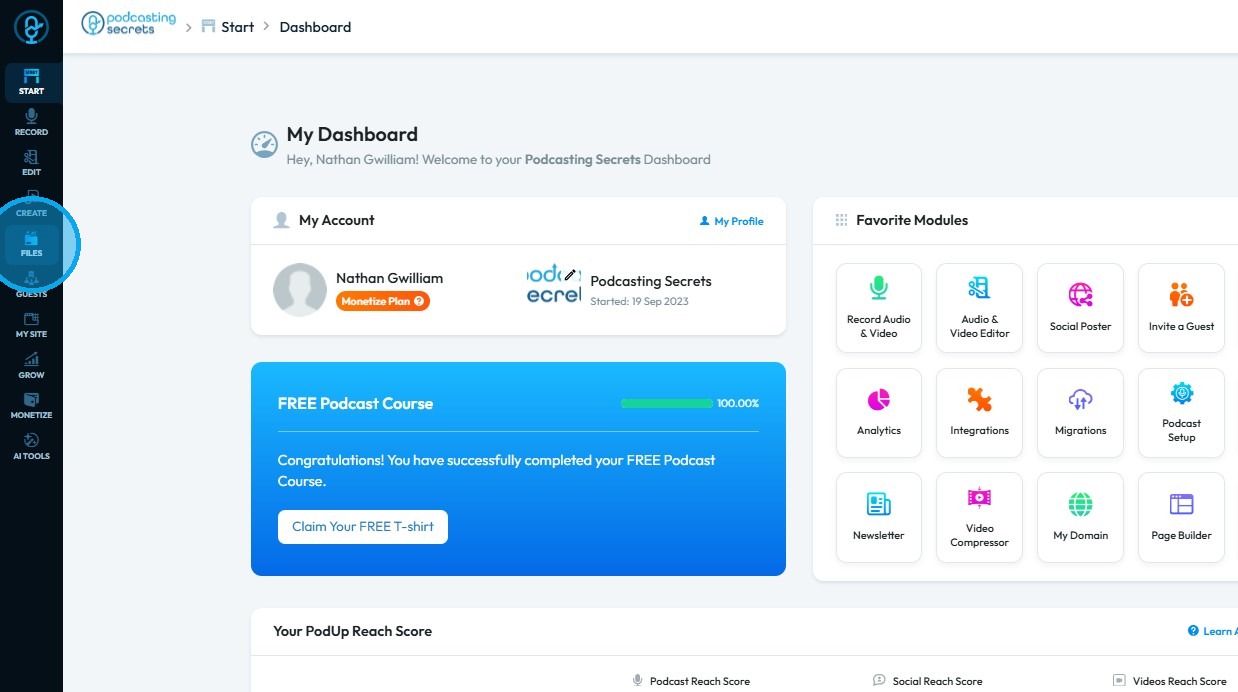
3. Select "Trash"
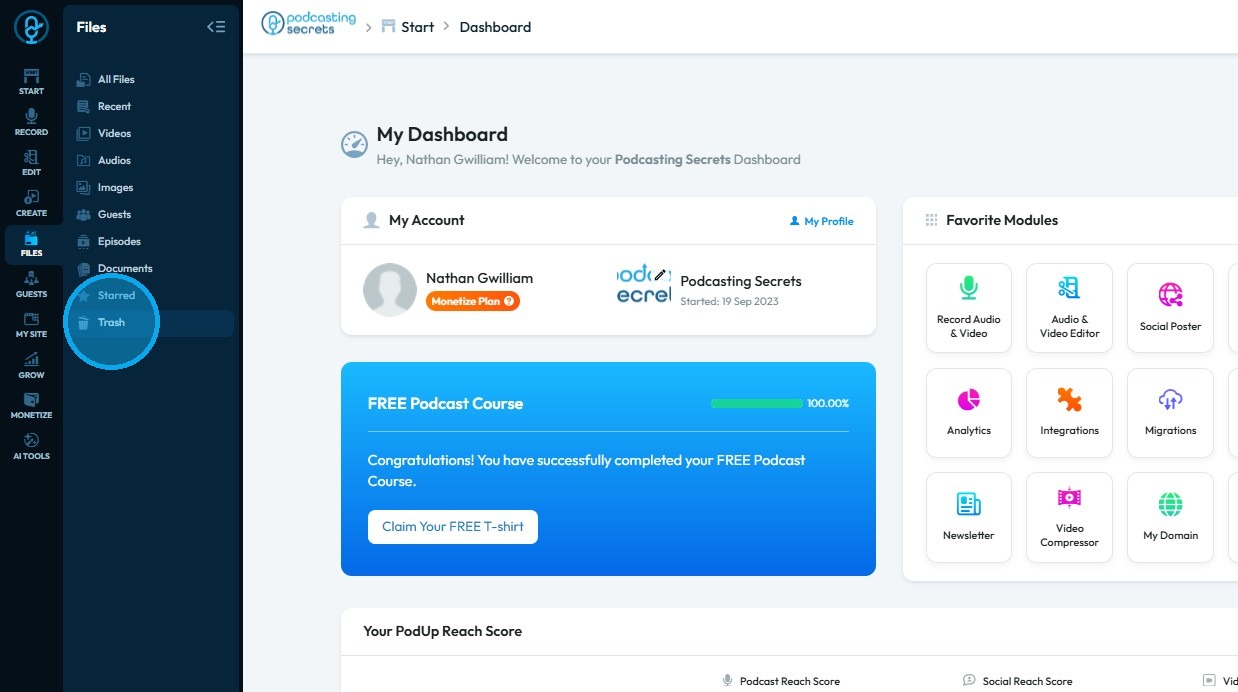
4. The File Manager will open
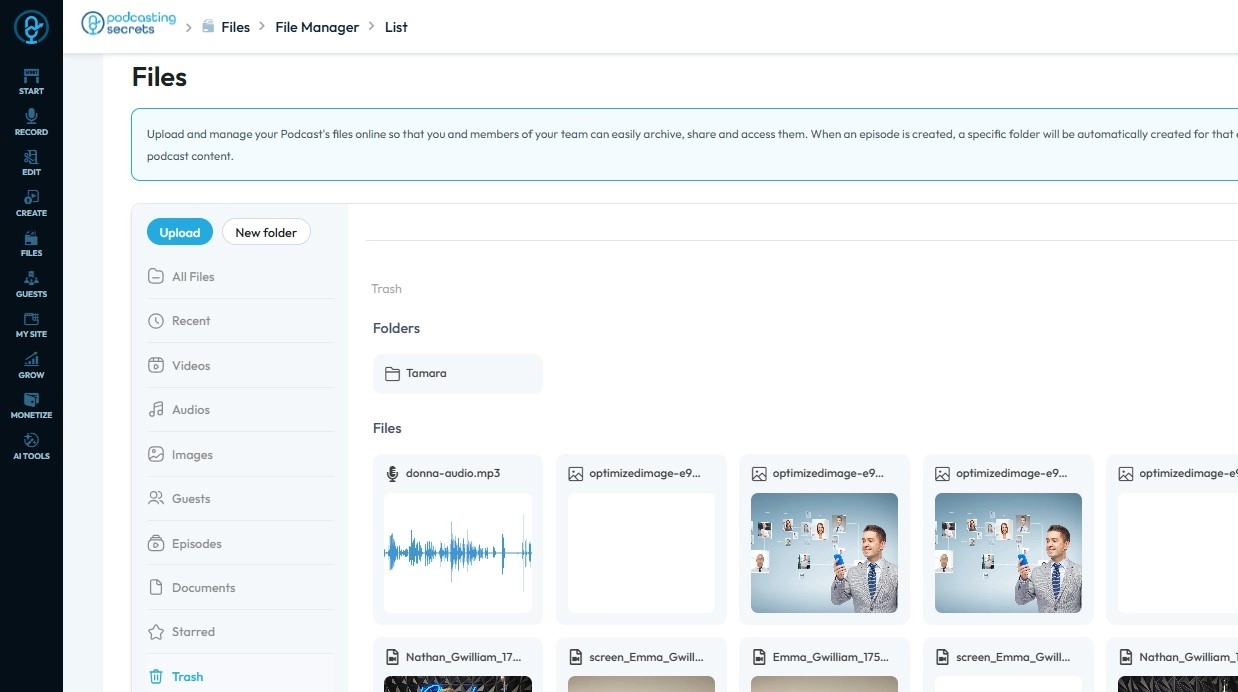
5. Click the deleted video you wish to recover
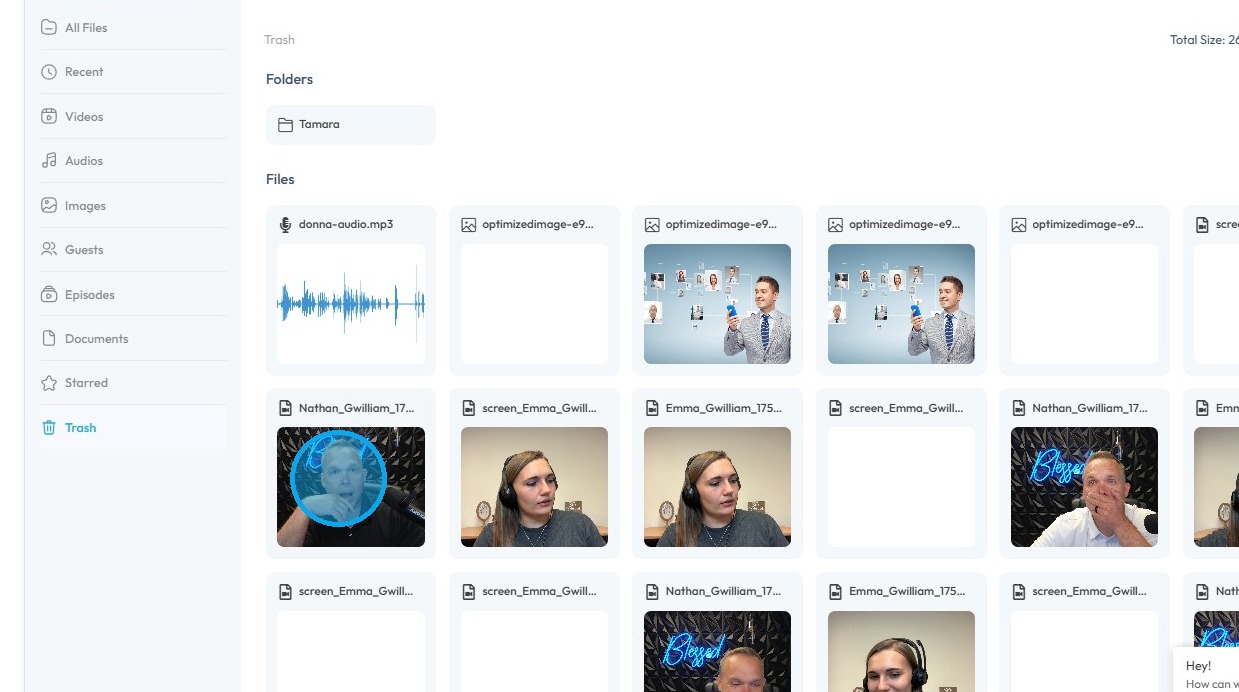
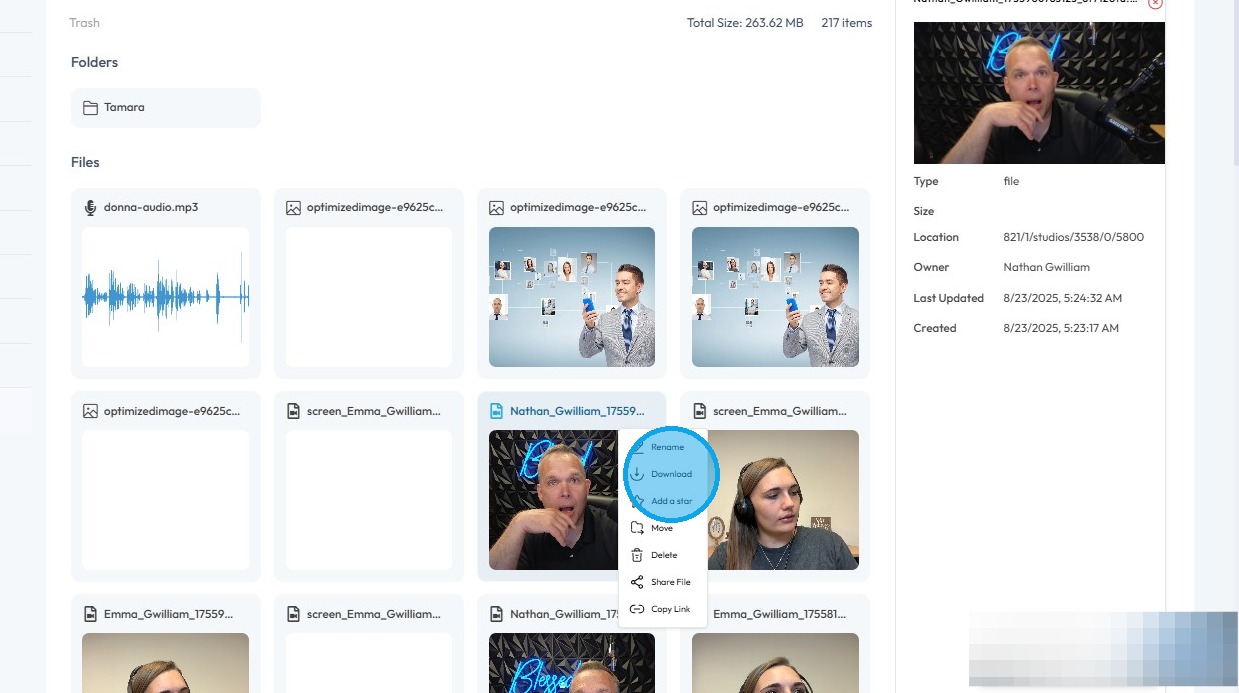
6. Right-click the video you want to recover
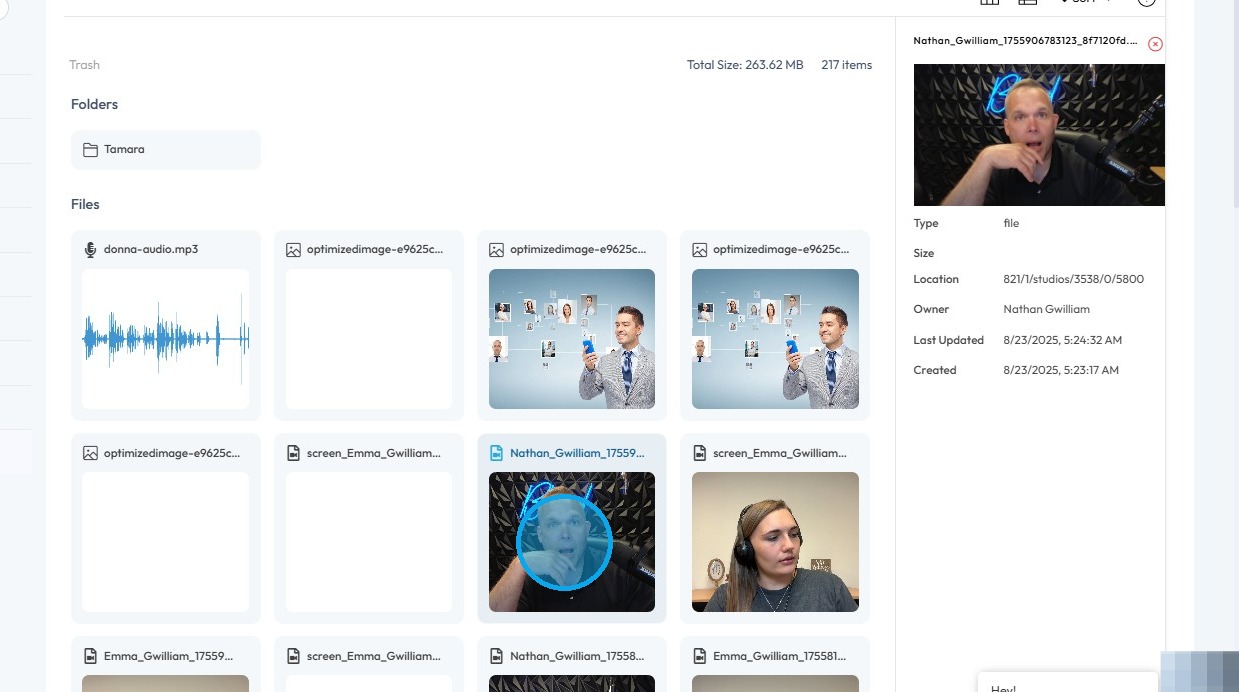
7. Click “Download”
The deleted video has been successfully recovered
Related Articles
How do I Recover a Deleted Podcast?
By following this guide, you can quickly recover and restore a deleted podcast on PodUp. 1. Navigate to https://app.podup.com/home 2. Click "File" 3. Select "Trash" 4. Right-click the file you want to recover 5. Click "Download"How to Delete a Video on Podup
This guide offers step-by-step process for deleting a video episode on PodUp helping users efficiently manage their content and remove unwanted videos with ease. 1. Navigate to https://app.podup.com/home 2. Click "Create" 3. Click on "Video Episodes" ...How to remove captions from my video
By following this guide, you can easily remove captions from your videos on PodUp, streamlining your editing process and creating a cleaner, more focused viewing experience. 1. Navigate to https://app.podup.com/home 2. Click "Edit" 3. Select Editor ...How to Navigate Video to Text (Detailed)
This guide provides a comprehensive walkthrough for utilizing Podup's Video to Text feature, making it ideal for anyone needing accurate transcriptions of audio or video content. Users will learn how to efficiently convert files, customize speaker ...How to Navigate Video to Text (Detailed)
This guide provides a comprehensive walkthrough for utilizing Podup's Video to Text feature, making it ideal for anyone needing accurate transcriptions of audio or video content. Users will learn how to efficiently convert files, customize speaker ...