How do I publish a video clip
1. Navigate to https://app.podup.com/home
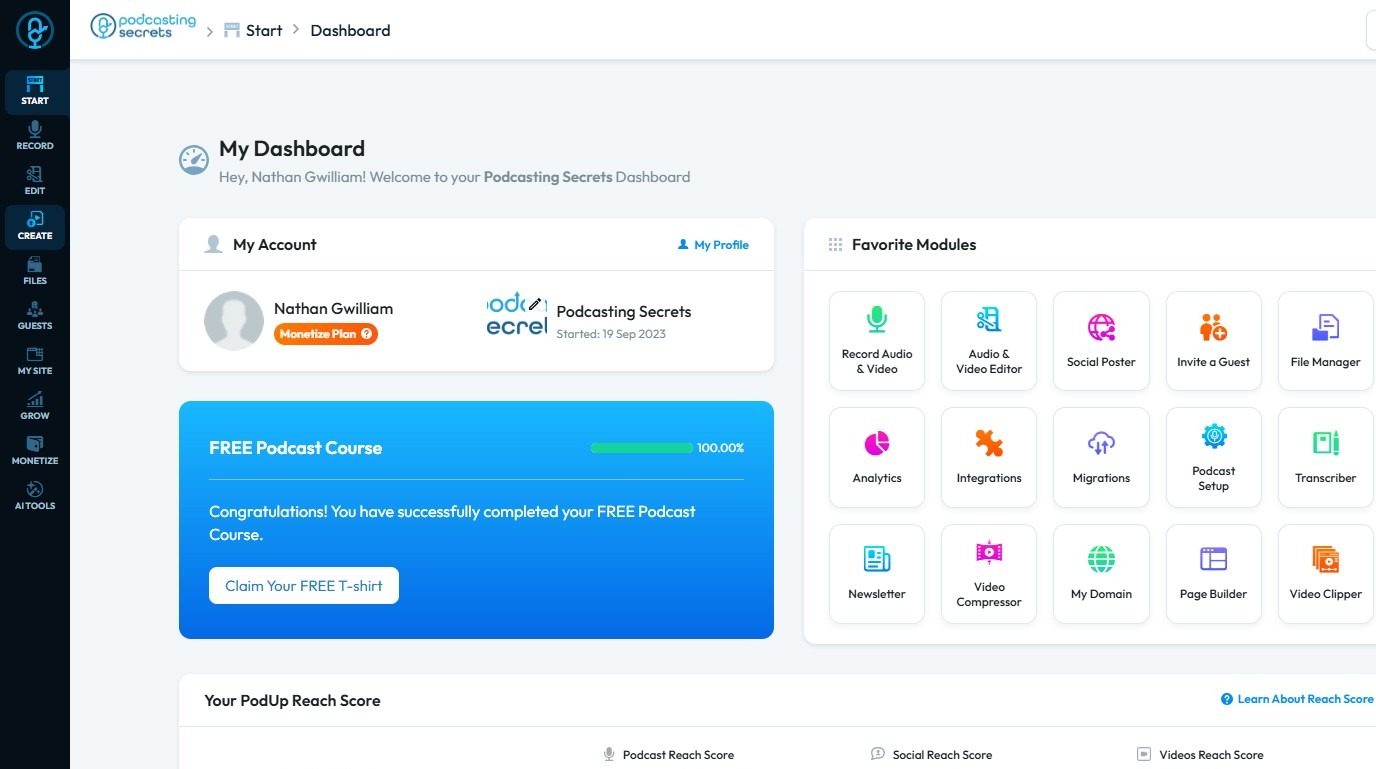
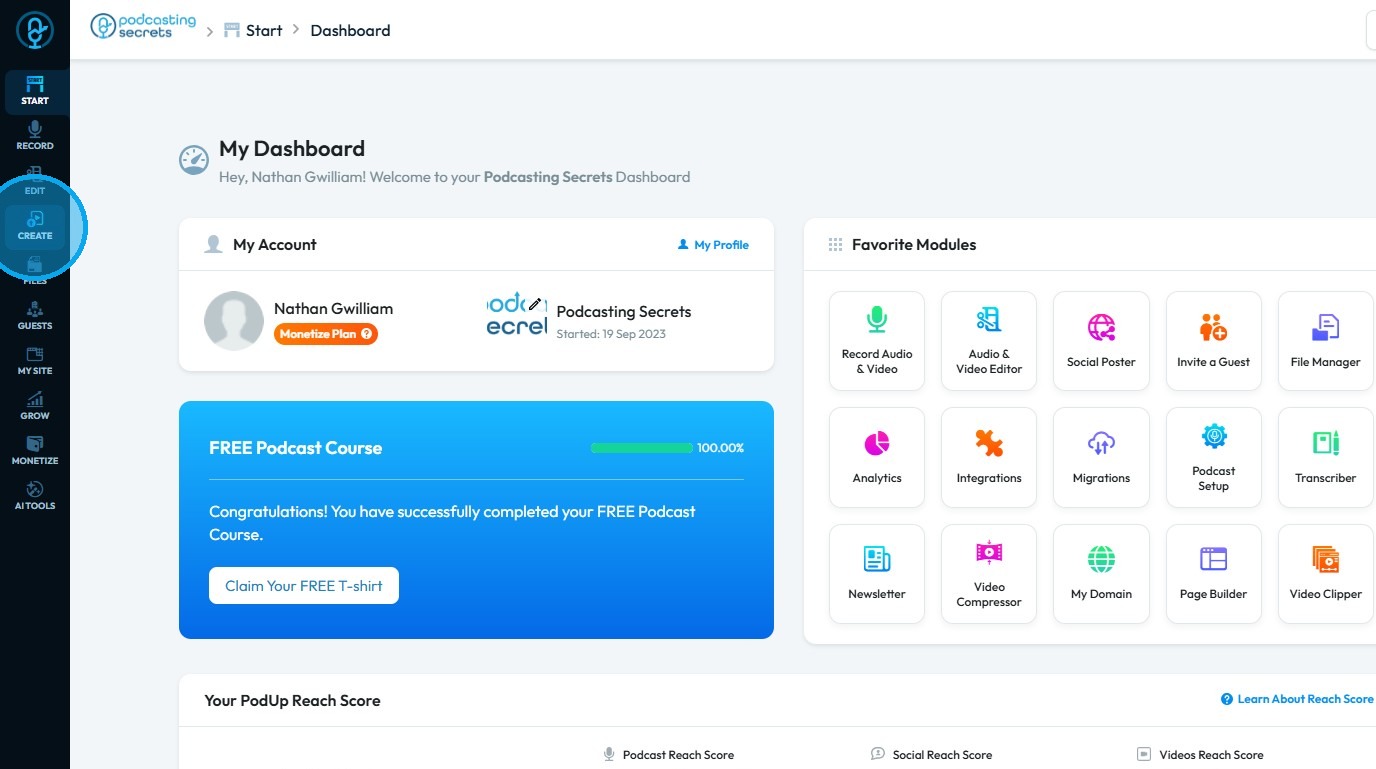
2. Click "Create"
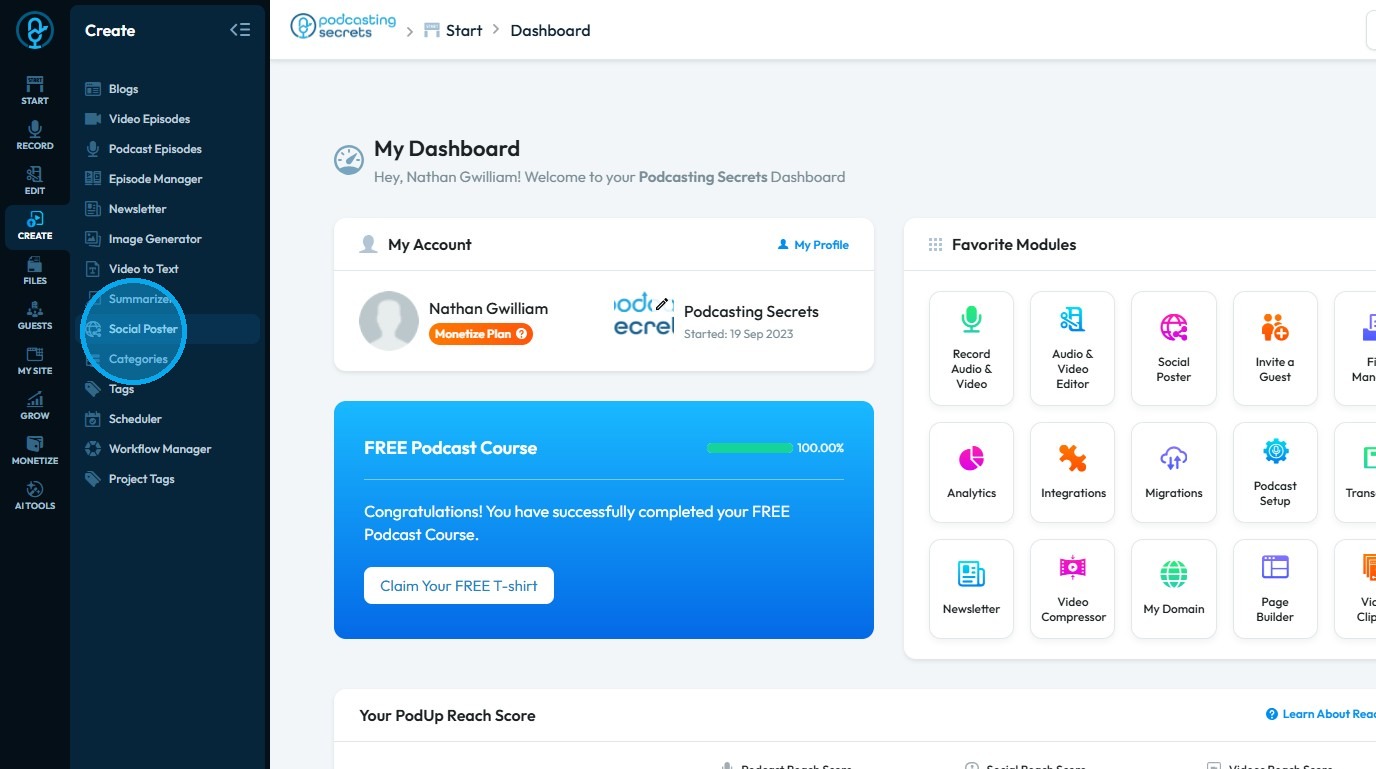
3. Select "Social Poster"
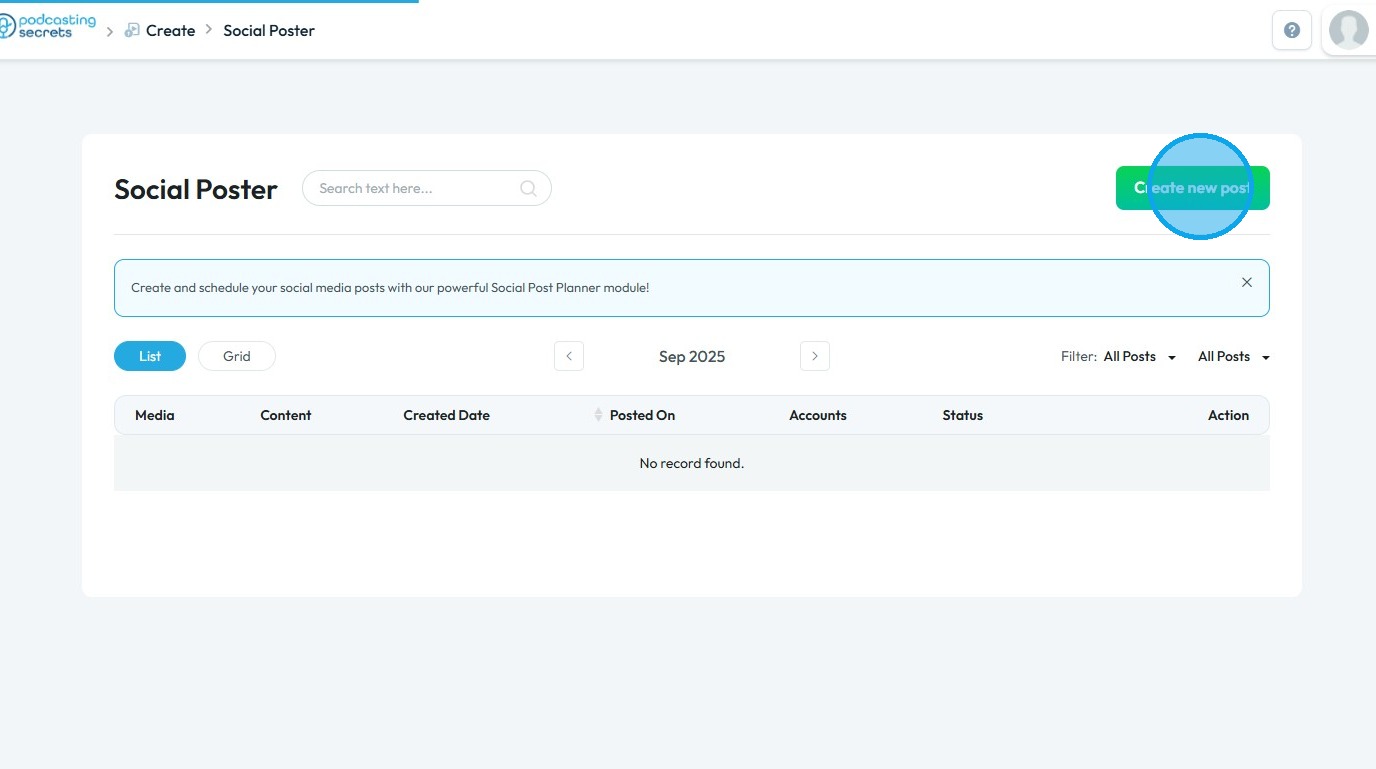
4. Click "Create new post"
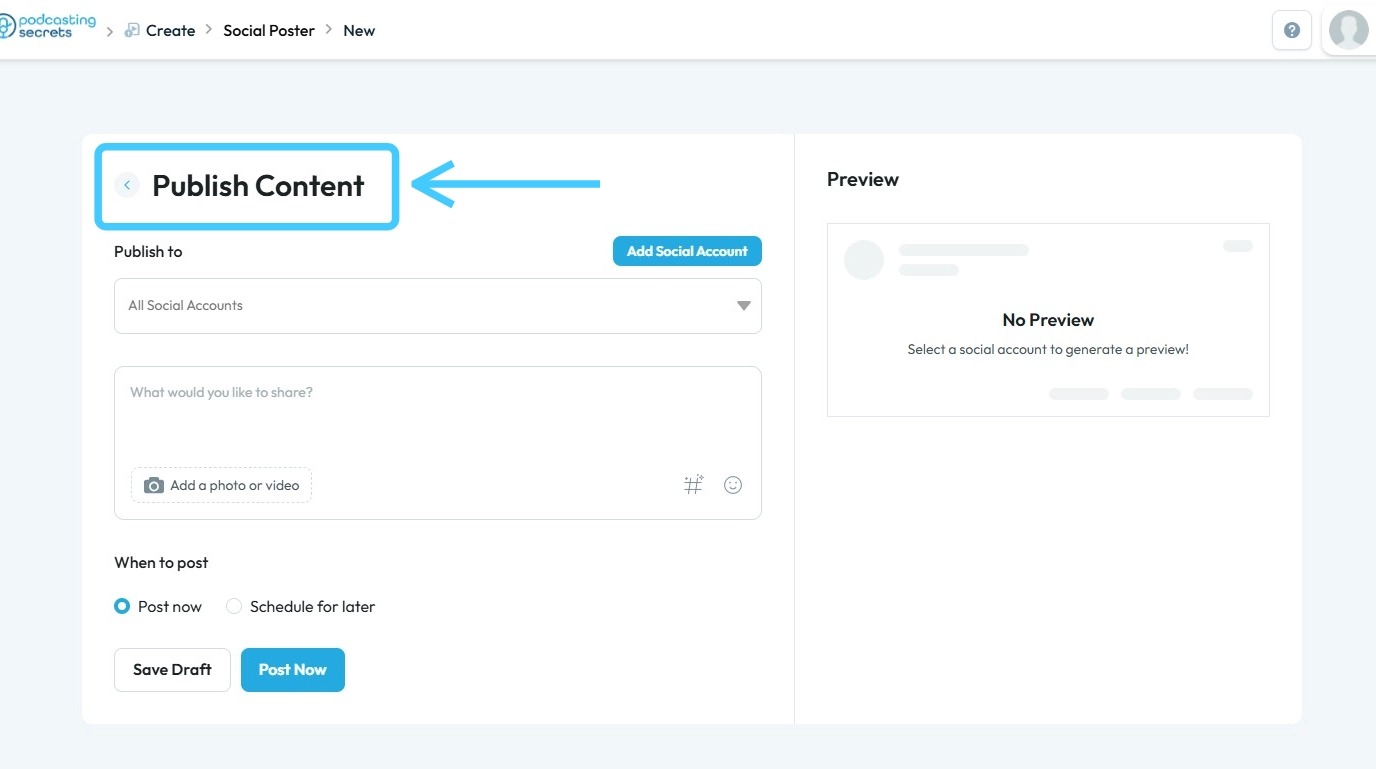
5. You will be directed to the "Publish Content" page
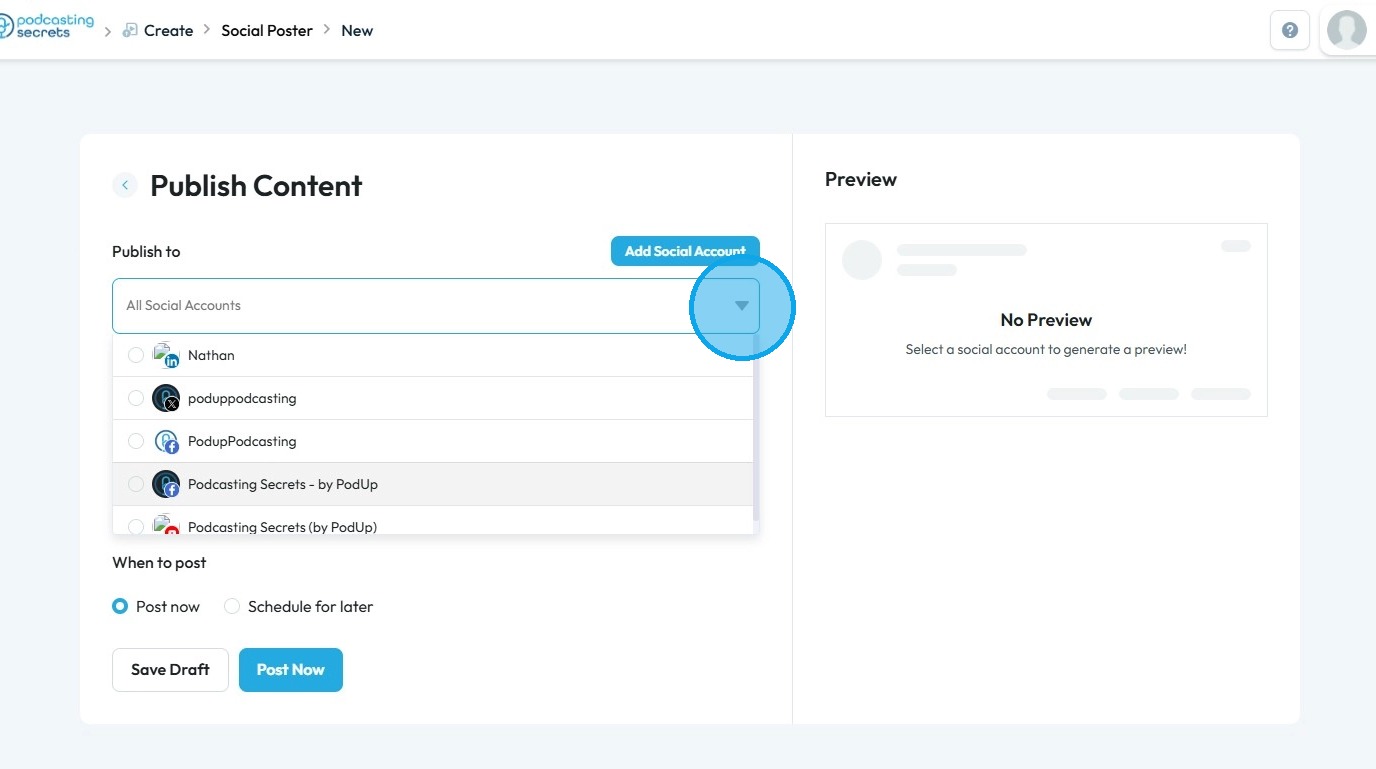
6. Select the platforms where you want to publish your video clip
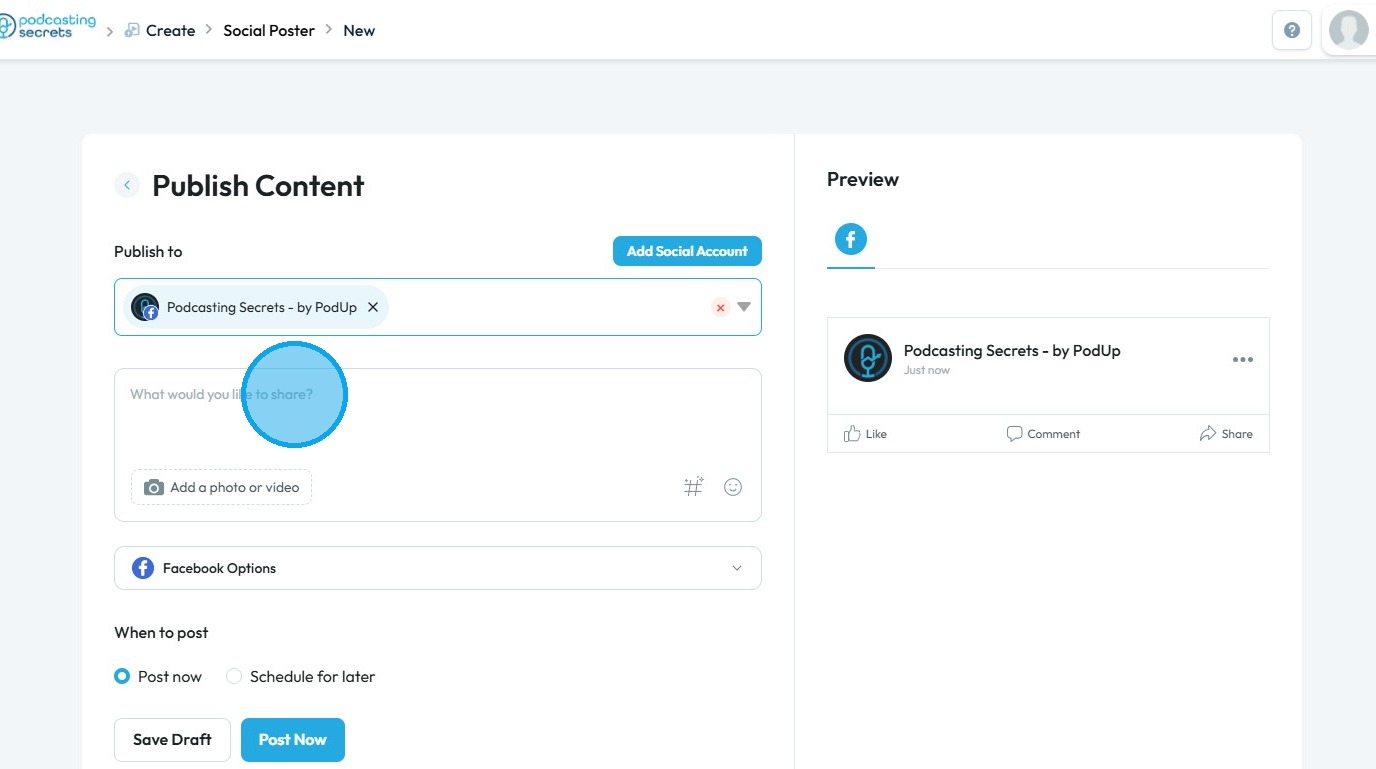
7. Enter the caption you want to include with your video clip
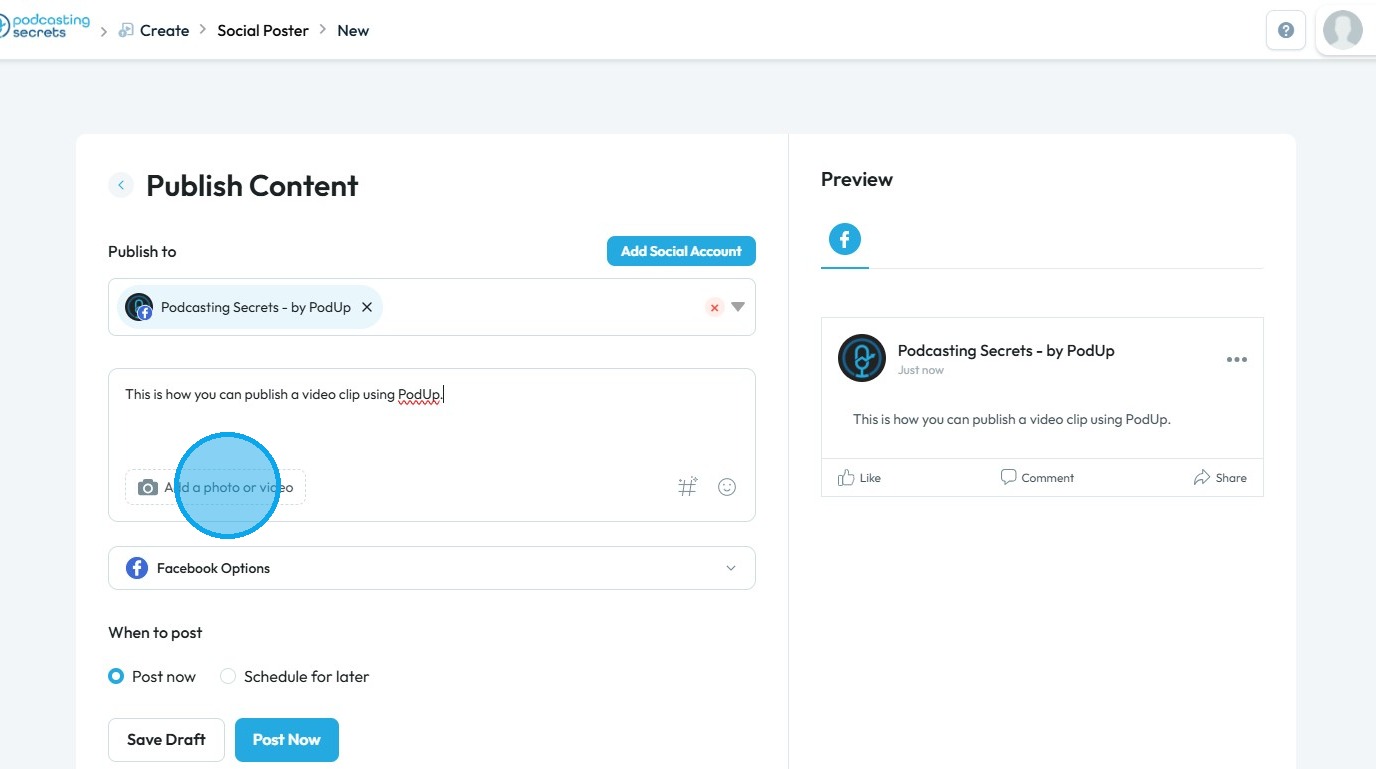
8. Click "Add a Photo or Video" to upload the video clip you want to include in your post
9. The PodUp File Manager will open
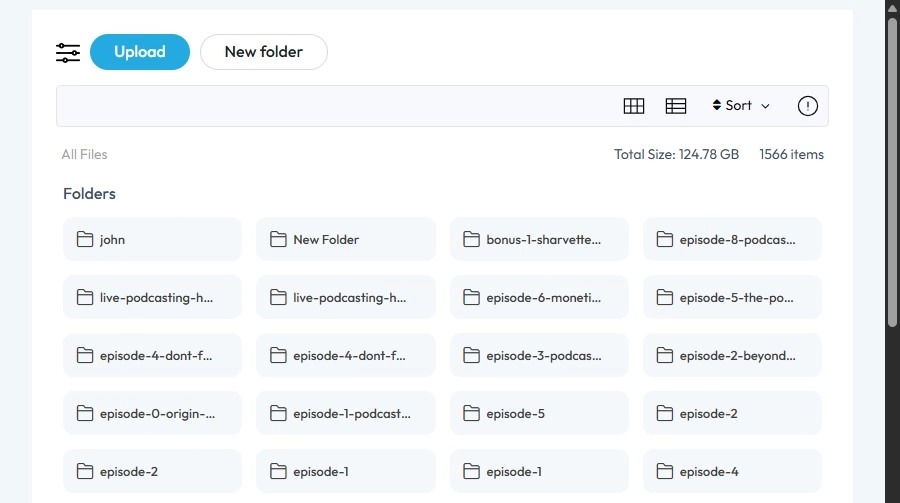
10. Click on the file you wish to post
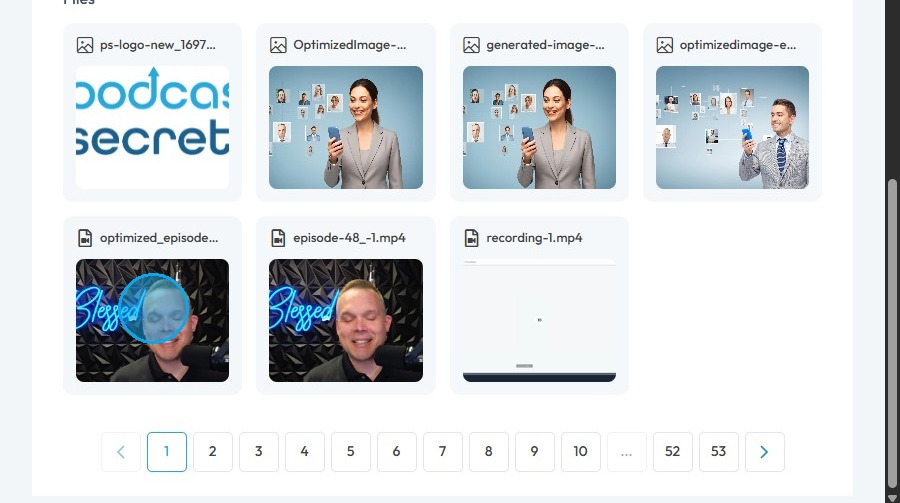
11. Click "Select"
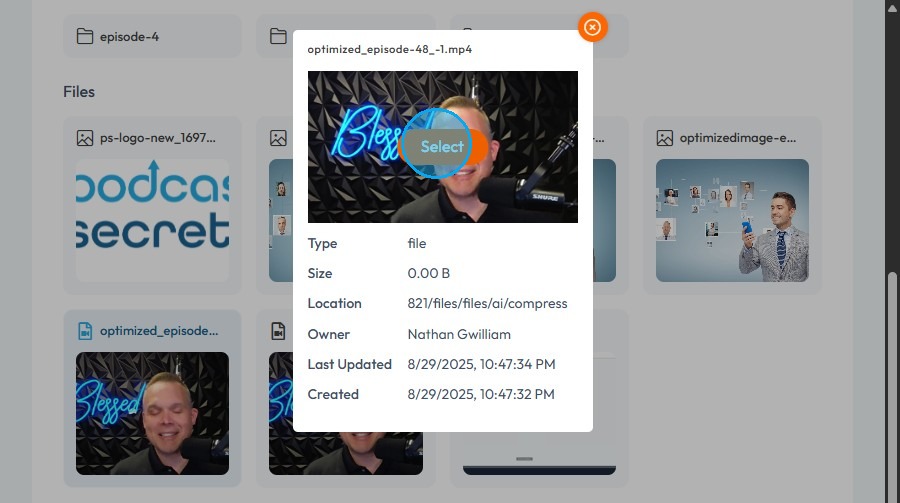
12. Under Post Type, select your preferred option
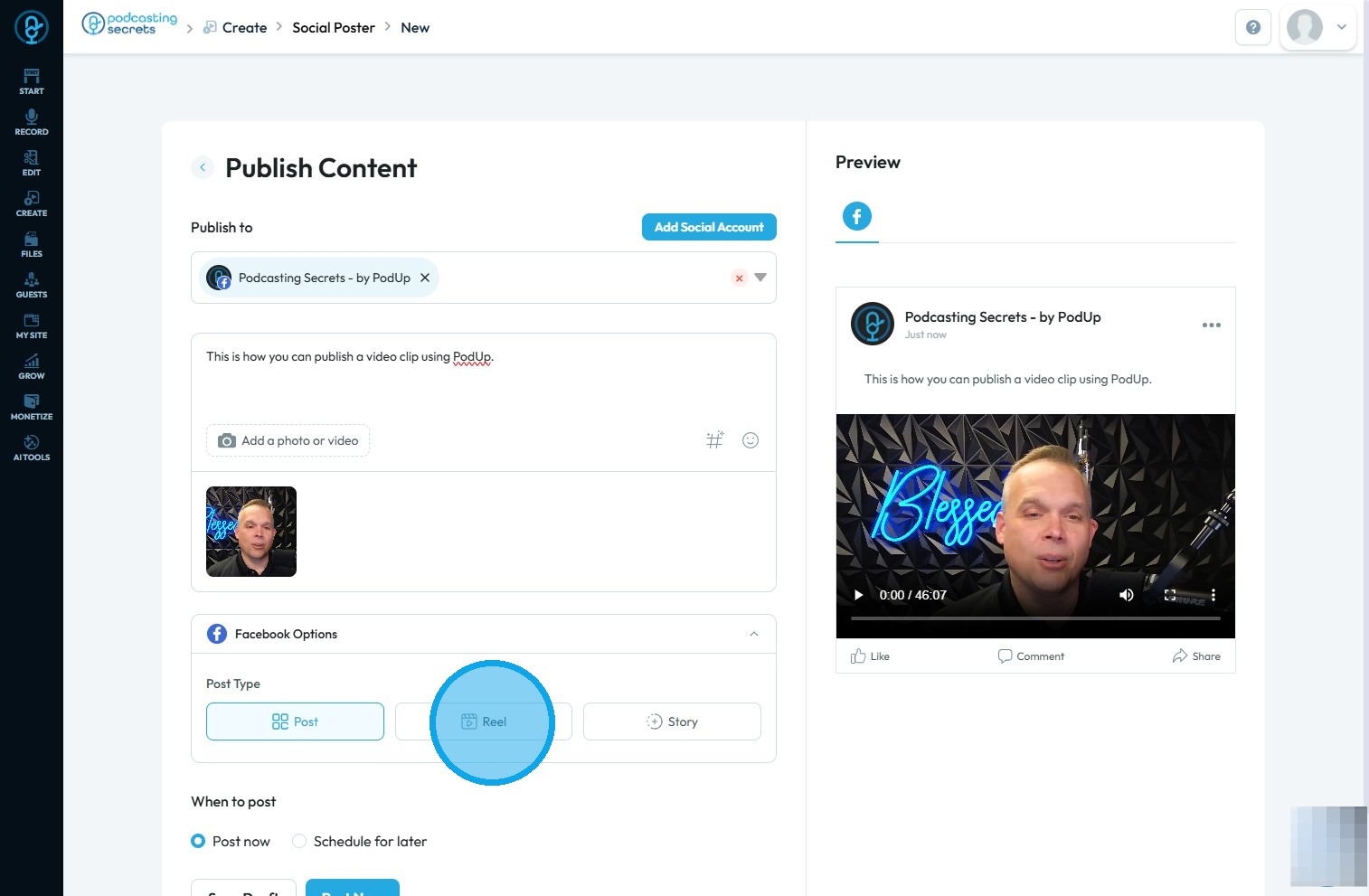
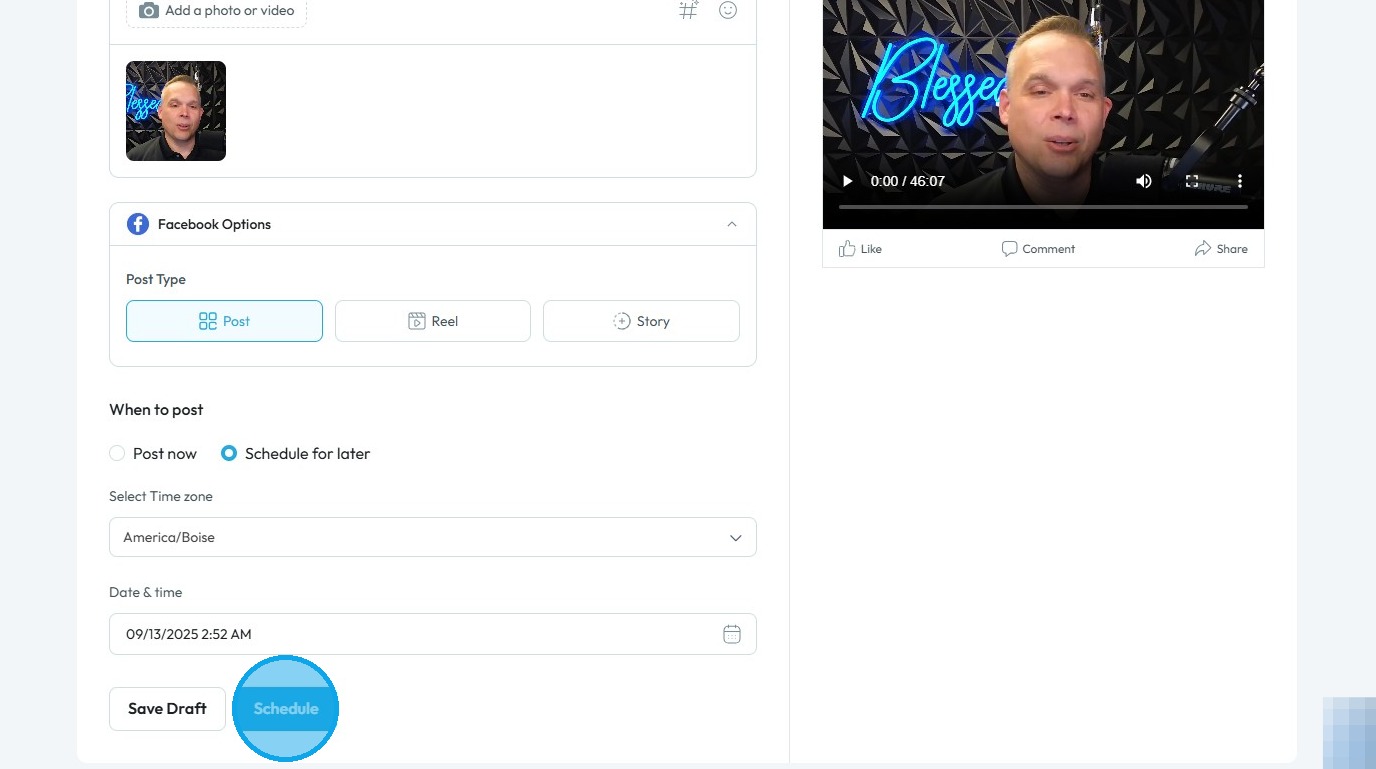
13. If you want to schedule the post for a later time, click “Schedule for later”
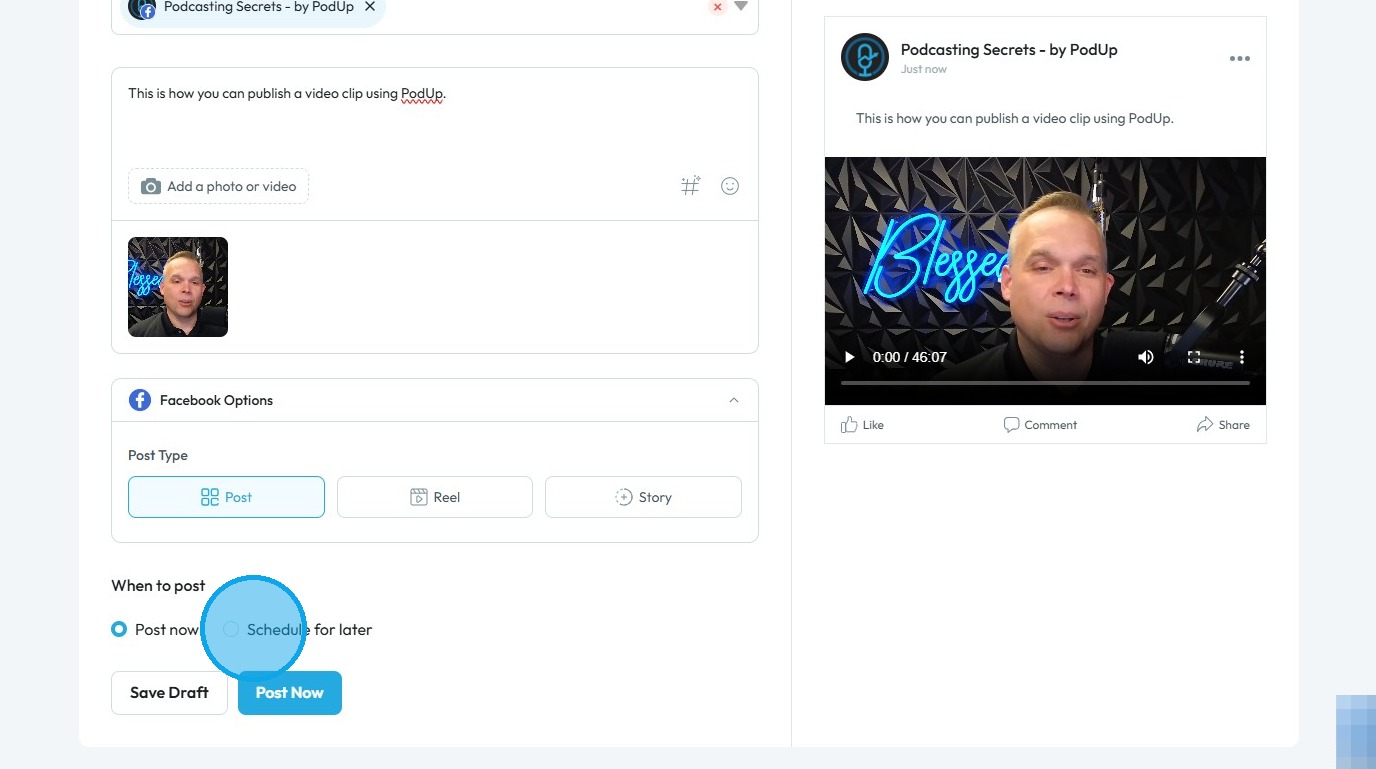
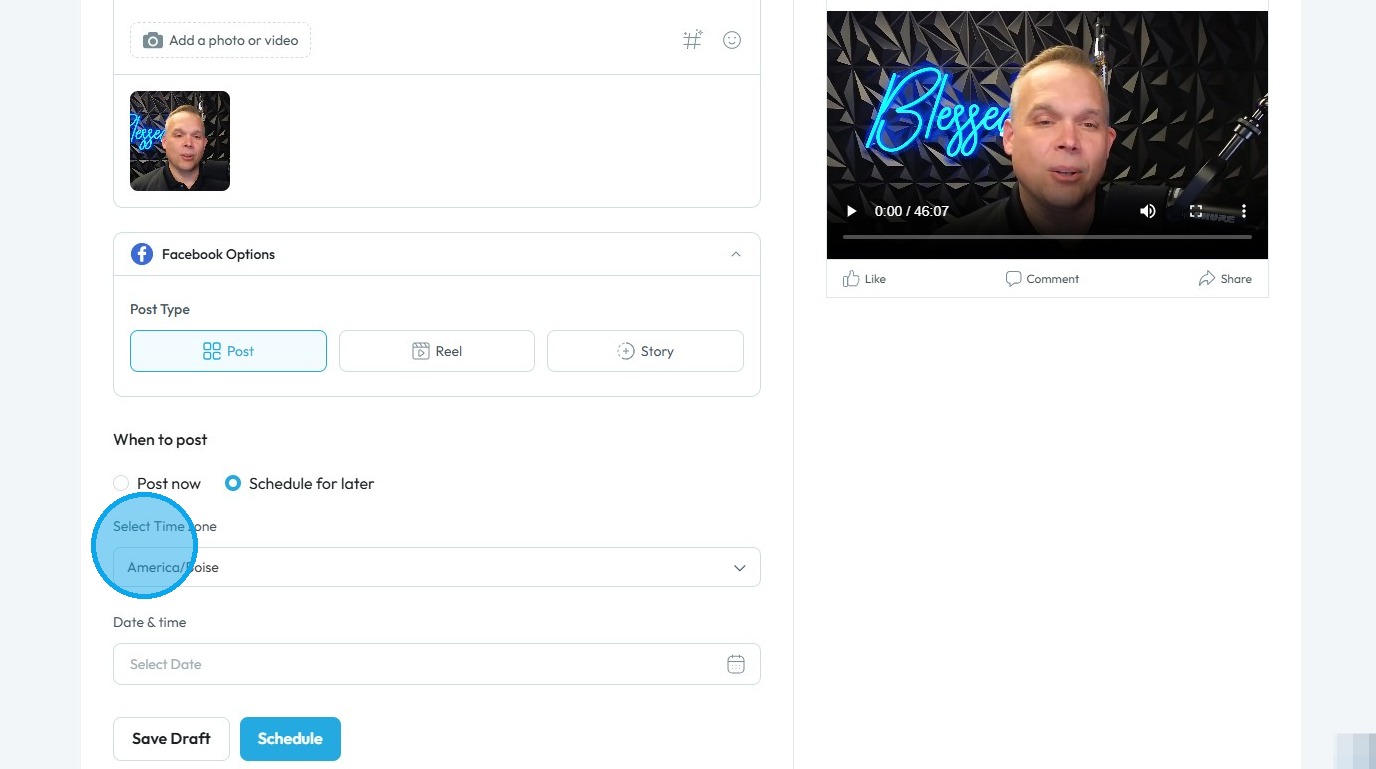
14. Select the "Time zone"
15. Select the desired date and time for publishing
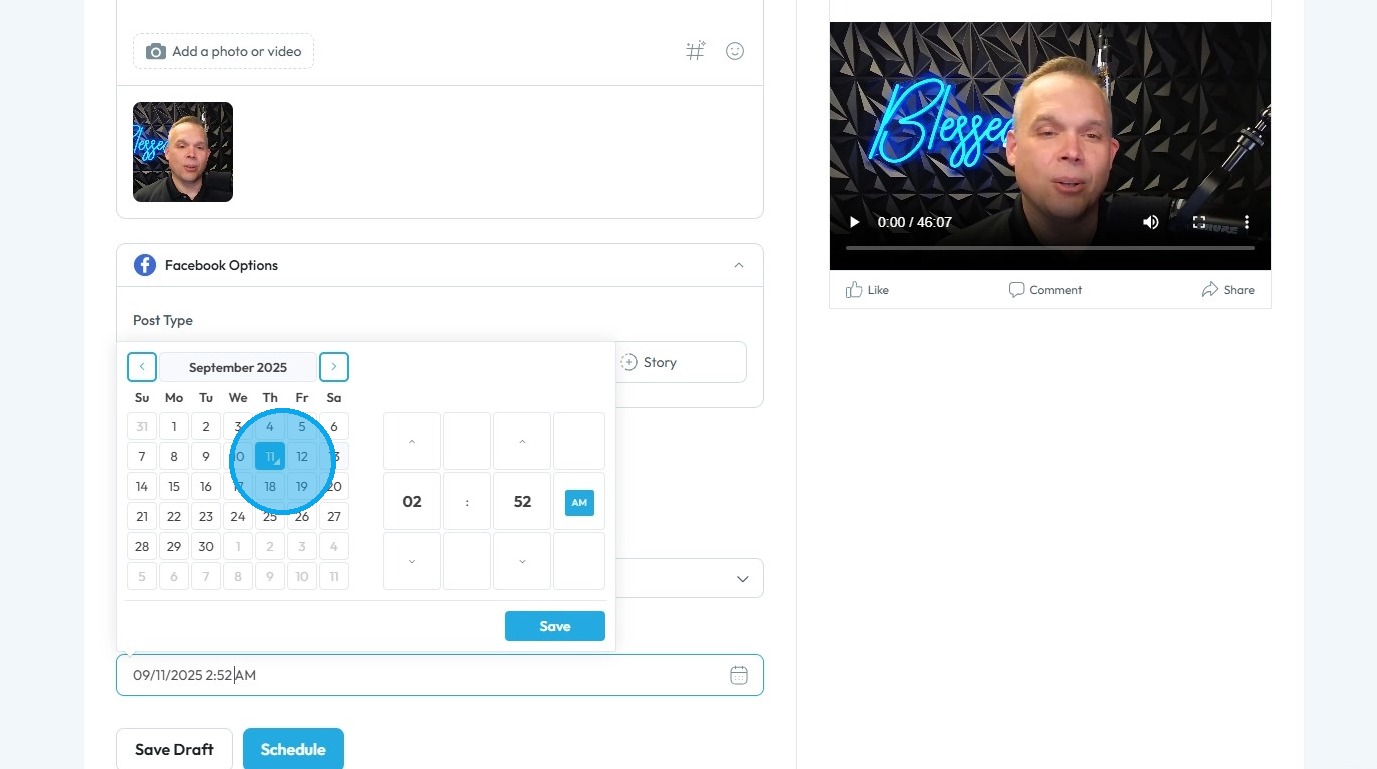
16. Click "Save"
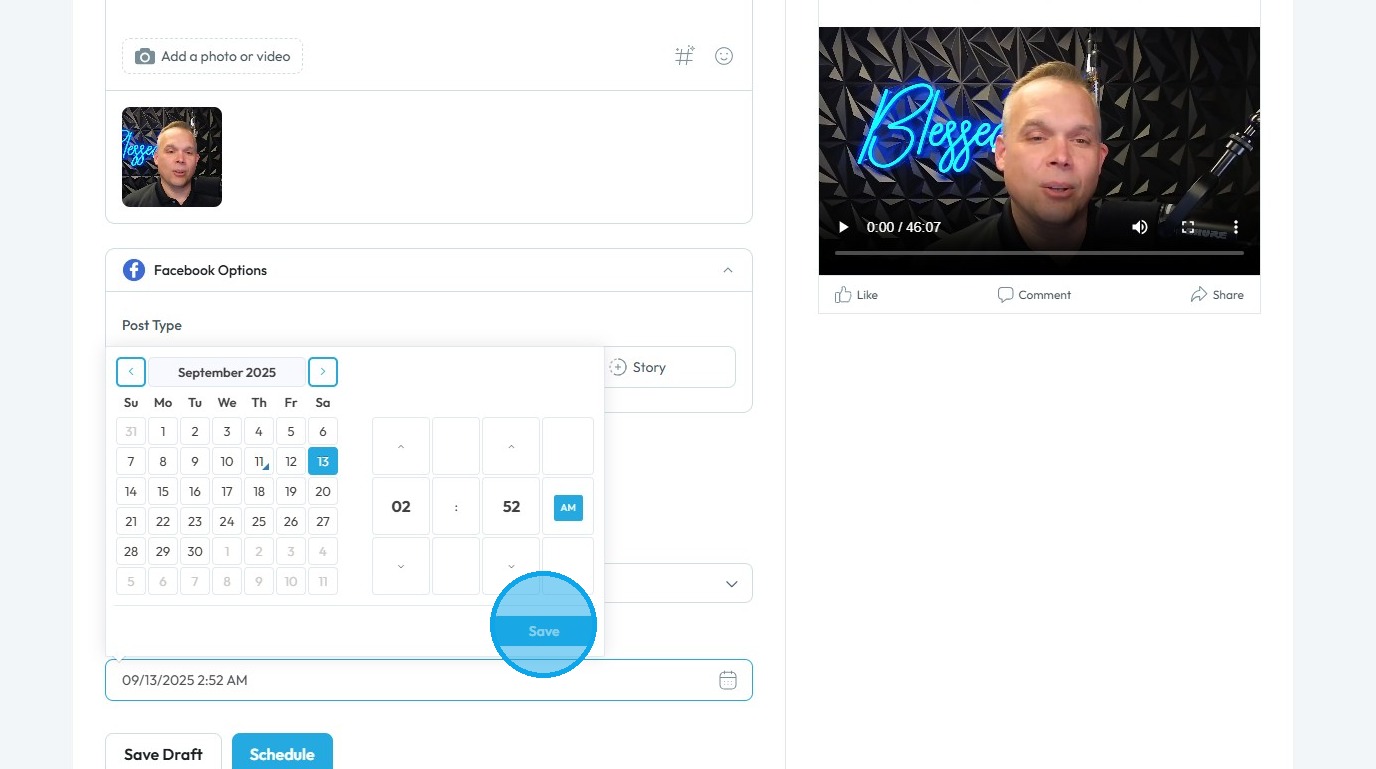
17. Click “Schedule” to save and apply the changes
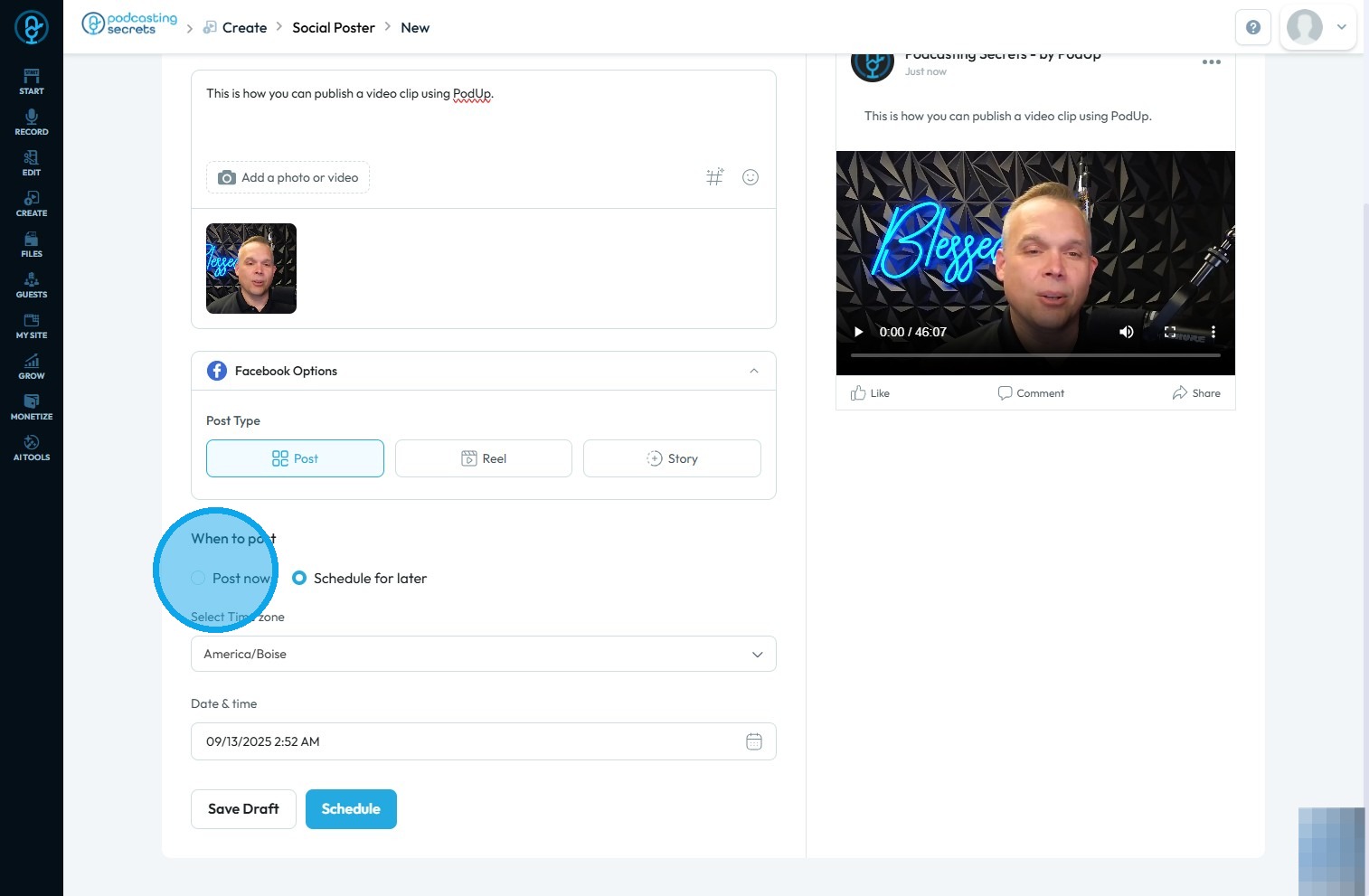
18. You can also select “Post now” under the “When to post” section
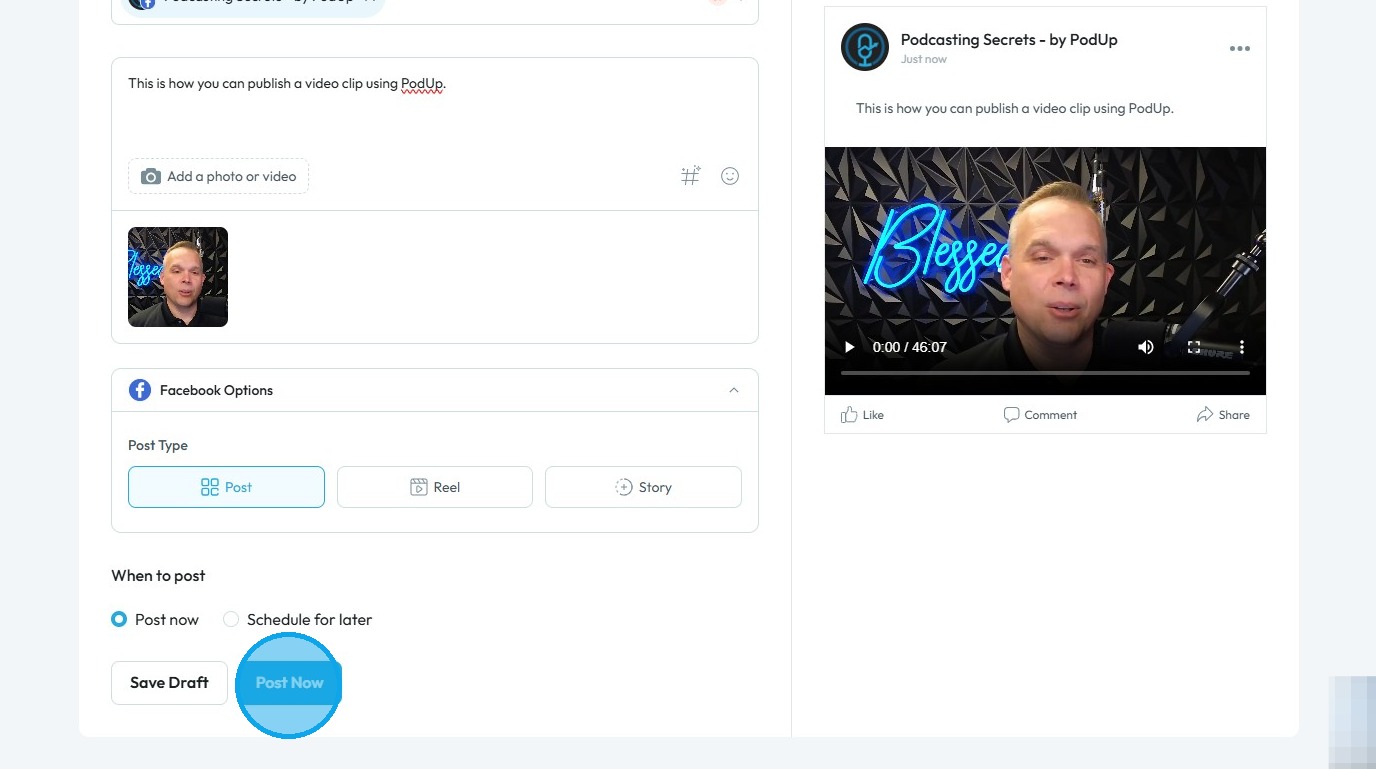
19. Click “Post Now” to publish the clip immediately
Related Articles
How To Navigate Video Clipper (Detailed)
This guide offers a comprehensive walkthrough for creating engaging video clips using Podup Video Clipper, making it invaluable for content creators. It simplifies the process by detailing steps for uploading videos, selecting captions, and ...How To Navigate Video Clipper (Detailed)
This guide offers a comprehensive walkthrough for creating engaging video clips using Podup Video Clipper, making it invaluable for content creators. It simplifies the process by detailing steps for uploading videos, selecting captions, and ...How to Publish a Video Podcast
Easily publish your video podcast with this guide—covering creation, SEO, and social media distribution 1. Navigate to https://app.podup.com/home 2. Click "Create" 3. Select "Video Episodes" 4. The "Video Episodes" page will open 5. Click "Create ...How to Publish a Social Media Post?
Easily publish and schedule social posts with PodUp to grow your presence across platforms 1. Navigate to https://app.podup.com/home 2. Click "Create" 3. Select "Social Poster" 4. You will be directed to the "Social Poster" page 5. Click "Create New ...Audio-video sync
audio video out of sync, lip sync issue, audio delay, video lag behind audio, sync problem Learn how to add music to your videos with PodUp’s Editor. This easy guide walks you through importing and adjusting audio to create more dynamic, polished ...